Contents hide

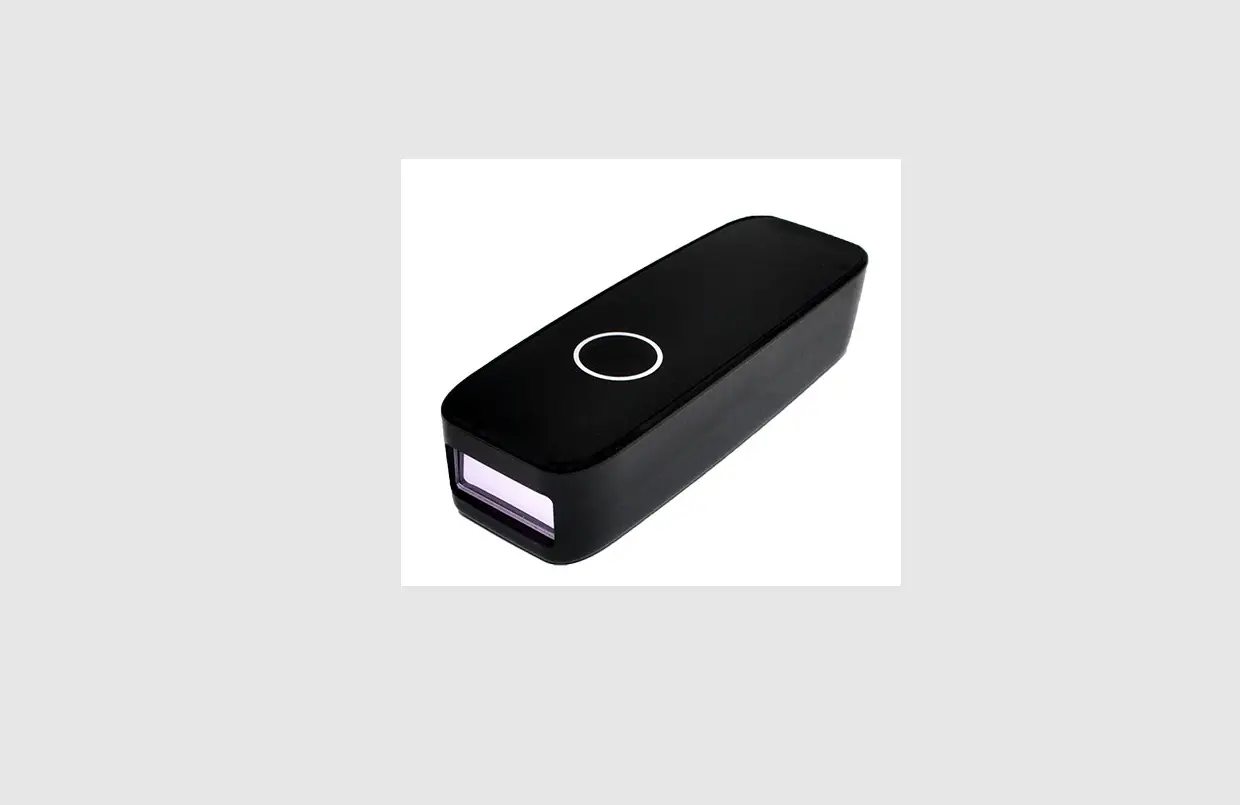
NWEAR WD3-BS30 Bluetooth Badge Barcode Scanner
WD3 BS30 PARTS
 Press and hold the trigger button to power on.
- In level mode, the scanner will enter standby mode after 5 seconds without operation.
- Press and hold the trigger button for 15 seconds to power off.
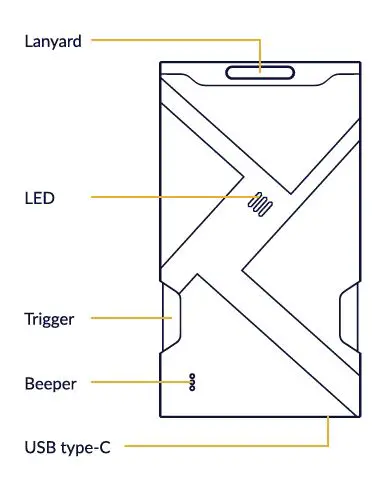 Press and hold the trigger button to power on.
LED indicator
- LED off: standby.
- Red LED on: charging.
- Green LED on: full charge.
- Red LED flashes slowly: battery lower than 10% Blue LED on: Bluetooth connected.
- Blue LED flashes: Bluetooth disconnected.
Barcode programming
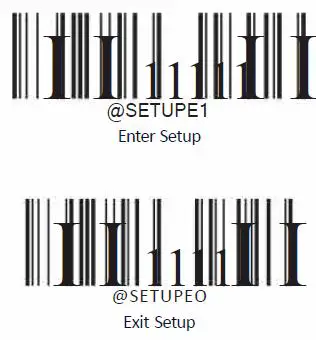
Enter/Exit setup
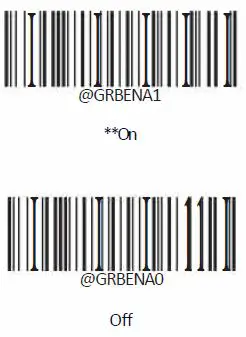
Good read beep
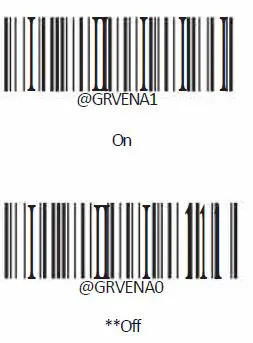
Operation mode
Clear pairing info on scanner
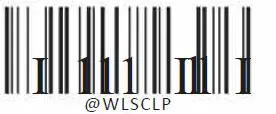 WLSCLP Clear pairing info on scanner.
Erminating character suffix
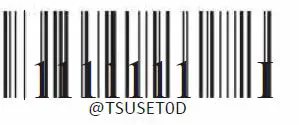 Enable terminating character suffix.

Set terminating character to CR carriage return.
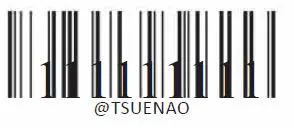 Set terminating character to CRLF (OxOD, OxOA .Disable terminating character suffix.


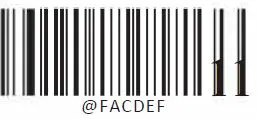 Restore all factory defaults. For more information, please visit