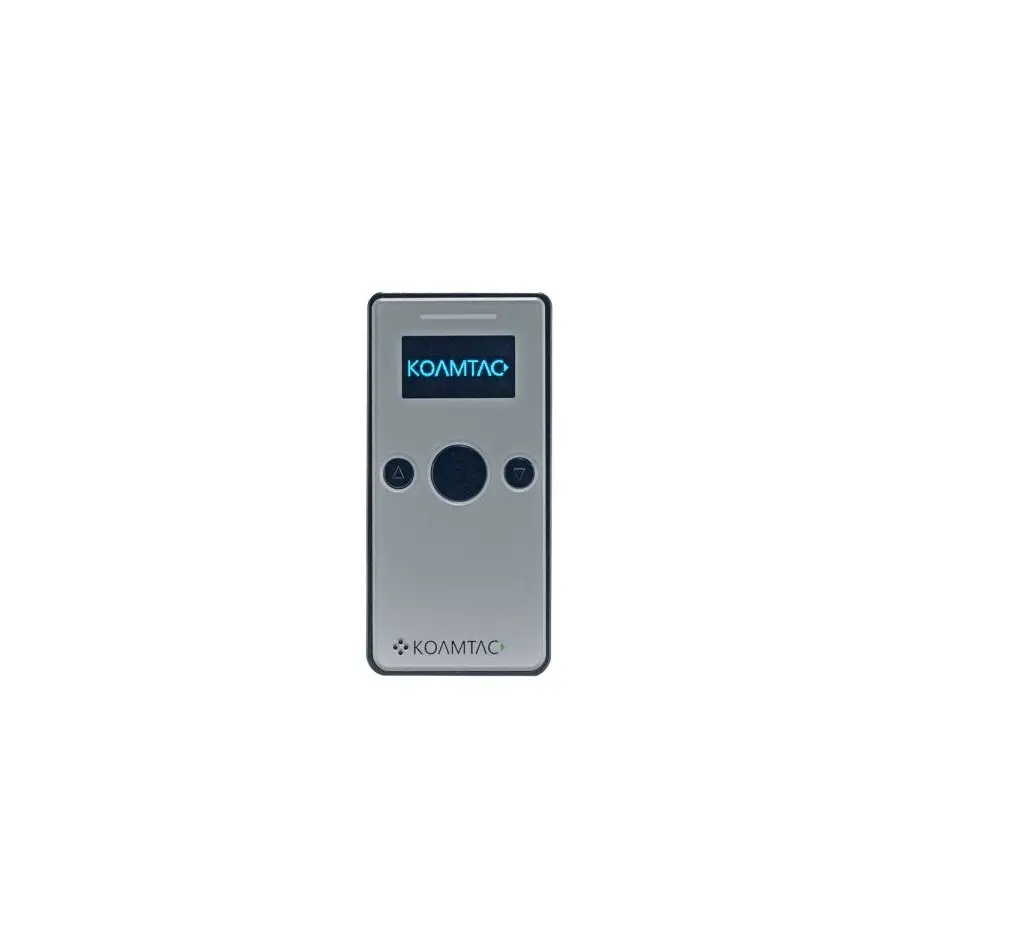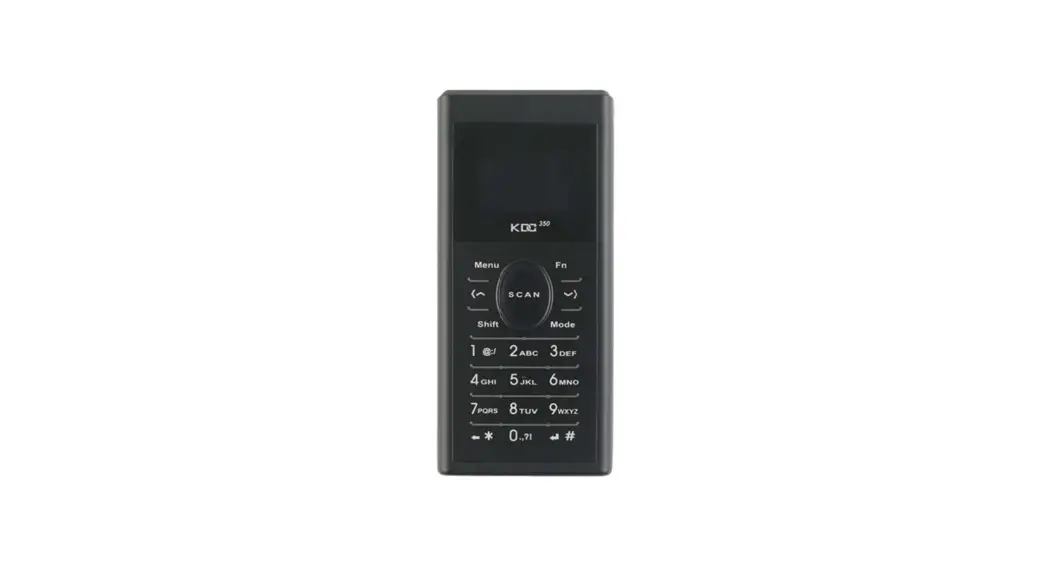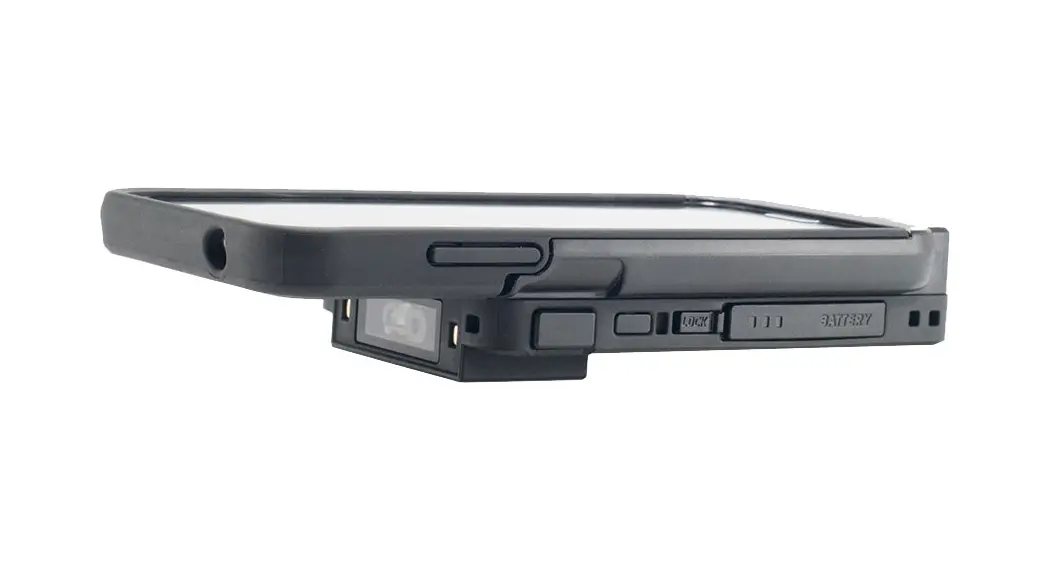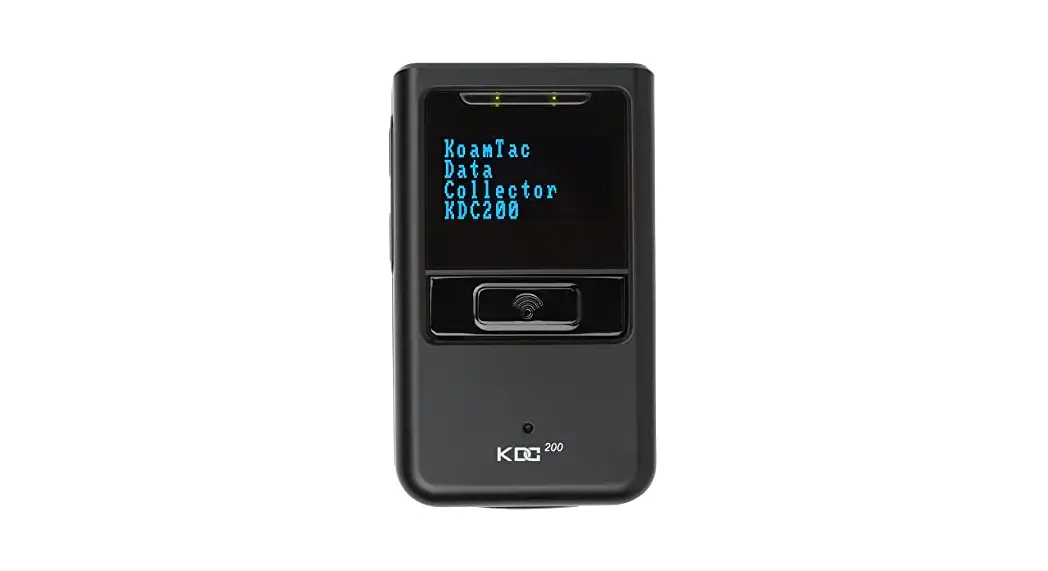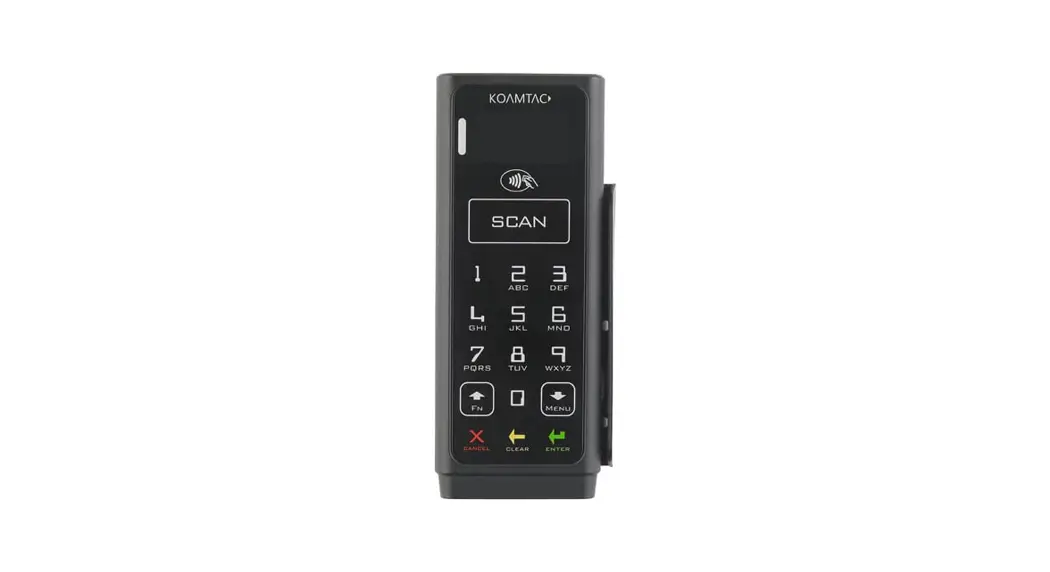
 KDC500
Quick Guide
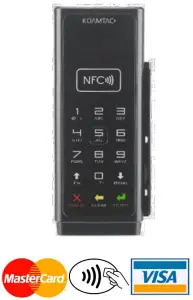
Product Introduction
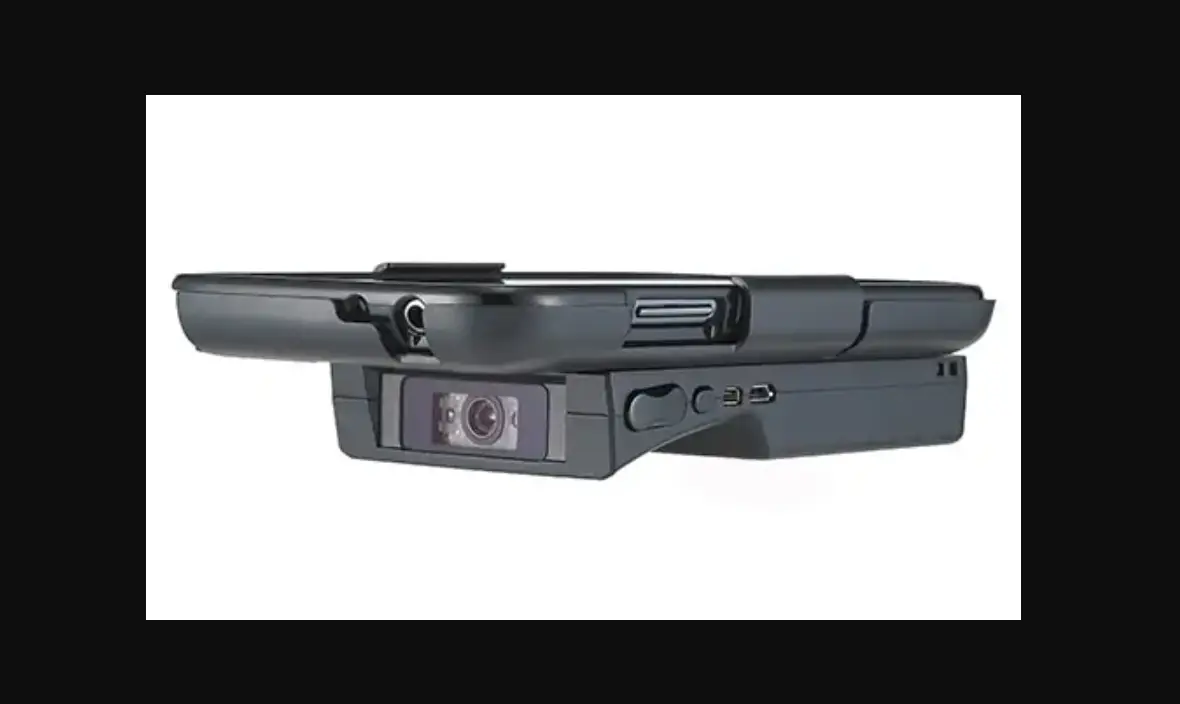
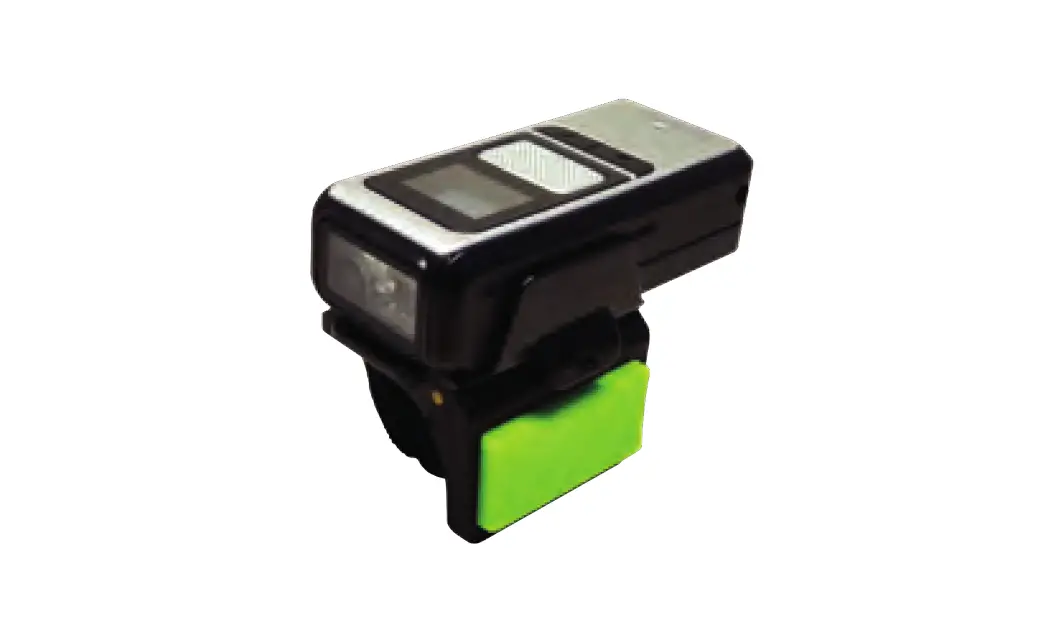
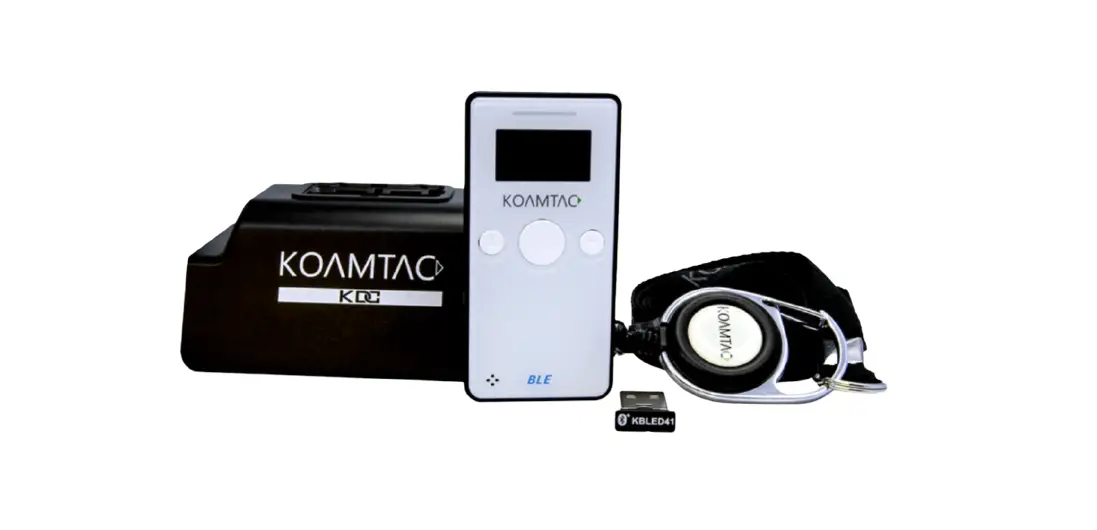
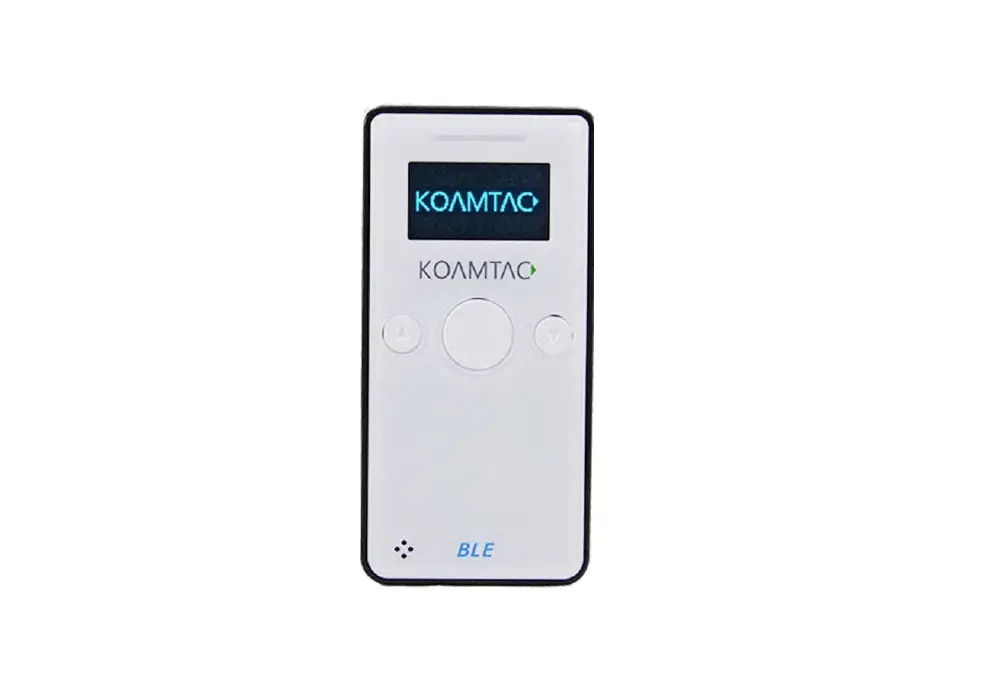
1D and 2D Bluetooth Barcode Scanner/EMV/Chip-and-PIN/MSR/NFC mPOS Companion
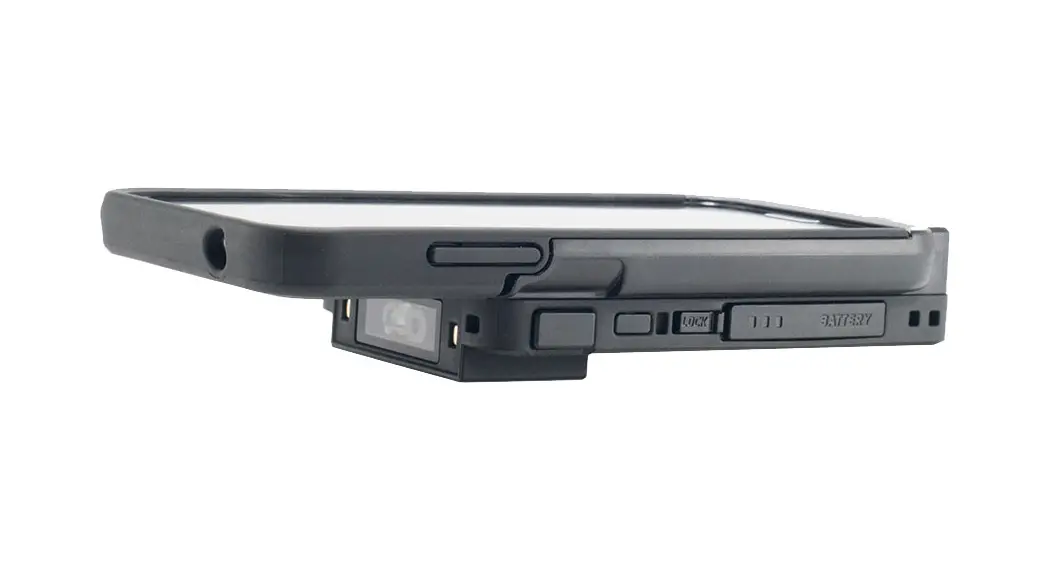
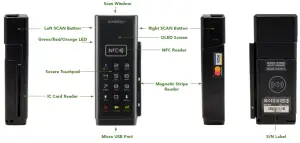
1. KDC500 Diagram
2. How to turn on and off
The KDC500 has must be turned on and off for the normal operation. Please turn on the power first before using the device. The KDC500 is shipped with the power off.
- To turn on, press the left SCAN button and right SCAN button together for 3 seconds at the same time until you hear a short beep sound. KDC500 will sound like a long beep when it is ready to use. (You should hear the long beep in about 30 seconds.)
- To turn it off, press the left SCAN button and right SCAN button together for 3 seconds at the same time.
You can make sure that it is turned off by pressing any SCAN button to read a barcode after that. If you do not see the scanning beam, the device is off.
See the diagram above to locate the SCAN buttons.
Bluetooth Pairing
Connecting your KDC using Bluetooth is made easy with the below-pairing barcodes. If you are unsure which profile is right for you, please visit www.koamtac.com for more information.
1. Pairing a KDC500 to your smart device

- Navigate to the Bluetooth setting on the host PC, Mac, Smartphone, or Tablet.
- Ensure that Bluetooth is enabled on the host device and search for devices.
- Using the KDC, scan the pairing barcode that corresponds to your desired Bluetooth profile. If you are unsure which Bluetooth profile is right for you, please refer to the previous panel.
- Check the list of available Bluetooth devices on your host device.
- From the list, select KDC500 listed by serial number in brackets that matches the serial number found on the backside of the KDC500.
- In HID mode, KDC500 is now ready to use.
- To complete connection in SPP/MFi mode, launch KTSync or your application and select KDC500.
* The KDC500 will beep when successfully connected.
Usage
1. Using other Developed Applications with free SDK – Android/iOS
A Software Development Kit (SDK) for Android and iOS is available to all KOAMTAC customers to ensure the smooth development of applications that work seamlessly with a KDC scanner. It’s easy to request the SDK from the KOAMTAC website:
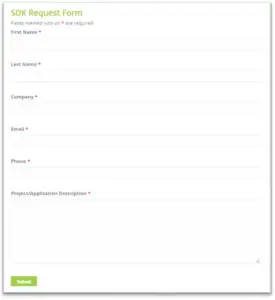
a) On any web browser, open www.koamtac.com
b) Navigate to SUPPORT > Downloads > SDK c) Complete the form and submit it.
After submission, a KOAMTAC representative will reach out regarding the next steps for completing the SDK Agreement.
The SDK package will have libraries, documents, a sample application, and its source code.
Product Specifications
| P+A36+A1:C+A1:C35 | Design | Bluetooth mPOS Companion |
| Size | 1.93″ x 4.60″ x 0.98″ (49mm x 117 mm x 25 mm) | |
| Weight | 5.64 oz (160 g) | |
| Functionality | Supporting OS | Android / iOS / Mac OS X / Windows |
| Keys | 2 Scan Keys, Secure Touchpad | |
| Buzzer | Yes | |
| LED Indicator | 1 Tri-color LED (Red / Amber / Green) | |
| USB Port | 1 Micro USB Port | |
| RAM | SDRAM 128KB | |
| ROM | Internal Flash ROM 1MB External Flash ROM 8MB | |
| Barcode Storage | 209,700 Barcodes (EAN-13) | |
| Power | Battery (Standard) | 1,130 mAh Lithium-ion |
| Charging Solution | Micro USB Connector | |
| Charging Time | 4 Hours | |
| Communication | Bluetooth | V2.1+EDR, Class2, SPP/MFi |
| USB | USB to Serial (Micro USB Connector) | |
| Barcode Reader | 1D Laser | Yes |
| 1D CCD | No | |
| 2D Imager | Yes | |
| # of scans per charge (1-sec interval) | Laser >18,500 Imager: >18,500 | |
| # of scans per charge (10-sec interval) | Laser: >6,900 Imager: >6,900 | |
| Scan Range (10mil Code39) | Laser: 2.17″ to 11.81″ (55 to 300 mm) Imager: 1.1″ to 13.3″ (36 to 338 mm) | |
| Screen Reading | Laser: No Imager: Yes | |
| Postal Codes / OCR Passport | Laser: No Imager: Yes / No | |
| Environment | Drop Spec | 4 ft (1.22 m) |
| IP Rating | IP42 | |
| Operating Temp. | -4 ‘F to 122 `F (-20 ‘C to 50 “C) | |
| Storage Temp. | -4 ‘F to 140 `F (-20 ‘C to 60 `C) | |
| Humidity Spec | 5% – 95% (non-condensing) | |
| Regulatory Conformance | Laser Safety | IEC60825/CDRH Class II |
| LED Safety | IEC62471:2006 | |
| Regulatory | R&TTE, FCC, KC, TELEC, VCCI, RoHS Compliant | |
| Payment | PCI | PCI-PTS V4.x SRED |
| Certification | EMV | EMV L1 & L2 Contact EMV L1 Contactless Master Card Contactless 3.1.1 VISA payWave 2.2 |
| Encryption | DES, 3DES, AES | |
| Accessories | 1-Slot Charging Cradle | Yes |
Useful Special Barcodes
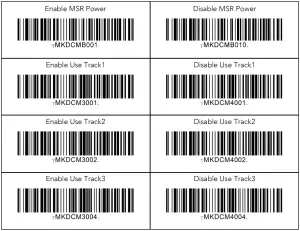
NFC MSR
MSR
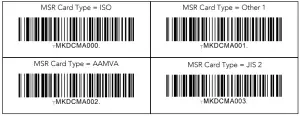
ICCR (IC Card Reader)
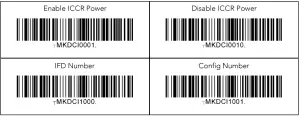
See Reference Manual for more detailed information.
Visit store.koamtac.com to purchase additional products and accessories.
QG_KDC500_20201014 p8
116 Village Blvd, Suite 305, Princeton, NJ 08540 USA
T: + 1-609-256-4700 F: +1-609-228-4373
[email protected] www.koamtac.com
©2020 KOAMTAC, Inc.
QG_KDC500_20201014