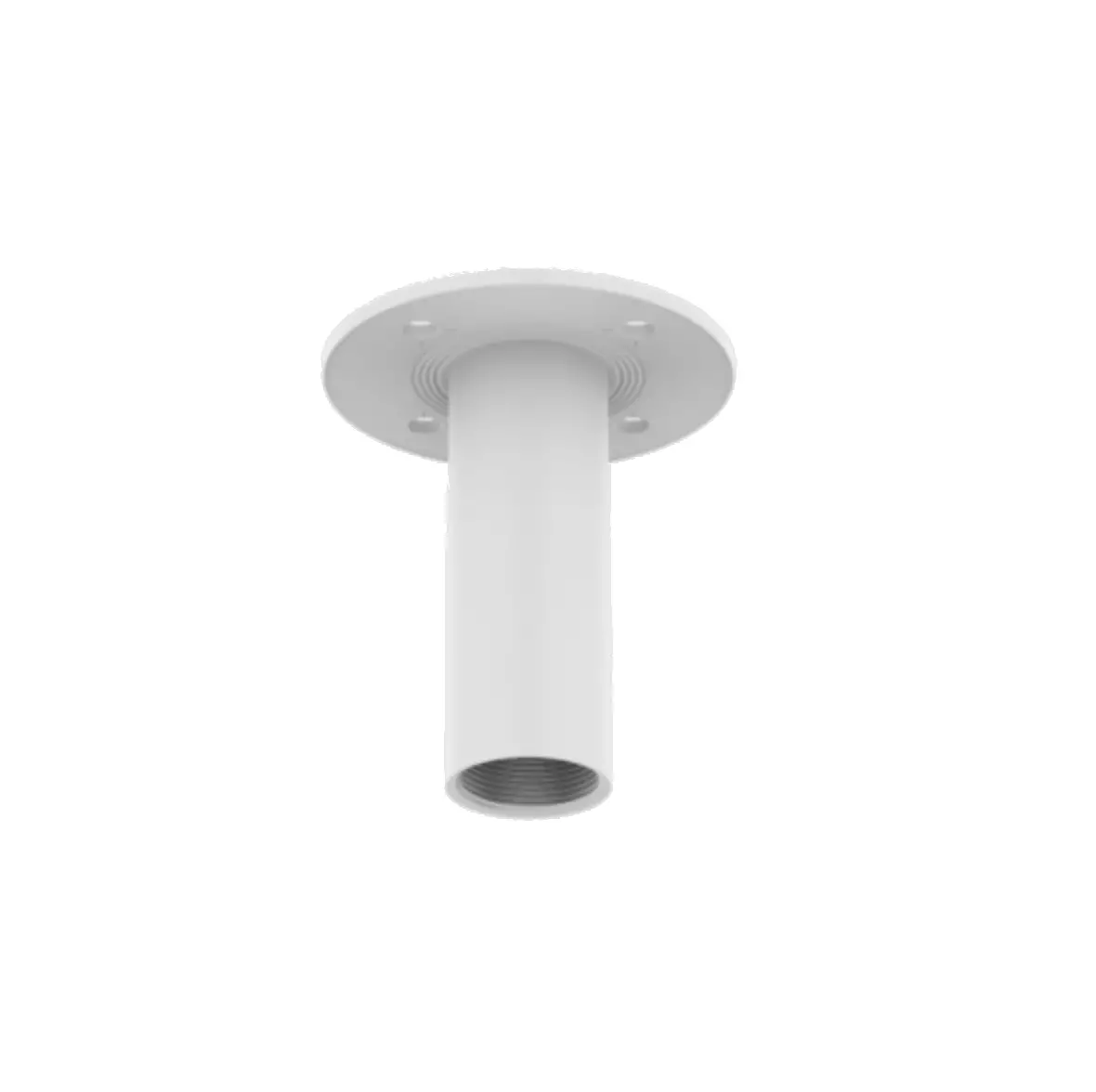
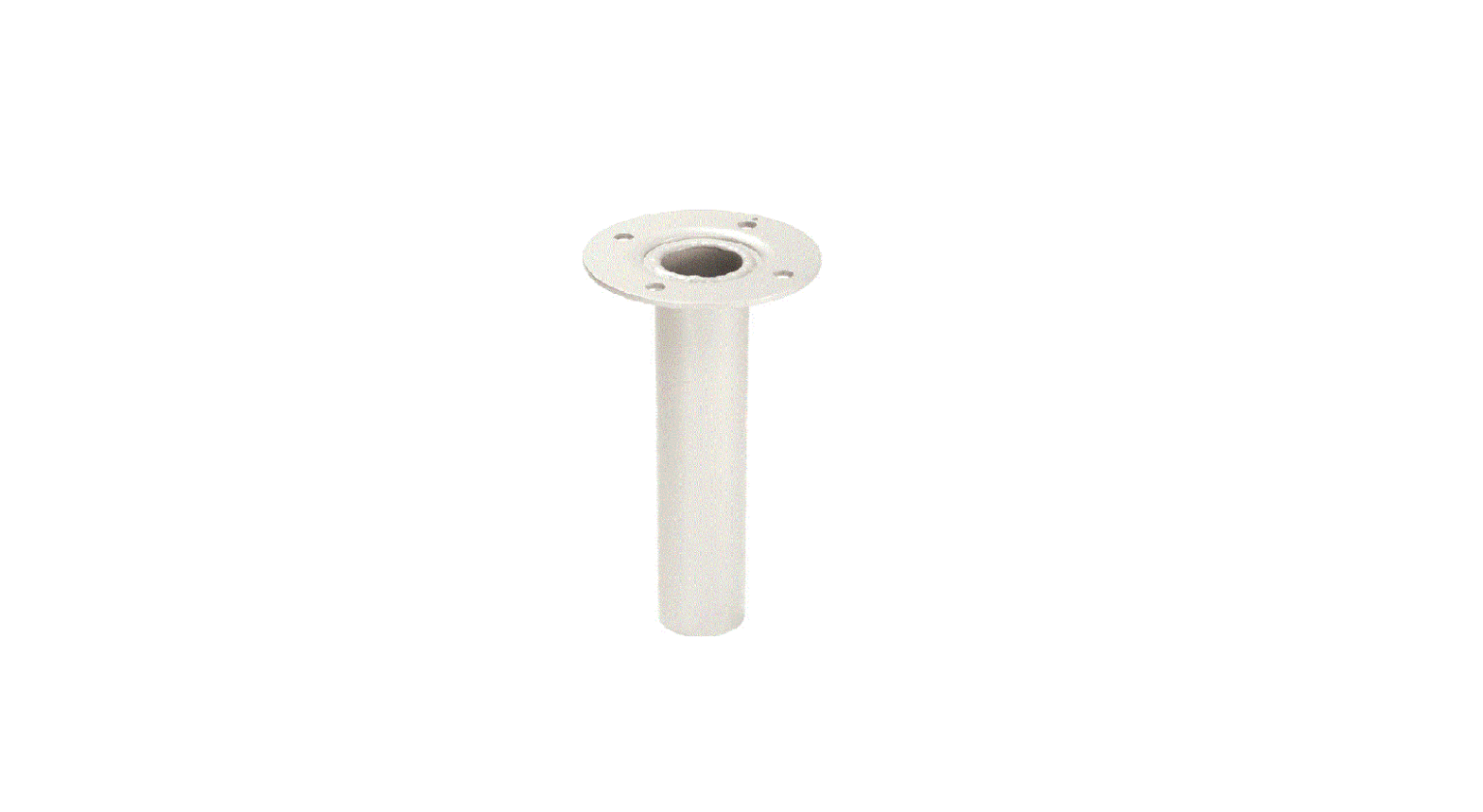
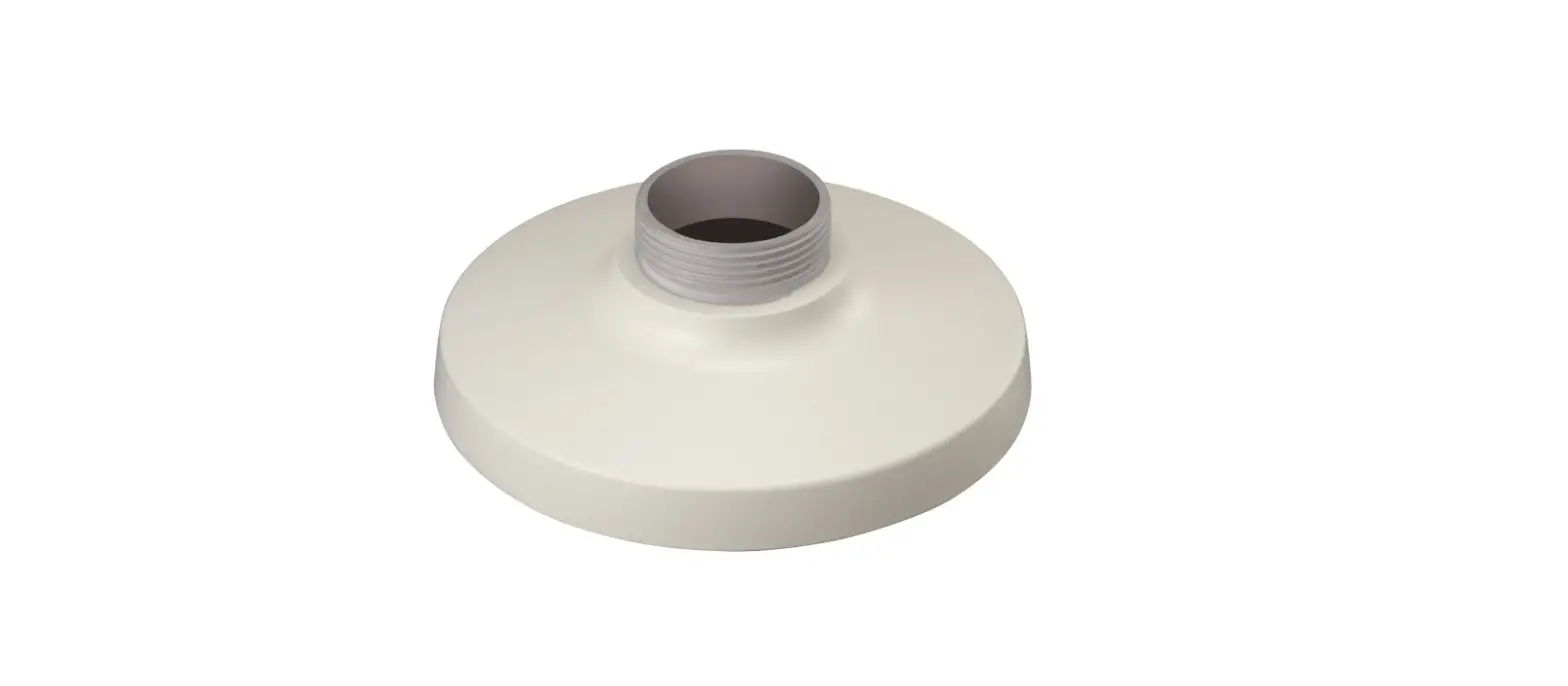
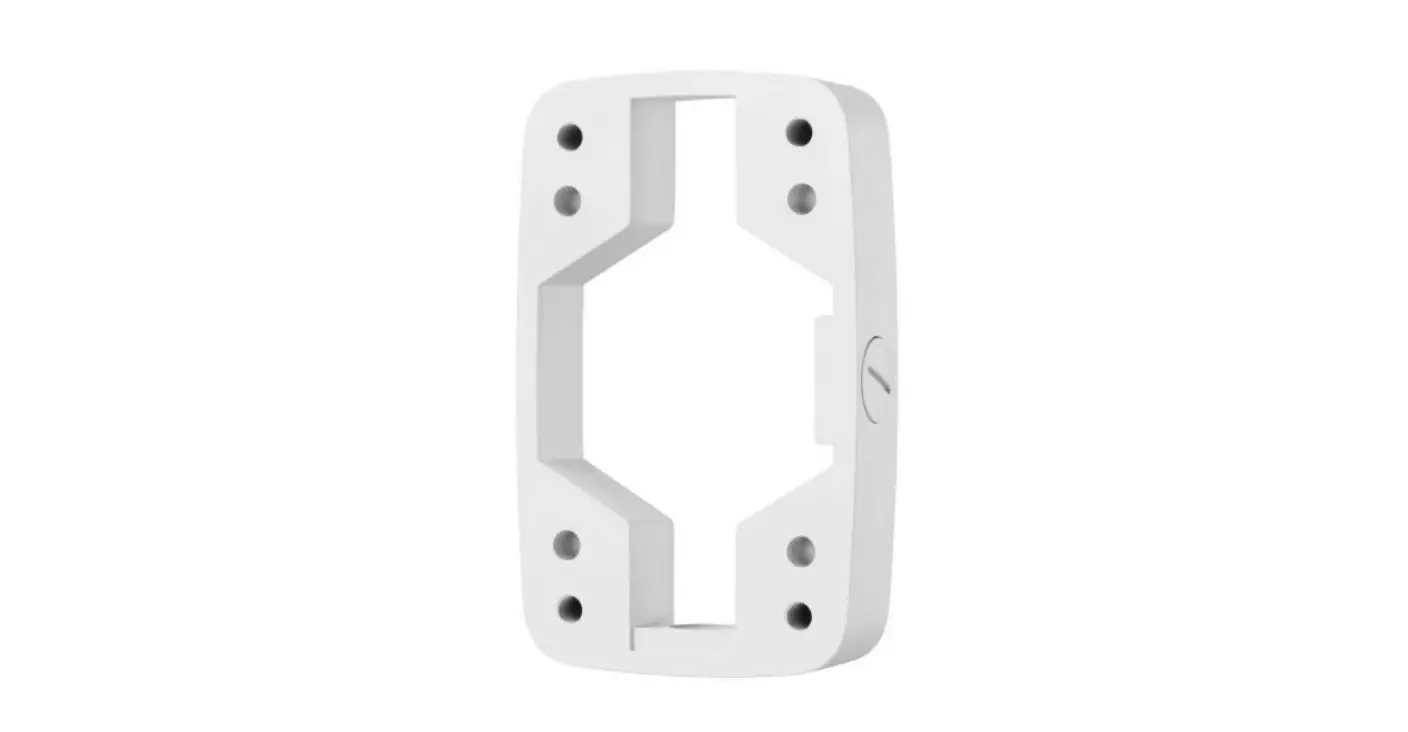
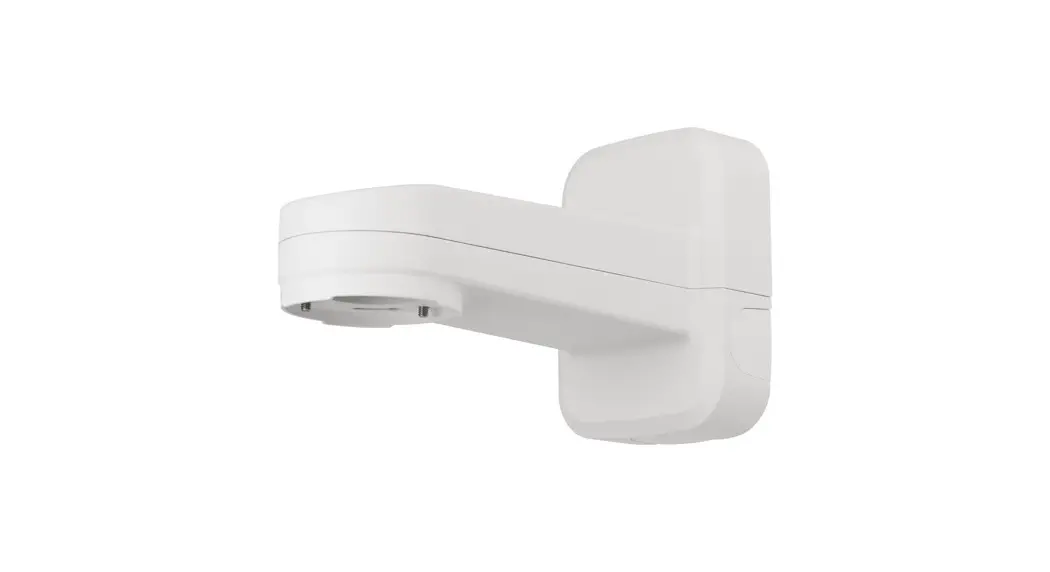
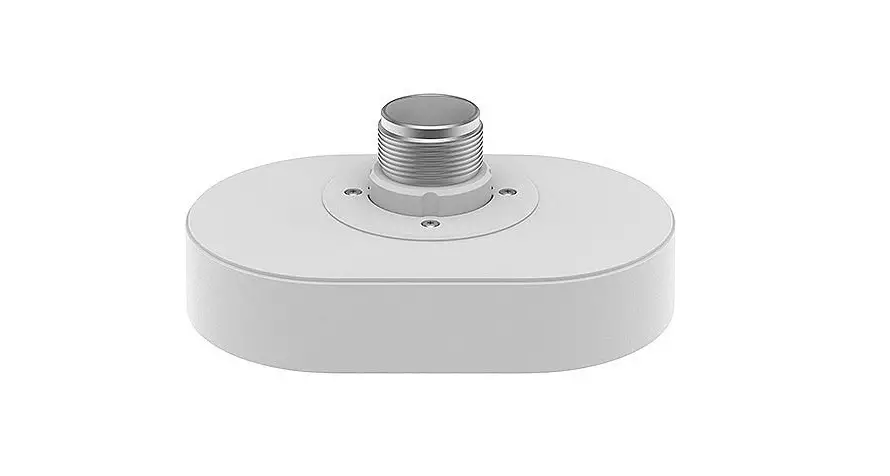
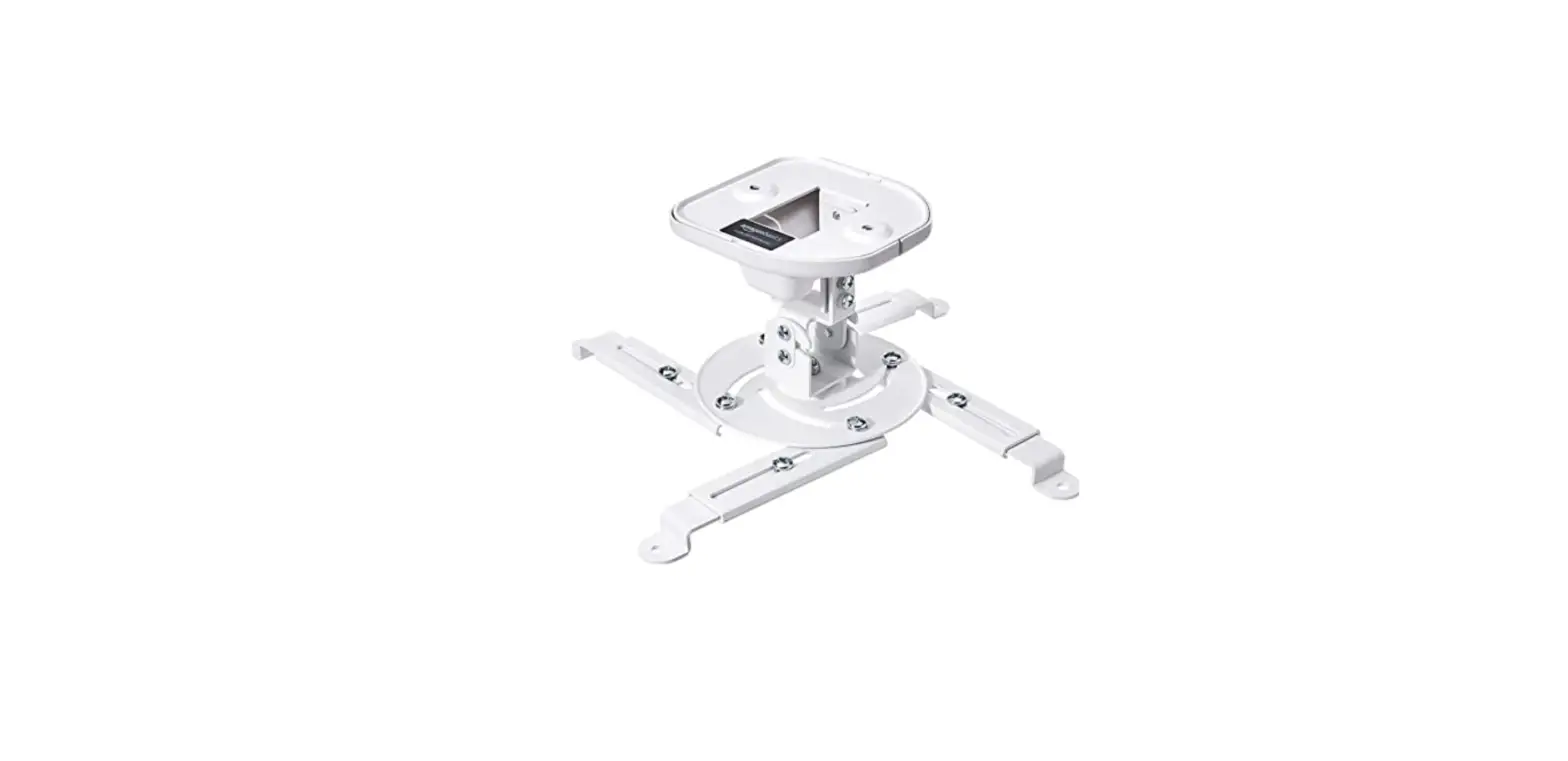
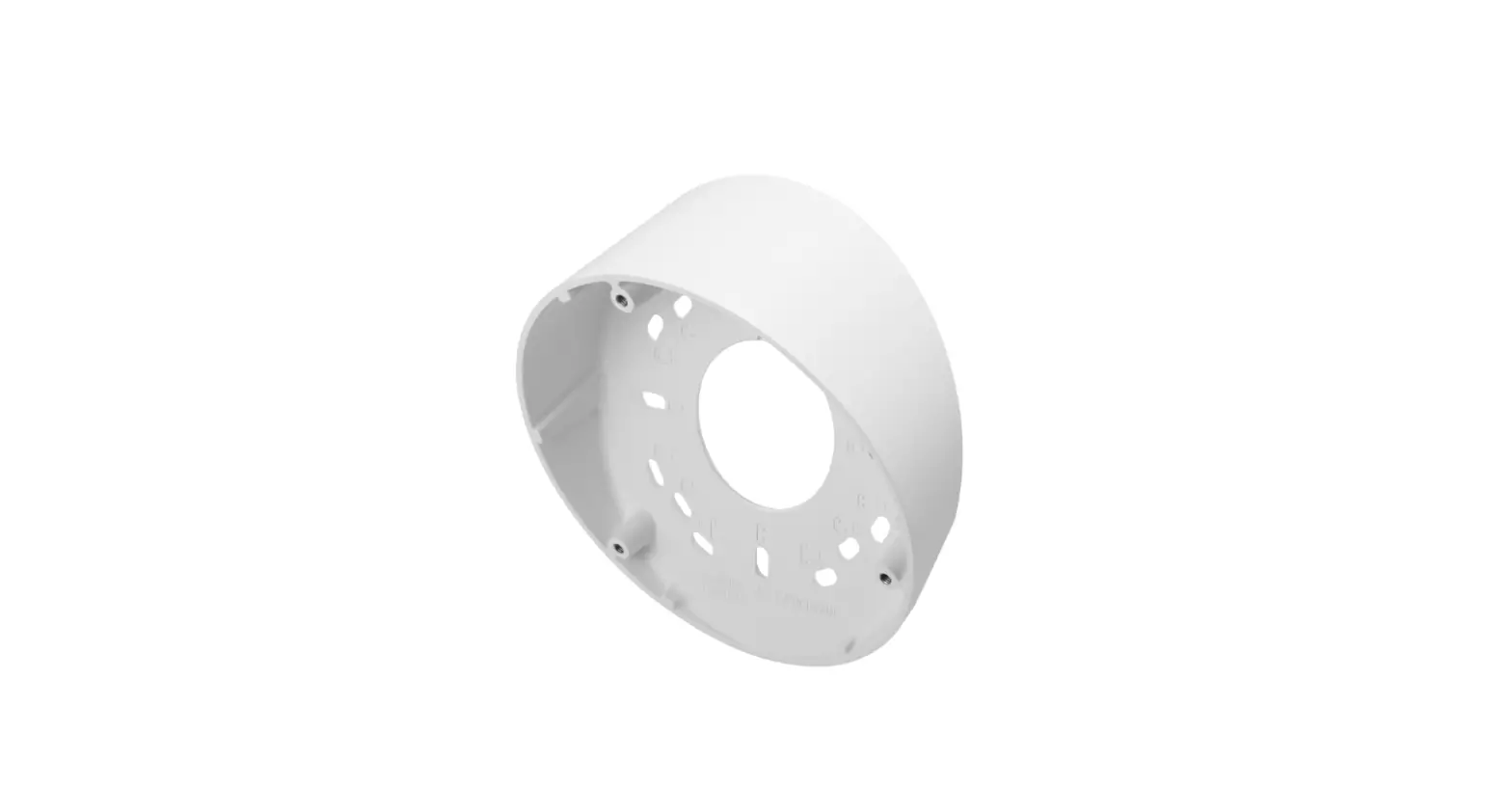
SBP-180CMB Ceiling Mount Base
Product Information: Ceiling Mount Base SBP-180CMB
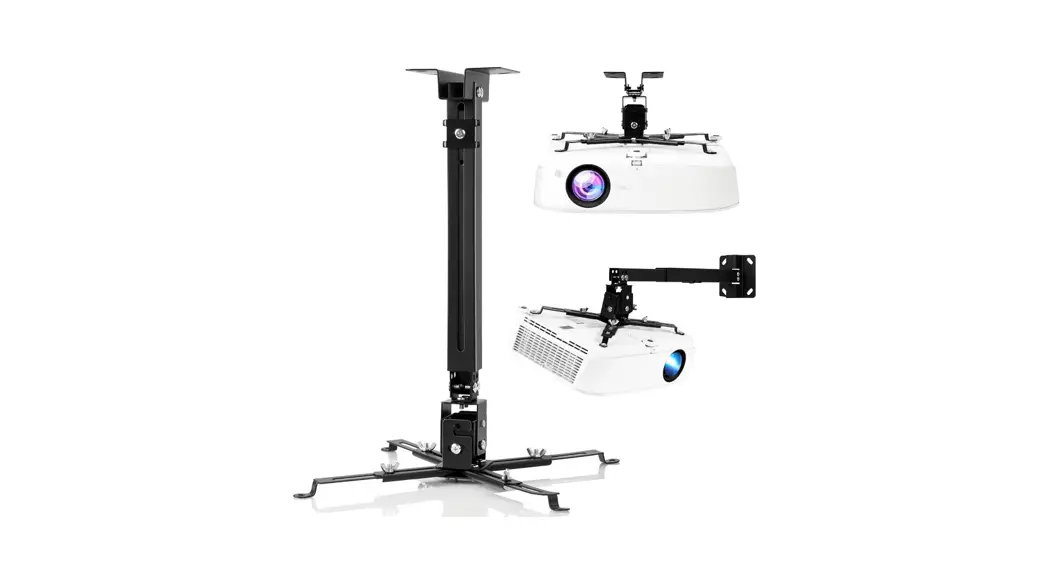
The Ceiling Mount Base SBP-180CMB is a product designed to
securely mount CCTV cameras on ceilings. The package includes a
mounting base, four TR30 screws, and one TR30 screw for adjusting
the camera angle. The product is compatible with anchor bolts
(M10), which are not included in the package.
Product Usage: Installation Precautions
Before installing the Ceiling Mount Base SBP-180CMB, please take
note of the following precautions:
- Ensure that the ceiling structure can support the weight of the
camera and the mount. - Do not install the mount on a weak, damaged, or unstable
surface. - Make sure to use the appropriate anchor bolts (M10) for the
ceiling type. - Ensure that the camera and mount are properly aligned and
secured before operation.
Product Usage: Installation
To install the Ceiling Mount Base SBP-180CMB, follow these
steps:
- Choose a suitable location on the ceiling for the camera.
- Using the appropriate anchor bolts (M10), secure the mounting
base to the ceiling. - Attach the camera to the mounting base using the TR30
screws. - Adjust the camera angle as needed using the TR30 screw
provided. - Ensure that the camera and mount are properly aligned and
secured before operation.
Ceiling Mount Base
SBP-180CMB
Installation Precautions
· Make sure that the installation place can endure at least 4 times of the total weight of the Ceiling Mount, Hanging Adaptor and Camera.
2
· Each anchor bolt to use must be capable of withstanding an extraction force of 700 kg.
· When installing the product outdoors, use interlocking devices made of stainless steel.
Package
Installation
3
1
4x
TR30
1EA
Anchor Bolts (M10) (Not Included )
4
A
B
5
6
4x
TR30
xHE4X
S3
PT01-005978A