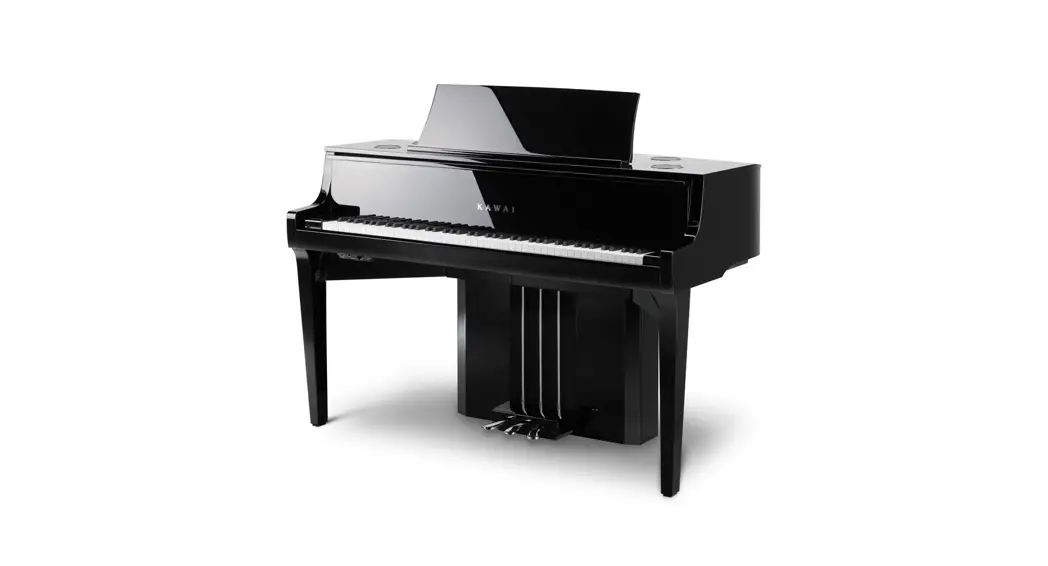
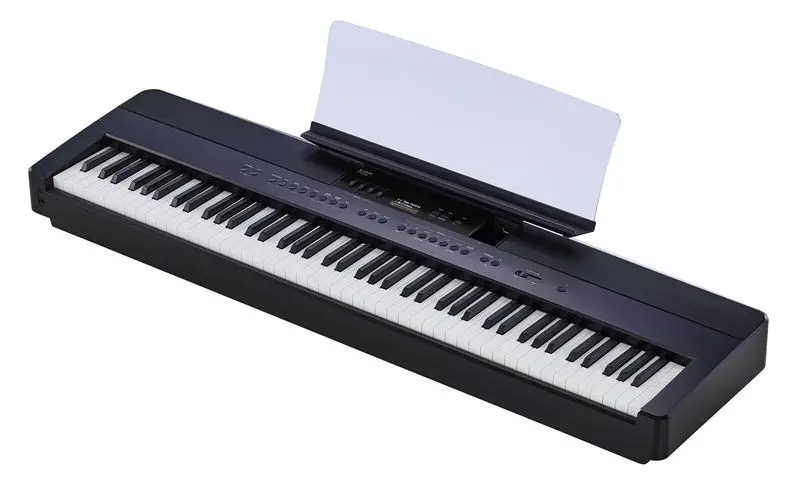
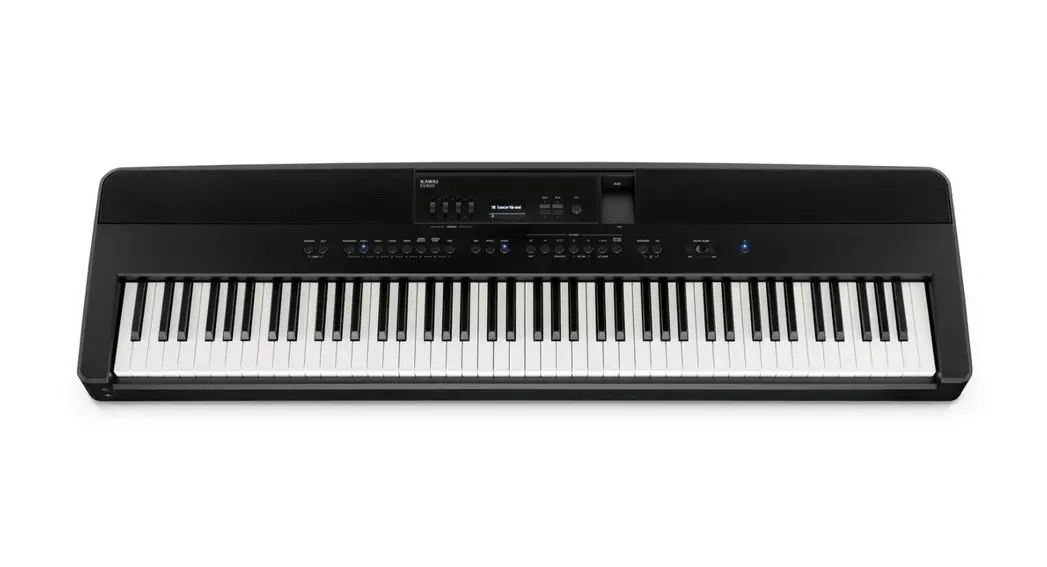
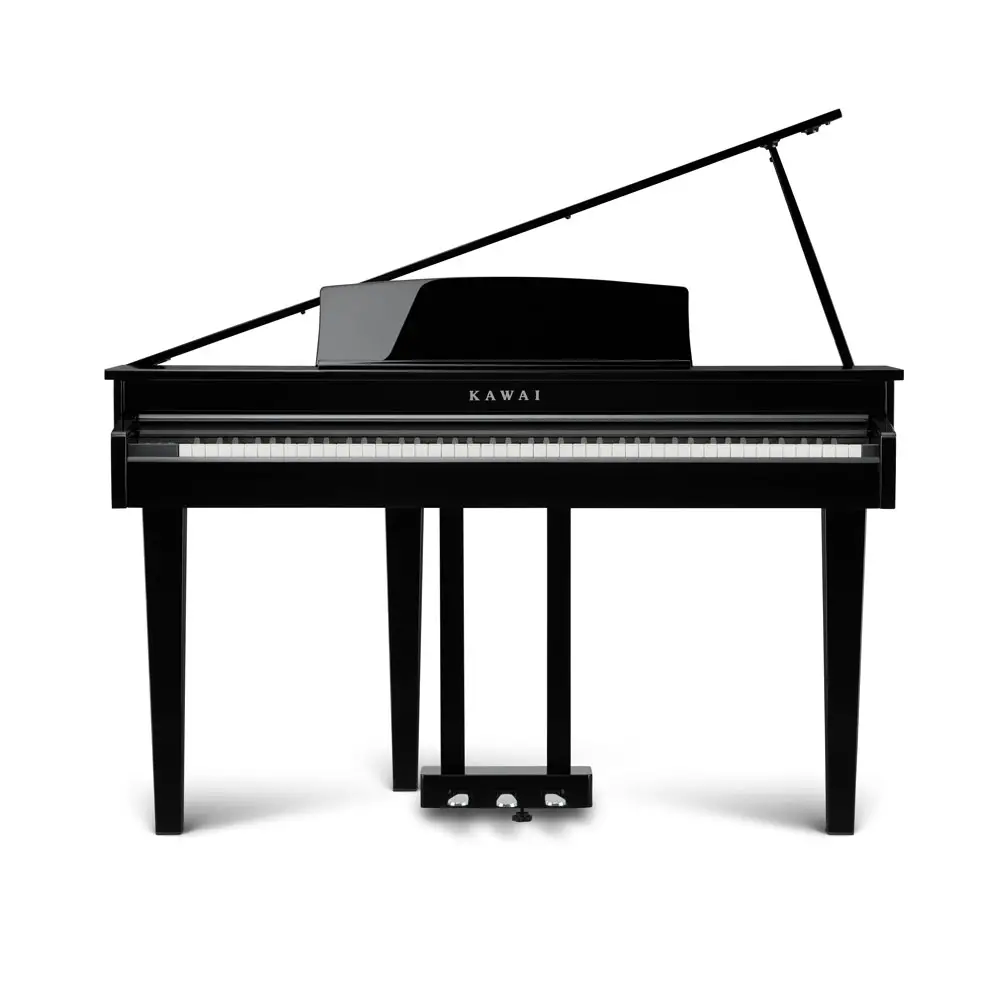
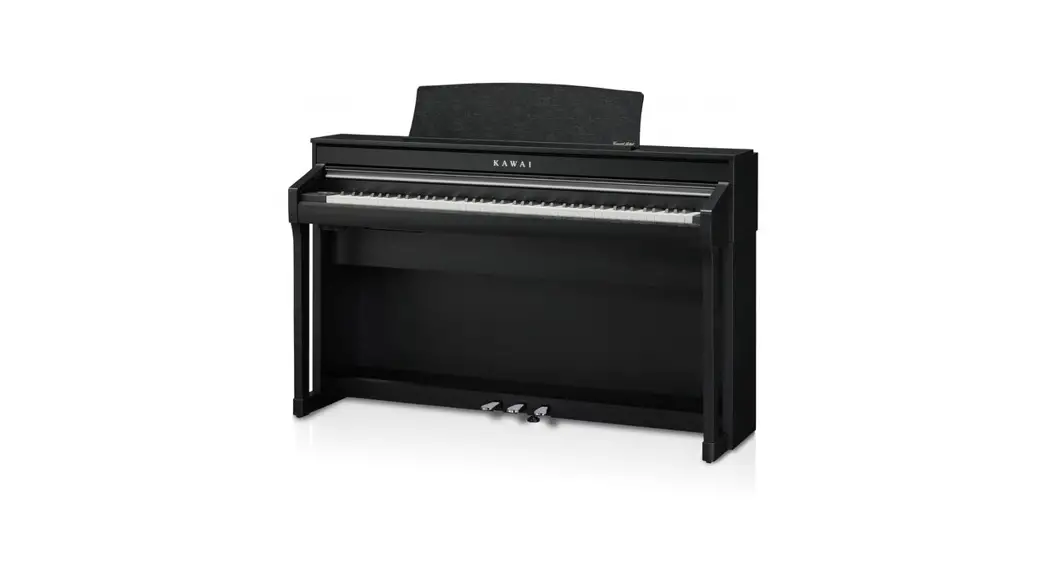
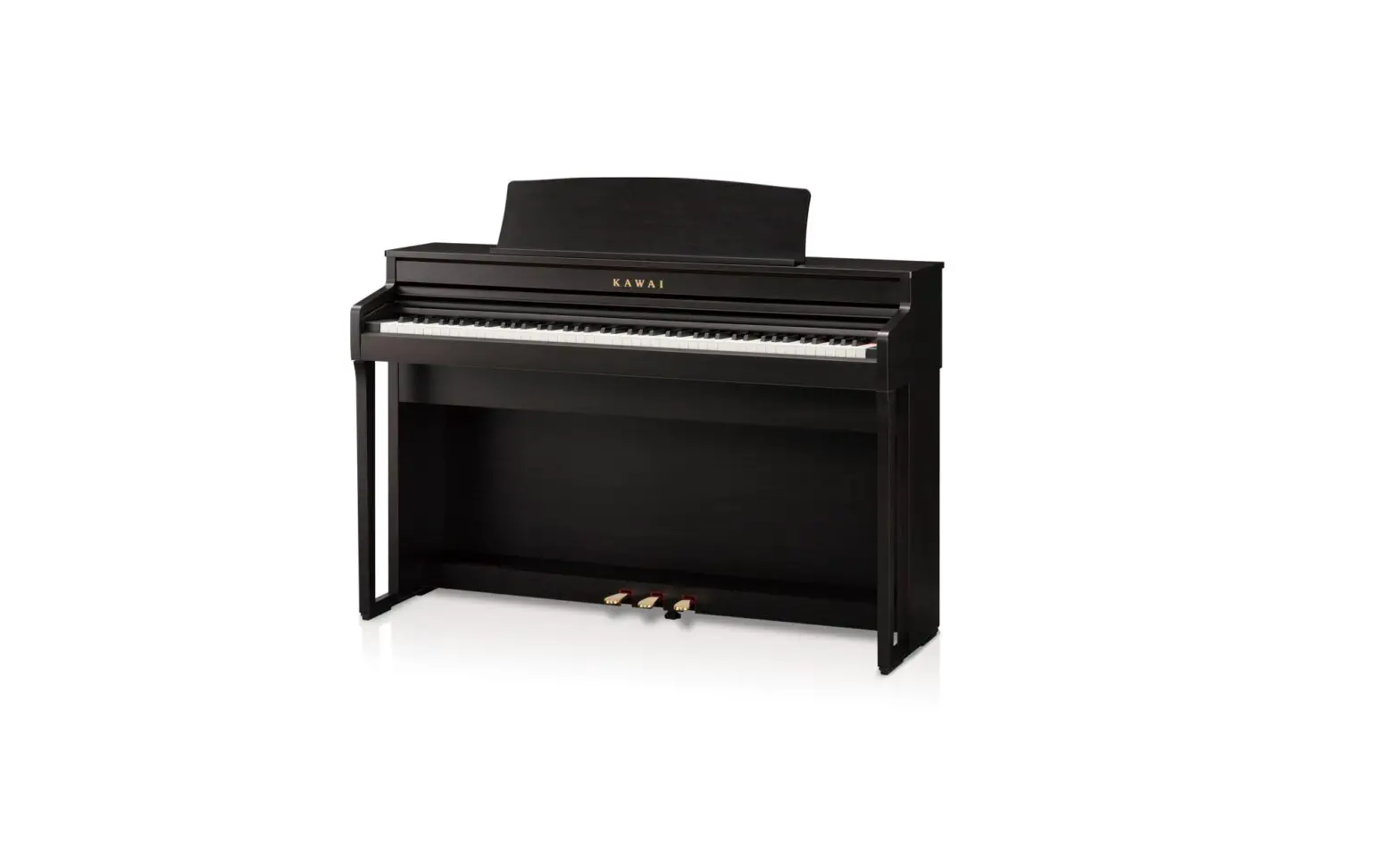
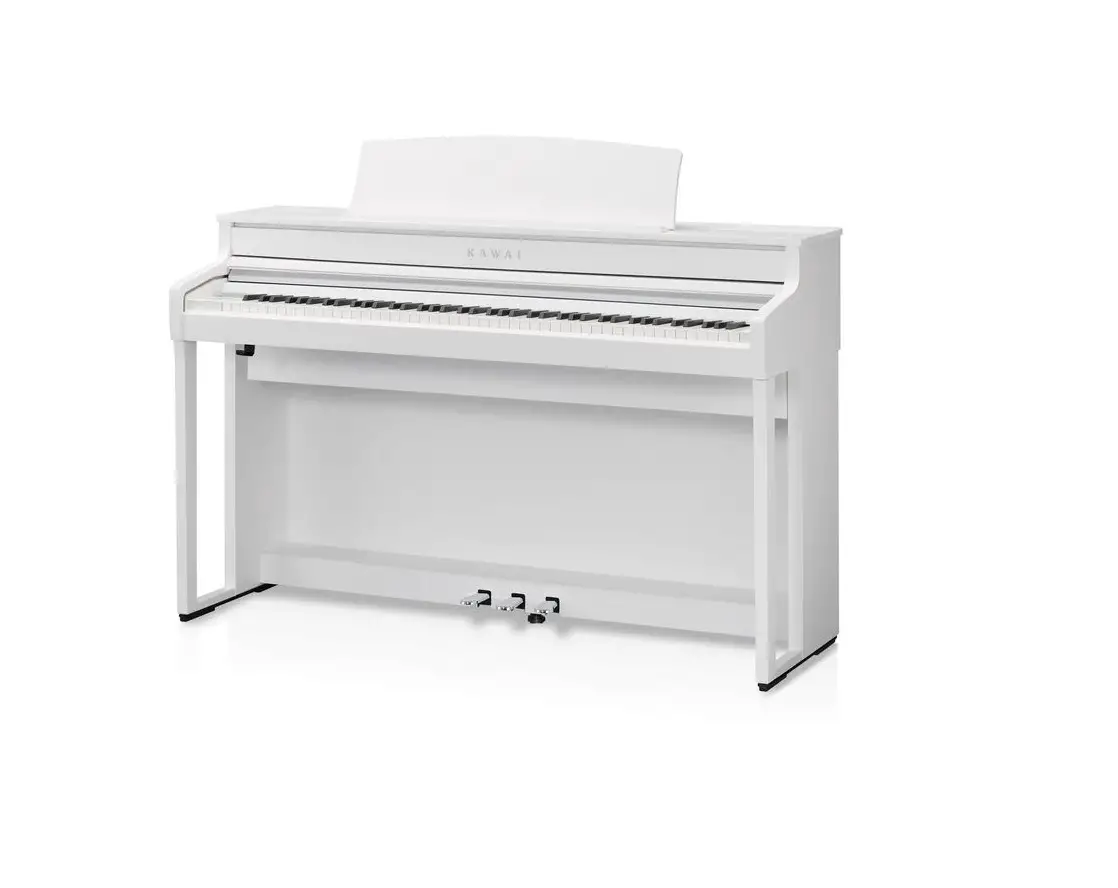
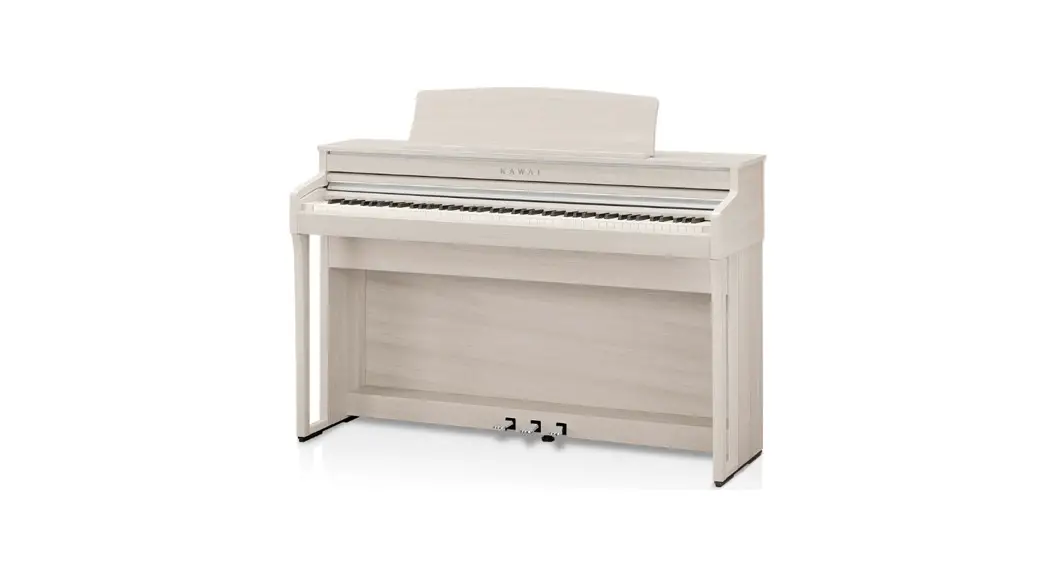
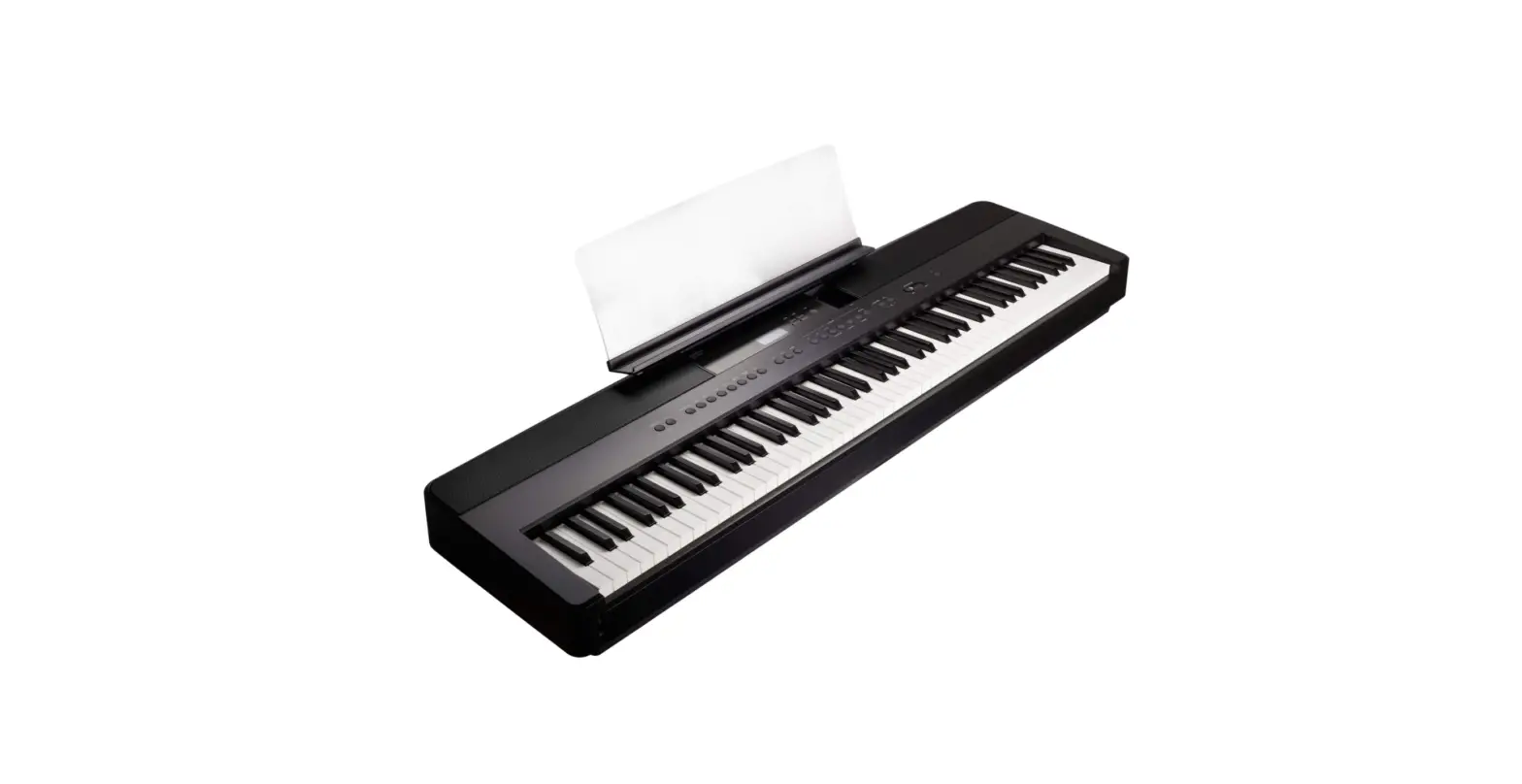
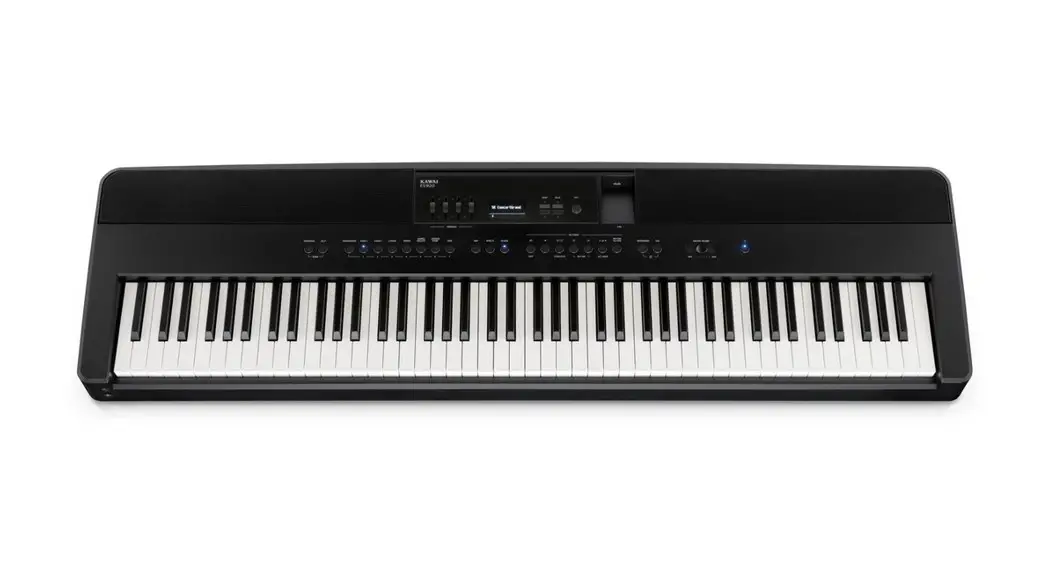
NV5S Hybrid Digital Piano
Product Information
The NV5S hybrid piano is a musical instrument that combines the
traditional acoustic piano sound with digital technology. It has a
system software that can be updated to enhance its features and fix
any bugs or issues. The software update process requires a computer
with internet access and an empty USB memory device. The update
procedure takes approximately two minutes to complete.
The current software version of the NV5S system can be checked
before performing the update. The update file is provided in a zip
format and needs to be extracted to a temporary folder on the
computer.
The NV5S system software has undergone several updates, each
bringing improvements and fixes to the instrument’s functionality.
The changelog provides a summary of the changes made in each
version, including bug fixes, improvements in sound and
performance, and support for additional features.
Product Usage Instructions
- Download the system software update zip file from the provided
source. - Extract the contents of the zip file to a temporary folder on
your computer. - Copy the NVx9_P05.SYS file from the temporary folder to the
root (top-most) folder of an empty USB memory device. Do not modify
the update file and do not copy any other data to the USB memory
device. - Ensure that the USB memory device uses the ‘FAT’ or ‘FAT32’
filesystem. The ‘exFAT’ filesystem is not supported. - Turn off the NV5S hybrid piano.
- Connect the prepared USB memory device to the [USB to DEVICE]
port located on the instrument’s control box, underneath the
keyboard. Be careful not to confuse this port with the [USB for
UPDATE] port located to the left of the control box. - Press and hold the instrument’s [POWER] button for at least 15
seconds. - The Firmware Update screen will be shown, and the update
process will start automatically. Progress messages will be
displayed on the LCD display. - Do not disconnect the USB memory device or turn off the
instrument while the update is in progress. - After approximately 1 minute, a Boot End message will be shown
in the LCD display, indicating that the system software stage of
the update has been successful. - Disconnect the USB memory device from the instrument.
- Press and hold the [POWER] button to turn off the
instrument. - Turn on the instrument. The updated system software will be
used automatically. - Repeat the steps at the beginning of this document to check the
Firmware version and confirm that the update has been
successful. - If the update is unsuccessful, restart the procedure from step
1.
Please note that it is important to follow the instructions
carefully and not interrupt the update process to avoid any
potential issues or data loss.
Software Update (NV5S System)
This document contains instructions for updating the system software of the NV5S hybrid piano. Please read these instructions thoroughly before attempting to perform the software update. The update procedure will require approximately two minutes to complete.
Update requirements
The software update will require a computer with internet access and an empty USB memory device. * The USB memory device must use the `FAT’ or `FAT32′ filesystem. The `exFAT’ filesystem is not supported.
Checking the current software versions
While the NV5S hybrid piano is turned on: Tap the button in the top right corner of the screen to open the Menu. Tap [SYSTEM], then scroll to the bottom of the menu and tap [Information: CHECK] to show the Version/License screen. If the Firmware version number is greater than or equal to the update zip file filename, no further action is necessary. * Exit the menu to return to normal operation. If the Firmware version number is lower than the update version, please follow the update instructions on the following page.
Preparing for the update
After downloading the system software update zip file, extract the contents to a temporary folder (e.g. the Desktop).
The folder should contain two files.
Filename NVx9_P05.SYS nv5s_sys_en.pdf
Description System software Update instructions
nv5s_sys_v2xx.zip
nv5s_sys_v2xx
NVx9_P05.SYS nv5s_sys_en.pdf
1.
Software Update (NV5S System)
1. Copy the update file to the USB memory device
Copy the NVx9_P05.SYS file from the temporary folder to the root (i.e. top-most) folder of the empty USB memory device. * Do not attempt to modify the update file. * Do not copy any other data to the USB memory device at this time.
NVx9_P05.SYS
2. Connect the USB memory device
While the NV5S hybrid piano is turned o :
Connect the prepared USB memory device to the [USB to DEVICE] port located on the instrument’s control box, underneath the keyboard. * Be careful not to confuse this port with the [USB for UPDATE] port
located to the left of the control box.
3. Start the update
Press and hold the instrument’s [POWER] button for at least 15 seconds.
The Firmware Update screen will be shown, and the update process will start automatically, with progress messages shown in the LCD display.
* Do not disconnect the USB memory device or turn o the instrument while the update is in progress.
4. Finish the update, disconnect the USB memory device
After approximately 1 minute a “Boot End” message will be shown in the LCD display, indicating that the system software stage of the update has been successful.
Disconnect the USB memory device, then press and hold the [POWER] button to turn the instrument o .
When the instrument is turned on, the updated system software will be used automatically.
Please repeat the steps at the beginning of this document to check the Firmware version, and confirm that the update has been successful. * If the update is unsuccessful, please restart this procedure from step 1.
2.
Software Update (NV5S System)
NV5S System software changelog
V2.15 (July 2023) – Improved: The interaction between very soft/shallow key strokes and the sostenuto pedal. – Fixed: Bug related to Key-off Effect parameter adjustments not being stored to User Sound memory correctly.
V2.13 (November 2022) – Fixed: Bug related to the Overdubbing function of the Recorder. – Fixed: Bug related to data not being reset correctly following a Factory Reset. – Improved: The playing sound is now muted when disconnecting from Bluetooth MIDI.
V2.11 (January 2022) – Added: Support for minor internal hardware revision.
V2.08 (October 2021) – Added: Support for adjusting ‘User’ Virtual Technician parameters. (Touch Curve/Voicing/Tuning/Temperament/Key Volume) Note: This functionality also requires LCD touchpanel system update v1.2.0 (or newer) to be installed. – Fixed: Bug related to switching between Piano and Sound screens. * For more information about the added `User’ Virtual Technician parameters, please refer to the URL below: https://www2.kawai.co.jp/emi-web/pianoremote-docs_update/en/
V2.04 (July 2021) – Internal revision.
V1.10 (January 2021) – First production version.
Copyright © 2023 Kawai Musical Instruments Mfg. Co., Ltd. All Rights Reserved.
 CA99/CA79, NV10S/NV5S Software Update: "User" Virtual Technician Information