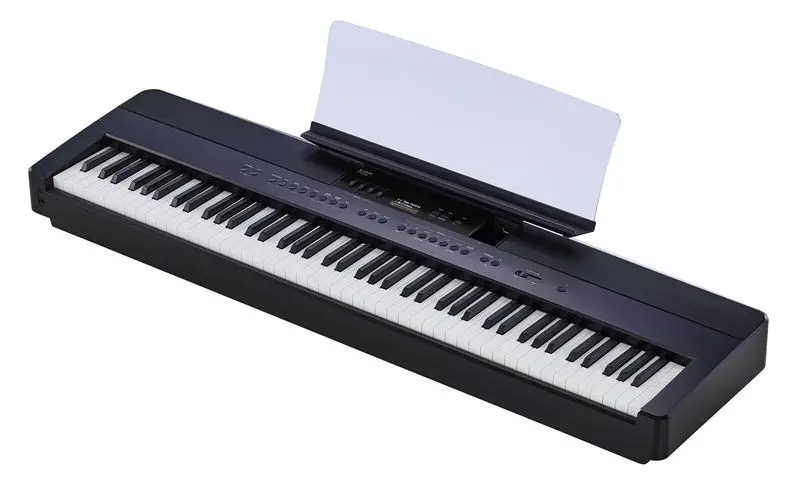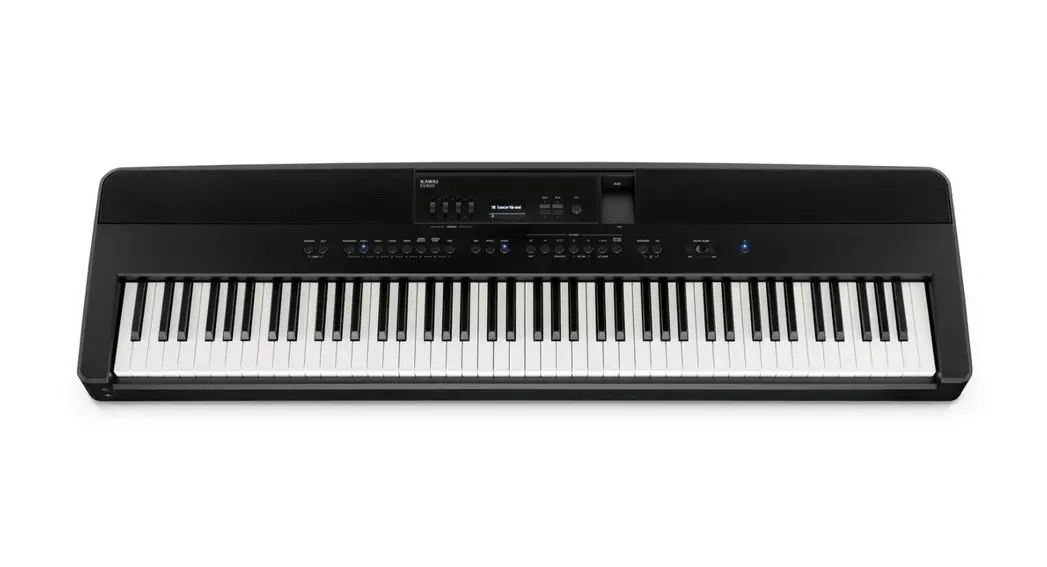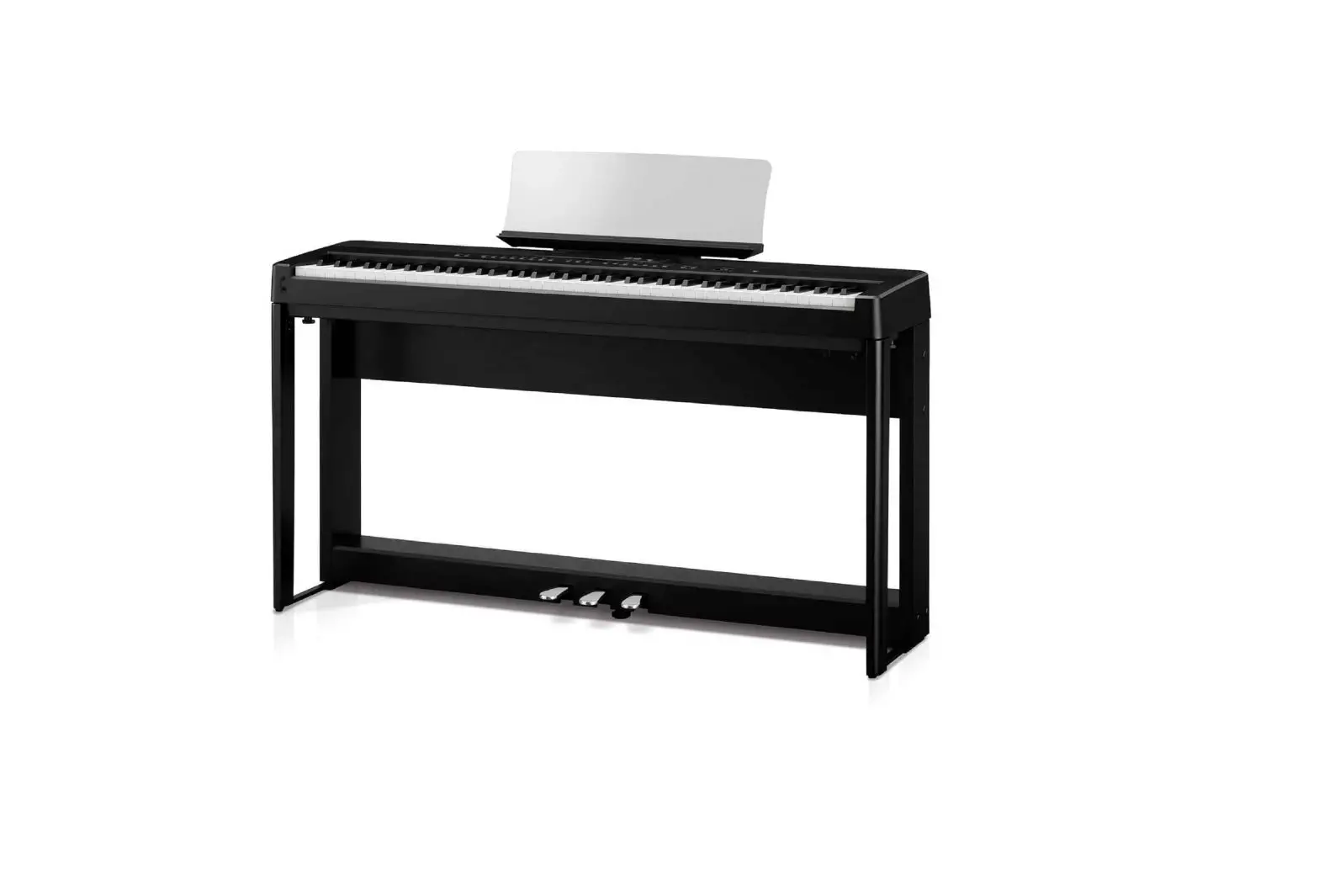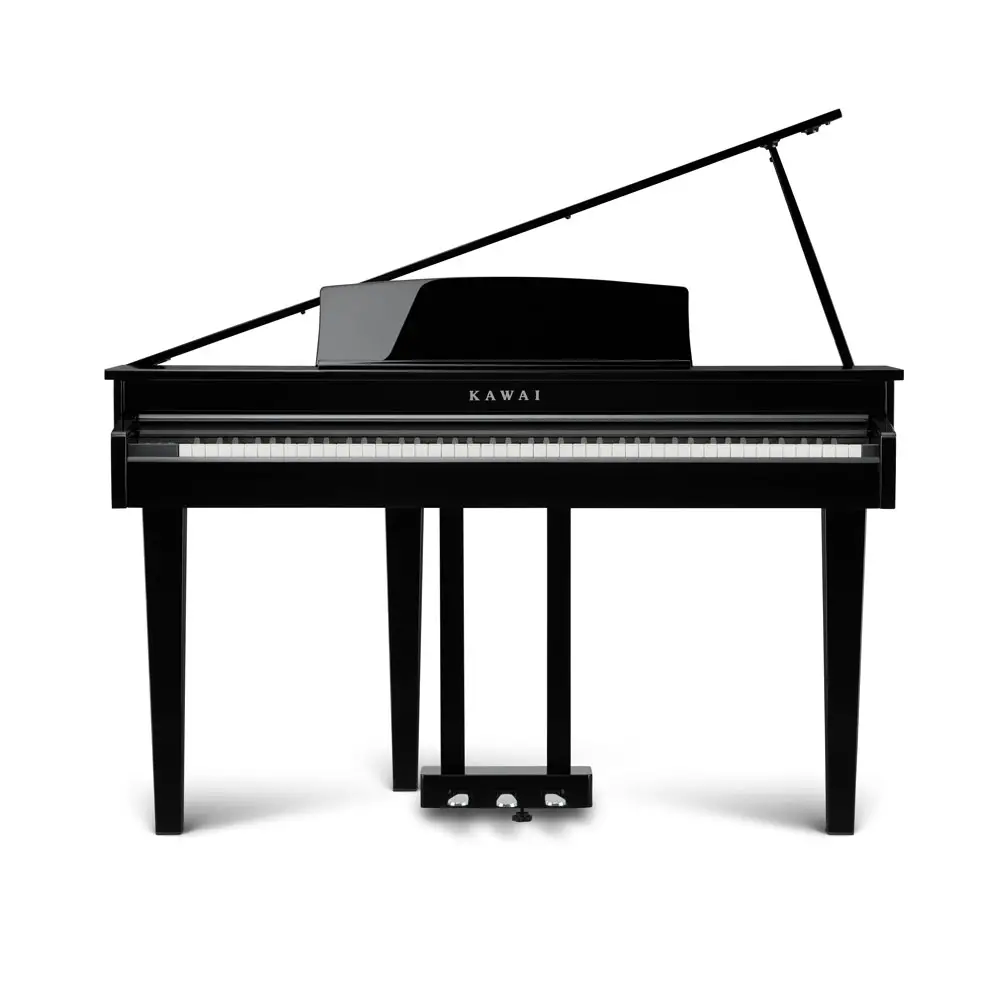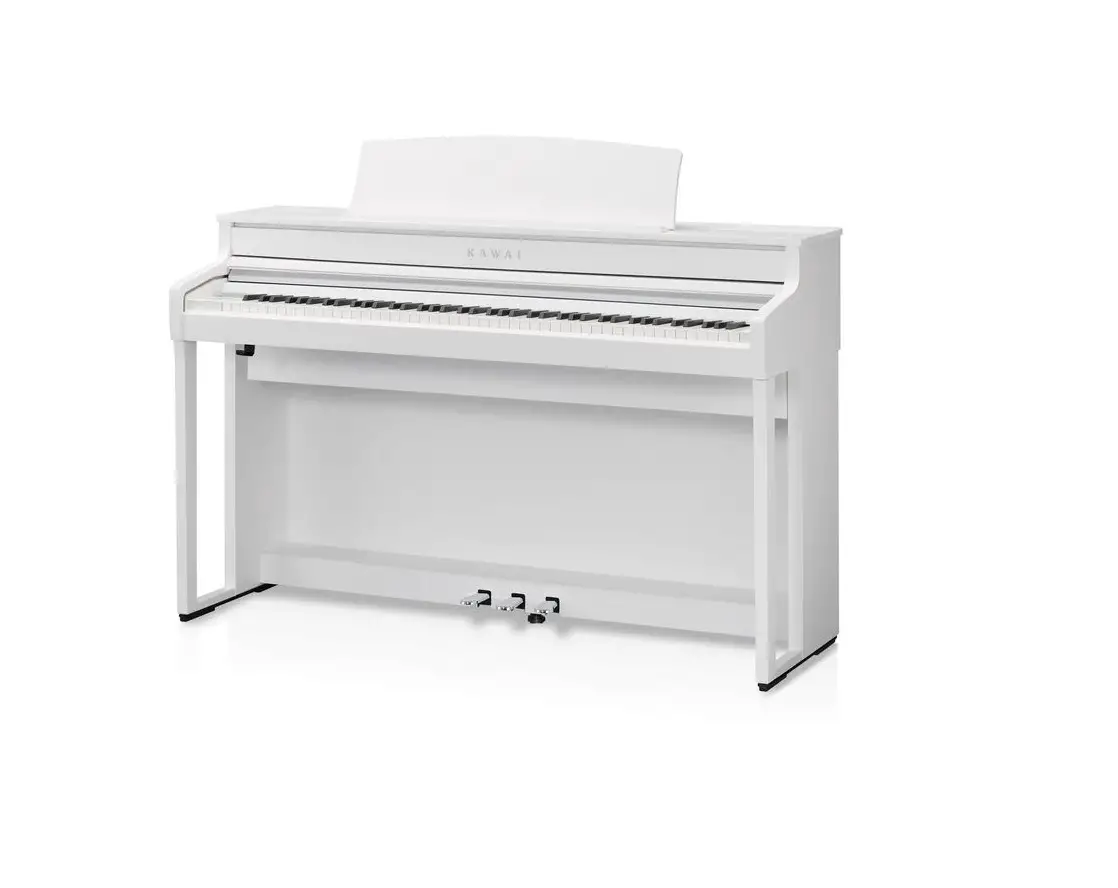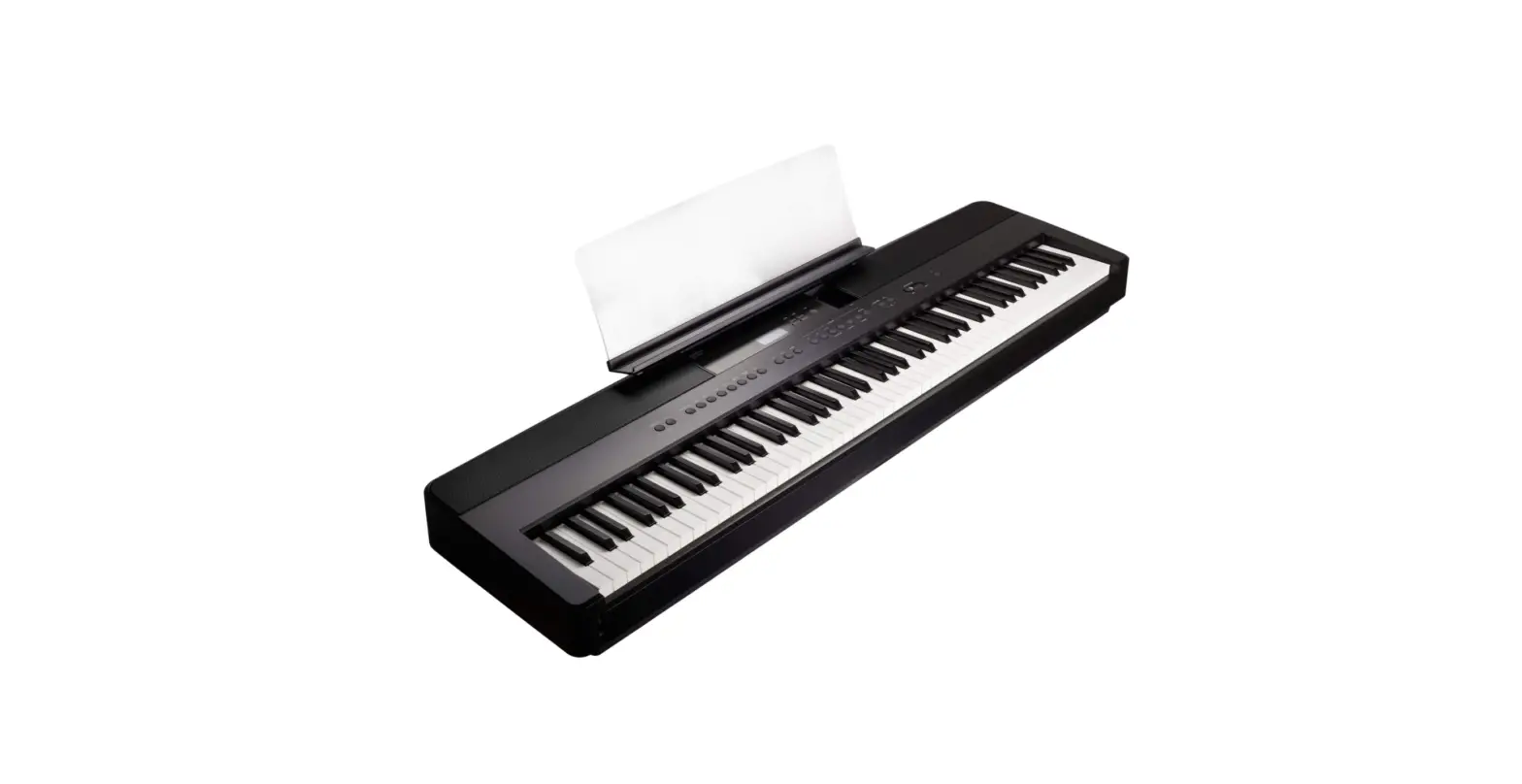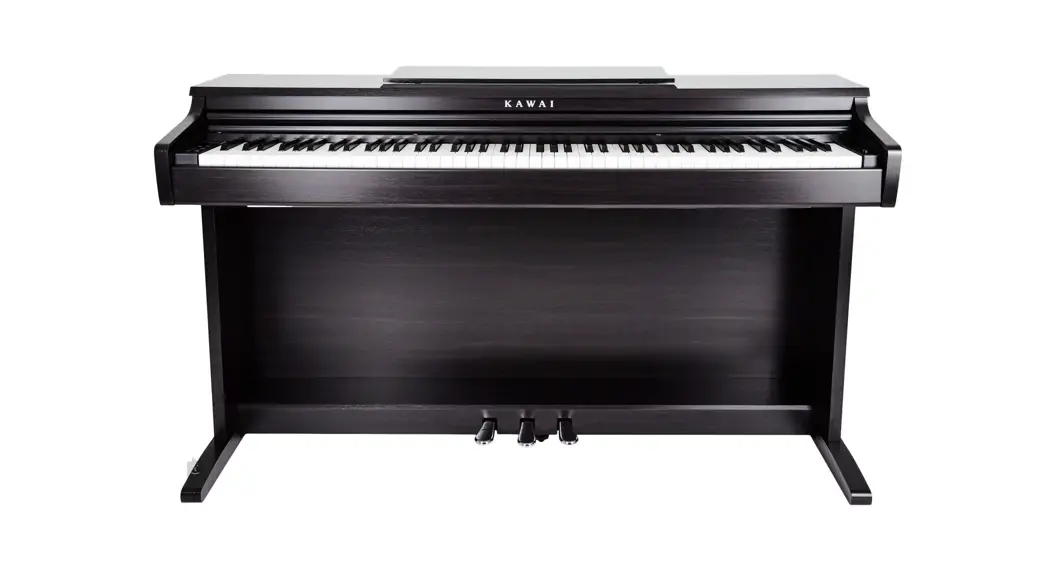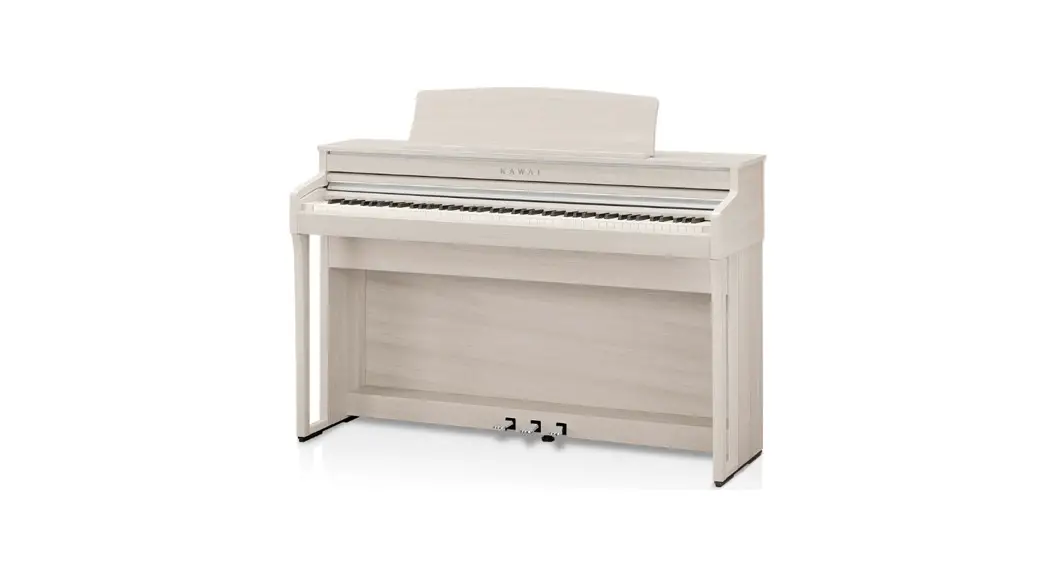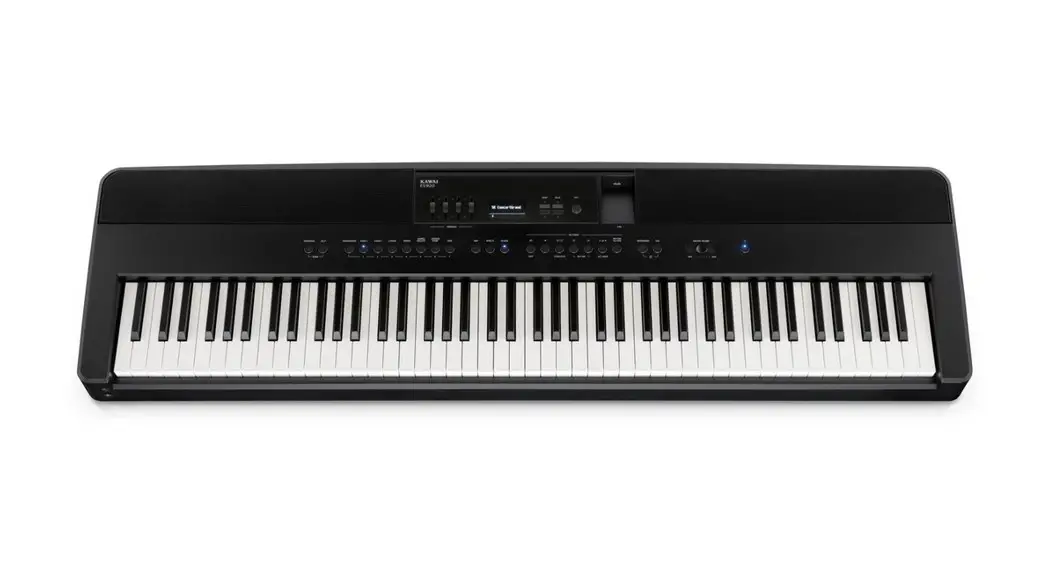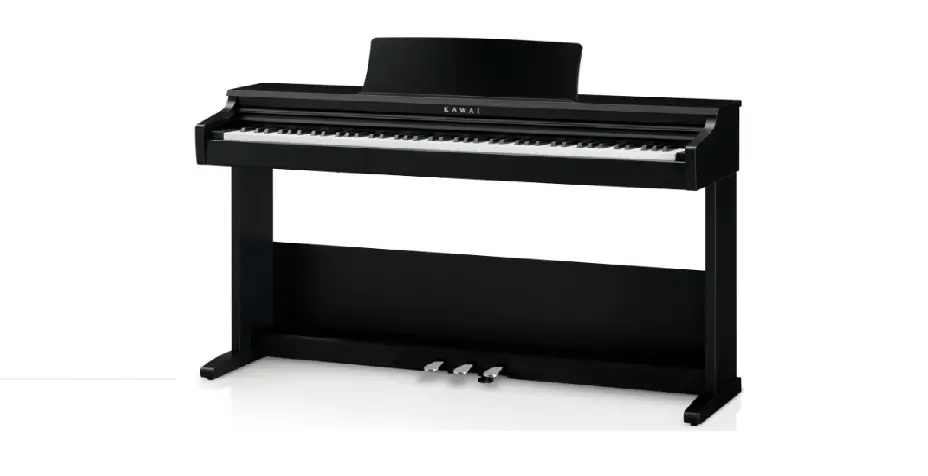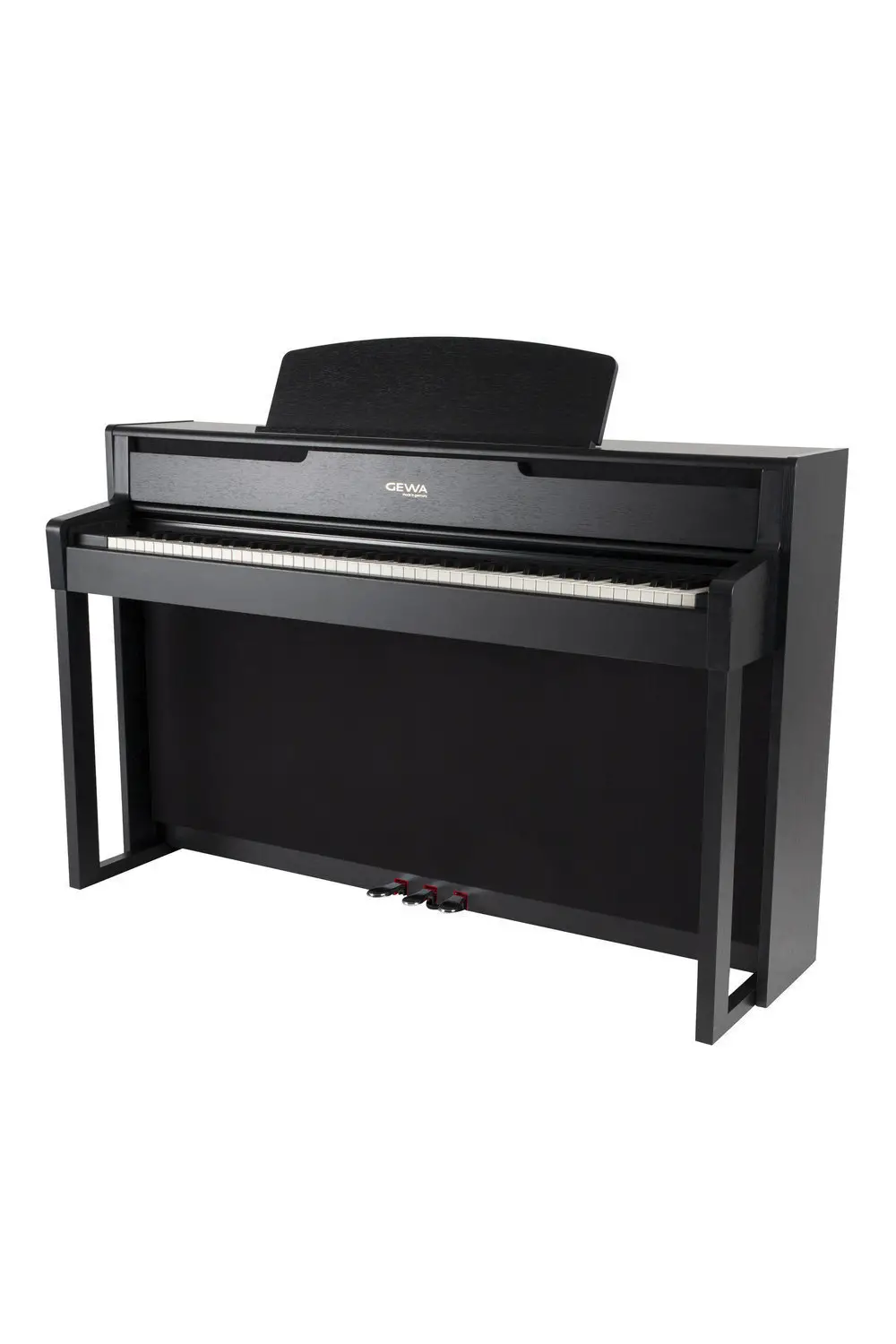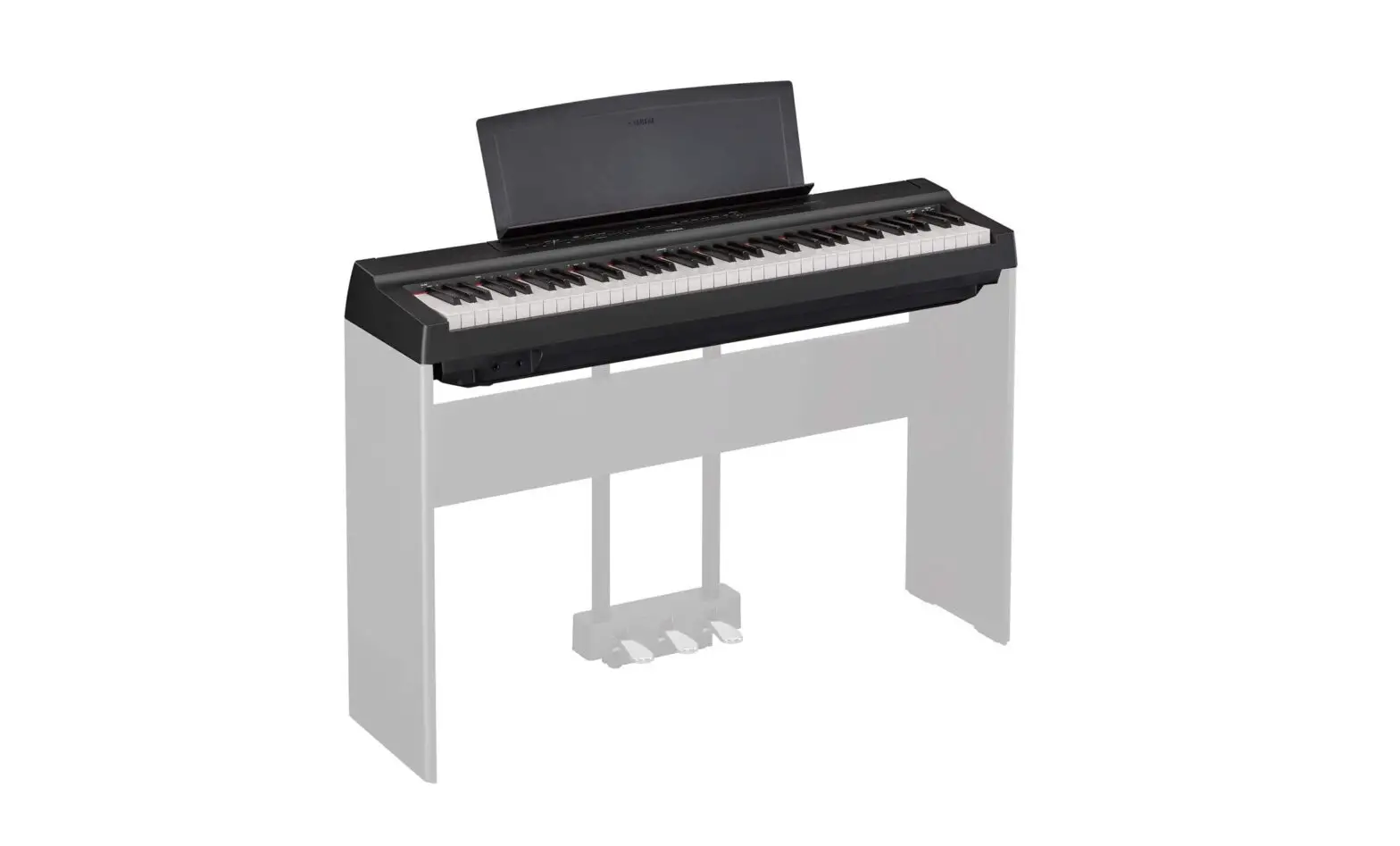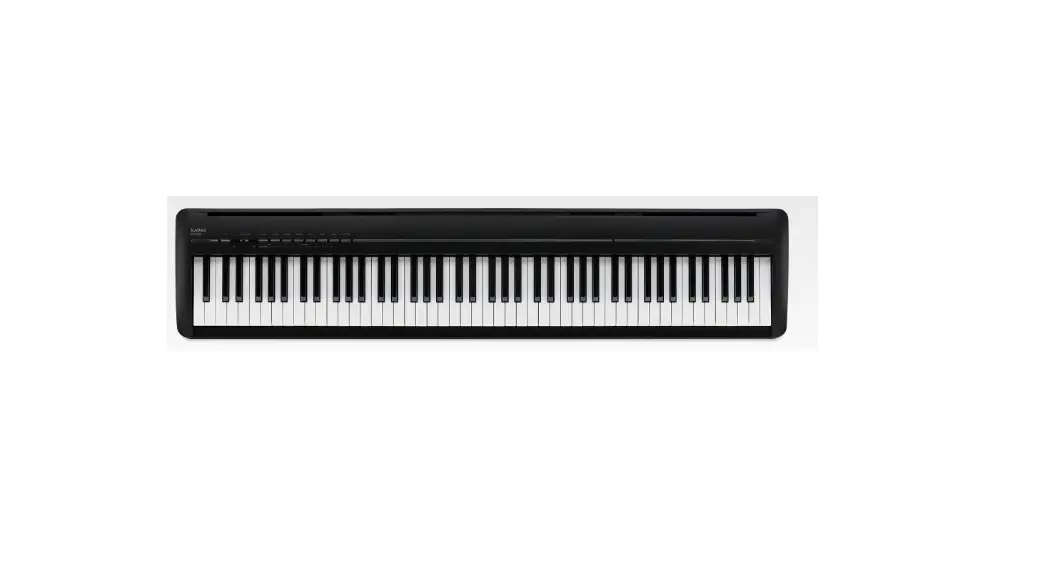

KAWAI ES120 Midi Digital Piano 
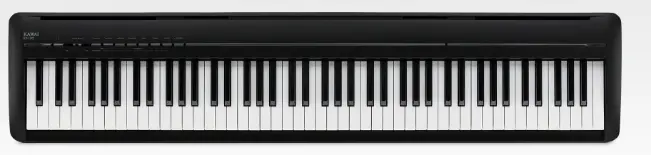
The term MIDI is an acronym for Musical Instrument Digital Interface, an international standard for connecting musical instruments, computers, and other devices to allow the exchange of performance data.
When the instrument is connected to a computer using a USB cable, the computer will recognize the instrument as a MIDI device, allowing the instrument to send and receive MIDI messages in the same manner as a normal MIDI interface.
Use a suitable USB cable to connect the USB type A port on the computer to the USB type B port on the digital piano. If there is no USB type A port on the computer, a conversion adapter may be required.
MIDI use case 
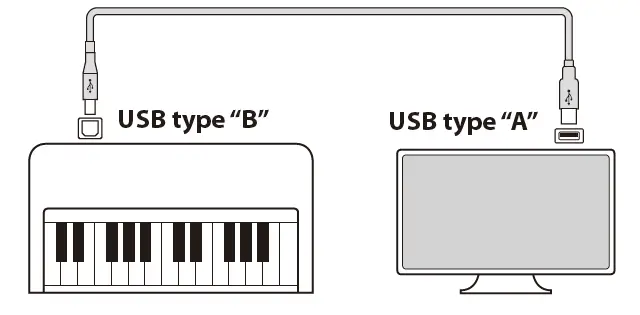
When connected to a computer, the digital piano can be used to record and playback performances using sequencer software running on the computer. When multi-timbral mode is enabled on the digital piano, it becomes possible to record and playback multi-track songs, with different sounds playing simultaneously on each MIDI channel.
MIDI functions
The following functions are available with MIDI.
- Transmit/receive note information
Transmit/receive note information from a MIDI-connected musical instrument or device. - Transmit/receive Program Change number
Transmit/receive program change data to/from a MIDI connected musical instrument or device. - Transmit/receive pedal data
Transmit/receive sustain, sostenuto, and soft pedal data from a MIDI-connected musical instrument or device. - Receive volume data
Receive MIDI volume data sent from a MIDI-connected musical instrument or device - Transmit/receive channel settings
Specify transmit/receive channels within the range of 1 to 16.
Multi-timbral mode setting
Receive multiple channel MIDI data from a MIDI-connected musical instrument or device.
* Multi-timbral mode setting must be enabled. - Transmit/receive exclusive data
Transmit/receive front panel or menu function settings as exclusive data.
Copyright notice
Pieces of music based on existing works such as CDs, music files, SMF data, etc. should only be used for private listening, and for en-joying with friends and family. According to copyright law, it is not permitted to play commercial music publicly without permission from the copyright owner. Kawai is not liable for any copyright law infringement committed by the digital piano user.
notice: “MIDI” is a registered trademark of the Association of Musical Electronics Industry.
MIDI settings
| Function name Explanation Default setting | ||
| Transmit Program Change Number | This setting determines whether or not the digital piano will transmit program change information when sounds are changed. It is also possible to transmit a program change number (ranging from 1 to 128) in order to change the sound of an external MIDI device. | On |
| MIDI Channel | This setting allows the transmit/receive channel to be specified. The selected channel will function as both the transmit and receive channel. Separate trans- mit/receive channels cannot be specified. | 1ch |
| Local Control | This setting determines whether the digital piano will play an internal sound when the keys are pressed. This setting is useful when using the digital piano to control an external MIDI device. When Local Control is set to “On”, the digital piano will play an internal sound and transmit information to an external MIDI device. When Local Control is set to “Off”, the digital piano will transmit information to an external MIDI device only. | On |
| Multi-timbral mode | This setting determines whether or not the digital piano is able to receive MIDI information on more than one MIDI channel simultaneously. This allows the in- strument to play back multitrack, multi-timbral performance data sent from an external MIDI device. | Off |
Transmit Program Change Number
Turning Transmit Program Number ON/OFF
Press and hold the [FUNCTION] button, then press the C#1 key to turn this setting off, or the D#1 key to turn this setting on.
Sending a Program Number
Press and hold the [FUNCTION] button, then press the keys indicated below to enter the desired three digit Program Change Number to send.
Example:
Press and hold the [FUNCTION] button, then press the E2 key, the E2 key, and the C1 key to enter program change number 001. 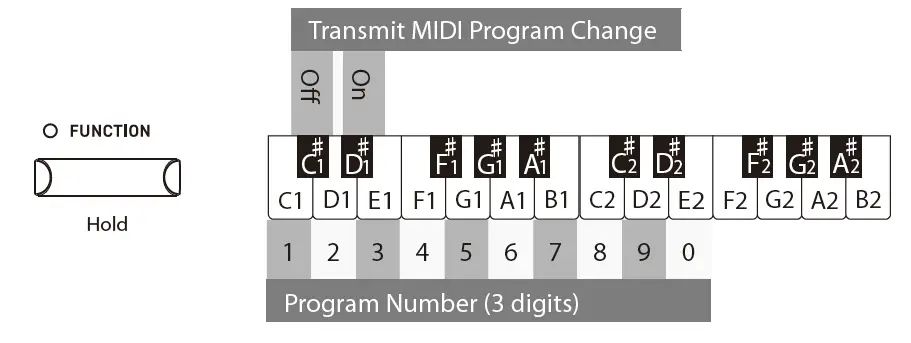
NOTICE
- Program Change Numbers are specified as three digits within the range of 001~128.
- The Program Change Number will be transmitted automatically when the key for the third digit is pressed.
- The Transmit Program Number Change setting is effective until the power is turned off.
- Exclusive information is not sent if the Transmit Program Change Number setting is OFF.
MIDI Channel (transmit/receive)
Setting MIDI channel
Press and hold the [FUNCTION] button, then press the keys indicated below to set the MIDI channel. 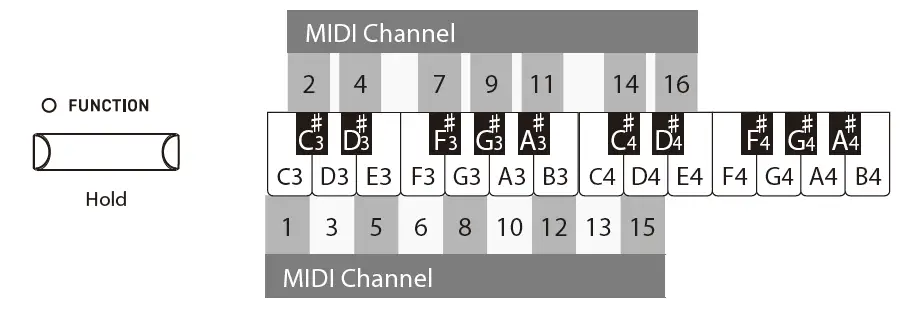
NOTE The MIDI Channel setting is effective until the power is turned off.
Local Control
Setting Local Control
Press and hold the [FUNCTION] button, then press the A2 key to turn this setting off, or the B2 key to turn this setting on. 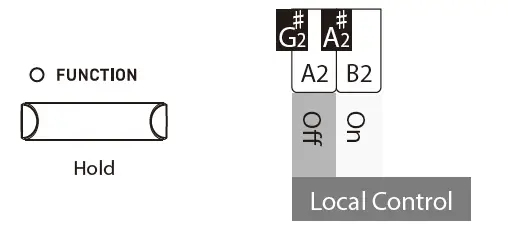
NOTE: The Local Control setting is effective until the power is turned off.
Multi-timbral Mode
Setting Multi-timbral Mode
Press and hold the [FUNCTION] button, then press the C#2 key to turn this setting off, or the D#2 key to turn this setting on. 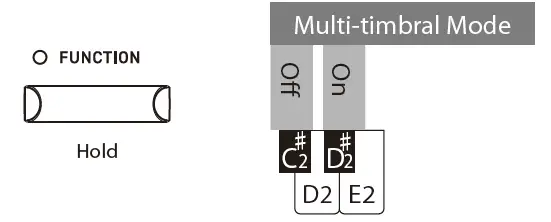
NOTE MIDI data received through channel 10 is not played while Multi-timbral mode is ON.
Program Change Number List
| Sound name | Multi-timbral mode Off Program number | Multi-timbral mode On Program number Bank MSB | Bank LSB | |
| SK-EX Concert Grand Piano | Concert | 1 | 1 | 121 | 0 |
| EX Concert Grand Piano | Concert | 2 | 1 | 95 | 27 |
| Upright Piano | Classic | 3 | 1 | 95 | 25 |
| SK-EX Concert Grand Piano | Jazz | 4 | 1 | 121 | 1 |
| EX Concert Grand Piano | Pop | 5 | 1 | 95 | 28 |
| SK-EX Concert Grand Piano | Mellow | 6 | 1 | 121 | 2 |
| EX Concert Grand Piano | Mellow | 7 | 1 | 95 | 29 |
| EX Concert Grand Piano | Modern | 8 | 2 | 121 | 0 |
| Tine Electric Piano | 9 | 5 | 121 | 0 |
| Reed Electric Piano | 10 | 5 | 121 | 3 |
| Reed Electric Piano 2 | 11 | 5 | 95 | 7 |
| Modern Electric Piano | 12 | 6 | 121 | 0 |
| Jazz Organ | 13 | 18 | 121 | 0 |
| Blues Organ | 14 | 17 | 121 | 0 |
| Ballad Organ | 15 | 20 | 121 | 0 |
| Diapason | 16 | 20 | 95 | 7 |
| Slow Strings | 17 | 45 | 95 | 1 |
| String Ensemble | 18 | 49 | 121 | 0 |
| Choir | 19 | 53 | 121 | 0 |
| New Age Pad | 20 | 89 | 121 | 0 |
| Wood Bass | 21 | 33 | 121 | 0 |
| Electric Bass | 22 | 34 | 121 | 0 |
| Wood Bass & Ride | 23 | 33 | 95 | 1 |
| Harpsichord | 24 | 7 | 121 | 0 |
| Vibraphone | 25 | 12 | 121 | 0 |
MIDI Implementation Chart
| Function | Transmit | Receive | Remarks | |
| Basic channel | At power-up | 1 | 1 | |
| Settable | 1 – 16 | 1 – 16 | ||
| Mode | At power-up | Mode 3 | Mode 1 | Omni mode is on at power-up. Omni mode can be turned off through MIDI channel setting operations. |
| Message | X | Mode 1, 3 | ||
| Alternative | * * * * * * * * * | X | ||
| Note number | 9 – 120* | 0 – 127 | * Including transpose | |
| Range | * * * * * * * * * | 0 – 127 | ||
| Velocity | Note on | O | O | |
| Note off | O | O | ||
| After touch | Key specific | X | X | |
| Channel specific | X | X | ||
| Pitch bend | X | X | ||
|
Control change | ||||
| 0,32 | O | O | Bank Select | |
| 7 | X | O | Volume | |
| 64 | O (Right pedal) | O | Sustain Pedal | |
| 66 | O (Middle pedal) | O | Sostenuto Pedal | |
| 67 | O (Left pedal) | O | Soft Pedal | |
| Program change settable range | O (0 – 127) | O | ||
| * * * * * * * * * | ||||
| Exclusive | O | O | Transmission can be selected | |
| Common | Song position | X | X | |
| Song selection | X | X | ||
| Tune | X | X | ||
| Real time | Clock | X | X | |
| Commands | X | X | ||
|
Other functions | Local On / Off | X | O | |
| All notes Off | X | O | ||
| Active sensing | X | O | ||
| Reset | X | X | ||
| Remarks | ||||
Mode 1: omni mode On, Poly
Mode 2: omni mode On, Mono
Mode 3: omni mode Off, Poly
Mode 4: omni mode Off, Mono
O : Yes
X : No