 Instruction Manual
 Instruction Manual
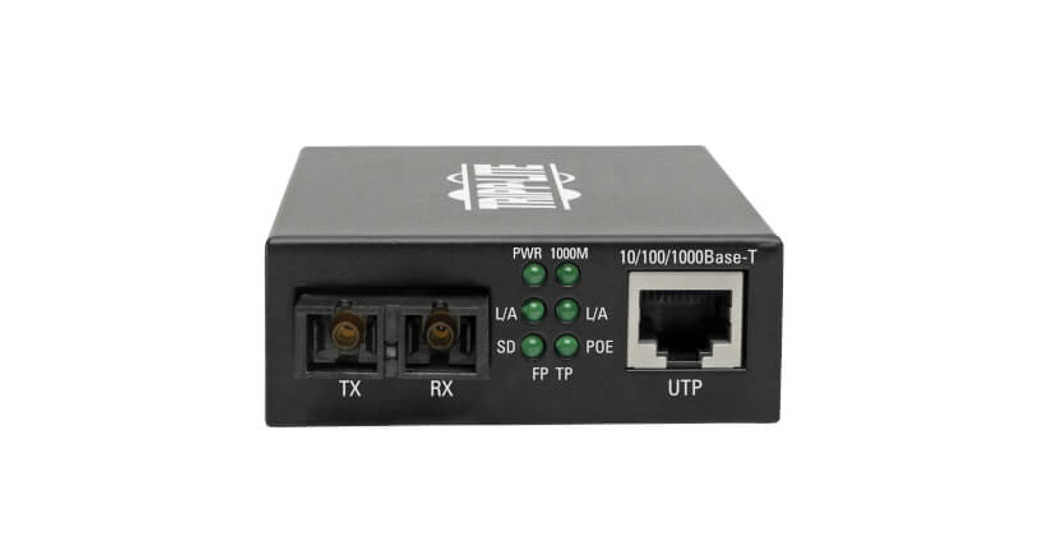
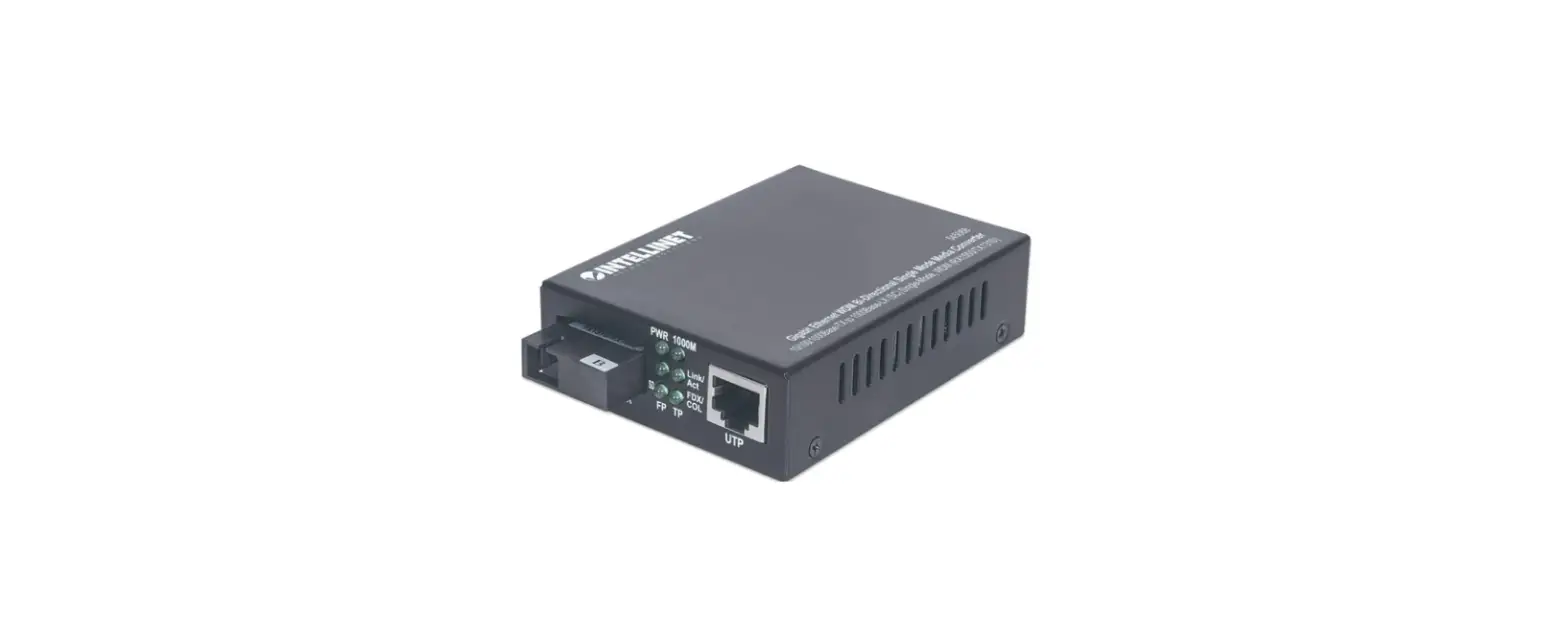
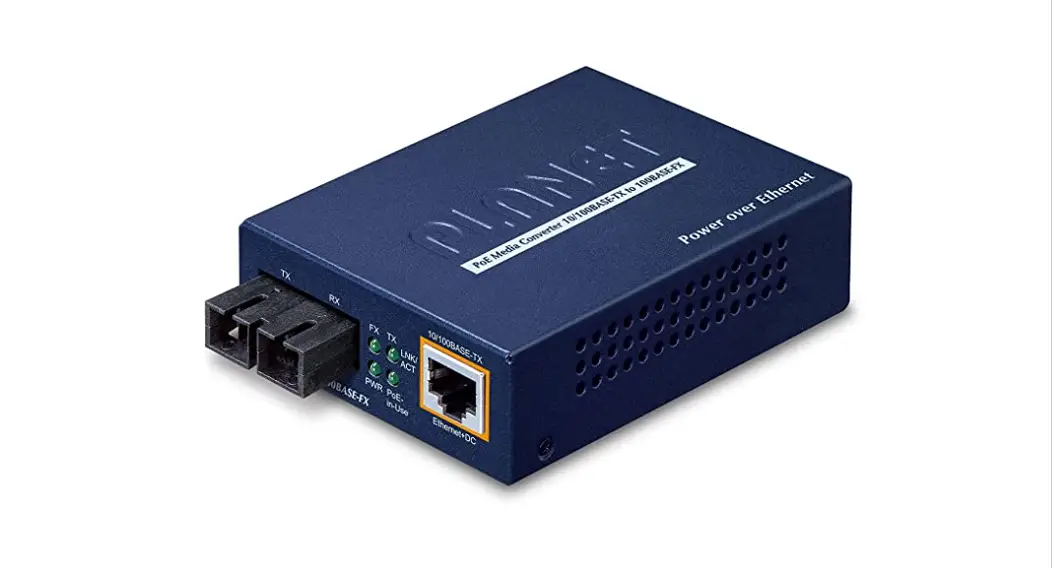
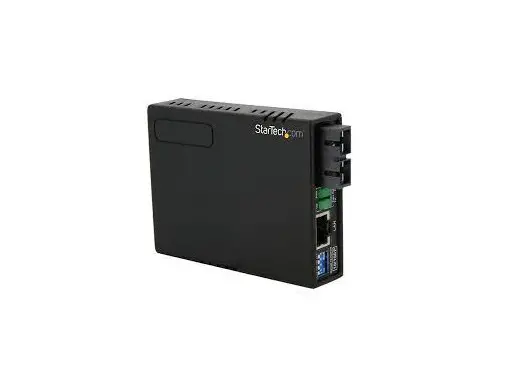
10/100 MM Fiber to Ethernet Media Converter SC/ST with PoE
MCM110SC2P / MCM110SC2PGB MCM110ST2P / MCM110ST2PGB
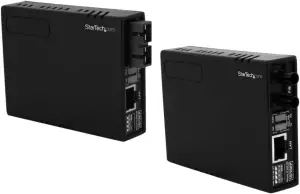
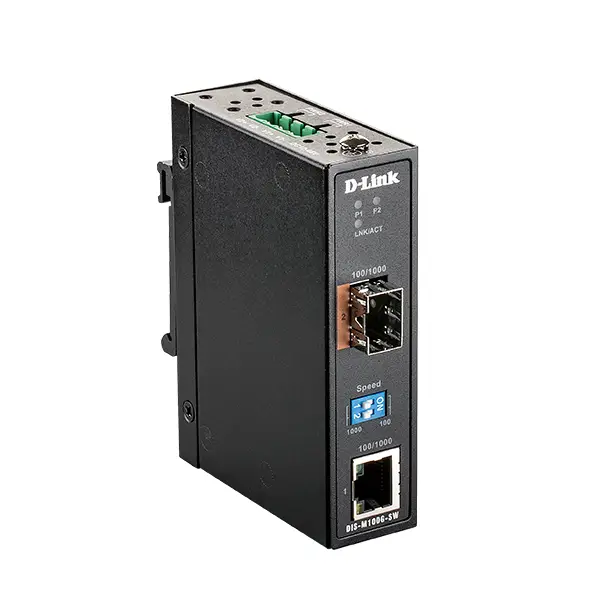
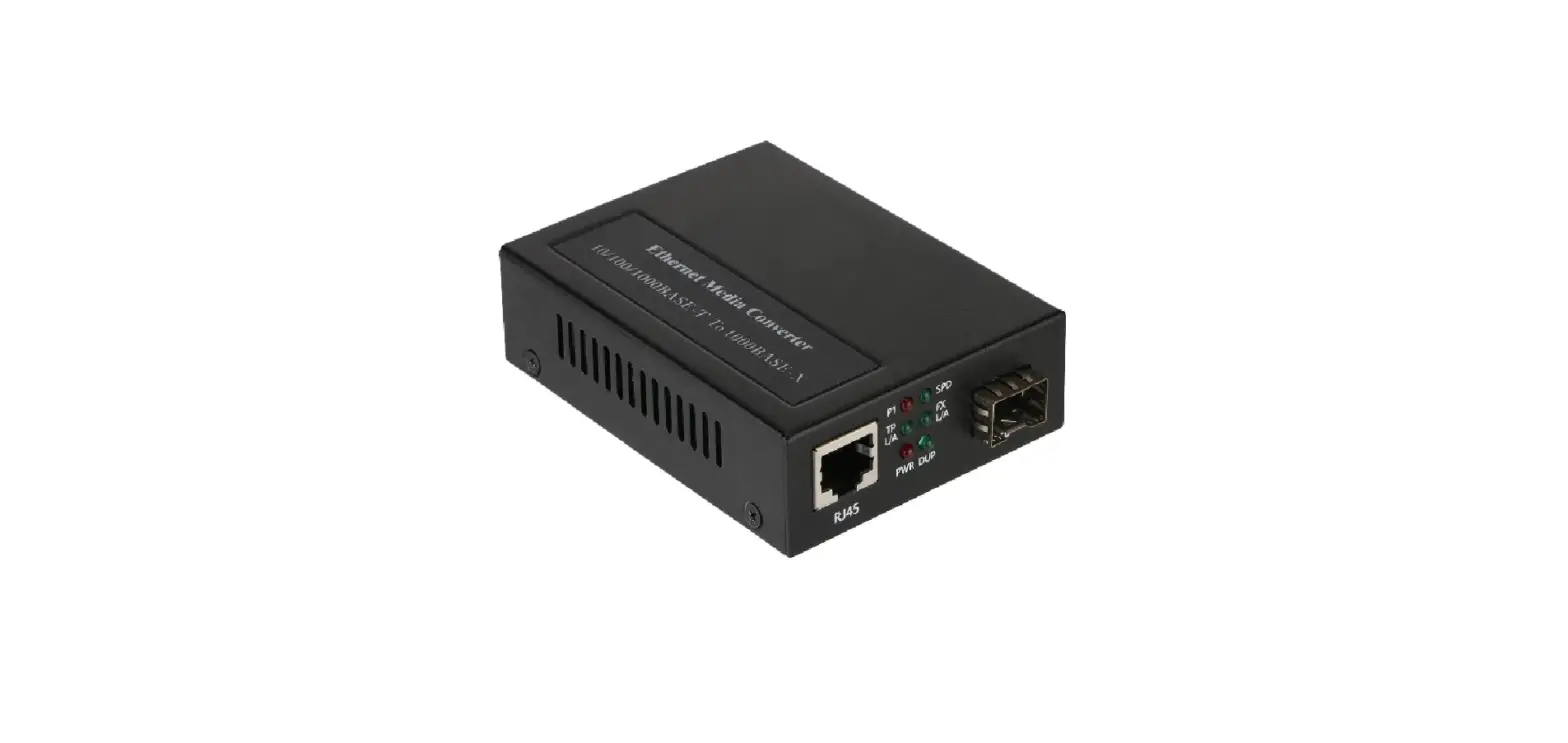
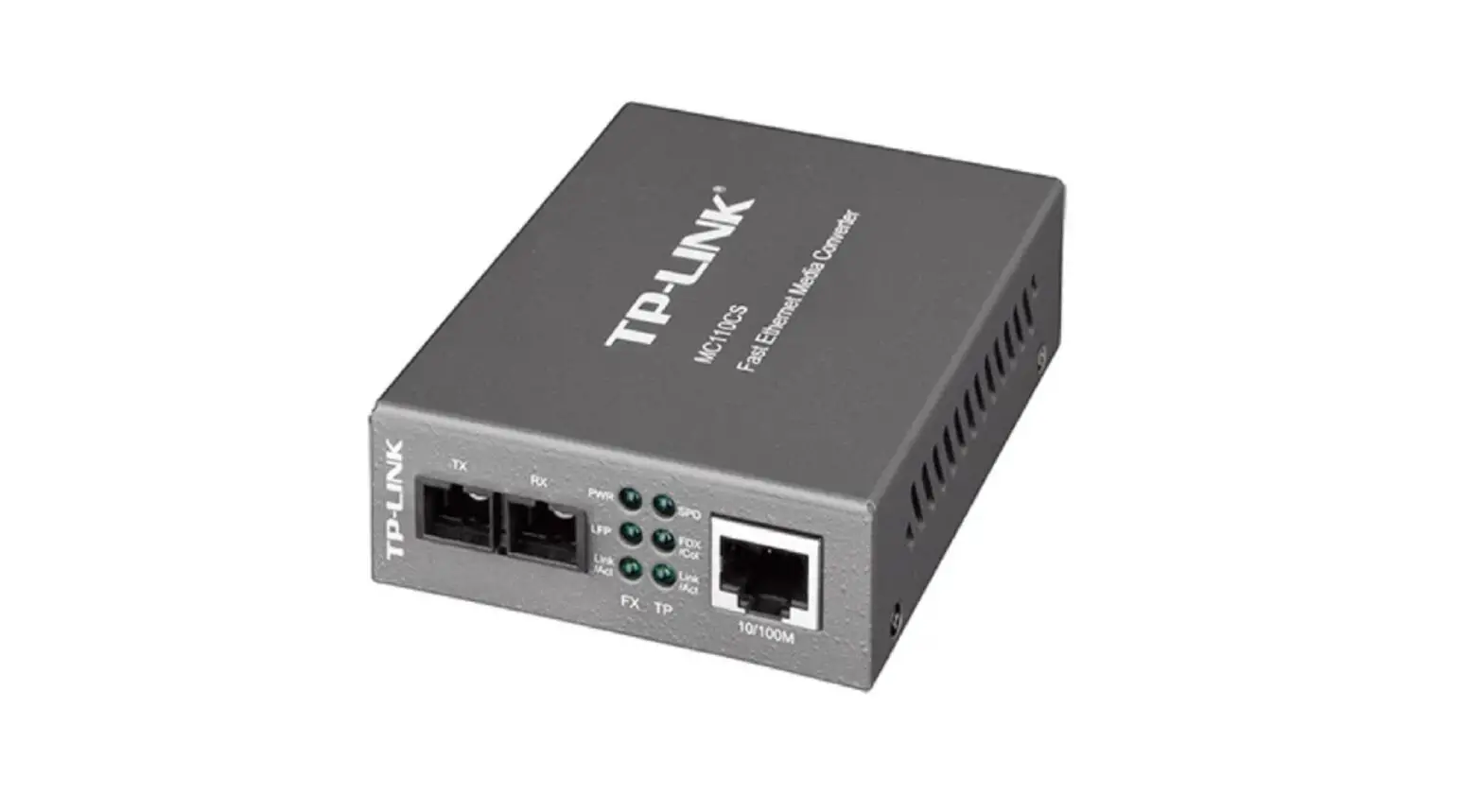
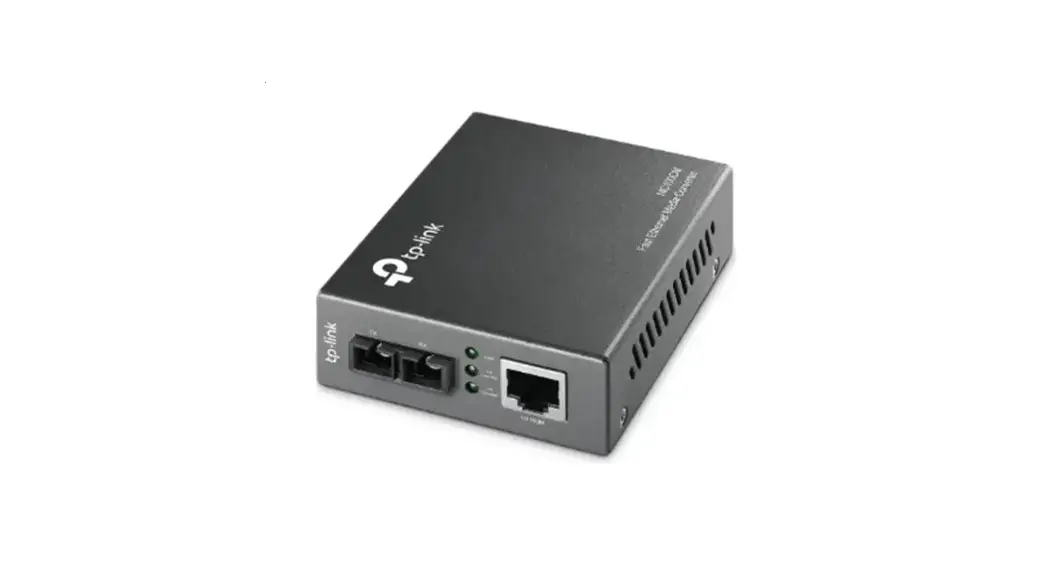
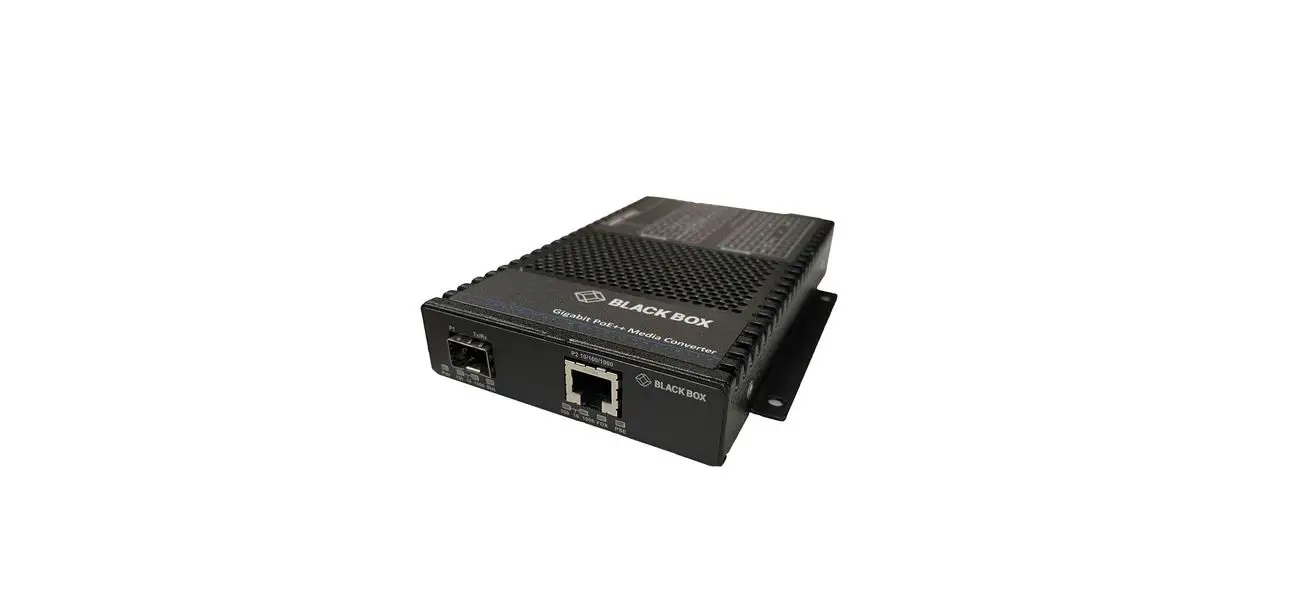
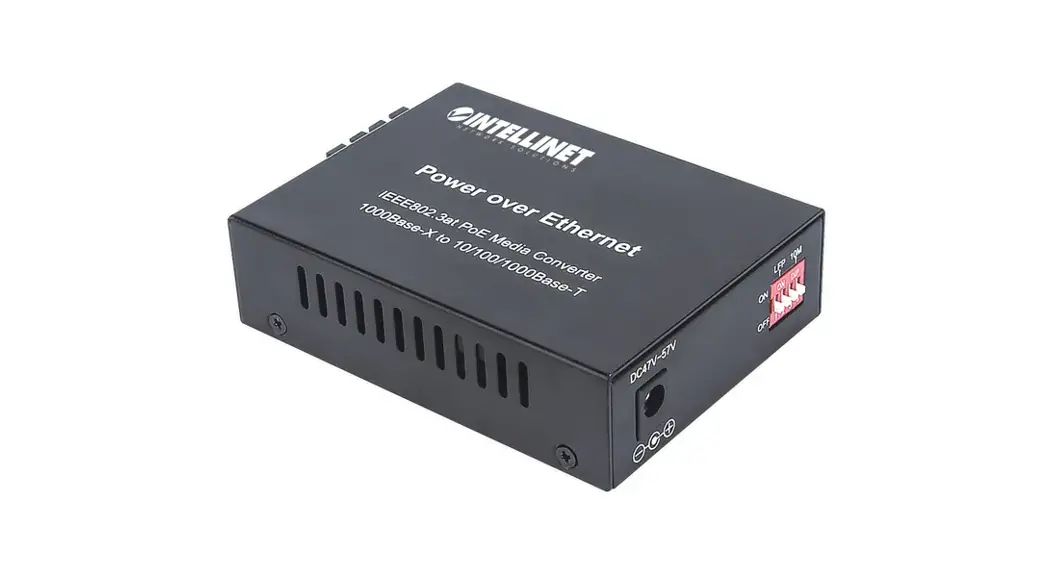
*actual product may vary from photos
Packaging Contents
- 1 x Fiber to Ethernet Media Converter
- 1 x Power Adapter (MCM110SC2P and MCM110ST2P only)
- 1 x Instruction Manual
System Requirements
- 10/100Base compatible network
- For PoE operation: 802.3af compliant PSE (Power Sourcing Equipment)
Installation
- Connect the Ethernet cable to the Fiber Media Converter “LAN” port.
- Connect the other end of the Ethernet cable to the router/ switch/computer NIC. If connecting the media converter to a 802.3af compliant PSE, skip Step 3.
- Optional (Non-PoE operation): Plug a power adapter into the media converter, and into an available AC power outlet.
- Connect the fiber cable into the fiber receptacle on the media converter.
- Connect the other end of the fiber cable into the router/ switch/computer NIC/another media converter. Remember to reverse the TX and RX leads between the two devices.
LED Indicators
LED | Function | State | Status |
| PWR | Power Indicator | ON | Converter has Power |
| OFF | Converter has no Power | ||
| FX Link/Act | Fiber Link/ Activity | ON | Fiber Link on |
| OFF | No Link Detected | ||
| Flashing | Receiving Data | ||
| POE | Power over Ethernet | ON | PoE mode enabled |
| OFF | PoE mode not enabled | ||
| 100 | Mode | ON | 100Mbps |
| OFF | 10Mbps | ||
| Full | Duplex Mode | ON | Full Duplex Mode |
| OFF | Half Duplex Mode | ||
| TX Link/Act | Ethernet Link/ Activity | ON | Ethernet link Detected |
| OFF | No Link Detected | ||
| Flashing | Receiving Data |
For the most up-to-date information, please visit: www.startech.com
Manual Revision: 02/02/2021
Specifications
| MCM110SC2P / MCM110SC2PGB | MCM110ST2P / MCM110ST2PGB | |
| Connectors | 1 x RJ45 Ethernet 2 x SC Fiber 1 x power connector | 1x RJ45 Ethernet 2x ST Fiber 1x Power Connector |
| LEDs | Power Fiber Link/Activity Ethernet Link/Activity 10/100 Full/Half Duplex PoE | Power Fiber Link/Activity Ethernet Link/Activity 10/100 Full/Half Duplex PoE |
| Fiber Type | Multi-Mode | Multi-Mode |
| Maximum Distance | 2 km | 2 km |
| Transmission Standards | IEEE802.3 10BASE-T IEEE802.3u 100BASE-TX l00BASE-FX IEEE802.3af PoE PD (Class 3) | IEEE802.3 10BASE-T IEEE802.3u 100BASE-TX 100BASE-FX IEEE802.3af PoE PD (Class 3) |
| Duplex Modes | Full/Half Duplex Ethernet mode | Full/Half Duplex Ethernet mode |
| Dimensions | 73.0mm x 23.0mm x 10.8mm | 73.0mm x 23.0mm x 10.8mm |
| Weight | 170 g | 170g |
FCC Compliance Statement
This equipment has been tested and found to comply with the limits for a Class A digital device, pursuant to part 15 of the FCC Rules. These limits are designed to provide reasonable protection against harmful interference in a residential installation. This equipment generates, uses and can radiate radio frequency energy and, if not installed and used in accordance with the instructions, may cause harmful interference to radio communications. However, there is no guarantee that interference will not occur in a particular installation. If this equipment does cause harmful interference to radio or television reception, which can be determined by turning the equipment off and on, the user is encouraged to try to correct the interference by one or more of the following measures:
- Reorient or relocate the receiving antenna.
- Increase the separation between the equipment and receiver.
- Connect the equipment into an outlet on a circuit different from that to which the receiver is connected.
- Consult the dealer or an experienced radio/TV technician for help.
Use of Trademarks, Registered Trademarks, and other Protected Names and Symbols
This manual may make reference to trademarks, registered trademarks, and other protected names and/or symbols of third-party companies not related in any way to StarTech.com. Where they occur these references are for illustrative purposes only and do not represent an endorsement of a product or service by StarTech.com, or an endorsement of the product(s) to which this manual applies by the third-party company in question. Regardless of any direct acknowledgement elsewhere in the body of this document, StarTech.com hereby acknowledges that all trademarks, registered trademarks, service marks, and other protected names and/or symbols contained in this manual and related documents are the property of their respective holders.
Technical Support
StarTech.com’s lifetime technical support is an integral part of our commitment to provide industry-leading solutions. If you ever need help with your product, visit www.startech.com/support and access our comprehensive selection of online tools, documentation, and downloads.
For the latest drivers/software, please visit www.startech.com/downloads
Warranty Information
This product is backed by a two year warranty.
In addition, StarTech.com warrants its products against defects in materials and workmanship for the periods noted, following the initial date of purchase. During this period, the products may be returned for repair, or replacement with equivalent products at our discretion. The warranty covers parts and labor costs only. StarTech.com does not warrant its products from defects or damages arising from misuse, abuse, alteration, or normal wear and tear.
Limitation of Liability
In no event shall the liability of StarTech.com Ltd. and StarTech.com USA LLP (or their officers, directors, employees or agents) for any damages (whether direct or indirect, special, punitive, incidental, consequential, or otherwise), loss of profits, loss of business, or any pecuniary loss, arising out of or related to the use of the product exceed the actual price paid for the product. Some states do not allow the exclusion or limitation of incidental or consequential damages. If such laws apply, the limitations or exclusions contained in this statement may not apply to you.