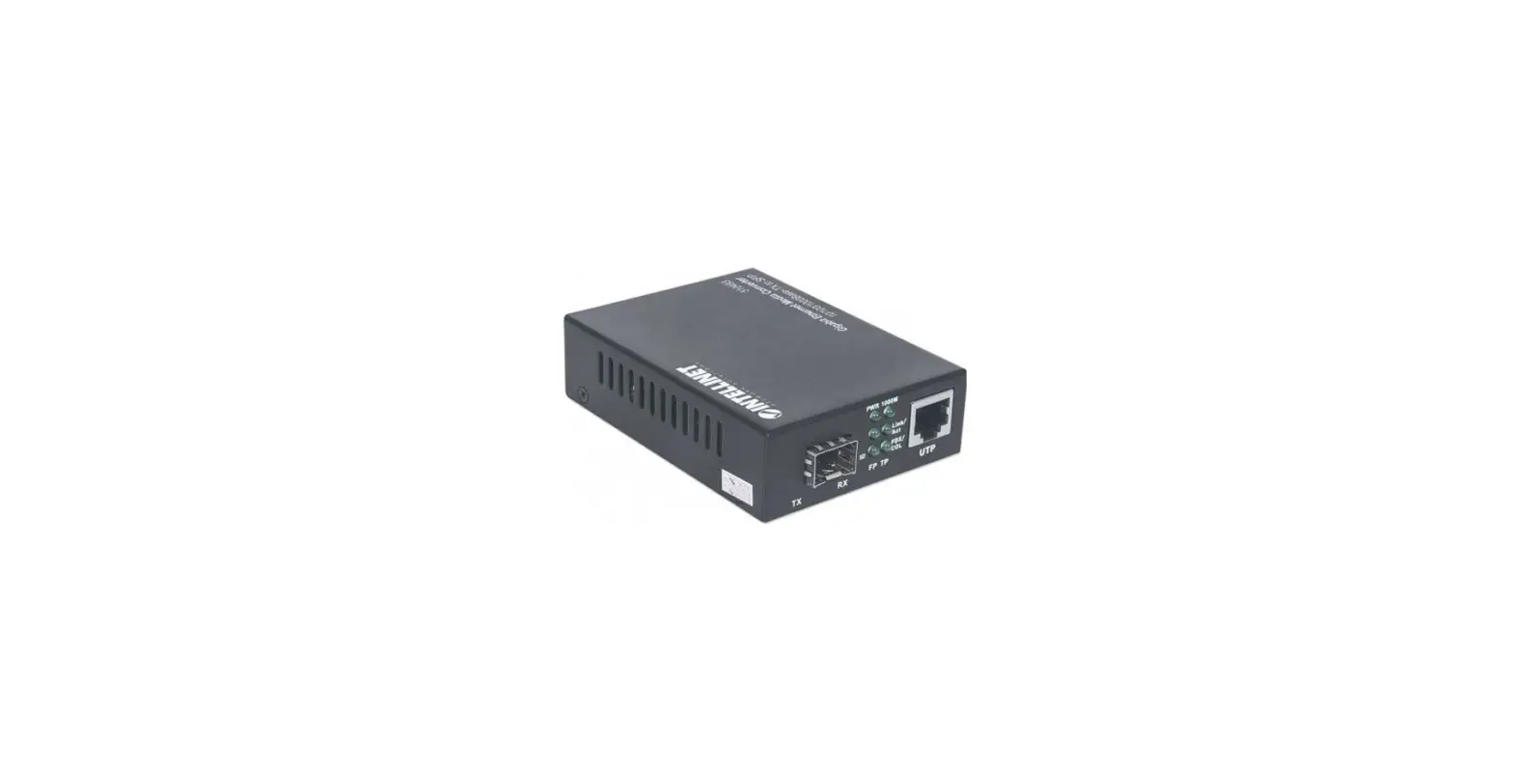

Gigabit
PoE+ Media Converter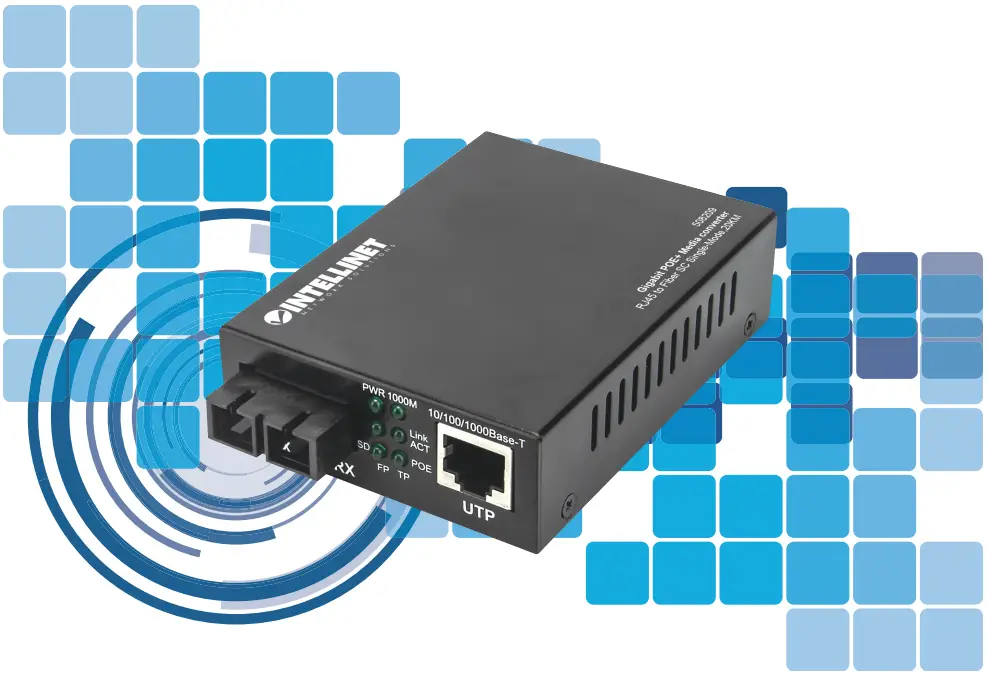 Instructions Model 508209
Important: Read before use.
For additional benefits:
 https://register.intellinet-network.com/r/508209
register your product warranty or go to: register.intellinet-network.com/r/508209
 Connections
 Connections
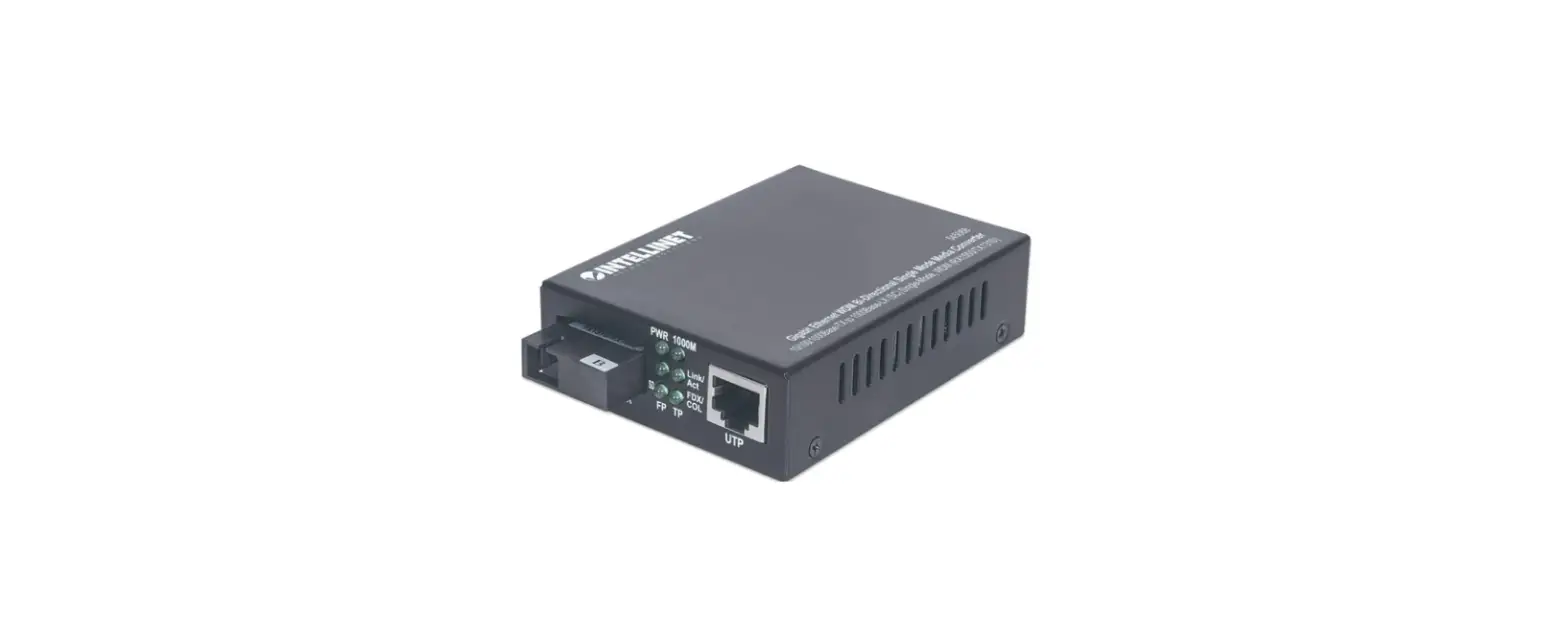
This product features a pre-installed SC connector that is not removable.
- Connect the fiber optic cable to the pre-installed SC connector.
- Install the other end of the fiber optic cable into an appropriate port in your fiber network.
Maximum length and fiber cable specification depend on the model.
RJ45
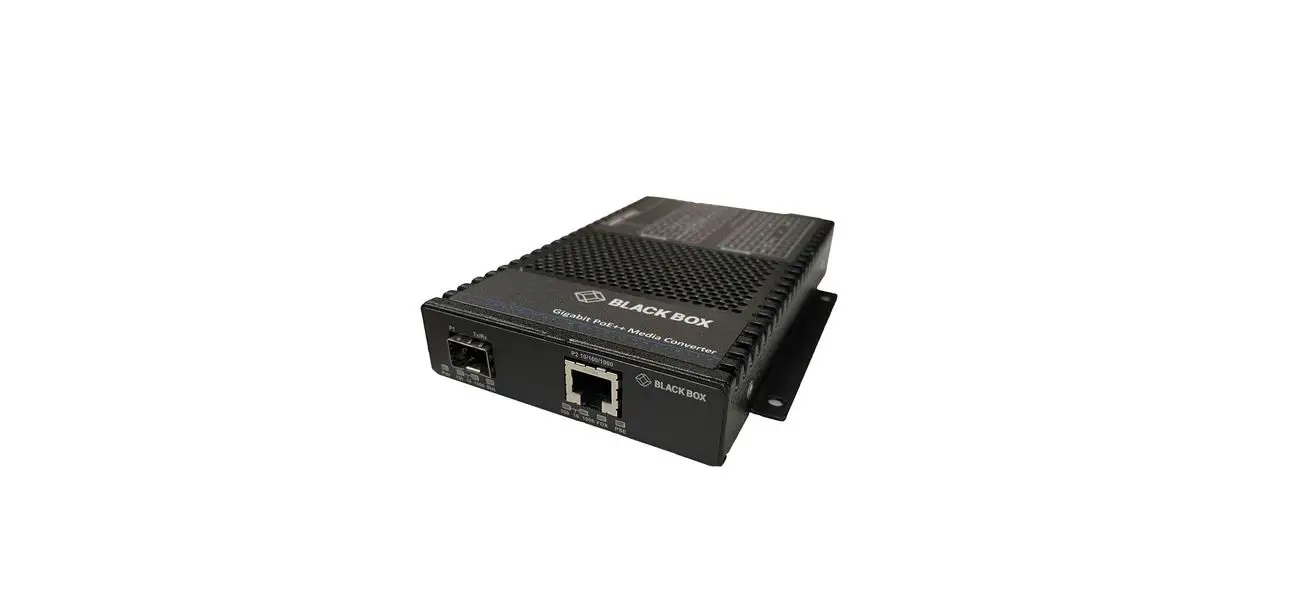
Connect the UTP port of the media converter to powered RJ45 device; e.g., to a network camera. Cat5e or better cabling is recommended.
Power
Plug the power adapter into the input jack on the media converter.
Then connect it to a regular power outlet. Only use the included power adapter or one with matching specifications.
 Setup
Setup
 Setup
Setup
Features
 Features
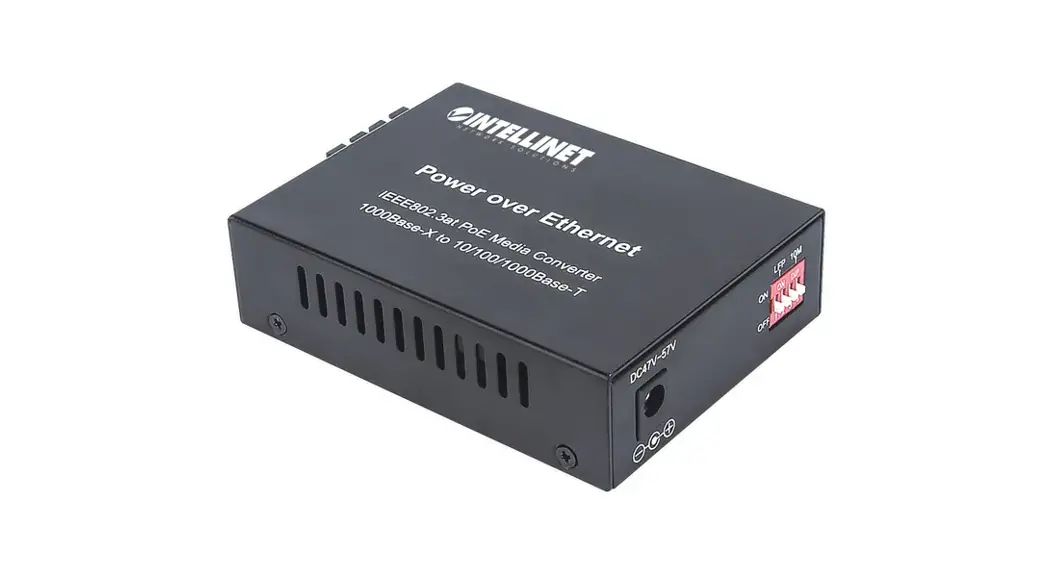
The DIP switches on the Intellinet Gigabit PoE+ Media Converter present helpful options for easily detecting link faults when they occur.
Enabling Link Fault Pass-through (LFP) by switching the LFP DIP switch to “ON” forces the devices on a link to acknowledge that they are online before data can be transmitted. When one of the devices doesn’t respond, data cannot be sent.
If a copper connection breaks when the LFP function is enabled, the converter’s Link Loss Carry Forward (LLCF) feature stops data transmission and generates a trap to a management station. Likewise, if a fiber connection breaks when
Instructions
the LFP function is enabled, the converter’s Link Loss Return (LLR) function will return a no-link condition to its link partner and cease data transmission.
 Power over Ethernet+
The Intellinet Gigabit PoE+ Media Converter complies with IEEE 802.3at / 802.3af standards. When the included power adapter is connected to the converter, the device can supply up to 30 watts of power to a PoE-compliant powered device.
 LED Status
 LED Status
| LED | STATUS | STATUS DESCRIPTION |
| PWR | Off | Power Off |
| On | Power On | |
| 1000M | On | Gigabit connection |
| Off | Less than Gigabit connection | |
| FP Link/ACT | On | Active fiber connection |
| Flashing | Fiber data transfer | |
| Off | Port link is down. | |
| TP Link/ACT | On | Active copper connection |
| Flashing | Copper data transfer | |
| Off | Port link is down. | |
| PoE | On | PoE is being supplied to a connected PD. |
| Off | No power is being supplied to a connected PD. | |
| SD | On | Valid optical signal |
| Off | No valid optical signal |
For specifications, visit intellinetnetwork.com. Register your product at register.
intellinet-network.com/r/508209 or scan the QR code on the cover.
WASTE ELECTRICAL & ELECTRONIC EQUIPMENT
Disposal of Electric and Electronic Equipment (applicable in the E.U. and other countries with separate collection systems) This symbol on the product or its packaging means that this product must not be treated as unsorted household waste. In accordance with EU Directive 2012/19/EU on Waste Electrical and Electronic Equipment (WEEE), this electrical product must be disposed of in accordance with the user’s local regulations for electrical or electronic waste. Please dispose of this product by returning it to your local poinof sale or recycling pickup point in your municipality.
WARRANTY INFORMATION
intellinetnetwork.com
REGULATORY STATEMENTS
FCC Class A
This equipment has been tested and found to comply with the limits for a Class A digital device, pursuant to Part 15 of Federal Communications Commission (FCC) Rules. These limits are designed to provide reasonable protection against harmful interference in a residential installation. This equipment generates, uses and can radiate radio frequency energy, and if not installed and used in accordance with the instructions may cause harmful interference to radio communications. However, there is no guarantee that interference will not occur in a particular installation. If this equipment does cause harmful interference to radio or television reception, which can be determined by turning the equipment off and on, the user is encouraged to try to correct the interference by one or more of the following measures: reorient or relocate the receiving antenna; increase the separation between the equipment and the receiver; connect the equipment to an outlet on a circuit different from the receiver; or consult the dealer or an experienced radio/TV technician for help.
This device complies with the requirements of CE 2014/30/EU and/or 2014/35/EU. The Declaration of Conformity for is available at:
support.intellinet-network.com/barcode/508209

| North & South America IC Intracom Americas 550 Commerce Blvd. Oldsmar, FL 34677 USA | Asia & Africa IC Intracom Asia 4-F, No. 77, Sec. 1, Xintai 5th Rd. Xizhi Dist., New Taipei City 221, Taiwan | Asia & Africa IC Intracom Asia 4-F, No. 77, Sec. 1, Xintai 5th Rd. Xizhi Dist., New Taipei City 221, Taiwan |
All trademarks and trade names are the property of their respective owners. © IC Intracom. All rights reserved. Intellinet Network Solutions is a trademark of IC Intracom, registered in the U.S. and other countries.
support.intellinet-network.com/barcode/508209
Printed on recycled paper.
INT_508209_QIG_0921_REV_5.11
 Intellinet Network Solutions - Provider of PoE and Data Center Product – Intellinet Solutions
 DropCatch.com
 Intellinet Network Solutions Account and Product Registration