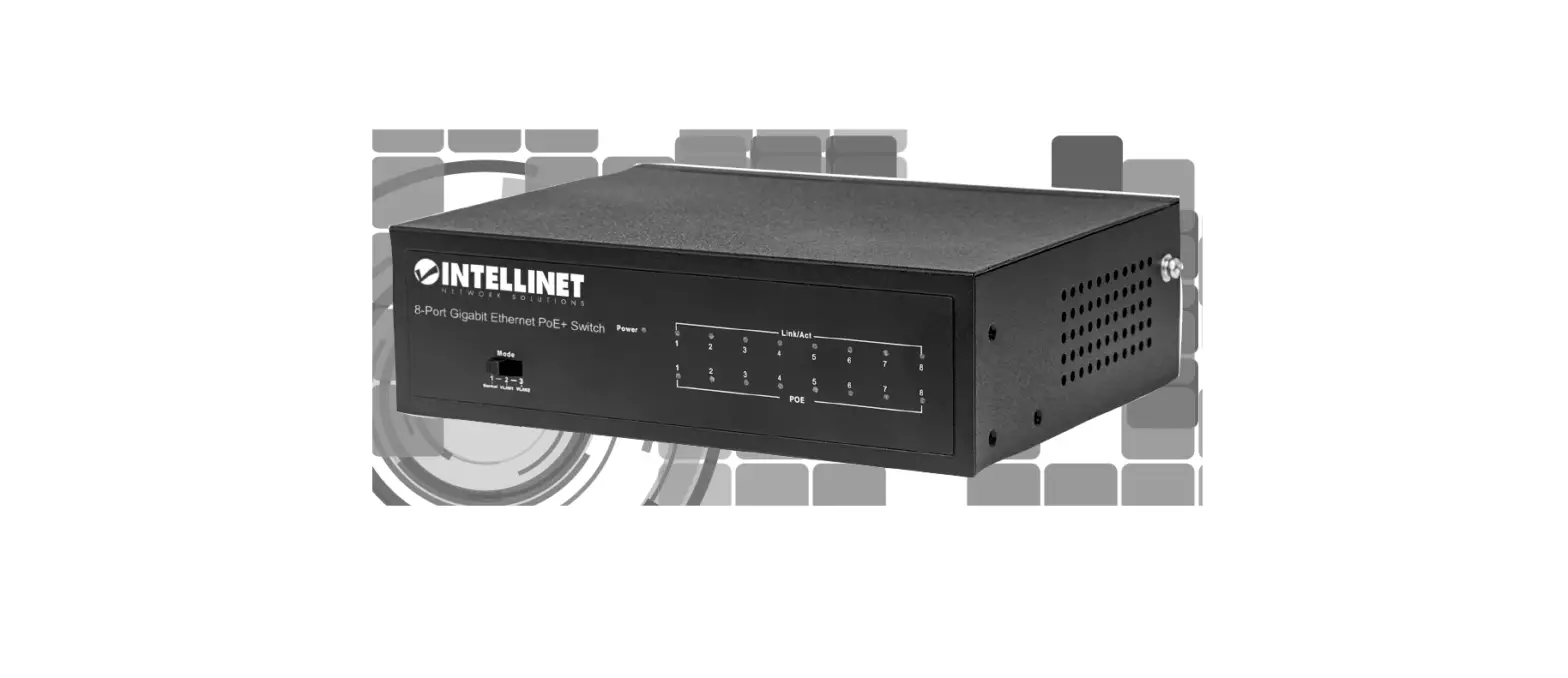
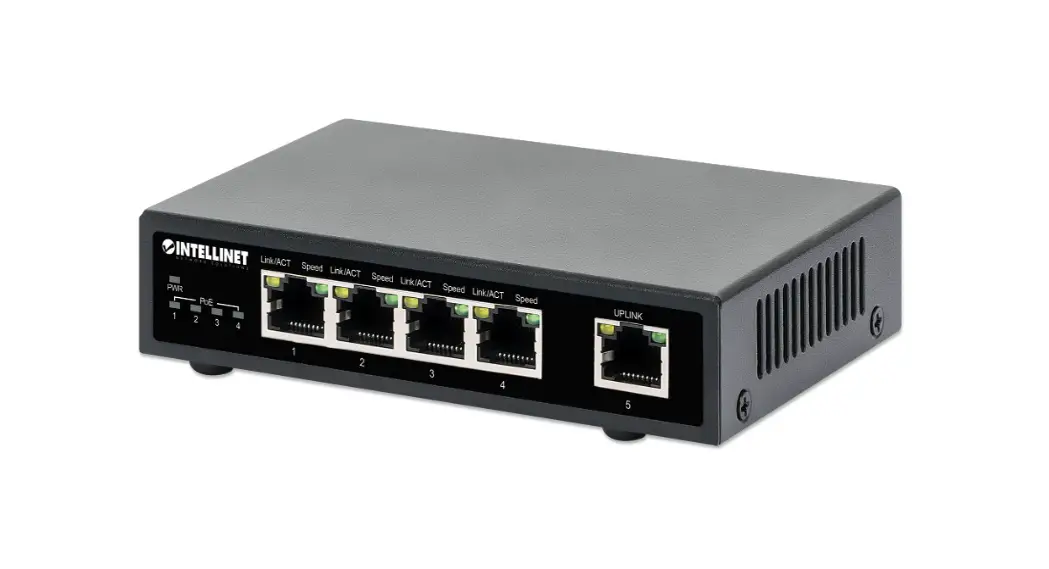
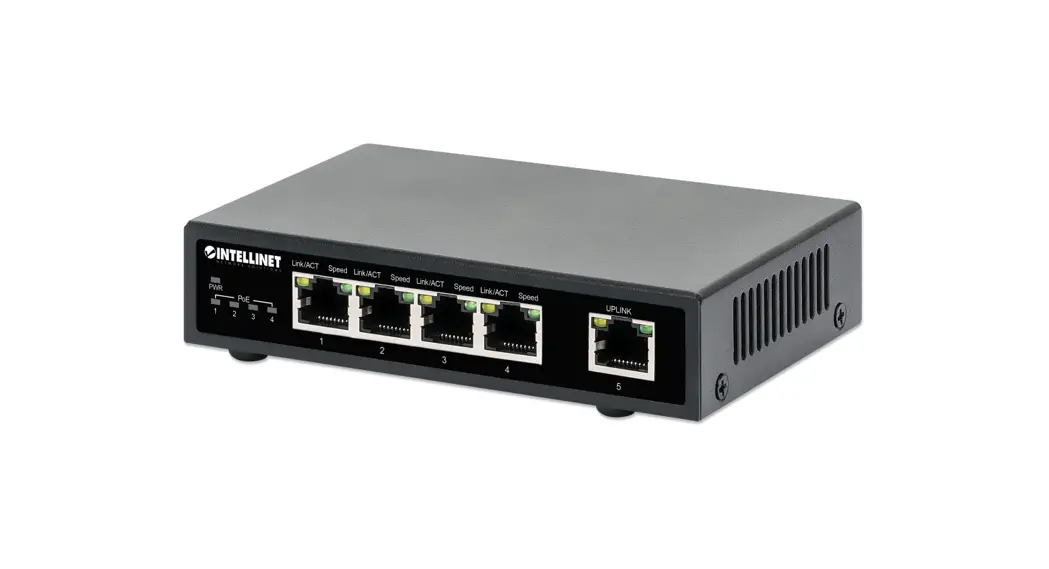
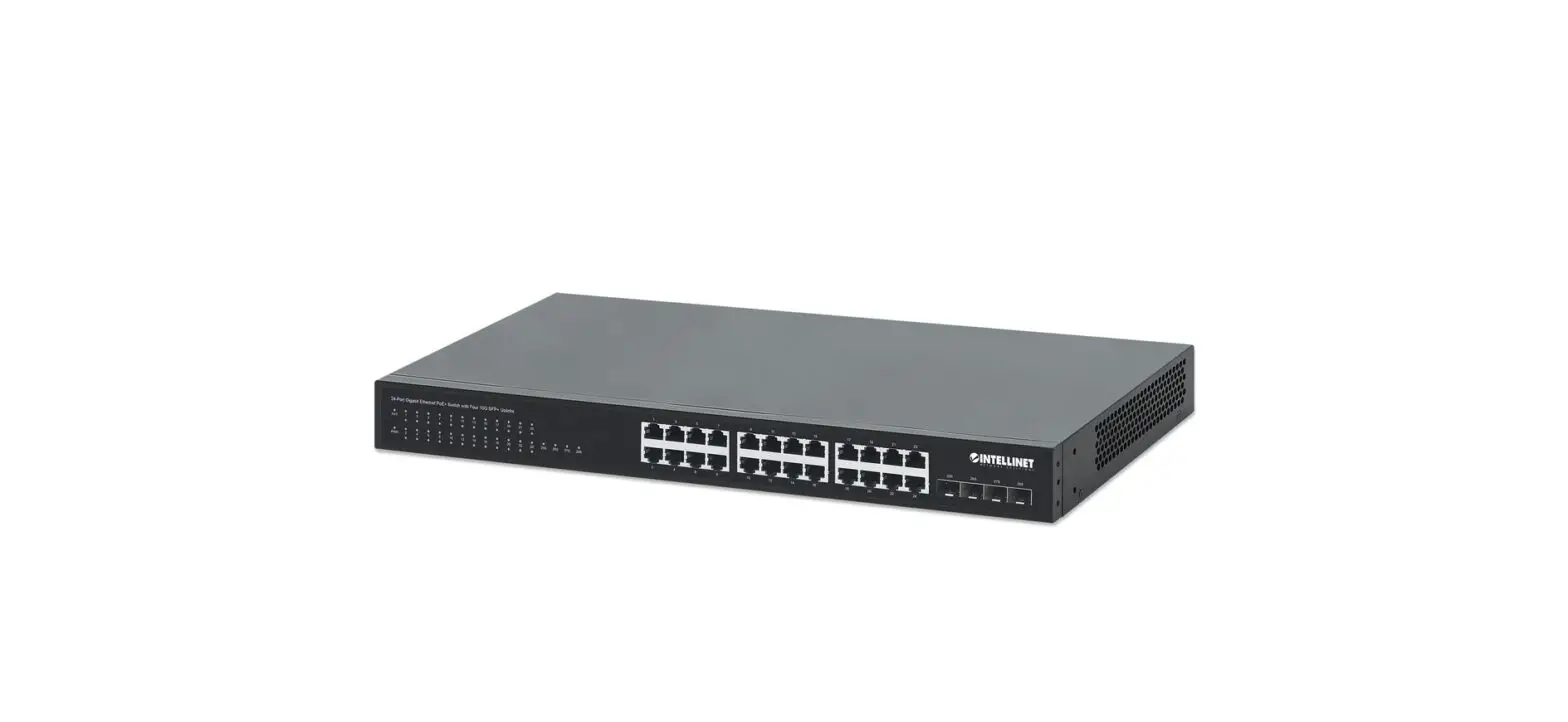
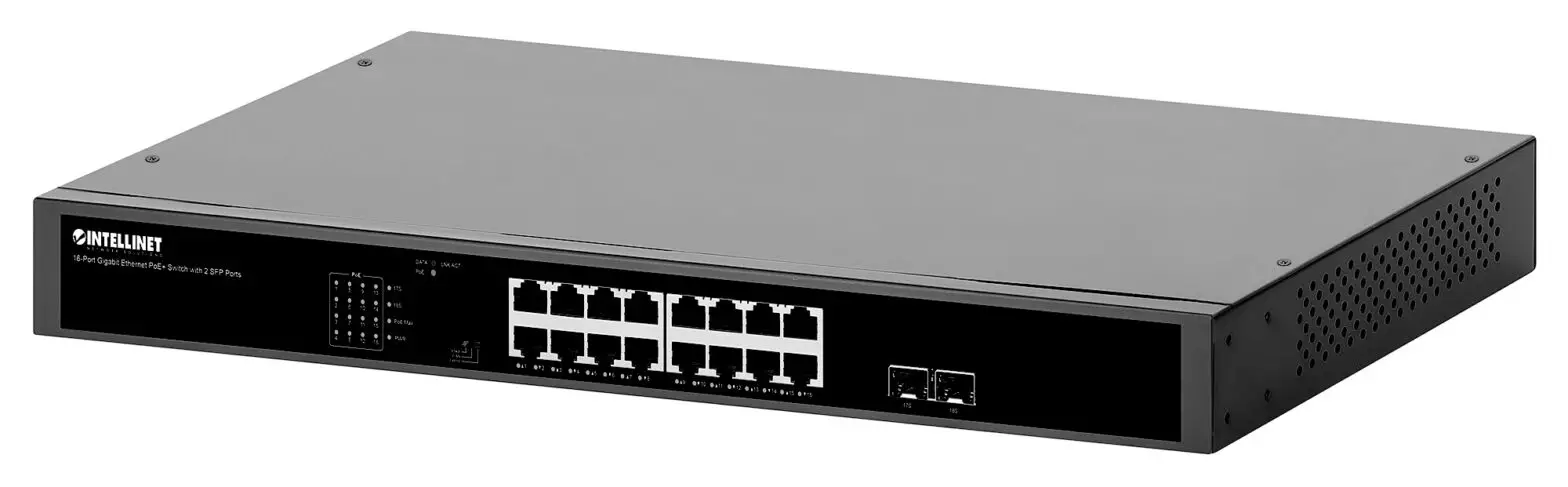
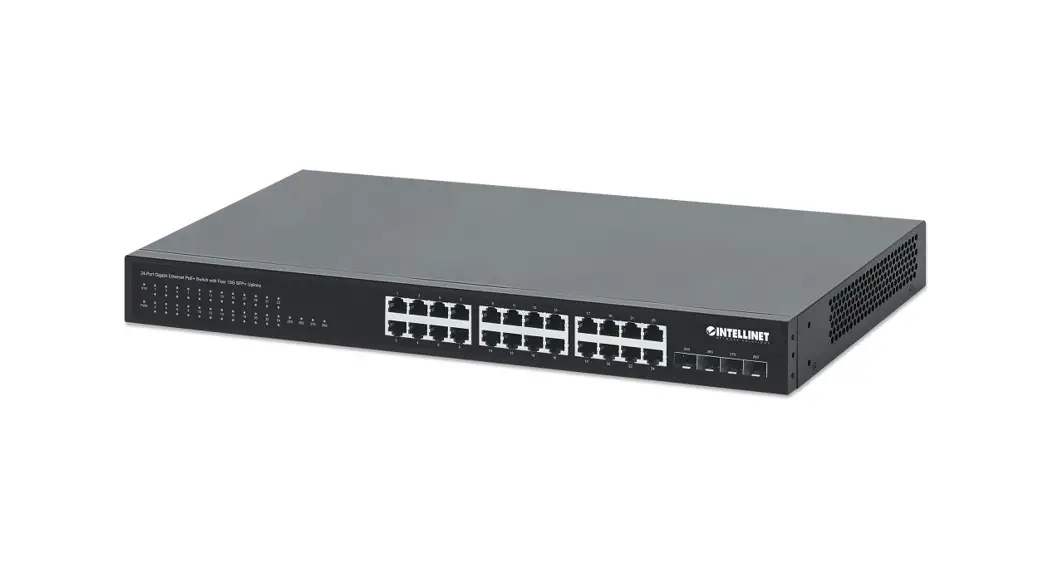
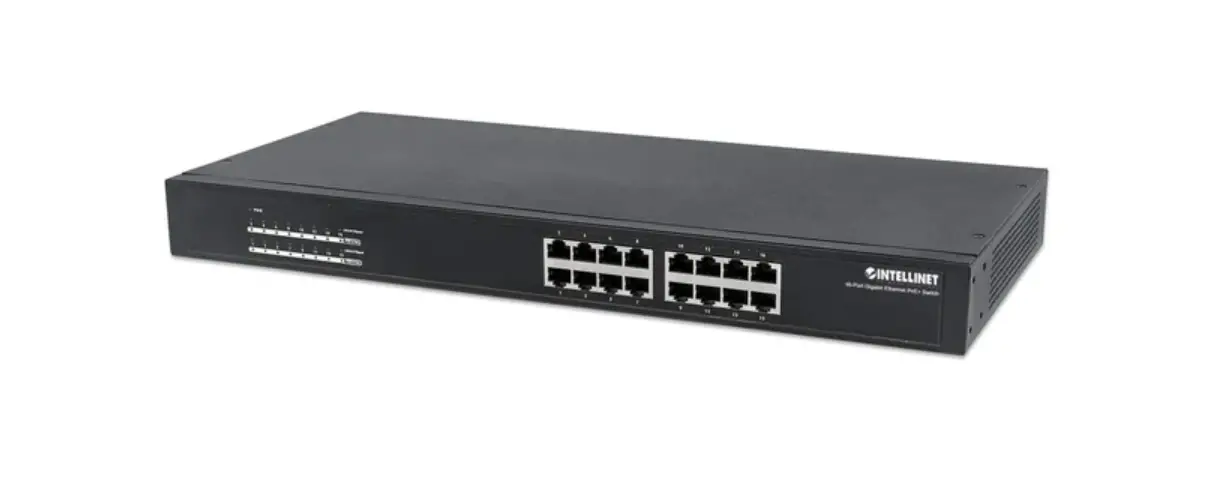
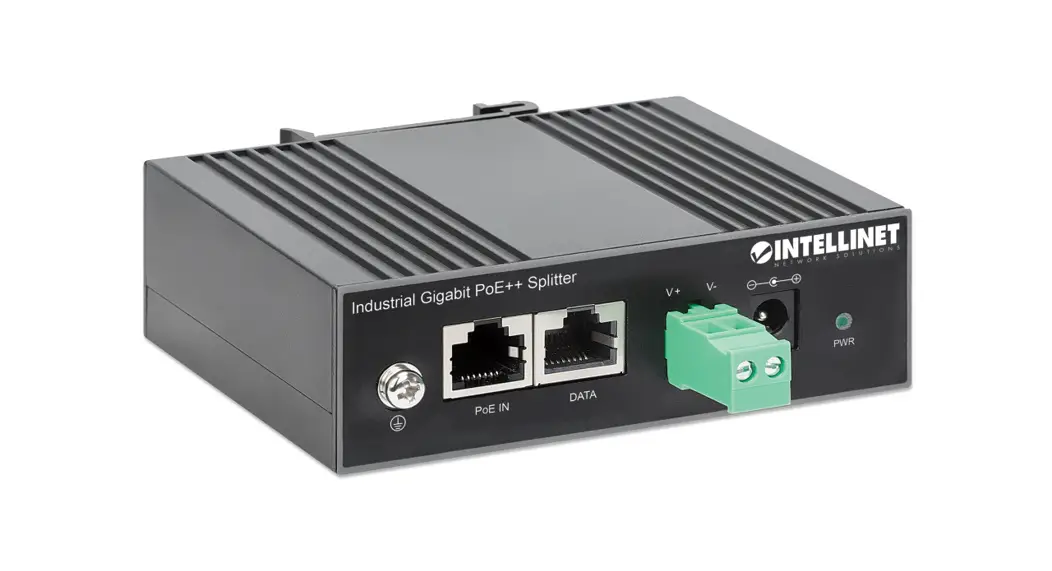
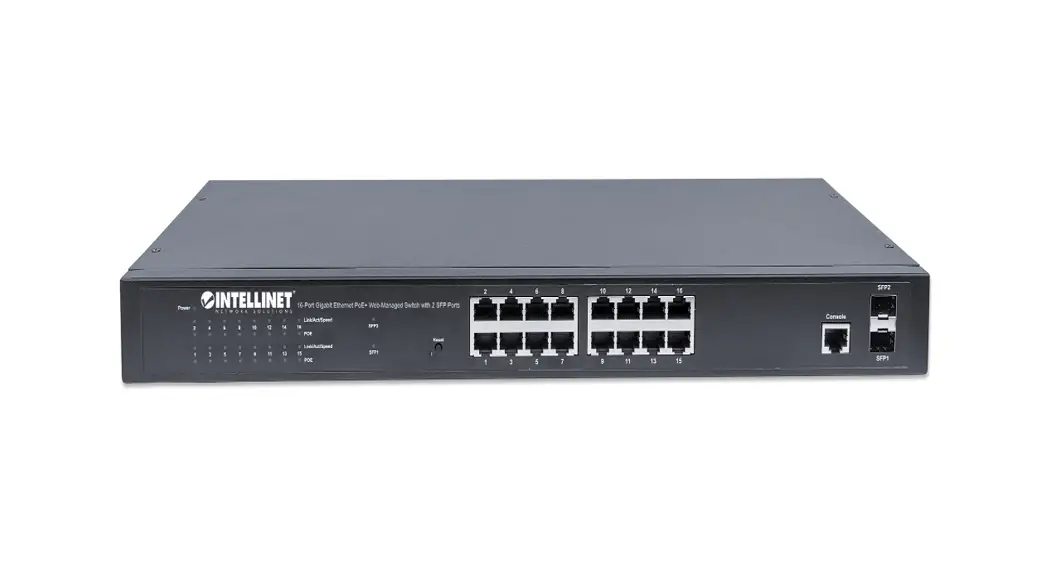
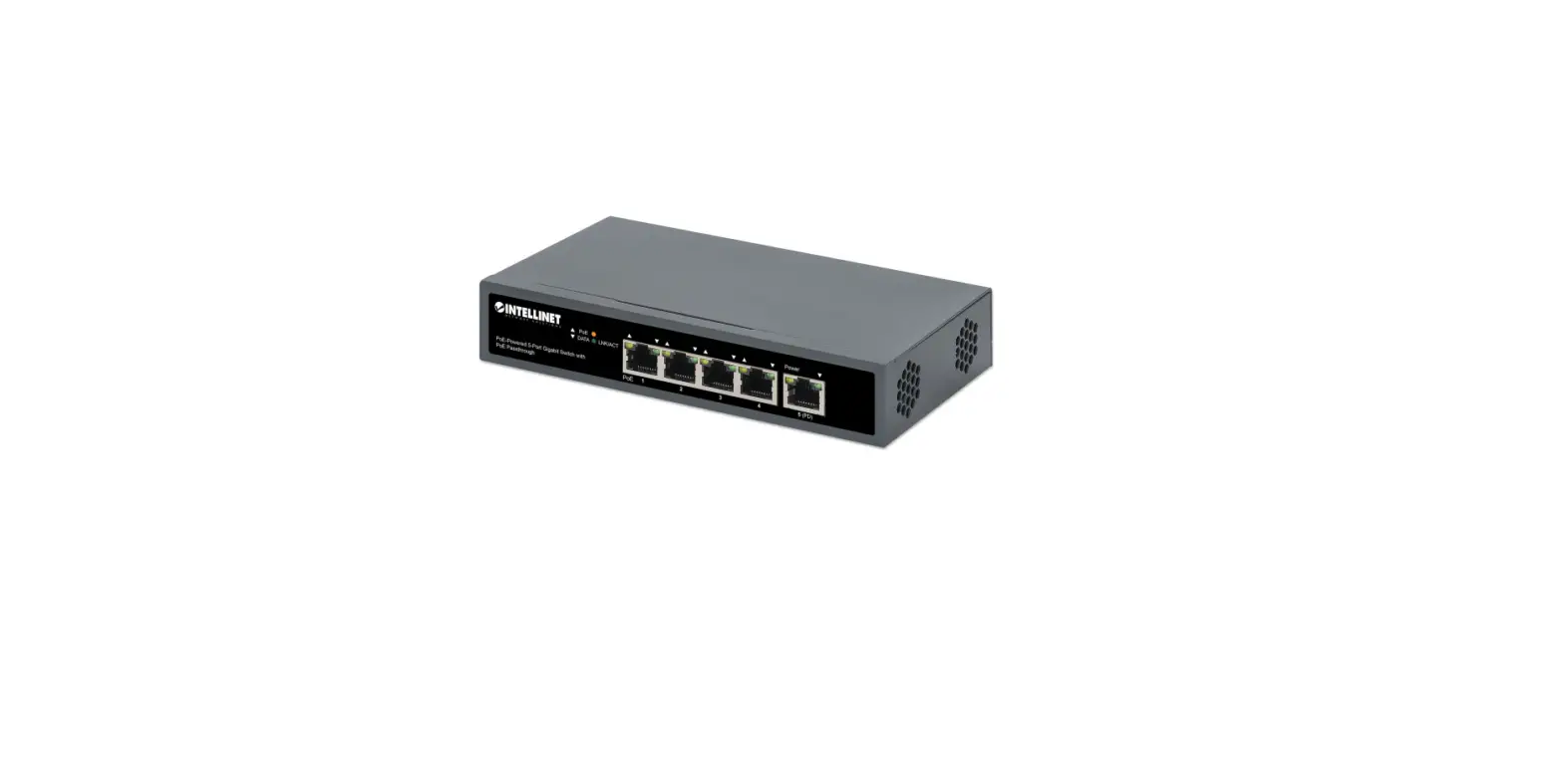
508995 Industrial 4-Port Gigabit Ethernet PoE++ Switch
Industrial 4-Port Gigabit Ethernet PoE++ Switch with 2 SFP
Ports Instructions
Model 508995 (IIS-4G02POE-240W)
The Intellinet Industrial 4-Port Gigabit Ethernet PoE++ Switch
with 2 SFP Ports offers an array of time-saving, cost-effective
features while providing superior network throughput. No
configuration is required and installation is plug and play.
With a backplane speed of 12 Gbps, plenty of performance is
available for your computers, servers and other networking devices.
Each of the ports automatically senses the link speed of the
connected network device and adjusts to 10, 100 or 1000 Mbps for
compatibility and maximum performance. This PoE switch is designed
to provide compatible devices with enough power when needed. It
offers up to 95 watts of power per port until its power budget of
240 watts is reached.
For specifications, visit intellinetnetwork.com. Register
your product at register.intellinet-network.com/r/508995
or scan the QR code on the cover.
Placement
DIN-Rail Installation
- With DIN-rail bracket attached to device with screws, angle
bracket onto DIN rail. - Push device in till it clicks into place.
Power
Chassis Ground Column
Located on the side of the power supply connector, a grounding
terminal connector is used to provide proper grounding for your
Intellinet Network Solutions switch. It should be wired to an
object that provides earth ground.
Terminal Block Installation
NOTE: Ensure all power is off/disconnected before beginning!
- Loosen appropriate screws.
- Insert bare power-supply wires into appropriate terminals
(positive wire in the positive slot, negative wire in the negative
slot). - Tighten the corresponding screws to secure the wires. (If
desired, repeat steps 1-3 for the second set of inputs.) - Install the block onto the device and tighten screws.
Front Panel
| Port | Color | Status | Status Description |
|---|---|---|---|
| P1 | Green | On | Power on |
| P2 | Yellow | Off | Power off |
| SFP 1 & 2 | Green | On/Blinking | Sending or receiving data |
| SFP 1 & 2 | Off | No link established. The connected Powered Device (PD) is receiving power. No PD is linked. |
Cat5e/6/6a/8.x UTP/STP cables provide optimal performance; if a
status LED doesn’t indicate a link or activity, check the
corresponding device for proper setup and operation.
Product Usage Instructions
- Ensure that the switch is properly grounded before use.
- Connect the switch to a power source using the appropriate
cables and connectors. - Connect your network devices to the switch using Cat5e/6/6a/8.x
UTP/STP cables. - Power on the switch.
- The switch will automatically detect and adjust to the link
speed of your connected devices. No further configuration is
required. - If using PoE devices, ensure that they are compatible with this
switch and that they receive enough power. This switch offers up to
95 watts of power per port until its power budget of 240 watts is
reached. - If a status LED does not indicate a link or activity, check the
corresponding device for proper setup and operation.
Industrial 4-Port Gigabit Ethernet PoE++ Switch with 2 SFP Ports Instructions
Model 508995 (IIS-4G02POE-240W)
Important: Read before use. · Importante: Leer antes de usar.
For additional benefits:
Scan to register your product warranty
or go to: register.intellinet-network.com/r/508995
Instructions
The Intellinet Industrial 4-Port Gigabit Ethernet PoE++ Switch with 2 SFP Ports offers an array of time-saving, cost-effective features while providing superior network throughput. No configuration is required and installation is plug and play.
Features · Provides power and data connections for up to four PoE network devices · IP40 slim-type metal housing to withstand harsh industrial conditions · Wide operating temperature: -20 75°C (4 167°F) · Option for DIN-rail installation · Two small form-factor pluggable GBIC module slots (SFP) · Two redundant DC inputs (48 – 57 V) with I/O terminal block
With a backplane speed of 12 Gbps, plenty of performance is available for your computers, servers and other networking devices. Each of the ports automatically senses the link speed of the connected network device and adjusts to 10, 100 or 1000 Mbps for compatibility and maximum performance. This PoE switch is designed to provide compatible devices with enough power when needed. It offers up to 95 watts of power per port until its power budget of 240 watts is reached.
For specifications, visit intellinetnetwork.com. Register your product at register. intellinet-network.com/r/508995 or scan the QR code on the cover.
Placement
Desktop Installation Prior to use, place/position the switch: · on a level surface that can support the weight of the switch and that
offers at least 25 mm (approx. 1″) of clearance for ventilation; · away from sources of electrical noise: radios, transmitters, broadband amplifiers, etc.; · within 100 m (approx. 328′) of network devices it’s to be connected to.
DIN-Rail Installation 1 With DIN-rail bracket attached to device with screws, angle bracket onto DIN rail. 2 Push device in till it clicks into place.
1
2
2 English
Instructions
Power
Chassis Ground Column Located on the side of the power supply connector, a grounding terminal connector is used to provide proper grounding for your Intellinet Network Solutions switch. It should be wired to an object that provides earth ground.
Terminal Block Installation NOTE: Ensure all power is off/disconnected before beginning! 1 Loosen appropriate screws. 2 Insert bare power-supply wires into appropriate terminals (positive wire
into positive terminal; negative wire into negative terminal). 3 Tighten appropriate screws to secure wires. (If desired, repeat steps 1 3 on second input pair.) 4 Install block into the device and tighten screws.
Front Panel
P1
P2
LED PWR Link 1 4 SFP 1 & 2 PoE 1 4
Color Green Yellow Green Green
Status On Off On Blinking Off On Off
Status Description Power on Power off Valid port connection Sending or receiving data No link established. The connected Powered Device (PD) is receiving power. No PD is linked.
Cat5e/6/6a/8.x UTP/STP cables provide optimal performance; if a status LED doesn’t indicate a link or activity, check the corresponding device for proper setup and operation.
English 3
Anleitung
Der Intellinet 4-Port Gigabit Ethernet PoE++ Industrie-Switch mit 2 SFP-Ports bietet eine Reihe von zeitsparenden, kosteneffektiven Funktionen und gleichzeitig einen hohen Netzwerkdurchsatz. Es ist keine Konfiguration erforderlich und die Installation ist Plug and Play.
Merkmale · Strom- und Datenverbindung für bis zu vier PoE-Netzwerkgeräte · Schlankes Metallgehäuse mit Schutzklasse IP40 für anspruchsvolle Industrieumgebungen · Für Umgebungstemperaturen von -20 75°C · Auf DIN-Schiene montierbar · Zwei GBIC-Modul-Steckplätze (SFP) · Redundante Stromversorgung mit zwei Eingängen (48 – 57 V) und I/O-Klemmleiste
Mit einer Backplane-Geschwindigkeit von 12 Gbps steht viel Leistung für Ihre Computer, Server und andere Netzwerkgeräte zur Verfügung. Jeder der Ports erkennt automatisch die Verbindungsgeschwindigkeit des angeschlossenen Netzwerkgeräts und stellt sich auf 10, 100 oder 1000 Mbit/s ein, um Kompatibilität und maximale Leistung zu gewährleisten. Dieser PoESchalter wurde entwickelt, um kompatiblen Geräten bei Bedarf ausreichend Leistung zu liefern. Er bietet bis zu 95 Watt Leistung je Port, bis sein Leistungsbudget von 240 Watt erreicht ist.
Die Spezifikationen finden Sie auf intellinetnetwork.com. Registrieren Sie Ihr Produkt auf register. intellinet-network.com/r/508995 oder scannen Sie den QR-Code auf dem Deckblatt.
Nutzungsumgebung
Desktop-Installation Es wird empfohlen, den Switch vor der Nutzung folgendermaßen aufzustellen: · Auf ebenem Untergrund, der das Gewicht des Switches (und evtl. anderer Gegenstände) trägt; · Mit mindestens 25 mm Abstand zu allen Seiten für angemessenen Luftdurchsatz; · Fern von anderen Übertragungsgeräten wie Radios, Breitbandverstärkern etc.; · Und max. 100 m von den Netzwerkgeräten entfernt, die Sie anschließen möchten.
DIN-Schienenmontage 1 DIN-Schienenhalterung mit Schrauben am Gerät befestigen, Winkelhalterung auf DIN-Schiene. 2 Schieben Sie das Gerät ein, bis es einrastet.
1
2
4 Deutsch
Anleitung
Strom
Gehäuseerdungsschraube Der Erdungsendverbinder, der sich auf der rechten Seite des Netzsteckers befindet, erleichtert die korrekte Erdung des Intellinet Network Solutions Schalters. Stellen Sie bitte sicher, dass sie mit einem Objekt verbunden ist, das eine direkte Verbindung zu einem Erdungsleiter besitzt.
Installation der Klemmleiste HINWEIS: Vergewissern Sie sich, dass die Stromversorgung vor Beginn abgeschaltet/getrennt ist! 1 Lösen Sie die entsprechenden Schrauben. 2 Führen Sie die freiliegenden Stromkabel in die entsprechenden Steckplätze ein
(Pluskabel in den Plus-Steckplatz; Minuskabel in den Minus-Steckplatz). 3 Ziehen Sie die entsprechenden Schrauben an, um die Kabel zu fixieren. (Falls
gewünscht, wiederholen Sie die Schritte 1 – 3 am zweiten Eingangspaar.) 4 Setzen Sie die Leiste in das Gerät ein und ziehen Sie die Schrauben fest.
Frontblende
P1
P2
LED Pwr (Strom) Link 1 4
SFP 1 & 2
PoE 1 4
Farbe Status
Grün
An Aus
Gelb Grün
An Blinkend Aus
Grün
An Aus
Bedeutung Gerät wird mit Strom versorgt. Ausgeschaltet Verbindung ist hergestellt. Senden oder Empfangen von Daten Verbindung ist nicht hergestellt. Das angeschlossene Gerät (PD) erhält Strom. Kein PD-Gerät angeschlossen.
Cat5e/6/6a/8.x- UTP/STP-Kabel bieten die beste Performance. Wenn eine LED keine Verbindung/Aktivität anzeigt, überprüfen Sie das verbundene Gerät.
Deutsch 5
Instrucciones
El Intellinet Switch industrial PoE++ con 4 puertos Gigabit Ethernet + 2 SFP cuenta con múltiples características que le ahorrarán tiempo y dinero, mientras disfruta de un mayor rendimiento en la red. No es necesario configurarlo y la instalación es plug and play.
Caracteristicas · Proporciona energía y conexión de datos para cuatro dispositivos de red PoE · Carcasa metálica delgada IP40 para soportar las duras condiciones industriales · Temperatura de funcionamiento amplia: -20 – 75°C · Opción para instalación en carril DIN · Dos ranuras de conexión para modulos miniGBIC (SFP) · Dos entradas de CC redundantes (48 – 57 V) con bloque de terminales de E/S
Con una velocidad backplane de 12 Gbps, sus ordenadores, servidores y otros dispositivos de red podrán disfrutar de un mayor rendimiento. Diseñado para ser fácil de usar, este interruptor Gigabit incluye un crossover Auto-MDI/MDI-X en todos los puertos para eliminar la necesidad de los cables de cruce. Cada uno de los puertos detecta automáticamente la velocidad de enlace del dispositivo y la ajusta a 10, 100 o 1000 Mbps para una compatibilidad y rendimiento máximos. Diseñado para dar amplia potencia a dispositivos compatibles que la necesiten, este switch PoE ofrece hasta 95 vatios de potencia por puerto hasta alcanzar su presupuesto de energía de 240 vatios.
Para más especificaciones, visite intellinetnetwork.com. Registre el producto en register. intellinet-network.com/r/508995 o escanee el código QR en la cubierta.
Colocación
Instalación de escritorio Antes de utilizarlo, se recomienda que el switch sea colocado/fijado: · sobre una superficie plana que pueda soportar el peso del switch
(y cualquier otro artículo que deba ser considerado); · con un mínimo de 25 mm (1″ aprox.) de espacio libre en la parte
superior y en los lados para una ventilación adecuada; · apartado de fuentes de ruido eléctrico (radios, transmisores, amplificadores, etc.); · y dentro de 100 m (aprox. 328′) de los dispositivos de red que deben conectarse.
Instalación del rail DIN 1 Para montar un soporte de rail DIN en el dispositivo mediante tornillos,
introduzca el soporte en el rail DIN formando un ángulo. 2 Empuje el dispositivo hacia adentro hasta que haga clic y quede fijo.
1
2
6 Español
Instrucciones
Alimentación
Chasis-Tornillo de toma de tierra Ubicado en el lado derecho del conector de la fuente de alimentación, el conector del terminal de tierra facilita la adecuada conexión para el switch (conmutador) de Intellinet Network Solutions. Asegúrese de engancharlo a un objeto que proporcione acceso directo a un conductor de tierra. Instalación del bloque de terminales NOTA: asegúrese de que toda fuente de energía esté apagada/desconectada antes de comenzar. 1 Afloje los tornillos correspondientes. 2 Introduzca los cables de alimentación pelados en los orificios de los terminales
adecuados (cable positivo en orificio positivo, cable negativo en orificio negativo). 3 Apriete los tornillos correspondientes para asegurar los cables (si lo
desea, repita los pasos 1 a 3 en el segundo par de entrada). 4 Instale el bloque en el dispositivo y apriete los tornillos.
Panel frontal
P1
P2
LED Color Estado
PWR
Verde
Encendido Apagado
Link 1 4 Amarillo Encendido Parpadeo
SFP 1 & 2 Verde Apagado
PoE 1 4 Verde
Encendido Apagado
Indicación Encendido Interruptor apagado Valide el puerto de conexión Datos trasmitidos/recibidos No hay comunicación. El dispositivo conectado (PD) recibe alimentación eléctrica. No hay un dispositivo PD conectado.
Los cables Cat5e/6/6a/8.x UTP/STP proporcionan un redimiento optimo; Si un LED no indica conectividad ó actividad, compruebe las conexiones sean adecuadas.
Español 7
Instructions
L’Intellinet Commutateur industriel 4 ports Ethernet Gigabit PoE++ avec 2 ports SFP propose toute une gamme de fonctionnalités assurant le débit optimal de votre réseau, ainsi qu’un gain notable de temps et d’argent. Pas besoin de configuration, puisque l’installation se fait en plug and play.
Traits · Muni de connexions de données et d’alimentation pour
raccorder jusqu’à quatre périphériques réseau PoE · Boîtier métallique IP40 à profil mince pour résister à des conditions industrielles extrêmes · Écart de température pour le fonctionnement : -20 75 °C · Option pour l’installation sur rail DIN · 2 emplacements GBIC pour module émetteur/récepteur optique SFP · Deux entrées redondantes en courant continu (48 – 57 V) avec bloc terminal I/O
Avec sa vitesse de fond de panier de 12 Gpbs, le commutateur offre des performances de pointe à vos ordinateurs, à vos serveurs, et à vos autres appareils connectés. Chacun des ports détecte automatiquement la vitesse de connexion de l’appareil réseau connecté, et s’ajuste automatiquement à 10, 100 ou 1000 Mbps, pour une performance et une compatibilité accrues. Conçu pour fournir une importante puissance aux appareils compatibles, ce commutateur PoE offre une puissance maximale de 95 watts par port jusqu’à ce que sa puissance maximale de 240 watts ait été atteinte.
Vous trouvez les spécifications sur intellinetnetwork.com. Enregistrez votre produit sur register. intellinet-network.com/r/508995 ou scannez le code QR figurant sur la couverture
Placement
Installation en bureau Avant d’utiliser le commutateur, il est recommandé: · de le placer sur une surface plane qui peut supporter son poids (et celui d’autres objets) ; · ac. un écartement minimal de 25 mm d’autres objets pour une ventilation suffisante ; · loin des appareils électriques qui peuvent être source d`interférence (des radios etc.) ; · pas plus loin que 100 m de l’appareil réseau auquel vous voudriez connecter.
Installation du DIN-Rail 1 Avec le support DIN-rail fixé au dispositif à vis, alignez le support avec le rail DIN. 2 Poussez le périphérique jusqu’à ce qu’il soit en place.
1
2
8 Français
Instructions
Alimentation
Vis de châssis/Mise à la terre Situé sur le côté droit du connecteur d’alimentation, le connecteur de terre facilite la mise à la terre du commutateur de données Intellinet Network Solutions. Assurezvous de la connecter à un objet qui fournit un accès direct à la terre.
Installation via bloc terminal NOTE : Assurez-vous que l’alimentation est intégralement éteinte/déconnectée avant de commencer ! 1 Desserrez les vis appropriées. 2 Insérez les fils d’alimentation nus dans les emplacements du terminal appropriés
(fil positif dans l’emplacement positif ; fil négatif dans l’emplacement négatif ). 3 Serrez les vis appropriées pour fixer les fils. (Si vous le souhaitez,
répétez les étapes 1 à 3 sur la deuxième paire d’entrées.) 4 Installez le bloc dans le périphérique et serrez les vis.
Panneau avant
P1
P2
LED Couleur Statut
PWR
Vert
Allumé Éteint
Link 1 4 Jaune SFP 1 & 2 Vert PoE 1 4 Vert
Allumé Clignotant Éteint Allumé Éteint
Indication
Appareil est alimenté. Éteindre Connexion est établie. En train d’émettre ou de recevoir des données Connexion n’est pas établie. L’appareil connecté (PD) est alimenté. Port n’est connecté pas à un appareil PD.
Des câbles Cat5e/6/6a/8.x UTP/STP garantissent des performances optimales; si un DEL n’indique pas d’activité, vérifiez l’appareil correspondant.
Français 9
Instrukcje
4-Portowy Przemyslowy Przelcznik Gigabit Ethernet PoE++ z 2 Portami SFP Intellinet zapewnia oszczdno czasu i pienidzy, oferujc jednoczenie maksymaln przepustowo sieci. Nie wymaga adnej konfiguracji, dziala samodzielnie po podlczeniu na zasadzie plug and play.
Funkcje · Zapewnia zasilanie i przeplyw danych dla maksymalnie czterech urzdze sieciowych PoE · Odporna na trudne warunki przemyslowe metalowa obudowa o stopniu ochrony IP40 · Szeroki zakres temperatury pracy: -20 – 75°C · Moliwo instalacji na szynie DIN · Wyposaony w dwa sloty (SFP) na moduly GBIC · Dwa redundantne wejcia zasilania DC (48 – 57 V) z blokiem zaciskowym I/O
Obwody drukowane o przepustowoci 12 Gbps oferuj wysok wydajno twoim komputerom, serwerom i innym urzdzeniom sieciowym. Kady z portów automatycznie wykrywa prdko lcza podlczonego urzdzenia i optymalnie dostosowuje j w przedzialach 10, 100 lub 1000 Mbps, uzyskujc maksymaln wydajno. Zaprojektowany do rozdzielania napicia do dostosowanych urzdze wedle zapotrzebowania, ten przelcznik PoE dostarcza do 95 watów prdu na port, z górnym limitem przekazu o wysokoci 240 watów.
Specyfikacja techniczna dostpna jest na stronie intellinetnetwork.com. Zarejestruj produkt na register.intellinet-network.com/r/508995 lub zeskanuj znajdujcy si na pokrywie kod QR.
Umiejscowienie
Instalacja pulpitu Zaleca si, aby urzdzenie: · w trakcie uytkowania bylo umiejscowione na plaskiej powierzchni,
w miejscu odpowiednim do wagi urzdzenia; · dla zapewnienia dobrej wentylacji w odlegloci co najmniej 25 mm
obudowy urzdzenia od podloa, na którym si znajduje; · z dala od ródel zaklóce elektrycznych: radia, nadajniki szerokopasmowe, itp.; · w odlegloci do 100 m od innych urzdze sieciowych, z którymi bezporednio jest polczony.
Monta na szynie DIN 1 Wgi wspornik szyny DIN przymocowany rubami do urzdzenia do szyny DIN. 2 Wsuwa urzdzenie, a zatrzanie si na swoim miejscu.
1
2
10 Polski
Instrukcje
Zasilanie
rubka uziemienia obudowy Ulokowany po prawej stronie gniazda zasilania, terminal uziemiajcy pozwala prawidlowo uziemi przelcznik Intellinet Network Solutions. Upewnij si, e kabel jest podlczony do obiektu z bezporednim dostpem do przewodu uziemiajcego.
Monta bloku zacisków UWAGA: Przed rozpoczciem dzialania naley upewni si, e odlczono lub wylczono cale zasilanie! 1 Poluzowa odpowiednie ruby. 2 Odslonite yly kablowe zasilajce naley umieci w odpowiednich
szczelinach zaciskowych (yla o polaryzacji dodatniej w szczelinie dodatniej, yla o polaryzacji ujemnej w szczelinie ujemnej). 3 W celu zabezpieczenia przewodów naley dokrci odpowiednie ruby. (W razie potrzeby powtórzy kroki od 1 do 3 na drugiej parze wej). 4 Zamontowa blok w urzdzeniu i dokrci ruby.
Panel przedni
P1
P2
Dioda LED Kolor
PWR
Zielony
Link 1 4 ólty SFP 1 & 2 Zielony
PoE 1 4 Zielony
Stan
Znaczenie
Wl. Urzdzenie wlczone
Wyl. Zasilanie wylczone
Wl. Prawidlowe podlczenie portu
Miga Wysyla lub odbiera dane
Wyl. Nie nawizano polczenia
Wl. Podlczone urzdzenie zasilane (PD) otrzymuje zasilanie.
Wyl adne urzdzenie zasilane (PD) nie jest polczone.
Kable Cat5e/6/6a/8.x UTP/STP zapewniaj optymaln wydajno; jeli diody statusu nie sygnalizuj linku lub aktywnoci, sprawd podlczone urzdzenie pod ktem poprawnoci konfiguracji oraz jego zasilania.
Polski 11
Istruzioni
L’ Intellinet Switch industriale 4 porte Gigabit Ethernet PoE++ con 2 porte SFP offre una combinazione di caratteristiche veloci e convenienti, pur fornendo una capacità di trasmissione eccellente. Non è richiesta alcuna configurazione e l’installazione è ad uso immediato.
Caratteristiche · Fornisce alimentazione e connessione dati fino a quattro dispositivi di rete PoE · Alloggiamento in metallo compatto IP40 per resistere a condizioni industriali difficili · Ampia gamma di temperatura d’esercizio: -20 – 75°C · Installazione su guida DIN opzionale · Due alloggiamenti per slot per moduli GBIC (SFP) · Due ingressi DC ridondanti (48 – 57 V) con terminal block I/O
Con una velocità della scheda di collegamento di 12 Gbps, una performance incredibile sarà possibile per i vostri computer, server o altri dispositivi per la rete. Ognuna delle porte traccia automaticamente la velocità del dispositivo di rete connesso e la regola a 10, 100 o 1000 Mbps per massimizzare compatibilità e performance. Progettato per distribuire la tensione ai dispositivi personalizzati secondo necessità, questo switch fornisce fino a 95 watt di potenza per porta, con un limite di trasferimento superiore di 240 watt.
Per ulteriori specifiche, visita il sito intellinetnetwork.com. Registra il tuo prodotto su register. intellinet-network.com/r/508995 o scansiona il codice QR presente sulla copertina.
Posizionamento
Installazione desktop Prima di utilizzare il prodotto: · si consiglia di fare attenzione a dove viene collocato lo switch su una
superficie piana che può supportare il peso dello switch (o qualsiasi altro oggetto che deve essere tenuto in considerazione); · con un minimo di 25 mm di spazio libero verso l’alto e lateralmente per permettere un’adeguata ventilazione; · lontano da sorgenti che possono provocare disturbi e interferenze elettro magnetiche: radio, trasmettitori, amplificatori di banda, ecc.; · entro 100 m dalle periferiche di rete a cui è stato connesso.
Installazione su guida DIN 1 Con staffa per guida DIN fissata al dispositivo mediante viti, staffa angolare su guida DIN. 2 Spingere il dispositivo fino a quando non scatta in posizione.
1
2
12 Italiano
Istruzioni
Alimentazione Vite di messa a terra del telaio Collocato sul lato destro del connettore di alimentazione elettrica, il connettore del terminal di messa a terra facilita la corretta messa a terra dello switch dati Intellinet Network Solutions. La vite di messa a terra del telaio occorre collegare con un cavo a una oggetto che fornisca accesso diretto a un conduttore di massa. Installazione morsettiera NOTA: Prima di iniziare, assicurarsi che l’alimentazione sia staccata/disattivata! 1 Allentare le viti appropriate. 2 Inserire i cavi nudi di alimentazione negli appositi alloggiamenti dei morsetti (il cavo positivo
nell’alloggiamento del positivo; il cavo negativo nell’alloggiamento del negativo). 3 Serrare le viti appropriate per fissare i cavi. (Se necessario, ripetere
i punti da 1 a 3 sulla seconda coppia di ingresso). 4 Installare il blocco nel dispositivo e serrare le viti.
Pannello frontale
P1
P2
LED PWR
Colore Verde
Link 1 4 Giallo SFP 1 & 2 Verde
PoE 1 4 Verde
Stato Acceso Spento Acceso Lampeggiante Spento Acceso Spento
Indicazione Acceso Spento Porta di connessione valida Invio o ricezione dati Nessuna connessione stabilita. Il dispositivo collegato (PD) sta ricevendo corrente. Nessuna periferica PD è collegata.
I cavi Cat5e/6/6a/8.x UTP/STP forniscono ottimali prestazioni; se il LED di stato non indica una connessione o un’attività, verificare la corrispondente periferica per un corretto settaggio e funzionamento.
Italiano 13
WASTE ELECTRICAL & ELECTRONIC EQUIPMENT
DISPOSAL OF ELECTRIC AND ELECTRONIC EQUIPMENT
(Applicable In The European Union And Other European Countries With Separate Collection Systems)
ENGLISH: This symbol on the product or its
FRANÇAIS: Ce symbole sur Ie produit ou son
packaging means that this product must not emballage signifie que ce produit ne doit pas être
be treated as unsorted household waste. In
traité comme un déchet ménager. Conformément à la
accordance with EU Directive 2012/19/EU on Directive 2012/19/EU sur les déchets d’équipements
Waste Electrical and Electronic Equipment (WEEE), électriques et électroniques (DEEE), ce produit
this electrical product must be disposed of in
électrique ne doit en aucun cas être mis au rebut
accordance with the user’s local regulations for
sous forme de déchet municipal non trié. Veuillez
electrical or electronic waste. Please dispose of this vous débarrasser de ce produit en Ie renvoyant à
product by returning it to your local point of sale
son point de vente ou au point de ramassage local
or recycling pickup point in your municipality.
dans votre municipalité, à des fins de recyclage.
DEUTSCH: Dieses auf dem Produkt oder der
POLSKI: Jeli na produkcie lub jego opakowaniu
Verpackung angebrachte Symbol zeigt an, dass dieses umieszczono ten symbol, wówczas w czasie
Produkt nicht mit dem Hausmüll entsorgtwerden
utylizacji nie wolno wyrzuca tego produktu
darf. In Übereinstimmung mit der Richtlinie
wraz z odpadami komunalnymi. Zgodnie z
2012/19/EU des Europäischen Parlaments und
Dyrektyw Nr 2012/19/EU w sprawie zuytego
des Rates über Elektro- und Elektronik-Altgeräte
sprztu elektrycznego i elektronicznego (WEEE),
(WEEE) darf dieses Elektrogerät nicht im normalen niniejszego produktu elektrycznego nie wolno
Hausmüll oder dem Gelben Sack entsorgt werden. usuwa jako nie posortowanego odpadu
Wenn Sie dieses Produkt entsorgen möchten,
komunalnego. Prosimy o usuniecie niniejszego
bringen Sie es bitte zur Verkaufsstelle zurück oder
produktu poprzez jego zwrot do punktu zakupu
zum Recycling-Sammelpunkt Ihrer Gemeinde.
lub oddanie do miejscowego komunalnego punktu
ESPAÑOL: Este símbolo en el producto o su
zbiórki odpadów przeznaczonych do recyklingu.
embalaje indica que el producto no debe tratarse
ITALIANO: Questo simbolo sui prodotto o
como residuo doméstico. De conformidad con
sulla relativa confezione indica che il prodotto
la Directiva 2012/19/EU de la UE sobre residuos
non va trattato come un rifiuto domestico. In
de aparatos eléctricos y electrónicos (RAEE), este
ottemperanza alla Direttiva UE 2012/19/EU sui
producto eléctrico no puede desecharse se con el
rifiuti di apparecchiature elettriche ed elettroniche
resto de residuos no clasificados. Deshágase de este (RAEE), questa prodotto elettrico non deve
producto devolviéndolo a su punto de venta o a un essere smaltito come rifiuto municipale misto.
punto de recolección municipal para su reciclaje.
Si prega di smaltire il prodotto riportandolo al
punto vendita o al punto di raccolta municipale
locale per un opportuno riciclaggio.
WARRANTY INFORMATION · GARANTIEINFORMATIONEN · GARANTÍA · GARANTIE · GWARANCJI · GARANZIA
intellinet-network.com
EN MÉXICO: Póliza de Garantía Intellinet — Datos del importador y responsable ante el consumidor IC Intracom México, S.A.P.I. de C.V. · Av. Interceptor Poniente # 73, Col. Parque Industrial La Joya, Cuautitlán Izcalli, Estado de México, C.P. 54730, México. · Tel. (55)1500-4500 · La presente garantía cubre los siguientes productos contra cualquier defecto de fabricación en sus materiales y mano de obra.
A Garantizamos los productos de limpieza, aire comprimido y consumibles, por 60 dias a partir de la fecha de entrega, o por el tiempo en que se agote totalmente su contenido por su propia función de uso, lo que suceda primero.
B Garantizamos los productos con partes móviles por 3 años. C Garantizamos los demás productos por 5 años (productos sin
partes móviles), bajo las siguientes condiciones: 1 Todos los productos a que se refiere esta garantía, ampara su
cambio físico, sin ningún cargo para el consumidor.
14
2 El comercializador no tiene talleres de servicio, debido a que los productos que se garantizan no cuentan con reparaciones, ni refacciones, ya que su garantía es de cambio físico.
3 La garantía cubre exclusivamente aquellas partes, equipos o sub-ensambles que hayan sido instaladas de fábrica y no incluye en ningún caso el equipo adicional o cualesquiera que hayan sido adicionados al mismo por el usuario o distribuidor.
Para hacer efectiva esta garantía bastará con presentar el producto al distribuidor en el domicilio donde fue adquirido o en el domicilio de IC Intracom México, S.A.P.I. de C.V., junto con los accesorios contenidos en su empaque, acompañado de su póliza debidamente llenada y sellada por la casa vendedora (indispensable el sello y fecha de compra) donde lo adquirió, o bien, la factura o ticket de compra original donde se mencione claramente el modelo, número de serie (cuando aplique) y fecha de adquisición. Esta garantía no es válida en los siguientes casos: Si el producto se hubiese utilizado en condiciones distintas a las normales; si el producto no ha sido operado conforme a los instructivos de uso; o si el producto ha sido alterado o tratado de ser reparado por el consumidor o terceras personas.
REGULATORY STATEMENTS Class B
This equipment has been tested and found to comply with the limits for a Class B digital device, pursuant to Part 15 of Federal Communications Commission (FCC) Rules. These limits are designed to provide reasonable protection against harmful interference in a residential installation. This equipment generates, uses and can radiate radio frequency energy, and if not installed and used in accordance with the instructions may cause harmful interference to radio communications. However, there is no guarantee that interference will not occur in a particular installation. If this equipment does cause harmful interference to radio or television reception, which can be determined by turning the equipment off and on, the user is encouraged to try to correct the interference by one or more of the following measures: reorient or relocate the receiving antenna; increase the separation between the equipment and the receiver; connect the equipment to an outlet on a circuit different from the receiver; or consult the dealer or an experienced radio/TV technician for help.
CE ENGLISH: This device complies with the requirements of CE 2014/30/EU and / or
2014/35/EU. The Declaration of Conformity for is available at: DEUTSCH: Dieses Gerät enspricht der CE 2014/30/EU und / oder 2014/35/EU. Die
Konformitätserklärung für dieses Produkt finden Sie unter: ESPAÑOL: Este dispositivo cumple con los requerimientos de CE 2014/30/EU y / o
2014/35/EU. La declaración de conformidad esta disponible en: FRANÇAIS: Cet appareil satisfait aux exigences de CE 2014/30/EU et / ou
2014/35/EU. La Déclaration de Conformité est disponible à : POLSKI: Urzdzenie spelnia wymagania CE 2014/30/EU I / lub 2014/35/EU. Deklaracja
zgodnoci dostpna jest na stronie internetowej producenta: ITALIANO: Questo dispositivo è conforme alla CE 2014/30/EU e / o 2014/35/EU.
La dichiarazione di conformità è disponibile al:
support.intellinet-network.com/barcode/508995
North America IC Intracom America 550 Commerce Blvd. Oldsmar, FL 34677, USA
Asia & Africa IC Intracom Asia 4-F, No. 77, Sec. 1, Xintai 5th Rd. Xizhi Dist., New Taipei City 221, Taiwan
Europe IC Intracom Europe Löhbacher Str. 7, D-58553
Halver, Germany
All trademarks and trade names are the property of their respective owners. Alle Marken und Markennamen sind Eigentum Ihrer jeweiligen Inhaber.
Todas las marcas y nombres comerciales son propiedad de sus respectivos dueños. Toutes les marques et noms commerciaux sont la propriété de leurs propriétaires respectifs.
Wszystkie znaki towarowe i nazwy handlowe nale do ich wlacicieli. Tutti i marchi registrati e le dominazioni commerciali sono di proprietà dei loro rispettivi proprietari.
15
intellinetnetwork.com
All trademarks and trade names are the property of their respective owners. © IC Intracom. All rights reserved. Intellinet Network Solutions is a trademark of IC Intracom, registered in the U.S. and other countries. INT_508995_QIG_0322_REV_5.11
References
 Intellinet Network Solutions - Provider of PoE and Data Center Product – Intellinet Solutions
-
Intellinet Network Solutions - Provider of PoE and Data Center Product – Intellinet Solutions
-
DropCatch.com
 Intellinet Network Solutions Account and Product Registration
-
Intellinet Network Solutions Account and Product Registration
 Intellinet Network Solutions - Provider of PoE and Data Center Product – Intellinet Solutions
 DropCatch.com
 Intellinet Network Solutions Account and Product Registration