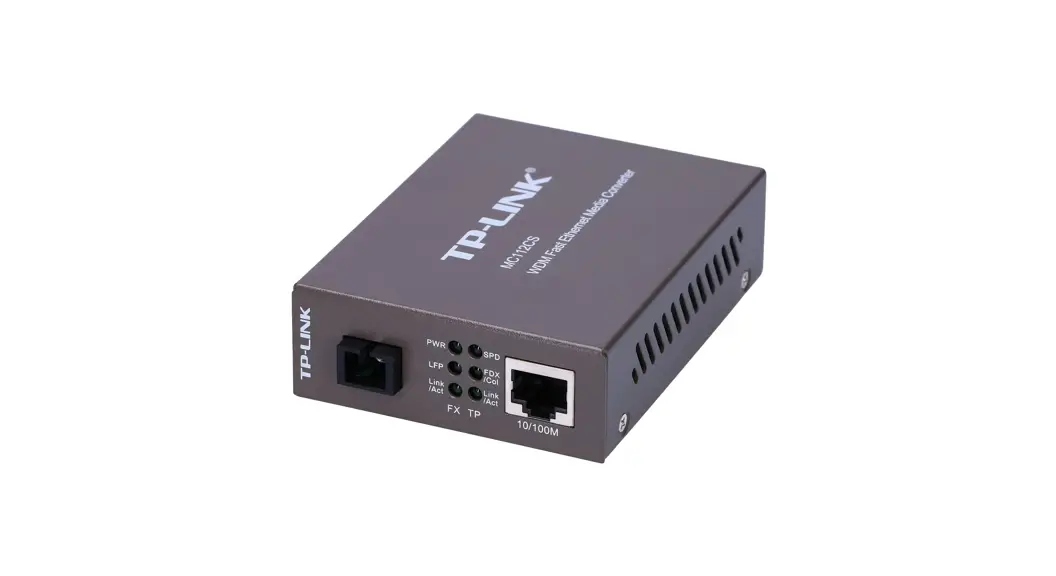
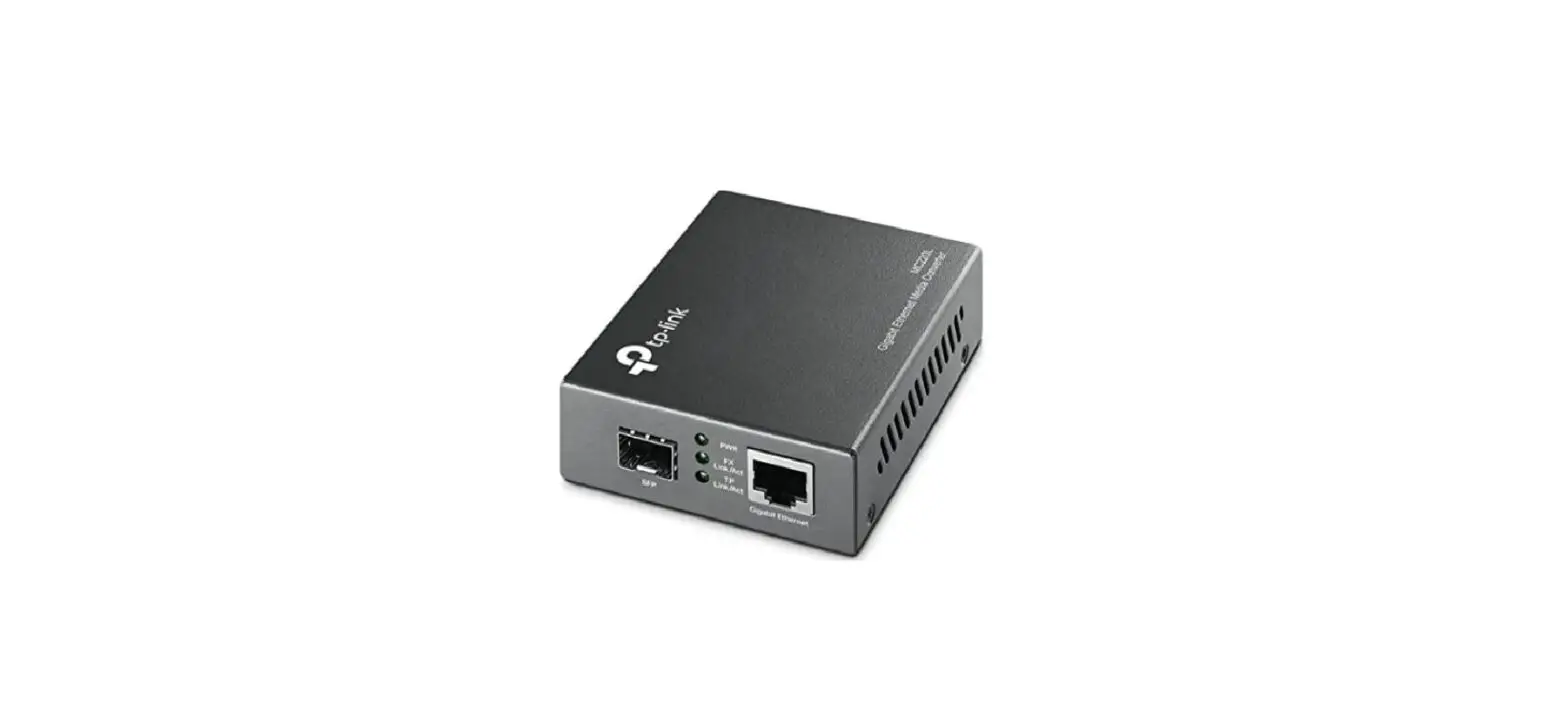
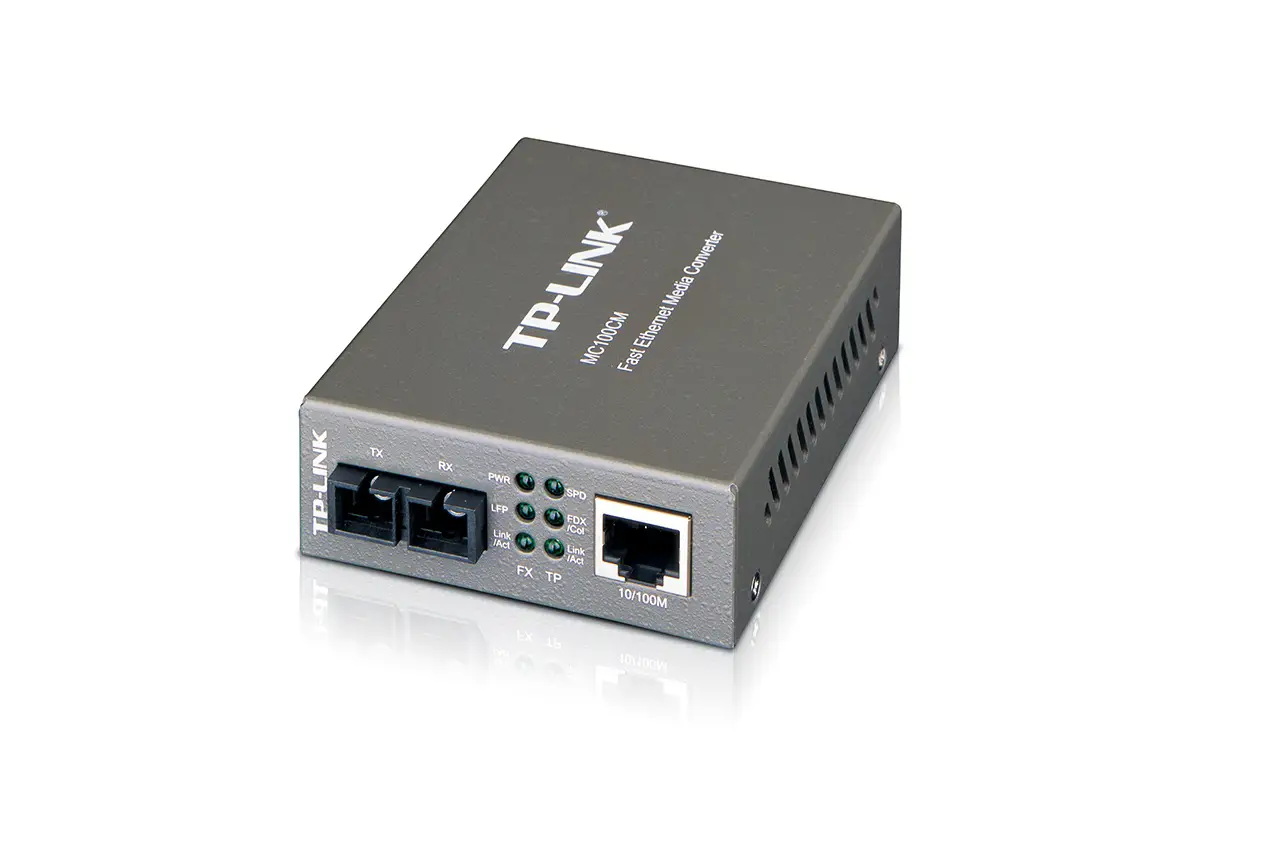
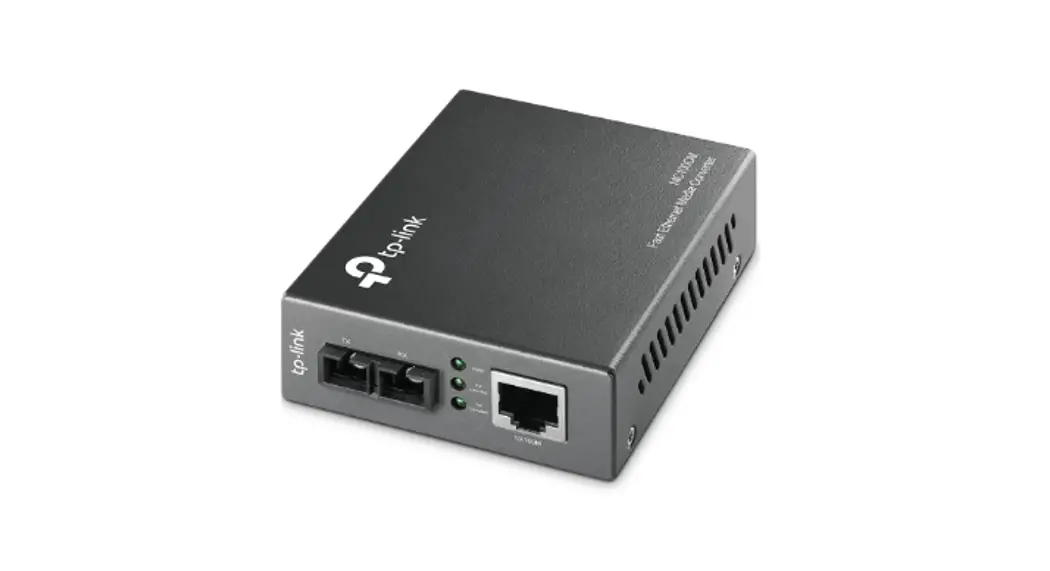
MC100CM, MC110CS Enlarge Your Ethernet Network Media Converter
Product Information: Fast Ethernet Media Converter
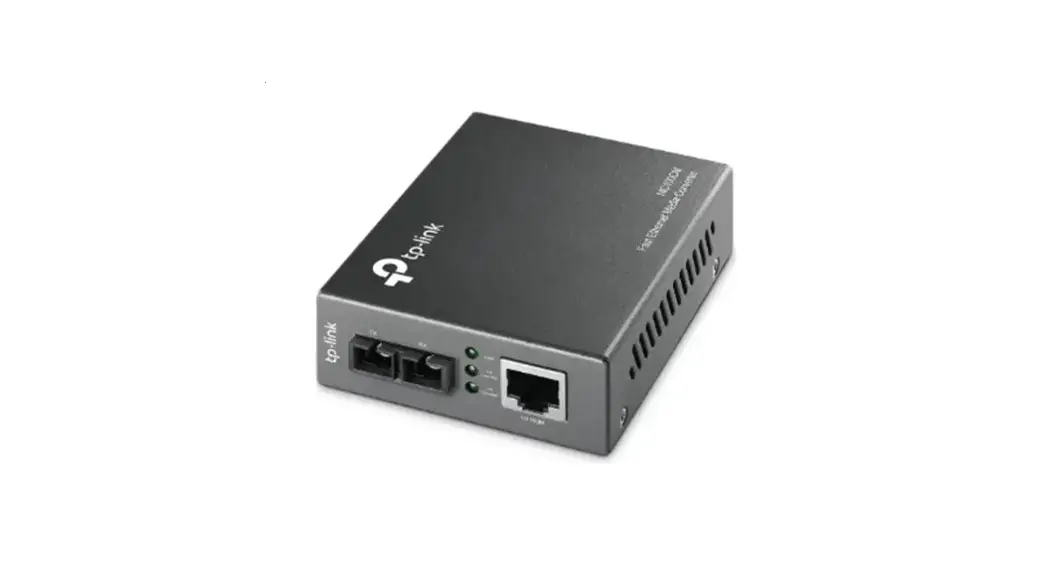
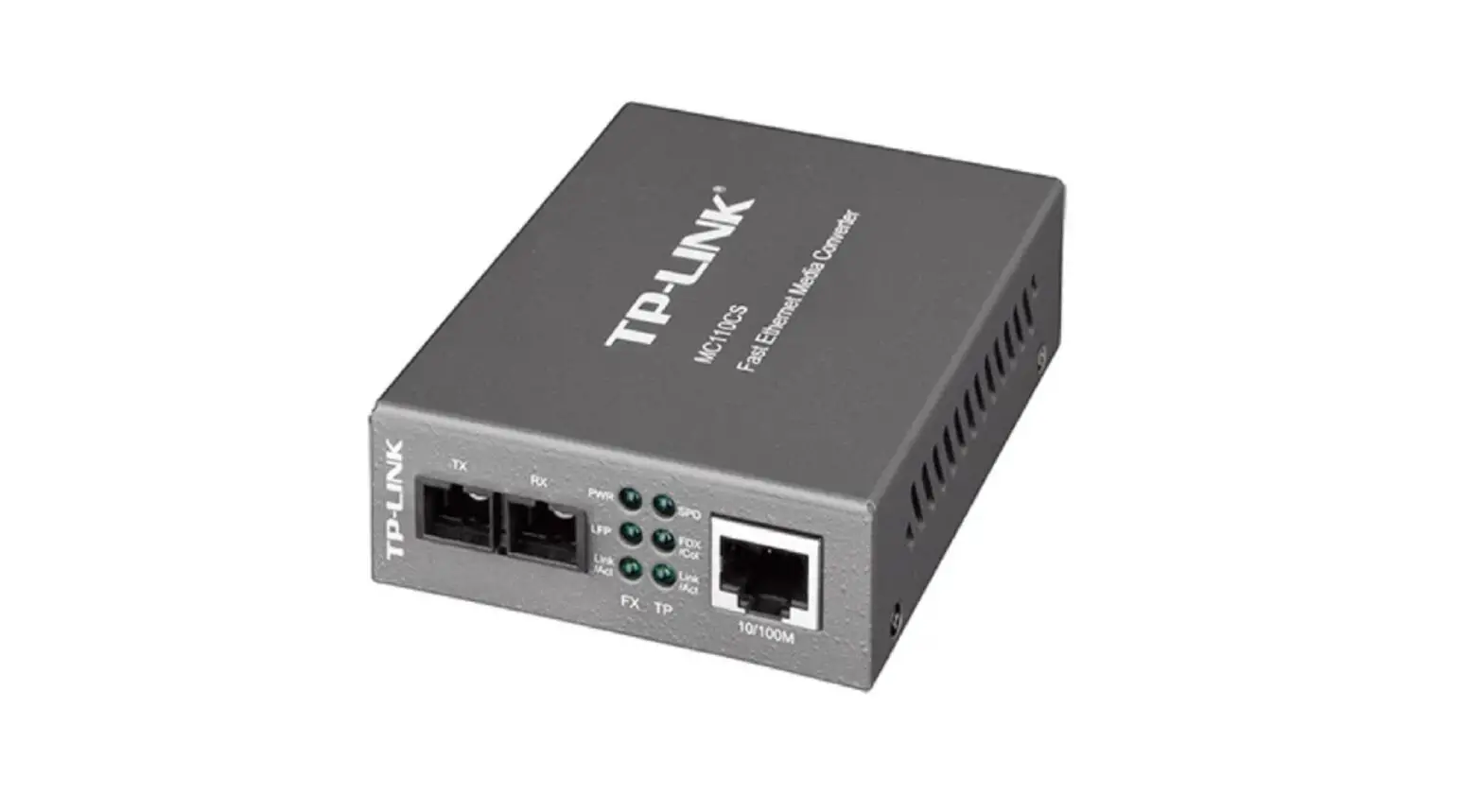
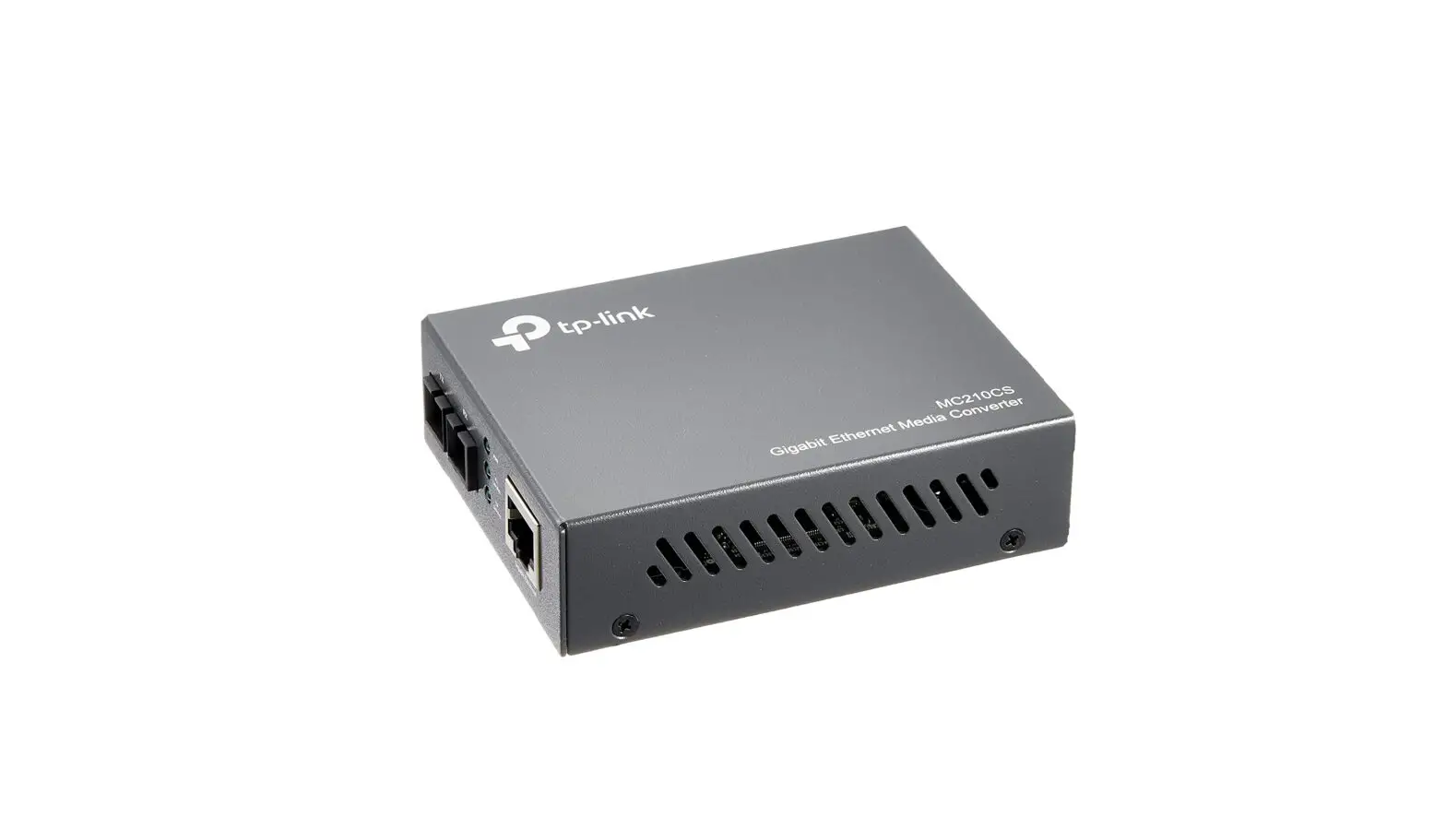
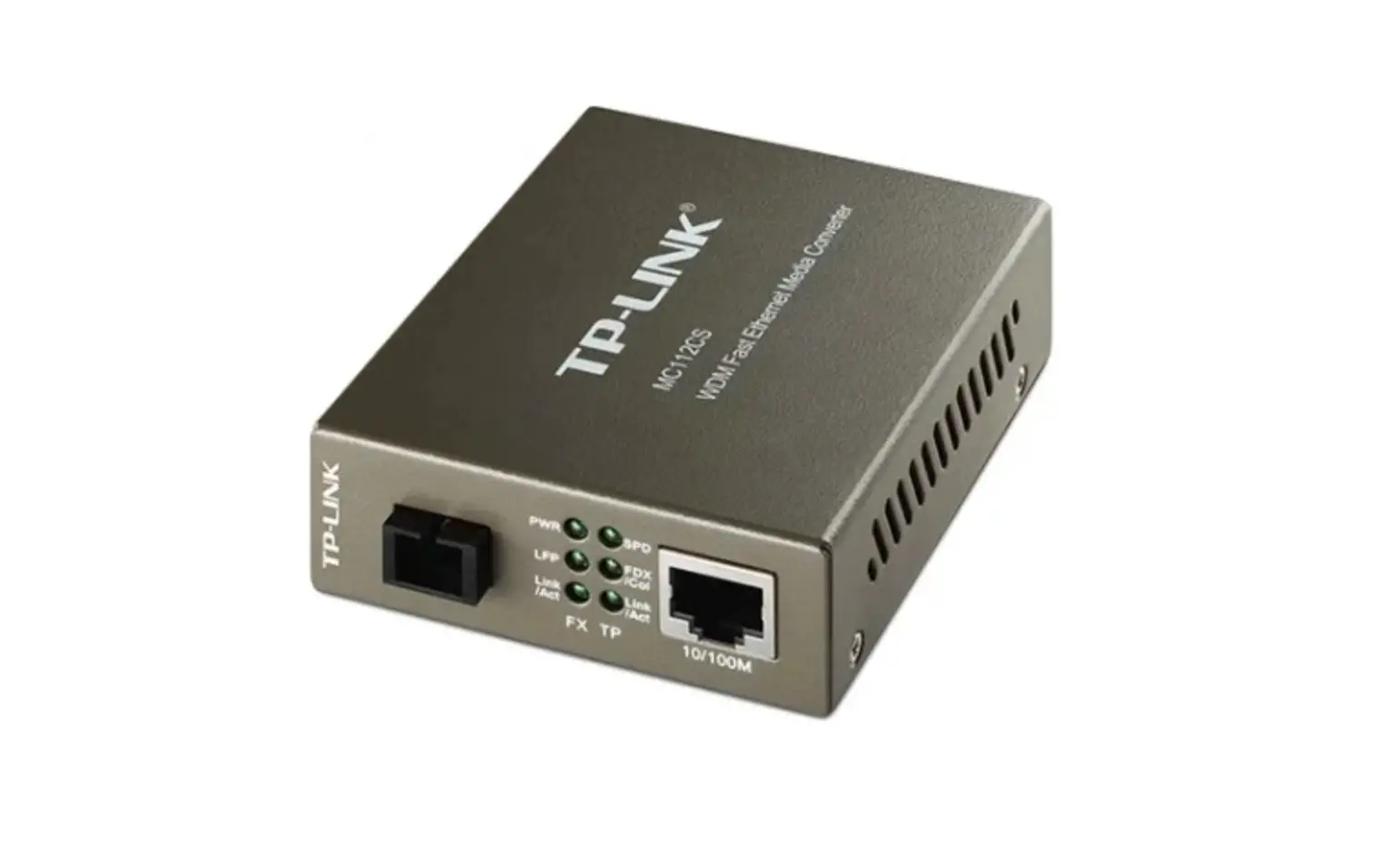
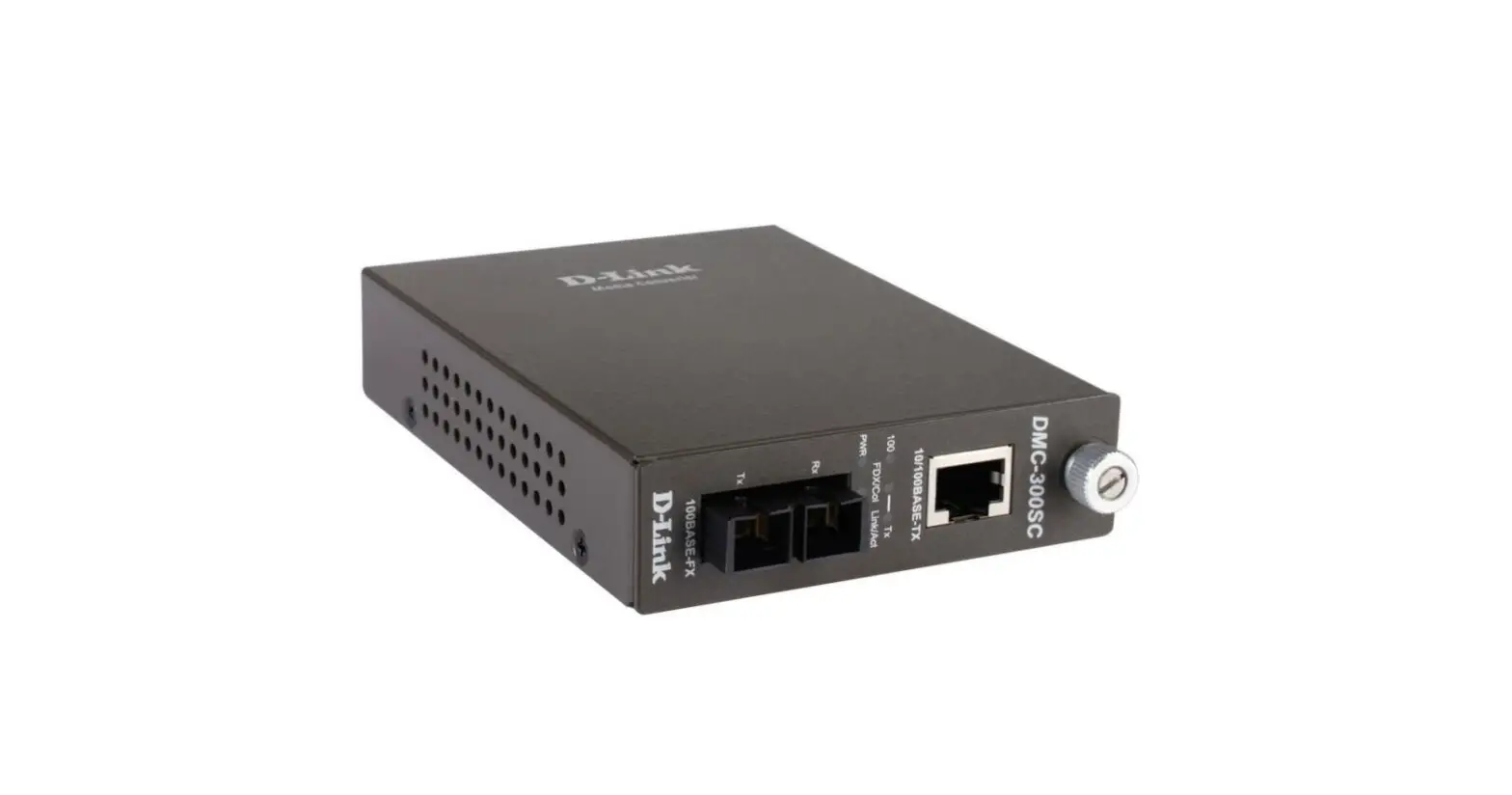
The Fast Ethernet Media Converter allows you to enlarge your
Ethernet network. This product is compliant with IEEE 802.3, IEEE
802.3i, and IEEE802.3u standards. It comes with LED indicators that
show the power status and link/activity status for both the fiber
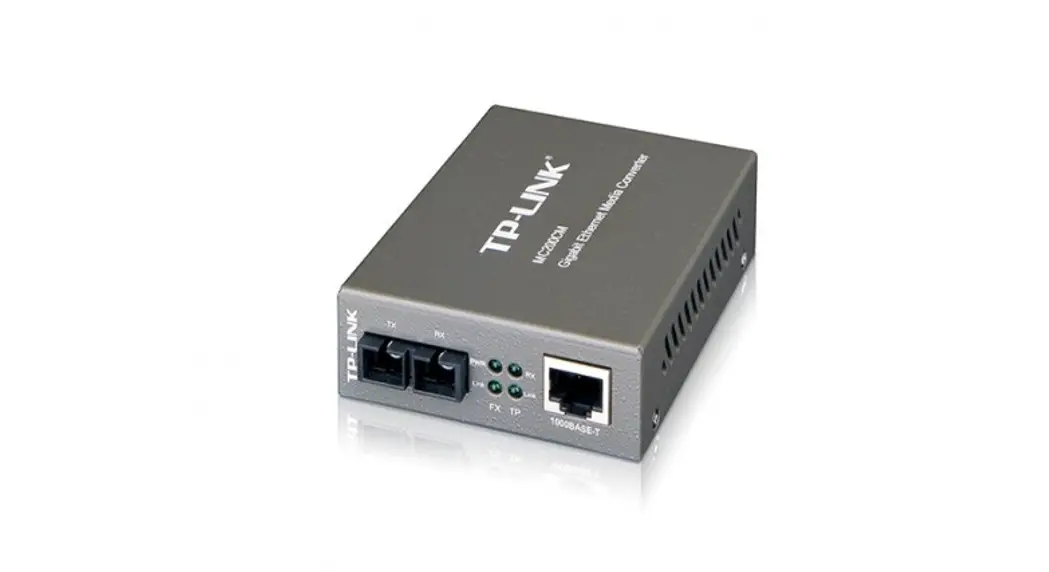
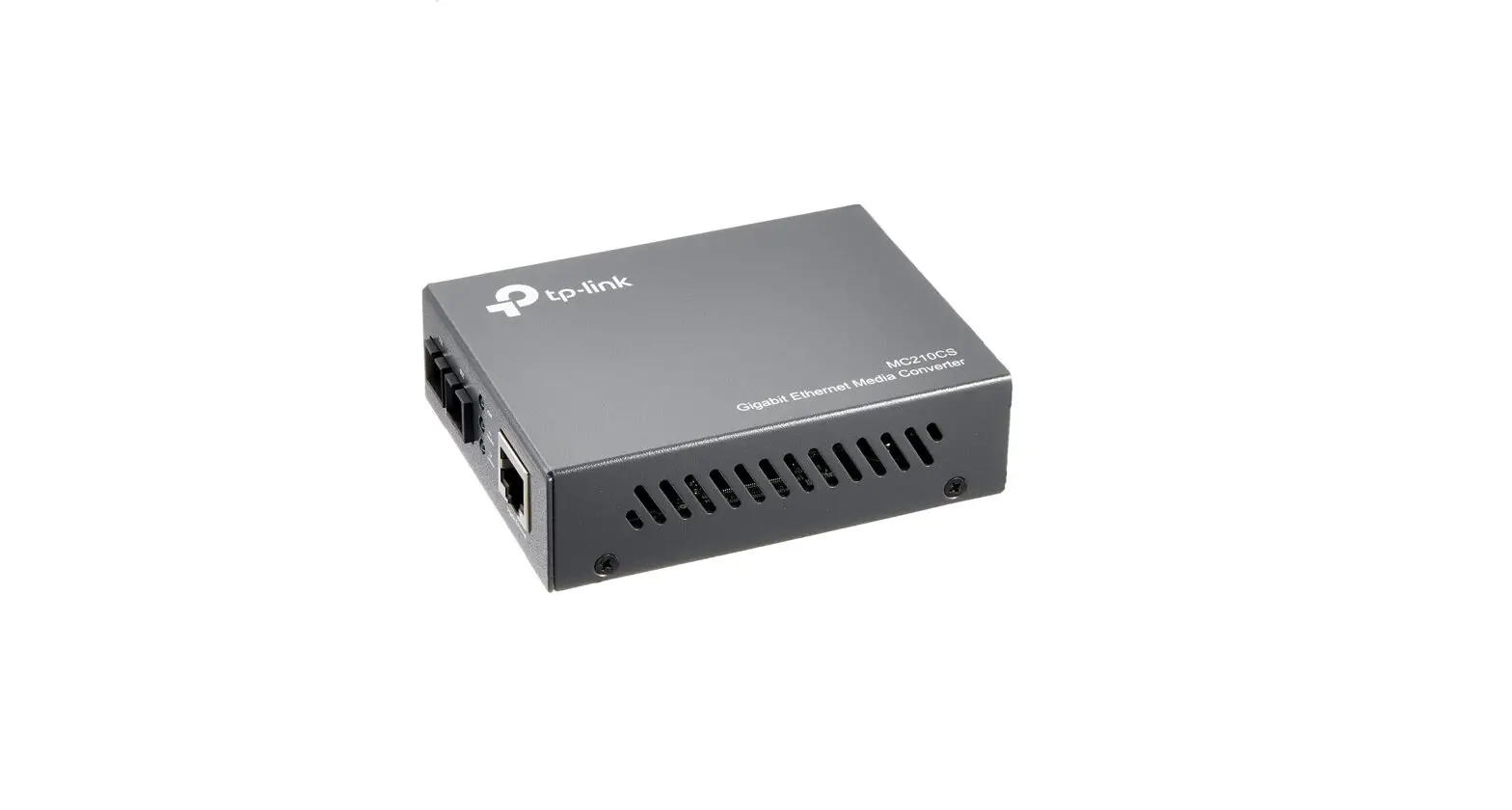
and twisted-pair interfaces. The converter has one SC fiber optic
connector and one RJ45 jack connector.
LED Indicator Explanation
- PWR: On – Power on, Off – Power off
- FX Link/Act: On – Valid link, Flashing – Transmitting or
receiving data, Off – Invalid link - TP Link/Act: On – Valid link, Flashing – Transmitting or
receiving data, Off – Invalid link
Package Contents
- Fast Ethernet Media Converter
- Power Adapter
- User Guide
Specifications
The Fast Ethernet Media Converter supports twisted-pair cables
and fiber cables. It has different specifications for different
models:
- For MC100CM/MC110CS: Supports multi-mode fiber cables
(62.5/125m or 50/125m) up to 2km and single-mode fiber cables
(9/125m) up to 20km. The wavelength is 1310nm. - For MC111CS: Supports single-mode fiber cables (9/125m) up to
20km. The wavelength is 1550nm for TX and 1310nm for RX. - For MC112CS: Supports single-mode fiber cables (9/125m) up to
20km. The wavelength is 1310nm for TX and 1550nm for RX.
The twisted-pair interface supports 10BASE-T/100BASE-TX
interfaces with 2-pair UTP/STP of Cat. 3 or above (100m) for
10BASE-T and Cat. 5 or above (100m) for 100BASE-TX.
Product Usage Instructions
The Fast Ethernet Media Converter can be used in two
scenarios:
Scenario 1: Connect Devices with and without Optical
Interfaces
- Ethernet Device with Optical Interfaces (100BASE-X (Fiber)
Interface): Connect the device to the media converter using an
LC-SC fiber cable. Connect the media converter to the Ethernet
device without optical interfaces using a twisted-pair cable. - Ethernet Device without Optical Interfaces (10BASE-T/100BASE-TX
Interface): Connect the device to the media converter using a
twisted-pair cable. Connect the media converter to the Ethernet
device with optical interfaces using an LC-SC fiber cable.
Scenario 2: Connect Devices without Optical Interfaces
- Connect two media converters of the same model using a fiber
cable. Connect one media converter to the Ethernet device without
optical interfaces using a twisted-pair cable. Connect the other
media converter to the Ethernet device without optical interfaces
using another twisted-pair cable.
Note: Please refer to the LED indicator explanation to ensure
that the link between the devices is valid.
©2023 TP-Link 7106510217 REV6.2.1
Enlarge Your Ethernet Network
Fast Ethernet Media Converter
For technical support and other information, please visit https://www.tp-link.com/support, or simply scan the QR code.
LED Explanation
PWR
On: Power on Off: Power off
FX Link/Act
On: Valid link Flashing: Transmitting or receiving data Off: Invalid link
TP Link/Act
On: Valid link Flashing: Transmitting or receiving data Off: Invalid link
Package Contents: Converter, Power Adapter, User Guide
For MC100CM/MC110CS
Scenario 1: Connect Devices with and without Optical Interfaces
Ethernet Device with Optical Interfaces
100BASE-X (Fiber) Interface
Media Converter
TX
RX
PWR
FX Link/Act
TP Link/Act
10/100M
10BASE-T/100BASE-TX Interface
LC-SC Fiber Cable
Twisted-Pair Cable
Ethernet Device without Optical Interfaces
Scenario 2: Connect Devices without Optical Interfaces
Ethernet Device without Optical Interfaces
10BASE-T/100BASE-TX Interface
10/100M
Media Converter
PWR
FX Link/Act
TP Link/Act
RX
TX
Media Converter
TX
RX
PWR
FX Link/Act
TP Link/Act
10/100M
Ethernet Device without Optical Interfaces
10BASE-T/100BASE-TX Interface
Twisted-Pair Cable
Note: 1. Please use two Media Converters of the same model to work properly. 2. Please connect the TX port of one converter to the RX port of the other using a fiber cable.
Fiber Cable
Twisted-Pair Cable
For MC111CS/MC112CS
Scenario 1: Connect Devices with and without Optical Interfaces
Ethernet Device with Optical Interfaces
100BASE-X (Fiber) Interface
Media Converter
PWR
FX Link/Act
TP Link/Act
10/100M
10BASE-T/100BASE-TX Interface
LC-SC Fiber Cable
Twisted-Pair Cable
Ethernet Device without Optical Interfaces
Scenario 2: Connect Devices without Optical Interfaces
Ethernet Device without Optical Interfaces
Media Converter
Media Converter
10/100M
10BASE-T/100BASE-TX Interface
PWR
FX Link/Act
TP Link/Act
PWR
FX Link/Act
TP Link/Act
10/100M
Ethernet Device without optical Interfaces
10BASE-T/100BASE-TX Interface
Twisted-Pair Cable Note: Please use one MC111CS and one MC112CS to work properly.
SC-SC Fiber Cable
Twisted-Pair Cable
Specifications
General Specifications
Standards LED
IEEE 802.3, IEEE 802.3i, IEEE802.3u PWR, FX Link/Act, TP Link/Act
Connector
1 SC fiber optic; 1 RJ45 jack
Twisted-Pair Fiber Wave Length
10BASE-T: 2-pair UTP/STP of Cat. 3 or above (100m) 100BASE-Tx: 2-pair UTP/STP of Cat. 5 or above (100m)
For MC100CM: 62.5/125m multi-mode (2km); 50/125m multi-mode (2km) For MC110CS/ MC111CS/MC112CS: 9/125m single-mode fiber (20km)
For MC100CM/MC110CS: 1310nm For MC111CS: 1550nm TX, 1310nm RX For MC112CS: 1310nm TX, 1550nm RX
Power
External Power Adapter: 9V/0.6A
Environmental and Physical Specifications
Operation Temperature
0°C to 40°C (32°F to 104°F)
Storage Temperature
-40°C to 70°C (-40°F to 158°F)
Operation Humidity
10% to 90% RH non-condensing
Storage Humidity
5% to 90% RH non-condensing
Safety Information Keep the device away from water, fire, humidity or hot environments. Do not attempt to disassemble, repair, or modify the device. Do not use damaged charger or USB cable to charge the device. Do not use any other chargers than those recommended. Adapter shall be installed near the equipment and shall be easily accessible. Avoid using this product during an electrical storm. There may be a remote risk of electric shock from lightning. Do not point or stare directly into the beam or into the optical port of the transceiver when it is operating, as this can injure your eyesight.
EU declaration of conformity TP-Link hereby declares that the device is in compliance with the essential requirements and other relevant provisions of directives 2014/30/EU, 2014/35/EU, 2009/125/EC, 2011/65/EU and (EU)2015/863. The original EU declaration of conformity may be found at https://www.tp-link.com/en/support/ce/
UK declaration of conformity TP-Link hereby declares that the device is in compliance with the essential requirements and other relevant provisions of the Electromagnetic Compatibility Regulations 2016 and Electrical Equipment (Safety) Regulations 2016. The original UK declaration of conformity may be found at https://www.tp-link.com/support/ukca/
FCC compliance information statement
Product Name: Fast Ethernet Media Converter Model Number: MC100CM/MC110CS/MC111CS/MC112CS
Component Name
Model
I.T.E. POWER SUPPLY
T090060-2B1
Responsible party:
TP-Link USA Corporation
Address: 10 Mauchly, Irvine, CA 92618
Website: https://www.tp-link.com/us/
Tel: +1 626 333 0234
Fax: +1 909 527 6804
E-mail: [email protected]
This equipment has been tested and found to comply with the limits for a Class A digital device, pursuant to part 15 of the FCC Rules. These limits are designed to provide reasonable protection against harmful interference when the equipment is operated in a commercial environment. This equipment generates, uses, and can radiate radio frequency energy and, if not installed and used in accordance with the instruction manual, may cause harmful interference to radio communications. Operation of this equipment in a residential area is likely to cause harmful interference in which case the user will be required to correct the interference at his own expense.
This device complies with part 15 of the FCC Rules. Operation is subject to the following two conditions:
1) This device may not cause harmful interference.
2) This device must accept any interference received, including interference that may cause undesired operation.
Any changes or modifications not expressly approved by the party responsible for compliance could void the user’s authority to operate the equipment.
We, TP-Link USA Corporation, has determined that the equipment shown as above has been shown to comply with the applicable technical standards, FCC part 15. There is no unauthorized change is made in the equipment and the equipment is properly maintained and operated.
Issue Date: 2023.3.16
FCC compliance information statement
Product Name: I.T.E. POWER SUPPLY Model Number: T090060-2B1 Responsible party: TP-Link USA Corporation Address: 10 Mauchly, Irvine, CA 92618 Website: https://www.tp-link.com/us/ Tel: +1 626 333 0234 Fax: +1 909 527 6804 E-mail: [email protected] This equipment has been tested and found to comply with the limits for a Class B digital device, pursuant to part 15 of the FCC Rules. These limits are designed to provide reasonable protection against harmful interference in a residential installation. This equipment generates, uses and can radiate radio frequency energy and, if not installed and used in accordance with the instructions, may cause harmful interference to radio communication. However, there is no guarantee that interference will not occur in a particular installation. If this equipment does cause harmful interference to radio or television reception, which can be determined by turning the equipment off and on, the user is encouraged to try to correct the interference by one or more of the following measures: · Reorient or relocate the receiving antenna. · Increase the separation between the equipment and receiver. · Connect the equipment into an outlet on a circuit different from that to which the receiver is connected. · Consult the dealer or an experienced radio/ TV technician for help. This device complies with part 15 of the FCC Rules. Operation is subject to the following two conditions: 1) This device may not cause harmful interference. 2) This device must accept any interference received, including interference that may cause undesired operation. Any changes or modifications not expressly approved by the party responsible for compliance could void the user’s authority to operate the equipment. We, TP-Link USA Corporation, has determined that the equipment shown as above has been shown to comply with the applicable technical standards, FCC part 15. There is no unauthorized change is made in the equipment and the equipment is properly maintained and operated.
Issue Date: 2023.3.16
Industry Canada Statement
CAN ICES-3 (A)/NMB-3(A)
Canadian Compliance Statement
This device contains licence-exempt transmitter(s)/receiver(s) that comply with Innovation, Science and Economic Development Canada’s licence-exempt RSS(s). Operation is subject to the following two conditions:
(1) This device may not cause interference.
(2) This device must accept any interference, including interference that may cause undesired operation of the device.
L’émetteur/récepteur exempt de licence contenu dans le présent appareil est conforme aux CNR d’Innovation, Sciences et Développement économique Canada applicables aux appareils radio exempts de licence. L’exploitation est autorisée aux deux conditions suivantes :
1) L’appareil ne doit pas produire de brouillage;
2) L’appareil doit accepter tout brouillage radioélectrique subi, même si le brouillage est susceptible d’en compromettre le fonctionnement.
CE Mark Warning
This is a class A product. In a domestic environment, this product may cause radio interference, in which case the user may be required to take adequate measures.
A
VCCI-A
BSMI Notice
Pb
Cd
+6
Hg
Cr
PCB
–
1″” 2″ – ”
PBB
PBDE
, .
Explanation of the symbols on the product label
For indoor use only
Direct current
RECYCLING This product bears the selective sorting symbol for Waste electrical and electronic equipment (WEEE). This means that this product must be handled pursuant to European directive 2012/19/EU in order to be recycled or dismantled to minimize its impact on the environment. User has the choice to give his product to a competent recycling organization or to the retailer when he buys a new electrical or electronic equipment.
 Link: Simple, secure one-click payments
 CE Regulatory Compliance | TP-Link