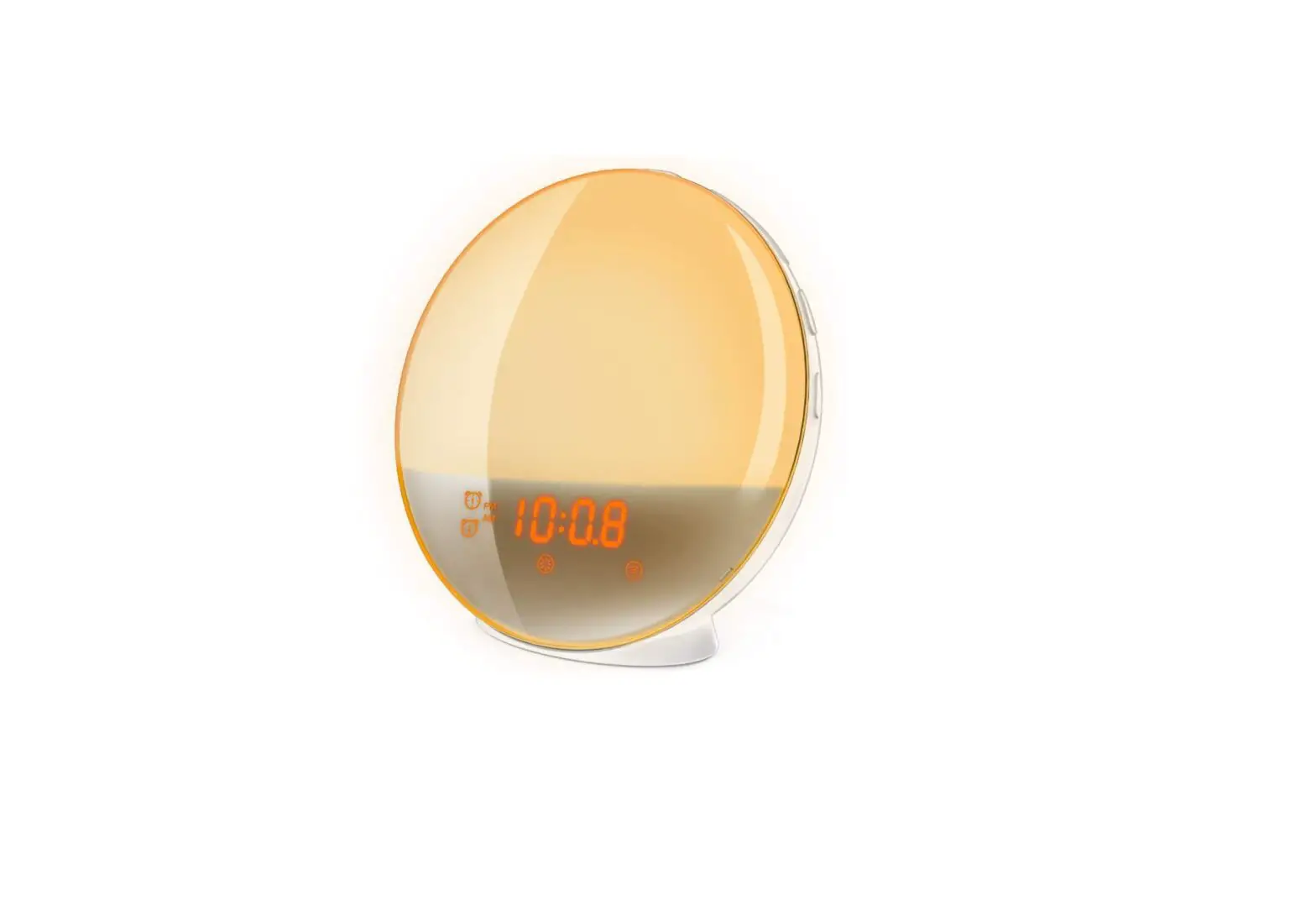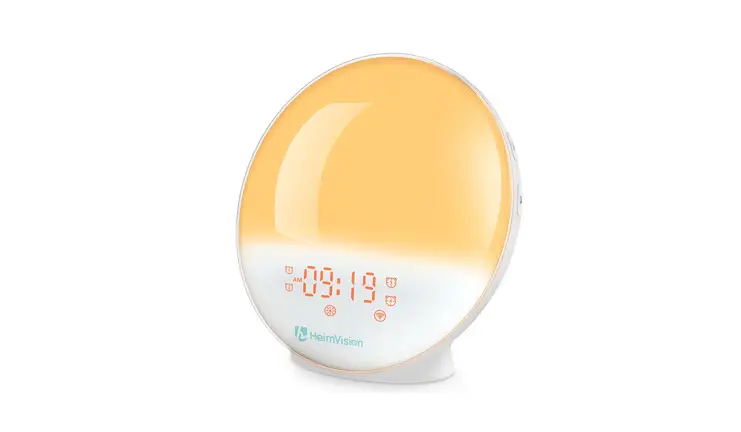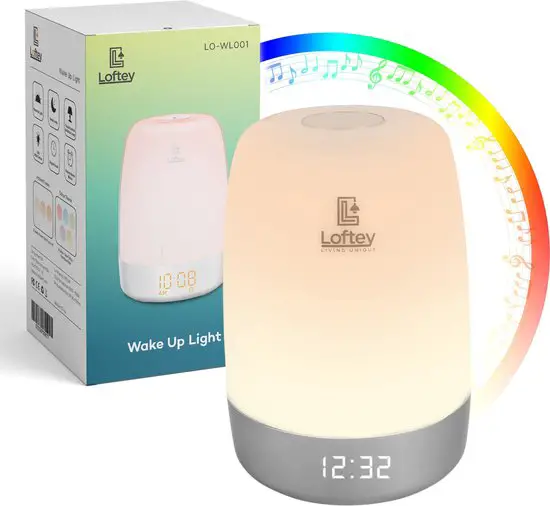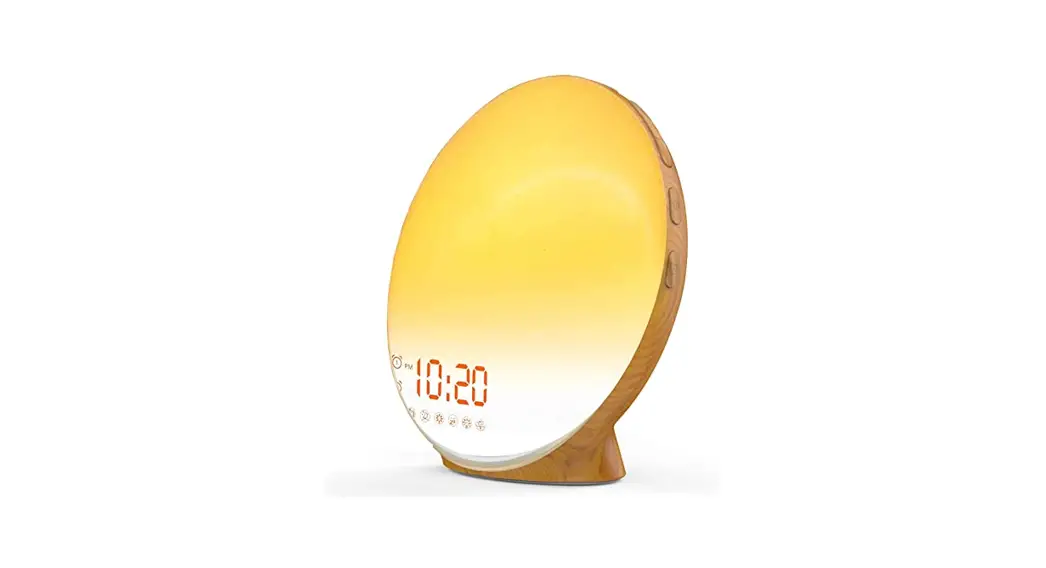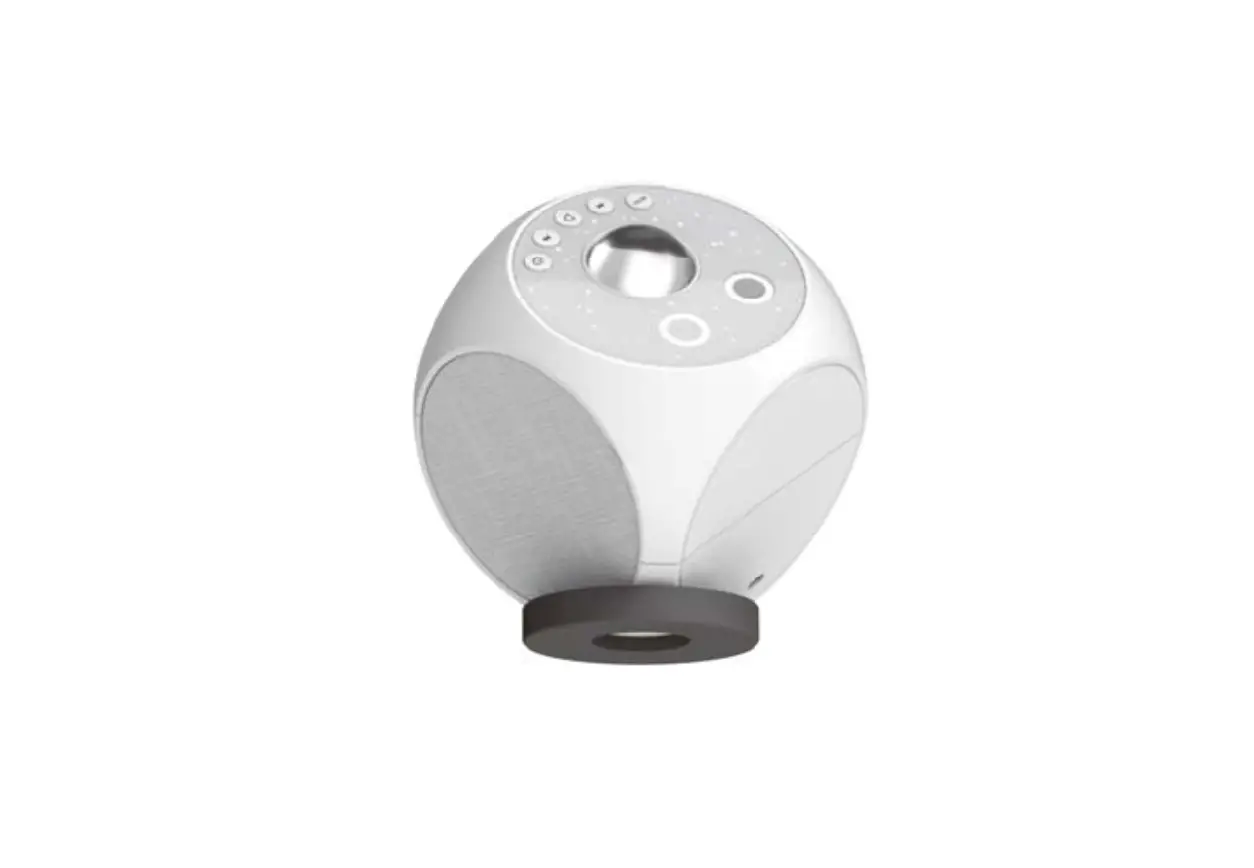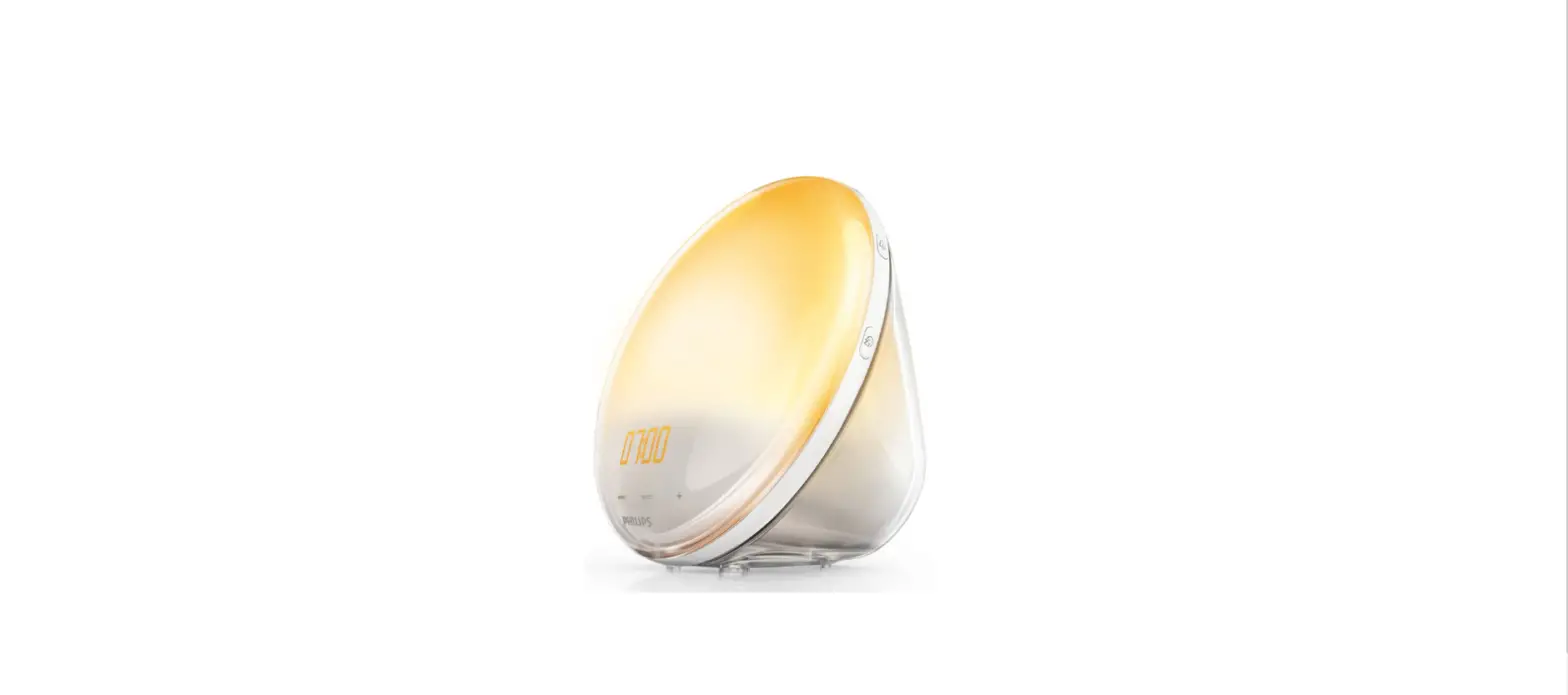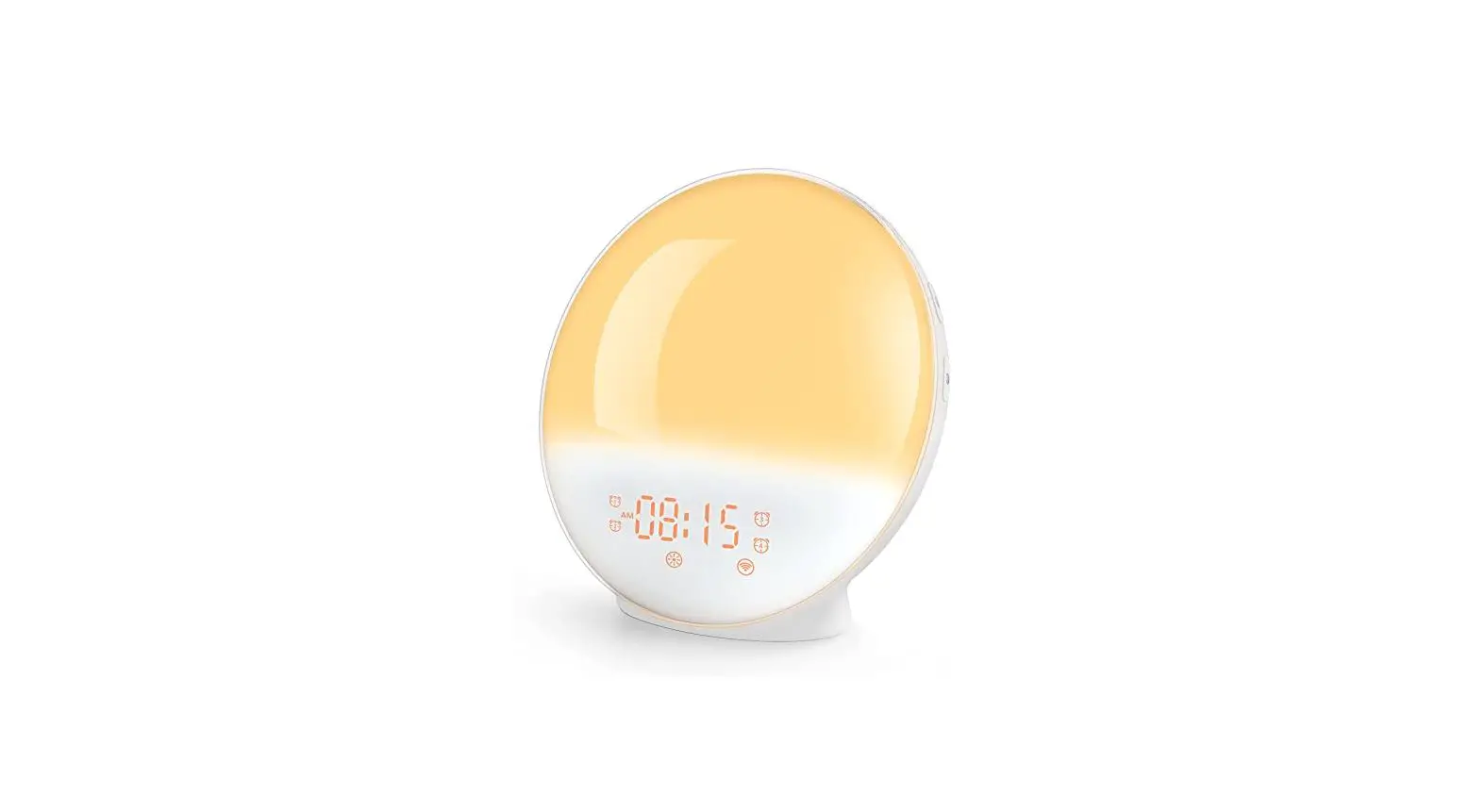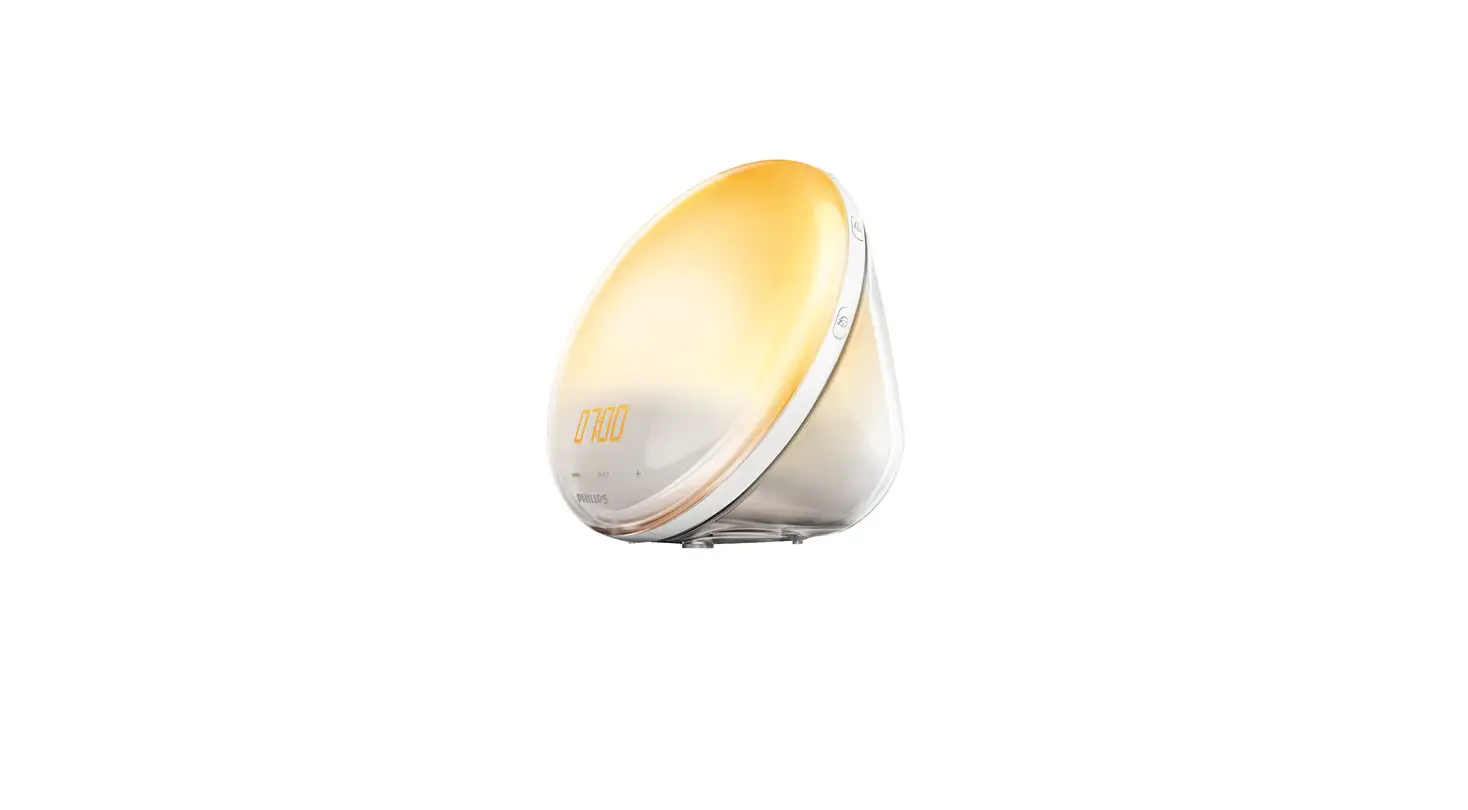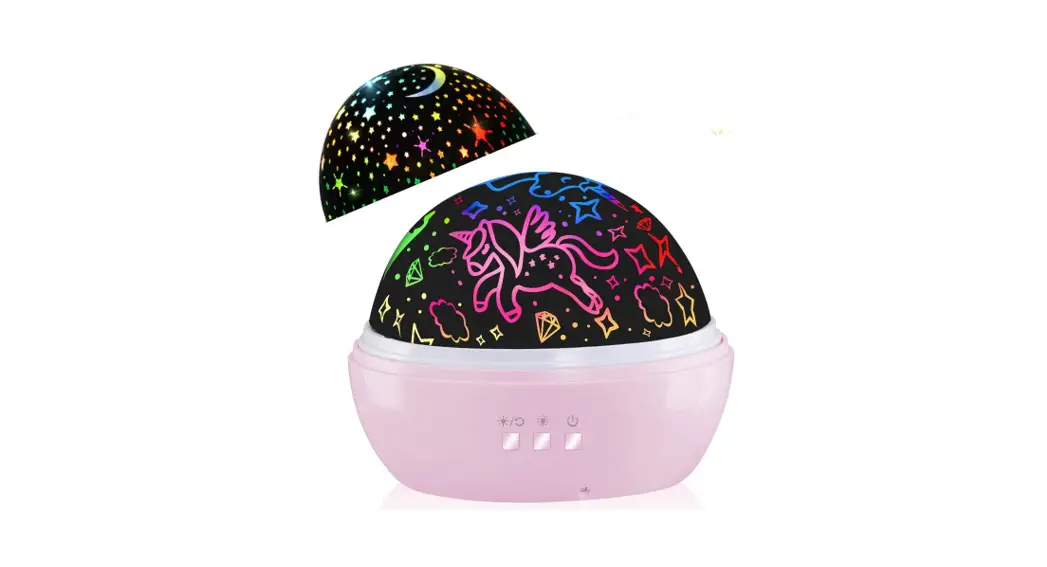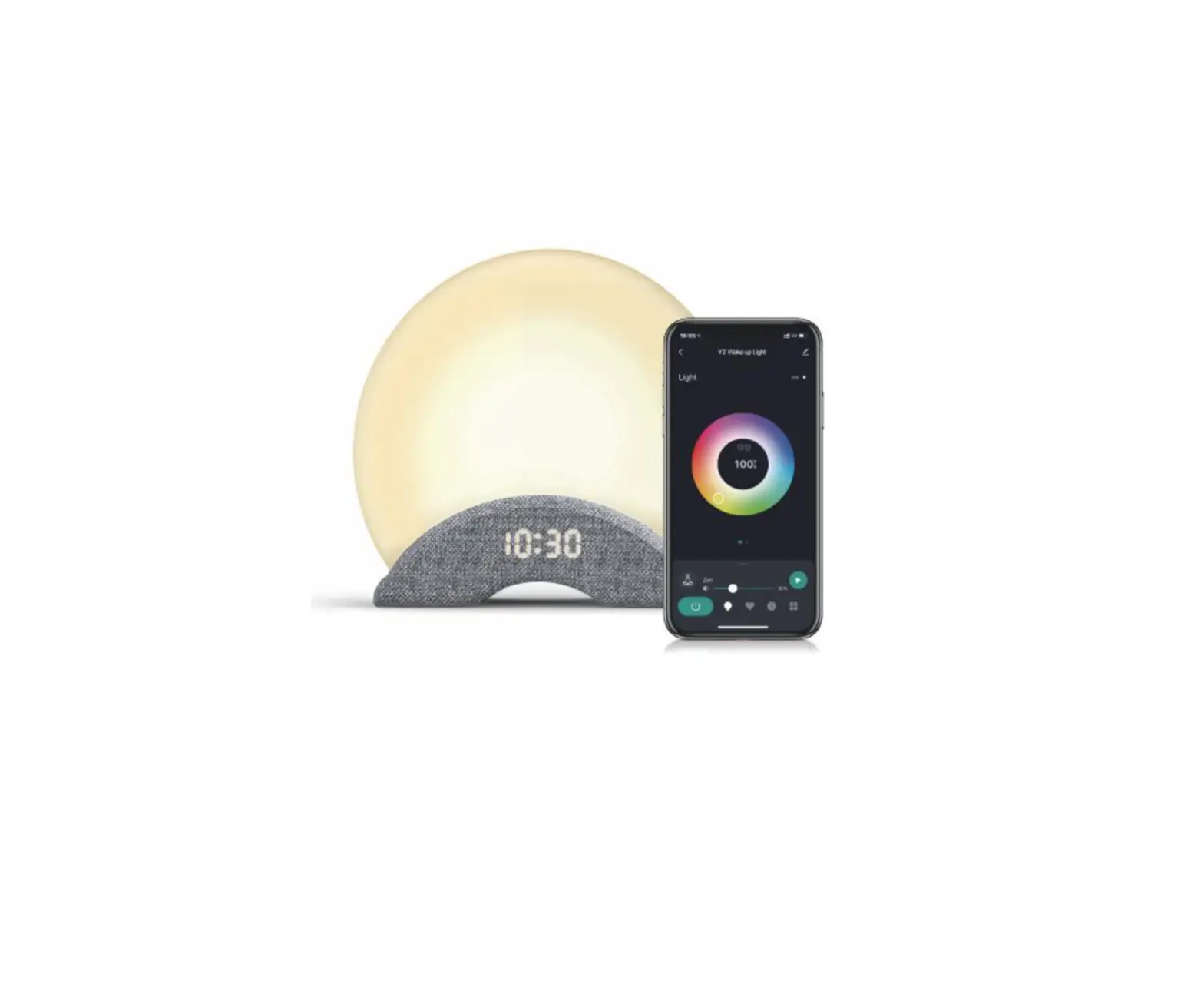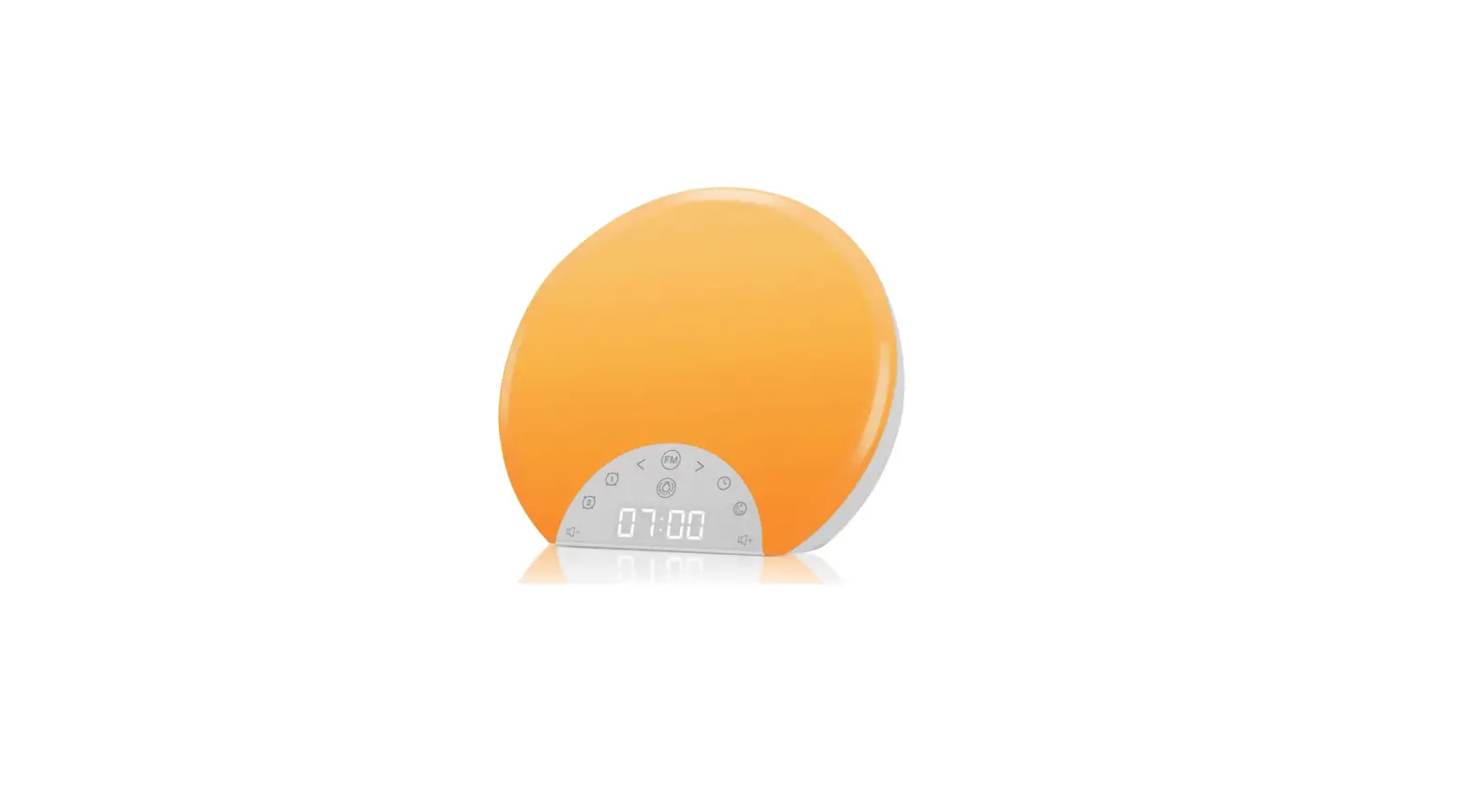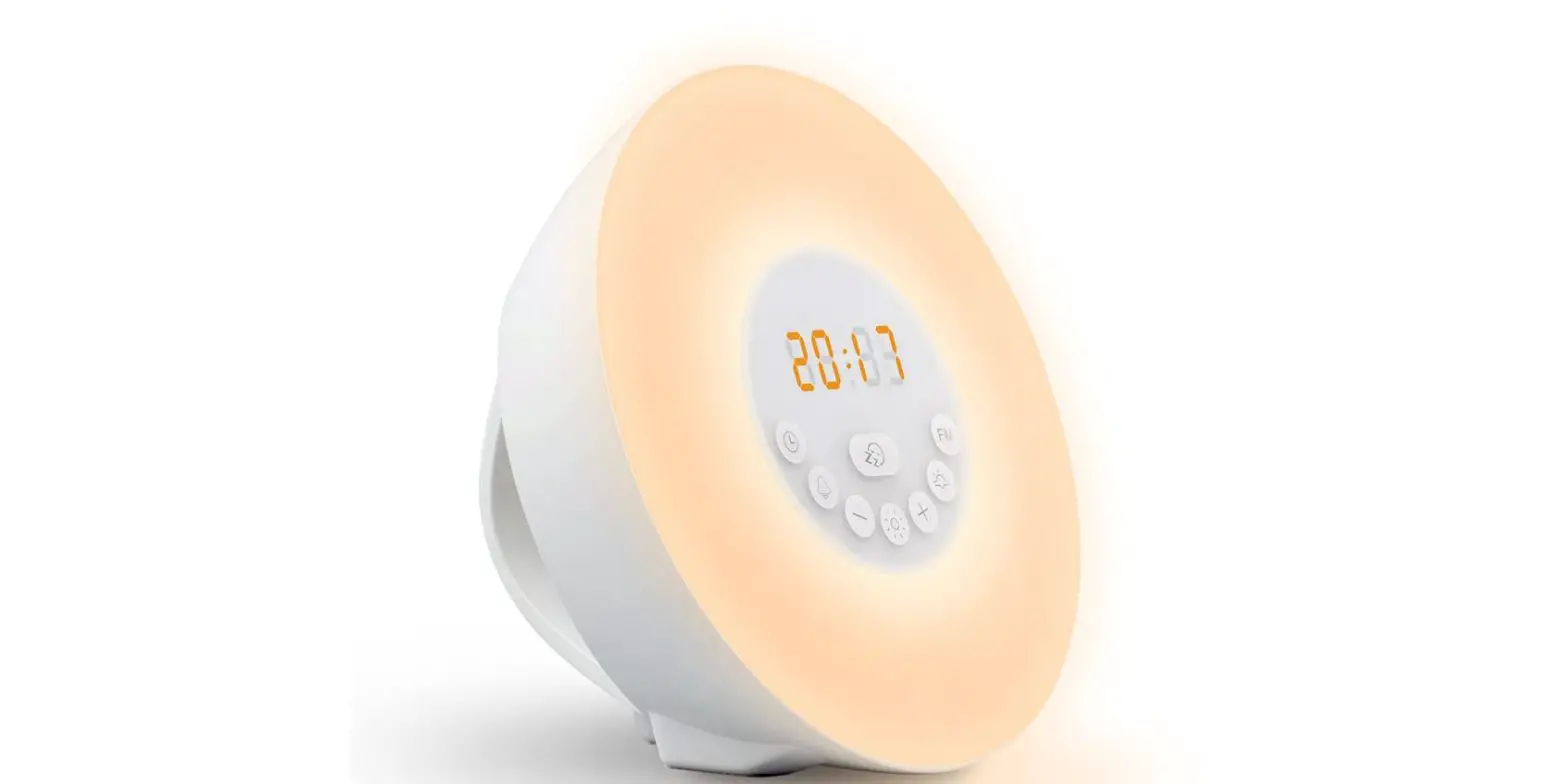

Wake-Up Light
Product function
USB port for charging or Power Supply
Multiple sets of alarm
The dual alarm can be set for workday or weekday
Snooze
Colored Sunrise Simulation
Colored Sunset simulation
Calendar&Time display
FM Radio
Bluetooth Player
Matters needing attention
Read this user manual carefully before you use the appliance and save it for future reference.
Danger
Water and electricity are a dangerous combination.
Do not use this appliance in wet surroundings.
Do not let the water run into the appliance or spill water onto the appliance.
Warning
The appliance is suitable for mains voltages of 5V and current of 2A.This appliance is for indoor use only.
Caution
Place the appliance on a stable, level, and nonslippery surface. Do not drop the appliance or expose it to heavy shocks. Do not use the appliance at room temperatures lower than 10°C or higher than 35°C. Do not use this appliance as a means to reduce your hours of sleep. The purpose of this appliance is to help you wake up more easily. It does not
diminish your need for sleep. This appliance is only intended for household use, including similar use for instance in hotels.
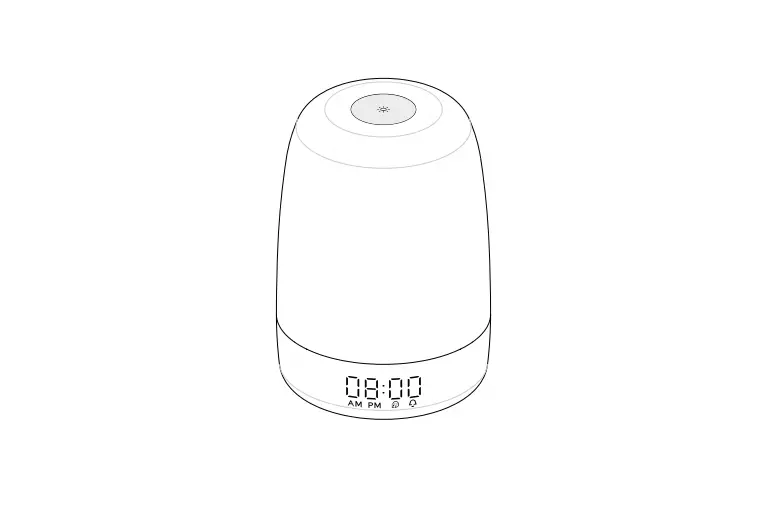
Structure diagram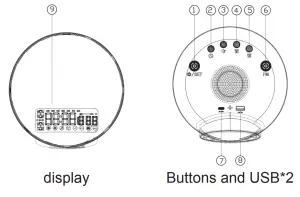 ①Light/Set ②Time setting/display brightness ③Fall asleep ④Alarm 2 ⑤Alarm 1 ⑥FM Radio ⑦Type-C input ⑧USB out ⑨ Display
Operating instructions
setting the clock
- Press and hold
 The hour indication on the display starts flashing to indicate that you have to set the clock time. Rotary
 to set the minutes, Press and Rotary can be quickly setting the hour.
 - Press the 12H/24H indication on the display to start flashing, Rotary to set the12H/24H.
- Press the year indicated on the display starts flashing, Rotary to set the year.
- Press the data indicated on the display starts flashing, Rotary to set the month and day, at the same time, the week changes with the date.
- Press the to confirm.
Setting the alarm
Allow users to program 2 alarms based on individual needs. Alarm 1 as an example.
- Press and hold The hour indication and Alarm
①on the display starts flashing to indicate that you have to set the alarm time. Rotary to set the minutes, Press and Rotary can be quickly setting the hour. - Press the sound indication on the display, Rotary to choose the sound.(S00~S10) Note:S00: the sound is turned off. S01~S09:natural sounds. S10:the last FM radio.
- Press the volume indicator on the display starts flashing, Rotary to set the volume (V01-V16).
- Press the minute’s indication on the display starts flashing, Rotary to set the lighting time in advance(10min-60min).
- Press the light indicator on the display starts flashing, Rotary to set the light brightness (L00-L20).
- Press the to confirm.
- Press
 switch the working state of alarm; They are all day alarm clock (Mon-Sun), working day alarm clock (Mon-Fri), weekend alarm clock (Sat-Sun), and alarm clock off.
 switch the working state of alarm; They are all day alarm clock (Mon-Sun), working day alarm clock (Mon-Fri), weekend alarm clock (Sat-Sun), and alarm clock off.
Snoozing
When the alarm clock 1 rings, press any button(Except alarm2) to enter snooze, after 9 minutes, the wake-up sound is automatically played again (5 times at most, 9 minutes each time); press “alarm 1 setting button” to turn off the alarm.
1. When the alarm clock 2 rings, press any button(Except alarm1) to enter snooze, after 9 minutes, the wake-up sound is automatically played again (5 times at most, 9 minutes each time); press “alarm 2 setting button” to turn off the alarm.
2. When there is no operation after the alarm clock rings, the alarm clock will be automatically turned off after 30 minutes.
Setting the fall asleep
- Press
 and hold The minute’s indication on the display starts flashing to indicate that you have to set the fall asleep. Rotary to set the fall asleep time, (10min-120min).
 - Press the light indicator on the display starts flashing, Rotary to set the light brightness (L01-L20).
- Press the sound indication on the display, Rotary to choose the sound.(S00~S09)Note: S00: the sound is turned off. S01~S08:natural sounds. S09:the last FM radio.
- Press the volume indicator on the display starts flashing, Rotary to set the volume (V01-V16).
- Press the to confirm.
- Press to turn on / turn off the fall asleep.
- when to fall asleep is turned on, Rotary to adjust the light. Press to check the remaining sleeping time. Rotary
FMto adjust the volume. PressFMto choose the sound.
 and hold The minute’s indication on the display starts flashing to indicate that you have to set the fall asleep. Rotary
Setting the sunrise light
Press the light indicator on the display, Rotary to set the light brightness (L01-L20). Press again to turn it off.
setting the colored light
Press and hold the light indicator on the display, Rotary to set the colored light (C01- C07).
setting the display brightness
Press  to adjust the brightness of the time display, including high-grade, medium-grade, low-grade, and off. The default is high-grade.
setting the Radio
- When
FMis off, press and hold, the radio will enter the automatic station search mode and store stations P01… Pxx. After station search, the radio station Pxx (the last station) will be played automatically. - When
FMis off, Press, theFMindication on the display, the radio turns on. - Press
FMto switch the storage radio station, Rotary to adjust theFMvolume. - Press and hold
FMthe radio turned off.
Bluetooth audio
When the radio is suspended and the alarm clock and fall asleep are not turned on, the mobile phone is connected to Bluetooth to play music. Bluetooth connection, the Bluetooth indication on the display.
Cleaning and maintenance
Cleaning and maintenance
Never use scouring pads, abrasive cleaning agents, or aggressive liquids such as petrol or acetone to clean the appliance. Regularly remove dust from the outside of the appliance with a dry cloth. Do not let the water run into the appliance or spill water onto the appliance. Unplug the appliance before you clean it. Clean the outside of the appliance with a dry cloth.
Environment
Do not throw away the appliance with the normal household waste at the end of its life, but hand it in at an official collection point for recycling. By doing this, you help to preserve the environment.
FCC Statement
This device complies with part 15 of the FCC rules. Operation is subject to the following two conditions: (1) this device may not cause harmful interference, and (2) this device must accept any interference received, including interference that may cause undesired operation.
Changes or modifications not expressly approved by the party responsible for compliance could void the user’s authority to operate the equipment.
NOTE: This equipment has been tested and found to comply with the limits for a Class B digital device, pursuant to part 15 of the FCC Rules. These limits are designed to provide reasonable protection against harmful interference in a residential installation. This equipment generates uses and can radiate radio frequency energy and, if not installed and used in accordance with the instructions, may cause harmful interference to radio communications. However, there is no guarantee that interference will not occur in a particular installation. If this equipment does cause harmful interference to radio or television reception, which can be determined by turning the equipment off and on, the user is encouraged to try to correct the interference by one or more of the following measures:
- Reorient or relocate the receiving antenna.
- Increase the separation between the equipment and receiver.
- Connect the equipment into an outlet on a circuit different from that to which the receiver is connected.
- Consult the dealer or an experienced radio/TV technician for help.
The device has been evaluated to meet general RF exposure requirements. The device can be used in portable exposure conditions without restriction.