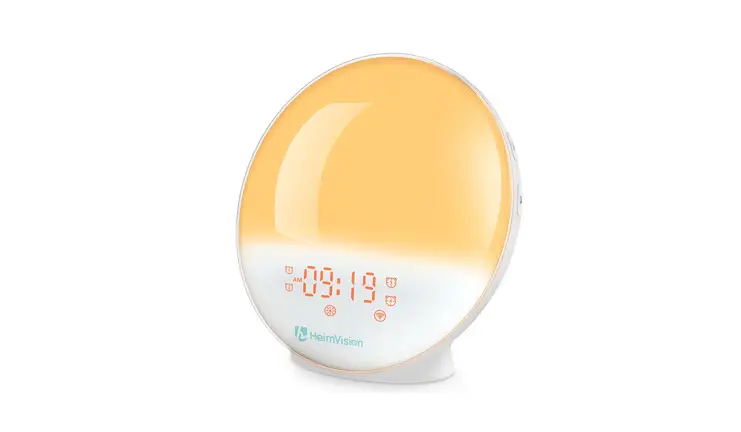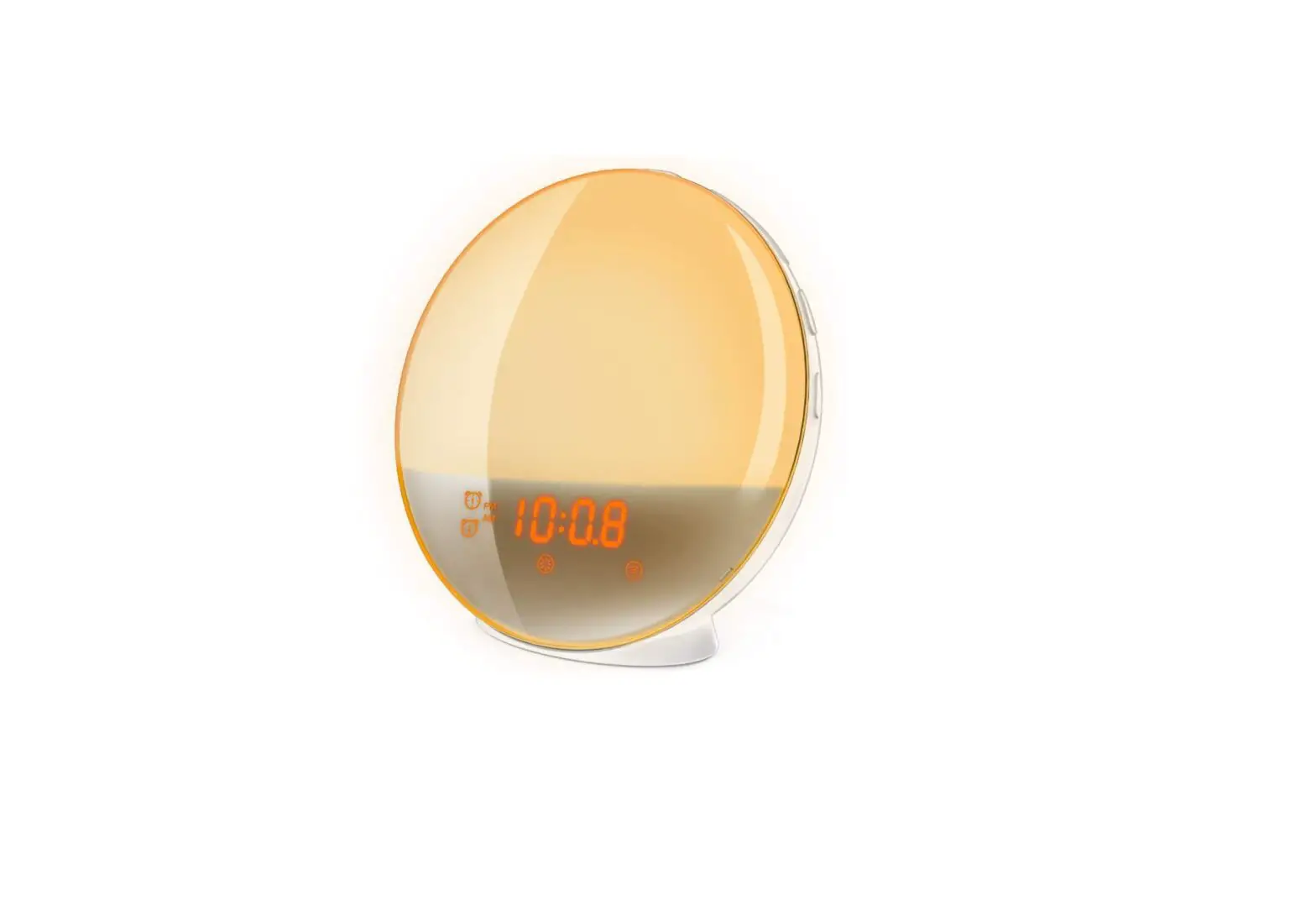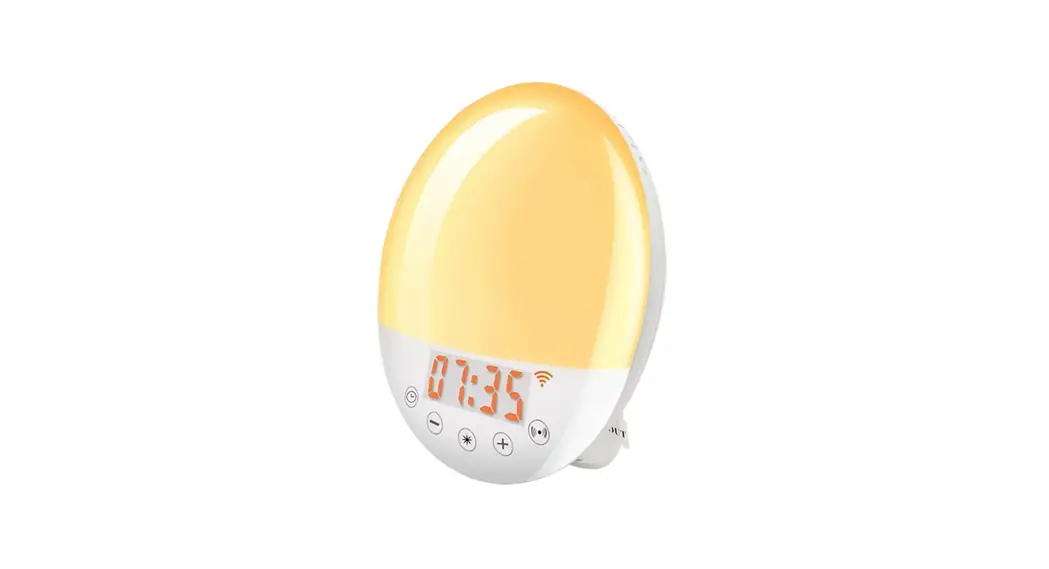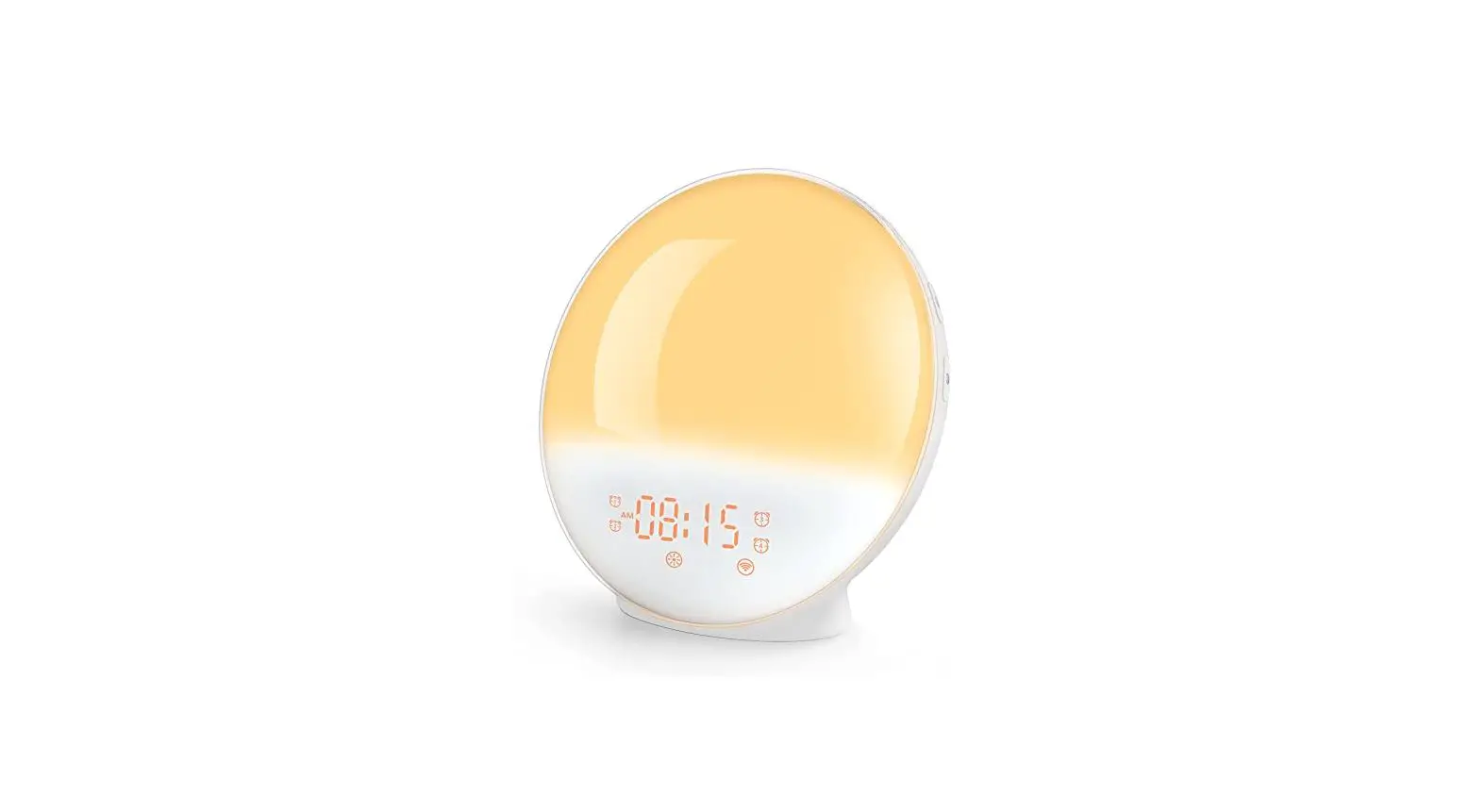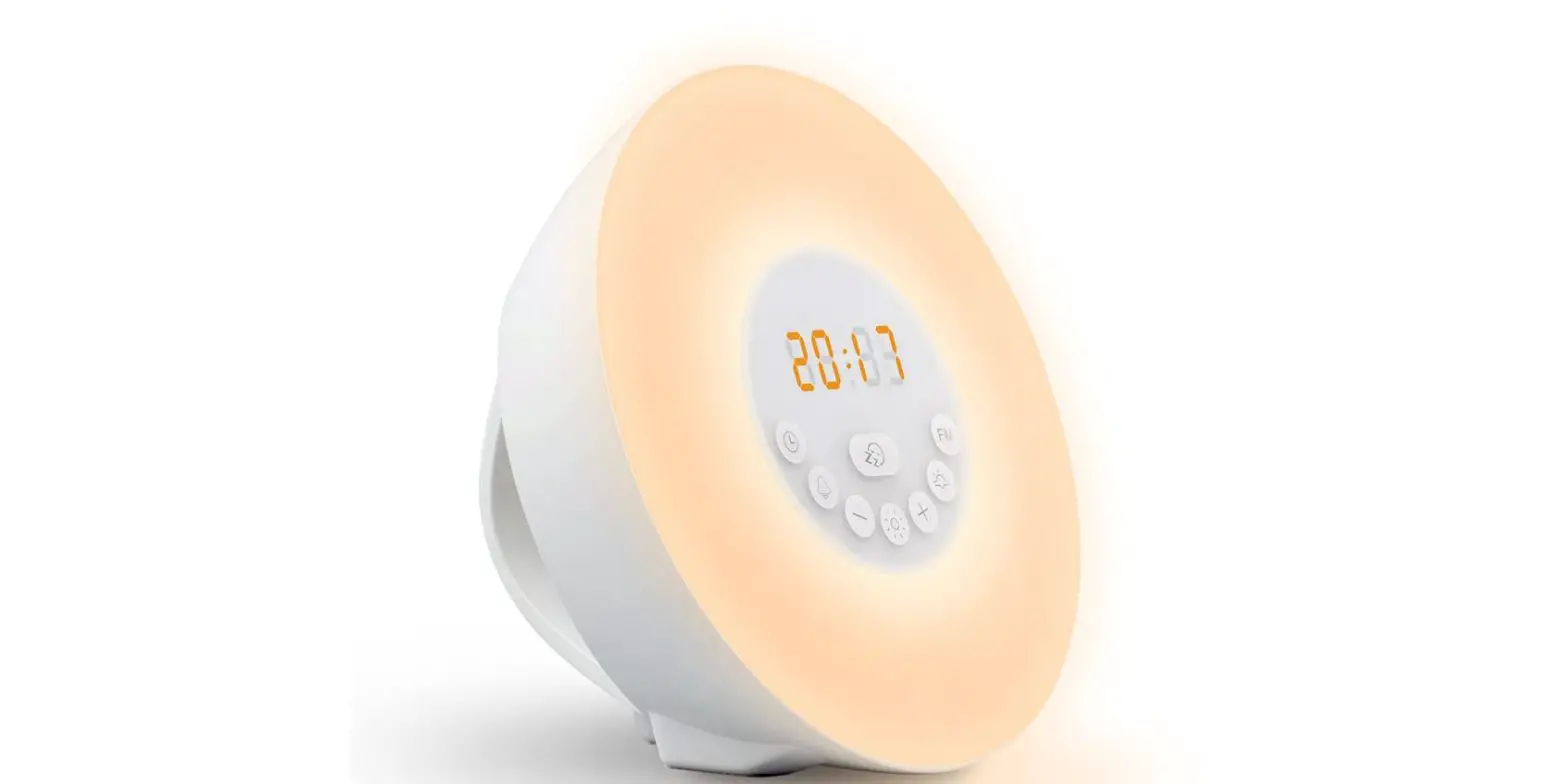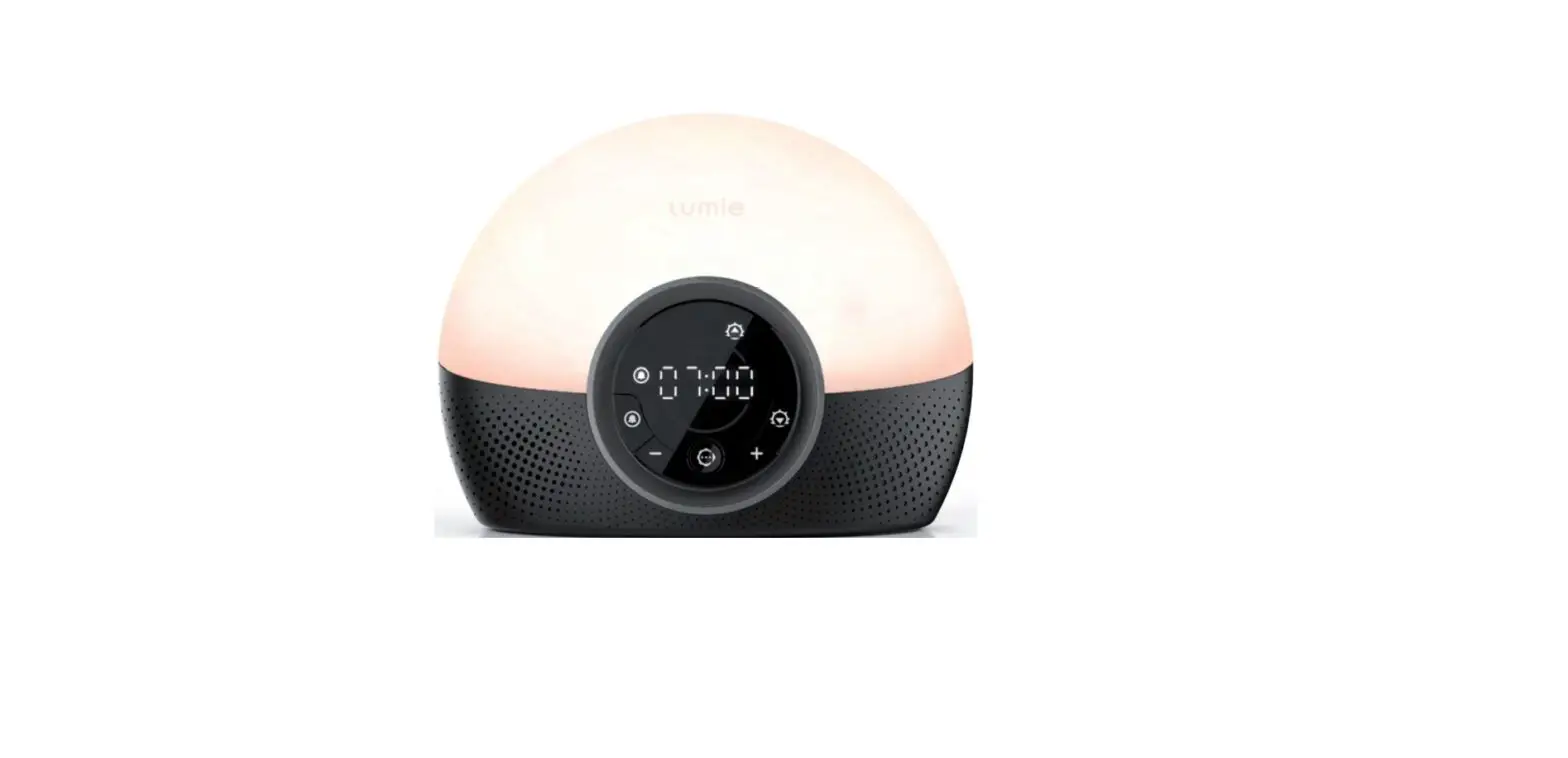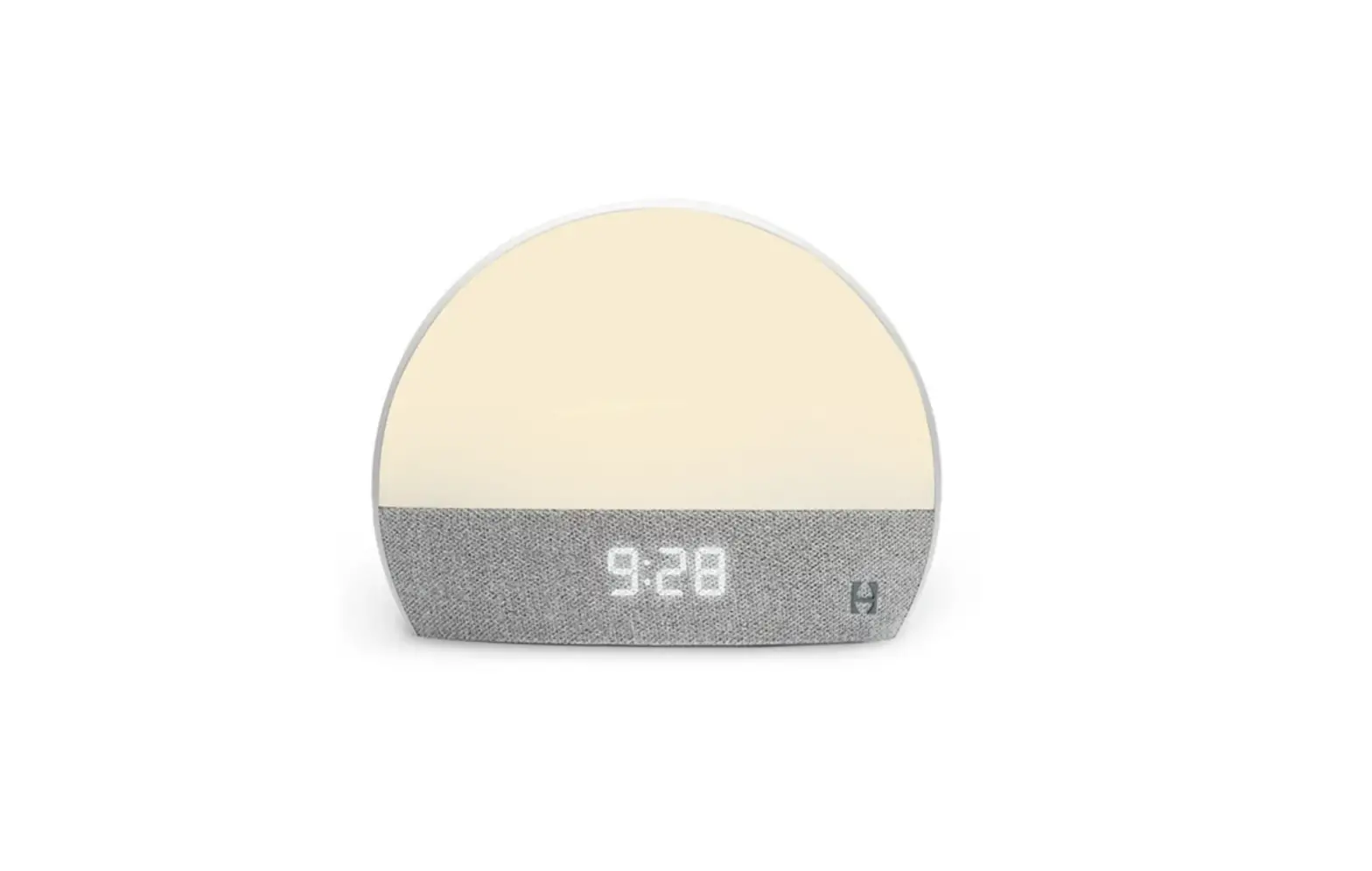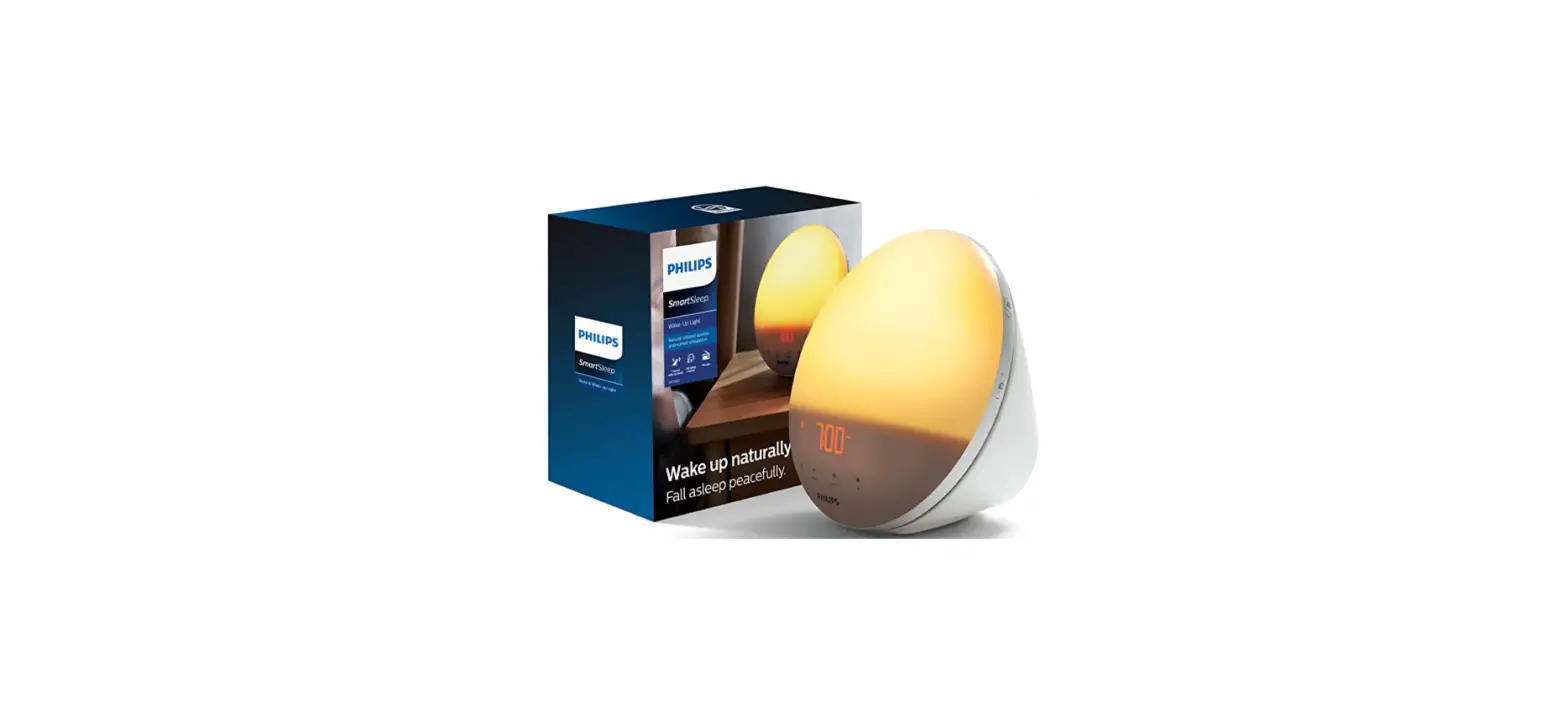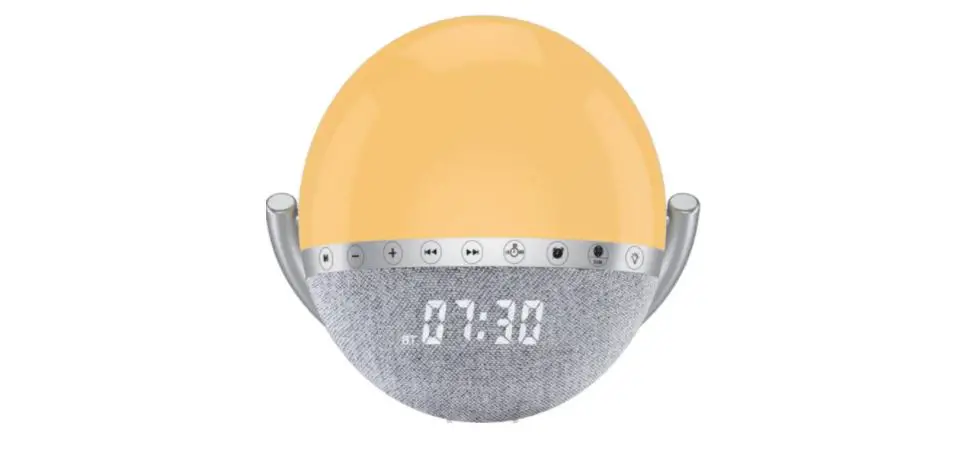
LEMEGA S6 Intelligent Wake-up Light
Sound Instructions
1. After receiving the product, please first connect the product to micro and charge it for 4-5 hours, and then use the product normally.
2. When the product has no response to the function key, reset the product. The reset key is often pressed for 5 seconds, and the product is automatically reset to the factory setting. Sleep function: in the shutdown state, touch any key, the screen will display the time, and it will turn off automatically after 10 seconds.
Function operation description:
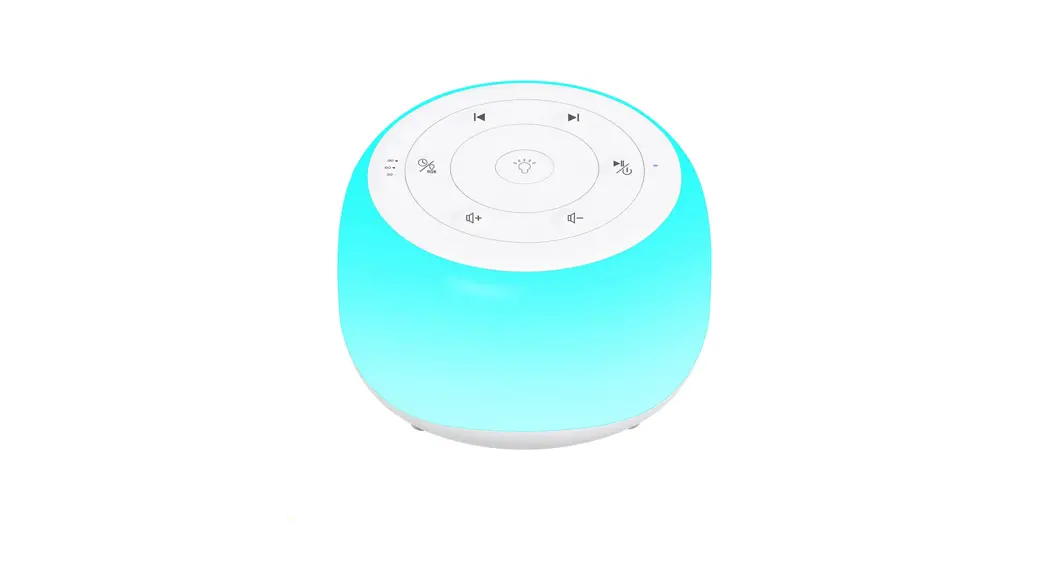
 Long press to start the intelligent wake-up light sound
Mode long press the power on / off function, short press to enter ns white noise mode / BT Bluetooth mode / FM radio mode
Use of white noise: briefly press to enter ns white noise mode. At this time, the NS flag light appears on the display screen. Select the built-in white noise 1-12 tracks through “+ / -”
Speaker use:short press After entering BT Bluetooth mode, the BT flag light on the display is on. The mobile phone turns on the Bluetooth search device and connects. After connecting, the mobile phone music can be played. Short press + – to select the previous song and the next song. Long press + – to adjust the volume
Use of FM radio:short press to enter the FM radio mode, the FM flag light on the display screen is on, connect the charging line to the product micro interface, and the other end does not need to be connected to any equipment. Short press the pause key to enter the radio station automatic search and automatically save the searched radio station, and short press + – to select the saved radio station
Light use  On state
Press the key for the first time to turn on the warm white light Adjust brightness press
 Brightness increase,Press
The second press of the key is the breathing lamp。Press in the breathing light state Key to adjust the color of the Lantern
Press the key a third time to turn off the light。
The wake-up indicator will ring at the alarm clock Start operation in the first 30 minutes , Press and hold for 3 seconds to turn off the indicator。
 Clock button (only working equipment is powered on) : Short press time setting,Press “+ /-” Adjustment hour / minute
 Alarm setting (Works only when the device is in standby mode) : Tap When the clock and minute on the display screen jump, press again “+ /-” Adjust the time and press after setting White noise(Press + – when the display shows n s 01… N 12, select the preferred ring tone as the alarm) Long press The key screen appears This flag indicates that the alarm clock has been set successfully. The wake-up sunrise light will slowly turn on 30 minutes before the alarm clock rings.
Cancel alarm setting(Long press On the display The flag disappears to cancel successfully)
 Use of sleepiness function
Press briefly when the alarm rings Enter the snooze mode, and the alarm will ring again after 9 minutes。
If the alarm rings for 3 minutes without any operation, the device will automatically enter the snooze mode。
 Use of sleep aid function
Short press to enter the sunset sleep lamp mode, and the timer should be set to 30 / 60 / 90 minutes. With the passage of time, the light will gradually dim and the light timer will be set to turn off; FM / music will be switched off at the same time。
This equipment has been tested and found to comply with the limits for a Class B digital device, pursuant to part 15 of the FCC Rules. These limits are designed to provide reasonable protection against harmful interference in a residential installation. This equipment generates, uses and can radiate radio
frequency energy and, if not installed and used in accordance with the instructions, may cause harmful interference to radio communications. However, there is no guarantee that interference will not occur in a particular installation. If this equipment does cause harmful interference to radio or television reception, which can be determined by turning the equipment off and on, the user is encouraged to try to correct the interference by one or more of the following measures:
- Reorient or relocate the receiving antenna.
- Increase the separation between the equipment and receiver.
- Connect the equipment into an outlet on a circuit different from that to which the receiver is connected.
- Consult the dealer or an experienced radio/TV technician for help.
Caution: Any changes or modifications to this device not explicitly approved by manufacturer could void your authority to operate this equipment.
This device complies with part 15 of the FCC Rules. Operation is subject to the following two conditions: (1) This device may not cause harmful interference, and (2) this device must accept any interference received, including interference that may cause undesired operation.
The device has been evaluated to meet general RF exposure requirement.
The device can be used in portable exposure condition without restriction.