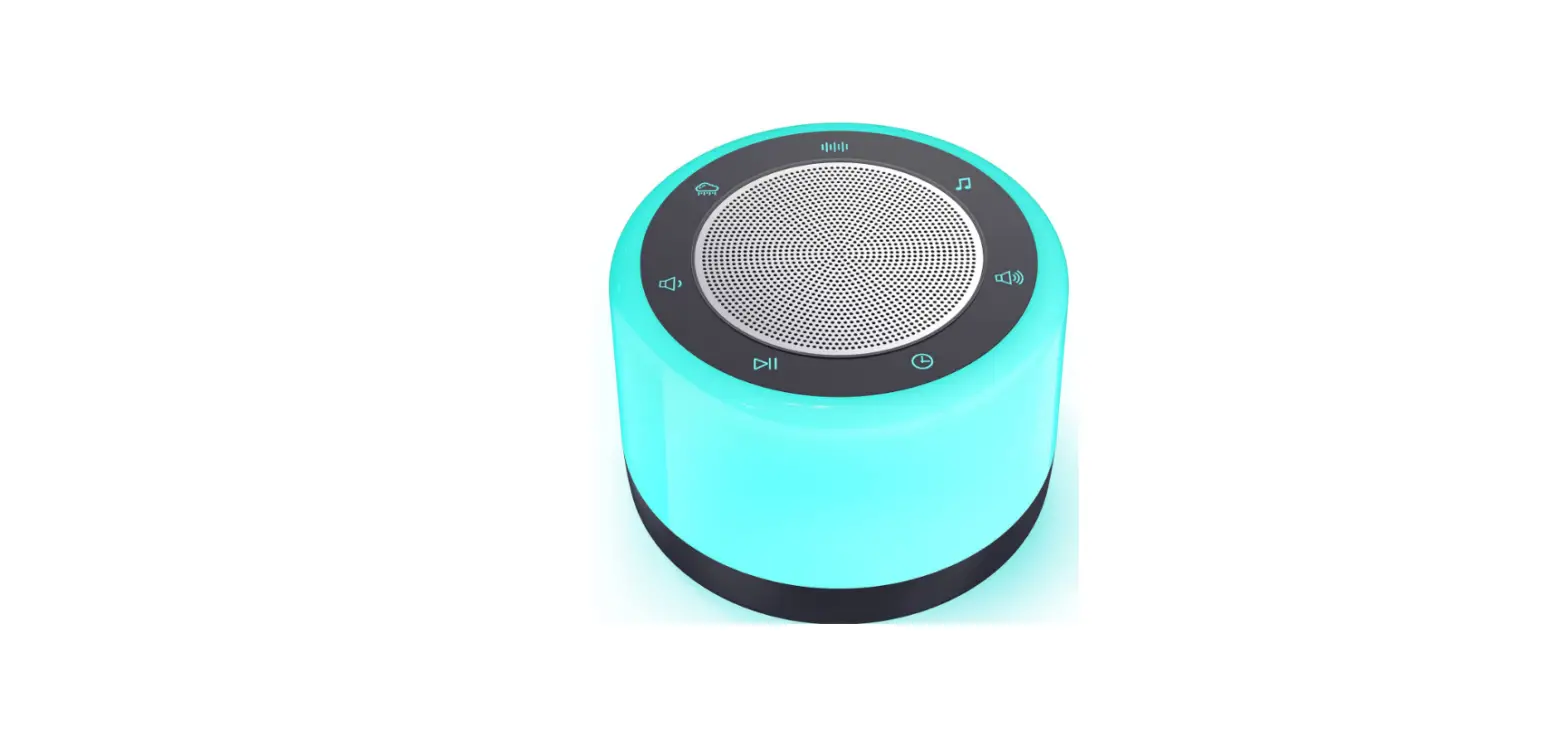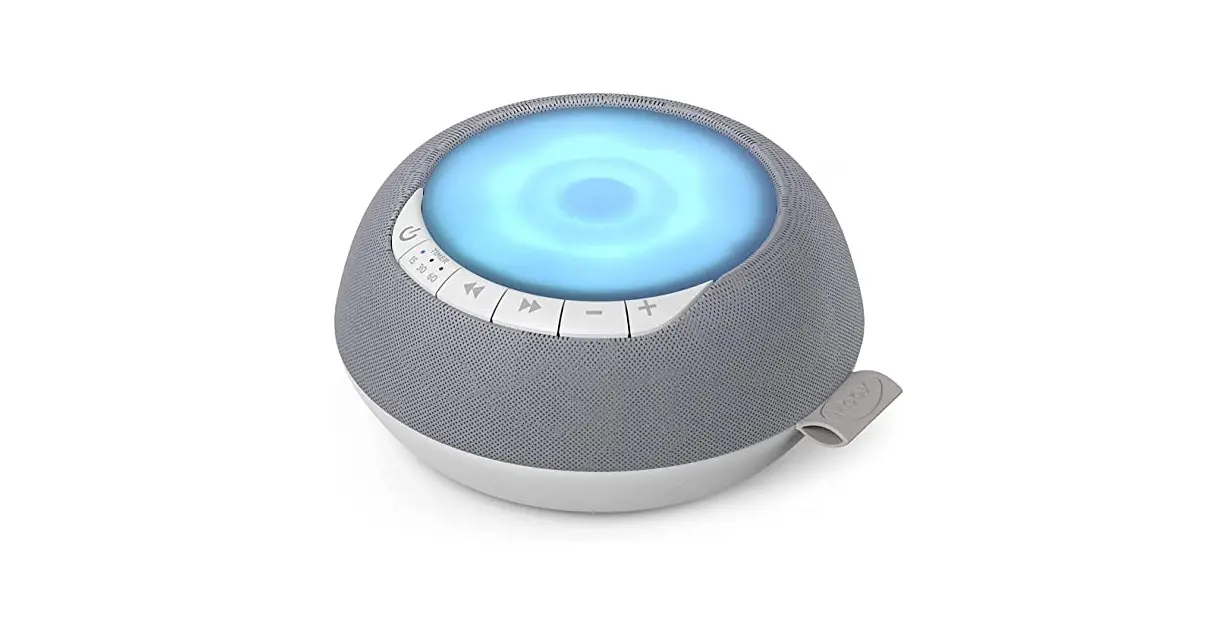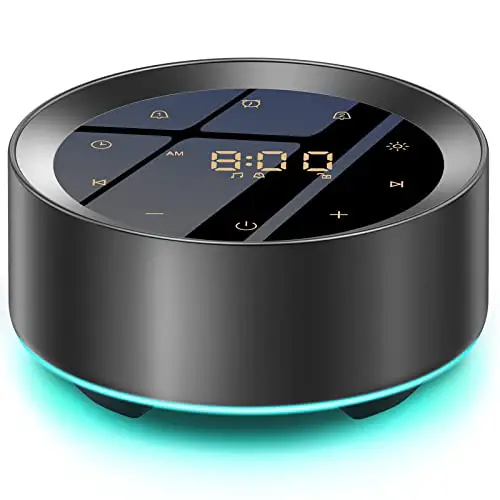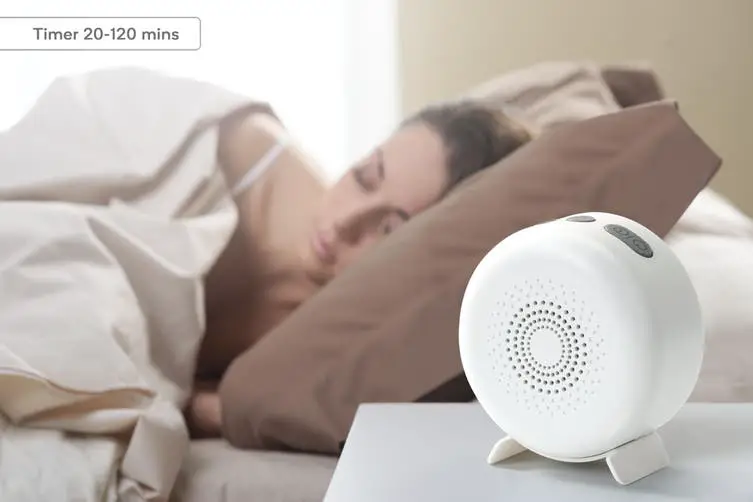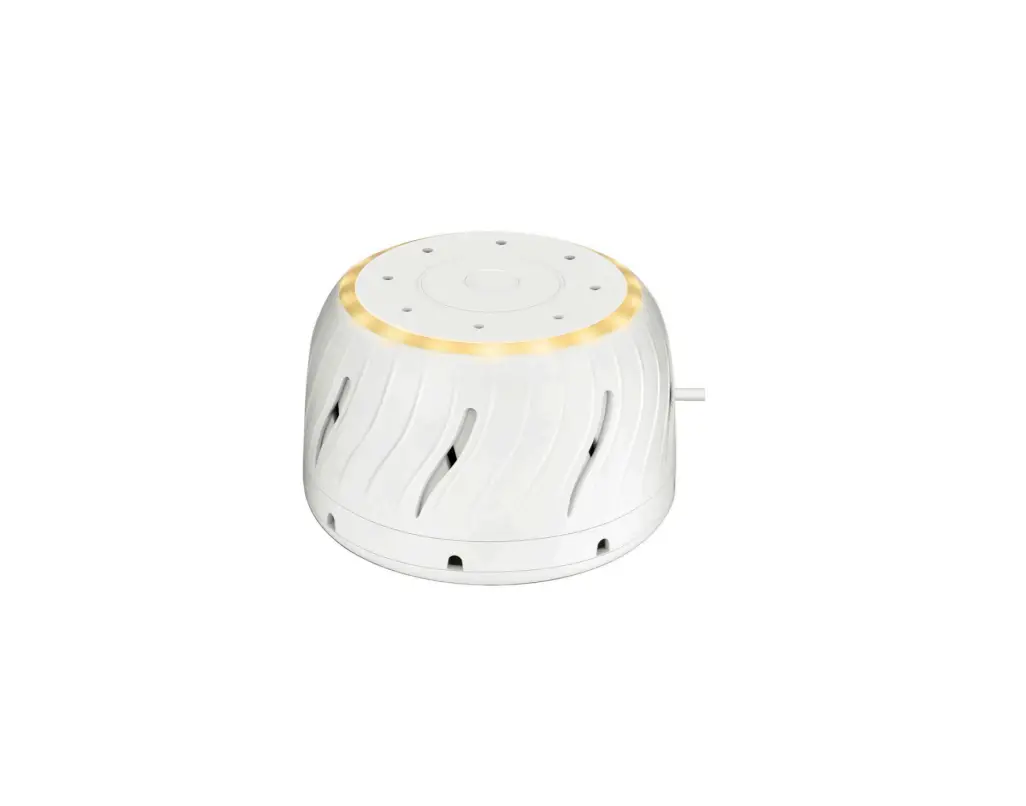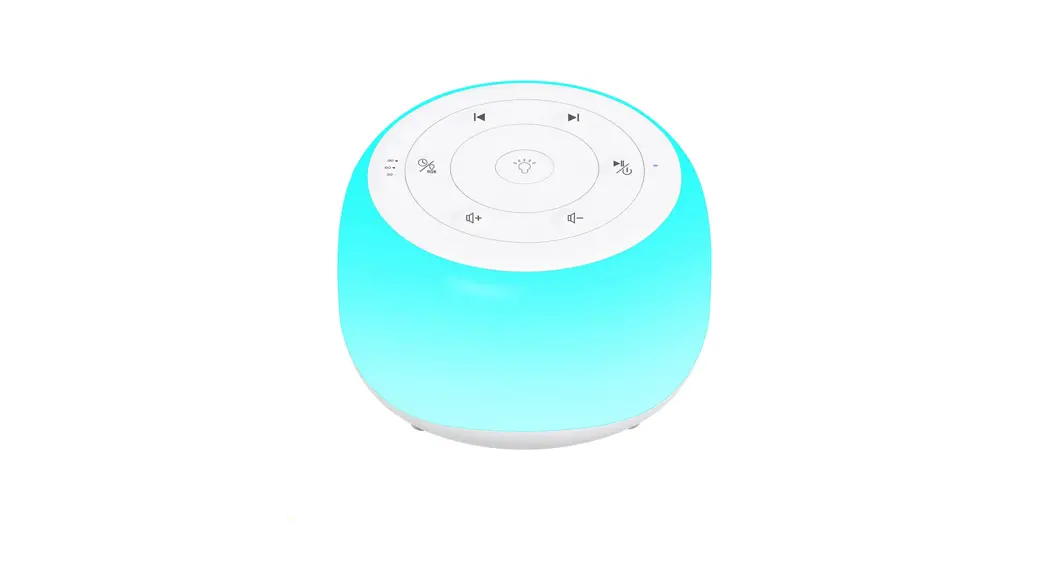

White noise machine & night light
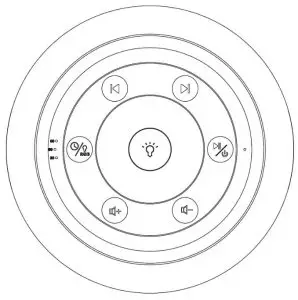
MBZ203
User’s Manual
Product description
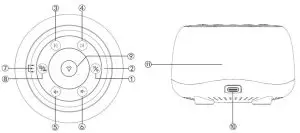
| ①on/off button | ⑦Timer Indicator Light |
| ②Power Indicator Light | ⑧RGB Light/Timer Button |
| ③Previous sound | ⑨Night Light /Brightness Switch |
| ④Next Sound | ⑩Type-C Power Port |
| ⑤Volume Up | ⑪Light |
| ⑥Volume Down |
Operating Voltage: 3.7V Dynamic Current: Light off <200mA Light on<400mA
Specification
Quiescent Current: 20uA
Dimension: 84mm×84mm×81mm
Speaker: ΦA=40mm 4 Ω 3 W
Power supply: Input DC 5V/1A
Accessories package: USB- C charging cable*1 User manual 1
Product features
- Packed with 34 soothing sounds (White noise, Pink noise, Brown noise, Wall fan sound, Fan sound, Wind sound, Raindrops falling on the roof, Light rain sound, Thunderstorm sound, Moderate rain sound, Ocean waves sound, the sound of the creek, birdsong sounds, Crickets sound, Frogs sound, Fireplace sound, Campfire sound, Fetal Monitoring sound, Uterine sound, The sound of the coffee shop, Handbell sound, Clock sound, Buddha sound, Wind-bell sound, Steamship sound, Aircraft cabin sound, Train carriage sound, Music #1, Music #2, Music #3, Music #4, Music #5, Music #6)
- Timer function
- Night light and RGB
- Memory Function: Recording Last Use Status (Volum level& Sounds type& Light color&Turn-off time)
Instruction manual
- Power on: Long press
 3~5 seconds.
 - Play and switch sound: In the default power-on and sound play state, if the Power light ② is on, long-press to pause, press
 to choose previous or next sounds, when the sounds are on pause, press any button to
  start playing.
 - Volume: There are 32 volume levels, press
 to increase or decrease the volume when it’s playing, Long-press to rapidly increase or decrease the volume.
 - Lighting function:
Turn on/off light: short-press , Light brightness control: Long-press 2-4 seconds to adjust the brightness of the light
Light color control: Short-press to switch the light color, the sequence of the light: night light, red light, green light, blue light, yellow light, pink light, breathing Atmosphere lights, colorful Atmosphere lights.
 - Timer function: When there is no timing by default, the lights are displayed in an infinite loop playing.
The long-pressbutton, three timer functions can be switched. the corresponding light⑦ on according to the set time, the machine will turn off automatically when the times up.
As shown below:
LED 1 on, the countdown to 30mins,
LED 2 on, the countdown to 60mins
LED 3 on, the countdown to 90 mins - Turn off: when the machine is on, long press 3~5 seconds to turn off.
- Battery charge: Use the Type-C cable provided to connect the power adapter(not included), plug in the charging port ⑩ to charge the lithium battery.
- Power indicator status:
Single blue light: Normal on(non-charging)
Single blue light flashing: Low battery (non-charging)
Single red light: battery charging (Not on, charging)
Single green light: Normal Standby state/full charged( (Not on, charging)
Blue/red light simultaneously on: Normal on and charging(Charging)
Blue/green light simultaneously on: Normal on and fully charged (charging) - Memory function: power on and play sounds last time chosen, Remember the last time the timer off, Remember the volume level set by last time, sudden power failure will disable this function, The last memory settling will be played by default.
 3~5 seconds.
 to choose previous or next sounds, when the sounds are on pause, press any button to
  start playing.
 to increase or decrease the volume when it’s playing, Long-press to rapidly increase or decrease the volume.
 , Light brightness
  to switch the light color, the sequence of the light: night light, red light, green light, blue light, yellow light, pink light, breathing Atmosphere lights, colorful Atmosphere lights.
User attention
- There is no sound after the power is switched on, please check if the battery is too low (Whether the power light ② blue light flashes or lights up) and connect power to try again.
- Can’t charge, please connect the power supply, check whether the indicator light is working, Refer to the indicator light ② status:
- Can’t play music, Troubleshooting plan: Check if the power light ② is on blue.
If there is no blue light on, please press and hold the power switch button for 3 seconds to restart the
machine.
When the battery power is lower than 3.3V, the blue light of the machine status light will flash, and the sound will be played and the light will be on at the same time. The light will flash when the battery is low, which is a normal phenomenon. Plugin the charger and charge timely can remove the faults.
Precautions
Please do not remove or repair the product to avoid damage.
Please keep them away from the water and flood them to avoid damage to the product.
Please stay away from high temperatures and fire protection resources.
Do not wipe or clean the product with a corrosive detergent.
Please wipe the surface with a soft wet towel.
Service Quality Assurance:
Please contact the seller if there is any problem with the product.
One-year warranty: The warranty period shall be subject to the invoice date.
The following conditions, not included in the warranty:
Damaged due to improper handling, storage, or maintenance;
The invoice model is inconsistent with the product model or the invoice is changed;
Products damaged by force majeure do not include in our warranty and our customer service center will serve you wholeheartedly.