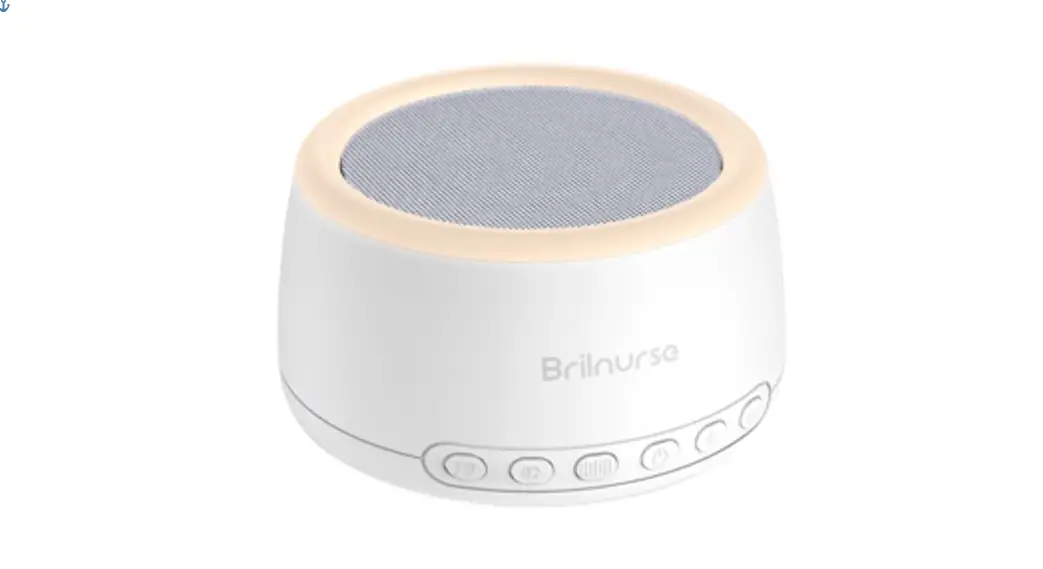
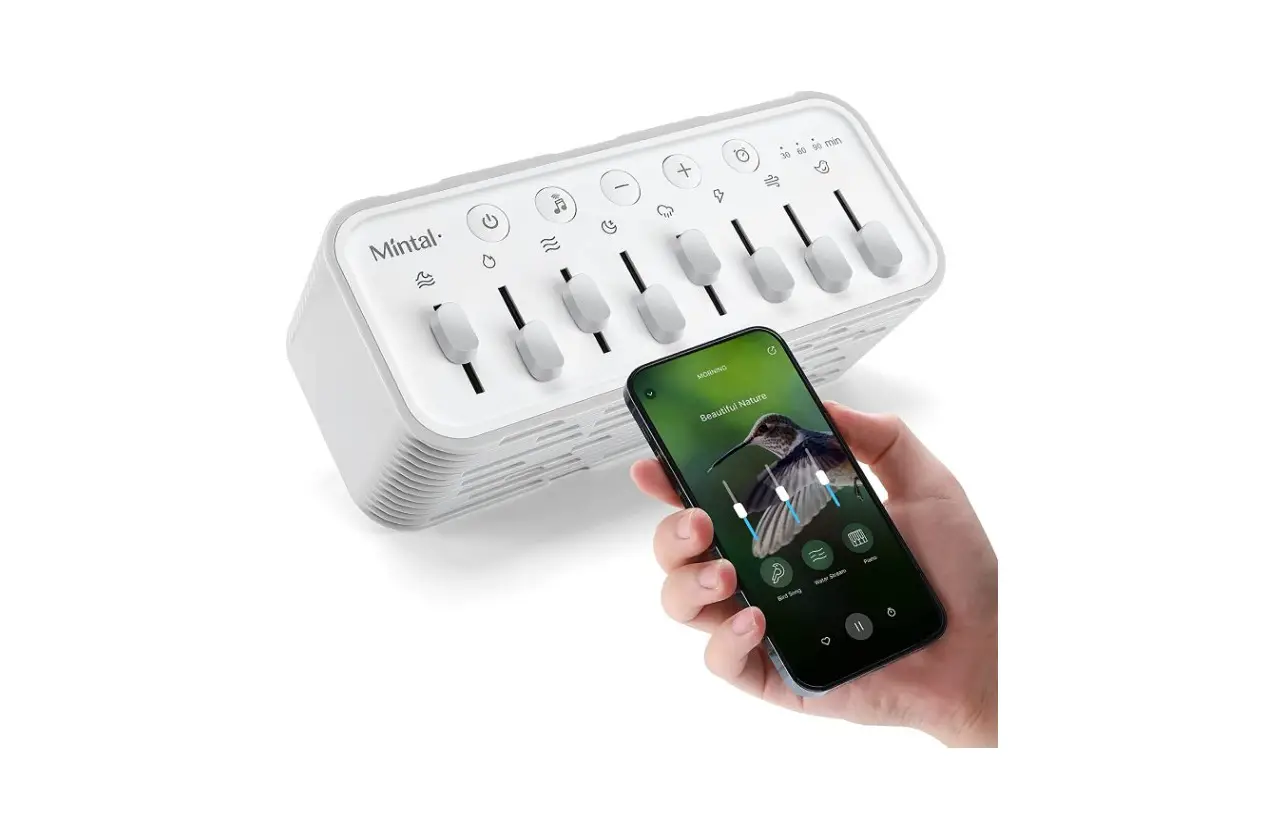
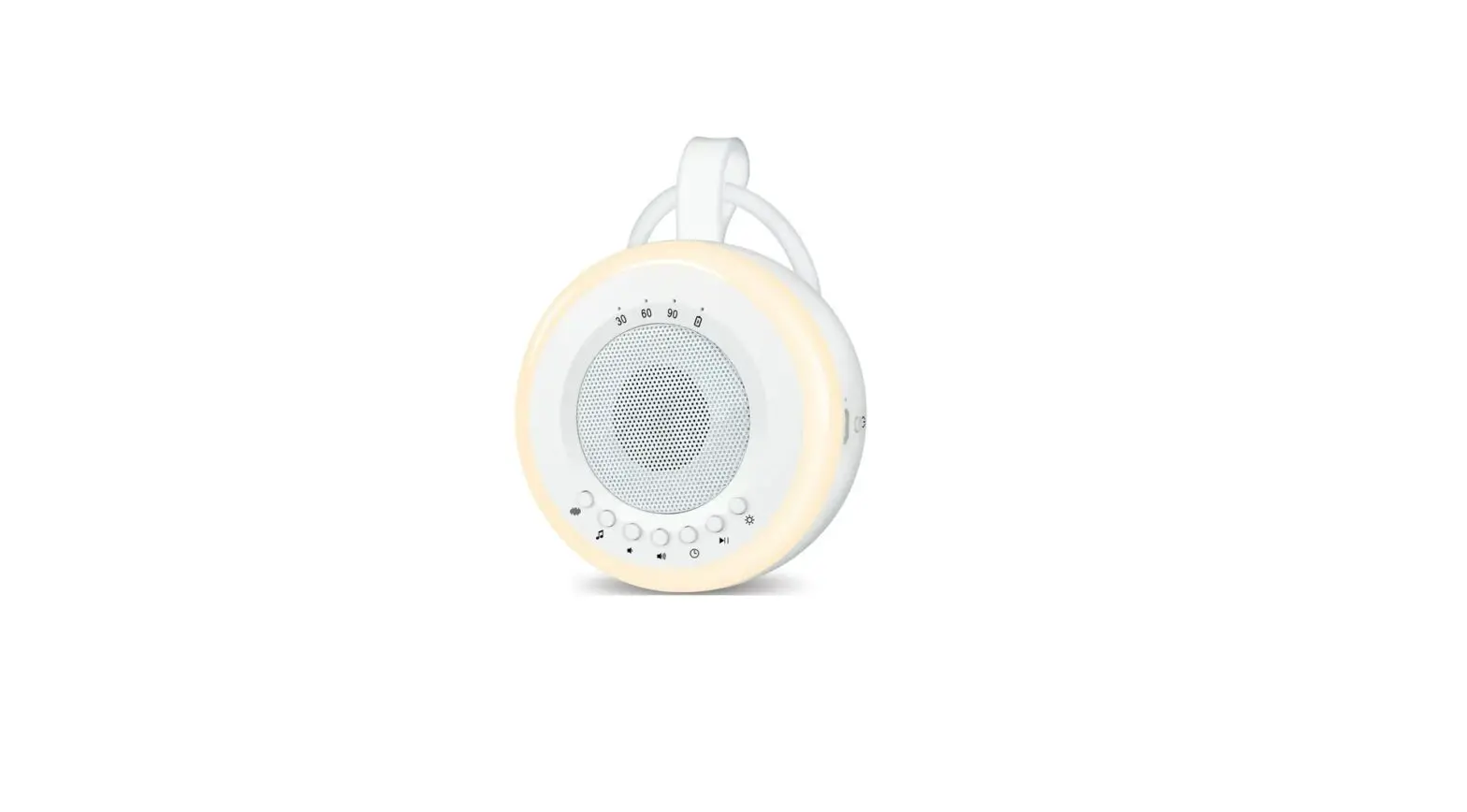
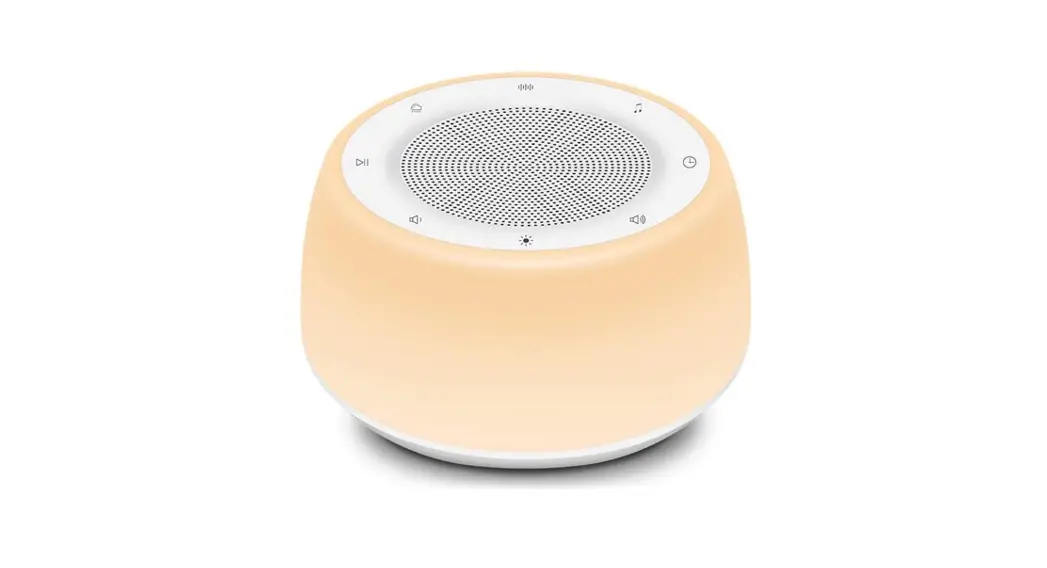
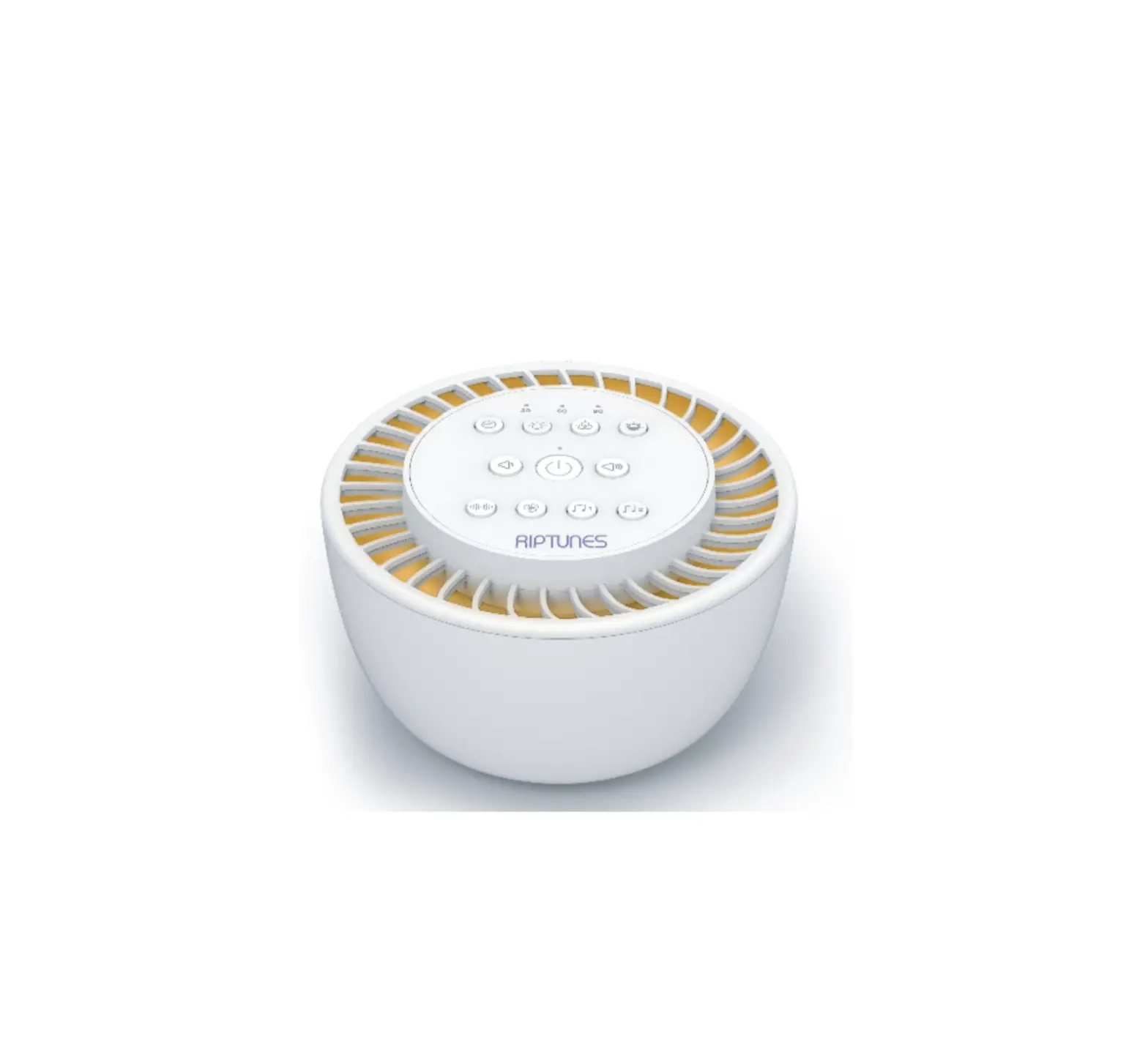
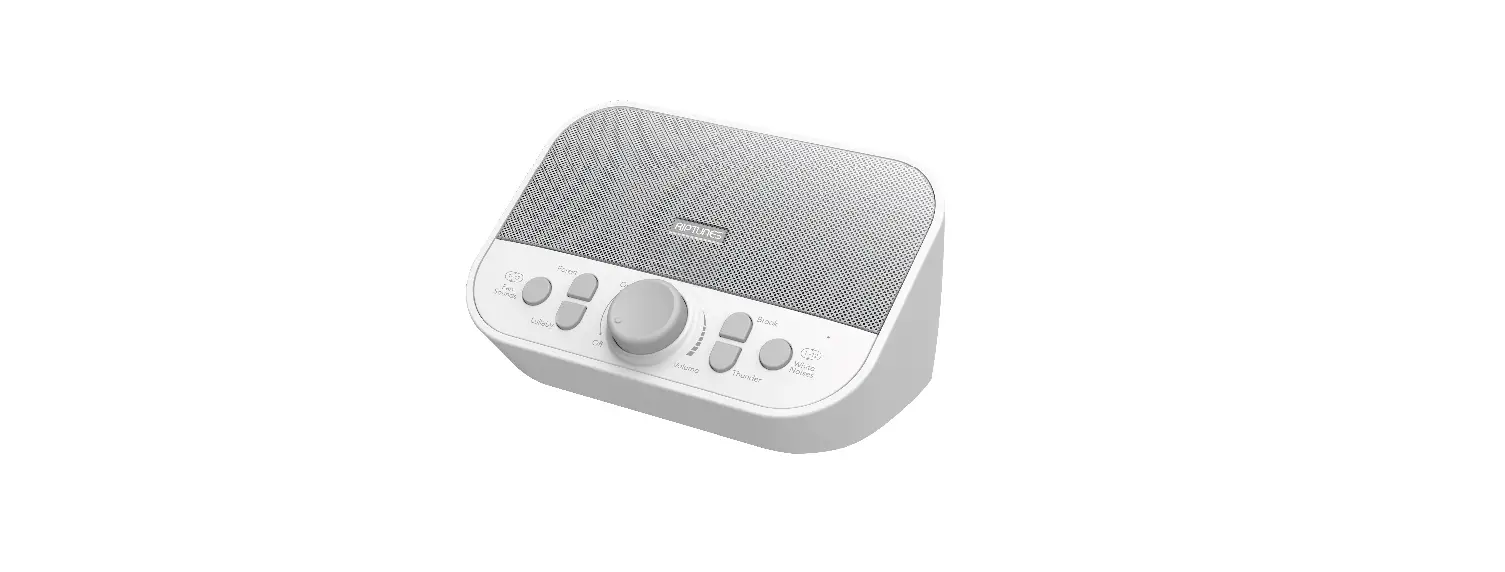
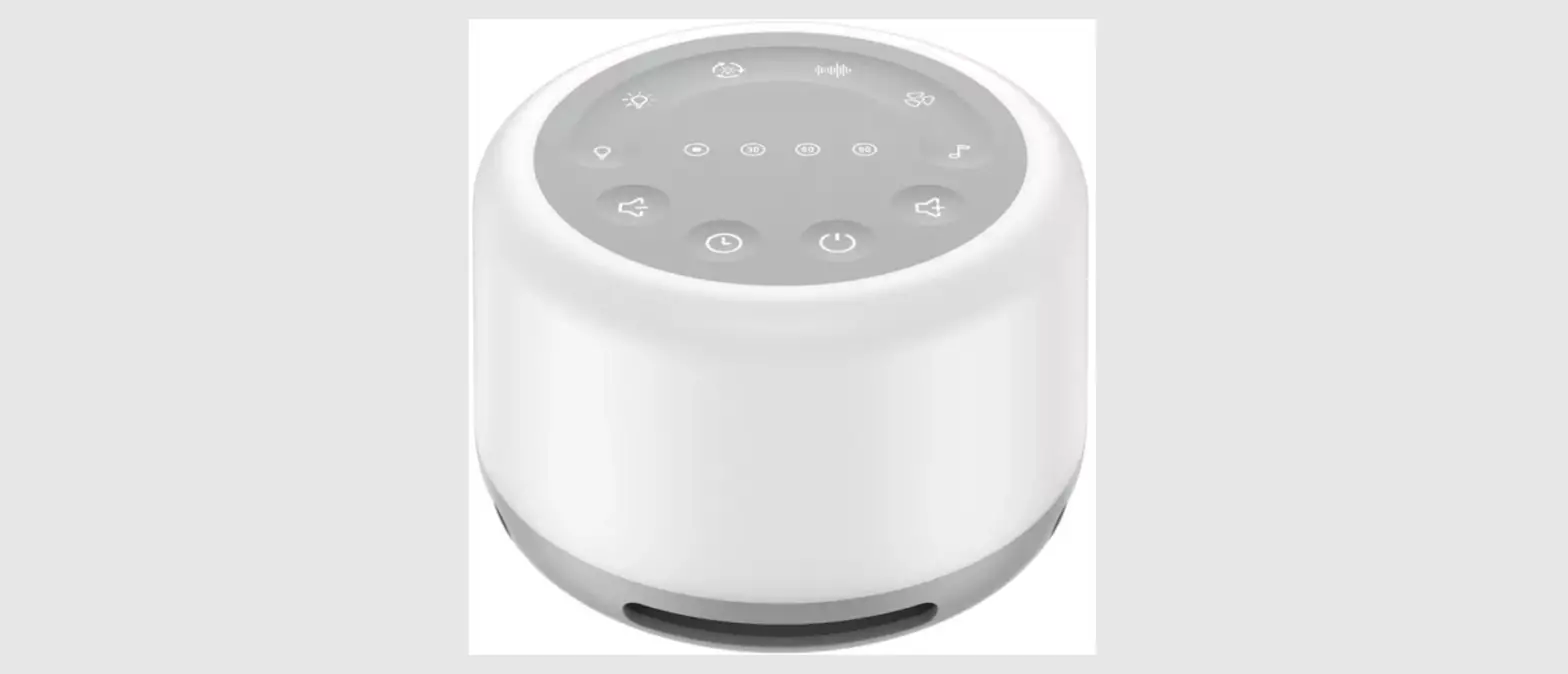
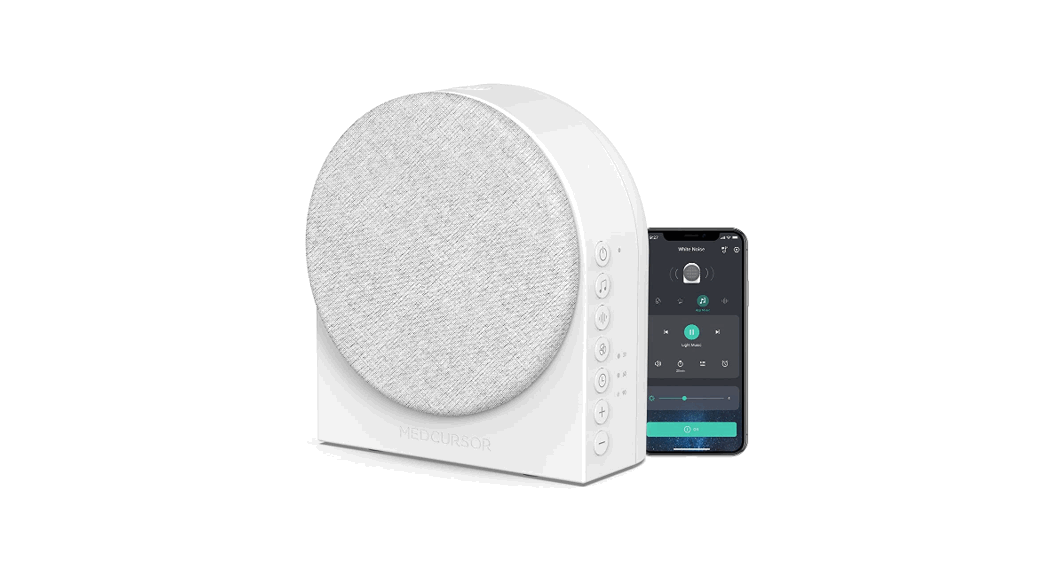
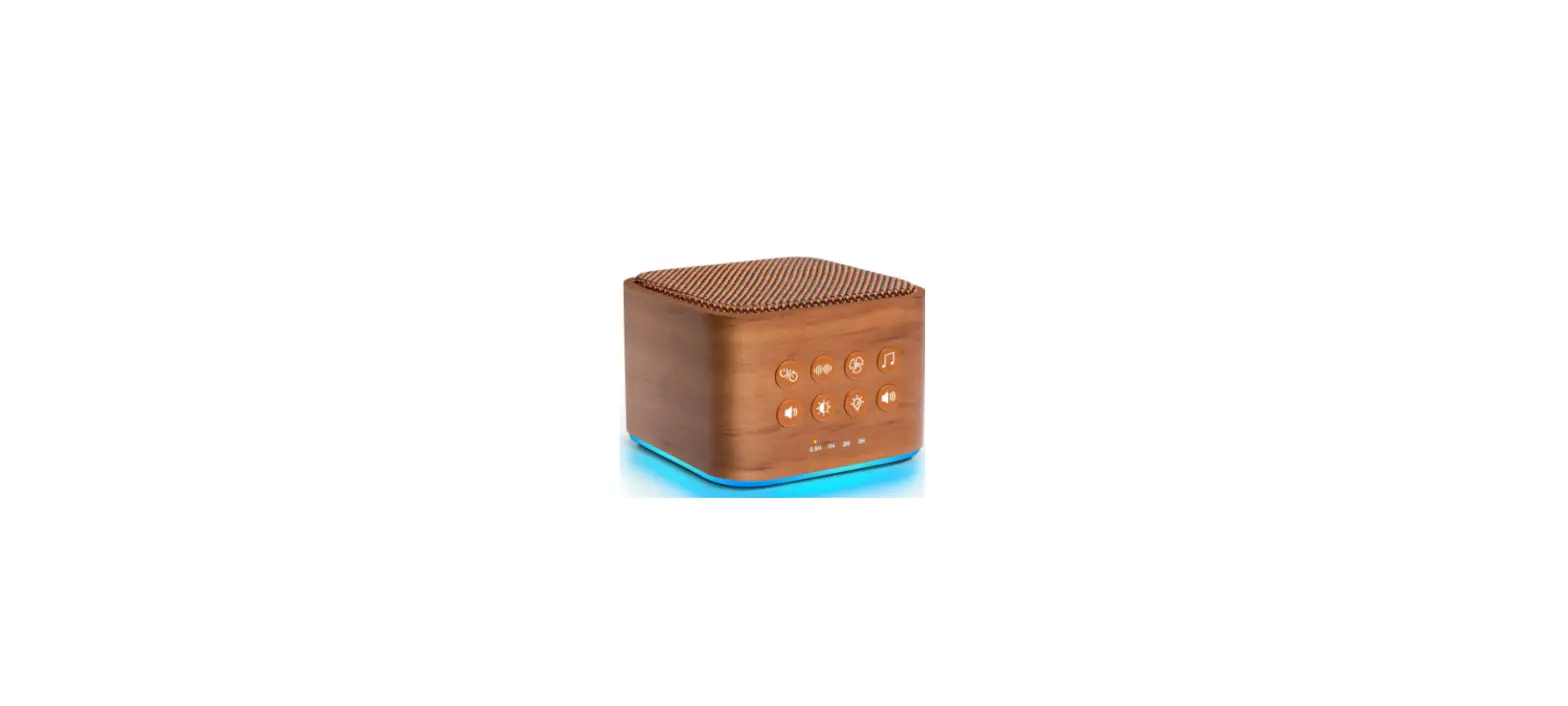
B09DFLBP1K White Noise Machine
Product Information
The White Noise Machine with Wake-up Light is a versatile device
that combines white noise generation, light therapy, and smart
control features. It comes with a power adapter, remote control,
and user manual.
The device offers various control methods, including a mobile
app, remote control, and device buttons. It supports functions such
as ON/OFF, snooze, brightness adjustment, volume adjustment,
play/pause music, switch music, RGB light control, white light
control, favorite mode, theme selection, music mode, timer setting,
sleep routine, sunrise alarm, focus/meditation mode, time
adjustment, toddler lock, and reset.
To get started, follow these steps:
- Power on the Y2 using the included power adapter and USB cable.
Wait for the bottom indicator to turn BLUE. If the indicator does
not blink in BLUE, proceed to step 4 for a reset. - Download the LaView app from the app store and register your
account. - In the LaView app, click the ‘+’ icon in the upper right corner
and select ‘add device’. Turn on Bluetooth and choose ‘smart home
essentials’ followed by selecting the Y2 icon. Finally, follow the
on-screen instructions to connect your device. Make sure to allow
authorization for Bluetooth access in the LaView app. - If you encounter connection issues or abnormal status with the
Y2, reset it by pressing and holding the RESET button for 5
seconds. Release your hand after hearing Y2 say ‘Bluetooth mode’
and when the warm light is on.
Product Usage Instructions
Control Methods:
- Mobile App: Use the LaView app to access all
functions of the Y2. - Remote Control: Use the remote control for
quick controls on common functions. - Device Buttons: The device buttons provide
immediate access to various functions.
Function Annotations for the Remote Control:
- Turn off Y2: Turns off lights, music, sunrise
alarm, or sleep routine alarm. - Turn on Y2: Turns on the device.
- Play/Pause: Controls music playback.
- Switch Music: Changes the currently playing
music. - RGB Light: Quickly selects from 6 colors for
the RGB light. - Favorite: Opens the default favorite mode
combination. - Theme: Quickly selects from 6 rhythm light
themes. - Timer: Sets a timed shutdown for 15, 30, or 60
minutes. - Volume up/down: Adjusts the volume.
- Increase/Decrease Brightness: Adjusts the
brightness level.
Note: The FCC Compliance section states that the device complies
with Part 15 of the FCC Rules and can operate without causing
harmful interference. The manufacturer is not responsible for any
radio or IV interference caused by unauthorized modifications.
NN NN
NN
NN
User Guide
WHITE NOISE MACHINE
with Wake-up Light
ABOUT YOUR
WHITE NOISE MACHINE WITH WAKE-UP LIGHT
WHAT ‘S IN THE BOX
Y2
01 02 Power Adapter
Remote Control 03 04 User Manual
For more set up instructions and video tutorials,please scan the QR code on the left or visit: www.laviewusa.com/pages/y2 Or contact us at: [email protected]
Different Methods to Control Y2
cAll control methods are included with your Y2
Control Method Supported Function
1.ON/OFF
Mobile APP
cFull functions
Remote Control
cQuick controls on common functions
Device Buttons
cImmediate access
2.Snooze 3.Tap top button oncecTap Y2 top)
4.Brightness Adjustment
5.Volume Adjustment
6.Play/Pause Music
7.Switch Music 8.RGB Light
9.White Light
10. Favourite
Up to 8
Up to 1
11.Theme
8
6
12.Music Mode
13.Timer 14. Sleep Routine
15.Sunrise Alarm 16.Focus/Meditation
17.Time Adjustment
18.Toddler Lock
19. Reset
Getting Started
Step1Power on Y2
Power on the Y2 with included power adapater and USB cable. Wait until the bottom indicator
BLUE.
Note:If the indicator does not blink in BLUE, go to step 4 to reset Y2.
Step2Download LaView app
Laview
-Search and download our LaView app on the app store and register your account. -Open the app, select ‘sign up’to create a new account or log in with an existing account.
Step3Set up Y2
BLUE,Click’+’ in the upper right corner and
click ‘add device’, after that turn on Bluetooth ,select `smart home essentials’ and click -Then, select Y2 icon and click ‘add’. -Finally,follow the steps in the LaView app to connect your device.
Note:Please allow authorization for Bluetooth access in LaView app.
Step4How to reset Y2
If you keep having trouble connecting Y2 to network or Y2 is in abnormal status, you need to reset the Y2.
Press and hold the RESET button for 5 sec. Do not release your hand when you hear Y2 says ‘Bluetooth mode’, after warm light is on, release your hand.
Device Buttons
Snooze
Top View
Remote Control Receiver
Indicator
Reset
Bottom View
Increase Brightness
Decrease Brightness
Volume UP
Volume Down
Right Side
Left Side
æTurn on: Single tap top to turn on the warm light çTurn off: Long press & hold top for 2 sec èSnooze: When alarm goes on , single tap top éTurn off Alarm: When alarm goes on , long press & hold
top for 2 sec
æReset: Hold for 5 seconds to reset the device çTurn on Bluetooth: Hold for 2 seconds
æSingle tap to increase brightness çLong press to constantly increase brightness
æSingle tap to decrease brightness çLong press to constantly decrease brightness
æSingle tap to turn up volume çLong press to constantly turn up volume
æSingle tap to turn down volume çLong press to constantly turn down volume
Remote Control
1.Turn off Y2 3.Play/Pause 5.RGB light
7.Theme 12.Timer
2.Turn on Y2 4.Switch music
6.Favorite 8.Volume up 9.Volume down 10.Increase brightness 11.Decrease brightness
Function annotations:
1.Turn off Y2
1Turn off the lights and music of the current device; 2You can also turn off the sunrise alarm or sleep routine alarm anytime it rings.
5.RGB lightYou can quickly select RGB light with a total of 6 colors. 6.FavoriteThe Favorite Mode switch opens the default `Favorite 1′ combination. If you need to update the Favourite
7.ThemeYou can quickly select rhythm light with a total of 6 themessuch as Rainbow, Ocean, Beach, Colorful, Fireplace, Joy. 12.TimerThere are three settings for timed shutdown 15 minutes, 30 minutes, and 60 minutes
. After the timer is set, the
clock will display the countdown time for 5 seconds, indicating that the operation was successful.
FCC Compliance
This device complies with Part 15 of the FCC Rules. Operation is subject to the following two conditions: (1)This device may not cause harmful interference, (2)This device must accept any interference received, including interference that may cause undesired operation. The manufacturer is not responsible for any radio or 1V interference caused by unauthorized modi-
to operate the equipment. This equipment has been tested and found to comply with the limits for a Class B digital device, pursuant to Part 15 of the FCC Rules. These limits are designed to provide reasonable protection against harmful interference in a residential installation. This equipment generates, uses and can radiate radio frequency energy, if not installed and used in accordance with the instructions, may cause harmful interference to radio communications. However, there is no guarantee that interference will not occur in a particular installation. If this equipment does cause harmful interference to radio or television reception, which can be determined by turning the equipment off and on, the user is encouraged to try to correct the interference by one or more of the following measures: -Reorient or relocate the receiving antenna. -Increase the separation between the equipment and receiver. -Connect the equipment into an outlet on a circuit different from that to which the receiver is connected. -Consult the dealer or an experienced radio /TV technician for help. RF Warning Statements: To maintain compliance with FCC’s RF exposure guidelines, this equipment should be installed and operated with a minimum distance of 20cm between the radiator and your body.
NN
Need help
Should you have any questions about using Y2 Wake-up Light,
please contact LaView support team at
[email protected]
?
NN
NN
NN
App Control
Quick Bar
App Control
Favorite
Home
Back to home
Main switch
Brightness adjustment Volumn adjustment Music switch
Light switch
Change device name and other basic settings
Turn light on,off or breathing
Favourite and Theme mode
Swipe to adjust volume Main switch Main panel
Adjust light brightness Hold and swipe left/right to switch between RGB light and white light
Play/Pause sound Countdown,focus and clock setting
Sunrise alarm/Sunset routine
Edit Favorite
Add Favorite
Volume adjustment
Theme and Music Mode
Theme: 8 bulit-in light & music combos that mimic a variety of nature light pattern such as beach,
etc.
8 themes Choose and click
to play/switch
2 music modes, Choose and click to play/switch
Title
Light adjustment
Music Category
Music Mode: Dynamic light
pattern that follows the
sound of external music
(i.e. : High quality speaker, mobile phone, people singing)
App Control
Schedule
Sunrise Alarm and Sleep Routine
Sleep Routine Setting
Sleep routine starting time, time to sleep
Routine on/off Repeat
Time to get up Alarm on/off
Y2 will have a delayed shutdown time after the
get-up time
Add new sleep routine/ sunrise alarm
Cancel editing Save routine
Set sleep starting time
Repeat Label Light switch (If turned off, only music with sleep will be performed)
Light adjustment
Music switch (If turned off, only light with sleep will be performed)
Music category
Select music
Volume adjustment
Set the time for the sleep routine to turn off
After set the sunset duration, the sleep time will be calculated
For example, if sleep starting time is 10:00 pm, sunset duration is 20 minutes, then Y2 will turn on at 10 :00 am at maximum brightness and gradually turn off until 10:20 pm.
App Control
Sunrise Alarm Setting
Cancel editing
Save alarm Set get-up time
Repeat
Label Light switch (If turned off, only music with wake-up will be performed)
Light adjustment
Music switch (If turned off, only light with wake-up will be performed)
Set the sunrise duration prior to get-up time After set the sunsrise duration, The wake-up time will be calculated
Music category Select music
Volume adjustment
Snooze: When alarm goes on, you can tap Y2 top10min later, Perform again
Set the time for the sunrise alarm to turn off completely
For example, if get-up time is 8:00 am, sunrise duration is 20 minutes, then Y2 will turn on at 7 :40 am at minimum brightness and gradually brighten to maximum until 8:00 am.
App Control
More Setting
Timer setting (set Y2 to shut down)
Focus
Back to previous page
Start focus Set Focus time
The default is 12-hour time format, If turned on, the time display will change to 24-hour time format
Brightness adjustment of the clock display
Manually add time compensation to
Device buttons will be disabled except the snooze function
The round of focus Only for 2 rounds and above,you can set break time
If turned on, the remaining time of the focus session will be displayed on the clock
Q&A If you don’t see your question below, please contact us at [email protected]
IMPORTANT SAFETY
INSTRUCTIONS
Y2 won’t turn on?
Please try resetting it by completing the following steps:
2.Please hold and press Y2 bottom RESET button for 5 sec, until the warm light is on and indicator blinks blue 3. Follow the steps for adding the Y2 as mentioned previously
only
My schedule didn’t run
2.Check that the time of day and day of the week are correct 3.If you want your schedule to repeat from day to day, make sure it is set to repeat on the desired days Please be aware, schedules start and don’t look back, so changes made during a program will take effect the NEXT time that program runs. This includes schedules created after their start time, which will kick off the next time the start time rolls around
How to use Y2 as a Bluetooth speaker
Note:Y2 is designed as a sleep machine. Although Y2 is not optimized as a Bluetooth speaker, we do enable this feature due to high demand and will keep improving it. Please let us know your suggestion and feedback on using Y2 as a Bluetooth speaker by emailing to info@laviewusa .com If you want to use Y2 as a Bluetooth speaker, please following steps: 1.Please hold and press Y2 bottom RESET button for 2 secuntil you hear ‘Bluetooth mode’ 2.Turn on your phone system Bluetooth and search for `Y2 wake up light’ 3.Click ‘Y2 wake up light’ for pairing, after pairing successfully , you will hear ‘contacted’ 4.Then,you can play music from your phone
c
s
p
 y2 – LaView Store USA