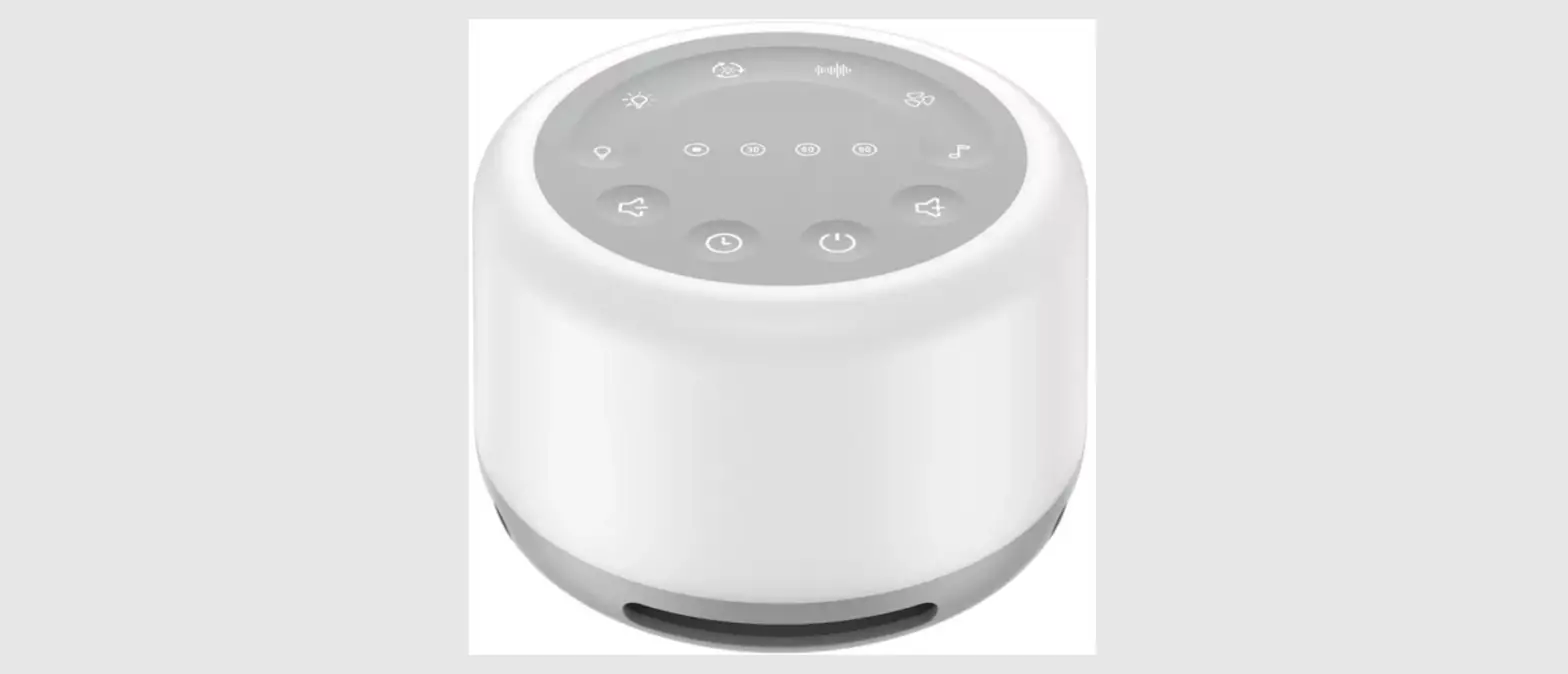
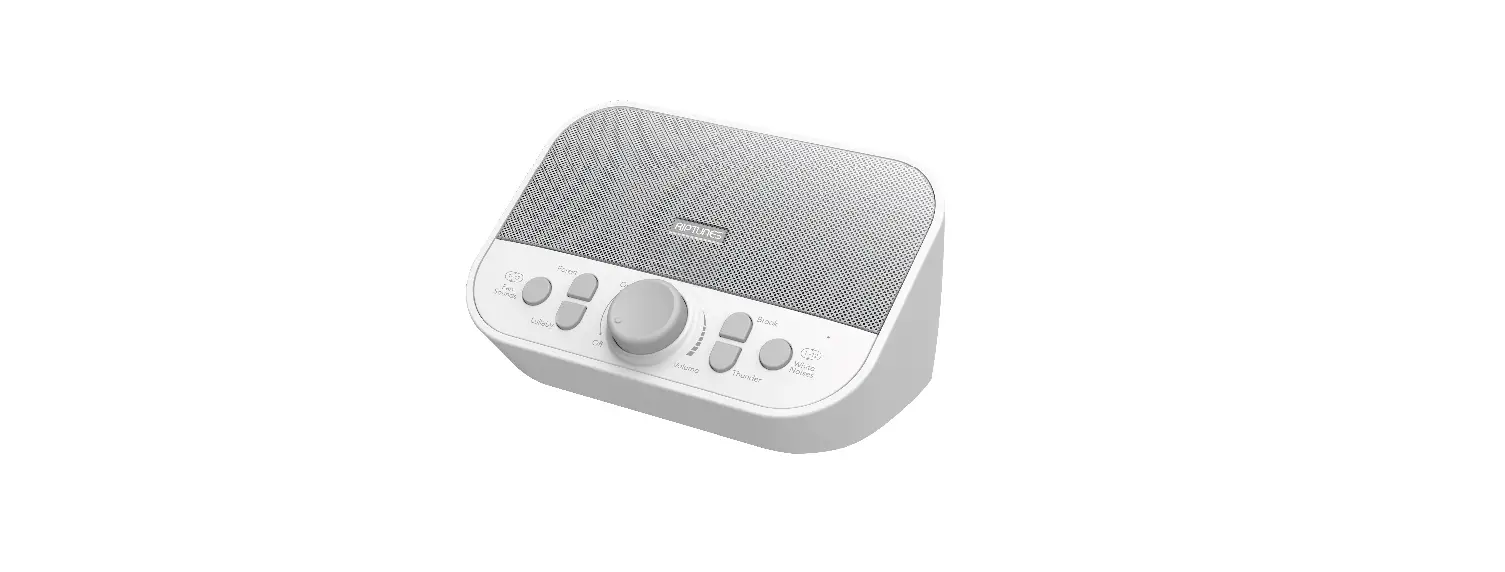
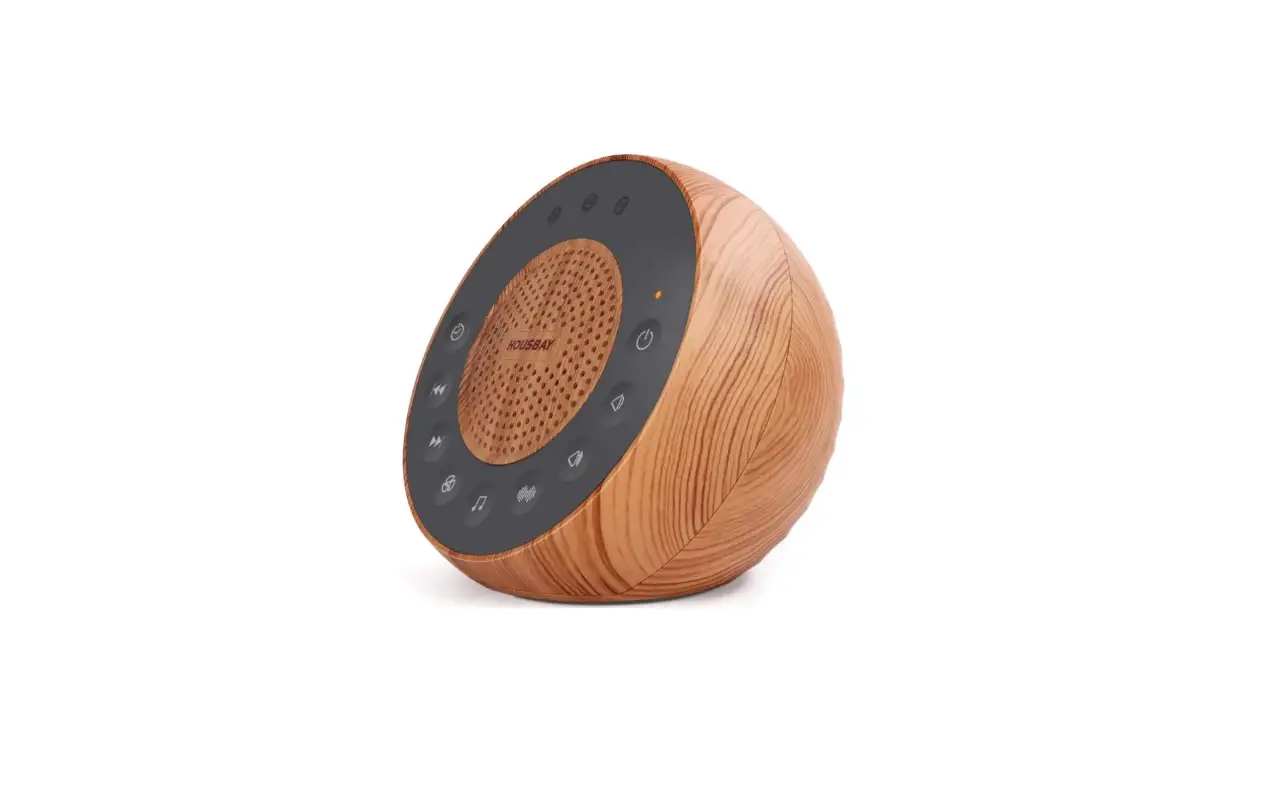
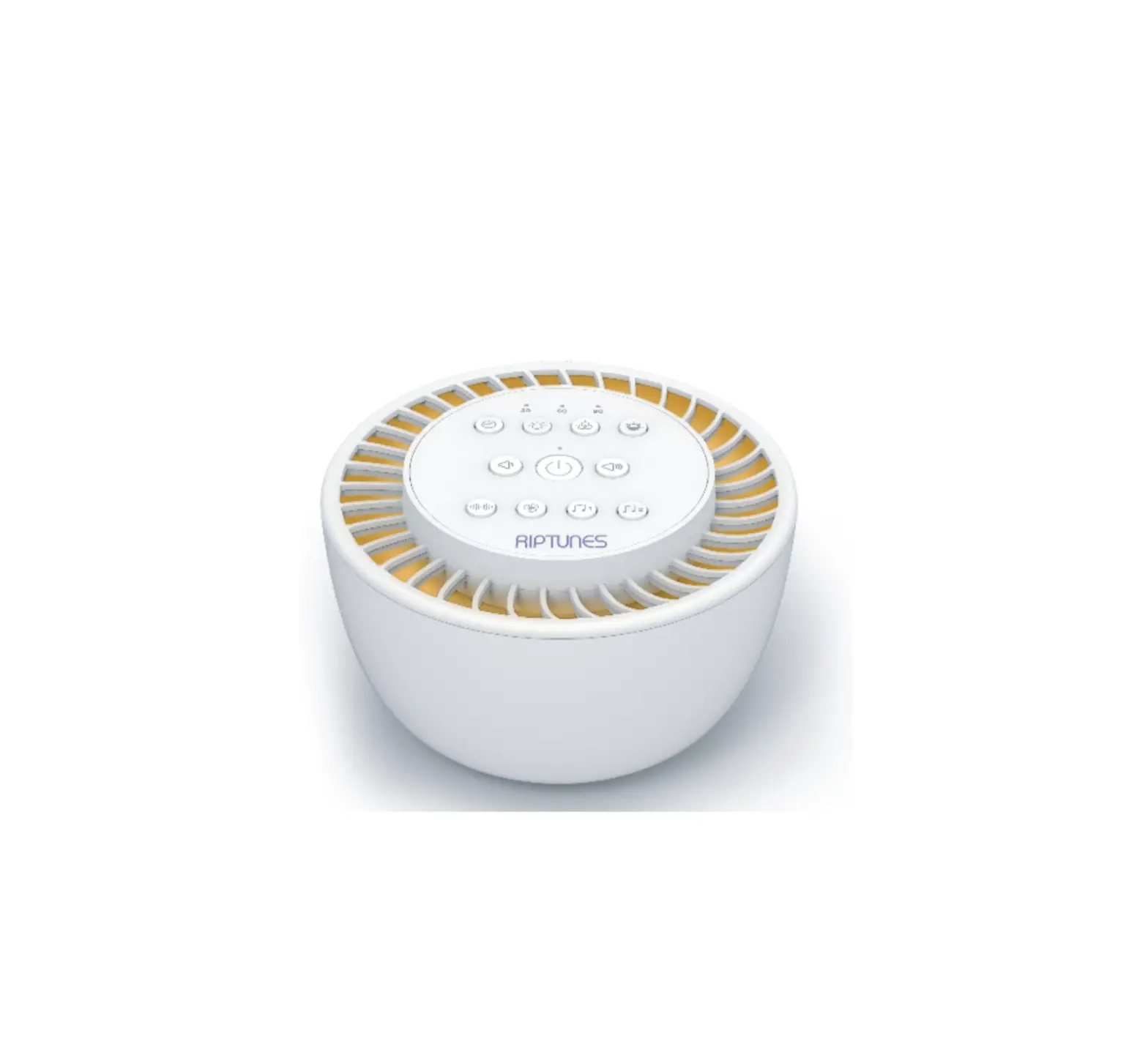
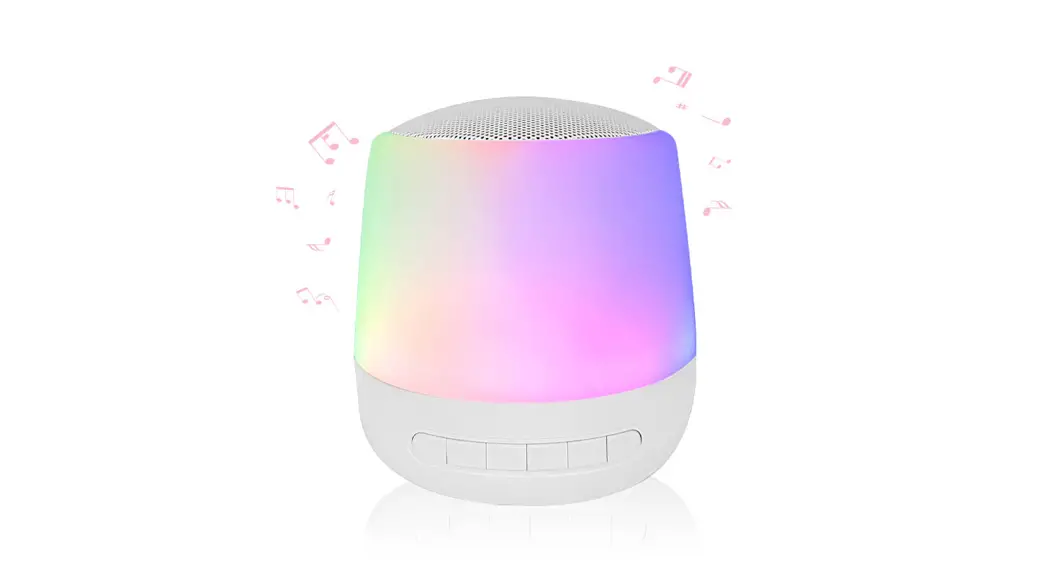
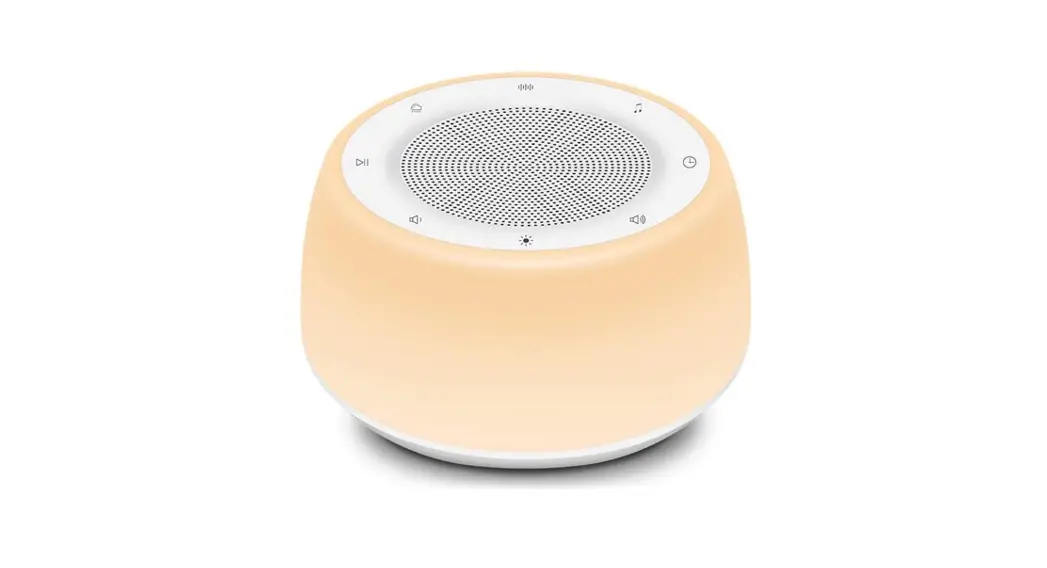
SA17 White Noise Machine
Product Information:
Model No.: SA17
Product Functions:
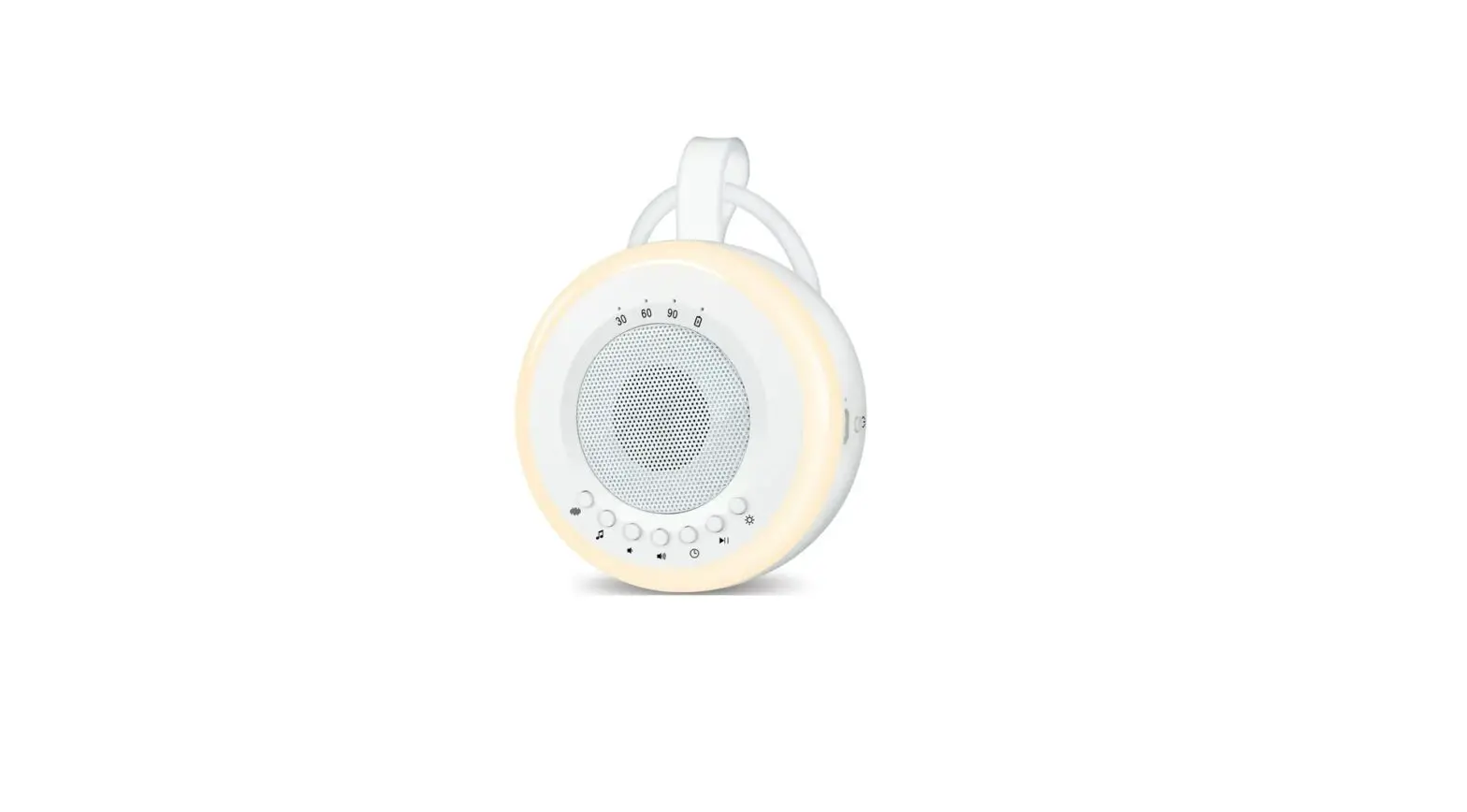
- Timer Function
- Light Function
- Noise Function
- Wireless Speaker
- Volume Control
Product Usage Instructions:
Timer Function:
- The default mode is uninterrupted playback.
- To activate the timer function, press the timer button.
- Select the desired mode:
- 30 minutes mode: Countdown for 30 minutes playing.
- 60 minutes mode: Countdown for 60 minutes playing.
- 90 minutes mode: Countdown for 90 minutes playing.
Light Function:
- To use the color light feature, press the ‘@’ button.
- To select a specific color, press the ‘@’ button until the
desired color is displayed. - The color transformation order is: Red – Yellow – Navy – Green
– Blue – Purple – Coral. - To enable seven-color changing, continue pressing the ‘@’
button. - To turn off the color light, long press the ‘@’ button.
- In standby mode, both lights can be turned on by short pressing
the ‘@’ button.
Noise Function:
- Press the ‘>’ button to switch between different sound
sources. - The available sound sources are: White noise, pink noise, gray
noise, fan, hairdryer, thunder, rain 1, rain 2, brook 1, brook 2,
fire, summer night, forest, wave, laundry machine.
On/Off/Wireless Speaker:
- Press the ‘C’ button to turn the device on/off.
- Use the ‘mer0@@@’ button to activate the wireless speaker
function.
Volume Control:
- Adjust the volume by pressing the ‘Volume+/-‘ buttons.
12034 lOO*lOOmm
——l-
|
USER GUIDE
MODEL NO., SA17
Timer Function
The default mode is uninterrupted playback, after activate the timer button, it will be: 1. On 30 minutes mode, countdown for 30 minutes playing.
2. On 60 minutes mode, countdown for 60 minutes playing. 3. On90 minutes mode, countdown for90 minutes playing.
Using the Light
1. White light: Six Gear Positions Brightness Press the-‘i,.·to turn the white light on. If you need adjust the brightness, in the white light mode, pressagain to choose the desired brightness level. The White light can be turned off by long press
2. Color light: 7-colors changing Press the @to select the color you want Color transformation order: Red – yellowNavy-Green- Blue- Purple- Coral- seven colour changeing The color light can be turned off by long press. Tips: Both lights canturned on by short press in standby mode.
Product Function:
Operation:
q.> WhlNoise: Including 15 sounds. Shortpress to switch sound sources in tum. Music secuence the sound sources are: White noise, pink noise.Gray noise,Fan, Hairdryer, Thunder, Rain !,Rain 2, Brook 1, Brook 2, Rre, Summer Night, Forest, Wave, Laundry machine.
l. On/Off/wirelessspeakerC> 2. mer0@@@
3. Volume+/- <) <) 4. Warmlight
6. Sounds optionsG 7. TheUSB port(SVlA) 8. Recording options 0
Recording function: Press and hold the recording button for 3 seconds
5. Mood light@
to start recording, and there will be an instruction recording notification
sound. Please follow it to riartrecording.
· Recording Mode: Timing lights will light up quickly and secuentially,
indicating thatthe recording is in progress. After the recording is completed,
press any key to confinn the recording. There will be a sound: Finished Recording.
The recorded message will play automcally.
Tips: The recorded sound will play automatically, please remember to lower down
the sound machine’s volume before record.
©Child & Meditaon: Including 15 kinds of sounds. Music secuence the sound
sources are: Heartbeat, Shusha, Little srkr. Kevin’s lullaby, Brahms lullaby, Hash little
baby,Nighty Night, Bottle typingSMR),Train, Clock,Guitar, Native American Rute, Singing Bowl, MeditatBells, ShortMeditation Music.
(9 Timer. chooseuninterrupted work allnight or use 30, 60,90 minutes Sleeping Setting.
In nature sound music mode,shorg press On/OFF key enter the wireless speaker mode.
– Wann White Light: Six Adjustable Brightness Level @ Seven colorf mood changing light
Recharging the battery: 1. Plug the Type-C USB cable to the USB port. 2. The power indicator will light up when charging. 3. When the charging is finished, the charging light will disappear
Package Contents: 1 X Sound Machine (Built-in rechargeable battery) · 1 X Type-C Charging Cable 1 X Owner’s Manual
Note: Use SV charging head available to connect the provided cable for charging the battery
Important Safeguards:
· To protect from electrical shock, do not immerse cord, plug or unit in water or other liquid. Care should be taken so that objects do not fall on and liquids are not spilled through openings in the unit.
· Do not operate with a damaged cord or plug, or the unit will be malfunctioned.
· The unit should keep away from heat sources such as direct sunlight, radiators, heat registers, stoves or other heat-produc ing appliances.
· To clean, gently wipe with a soft cloth moistened with warm water or mild detergents only, and then remove all moisture with a soft, dry cloth. Do not use harsh solvents or chemicals for cleaning.
—
/
Preparatorh steps
1. Unpack the product. 2. This machine is powered by the DC SV USB port. 3. Connect the USB cable to the backside of the unit and
connect into a 5V adapter. (Please don’t use 9V/12V/24V charger for this unit)
Listening to Nature Sounds
1. Press and hold ‘” for seconds. 2. Press relevant icon to select the sound you want to hear.
You can turn the sounds off by long press the icon. 3. To adjust the volume, press theor<;, to the desired level. 4. When finish listening to the sounds, you may turn them off by
long-pressing the(‘.).
Wireless Speaker
1. Press the ON/OFF key to turn on the speaker, if in wireless speaker mode, it will give a notification : Wireless Speaker.
2. Go to mobile’s setting page and pair the SA17, after connection, it will have a connected notification
3. Enjoy the music from your mobile phone. 4. If you need to re-pair the speaker, long-press the timer button
until the power indicator LED flashes.
CERoHS
MODEL: SA17
MADE IN CHINA
This device complies with part 15 of the FCC Rules. Operation is subject to the following two conditions: (1) This device may not cause harmful interference, and (2) this device must accept any interference received, including interference that may cause undesired operation.
Any Changes or modifications not expressly approved by the party responsible for compliance could void the user’s authority to operate the equipment.
Note: This equipment has been tested and found to comply with the limits for a Class B digital device, pursuant to part 15 of the FCC Rules. These limits are designed to provide reasonable protection against harmful interference in a residential installation. This equipment generates uses and can radiate radio frequency energy and, if not installed and used in accordance with the instructions, may cause harmful interference to radio communications. However, there is no guarantee that interference will not occur in a particular installation. If this equipment does cause harmful interference to radio or television reception, which can be determined by turning the equipment off and on, the user is encouraged to try to correct the interference by one or more of the following measures: -Reorient or relocate the receiving antenna. -Increase the separation between the equipment and receiver. -Connect the equipment into an outlet on a circuit different from that to which the receiver is connected. -Consult the dealer or an experienced radio/TV technician for help.