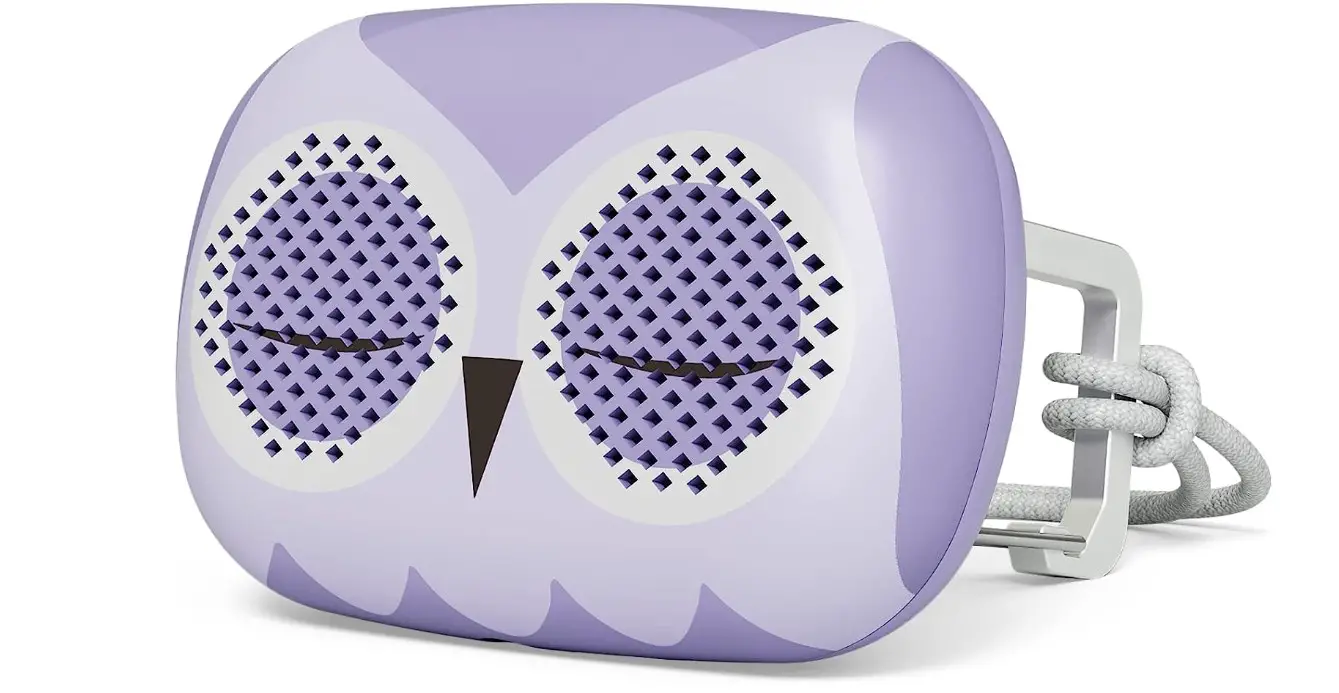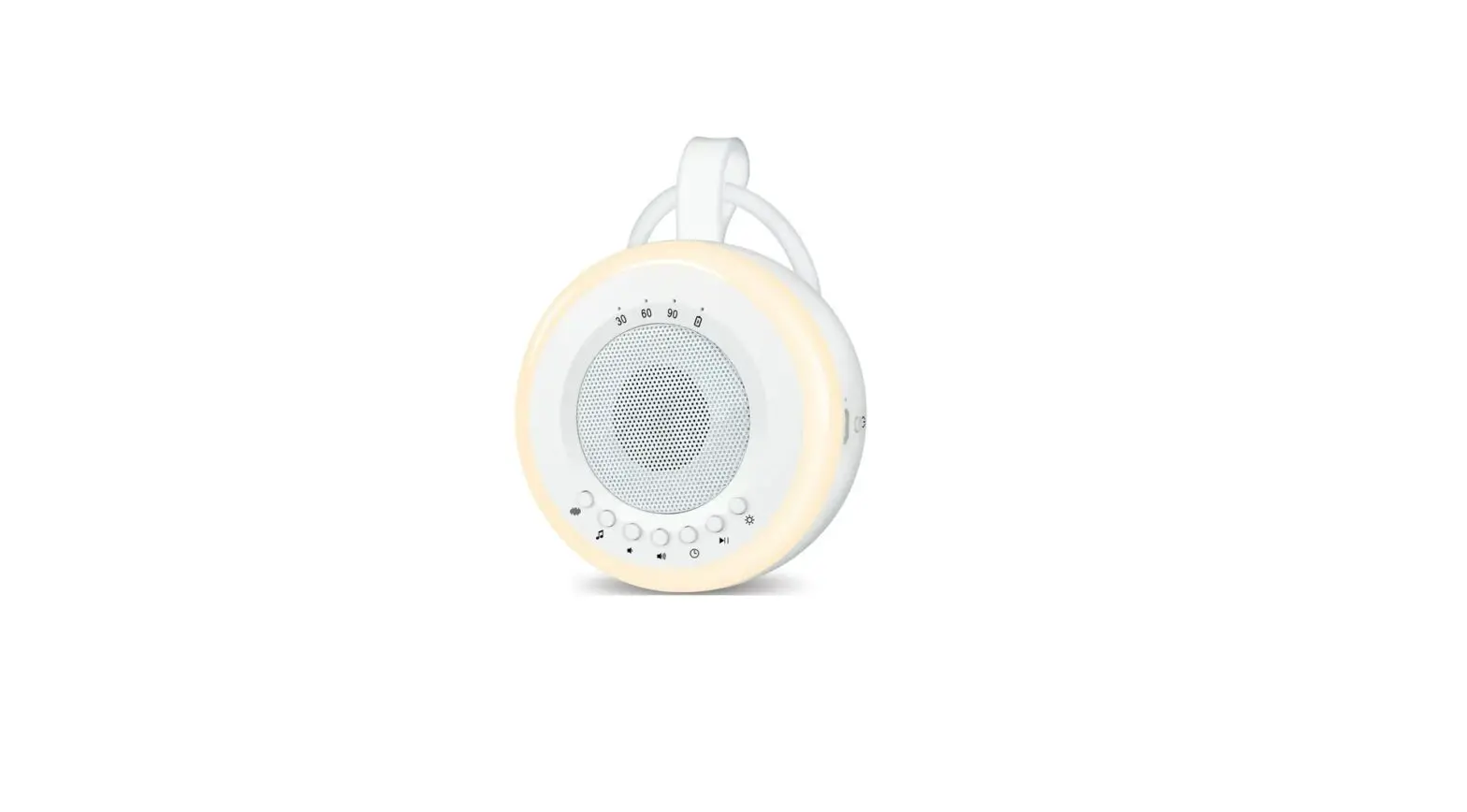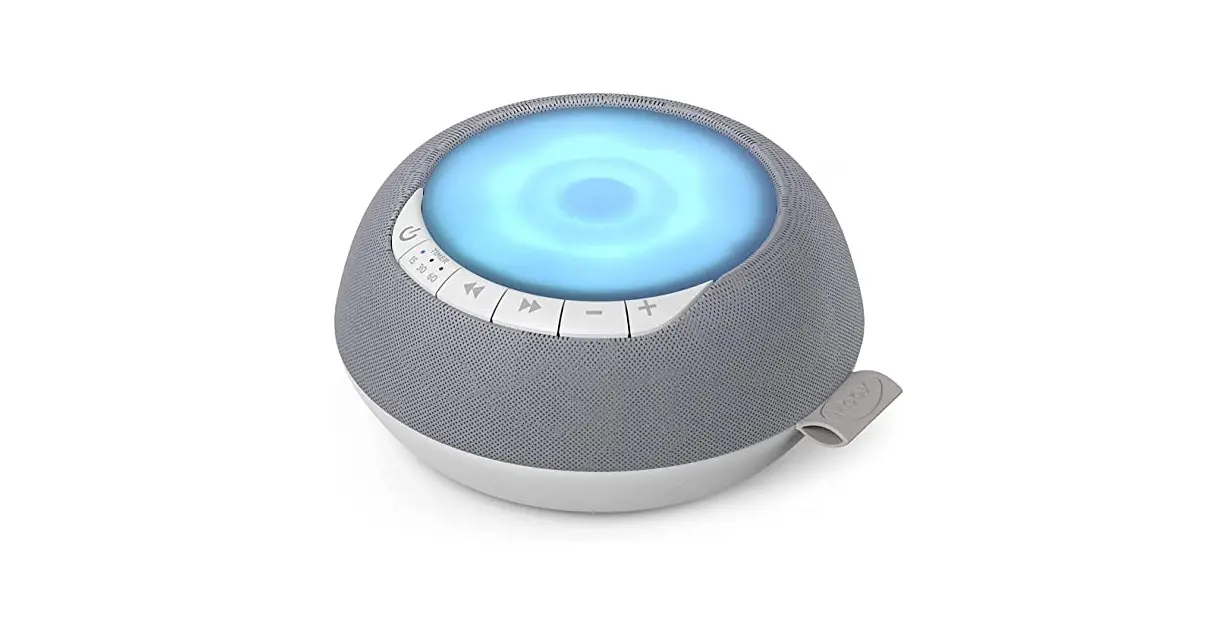
i-box Portable White Noise Machine with Nightlight Instruction Manual
Box contents
- White noise machine

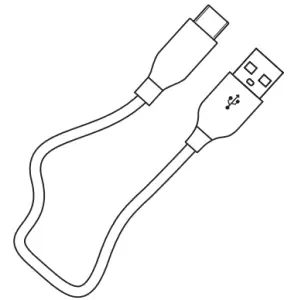
- Micro USB cable

- User guide

Introduction
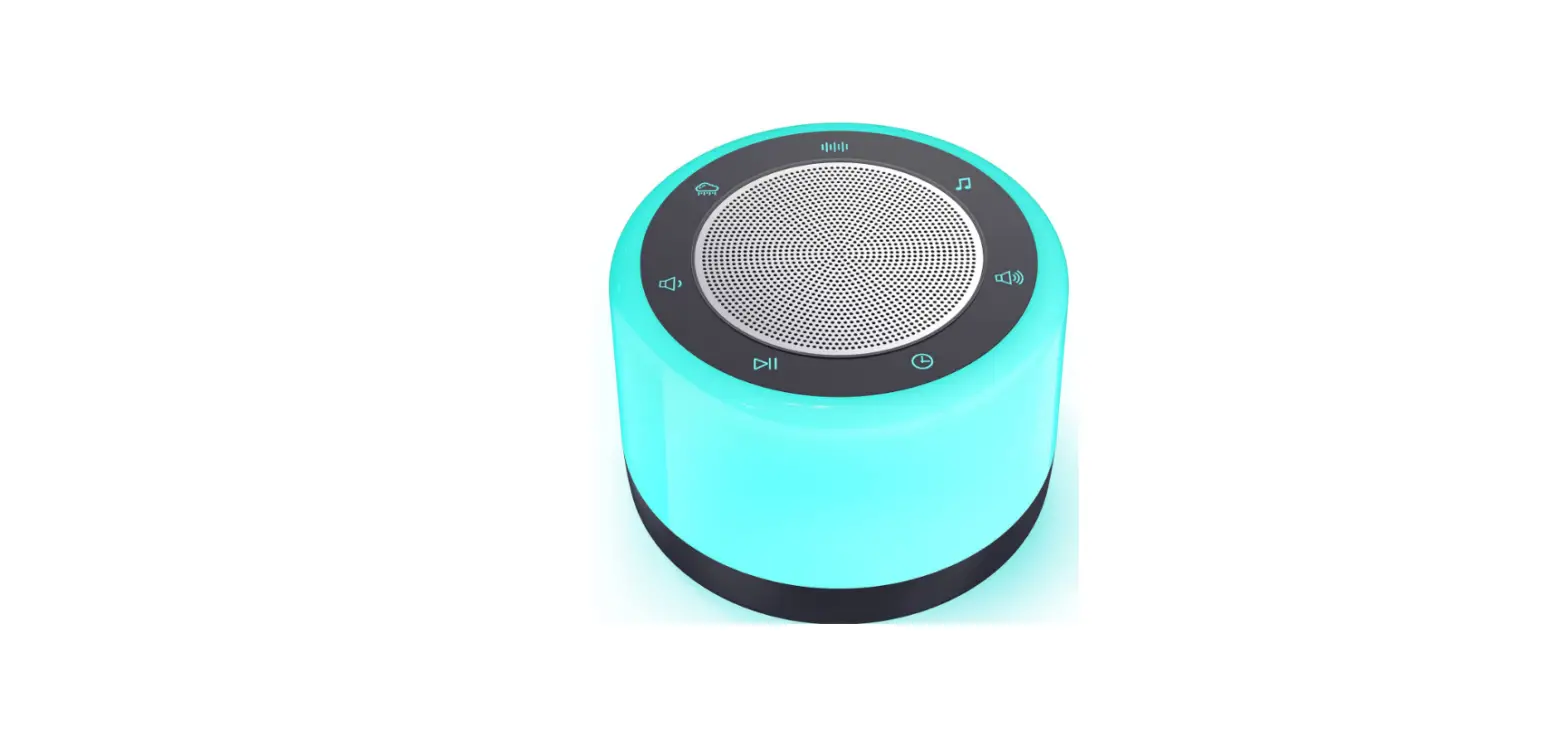
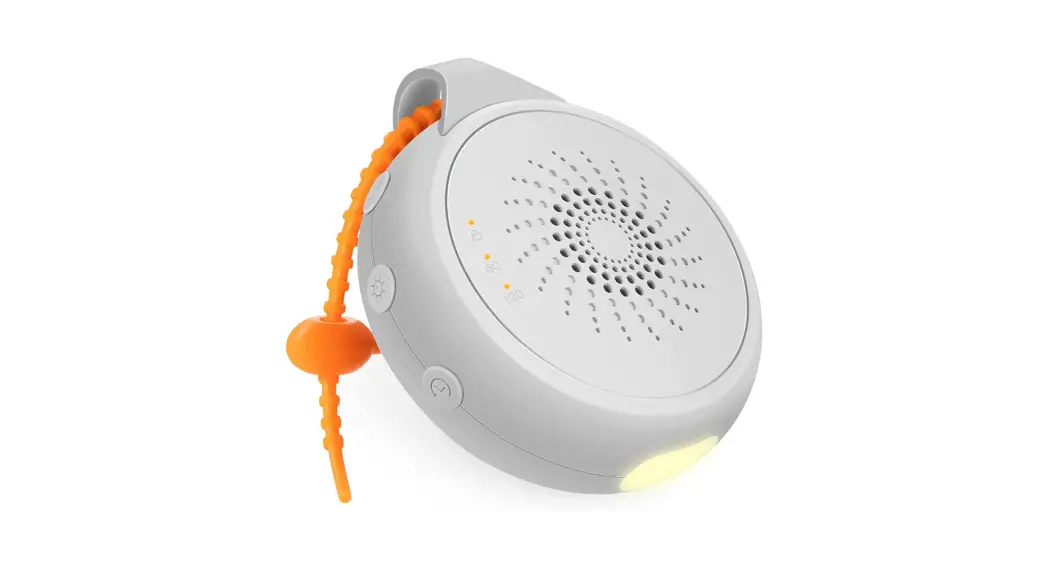
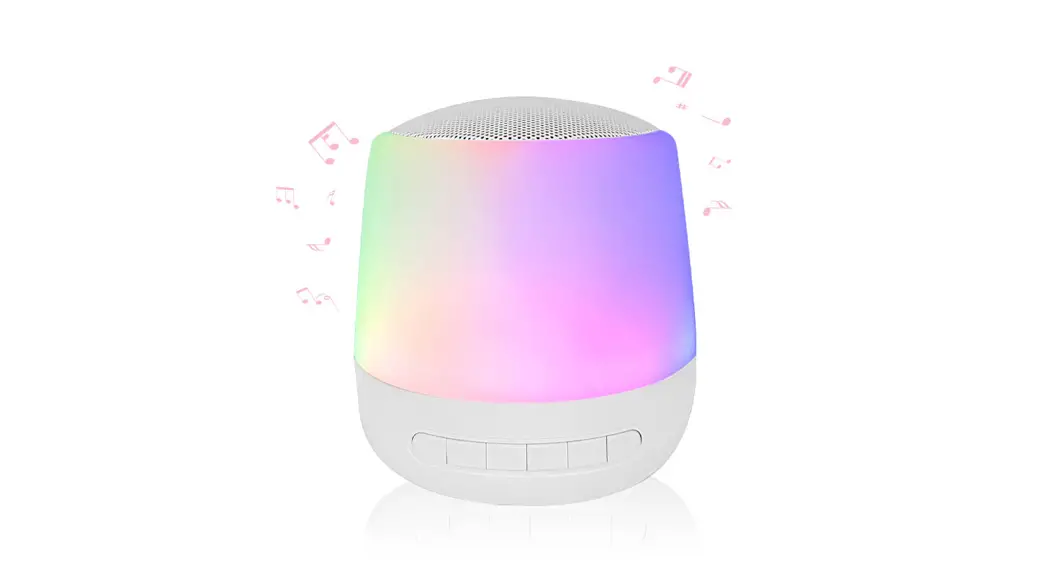
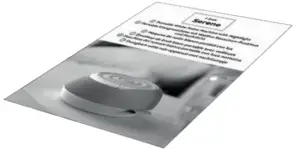
The i-box Serene white noise machine features a comprehensive range of high quality sound tracks. The contrasting combination of 8 Natural, 5 White Noise and 2 Binaural tracks ensures that you will find the ideal sounds to soothe and relax you as drift off to sleep. If you prefer not to play the sound tracks all night long you can set the timer to switch off the Serene after 15, 30 or 60 minutes.
To further enhance your mood there is a touch controlled dimmable nightlight with 7 color options.
The built-in Lithium battery gives up to 10 hours of playback and along with the adjustable strap makes the Serene fully portable.
Controls & Features
Top View
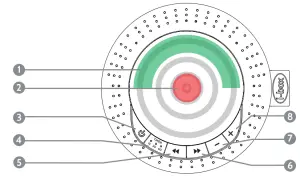
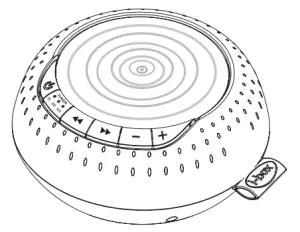
- Outer touch control zone (marked green) – tap to change colour
- Inner touch control zone (marked red) – tap to switch LED On or Off
- Inner touch control zone – press gently to dim LED, lift finger and press gently to brighten
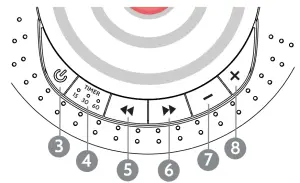
- Sound On/Off
- Press repeatedly to set sound duration
x1 = 15 min, x2 = 30 min, x3 = 60 min - Sound track selector –
- Sound track selector +
- Volume –
- Volume +
Power connection

- USB Power/charging socket
- 3.5mm Headphone socket
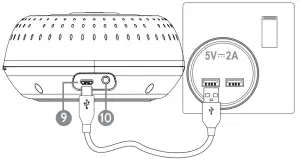
Connect to a powered USB port for approx. 3hrs to fully charge the Serene and allow at least 10 hours of playtime
AUX OUT (10)
A 3.5mm audio output socket (2 marked “AUX OUT”) is provided on the back of the unit for connecting headphones, earphones or any other audio output device.
Please Note: The binaural tracks will sound best when played through stereo audio devices or systems.
Operation – Nightlight
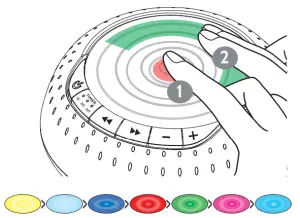
- Inner touch control zone (marked in red in drawing) – Tap to switch LED On/Off
- Inner touch control zone – press gently to dim LED, lift finger and press gently to brighten the LED
- Outer touch control zone (marked green in drawing) – tap with two fingers to cycle through colours.
Operation – Sound
- Press
 (3) to play the last sound track played Press again to switch off sound and nightlight.
 - Press
 (5) & (6)
 to select a different sound track
 - Press Vol- (7) or Vol+ (8) to adjust volume.
- Press the Timer button (4) repeatedly to set sound duration x1 LED = 15 min, x2 LEDs = 30 min, x3 LEDS = 60 min.
 (3) to play the last sound track played Press again to switch off sound and nightlight.
 (5) & (6)
 to select a different sound track
Caring for your White Noise Machine
 Important Safety Information
Important – Please read these instructions fully before installing or operating
your white noise machine.
Keep away from flame sources such as lighted candles.
Do not expose to dripping or splashed fluids. Objects filled with liquids, such as vases, must not be placed close to the unit.
The unit should not be exposed to direct sunlight, very high or low temperature, moisture, vibrations, strong magnetic fields, high frequencies and dusty environments
Never attempt to insert wires, pins or other such objects into the vents or openings of the unit.
Do not disassemble or modify the white noise machine, there are no user serviceable parts.
If the white noise machine is damaged in anyway or malfunctions do not use. Consult a qualified service engineer.
Do not use abrasives, benzene, thinner or other solvents to clean the surface of the unit. To clean, wipe with clean soft cloth and a mild detergent solution.
This product contains a Li-ion battery. It must be used and charged properly. The battery could catch fire if Improperly used
As this product contains a Li-ion battery it should be disposed of appropriately. Do not dispose of it with household waste, at the end of its life cycle; hand it over to a collection centre for the recycling of electrical and electronic appliances with batteries. Please check with your Local Authority for recycling advice.
Sound Tracks
- Air Conditioner
- Running Brook
- Brown Noise
- Deep White Noise
- Electric Fan
- Aquarium
- Forest
- Meditation
- Night Bonfire
- Ocean Waves
- PI Binaural Beats
- Pink Noise
- Soft Brown Noise
- Thunderstorm
- Tibetan Water Bowls
Specifications
| Power Input Micro USB | 5V= 2A, |
| Batterie: | 2400mAh Lithium |
| Charging time / 5V=2A Input | >2.88 hours |
| Battery playtime | 10 hours |
| Dimensions, Diameter x Height | 123x 55 mm |
Disclaimer
Updates to Firmware and/or hardware components are made regularly.
Therefore some of the instructions, specifications and pictures in this documentation may differ slightly from your particular situation. All items described in this guide are for illustration purposes only and may not apply to your particular situation. No legal right or entitlements may be obtained from the description made in this manual.
Technical support
For further help, advice, information or live chat visit www.iboxstyle.com/support/