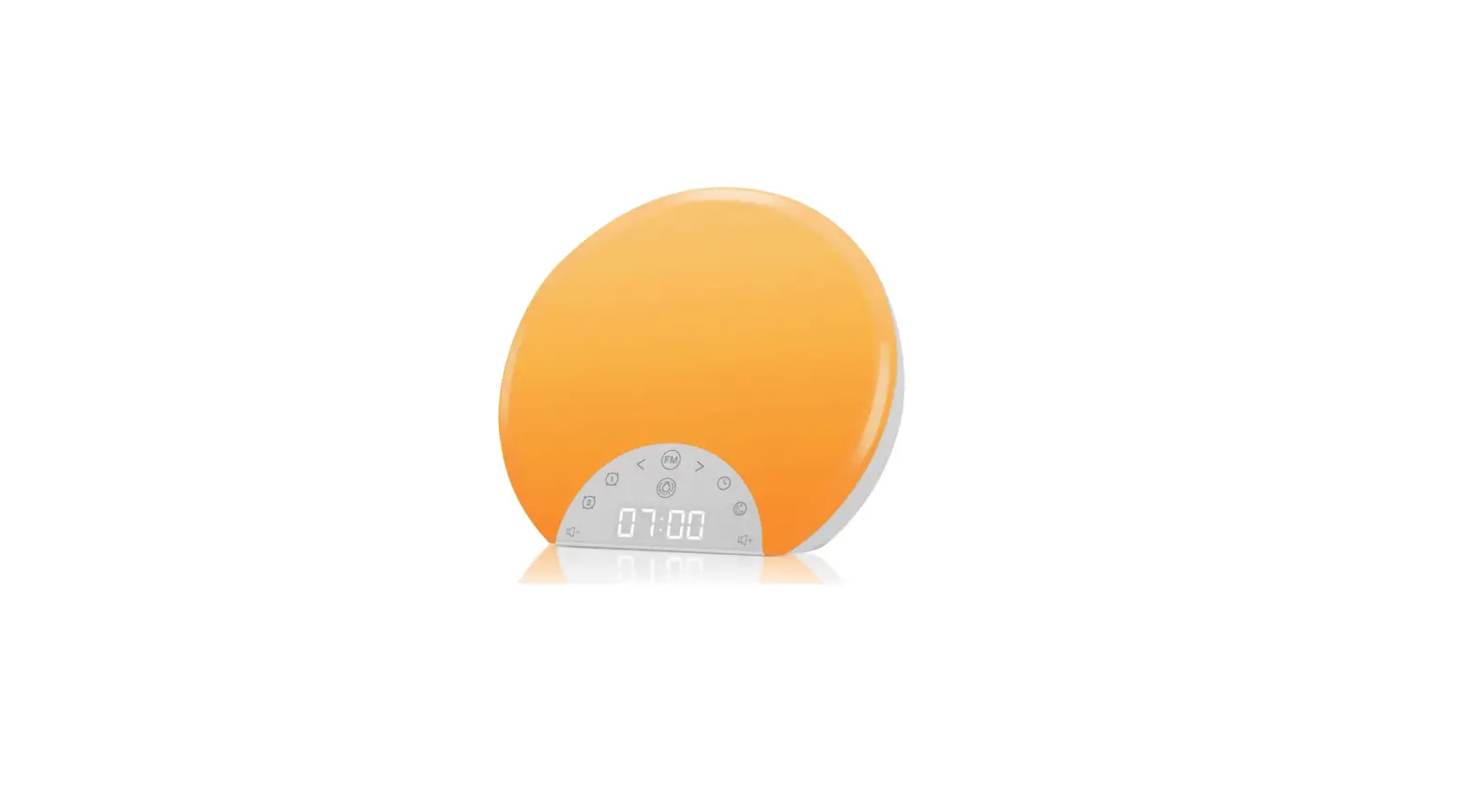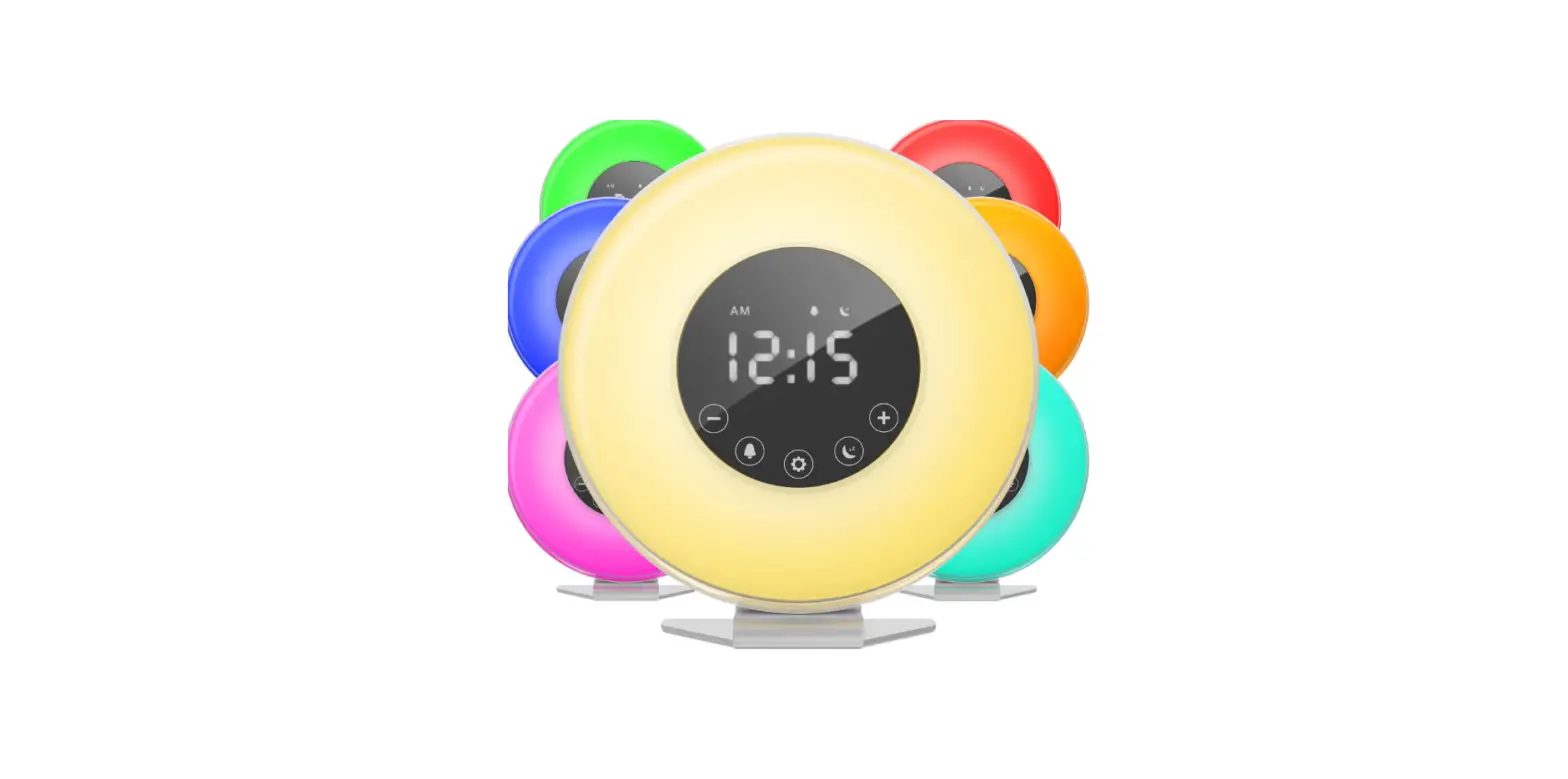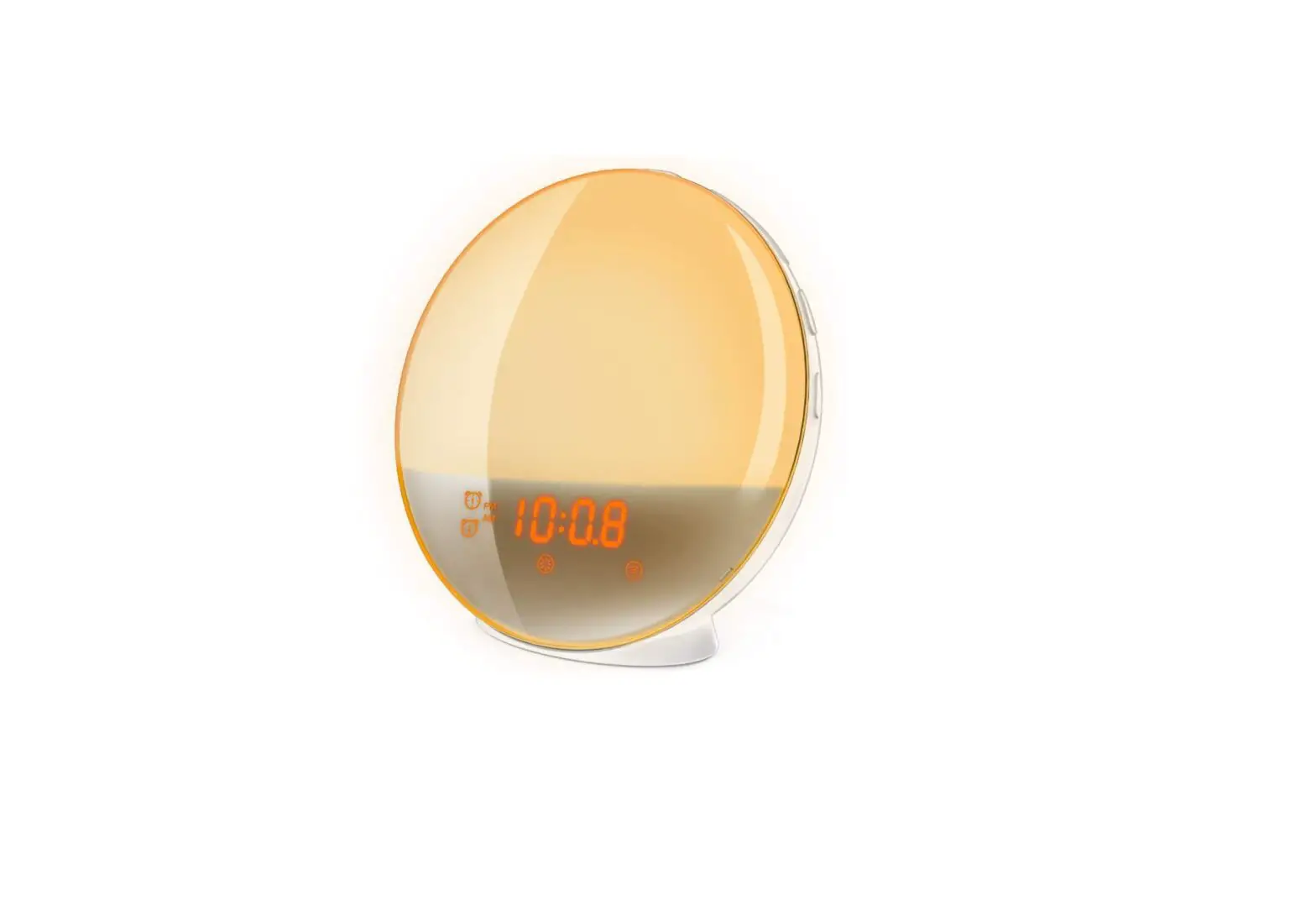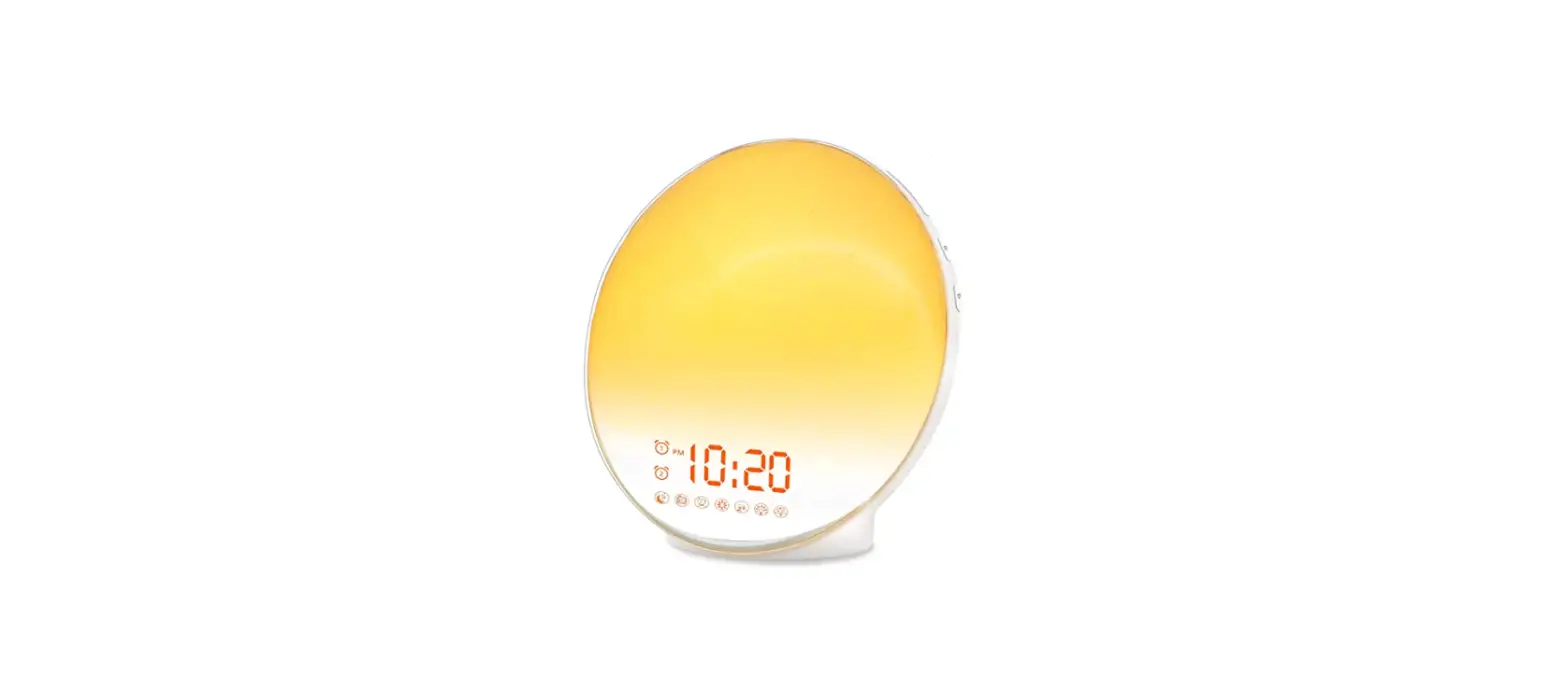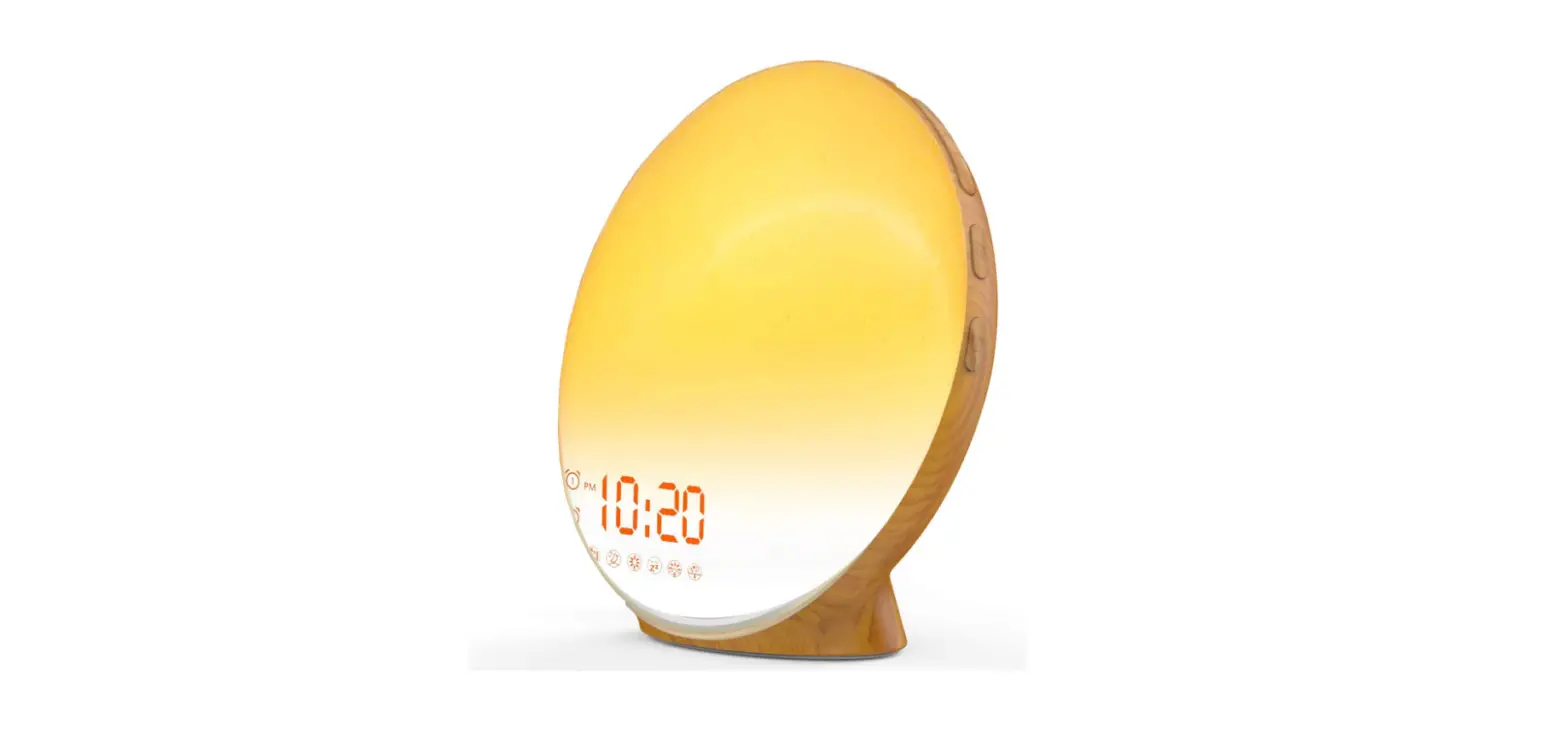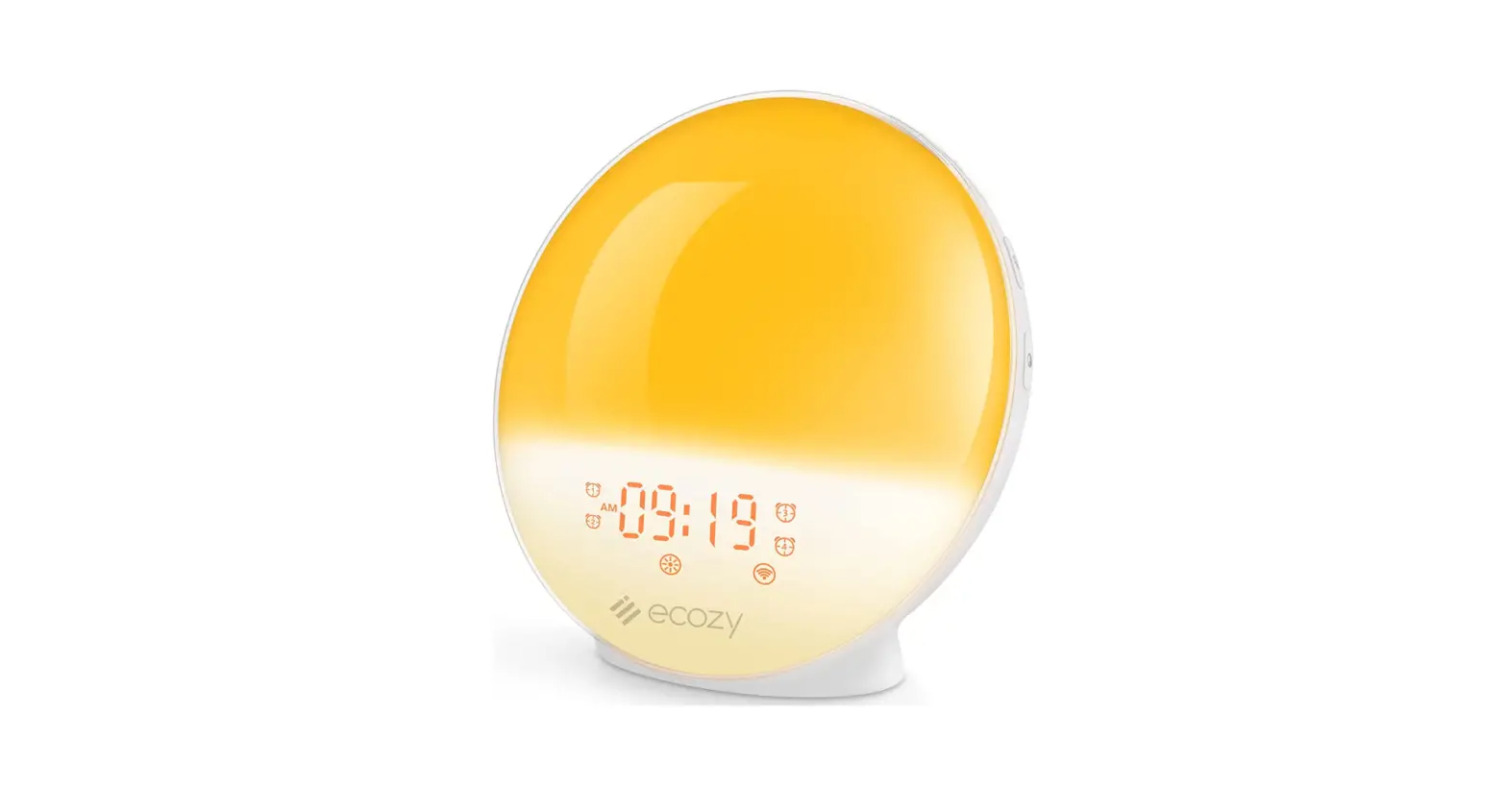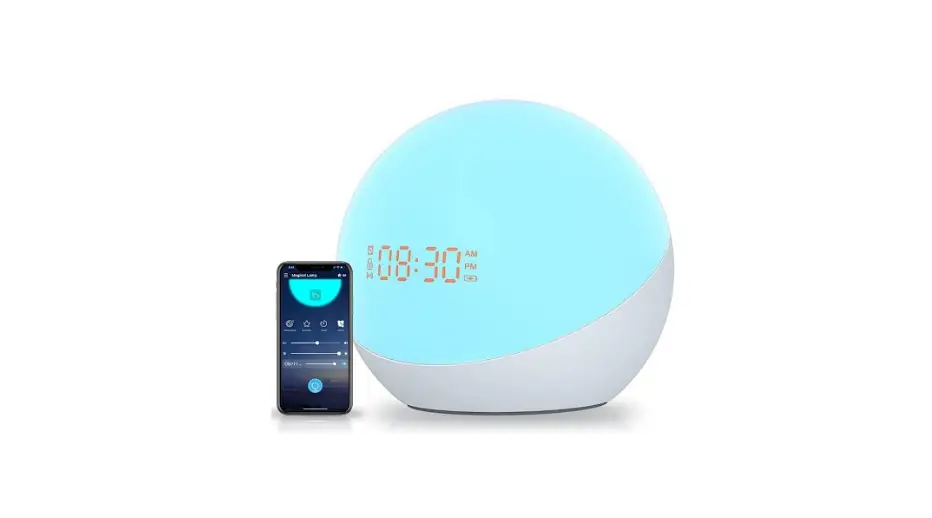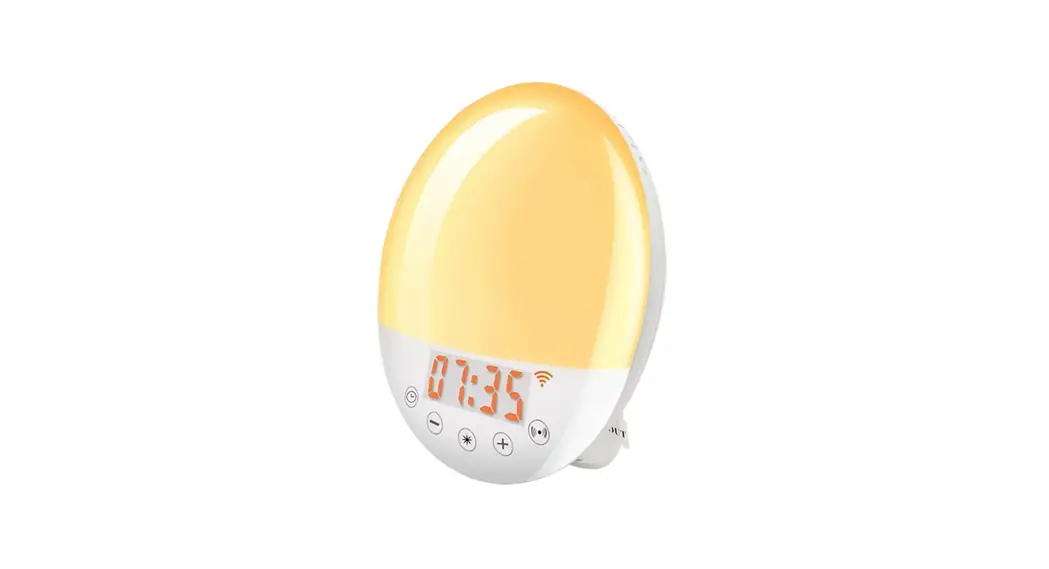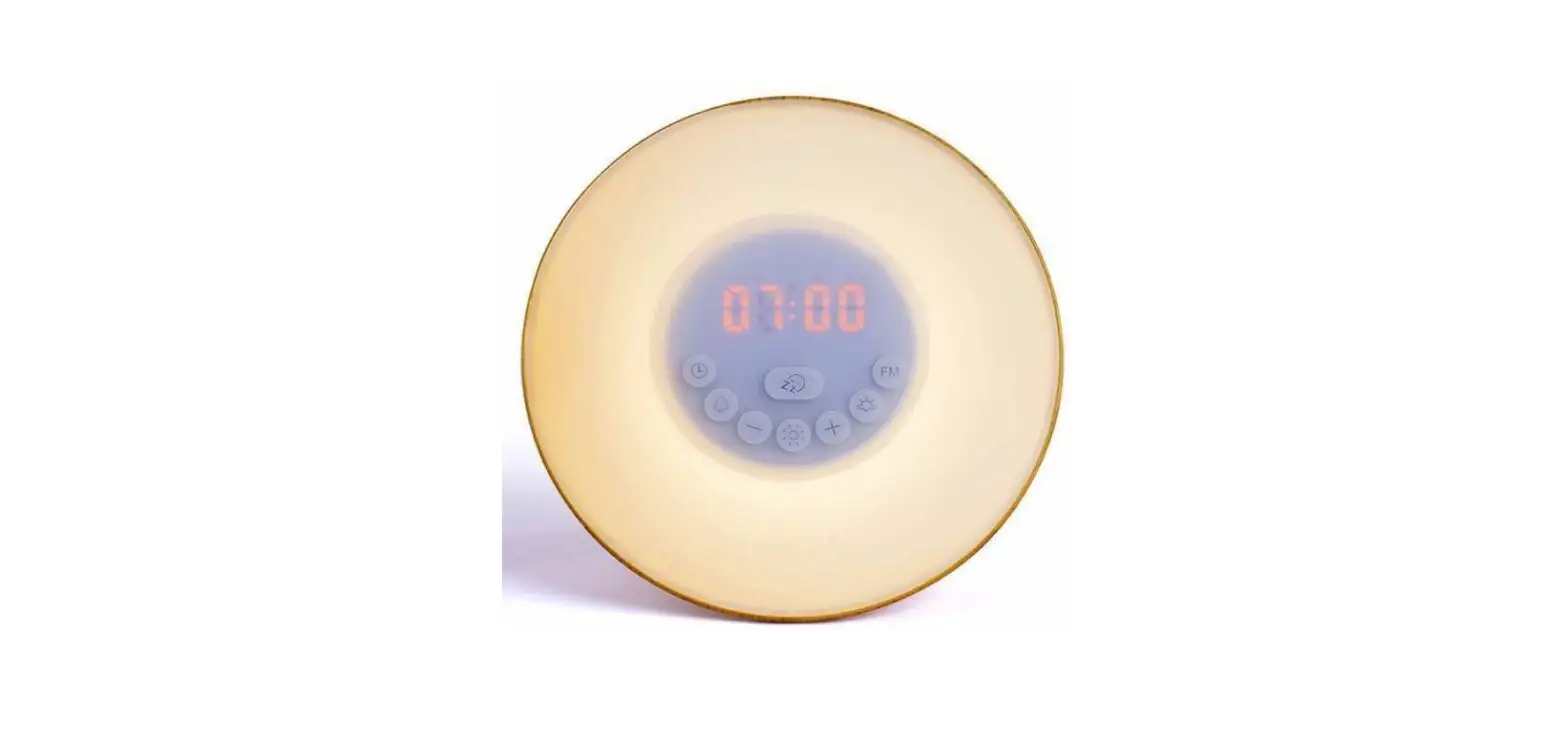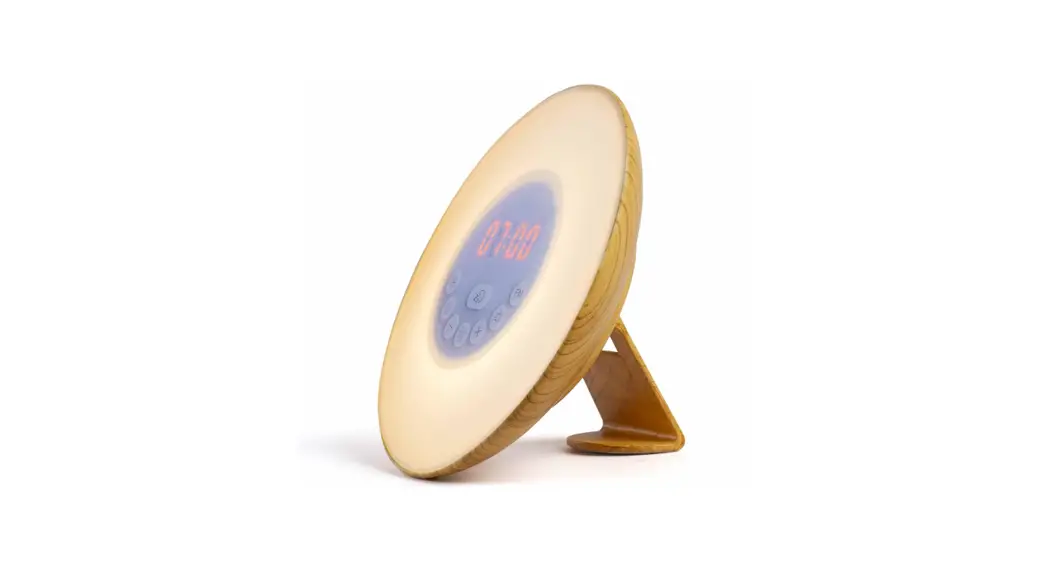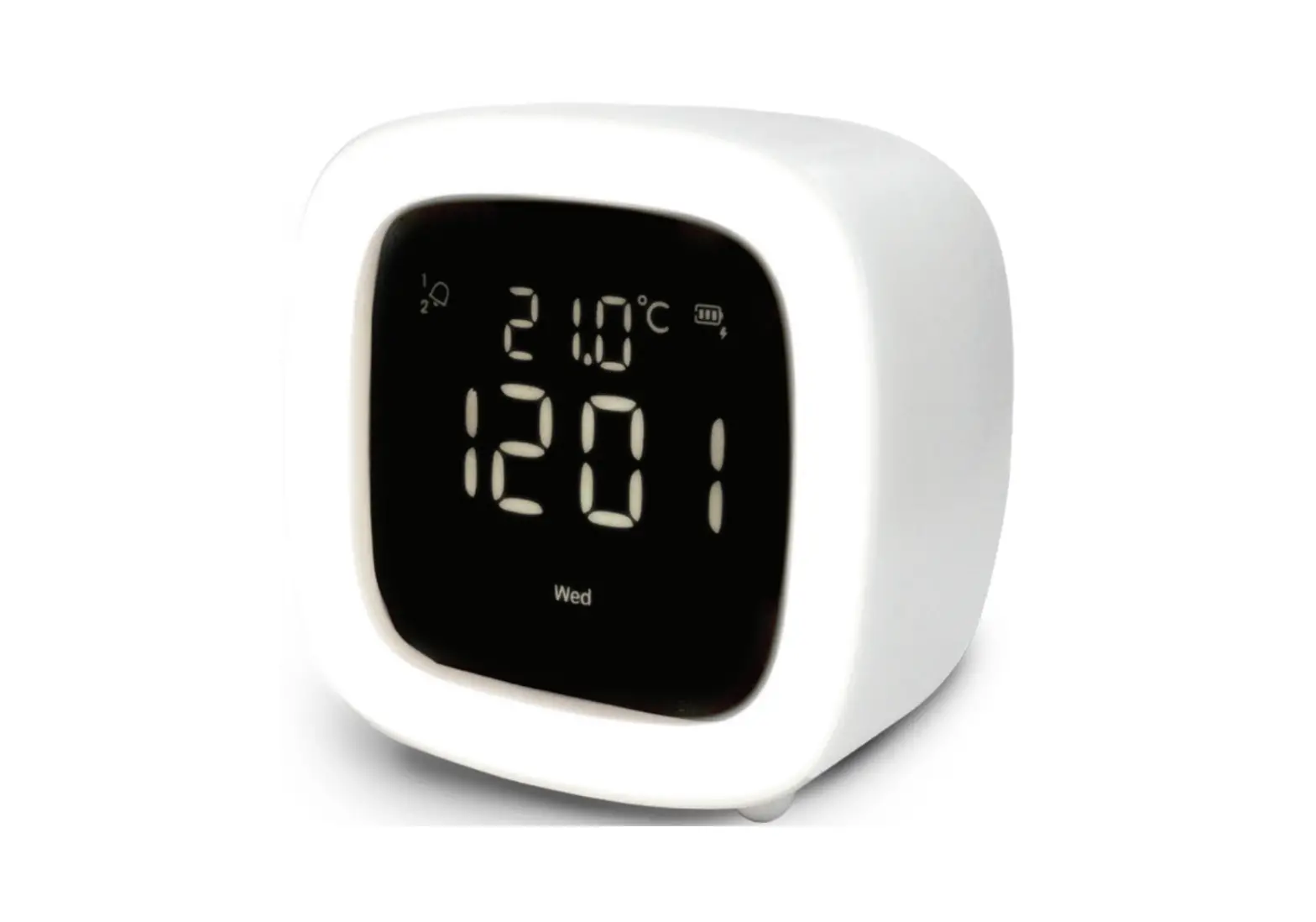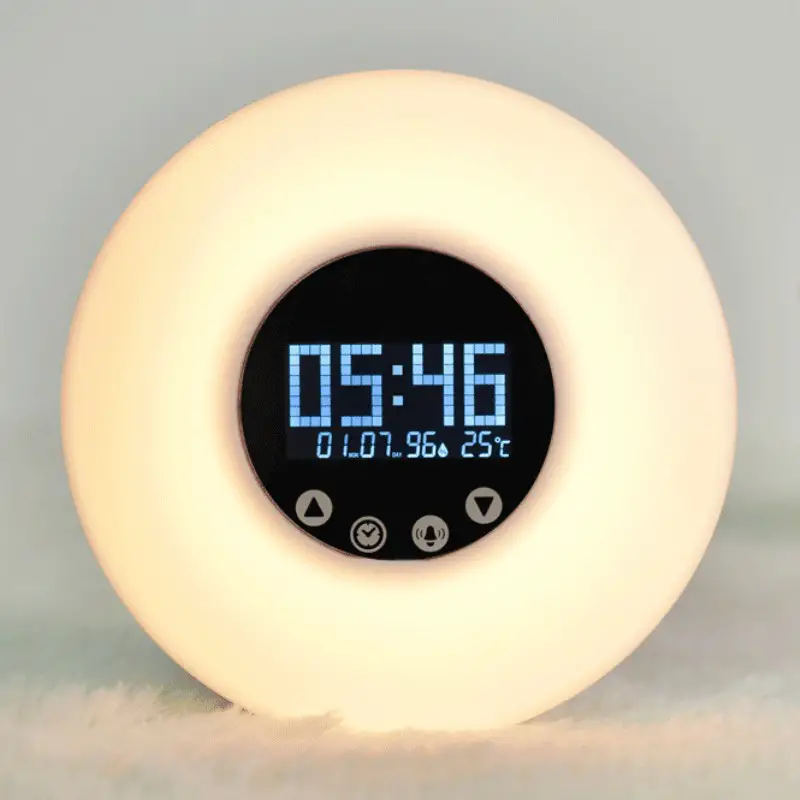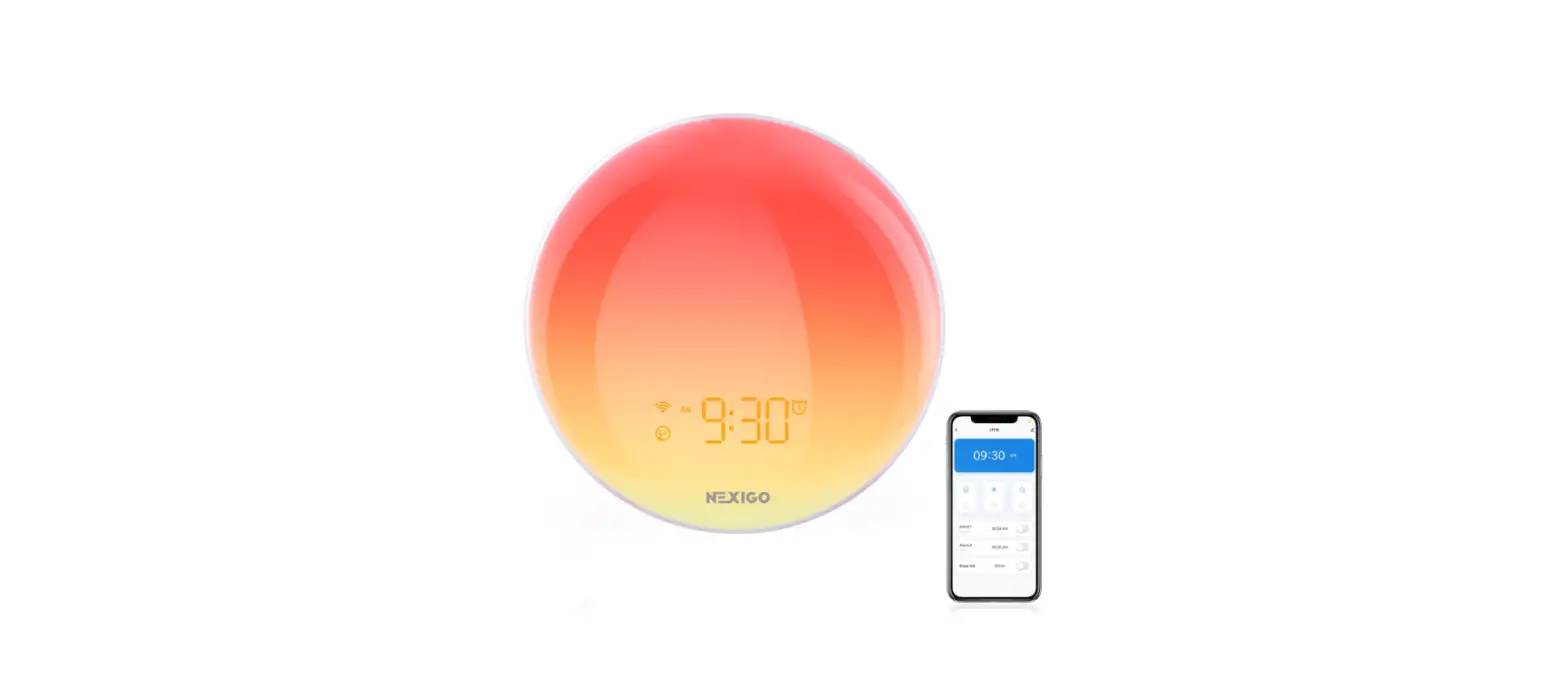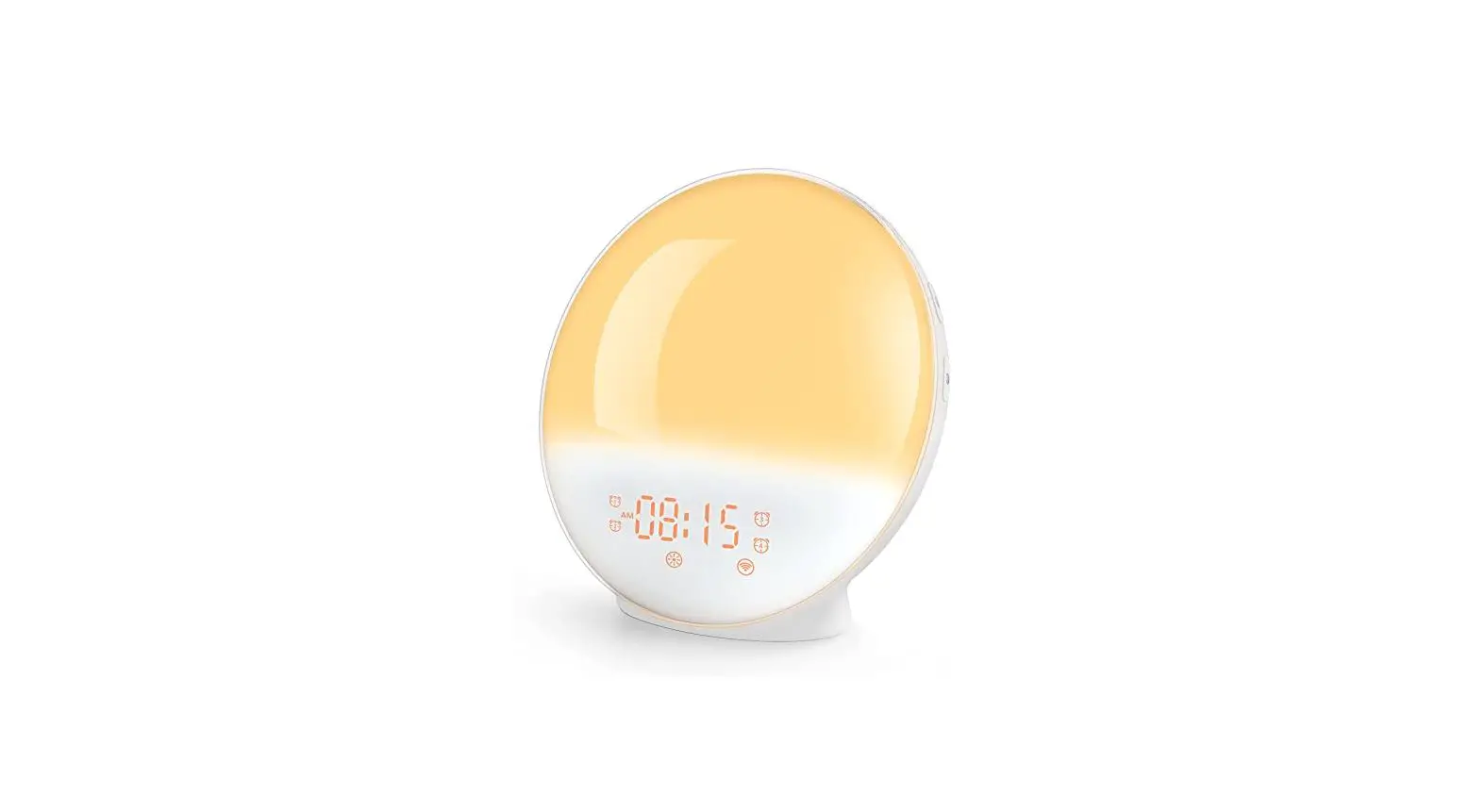

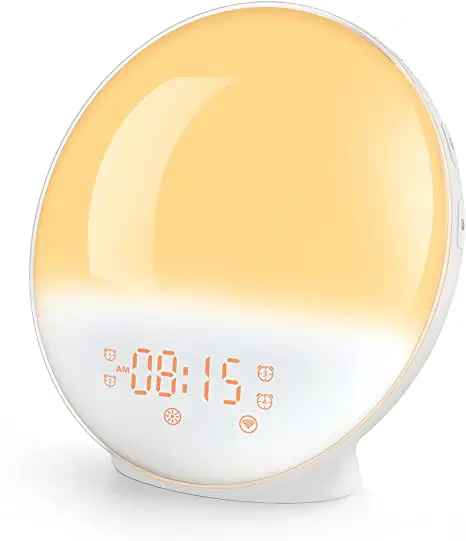
DEKALA A80S Smart Wake-Up Light Sunrise Alarm Clock
SAFETY INSTRUCTIONS
To reduce the risk of fire, electric shock, or injury, please read these instructions before use.
- This product is only intended for household use, including similar use in hotels.
- Please place this product on a stable, level, and non-slippery surface.
- Do not use this product in wet surroundings, such as in the bathroom, near a shower or a swimming pool.
- Do not let the water run into the product or spill any water onto the product.
- Make sure the power adapter does not get wet when in use.
- Only use the ORIGINAL adapter and USB cable provided.
- Do not use this product as a means of reducing your sleeping time. This product aims to help you wake up more easily instead of diminishing your need for sleep.
MAINTENANCE AND CARE
- Please clean the product with a dry and soft cloth.
- Do not use abrasive cleaning agents, pads, or cleaning solvents like alcohol, acetone, etc., as this might damage the surface of the product.
- If the product will not be used for an extended period of time, please unplug the power adapter from the socket, then store the product in a safe and dry place where it will not be crushed, banged, or subject to damage.
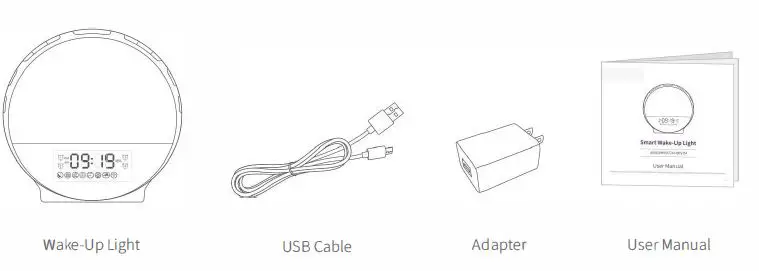
WHAT’S INCLUDED 
PRODUCT OVERVIEW
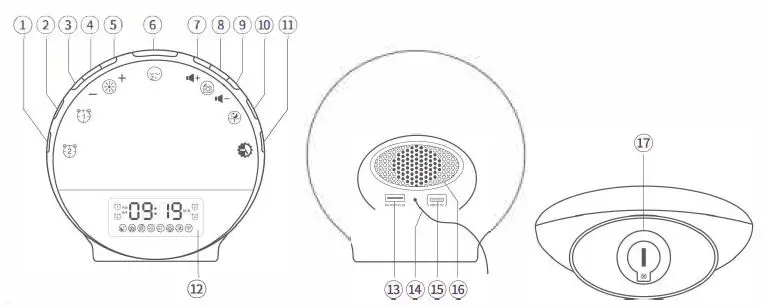
- Alarm 2
- Alarml
- Down
- LED Light
- Up
- Snooze
- Volume+
- FM Radio
- Volume-
- Sleep Aid
- Time Setup/LED Display Mode
- LED Display
- USBOutput
- FM Antenna
- Micro USB Input
- Speaker
- Button Cell Compartment
GET STARTED
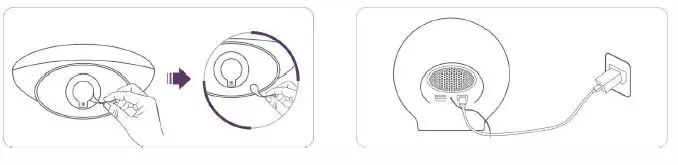
- Remove the Insulation Film from the Button Cell Compartment at the bottom.
- Connect the Wake-up Light to power with the USB Cable and Adapter provided.
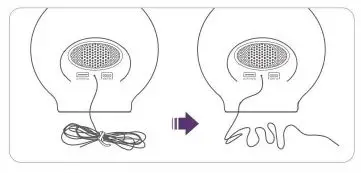
- 3. Loosen the tie that wraps the FM Antenna, then unroll the wire for receiving strong signals when turning on the FM Radio.
Important:
This product has no power on/off button, and it will be on once you plug the power adapter into the socket. To disconnect power, unplug the power adapter.
OPERATION GUIDE
Note:
The Wake-up Light will automatically save the current setting and exit from setting mode if the operation is not resumed within 15s.
Time
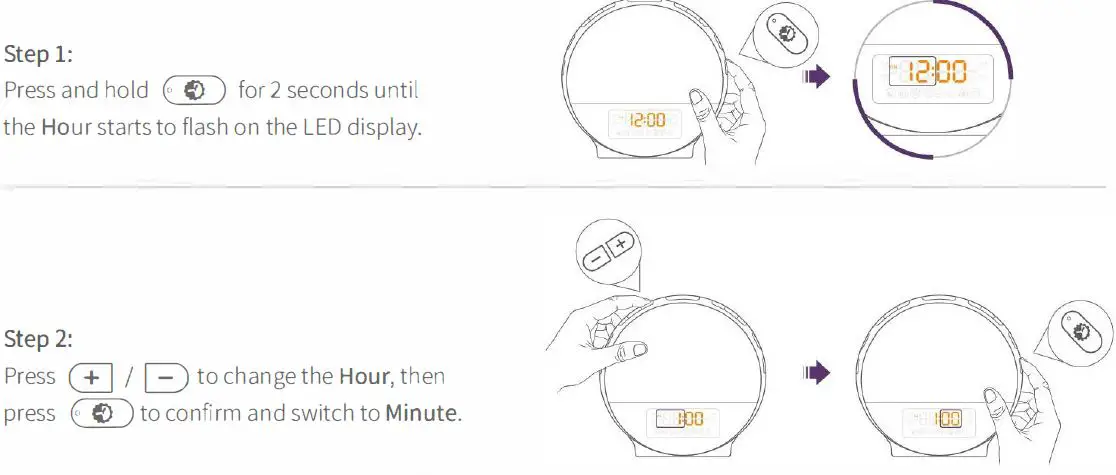
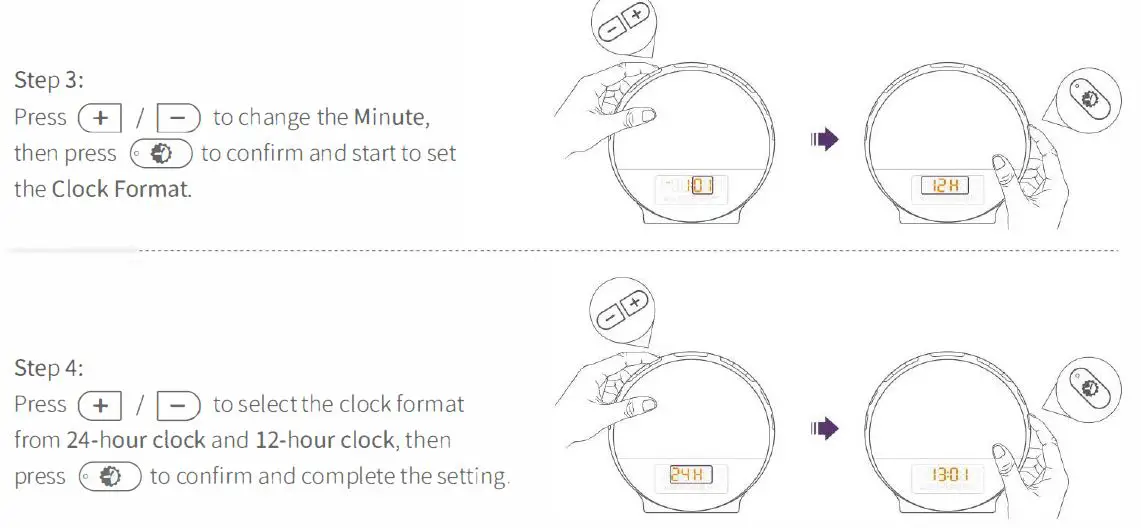
Before the first use, please set the time.
:♦: Tip:
If the 12-hour clock format is selected, PM or AM will be displayed accordingly.
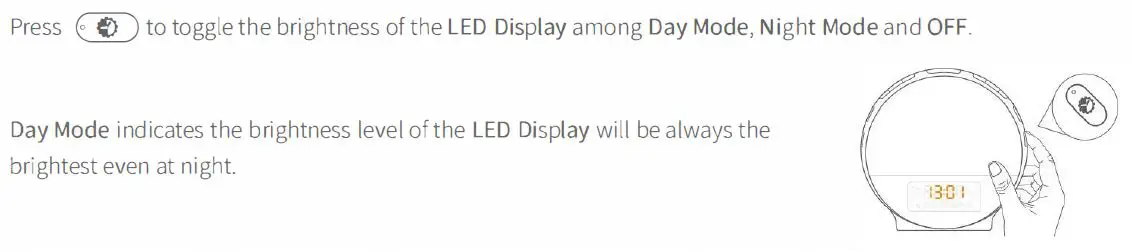
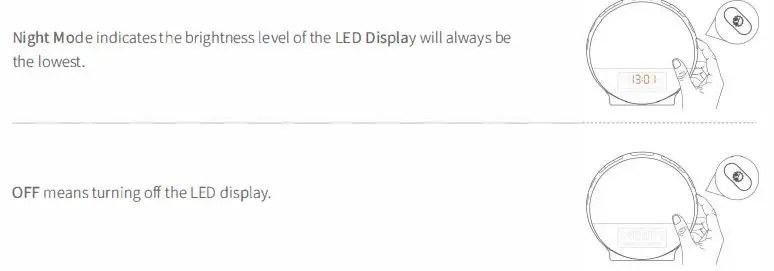
Brightness of the LED Display
Alarms
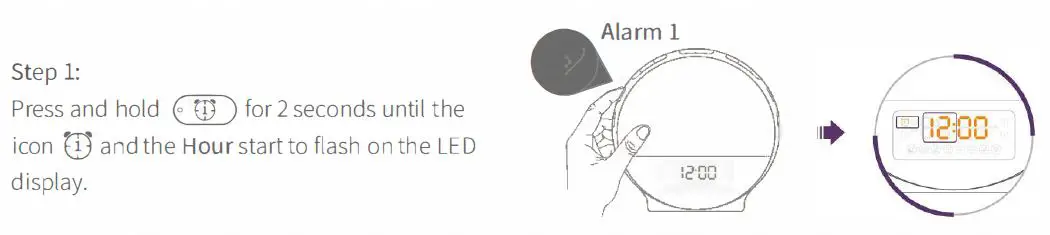
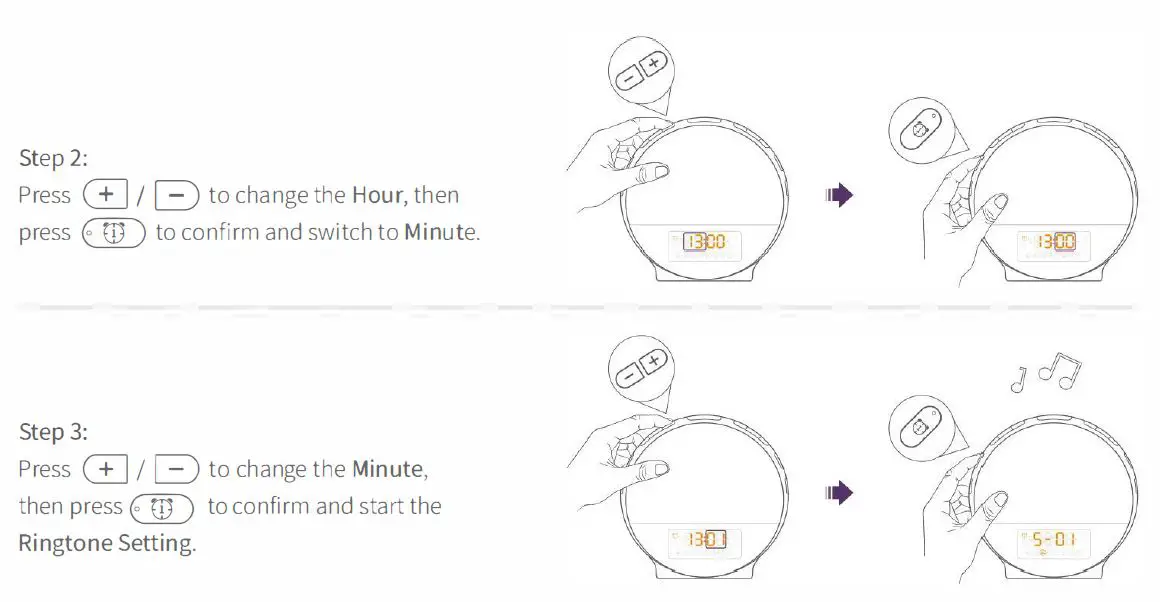
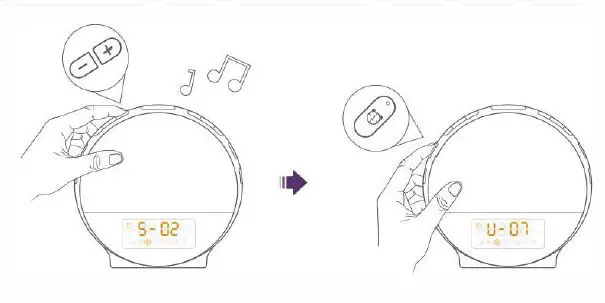
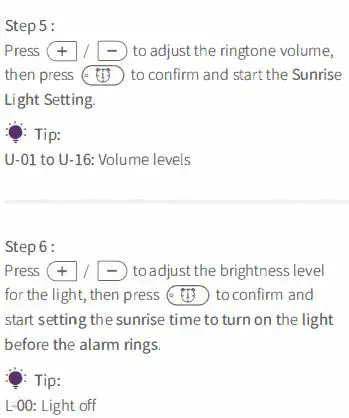
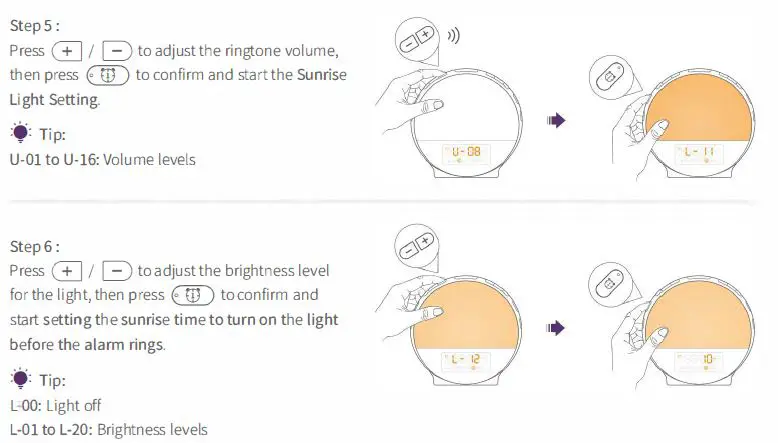
You could set Alarm 1 and Alarm 2 with the wake-up light. Alarm 3 and Alarm 4 could be set in the app Smart Life. We will take setting Alarm 1 as an example to guide you how to set an alarm.
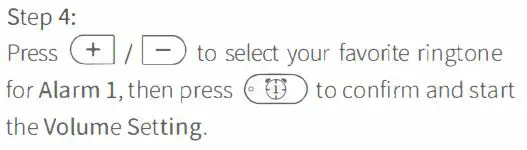
F-08: The last FM station you were tuned to before turning off the radio. If you prefer another station, please turn on the FM radio to search and select the one you like, then set the alarm again.
♦: Tip:
If you select 10 MIN and the alarm time is 7:00 AM, the light will be on at 6:50 AM and gradually become brighter. When the alarm rings at 7:00 AM, the brightness level of the light will reach the level you set at Step 6.
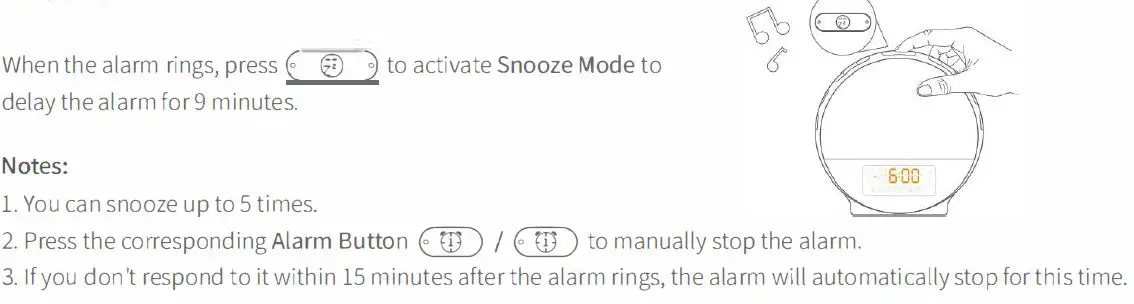
Snooze
FM Radio

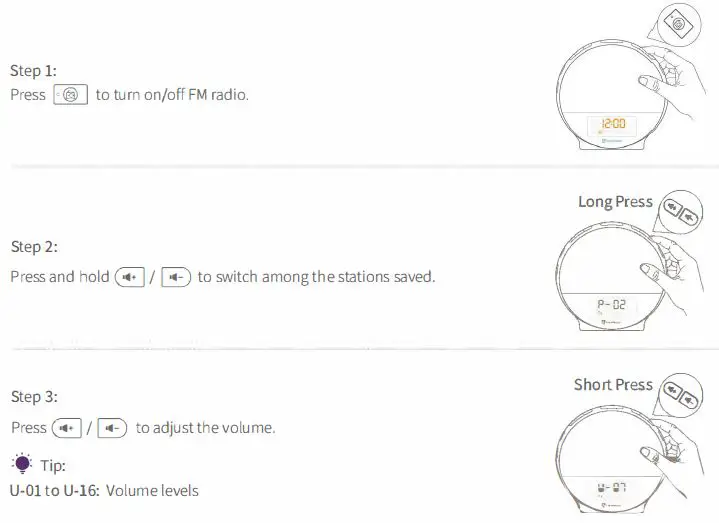
Note: Please fully unwind the antenna and move it around until you receive the best reception.
Sleep Aid
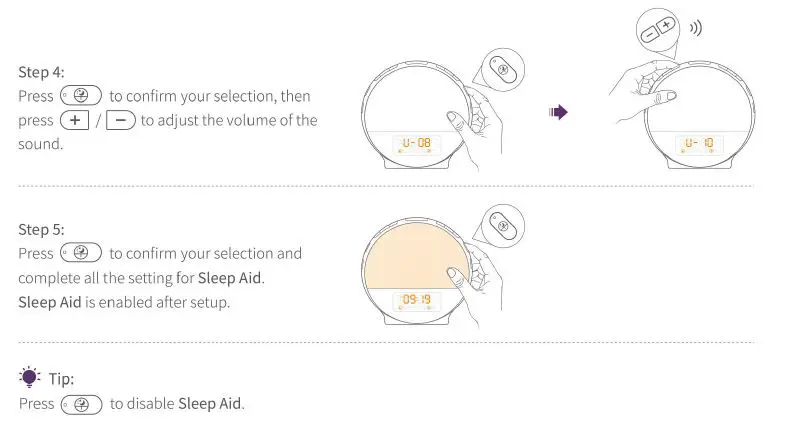
Sleep Aid simulates the process of sunset, aiming to help you fall asleep easily. After it’s enabled, the sunset light will gradually dim, and the volume of the selected nature sound will decrease with time.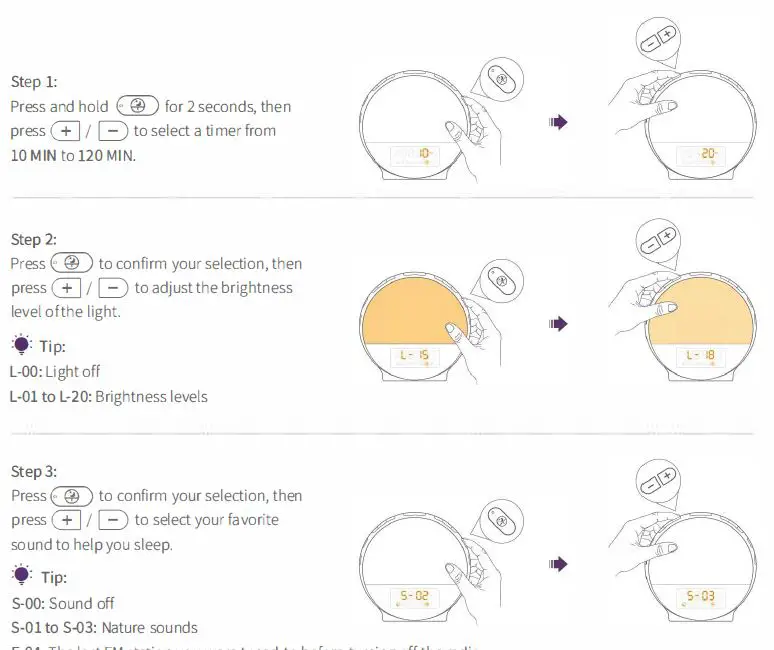
F-04: The last FM station you were tuned to before turning off the radio. If you prefer another station, please turn on the FM radio to search and select the one you like, then set again.
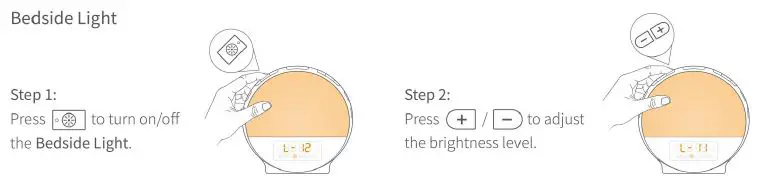
LIGHT
 If you still have other problems ,Please contact us anytime .
Email; [email protected]
We also offer some new arrival products to test for free .
Your voice is very important for us .