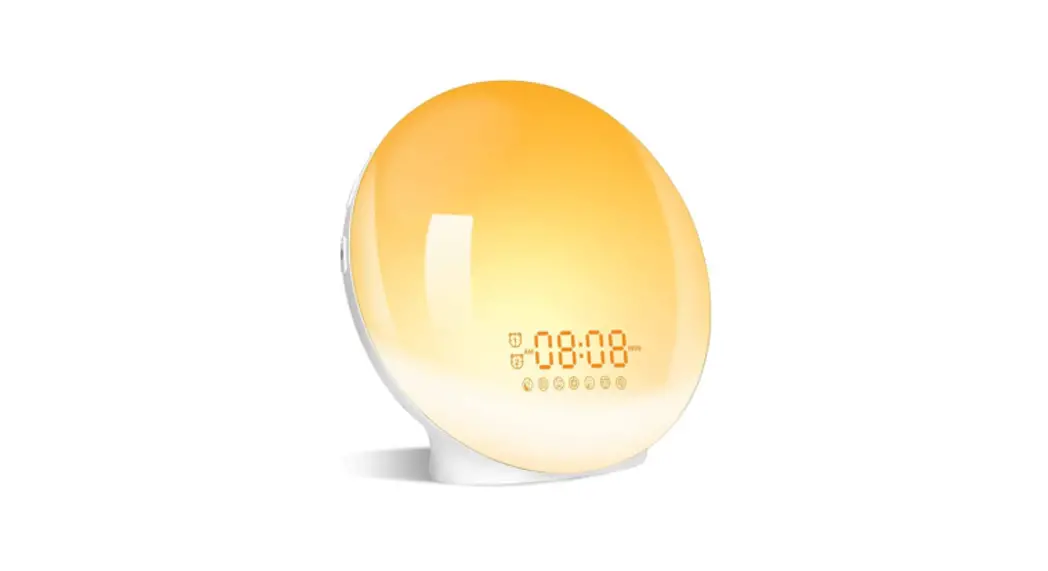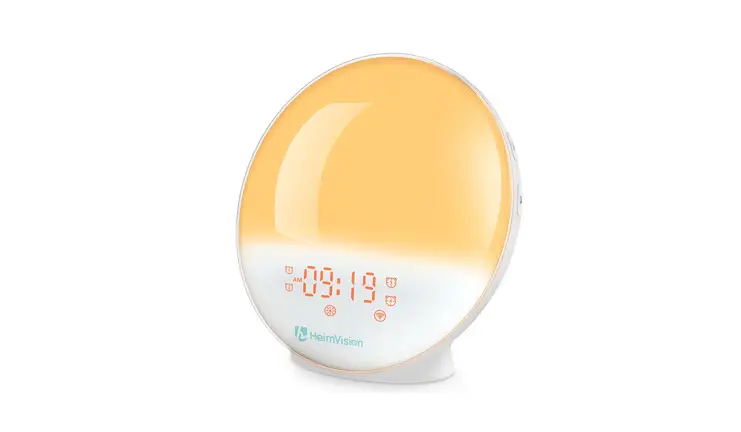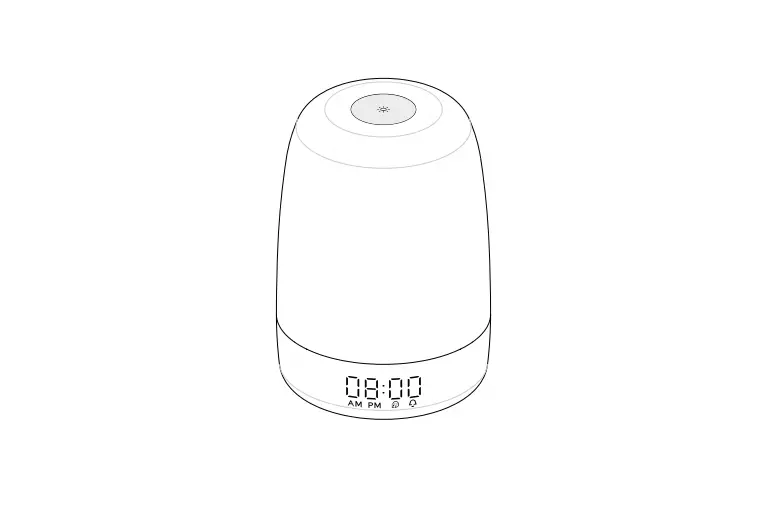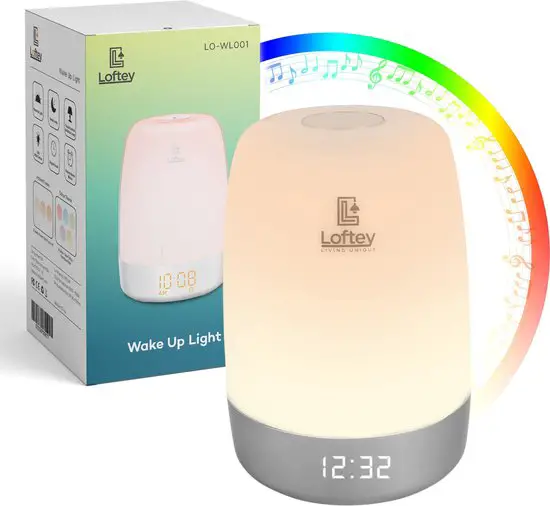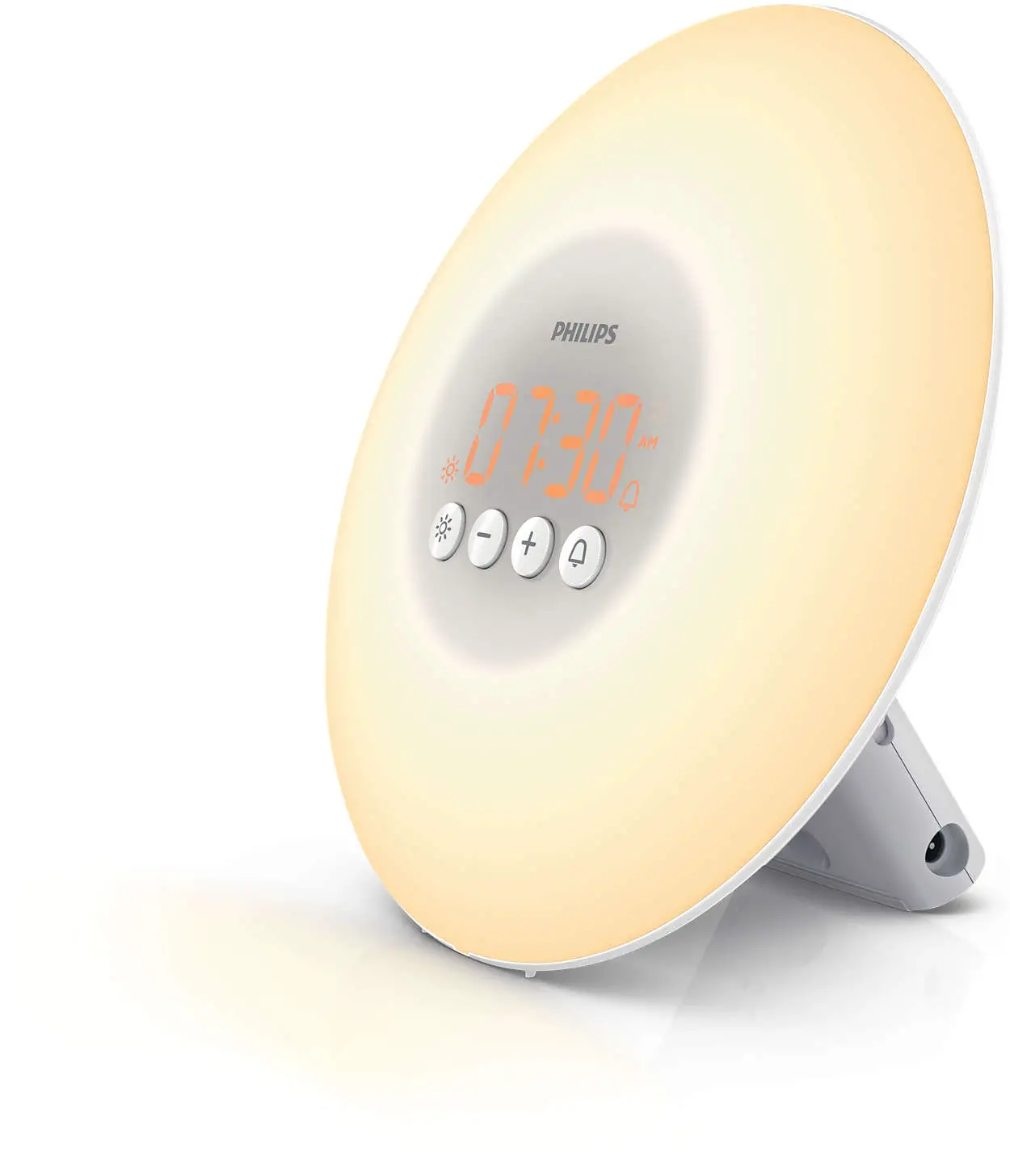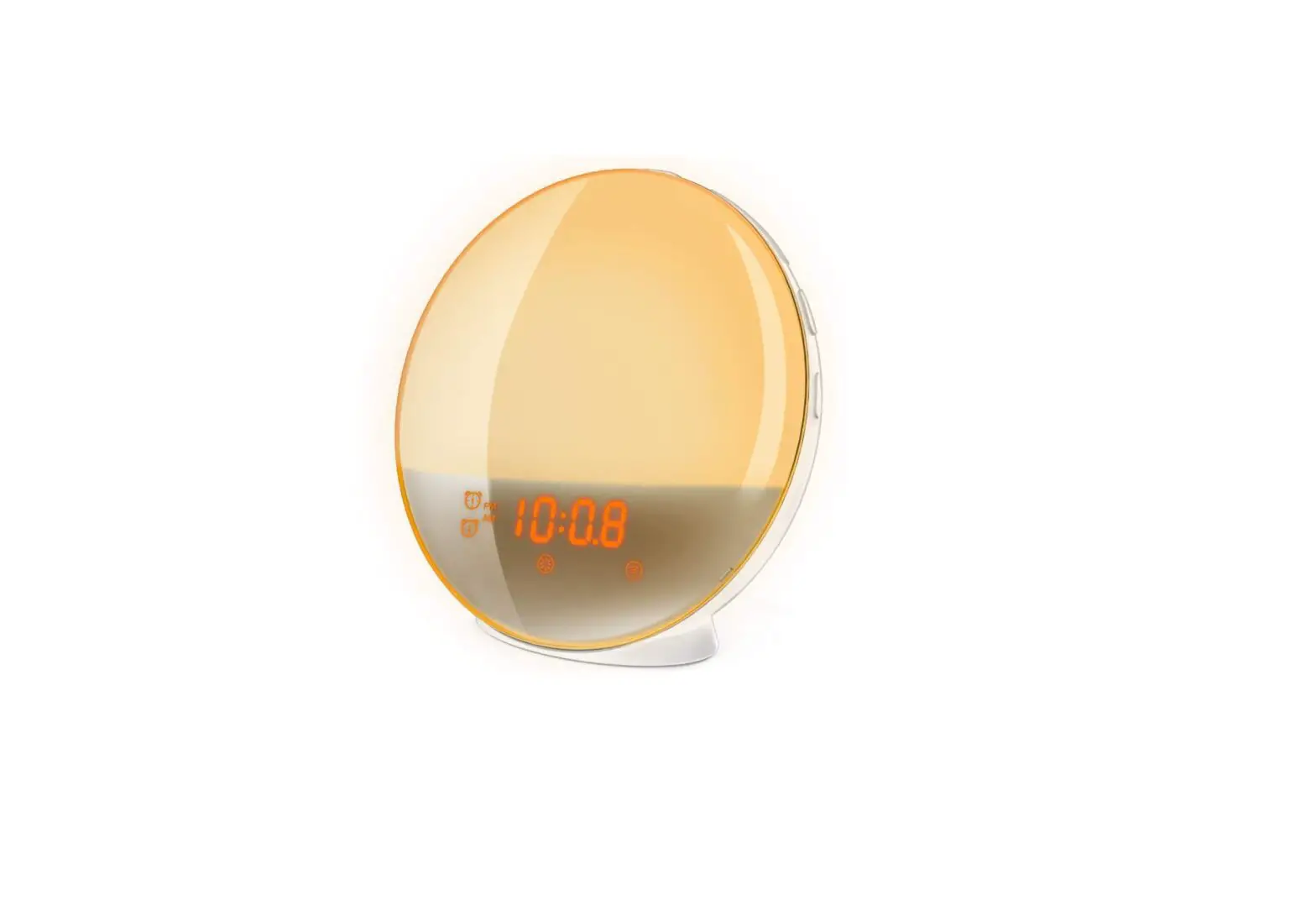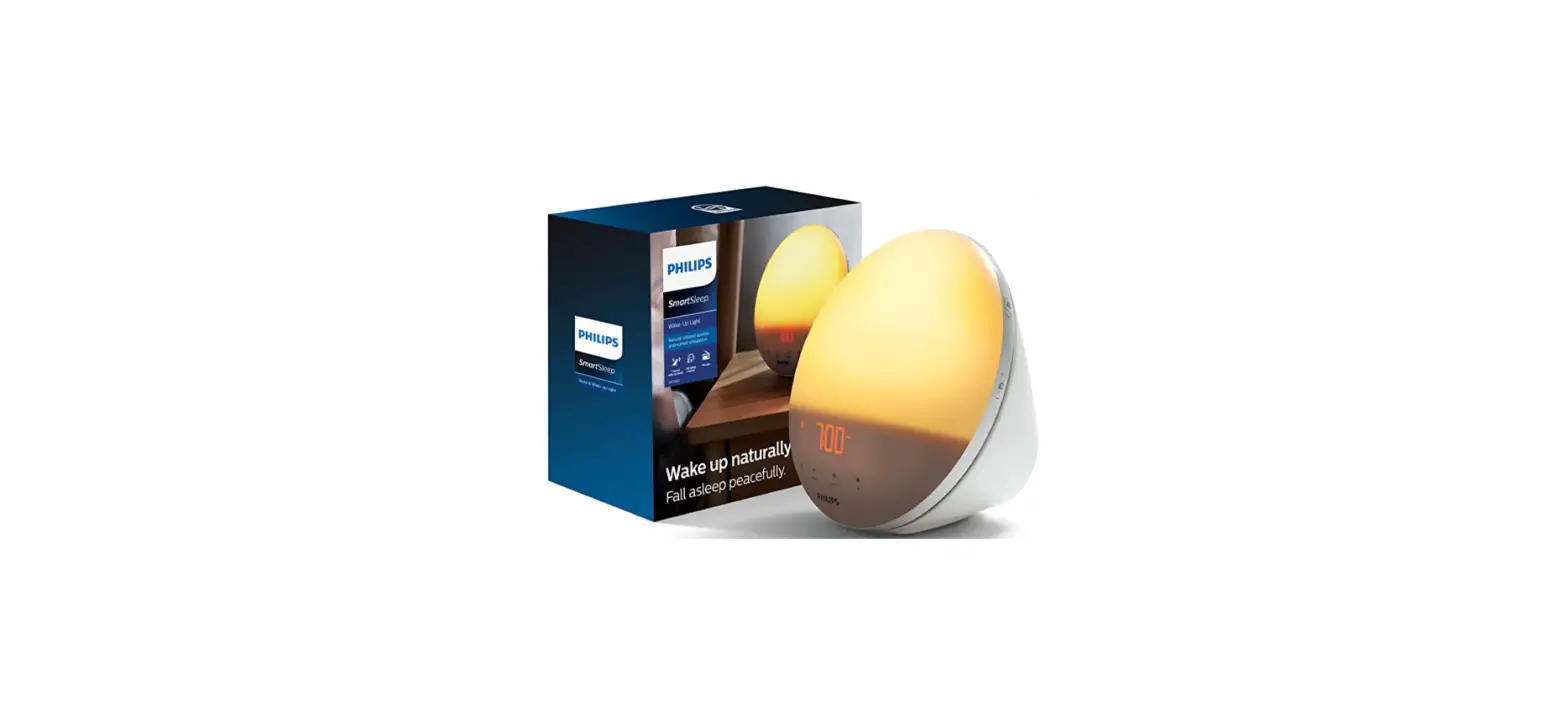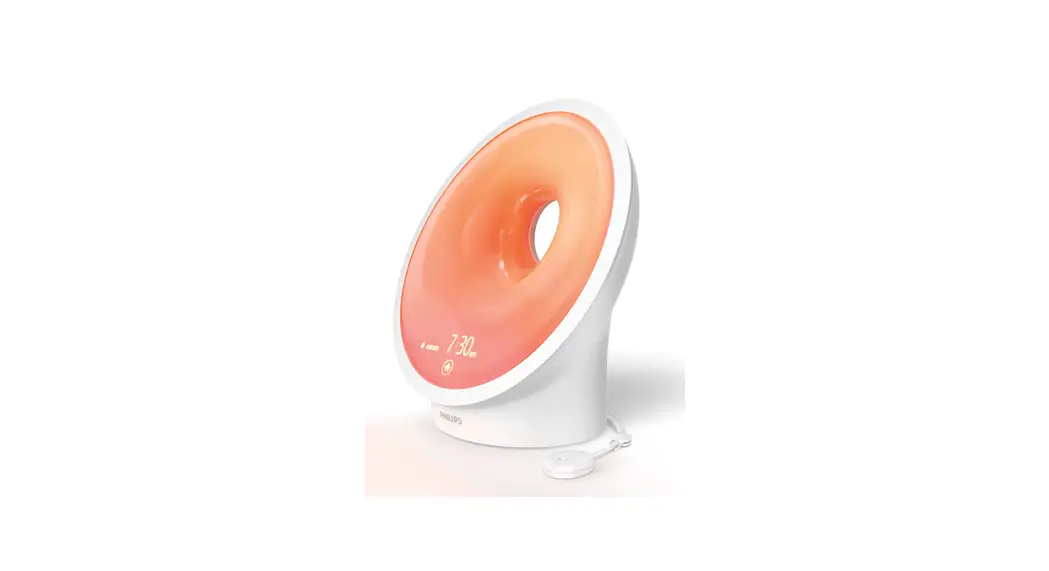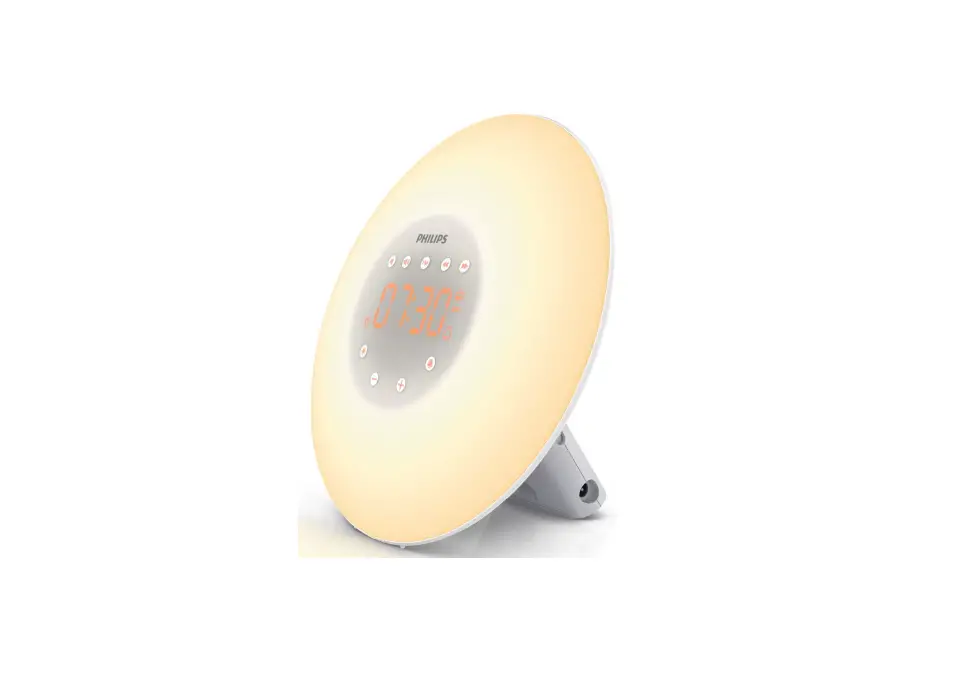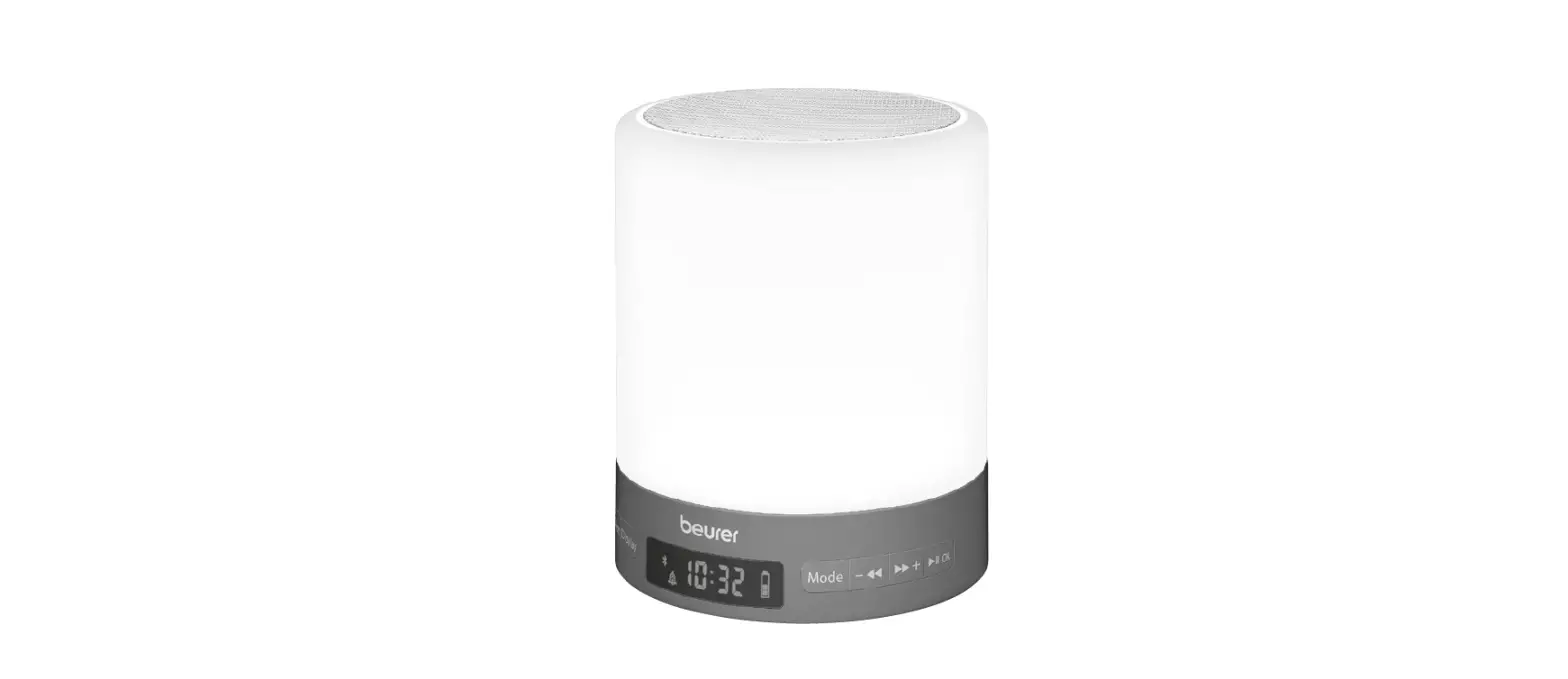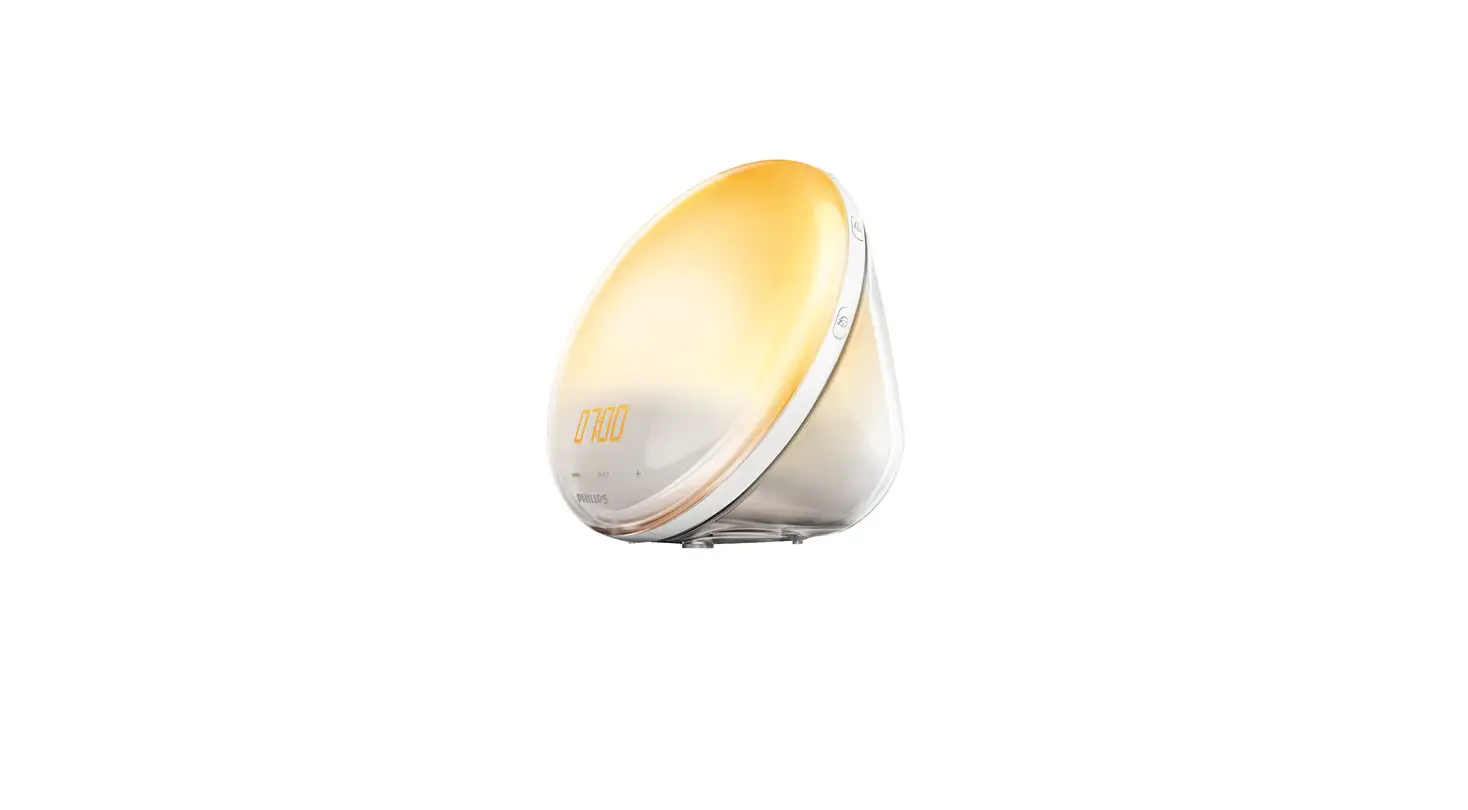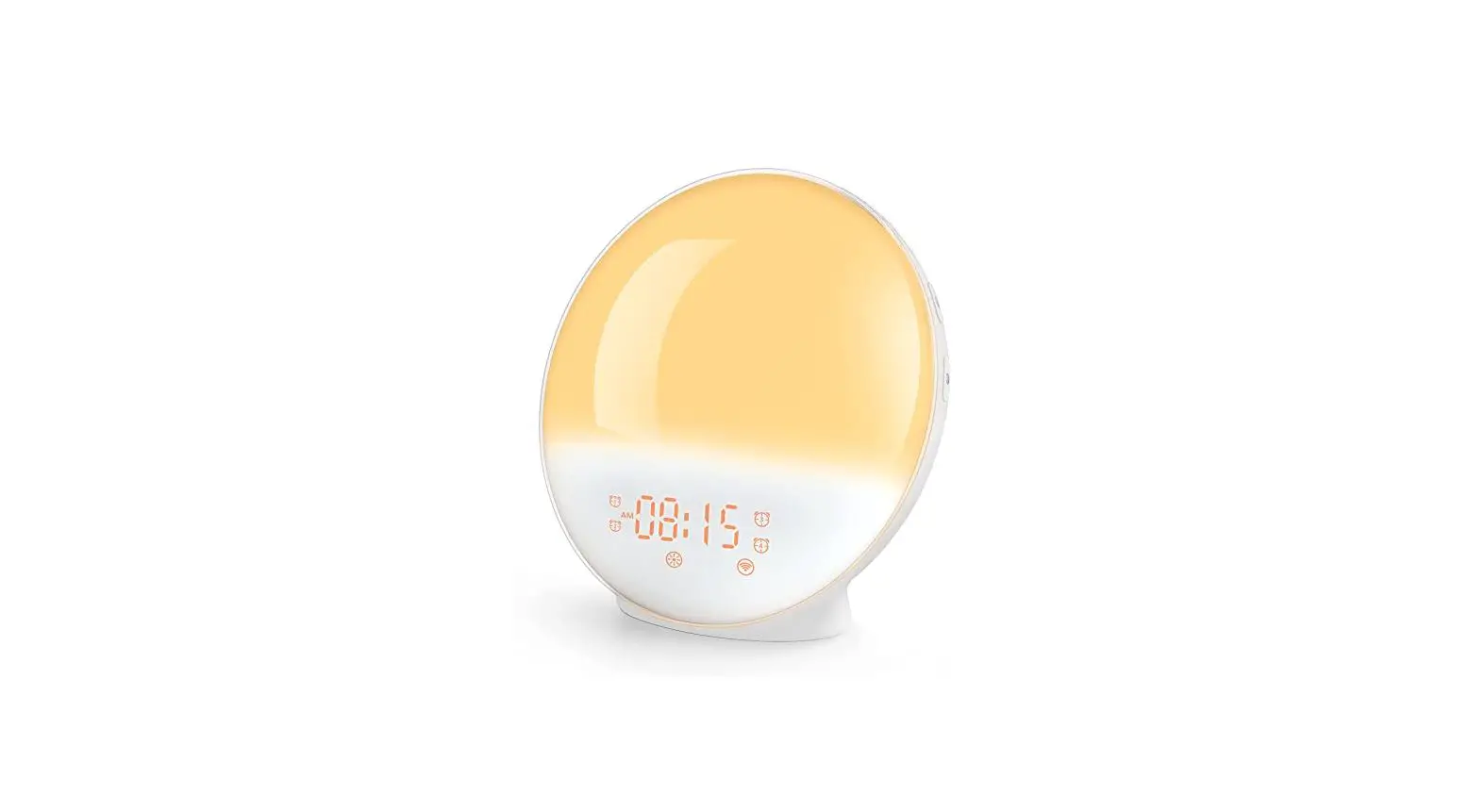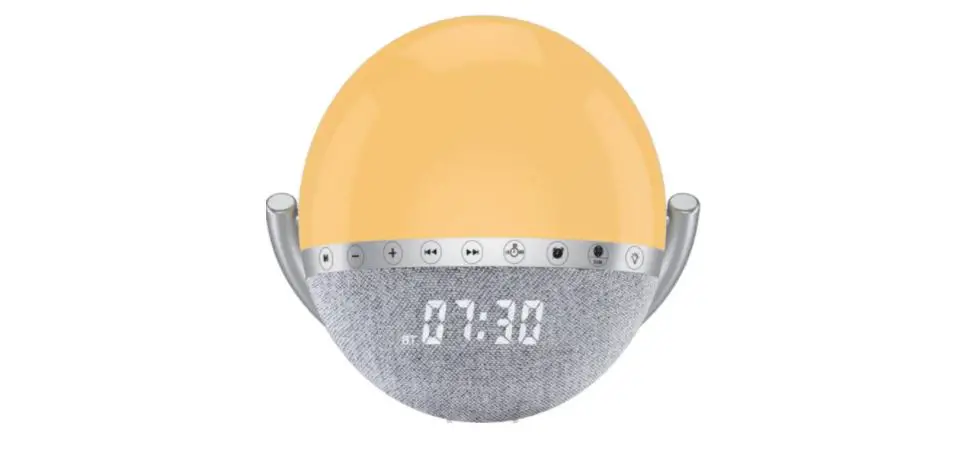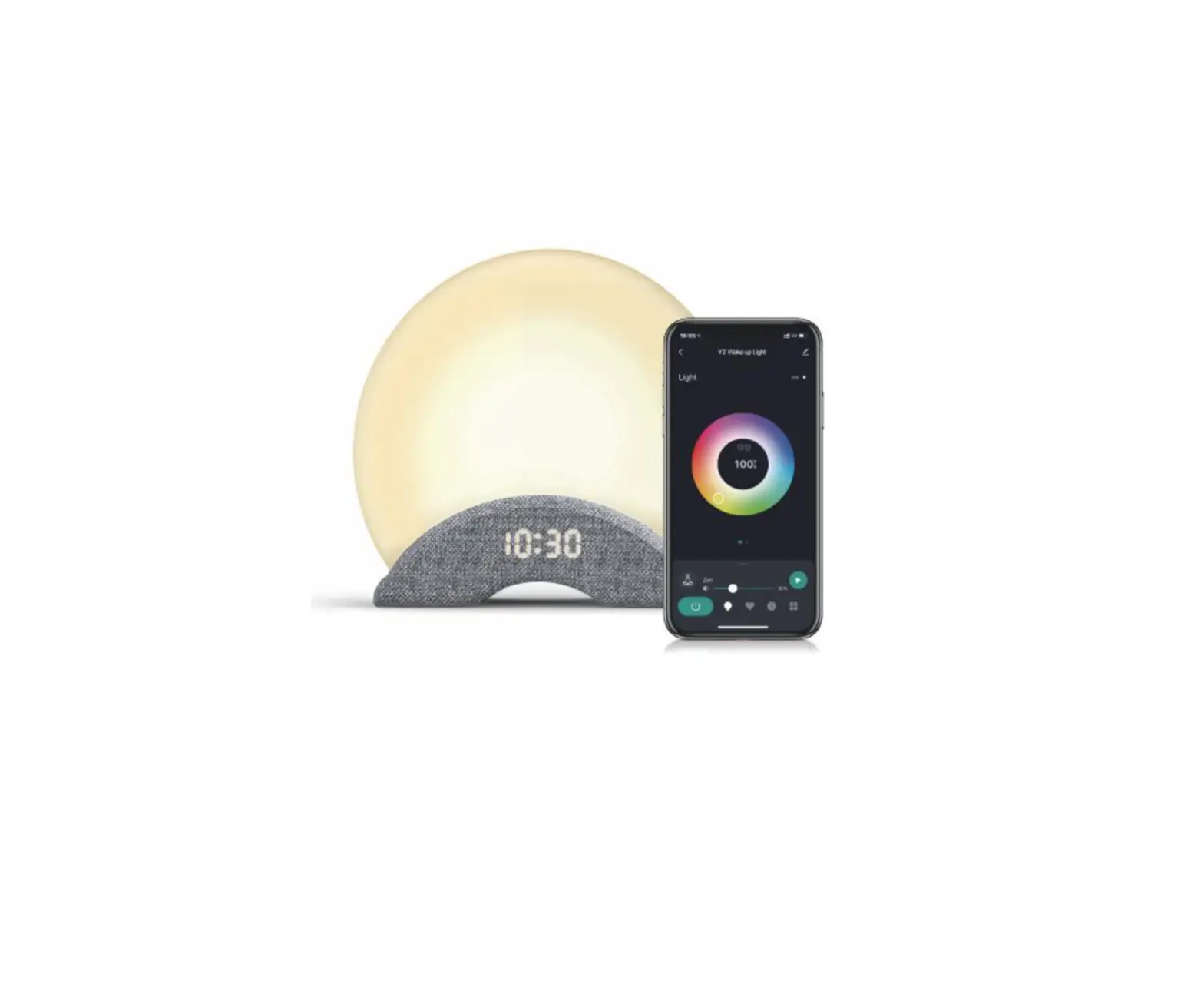
Laview Eagle Eye Technology WNY2 Y2 Wake-up Light
 FCC Compliance
 FCC Compliance
NOTE: This equipment has been tested and found to comply with the limits for a Class B digital device, pursuant to Part 15 of the FCC Rules. These limits are designed to provide reasonable protection against harmful interference in a residential installation. This equipment generates uses and can radiate radio frequency energy and, if not installed and used in accordance with the instructions, may cause harmful interference to radio communications. However, there is no guarantee that interference will not occur in a particular installation. If this equipment does cause harmful interference to radio or television reception, which can be determined by turning the equipment off and on, the user is encouraged to try to correct the interference by one or more of the following measures:
- Reorient or relocate the receiving antenna.
- Increase the separation between the equipment and receiver.
- Connect the equipment into an outlet on a circuit different from that to which the receiver is connected.
- Consult the dealer or an experienced radio/1V technician for help
Any changes or modifications not expressly approved by the party responsible for compliance could void the user’s authority to operate the equipment.
Note: The manufacturer is not responsible for any radio or TV interference caused by unauthorized modifications to this equipment. Such modifications could void the user’s authority to operate the equipment.
This device complies with Part 15 of the FCC Rules. Operation is subject to the following two conditions:
(1) This device may not cause harmful interference, and
(2) This device must accept any interference received, including interference that may cause undesired operation
RF Exposure Warning Statements:
This equipment complies with FCC radiation exposure limits set forth for an uncontrolled environment. This equipment should be installed and operated with minimum distance 20cm between the radiator & your body.
MPORTANT SAFETY INSTRUCTIONS
READ AND FOLLOW ALL SAFETY INFORMATION AND INSTRUCTIONS. PLEASE KEEP FOR FUTURE REFERENCE
 | To ensure correct and safe installation, usage and functioning of the product, always follow these instructions carefully and keep for future reference. |
 | Use ONLY the provided USB-C cable and AC power adapter. For sufficient brightness, ensure an input power of more than SV 2A. |
 | The luminaire cannot be replaced, please do not dismantle or modify by yourself. Otherwise it will be deemed as waiver of warranty. |
 | DO NOT place or operate near extreme heat sources, moisture, or corrosive substances. |
 | DO NOT operate any light with a damaged cord or after malfunction occurs, or damaged in any manner. |
 | DO NOT remove the power plug with wet hands as it may cause electrical shock. |
 | Always unplug the light prior to installation, maintenance or carrying out any repair activities. |
 | Follow local regulations regarding disposal or recycling of the device and components. |
 | If you have any product problems during use, please contact the Customer Support at [email protected] |
 | The light is not water proof or rugged. |
 | Please use a dry cloth to clean and get rid of dust on a regular basis. |
 | The light may contain tiny gadgets, Please keep kids away from them. |
ABOUT YOUR WHITE NOISE LIGHT WITH WAKE UP LIGHT
WHAT’S IN THE BOX
|
|
|
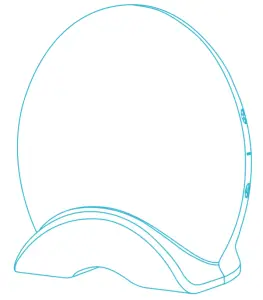 Y2
Y2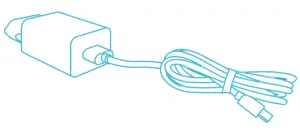 Power Adapter
 User Manual
Specifications
| Model | YT Wake up Light / LV-WNYW-W |
| Input | 100-240V-50/60GHz DC 5V 2A |
| Power | Light 7W, Speaker 3W |
| Support Wi-Fi Protocol | IEEE 802.11 b/g/n 2.4Ghz |
| Supported OS | Android 5.0 higher iOS 9.0 or higher |
| Lumens | 3501m+ 10% |
| Color Temperature | 2000K/4000K |
| CRI | >80 |
| Operating Temperature | 14°F – 104°F (-10°C 40°C) |
| Lifespan | 25000 Hours |
Overview
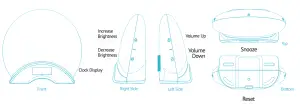
Features
 | Single tap to increase the brightness. Long press to constantly increase the brightness. |
 | Single tap to decrease the brightness. Long press to constantly decrease the brightness. |
 | Single tap to turn up the volume. Long press to constantly turn up the volume. |
 | Single tap to turn down the volume. Long press to constantly turn down the volume. |
 | When Y2 is off, single tap to turn on light and sound. When light or sound is on, long press for 2 sec to turn off Y2. When alarm goes on, single tap to snooze, or long press for 2 sec to turn off the alarm. |
 | Hold for 5 seconds to reset night light. Hold for 2 seconds to turn on/off Bluetooth mode. |
INSTALLATION & GETTING STARTED
STEP 1
Rest the cable and plug the adapter to the power outlet with it.
Then connect the cable to the light, the light will initiate pairing mode with indicator blinking BLUE after 3 seconds of showing solid RED. ( If the indicator does not blink blue, please refer to Q&A on the next page for solutions.)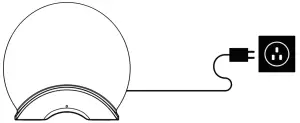
STEP 2
- Search and download our Laview App on the app store and register your account.
- Open the App, select “sign up” to create a new account or log in with the existing account.




STEP 3
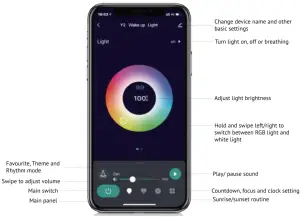
After entering home screen of the App, select”+” or” Add Device” in the top right corner, select “Auto Scan’: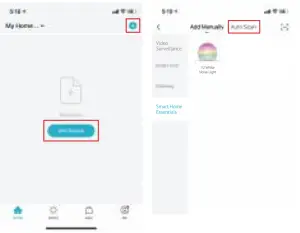
STEP 4
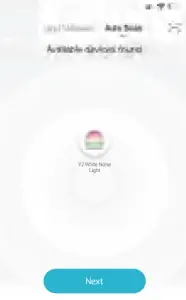
 and follow up the in-app instructions to finish the setup process.
NOTE:
- -Please allow authorization for network and Bluetooth access in LaView APP.
- The light works with 2.4GHz WIFI connection only

Q & A
General resolutions for issues on using White. Noise Machine with Night Light.
| Cannot enter Pairing Mode. | Please hold down the reset button for 5 seconds to reset the light and wait until the indicator blinks blue and follow the steps for adding the light as mentioned previously. |
| Cannot receive the Verification Code? |
|
| Cannot connect Wi-Fi network/ Wi-Fi connection unstable. |
|
| Cannot connect my light to LaView APP? |
|
| Failed to light up after connecting. |
|
| Control panel is not responsive |
|
For more product and support inforrmation, please visit La View official website at: www.laviewusa.com/pages/y2
Or contact us at : [email protected]
PRODUCT WARRANTY CARD
Your LaView product is protected by a 1-year warranty from the purchase date.
For more information on repairs, exchange, and other policies, please visit : www.laviewusa.com
Please send all inquiries through the Contact Form on our website, or email us at [email protected].
And our technicians would be glad to assist you.