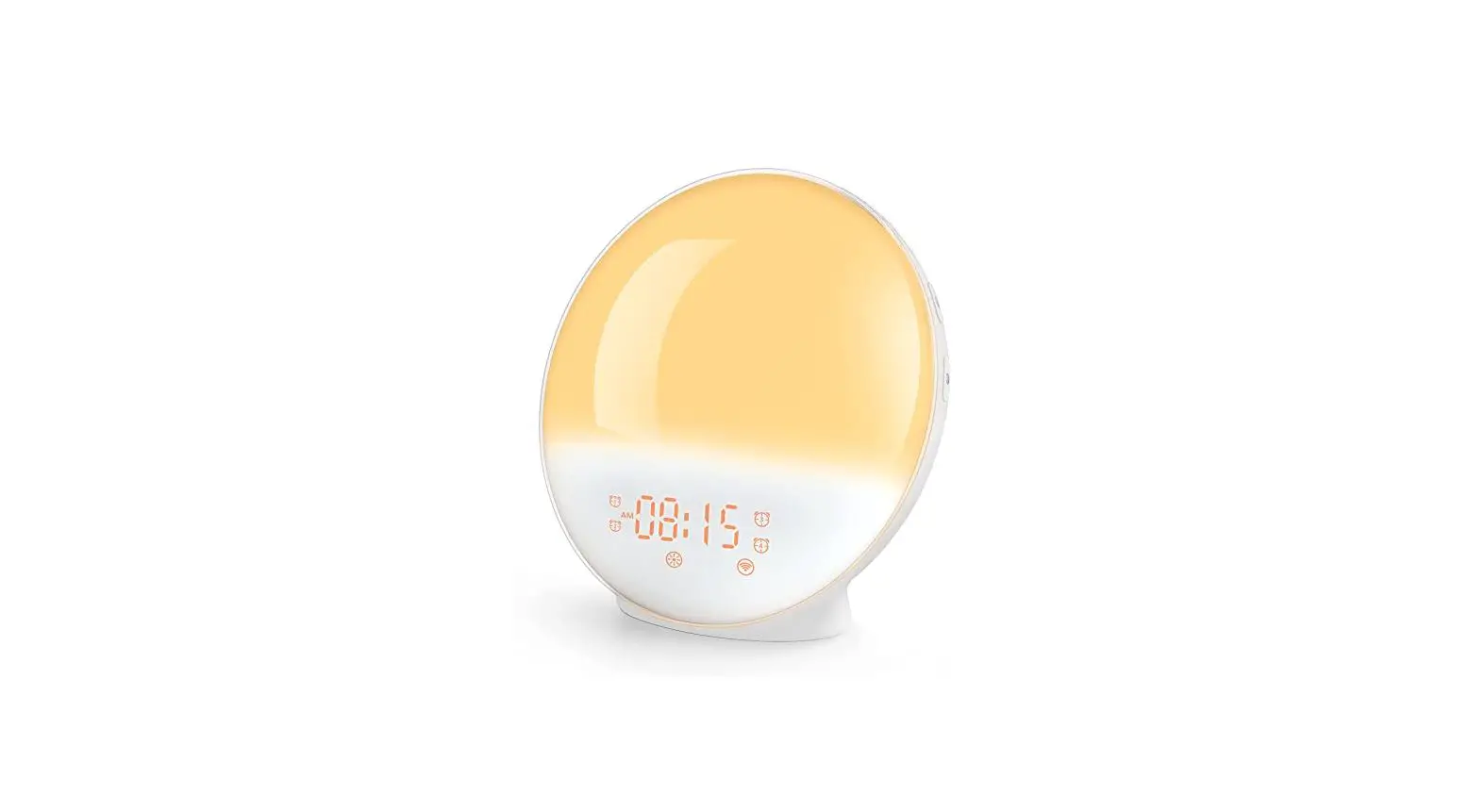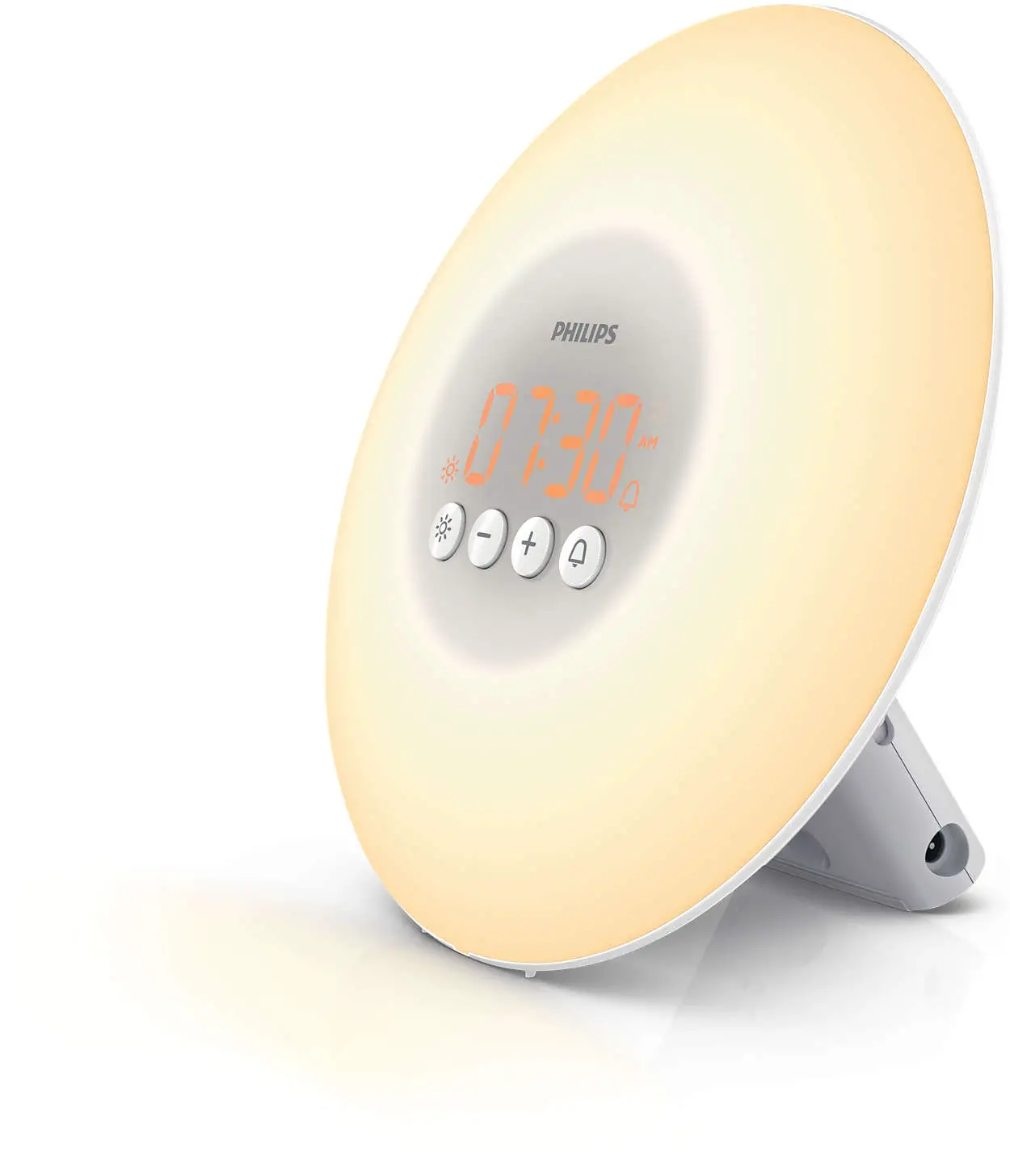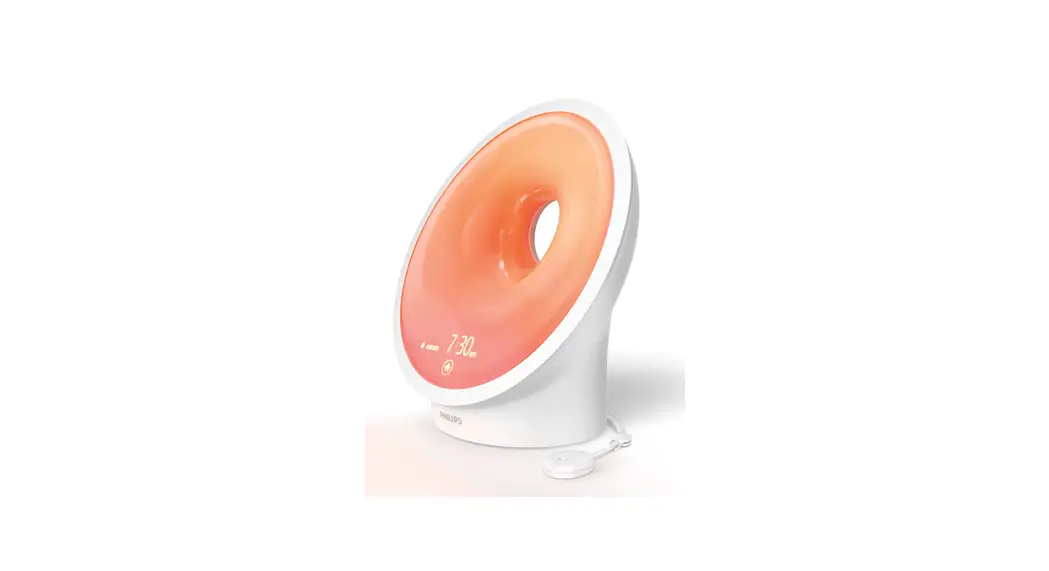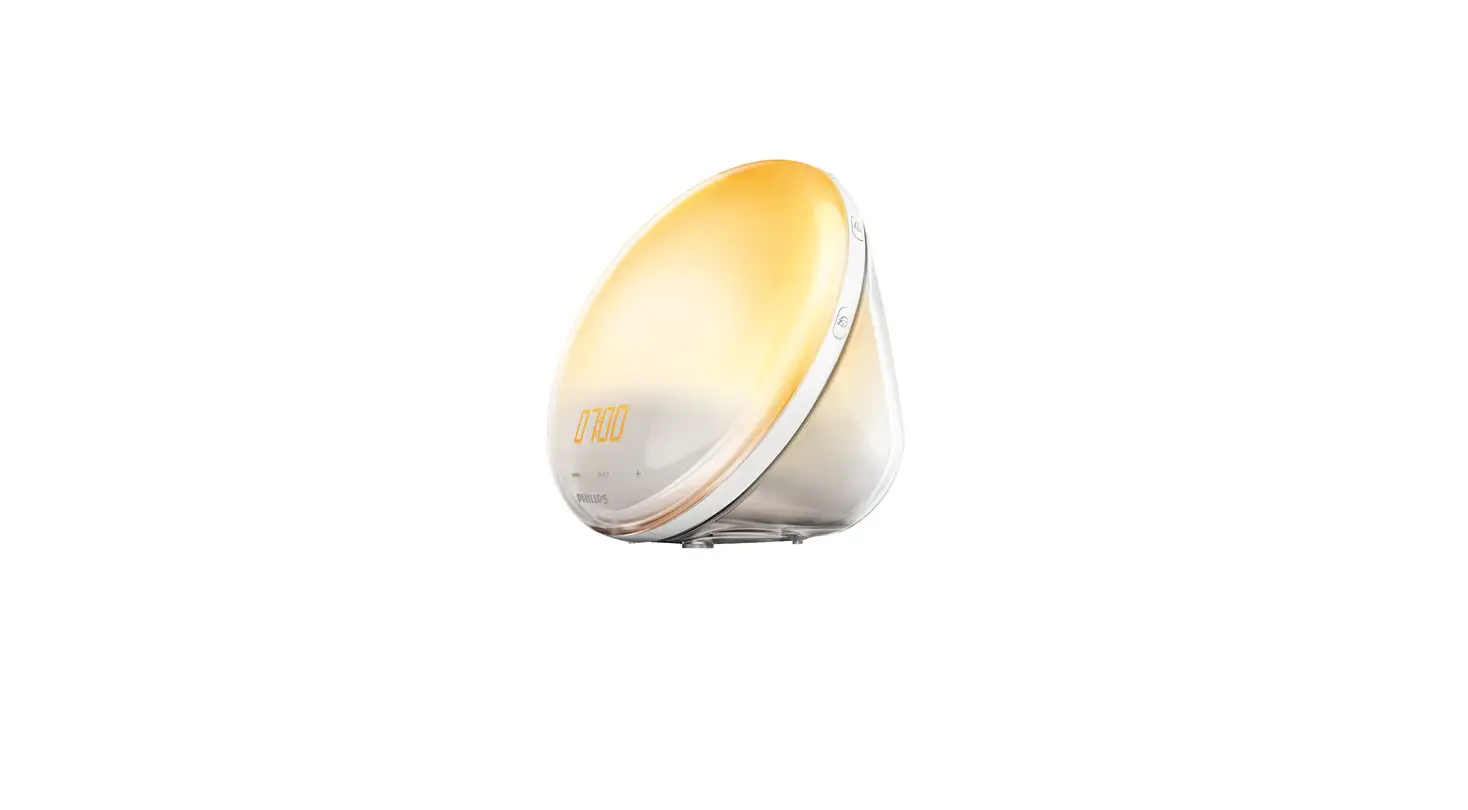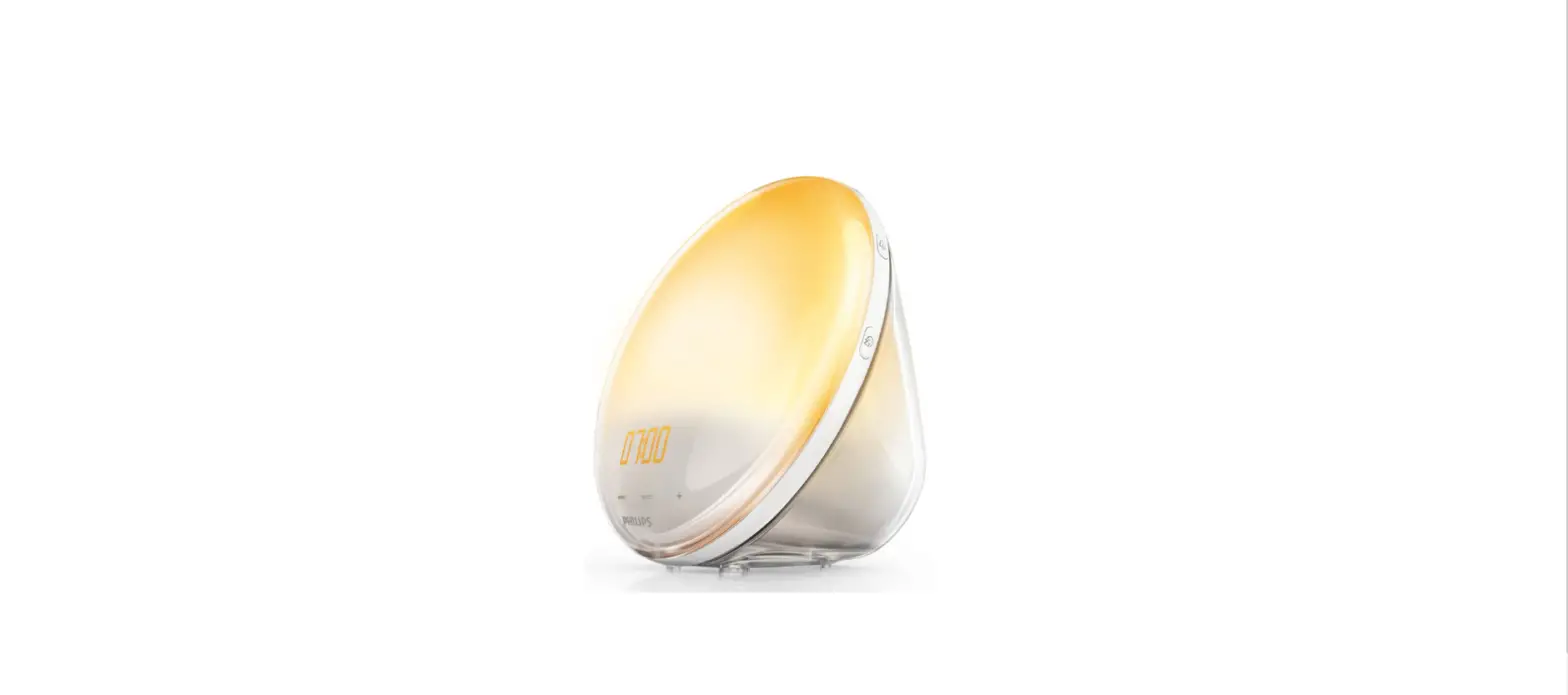
Sunrise 208287 Wakeup Lamp User Guide
Thank you for purchasing the Sunrise Wakeup Lamp. Please take a moment to read this guide and store it for future reference.
INTRODUCTION
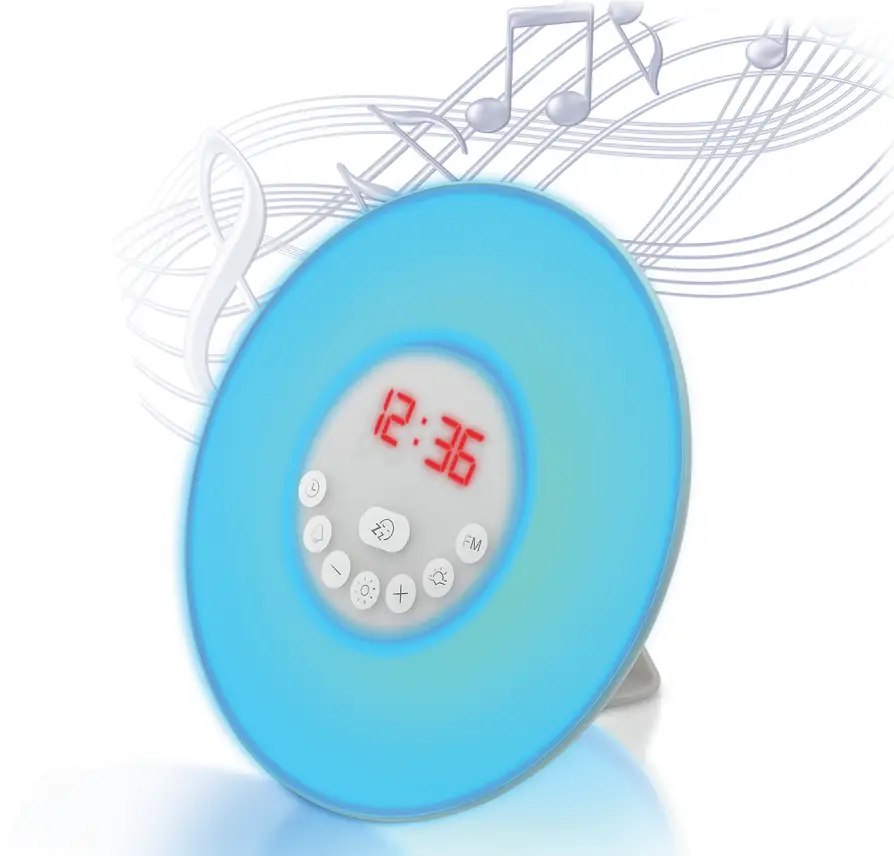
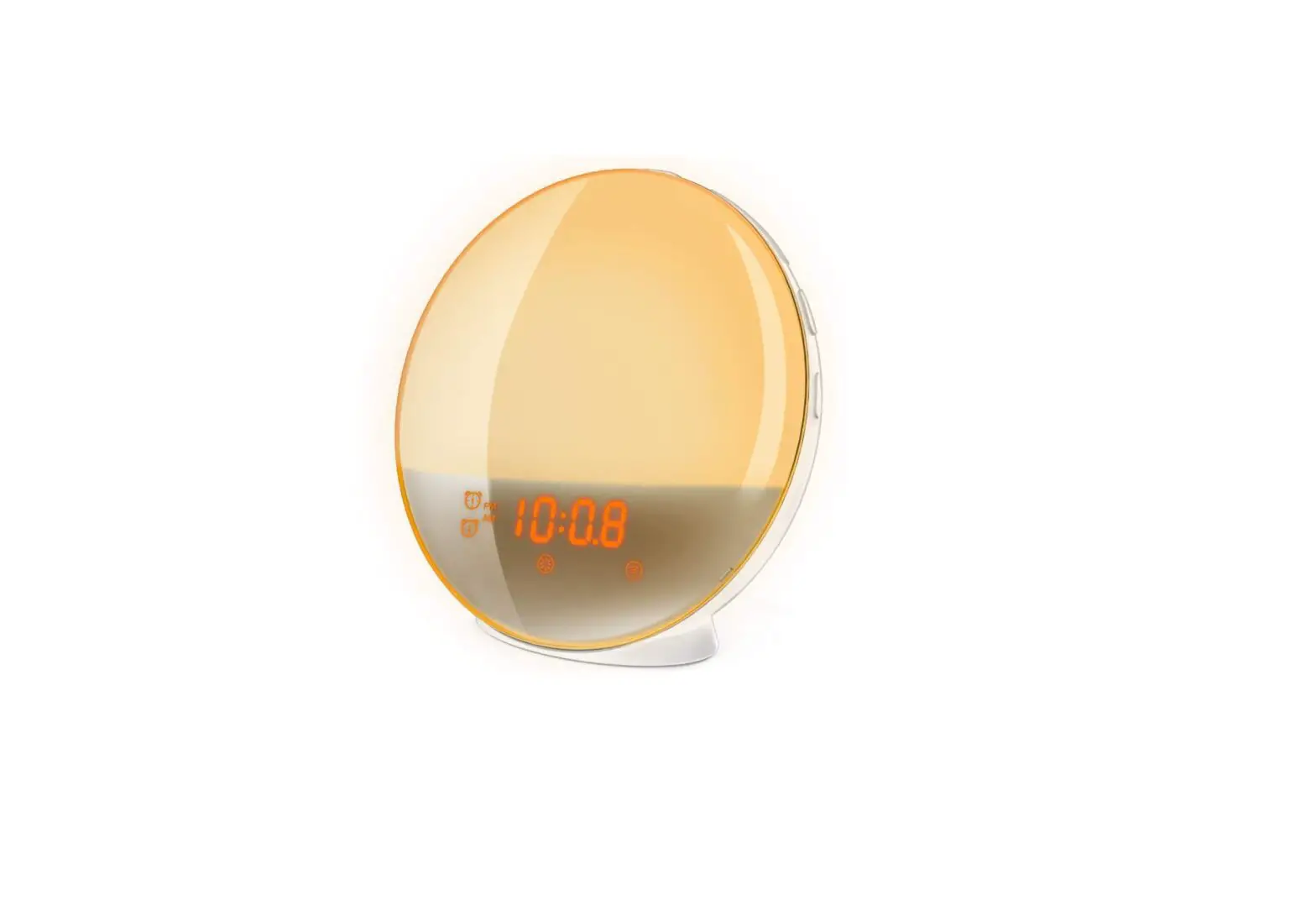
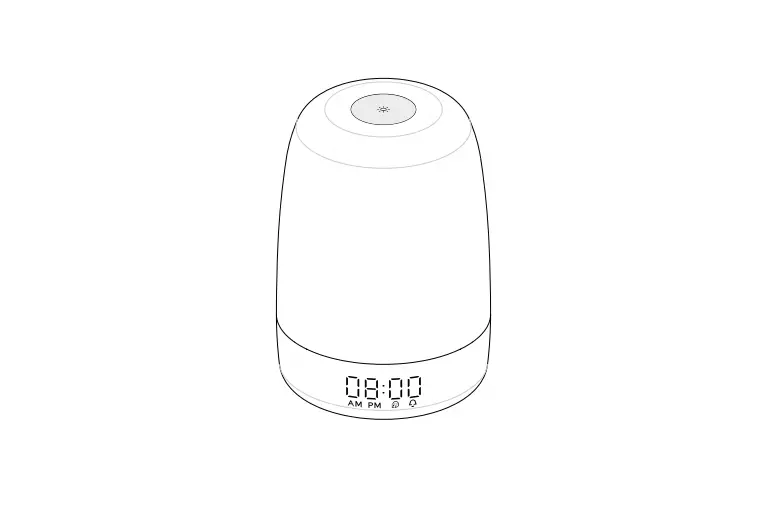
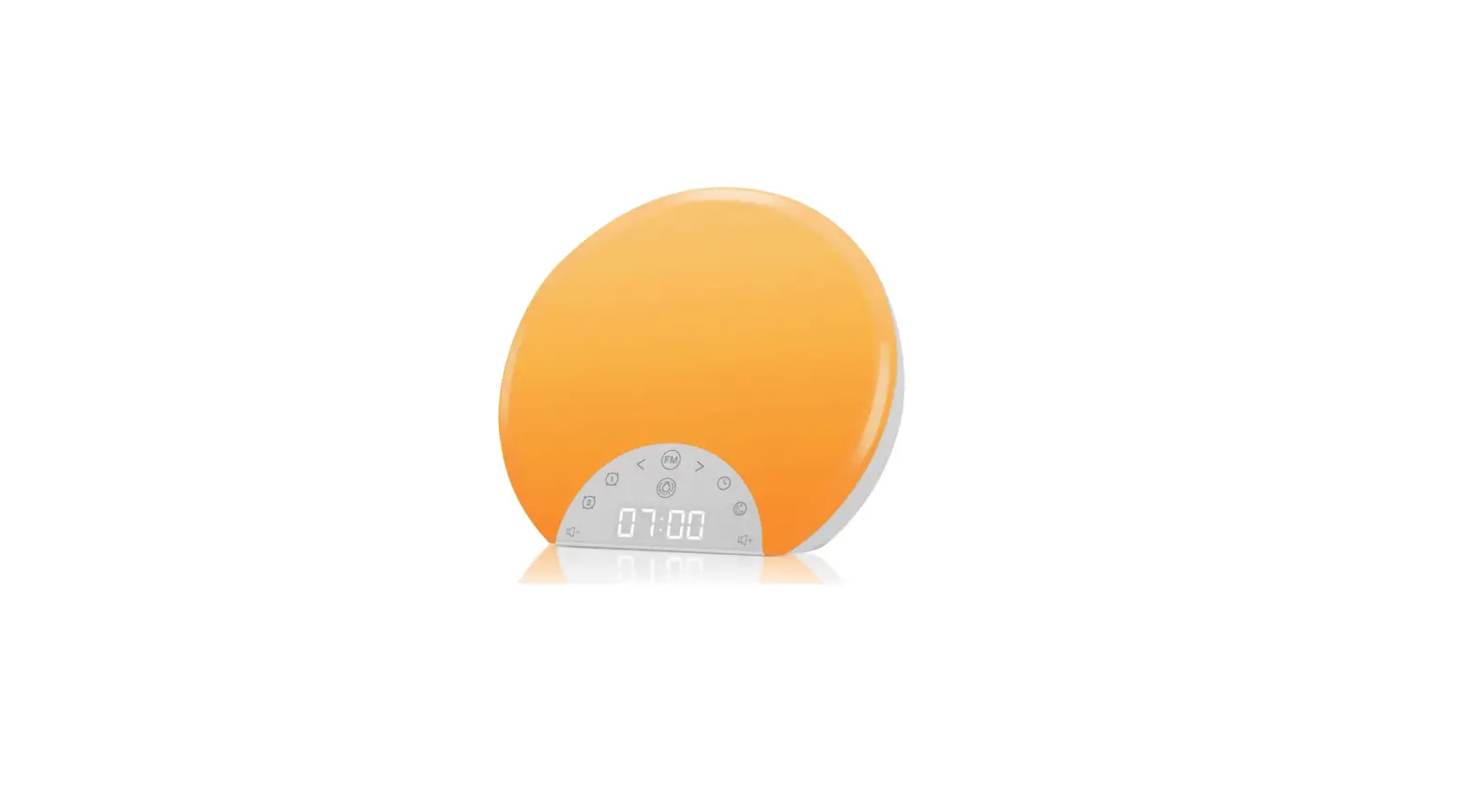
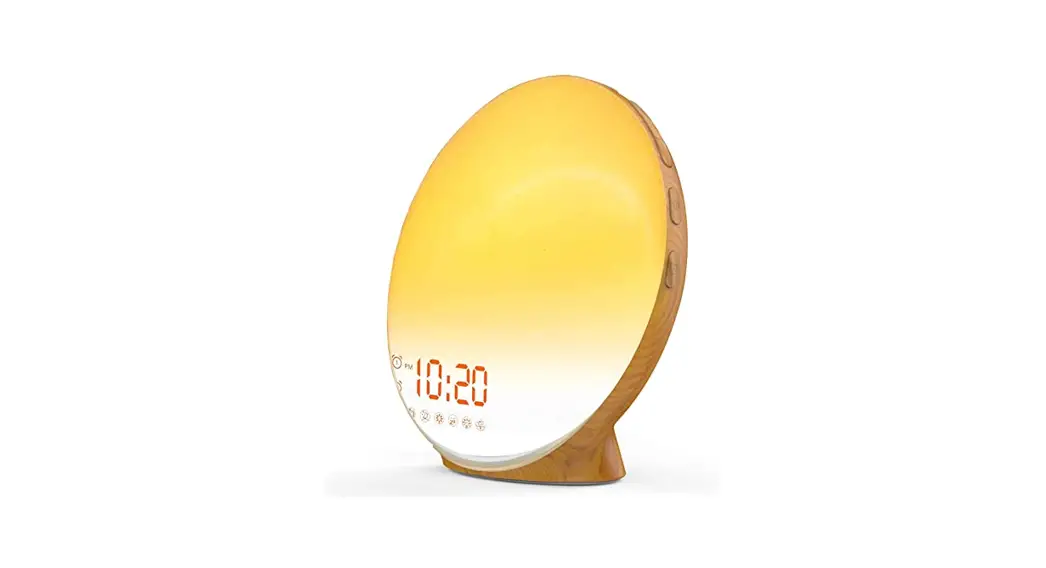
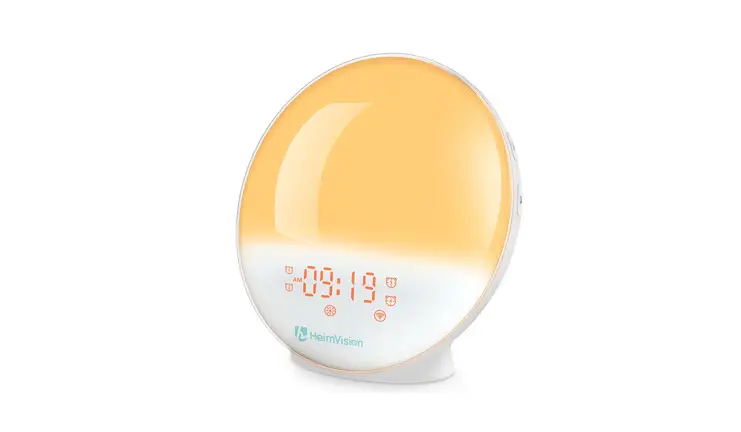
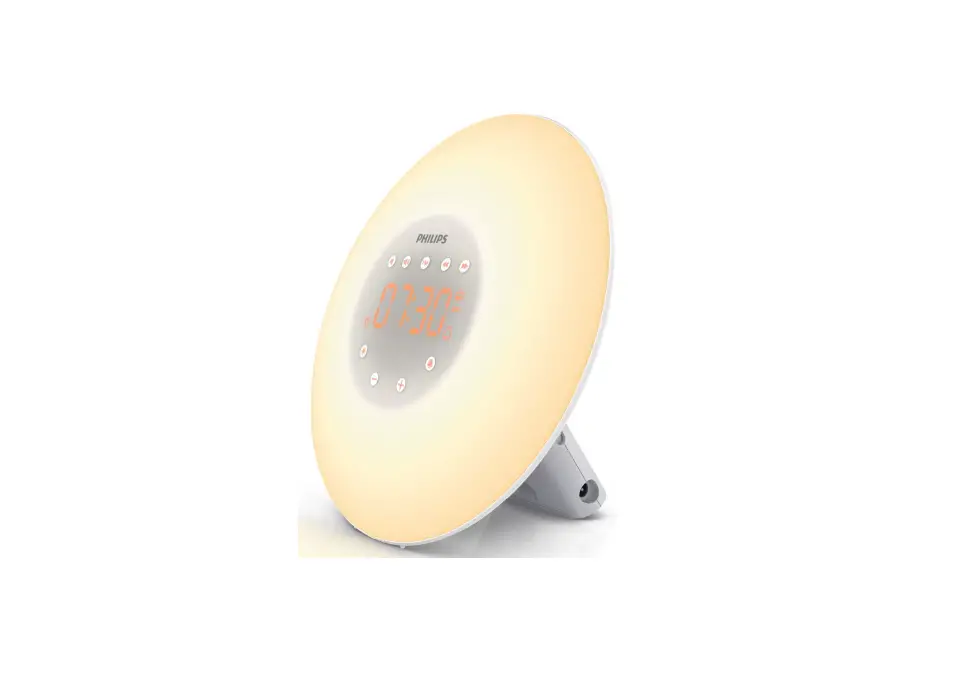
The Sunrise Wakeup Lamp is the multi functional device that combines a digital alarm clock, sound soother, FM radio and wakeup light into one stylish design. Its soothing sounds and simulated sunsets will help you fall asleep fast and wake up gently.
FEATURES
- Digital clock with dimmable display
- 12- and 24-hour time formats
- Dual alarms with sunrise light and snooze function
- 7 wakeup sounds + FM Radio
- Sleep timer with 3 soothing sounds, FM Radio and sunset light
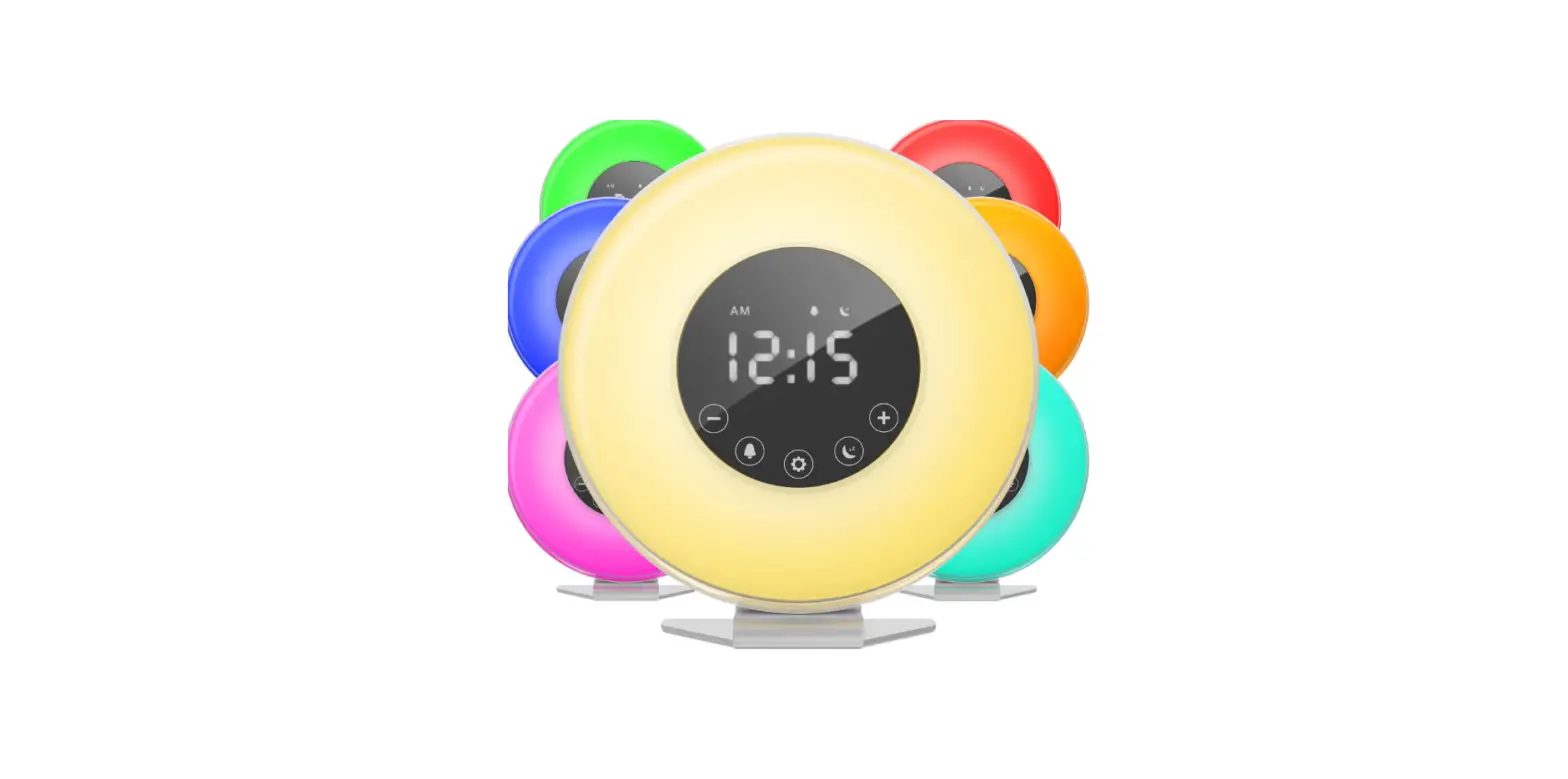
- LED accent lamp and 7-color mood light
- USB charging port
- Dimensions: 6.5” x 6.5” x 2.8”
- Weight: 0.7 lbs.
- Battery backup (button cell battery included)
- Plugs into an AC outlet
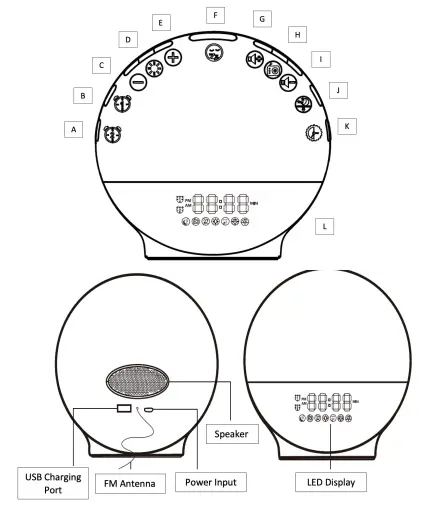
IDENTIFICATION OF PARTS
A. Alarm 2 button
B. Alarm 1 button
C. Down button
D. Lamp button
E. Up button
F. Snooze button
G. Volume + / Channel + button
H. FM Radio button
I. Volume – / Channel – button
J. Sleep button
K. Settings button
L. LED display
SETTING THE TIME
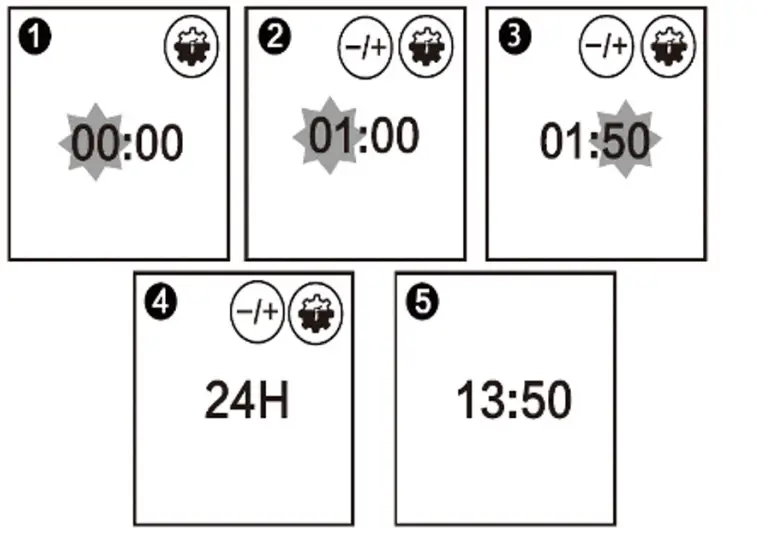
When the device is powered on, long press  (2 seconds) to enter time setting mode.
Use to  set the hour. Press to confirm and move on to minutes.
Use to set the minutes. Press to confirm and move on to format.
Use to choose 12-hour or 24-hour format. Press to confirm and finish.
SETTING THE BRIGHTNESS
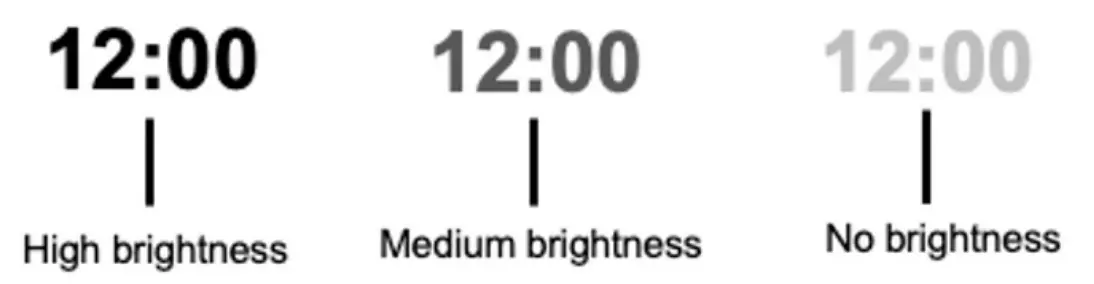
When the device is powered on, short press to enter brightness settings.
Click to make the display brighter or dimmer.
NOTE: There are 3 brightness levels: High Brightness / Medium Brightness / No Brightness (OFF)
SETTING THE ALARMS
This clock features two separate alarms, so you can store two different alarm times. For example, you can use Alarm 1 for weekdays and Alarm 2 for weekends. The procedure for setting both alarms is the same. In the description below, we will use Alarm 1 as an example:
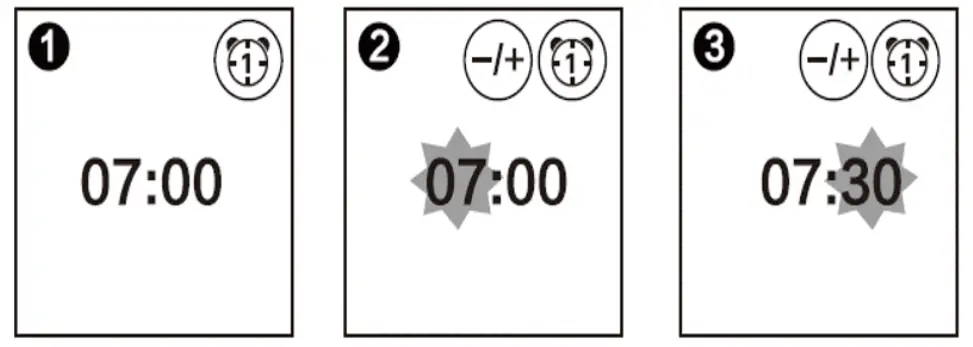
In normal time mode, long press  the button (2 seconds) to begin setting Alarm 1.
Use to set the hour. Press to confirm and move on to minutes.
Use to set the minutes. Press to confirm
YOU WILL NOW BE ASKED TO SELECT A WAKEUP SOUND.
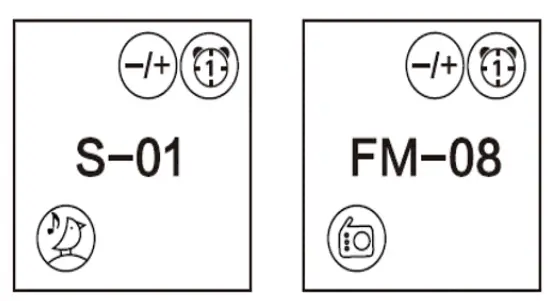
There are 8 wakeup sound options: 7 soothing sounds plus FM radio. The 8 wakeup sound options are:
- Bird
- Ocean
- Stream
- Beep
- Wind chimes
- Soft music
- Piano music
- FM radio (NOTE: The FM radio station will be the last station you listened to.)
Use to choose your wakeup sound. Press to confirm.
YOU WILL NOW BE ASKED TO SELECT A WAKEUP VOLUME.
Use to choose your wakeup volume. Choose a level from 1 to 16.
Press to confirm.
NOTE: When the set alarm time arrives, the wake-up ringtone will start softly and gradually get louder.
YOU WILL NOW BE ASKED TO SELECT THE WAKEUP LIGHT BRIGHTNESS.
Use to select your wakeup light brightness. Choose a level from 0 to 20.
Press to confirm.
NOTE: When the set light time arrives, the light will slowly go from dark to the preset brightness level. If you do not want a wakeup light, set this level at “0.”
YOU WILL NOW BE ASKED TO SELECT THE SIMULATED SUNRISE TIME
You can set the sunrise light to turn on 10 to 60 minutes before the alarm sounds. In this mode, the intensity of the light increases gradually. In addition, the color of the light changes from deep morning red to bright white daylight
Use to set the amount of time the light will illuminate BEFORE the alarm sounds. Choose 10 to 60 minutes.
Press to confirm and finish setting up Alarm 1.
SETTING ALARM 2
Repeat the above steps to set Alarm 2. (Just be sure to start by long pressing the  button.) Now that you have entered your alarm settings, you must now turn the alarm(s) on.
Turning the Alarm(s) On or Off
Click or to turn the alarms on or off. When the alarm(s) are activated, the alarm icon(s) will appear on the LED display. If the icon appears, the alarm is set. If no icon appears, the alarm is NOT set.
When alarm clock goes off, press  to enter snooze mode. This will give you another 9 minutes of sleep time.
NOTE: You can hit the snooze button up to 5 times.
SHUTTING OFF THE ALARM
When alarm clock goes off, press the corresponding alarm clock button to turn off the lights and sound. You can also do this during snooze mode.
NOTE: If you do not turn off the alarm within 15 minutes, this device will turn off the lights and sound automatically
TURNING SLEEP MODE ON AND OFF
In sleep mode, this device will play soothing sounds (or FM radio) for a specified amount of time(10 to 120 minutes), and then turn off automatically. In addition, the light will gradually dim, simulating a sunset.
In regular time mode, press  to turn sleep mode on and off.
SETTING SLEEP MODE
In regular time mode, long press (2 seconds) to enter sleep setting.
Use to set sleep time (10 to 120 minutes).
Press to confirm.
YOU WILL NOW BE ASKED TO SET THE INITIAL BRIGHTNESS OF THE SUNSET LIGHT.
Use to set the initial brightness of the sunset light. Choose a level from 0 to 20.
Press to confirm.
NOTE: The sunset light will change from white to red to simulate a real sunset. If you do not want a sunset light, set this level at “0.”
YOU WILL NOW BE ASKED TO CHOOSE A SLEEP SOUND.
There are 5 sleep sound options: 3 soothing sounds, FM radio or no sound. The sleep sound options are:
0. No Sound
1. Rain
2. Forest
3. River
4. FM Radio (NOTE: The FM radio station will be the last station you listened to.)
Use to select your preferred sleep sound.
Press to confirm.
YOU WILL NOW BE ASKED TO CHOOSE THE INITIAL VOLUME
VOLUME SETTING
Use to choose your initial sleep mode volume. Choose a level from 1 to 16.
Press to confirm and finish the sleep mode settings.
LIGHTING FUNCTION
In regular time mode, press  to turn on the light.
Use to set the brightness. Choose a level from 1 to 20.
Press again to turn off the light.
COLORFUL MOOD LIGHTS
Double Click to turn on the colorful mood lights and enter automatic color mode.
When you are in automatic color mode, press to switch to manual color mode.
Long press to switch back to automatic color mode.
Press once again to turn off colorful mood lights.
FM RADIO – STATION SEARCH
Long press  (2 seconds) to turn on automatic search mode (during your first use). This will automatically save preset stations as P01, P02, etc.
TURNING ON THE FM RADIO
In regular time mode, press to turn on the FM radio.
Long press  (2 seconds) to change the FM frequency.
Short press the button to set the FM radio volume.
Press to turn off the FM radio.
NOTE: If your reception is fuzzy, please relocate the device or change the position of the FM antenna.
USB CHARGING PORT
- Use the built-in USB charging port on the back of the Sunrise Wakeup Lamp to charge your phone, tablet or other USB-powered device.
- For best results, please use the original cable that came with your device.
BATTERY BACKUP
- The Sunrise Wakeup Lamp has a battery backup that maintains your settings in the event of a power failure. A button cell battery is pre-installed.
- Please remove the plastic film for the battery to make contact with the device.
WARNINGS
- Place this device on a stable, level and non-slippery surface.
- Do not use this device at room temperatures lower than 50°F or higher than 95° F.
- Do not use this device as a means to reduce your hours of sleep. The purpose of this device is to help you wake up more easily. It does not diminish your need for sleep.
- This device is intended for household use.
- Do not attempt to open or repair this device. There are no user serviceable parts.
MAINTENANCE
- Clean the appliance with a soft cloth if needed.
- Do not use abrasive cleaning agents, pads or cleaning solvents like alcohol, acetone, etc., as this may damage the surface of the device.
- If the device will not be used for an extended period of time, remove the power cord from the wall outlet and store the device in a safe, dry location.
- Do not wrap the power cord around the device when storing it.
- Do not use this device near water (i.e., sink, tub, shower or swimming pool).