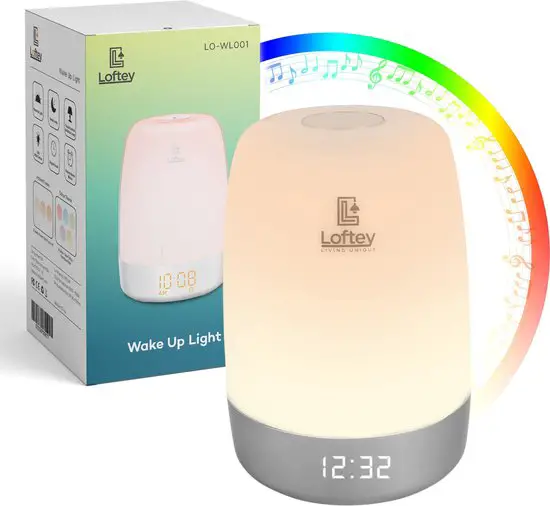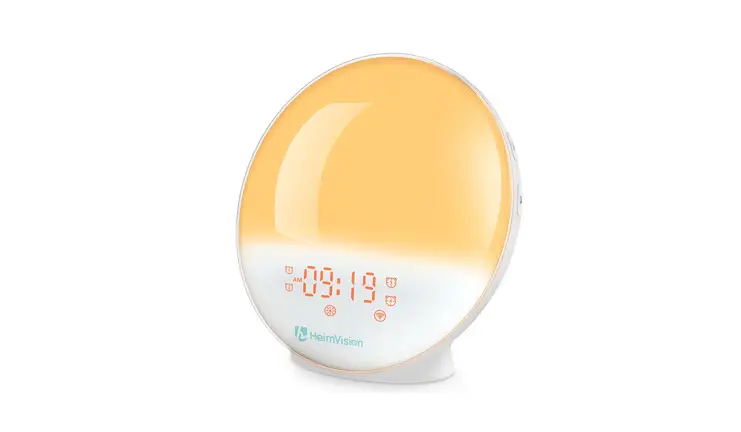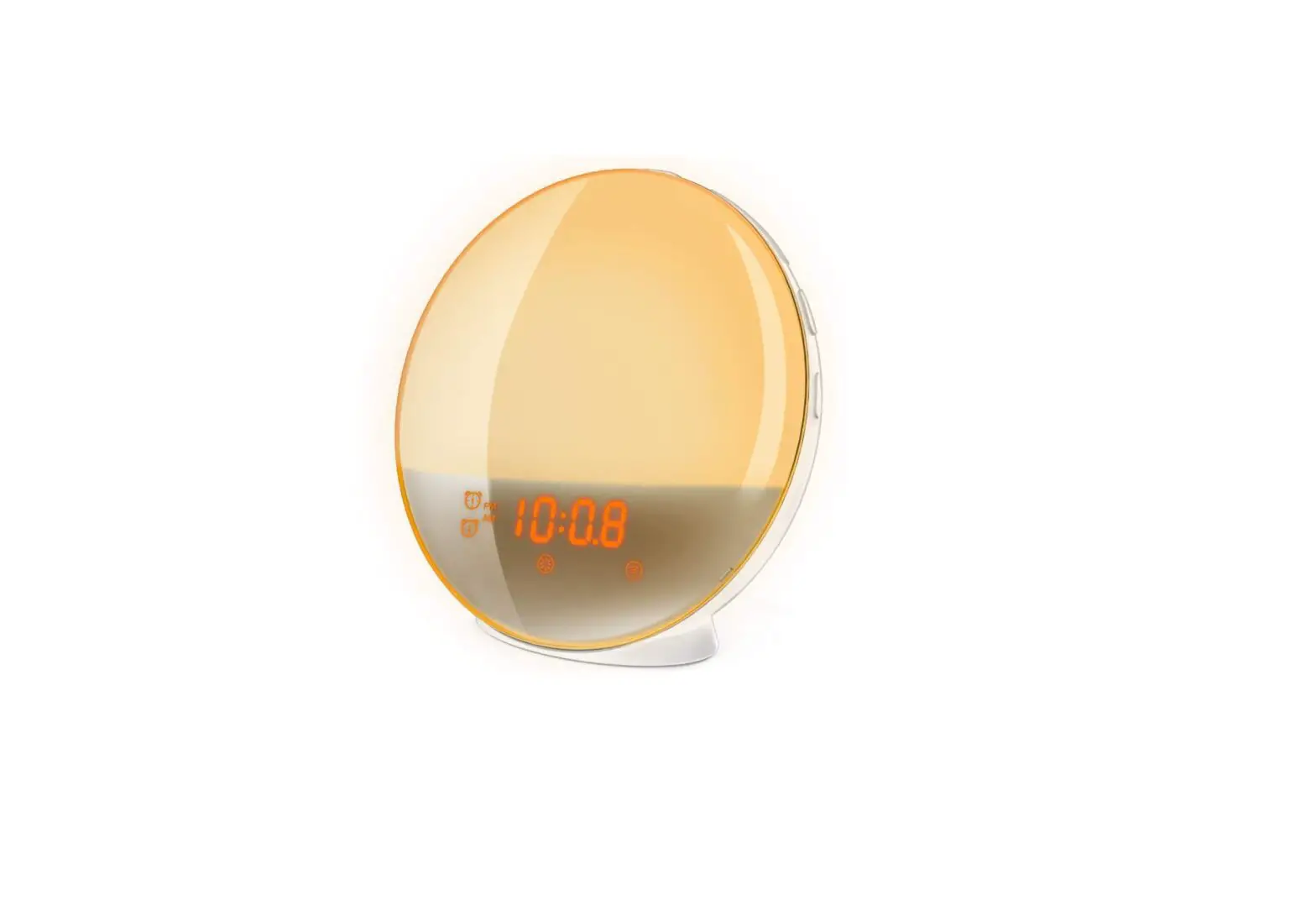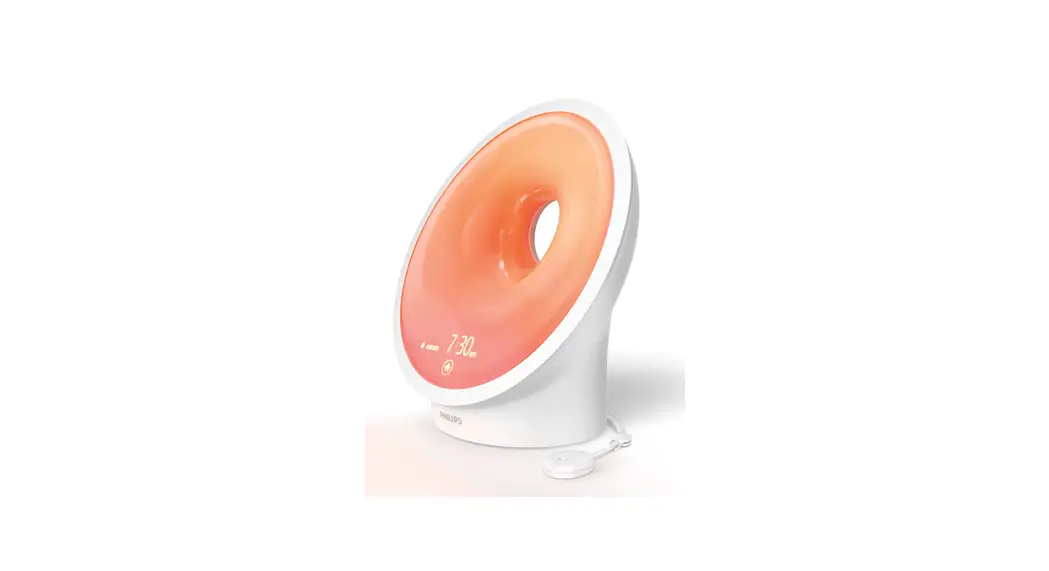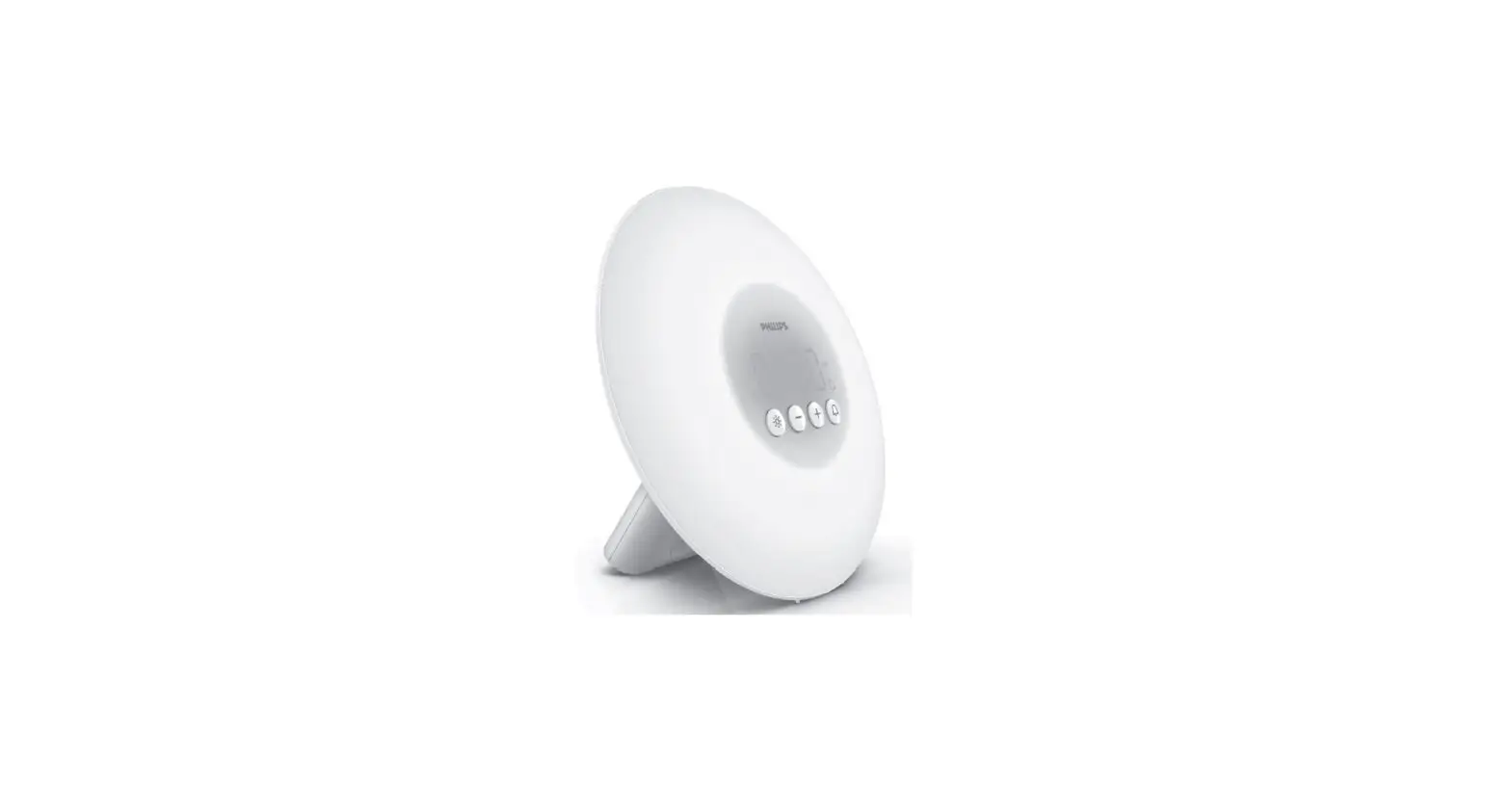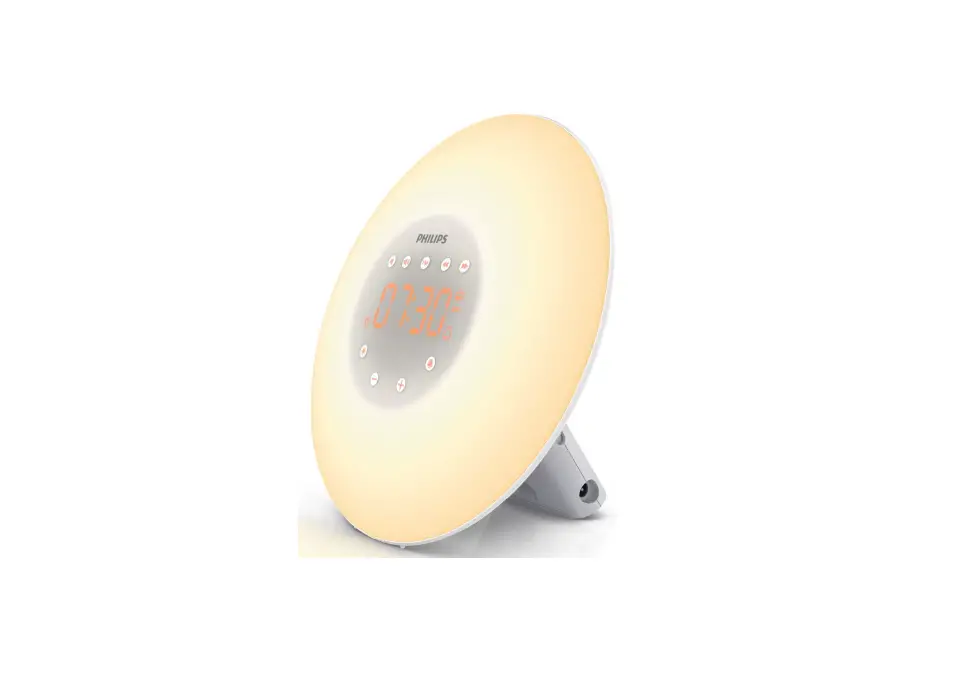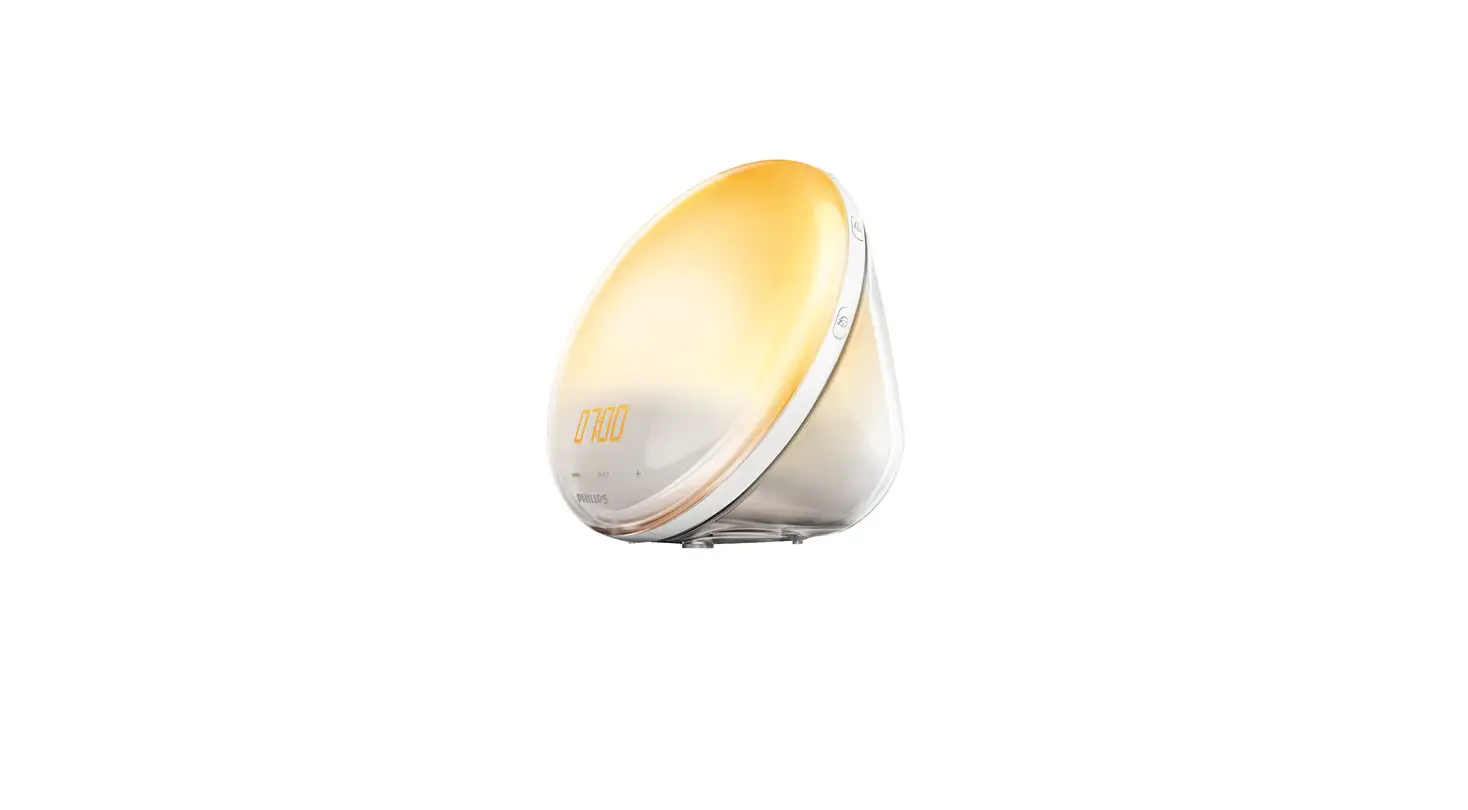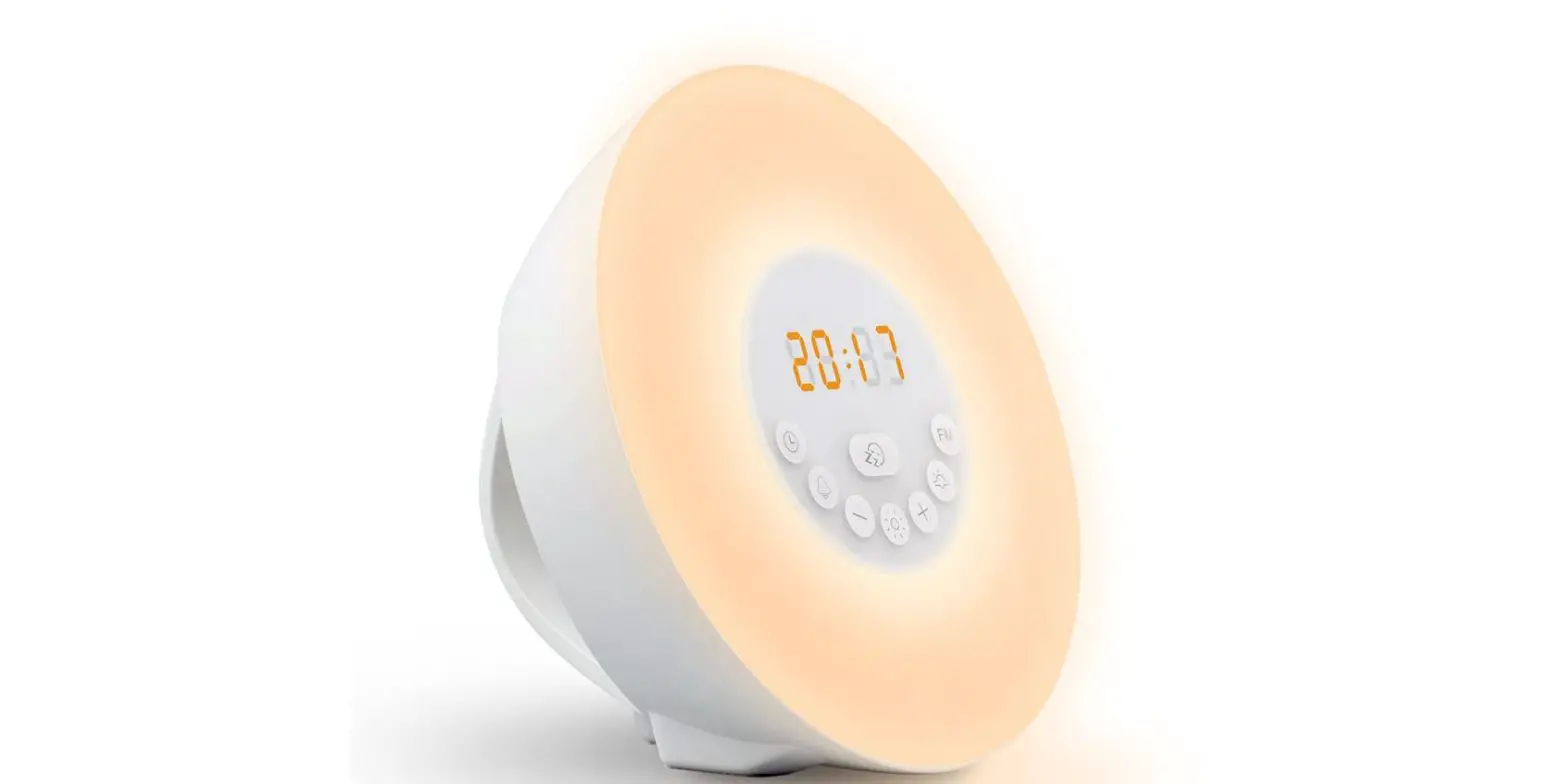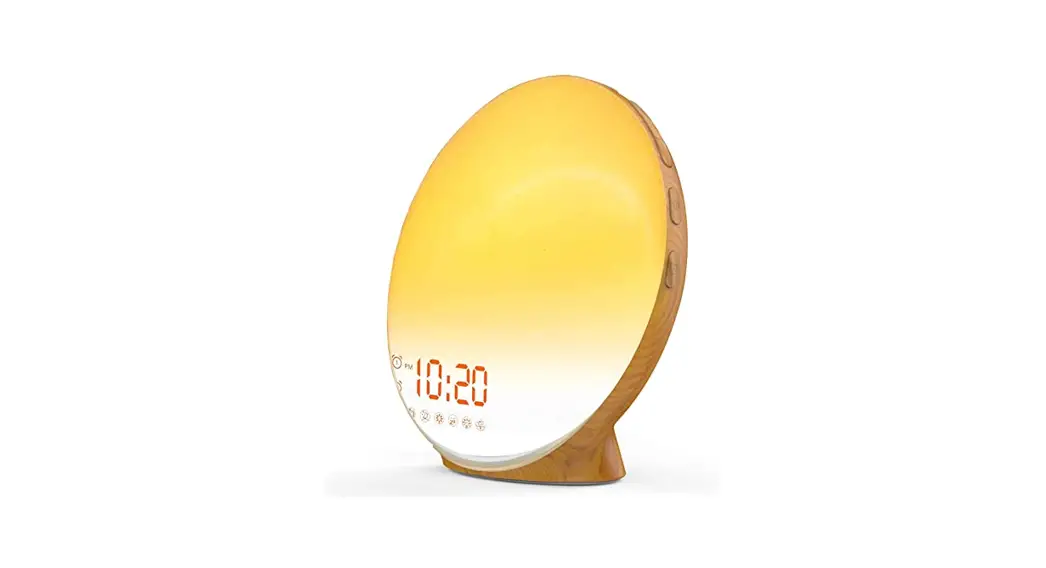

ITEM: HC-WUL1000
OWNER’S MANUAL
Wake up light
User Manual
Thank you for choosing our product.
Please read this manual carefully before using it.
Appearance
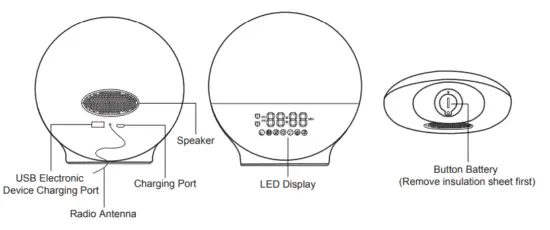
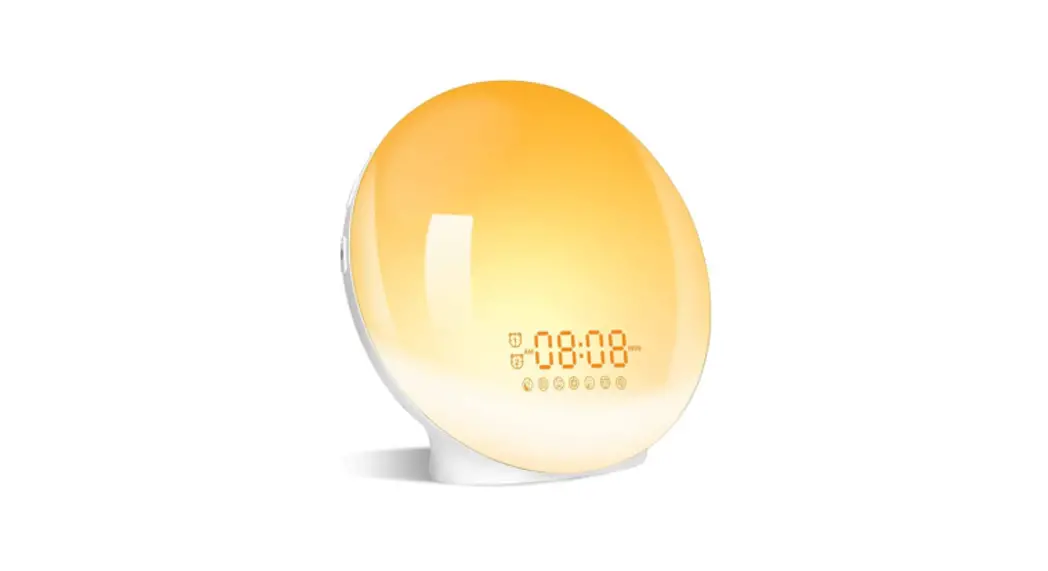
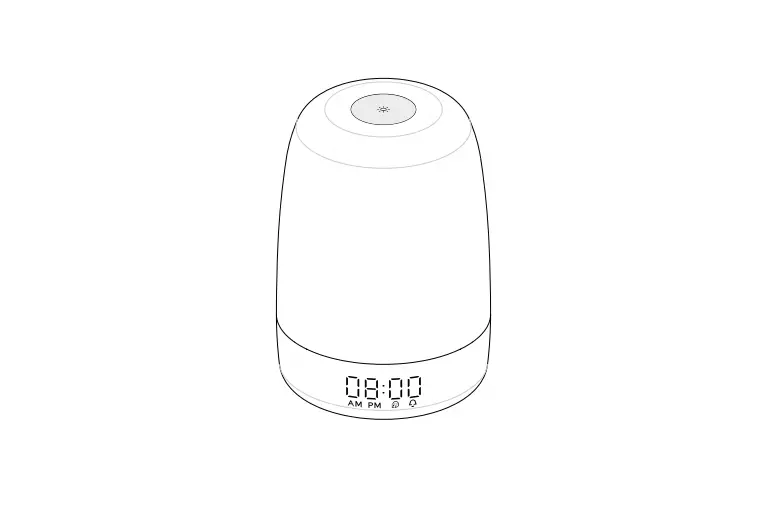
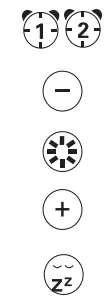 | Alarm Clock Button Down Button Lamp Button Up Button Snooze Button | 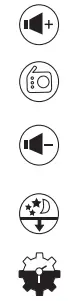 | Volume+/Channel+ FM Radio Volume-/Channel- Fall-asleep Setting Button |
Operation Guide
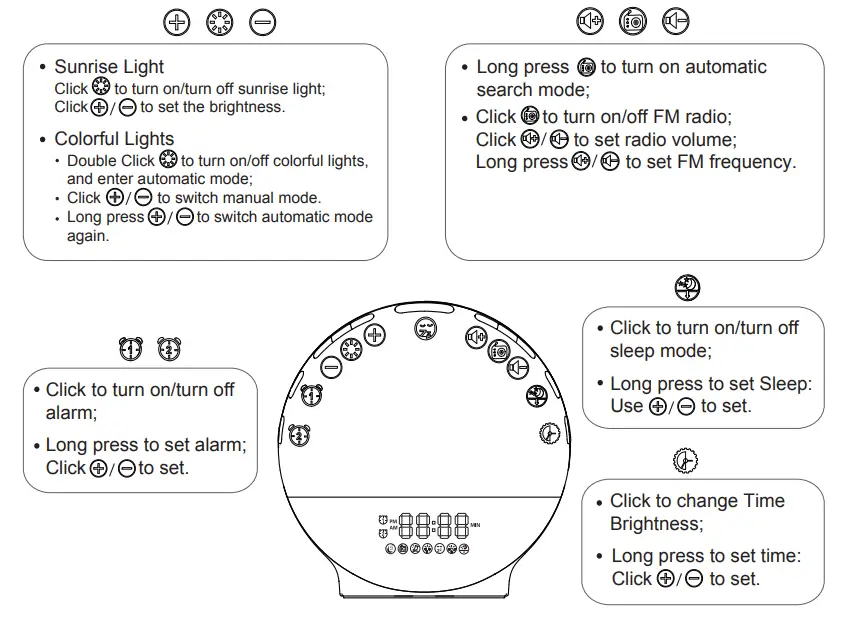
Features
- 12/24H Time Display
- Adjustable LED Time Display Brightness
- Sunrise Simulation
- Sunset Simulation
- 7 Colorful Atmosphere Light
- FM Radio 76.0-108MHz
- Dual Alarm Clocks
- Alarm sound type: 7 kinds of Ringing Sound & FM Radio
- Sleep sound type: 3 kinds of Sleeping Sound & FM Radio
- Snooze Function
- USB Electronic Device Charging Port
- AC Outlets Powered
- Button Battery
 Instructions
This product includes a button battery that can be used as an emergency power source and has a memory function. No need to reset the alarm after the power is off. Remove the insulation sheet from the button battery when using for the first time.
Time Setting
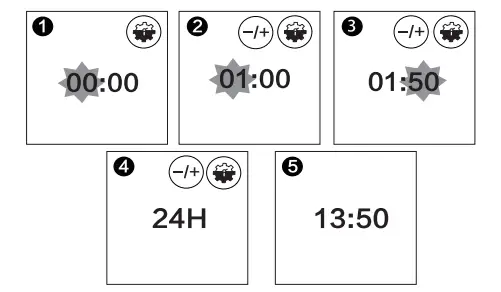
In a power-on state, have a long press on for 2 seconds to enter the time setting:
Use to set “hour”, press to confirm;
Use to set “minute”, press to confirm;
Use to choose “12/24H”, press to confirm; finish setting.
LED Time Display Brightness
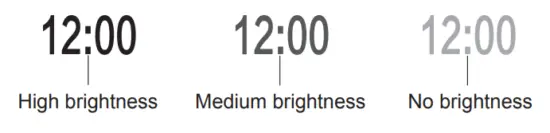
In a power-on state, short press to adjust the brightness of the LED display.
There are three brightness options.
The order of brightness changes is: High brightness-Medium brightness-No brightness
Alarm Clock Function
Alarm Clock Group
This product supports dual alarm clock mode.
You can set two different alarm times.
For example, set the Alarm clock 1 for weekdays and set the Alarm clock 2 for weekends.
When the weekend comes, you can turn off the Alarm clock 1
Their operation and setting are exactly the same(take Alarm 1 as an example in the instruction).
Turn-ON/OFF Alarm Clock
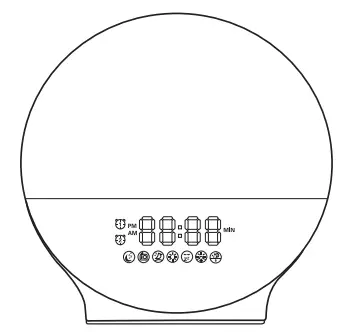
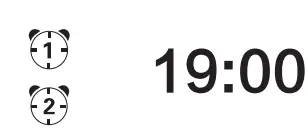
In the time state, press to turn on the alarm, and the corresponding icon is displayed in the time area.
In the alarm-on state, press to turn off the alarm, and the corresponding icon will disappear.
Alarm Clock Setting
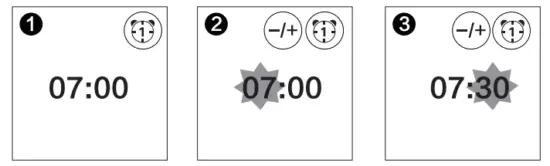
In time state, have a long press on for 2 seconds to enter the alarm setting.
Use to set “Hour and”, press to confirm.
Use to set “Minute and”, press to confirm.
Alarm Ringtone Setting
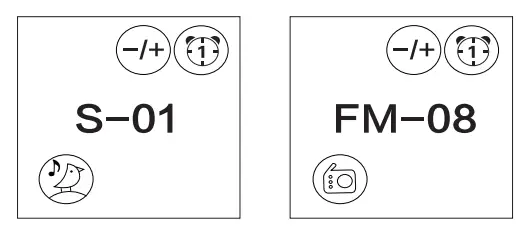
Use to set ringtone, press to confirm.
You can set “S-00 NO SOUND”, “S-01~S-07 WAKE-UP RINGTONE” or “F-08 FM RADIO” to wake up too.
Option 1-7 is the wake-up ringtone. (There are: A bird singing, ocean sound, stream sound, beep, wind bell, soft music, and piano music).
Option 8 is FM radio
(Note: the channel that the FM radio wakes up depends on the channel you last listened to.)
Alarm Volume Setting
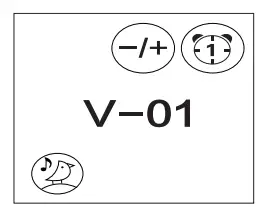
Use to set Alarm Volume(Volume Range: V-01~V-16), and press to confirm.
When the set alarm time arrives, the wake-up ringtone will gradually sound.
Wake Up Light Brightness Setting
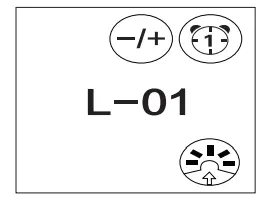
Use to set the brightness of wake-up lights (L-00~L-20), and press to confirm.
(Note: When the set light time arrives, the light will slowly turn from dark to the preset brightness level. L-00 means turning off the light. Set the light state to L-00 when you do
not need a light to wake up.)
Simulated Sunrise Time Setting
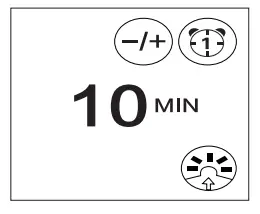
Use to set advance time to lighten (10~60MIN), and press to confirm, finish setting.
You can set the light to turn on 10-60 minutes before the alarm sounds.
In the set sunrise simulation time the light intensity of the lamp gradually increases to the set level and the light color changes from deep morning red to bright daylight.
Snooze Function
- When the alarm clock goes off, press
 to enter snooze state, you can get an extra 9 minutes of sleep time. (Note: snooze up to 5 times)
 - When the alarm clock goes off (or snooze state, press the corresponding alarm clock button to turn off lights and sound.
- When the alarm clock goes off, if there arenot any operations within 15 minutes, it will turn off lights and sound automatically.
 to enter snooze state, you can get an extra 9 minutes of sleep time. (Note: snooze up to 5 times)
Sleep Mode
In time state, press  to turn on/off mode.
Sleep Mode Setting
In time state, have a long press on for 2 seconds to enter sleep setting.
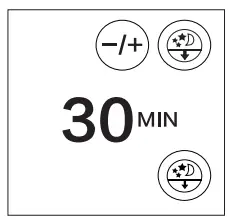
Use to set “Sleep Time” (Optional setting time range is 10-120 minutes), press to confirm.
Lights Initial Brightness Setting
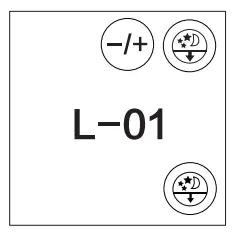
Use to set “Lights Initial Brightness” (L-00~L-20), press to confirm.
(Note: Country to the sunrise mode, the light will gradually dim in sleep mode. L-00 means turning off the light. Set the light. Set the light state to off when you do not need
light-assisted sleep.)
Sleep Music Setting
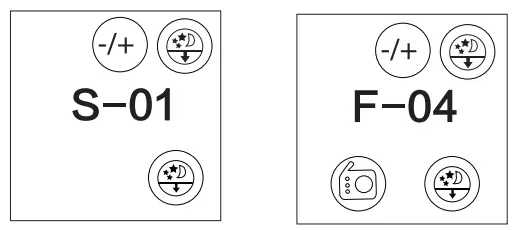
Use to set “Sleep Music” (S-00 NO SOUND, S-01~S-03 NATURAL SOUNDS, F-04 FM RADIO), press to confirm.
There are 3 kinds of ringtones that can be selected.
There are Rain, Forest, and River sound.
(Note: The channel that the FM radio depends on the channel you last listened to).
Volume Setting
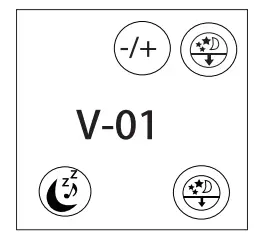
Use to set “Initial Volume” (Range: V-01~L-16), press to confirm, and finish setting.
(Note: When the sleep mode is turned on, the light does not turn off directly. Instead, it will slowly turn from bright white to deep red until it is completely closed)
Lighting Function
Light Brightness Setting
In power-on state, press to turn on light;
Press to set the brightness, and display the brightness(L01~L20);
Press again to turn off the light.
(Note: When turning on the light, the wake-up light will gradually change from dark red to bright white. When turning off the light, it is the opposite.)
Colorful Lights Setting
In the Power-on state, double press to turn on colorful lights, and enter the automatic color mode;
In the automatic color mode, press to switch manual color mode;
In the manual color mode, have a long press on to switch to automatic color mode again.
Press again to turn off the colorful lights.
FM Radio Function
Please have a long press on  for 2 seconds to turn on automatic search mode in your first use, the radio will automatically save the frequency of P01, P02…
Turn on Radio
In time state, press to turn on the FM radio. Long press on for 2 seconds to set FM frequency. Short press the button to set the radio volume.
Turn off Radio
In the radio-on state, press to turn off the FM radio function. If the signal is not good, you can solve it by changing the position and lengthening the antenna.
CAUTION
- Place the appliance on a state, level and non-slippery surface.
- Do not use the appliance at room temperatures lower than 50 ℉/10 ℃ or higher than 90 ℉/35 ℃.
- Do not use this appliance as a means to reduce your hours of sleep. The purpose of this appliance is to help you wake up more easily. It does not diminish your need for sleep.
- This appliance is only intended for household use, including similar use in hotels.
Storage
- Clean the appliance with a soft cloth.
- Do not use abrasive cleaning agents, pads, or cleaning solvents like alcohol, acetone, etc., as this may damage the surface of the appliance.
- If the appliance will not be used for an extended period of time, remove the power cord from the wall outlet and store the appliance in a safe, dry location where it will not be crushed, banged, or subject to damage.
- Do not wrap the power cord around the appliance when storing it.
DECLARATION OF CONFORMITY
Confinity NV, Dorp 16, 9830, Sint-Martens-Latem, Belgium declares the following device in sole responsibility:
Brand name: Home & Comfort
Product type: Wake up light
Item number: HC-WUL1000
Complies with the following harmonization rules:
EN 60598-2-4: 2018 used in conjunction with EN 60598-1:2015+A1:2018
EN 62368-1:2020+A11:2020
EN 62311:2008
ETSI EN301 489-1 V2.2.3 (2019-11)
ETSI EN301 489-17 V3.2.3 (2019-12)
ETSI EN300 328 V2.2.2 (2019-07)
Signed for and on behalf of:
Sint-Martens-Latem, Belgium – FEB 2021
A. Pappijn – Product Manager

 Home & Comfort