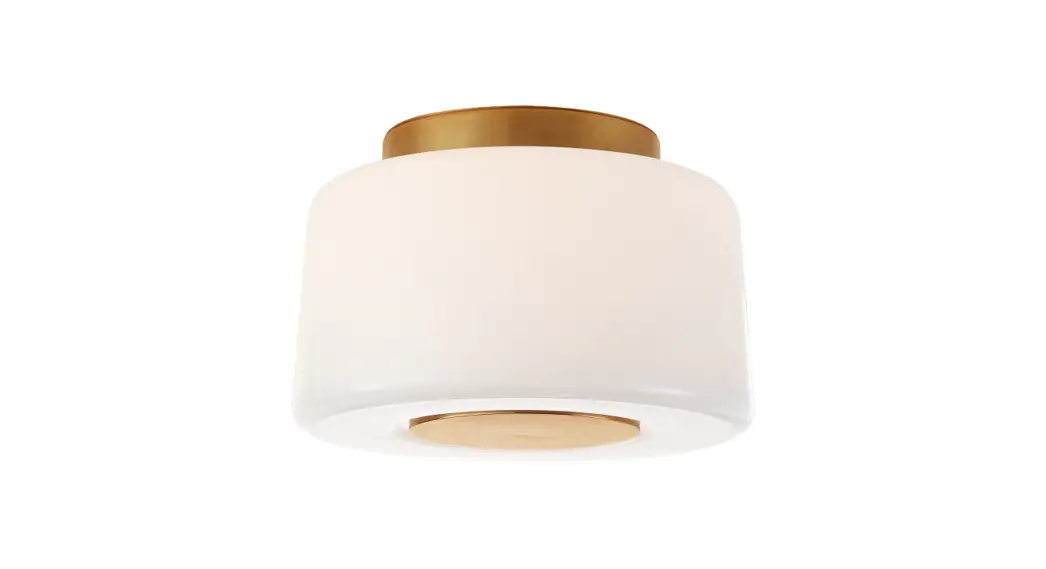
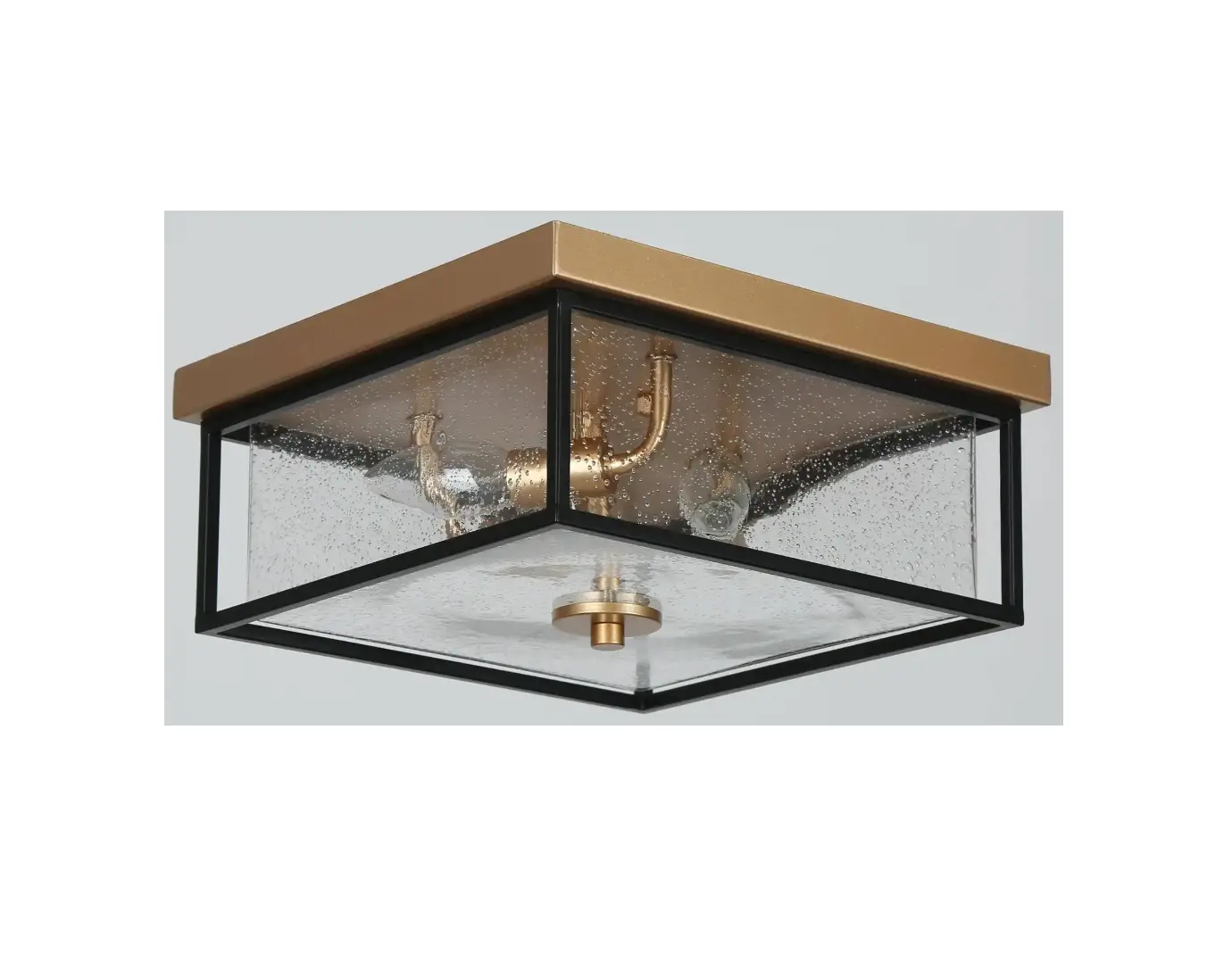
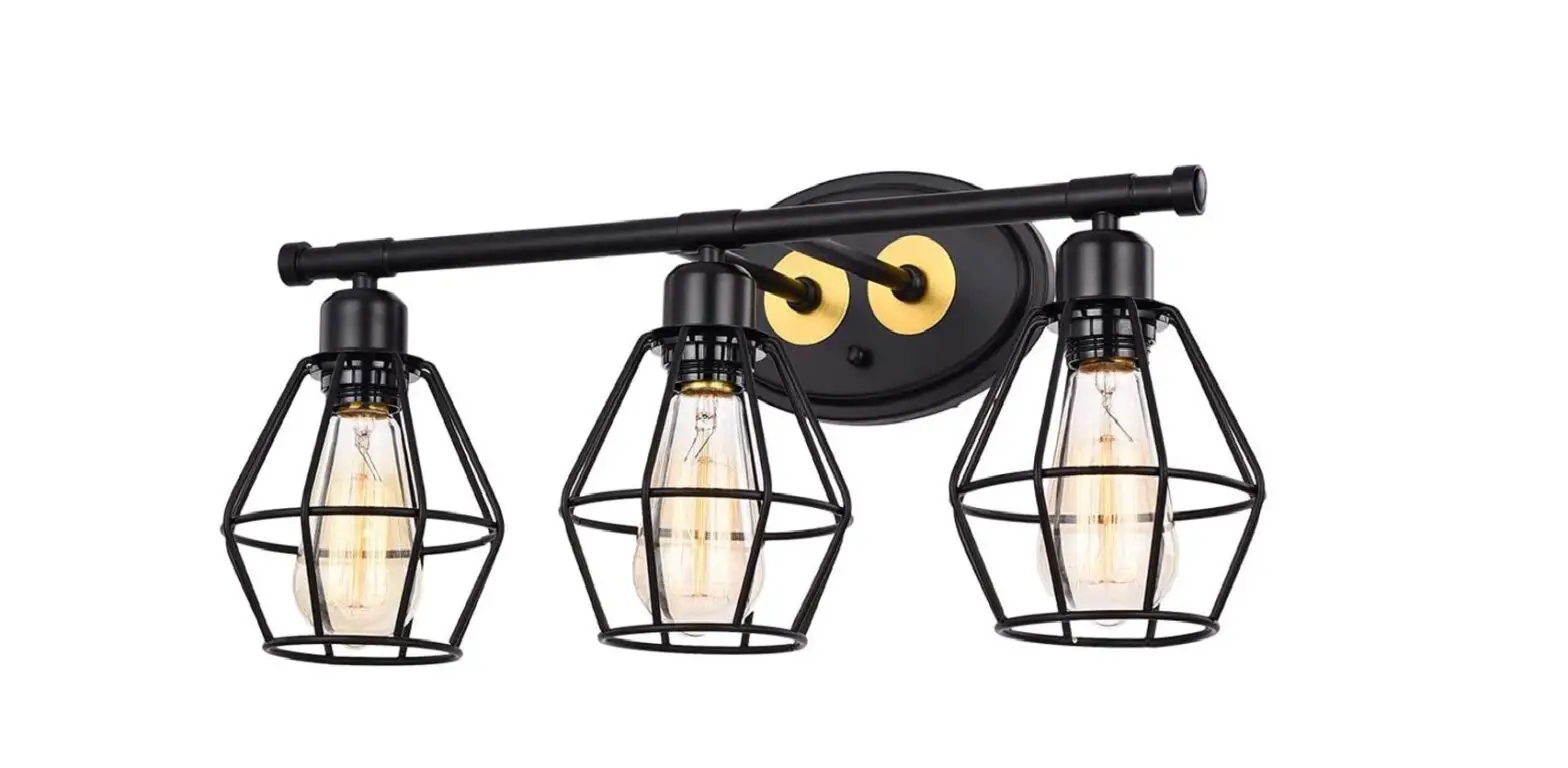
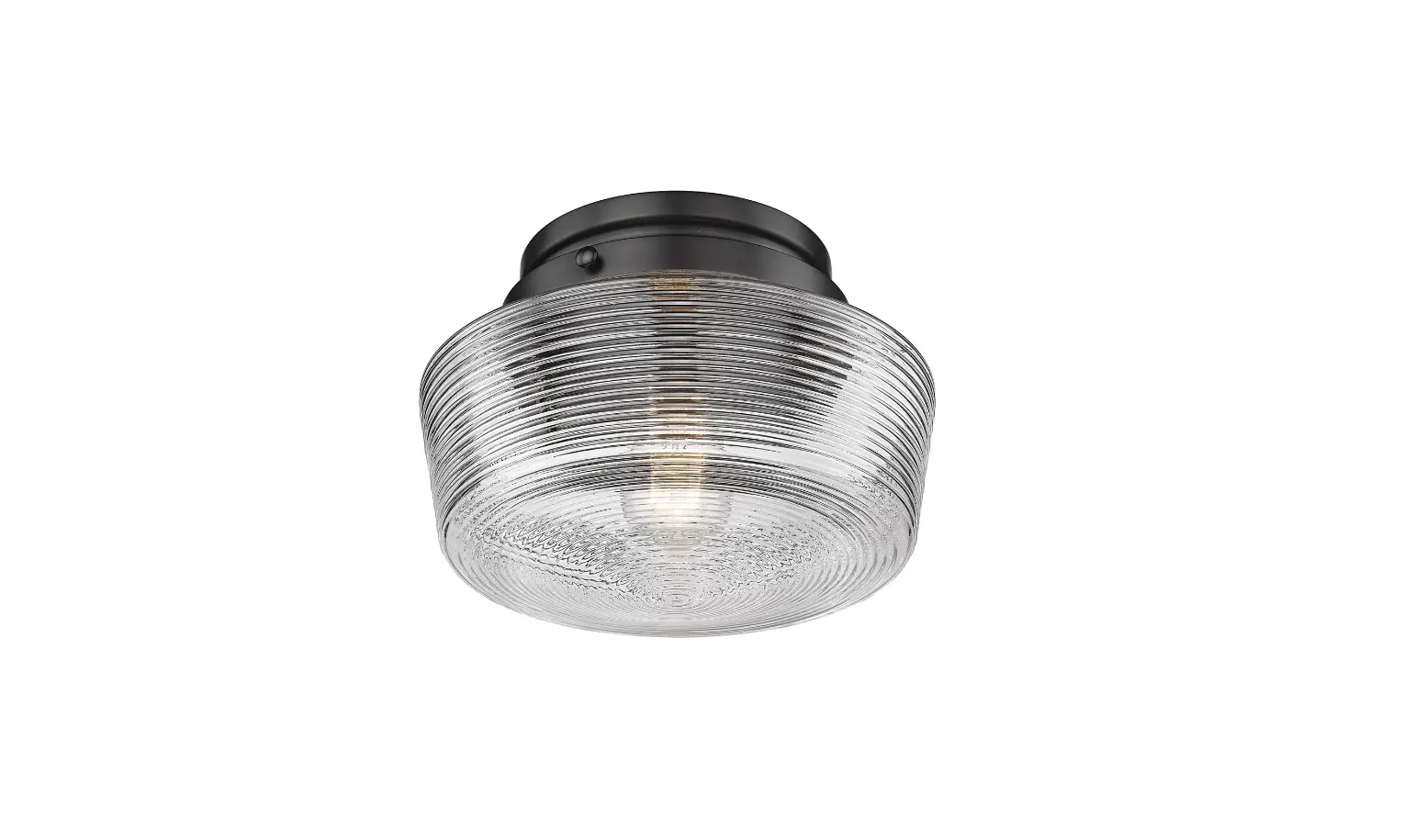
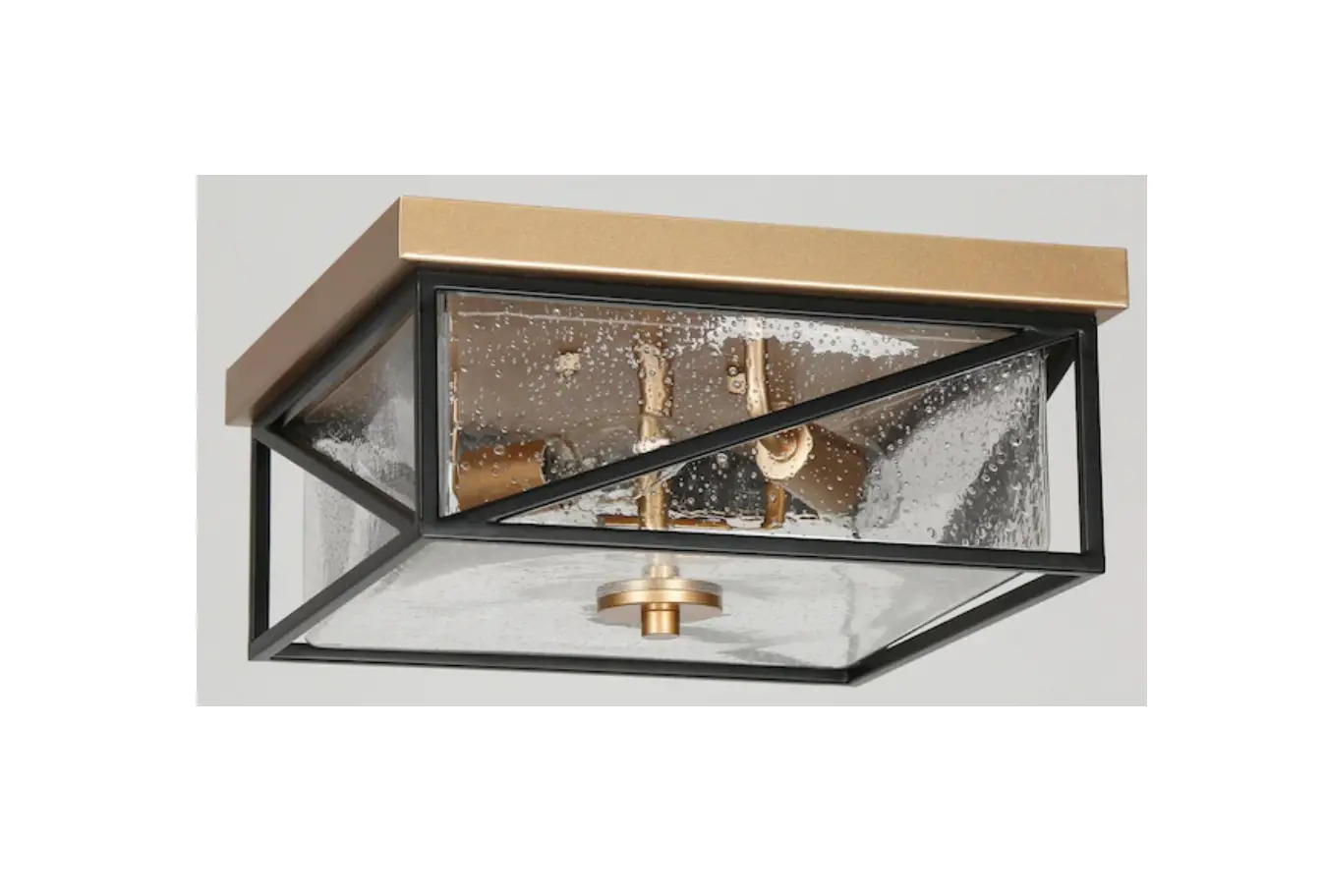
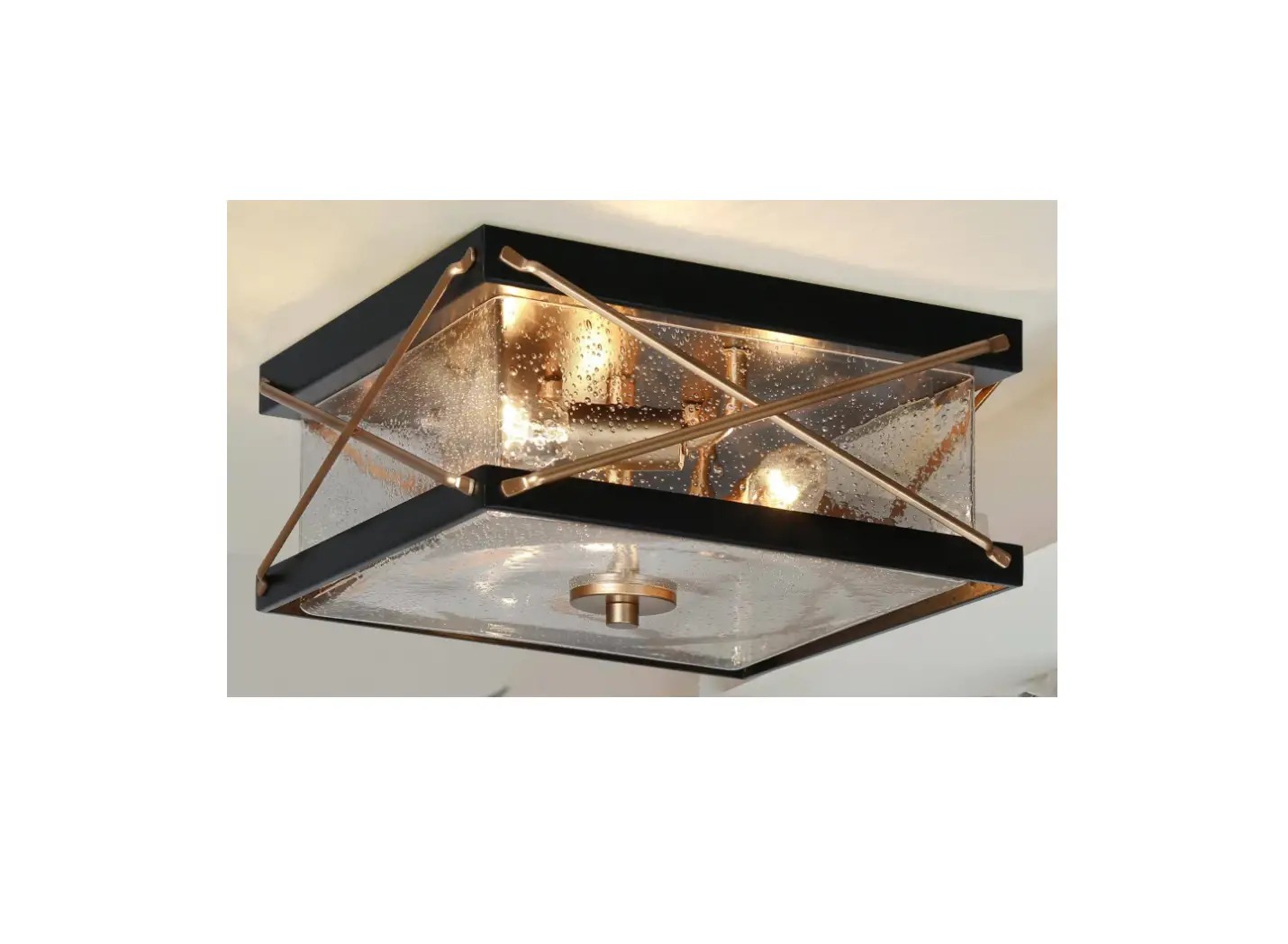
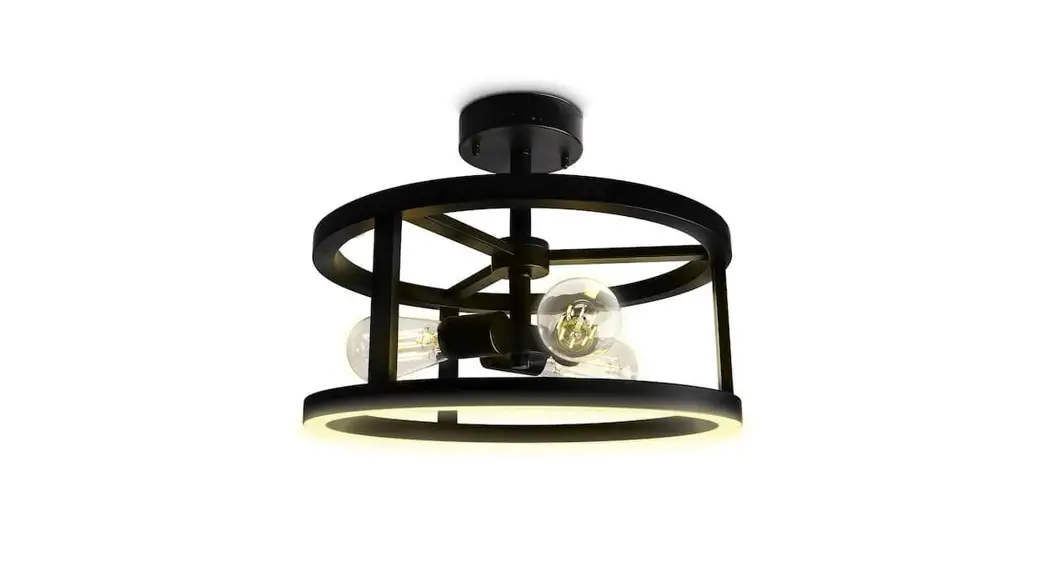
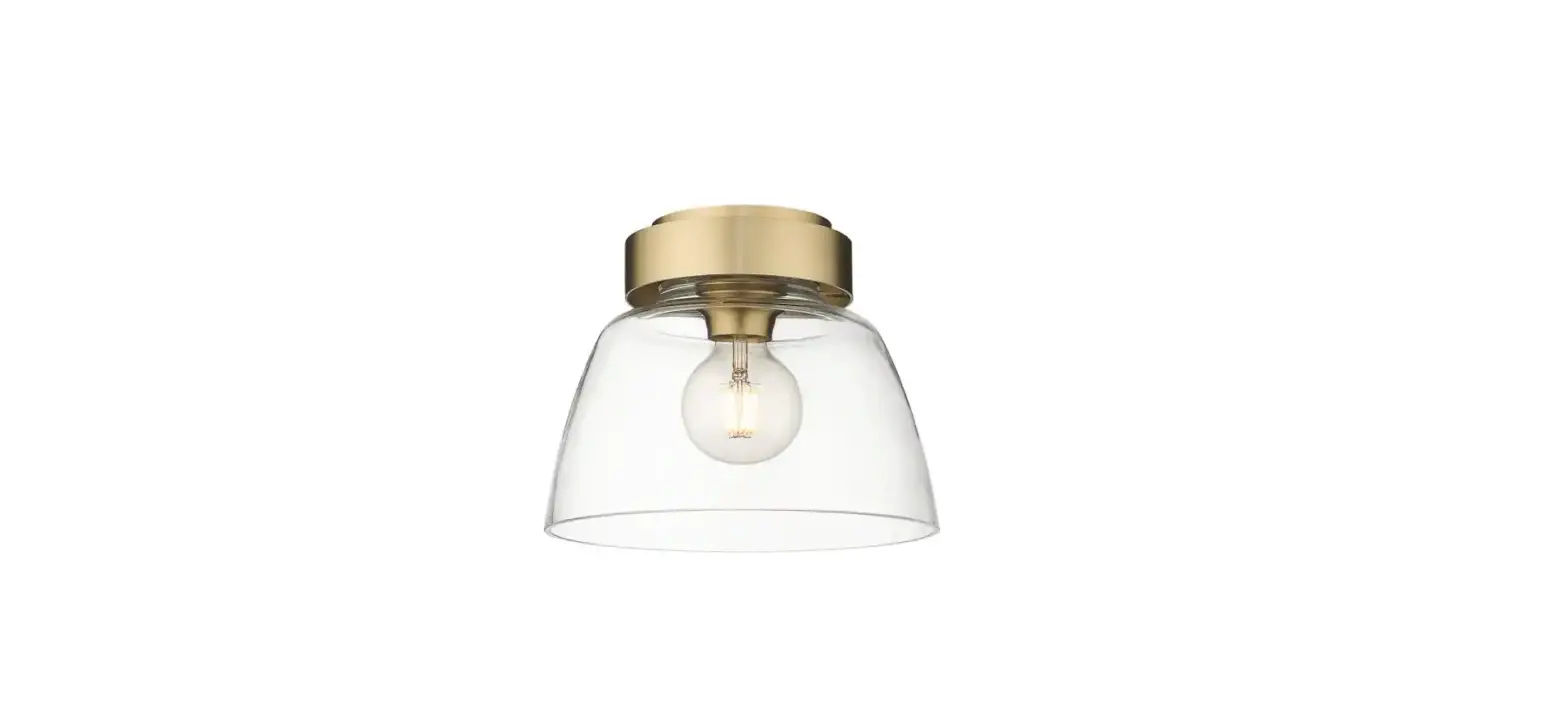
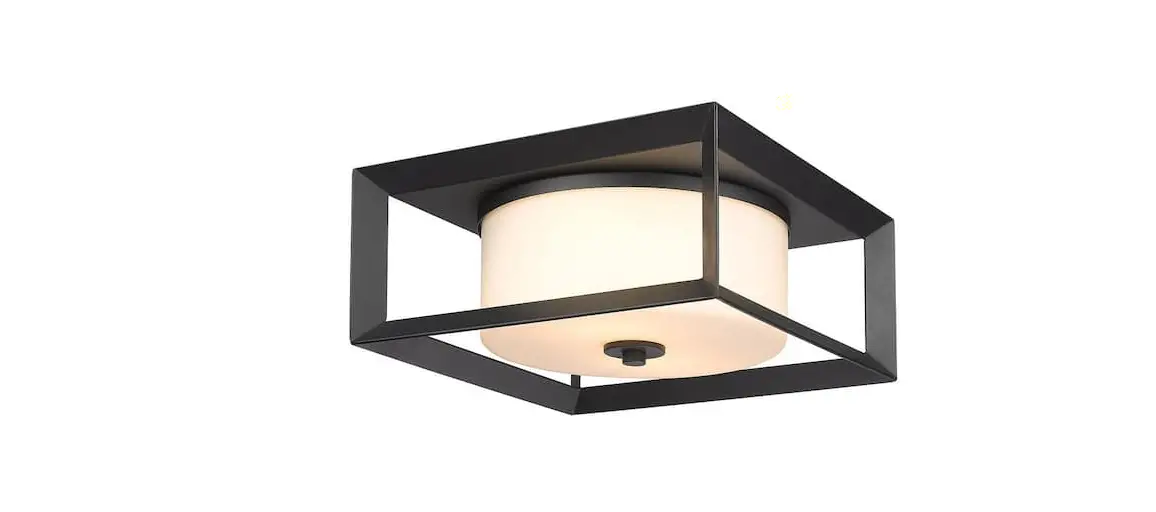
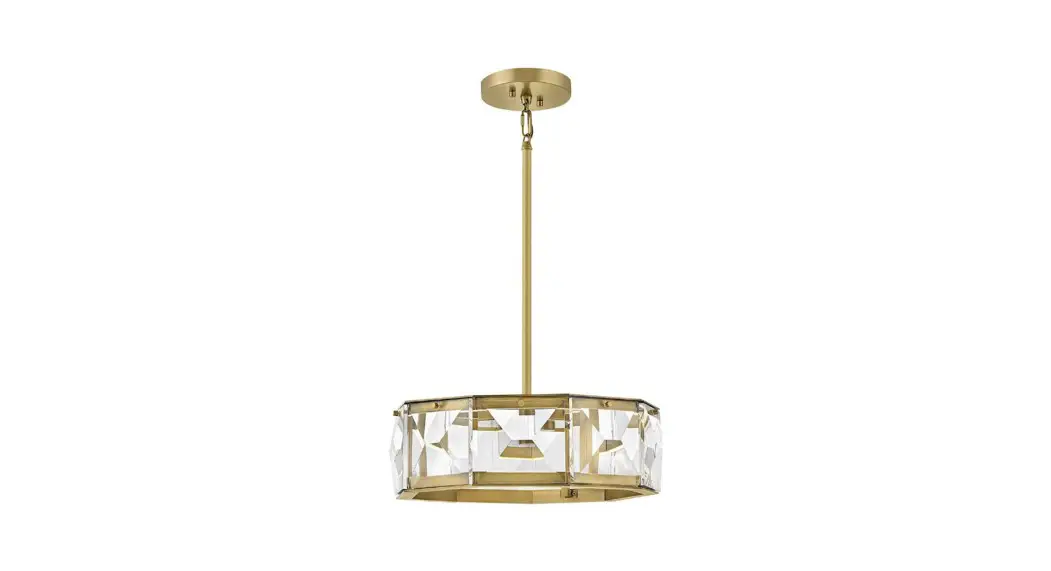
HCA2317-FM 3 Light Black and Gold Drum Cage Semi Flush Mount Light
Product Information: Ceiling Fixture
- Input Voltage: 120VAC/60Hz
- Installation Type: Ceiling Mount
- Electrical Connections: Local and National Electrical Code
(N.E.C.) Standards - Bulb Type: Not Included
Product Usage Instructions
- Read and follow safety information before proceeding with
installation. - Turn off the main power at the circuit breaker before
installing and servicing the fixture to prevent possible injury
from electric shock. - If you are unfamiliar with proper electrical wiring
connections, obtain the services of a qualified electrician. - Unscrew the mounting screws from the crossbar assembly, remove
the crossbar assembly from the canopy, and keep the mounting screws
for later use. - Secure the crossbar assembly to the outlet box with outlet box
screws. Tighten until snug. - Connect the fixture body to canopy.
- Connect the white wires from the fixture to the white wire of
the supply circuit. - Connect the black wires from the fixture to the black wire of
the supply circuit. - Wrap the bare copper grounding wire from the fixture around the
green screw on the crossbar assembly, then connect it to the
grounding conductor of the supply circuit. Use U.L./C.S.A. listed
wire connectors suitable for the size, type, and number of
conductors. Secure the wire connectors with U.L./C.S.A. listed
electrical tape. - Line up the holes on the canopy of the canopy and the mounting
holes on the crossbar assembly. Secure with the mounting screws.
Tighten until snug. - Attach one end of the iron Pipe to the fixture body with the
fixture Body Screw. The Ring uses the fixture body Screw to fix to
the other end of the Iron Pipe. - Install the bulb.
- After installation, turn on the switch.
INSTALLATION INSTRUCTIONS CEILING FIXTURE
120VAC/60Hz
READ AND FOLLOW SAFETY INFORMATON
Turn off the main power at the circuit breaker before installing and servicing the fixture to prevent possible injury from electric shock.
1
3 4
2
All electrical connections must be in accordance with local and National Electrical Code (N.E.C.) standards. If you are unfamiliar with proper electrical wiring connections, obtain the services of a qualified electrician.
5 6
INSTALLATION & ASSEMBLEY
7
1.Unscrew the mounting screws(5)from the crossbar assembly(2),remove the crossbar assembly(2)from the canopy(6),and keep the mounting screws
8
(5) for later use.
2.Secure the crossbar assembly(2) to the outlet box(1) with outlet box screws(4). Tighten until snug.
3.Connect the fixture body (7) to canopy (6).
9
4.Connect the white wires from the fixture to the white wire of the supply circuit.
Connect the black wires from the fixture to the black wire of the supply circuit.
BULB(NOT INCLUDED)
Wrap the bare copper grounding wire from the fixture around the green screw on
the crossbar assembly(2), then connect it to the grounding conductor of the supply
circuit.Use U.L./C.S.A. listed wire connectors (3) suitable for the size, type and
10
number of conductors. Secure the wire connectors (3) with U.L./C.S.A. listed
1. OUTLET BOX (NOT INCLUDED)
electrical tape.
2. CROSSBAR ASSEMBLY
5.Line up the holes on the canopy of the canopy(6) and the mounting holes on the crossbar assembly(2).Secure with the mounting screws(5).Tighten until snug.
3. WIRE CONNECTOR 4. OUTLET BOX SCREW 5. MOUNTING SCREW 6. CANOPY
6.Attach one end of the iron Pipe (9) to the fixture body (7) with the fixture Body Screw (8).The Ring (10) uses the fixture body Screw (8) to fix to the other end of the Iron Pipe (9)
7. FIXTURE BODY 8. FIXTURE BODY SCREW 9. IRON PIPE
7.Finally, install the bulb
10. RING
8.After installation, turn on the switch