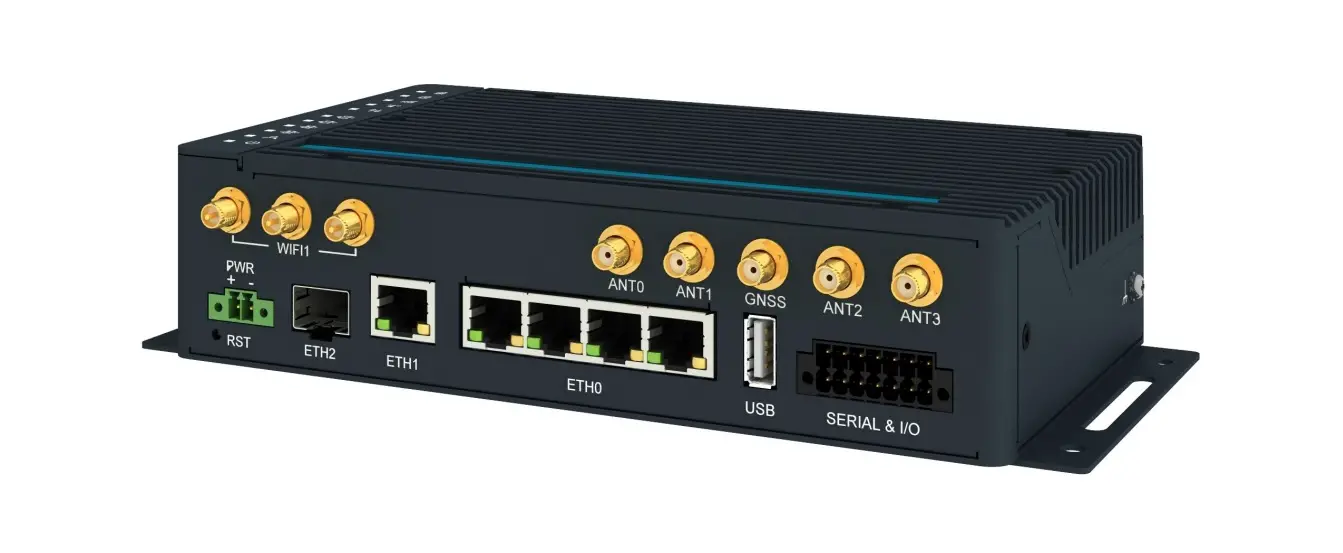
ICR-4401 Router App Web Terminal
Description of the module
The Router App Web Terminal is not included in the standard
router firmware. It can be installed by following the instructions
in the Configuration manual (see Chapter Related Documents). Web
Terminal is a remote router command line that can be accessed by
connecting to the router via ssh or putty. The same set of commands
that are used in ssh or putty interface can be used in the Web
Terminal.
Installation
The Web Terminal can be installed like any other Router App in
the Router Apps section on the router configuration page. Once the
installation is complete, the module will be listed among other
installed modules, and it will only add the possibility to use the
Web Terminal.
How to use
Command line
To use the Web Terminal, first you need to connect to your
router. When using ssh, it should look like this:
# ssh username@router_address # Password:
After entering your password, the Web Terminal will be ready to
use.
Licenses
The Licenses section provides information about licenses listed
below on Figure 3. By clicking on the specific License button, a
text file describing the copyright terms and agreements of the
specific license will open. More information about specific items
can be found online.
Product-related documents such as Quick Start Guide, User
Manual, Configuration Manual, or Firmware can be obtained from the
Engineering Portal at icr.advantech.cz address. To find the
required model, go to the Router Models page and switch to the
Manuals or Firmware tab. The Router Apps installation packages and
manuals are available on the Router Apps page. For Development
Documents, visit the DevZone page.
Web Terminal
APPLICATION NOTE
Web Terminal
Used symbols
Danger Information regarding user safety or potential damage to the router. Attention Problems that may arise in specific situations. Information or notice Useful tips or information of special interest. Example Example of function, command or script.
Advantech Czech s.r.o., Sokolska 71, 562 04 Usti nad Orlici, Czech Republic Document No. APP-0111-EN, revised on October 4, 2022. Released in the Czech Republic.
i
Web Terminal
Contents
1 Description of the module
1
2 Installation
2
3 How to use
3
3.1 Command line . . . . . . . . . . . . . . . . . . . . . . . . . . . . . . . . . . . . 3
4 Licenses
4
5 Related Documents
5
List of Figures
1 Router Apps . . . . . . . . . . . . . . . . . . . . . . . . . . . . . . . . . . . . . . 2 2 Web Terminal Example . . . . . . . . . . . . . . . . . . . . . . . . . . . . . . . 3 3 Licenses . . . . . . . . . . . . . . . . . . . . . . . . . . . . . . . . . . . . . . . . 4
ii
Web Terminal
1. Description of the module
Router App Web Terminal is not contained in the standard router firmware. Uploading of this router app is described in the Configuration manual (see Chapter Related Documents). Web Terminal is a remote router command line, when connected to router via ssh or putty. You can use all of the same commands that are used in ssh or putty interface.
1
Web Terminal
2. Installation
Like every other Router App, the Web Terminal is installed in Router Apps section in the router configuration page. Once the installation of the module is complete, the module is listed among other installed modules, the module itself only adds the possibility to use the Web Terminal.
Figure 1: Router Apps
2
Web Terminal
3. How to use
3.1 Command line
Firstly, you have to connect to your router. When using ssh, it should look like this: # ssh username@router_address # Password: and Web Terminal is ready.
Figure 2: Web Terminal Example
3
Web Terminal
4. Licenses
This section is about information about licenses listed below on the Figure 3. By clicking on the specific License button you will open up a text file which describes copyright terms and agreements of the specific license. You can find more information about specific items online.
Figure 3: Licenses
4
5. Related Documents
You can obtain product-related documents on Engineering Portal at icr.advantech.cz address. To get your router’s Quick Start Guide, User Manual, Configuration Manual, or Firmware go to the Router Models page, find the required model, and switch to the Manuals or Firmware tab, respectively. The Router Apps installation packages and manuals are available on the Router Apps page. For the Development Documents, go to the DevZone page.
5
References
 Advantech 4G, 5G Cellular Routers & Gateways for IoT applications - Engineering Portal
-
Advantech 4G, 5G Cellular Routers & Gateways for IoT applications - Engineering Portal
-
DevZone - Cellular Routers Engineering Portal
-
Router Apps - Cellular Routers Engineering Portal
-
Router Models - Cellular Routers Engineering Portal
 Advantech 4G, 5G Cellular Routers & Gateways for IoT applications - Engineering Portal