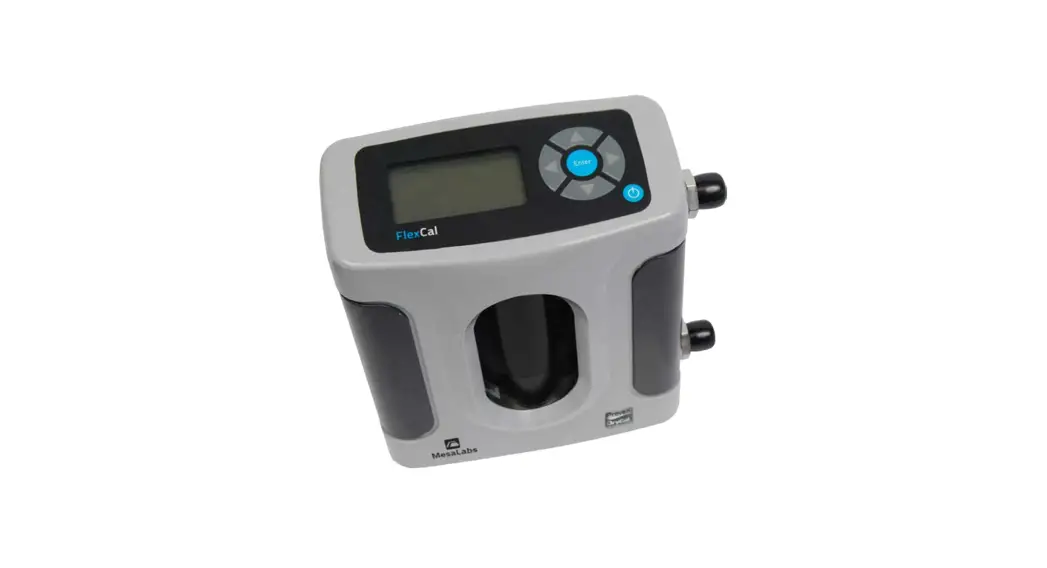
SWIFT 25.0 Flow Meter
Product Information:
The Swift 25.0 Flow Meter is a device designed to measure flow,
temperature, and pressure. It requires the installation of a
Silicon Labs CP210x driver before connecting it to a computer. The
unit can be charged using the included USB cable. The Swift Setup
Software allows users to change the units of flow, temperature, and
pressure. The Swift 25.0 Manual and Swift Utility Software can be
downloaded from the provided web link.
Product Usage Instructions:
- Install the Silicon Labs CP210x driver on your computer before
connecting the Swift 25.0 flow meter. - Connect the Swift 25.0 flow meter to your computer using the
included USB cable. - Charge the unit fully by connecting it to a power source using
the USB cable. - Once charged, disconnect the USB cable from the unit.
- To change the flow, temperature, or pressure units, use the
Swift Setup Software. - Download the Swift 25.0 Manual and Swift Utility Software from
the provided web link for further instructions on using the
product.
Technical Support:
For technical support, contact Met One Instruments during normal
business hours of 7:00 a.m. to 4:00 p.m. Pacific Time, Monday
through Friday. You can obtain a Return Authorization (RA) number
before sending any equipment back to the factory for calibration or
repair by contacting them through phone, fax, or email.
Phone: (541) 471-7111
Fax: (541) 471-7116
E-Mail: [email protected]
Website: www.metone.com
Address: Met One Instruments, Inc., 1600 NW Washington Blvd,
Grants Pass, OR 97526
SWIFT 25.0 Flow Meter Quick Setup Guide
Note: A Silicon Labs CP210x driver must be installed before connecting the Swift 25.0 flow meter to a computer. USB Driver web link: https://metone.com/software/
Before operating the Swift 25.0 for the first time, it is recommended that the unit be fully charged using the included USB cable.
· Energize the unit. Note: The Swift 25.0 performs a zero flow calibration (tare) each time the unit is turned on. To prevent flow measurement inaccuracies, ensure no air flow is passing through the flow meter while energizing the unit.
· The Swift 25.0 is ready to begin sampling once the operate screen is displayed after a short boot up. Readings are updated on the display once per second. A battery level indicator is located at the top-left area of the display.
Flow, temperature, and pressure units can be changed using the Swift Setup Software.
Visit this Web Link to Download the Swift 25.0 Manual and Swift Utility Software: https://metone.com/products/swift-25-0/
Technical Support
Technical Service representatives are available during normal business hours of 7:00 a.m. to 4:00 p.m. Pacific Time, Monday through Friday. In addition, technical information and service bulletins are available from our website. Please contact us at the phone number or email address below to obtain a Return Authorization (RA) number before sending any equipment back to the factory for calibration or repair.
Phone: (541) 471-7111
Fax: (541) 471-7116
E-Mail: [email protected] Web: www.metone.com
Met One Instruments, Inc. | 1600 NW Washington Blvd
Grants Pass, OR 97526
Swift 25.0-9801 Rev A
 Met One - Precision Instrumentation for Monitoring Ambient and Indoor Air Quality
 Swift 25.0 Flow Calibrator - Met One Instruments