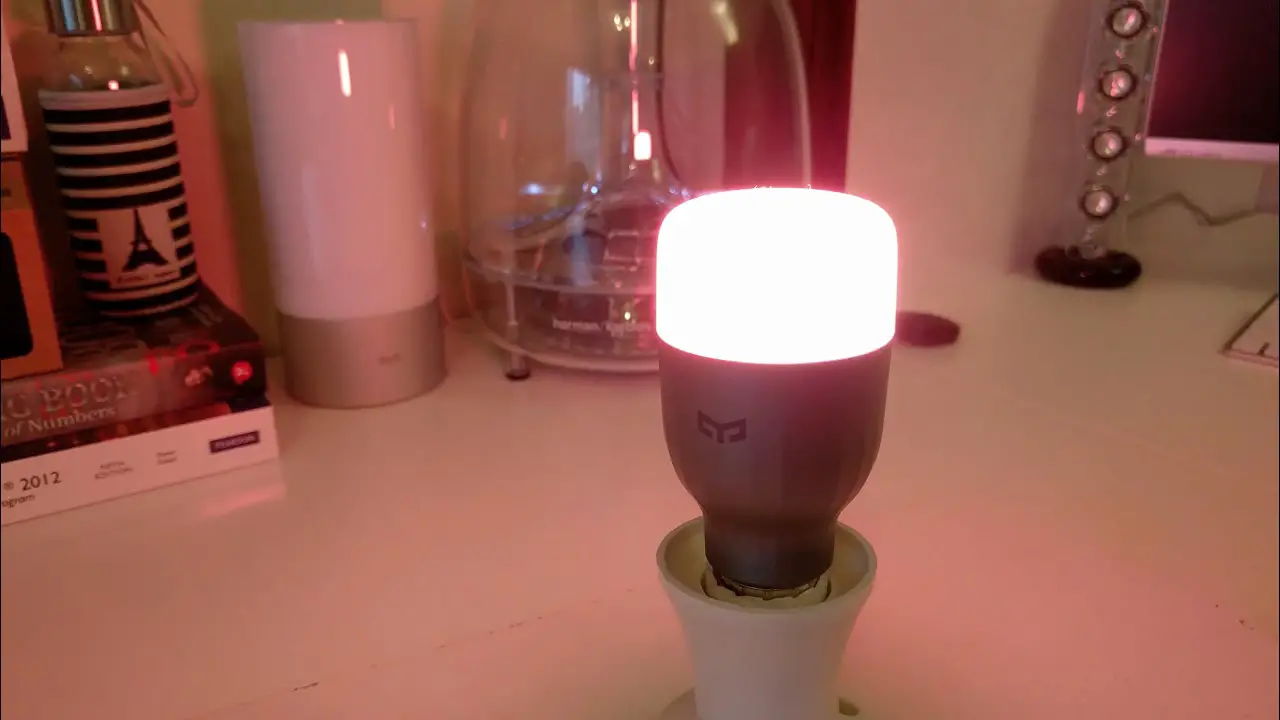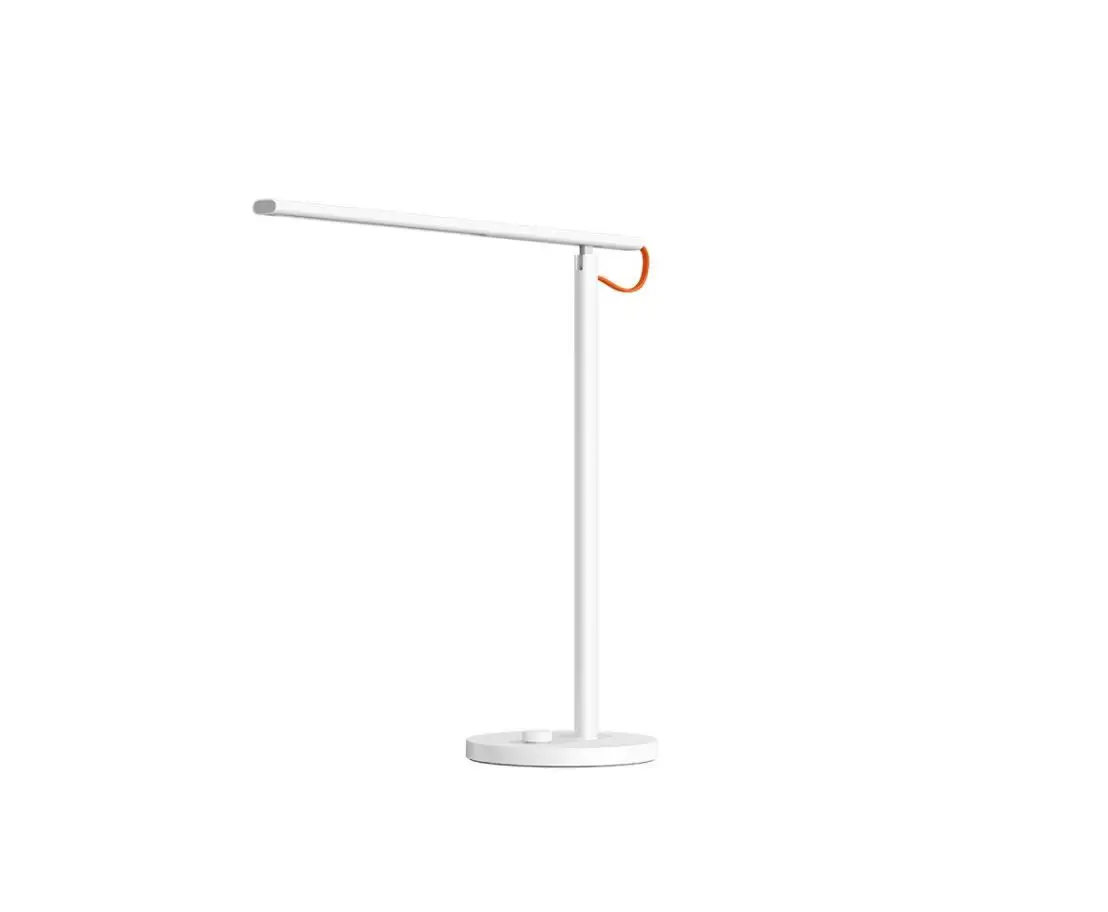
YOUI RGB LED VLOERLAMP
2.4G Touch Screen RGB LED Control System
Welcome to use Touch Screen RGB LED Control System, please read the instruction carefully before using.
Product Description
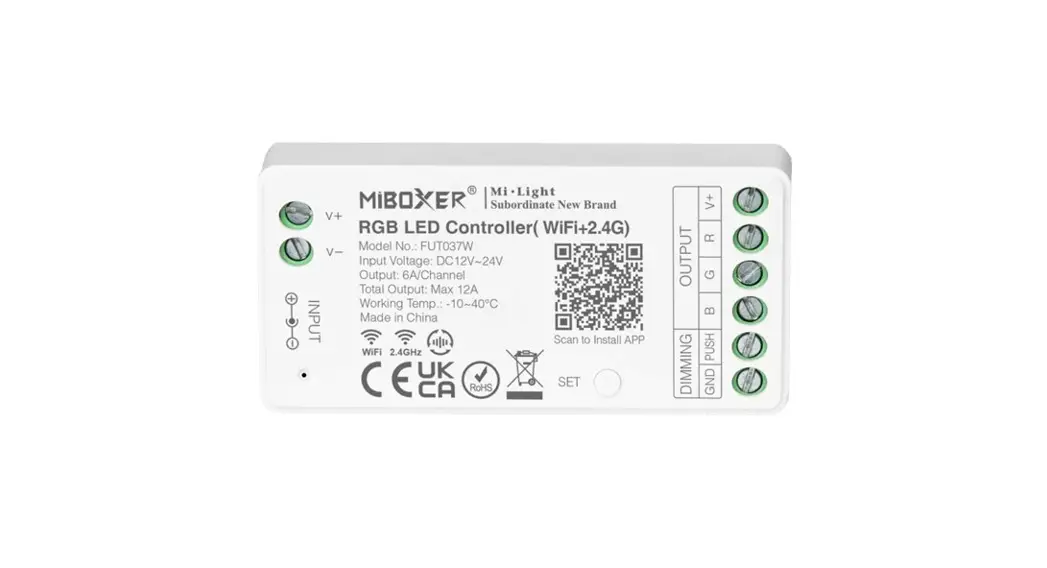
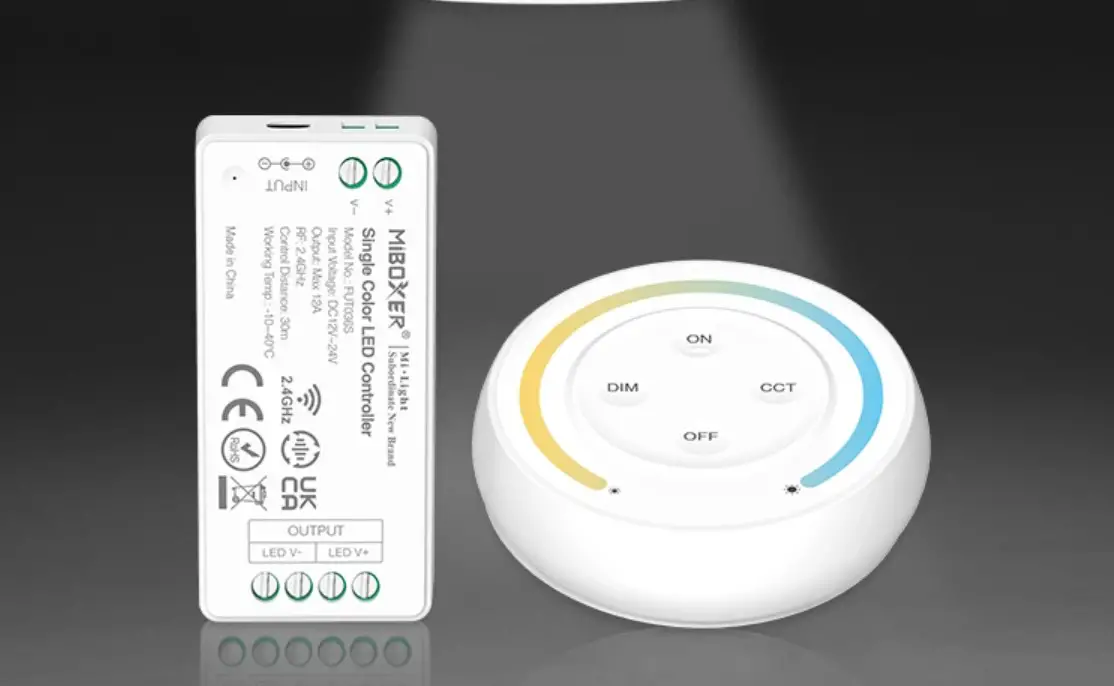
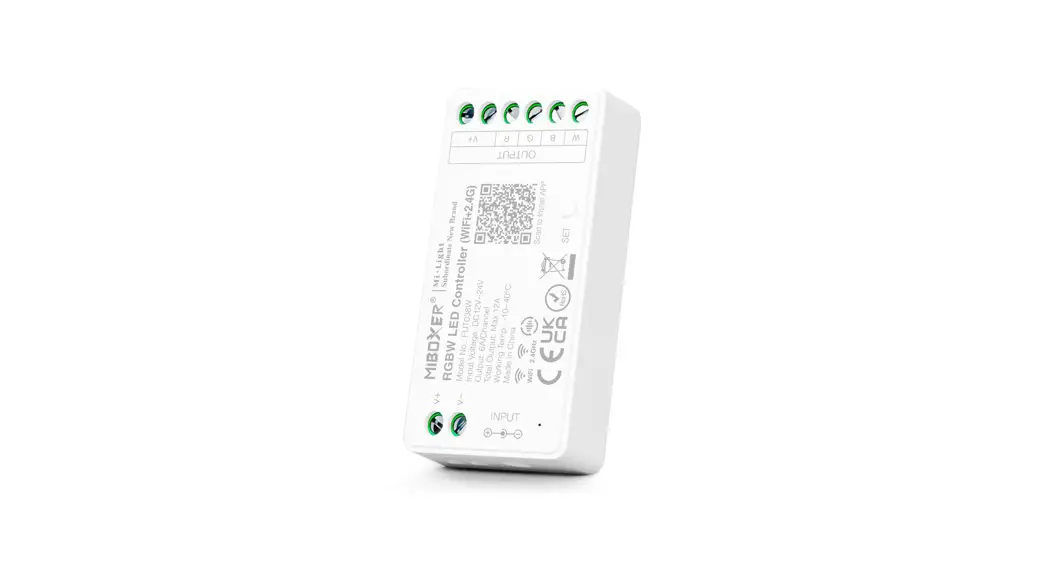
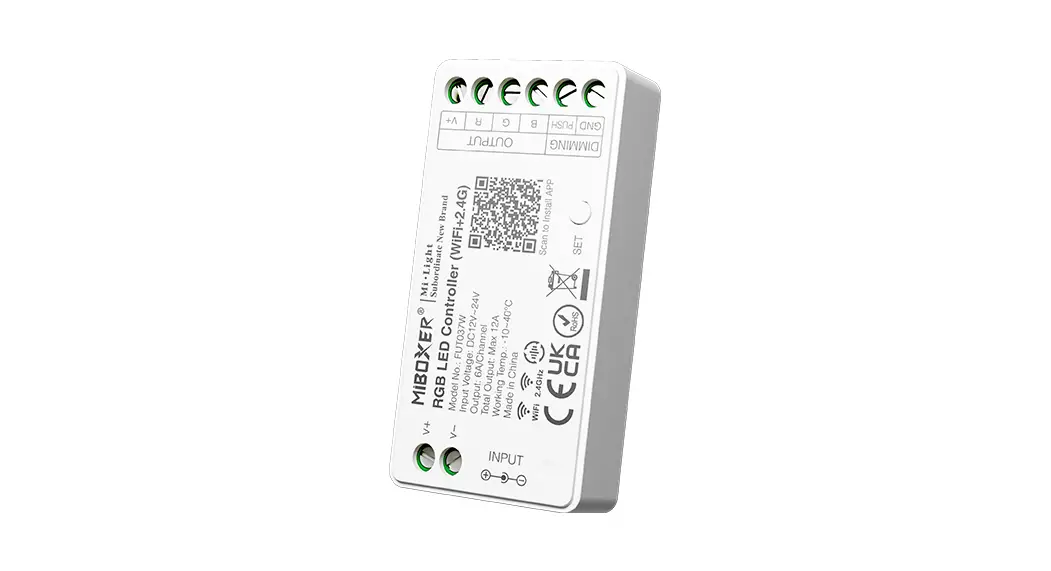
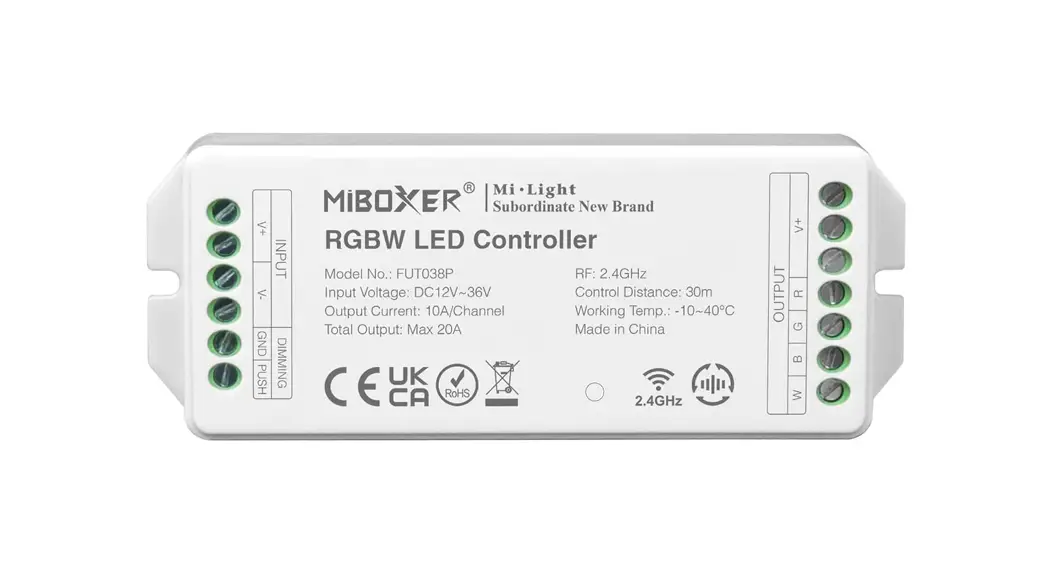
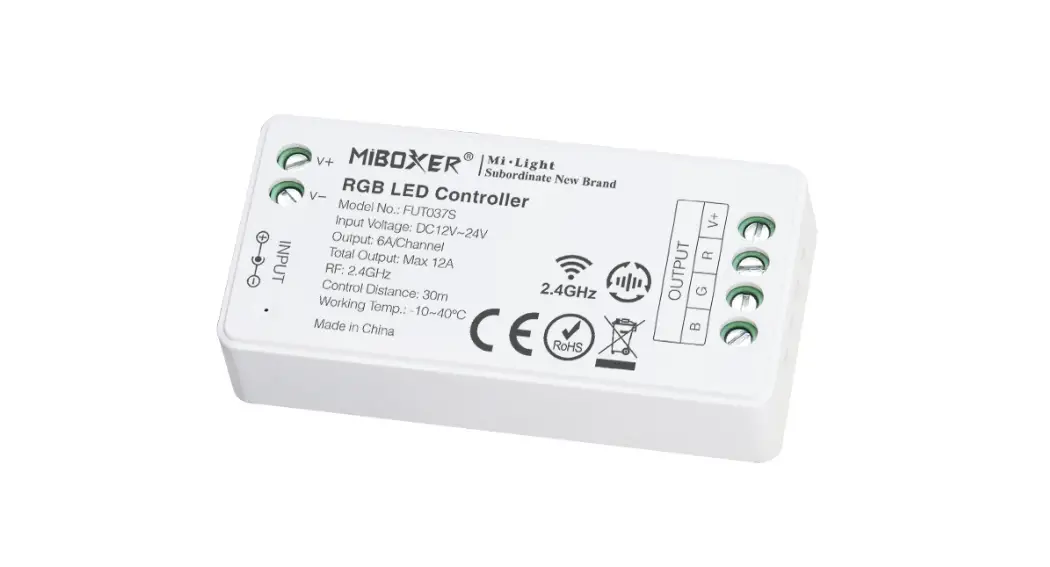
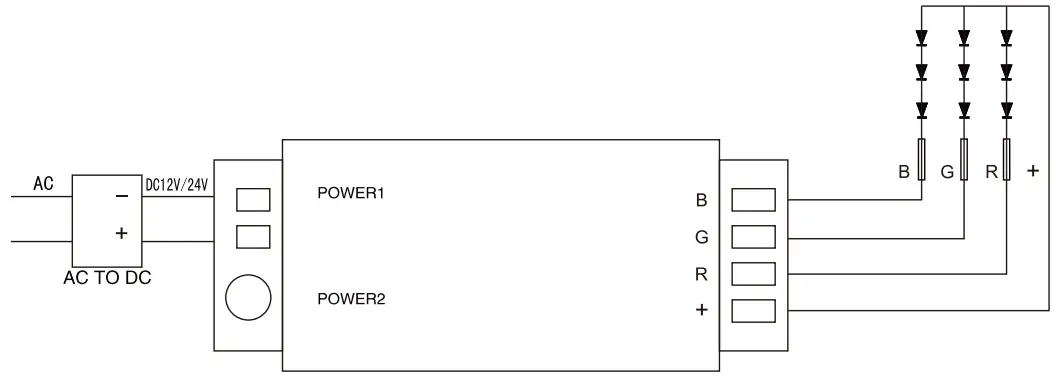
This system is a high-performance RGB led touch remote controller, adopting the most advanced PWM control technology, controlling all RGB led products with four lines and three circuits( common anode), owning 640 thousand colors and 20 automatical changing modes to choose.
Also, it has the memory function(that is to say, the previous settings will be resumed when power on again). It is widely used in led RGB strip light, led module, and so on.
With the technology of the 2.4G high frequency wireless remote control, it has the characteristics of low power consumption, long-distance transmission, and strong anti-interference ability, high-speed telecommunications, etc.
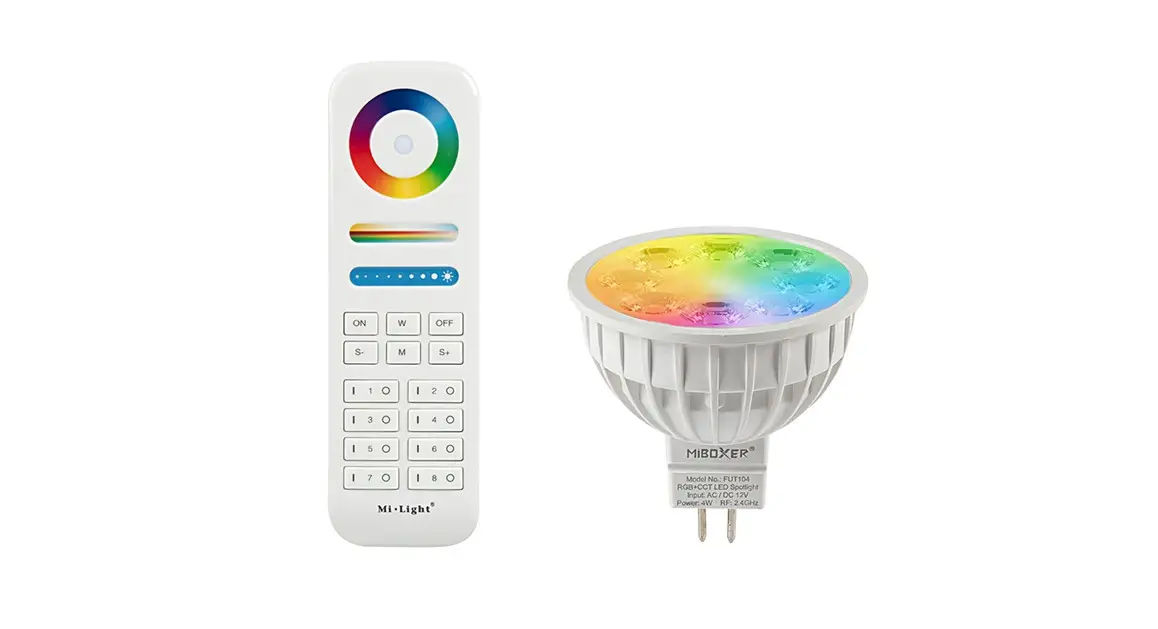
The remote looks fashionable and elegant, with simple and practical functions of color changing and brightness dimming, the capacitive touch screen design makes the remote easy to use.
The modular design and easy screwed terminals enable the controller easy to match with all kinds of led light products.
Technical Data
| Remote | Size | 110x52x2Omm |
| Power | AAA battery*2pcs | |
| Material | ABS | |
| Fabrication processing | Multicolor printing & UV varnish | |
| Controller | Size | 85x45x23mm |
| Working voltage | DC12V—24V | |
| Control way | R G B three channels | |
| Max load per channel | 6A | |
| Total output Max | 10A | |
| Output connection | Common anode | |
| Telecontrol distance | 30 meters | |
| Programs | 20 kinds |
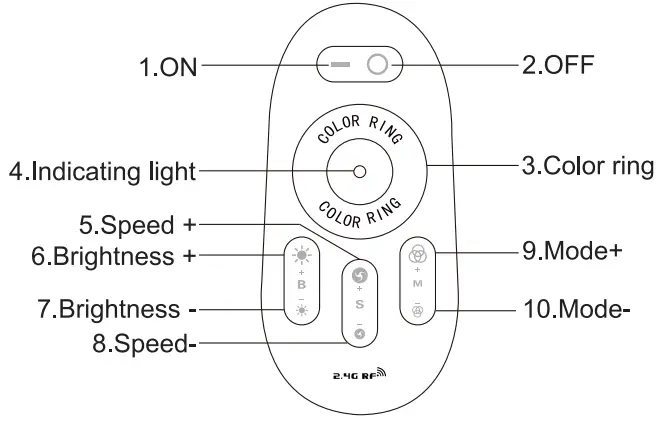
Function of Keys
Program List
| Number | Mode | Brightness state | Speed state |
| 1 | Static white color | Adjustable | Unadjustable |
| 2 | White color gradual changes | Adjustable | Adjustable |
| 3 | All colors gradual change | Adjustable | Adjustable |
| 4 | Red/green/ blue three colors gradual change | Adjustable | Adjustable |
| 5 | Seven colors jump to change | Adjustable | Adjustable |
| 6 | Three colors jump to change | Adjustable | Adjustable |
| 7 | Red/ green jumps to change | Adjustable | Adjustable |
| 8 | Red/blue jumps to change | Adjustable | Adjustable |
| 9 | Blue/green jumps to change | Adjustable | Adjustable |
| 10 | White color frequently blinks | Adjustable | Adjustable |
| 11 | White color glitters | Adjustable | Adjustable |
| 12 | Red color frequently blinks | Adjustable | Adjustable |
| 13 | Red color glitters | Adjustable | Adjustable |
| 14 | Green color frequently blinks | Adjustable | Adjustable |
| 15 | Green color glitters | Adjustable | Adjustable |
| 16 | Blue color frequently blinks | Adjustable | Adjustable |
| 17 | Blue color glitters | Adjustable | Adjustable |
| 18 | Yellow color frequently blinks | Adjustable | Adjustable |
| 19 | Yellow color glitters | Adjustable | Adjustable |
| 20 | Circulation mode | ||
Programming(code clearing and code matching )
Code matching :
For a new kit ( remote& controller), the remote can work only when it is programmed to the controller.
Please follow the below instructions:
Confirm it is correctly connected between the power supply, LED controller, and LED load.
Switch off the power, then switch on again, and press key 5 once (within 3 seconds) the moment you see the light is on. The LED light blinks twice slowly when it is done.
Code clearing :
The code can be cleared as needed.
The kit (remote and controller) will stay in its original state after code clearing. and it can work again when code rematching is done.
Please follow the below instructions:
Confirm it is correctly connected between the power supply, LED controller, and LED load.
Switch off the power, then switch on again, and long-press key 5(within 3 seconds) the moment you see the light is on. The LED light blinks nine times swiftly when it is done.
Attention:
- The regular product for sale is a kit (remote and controller). The user can re-program freely as needed. One remote can control countless controllers, but one controller can only be controlled by four remotes (Max).
- Please check the battery installation and controller (totally discharge the power), when you program after switching off and switching on.
Connection
Attention
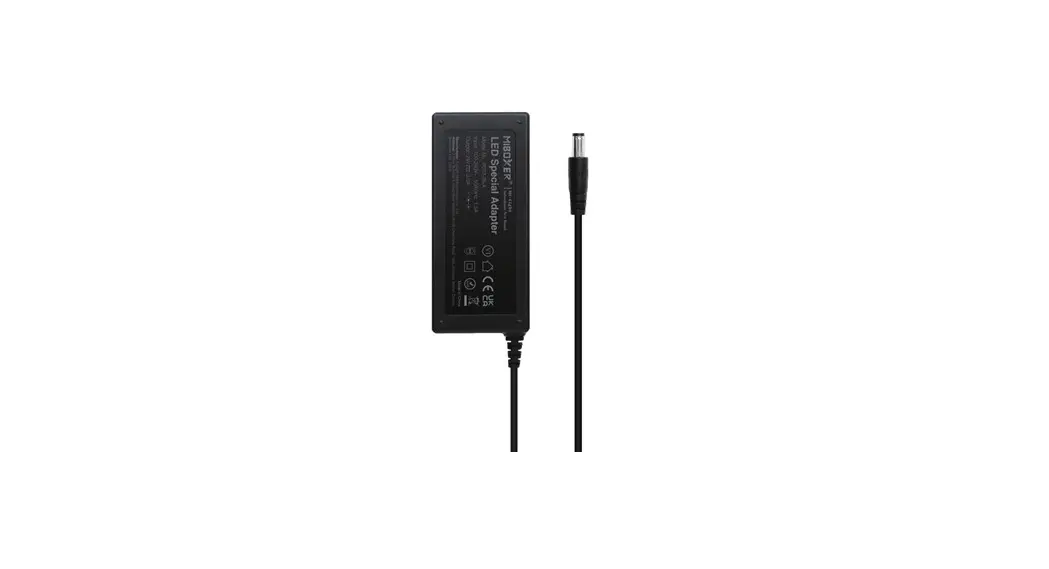
- Please check whether the input voltage of the constant voltage power supply is in accordance with the controller, and please check the connection of both the cathode and anode, otherwise, the controller will be broken.
- Please don’t connect wires with power on.
Please switch on again only when it is in the right connection and no short circuit. - Please keep your finger off the touch ring when installing the batteries, to improve its sensitivity, and use the remote ( 3 seconds later) after the batteries are installed.
Please reinstall the batteries, if the touch ring is found low-sensitivity. - Please do not use the controller in a place with a wide range of metal areas or strong electromagnetic wave nearby, otherwise, the remote distance will be seriously affected.
 MADE IN CHAINA