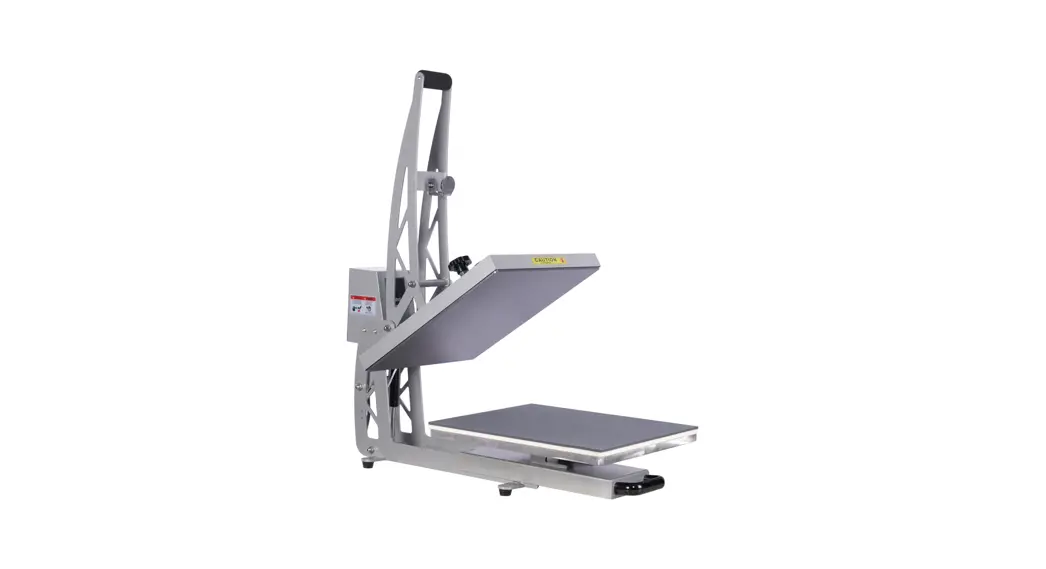
CH84 Heat Transfer Press
Product Information
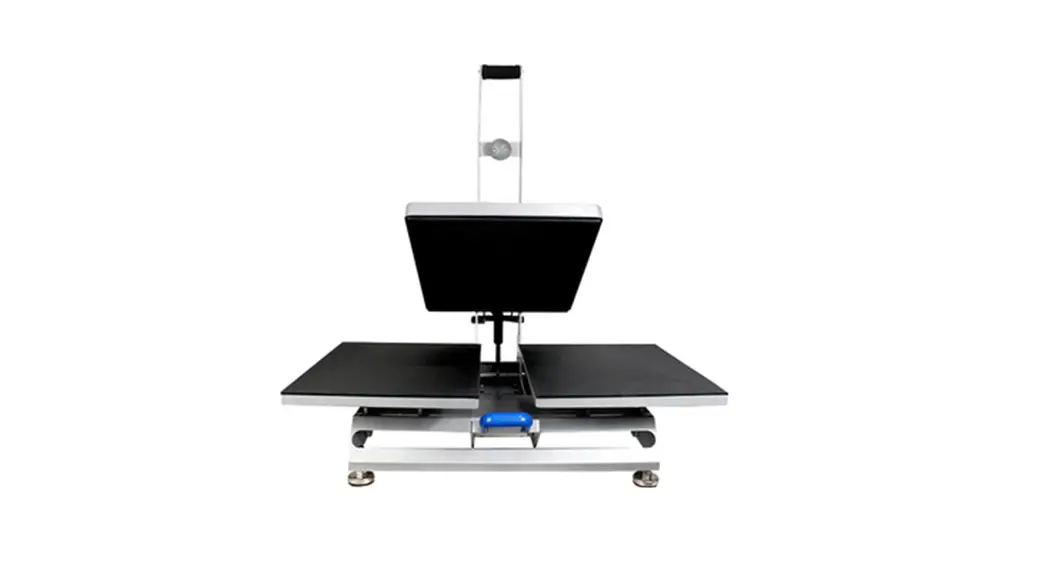
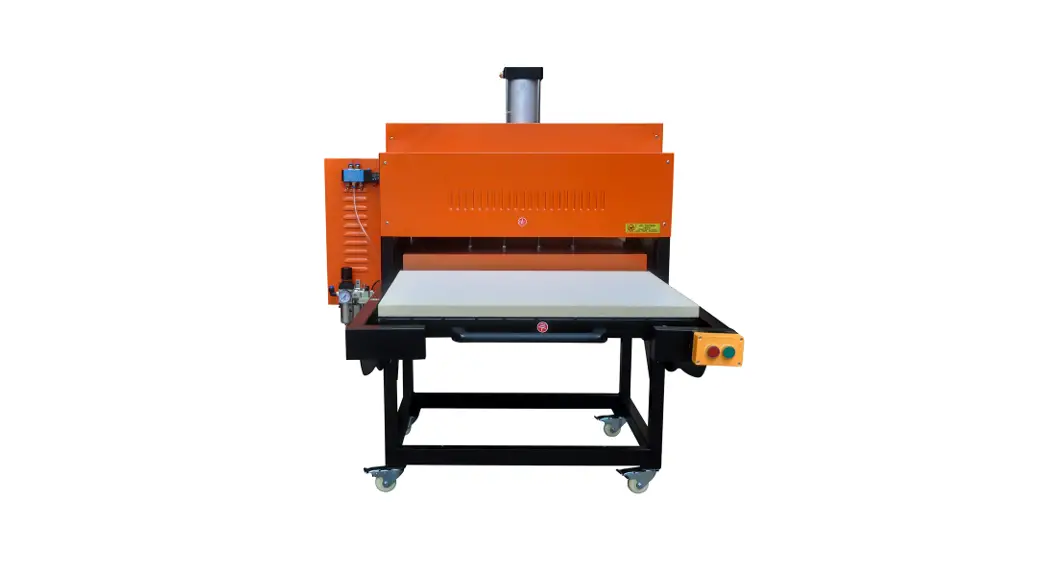
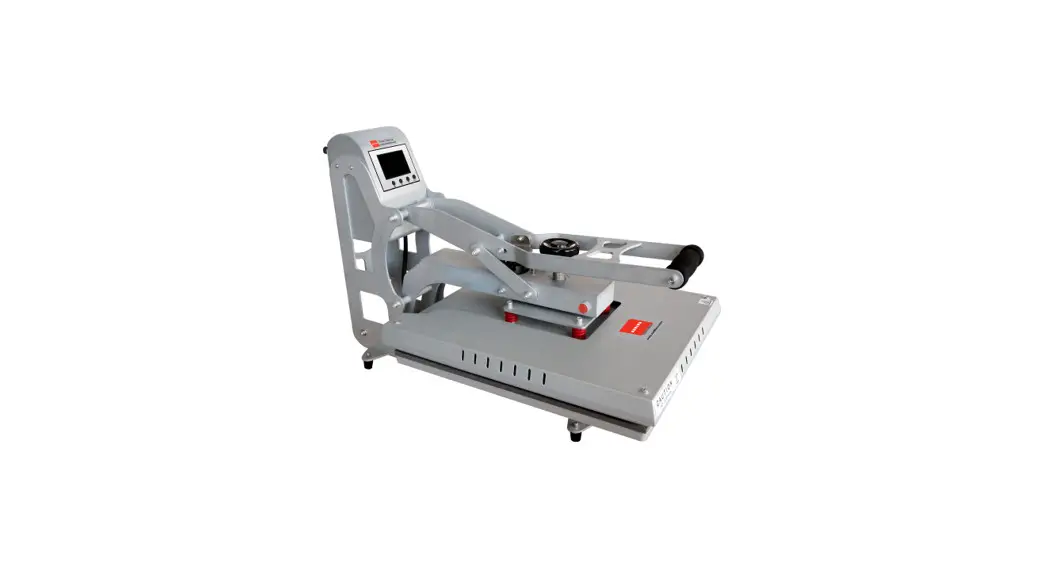
The heat transfer press is a solid steel welded framework that
is scratch-resistant. It has an intelligent digital time and
temperature control panel with a memory function and automatic
countdown and alarm. The machine is good for heat transfer printing
on t-shirts, bags, puzzles, mouse pads, etc. It comes in four
different platen sizes: 40 x 80 cm, 60 x 80 cm, 70 x 90 cm, and 80
x 100 cm. The voltage for the machine is 220/110 V, and the power
ranges from 3 KW to 9 KW depending on the platen size. The time
range is from 0-999 seconds, and the temperature range is from
0-299 degrees Celsius.
Product Usage Instructions
- Only use the heat transfer press as intended.
- Keep children away from the machine.
- Make sure to use the correct outlet before using the
device. - Burns can occur from contact with the hot surface, so avoid
touching it. - Use an air compressor with at least 35L capacity.
- Turn off the device when not in use and remove the power
plug.
How to Print a T-Shirt?
- Set the temperature and time using the temperature setting
button (TEMP), temperature up arrow key, temperature down arrow
key, and time setting button (TIME). - Place the t-shirt on the platen.
- Put the design face down on the t-shirt.
- Press the handle with the desired pressure until it clicks into
place. - Wait for the automatic countdown and alarm to finish.
- Lift the handle and remove the t-shirt from the platen.
The Question Prompt for the Failure Printing
We are sorry, but we do not understand the question prompt for
the failure printing. Could you please provide more information or
clarify the question?
MACHINE INTRODUCTION
TRANSFER PARAMETERS
Platen Size Platen Size
(CM)
(Inches)
Voltage (V)
40 x 80 60 x 80 70 x 90 80 x100
16″ x 32″ 24″ x 32″ 28″ x 35″ 32″ x 39″
220/110 220/110 220/110 220/110
Power (KW)
3 6 8 9
Time Range Temperature
(Sec)
Range()
0-999 0-999 0-999 0-999
0-299 0-299 0-299 0-299
NOTICE
1.Use the heat transfer press only as intended 2.Please keep children away from the machine 3.Make sure correct outlet before use the device 4.Burns can occur from contact with hot surface 5.Please choose a at least 35L air comprossor 6.Turn off the device when not in use and remove the power plug
Solid steel wclded framework, scratch-resistant, Intelligent digital time &temp control panel with memory function, Automatic countdown and alarm, Good in heat transfer printing on t-shirt,bags,puzzles, mouse pads etc
Product Charaeteristics
1.Fully digital temperature and time control,LCD displays show the temperature and time; 2. The processing tine is electronically controlled, and the finalization of process steps is warned by light 3.The working surface is covered by imported heat-resistant cloth, so it has a long working lifc and is easily cleaned. 4. The pressure can be adjust easily 5. Heat-resistant silica-gel sponge is placed on the motherboard, so the machine can print manykinds of preducts. 6.Heating pipcline is conncctcd with hcating plate,so the working surface can be heated evcnly in shot period,so the machinc is safe and durablc. 7.Aluminum heat plate, heating uniformity on the surface. 8.Teflon coated on the heat platc,convcnient and attractive appearance. 9. The silicon pad can cndure rnaximum 300 degree without any distortion Read before operating: Be sure to operate with safe ground wire!!! Check the voltage before using it.Turn off the power supply.
When using the machine , please don’ t heat the machine without operating it for long time. When finish transfer press ,please turn off the machine When heating the machine , don’t touch the up heat plate in case of scald. When you press the handle , if you feel the pressure is too much and hard to press it , please adjust the using prcssure by hand . Keep children away from the machine.
Setting Temperature & time
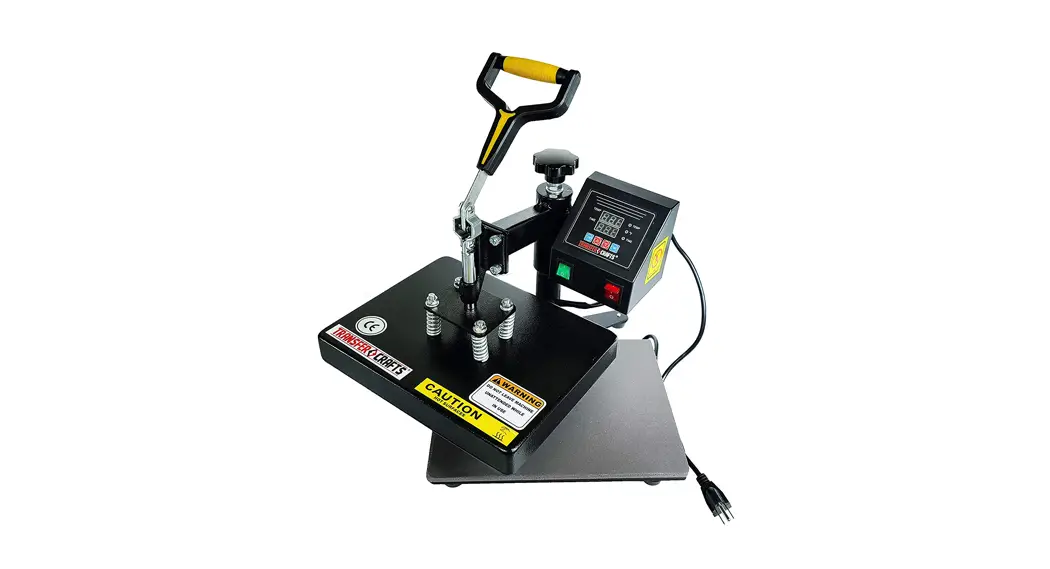
1.”TEMP” temperature setting buttan;
2.Temperatire UP Arrow Key &Down Arrow Key;
3. “TIME”time setting button
1
2
3
4
Operation (The temperature shows C degrees):
No.1: Turn power switch on,and press the power button, then the power indicator is lightened No.2: Setting terperature, press”TEMP”key, then, press the UP arrow key or down arrow key, sct the right temperature. ( for T-shirt: 180 C degrees.) When the temperature reaches the right range, the indicator on the top of temperature-adjuster is switch off. Then the following operations can be conducted. No.3 Setting time,Press “TIME”key, then, press the UP arrow key or down arrow key, set the right time.(For Tshirt: 15-20 sec.) No.4 Flatly place the cloth on the lower printing plate, then cover the printing paper (please note the working surface of the paper), push the handle down to specified point., Please note that the force should not more than 25 Kg at this time, or otherwise. the handle will be transformed.
a. Sublimation Heat Transfer: Temperature 170~190°C,Time: 15-20sec. b.Film heat transfier: Temperature 110-150°C,Time: 8~15 sec. c.Foam Heat Transfer: Temperature 120-160°C,Time:8-15 sec d. Fot-fix rhinestone: Temperature 160-180°C,Time: 10~15 sec.
How to print a T shirt?
A. Take a digital photo Print it out on sublimation paper with sublimation ink in your printer (mirror image printing).Cut the picture size to be large as you want,the put it on your tee shirt and fix by adhesive tape B.Puta T-shirt in the machine.(put the printed sublimation paper on thet-shirt properly.) 1. Get ready on the power, press the power button,the indicator is lighted! 2. Adjust the temperature ( 170°C- 180″°C) and time ( about 15-20 seconds) . When the temnperature reaches the right degree, the top temperature indicator will be extinct. 3. Put the heating flat down (please note the right surfuce of the paper). Please note that the pressure should be not to much.or too little! 4. When the temperature gets to the sct time. ce buzzer rings (please turn off (he bullon and raise) Your customized T shirt is done!very Simple:)
THE QUESTION PROMPT FOR THE FAILURE PRINTING
A . the color is lighter : the temperature is too low , or the pressure is not even , or the time is too short B . The design is indistinct : the time is too long and lead to ink diffusing C . The design has no luster : the pressurc is too high or temperature too high . D . Part of design is indistinct : heat printing zone or the heating is not even. E . Scar on design : heat printing time is too long. F . Dept of color is not the same : pressure not even or the coating is not even. G. Paper stick to the objcct: the temperature is too high,or the coating of the objcct is not good. Print your own customized product you need: 1. One ink jet printer/six colors printer (For example:Epson R-230/R270/R290/T50) 2. One CISS (Continuous ink supply system) Different models of Ink jet Printer will need different CISS 3. Sublimation ink 4. High-temperature resistant tape; 5.Sublimation paper; or Heat transfer fabric paper