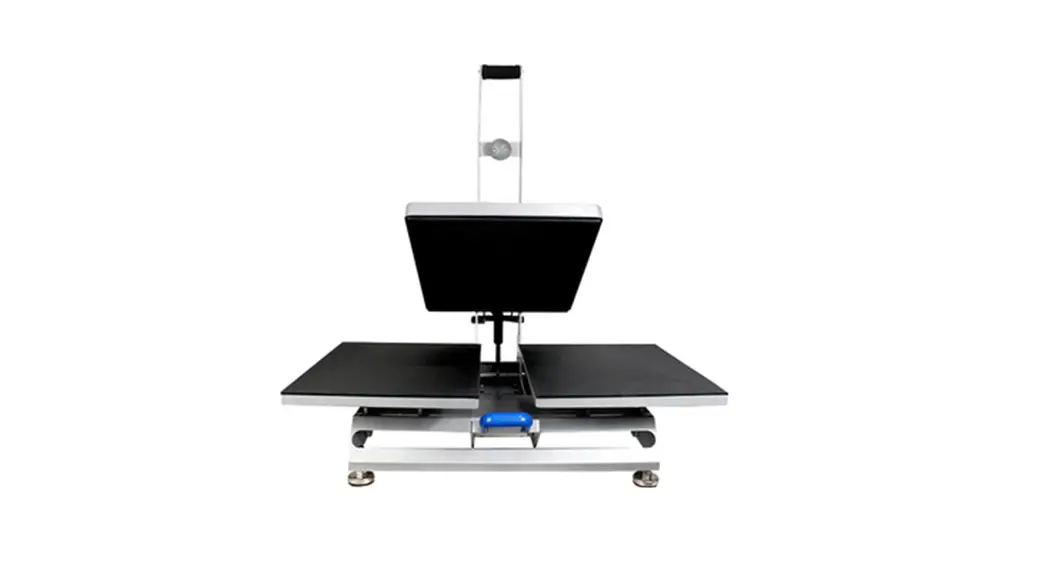
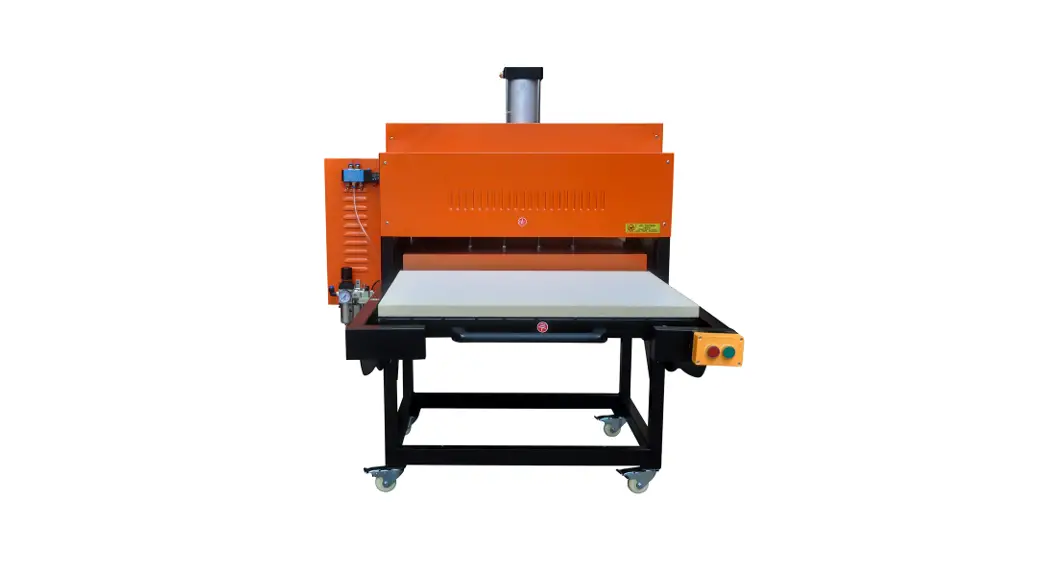
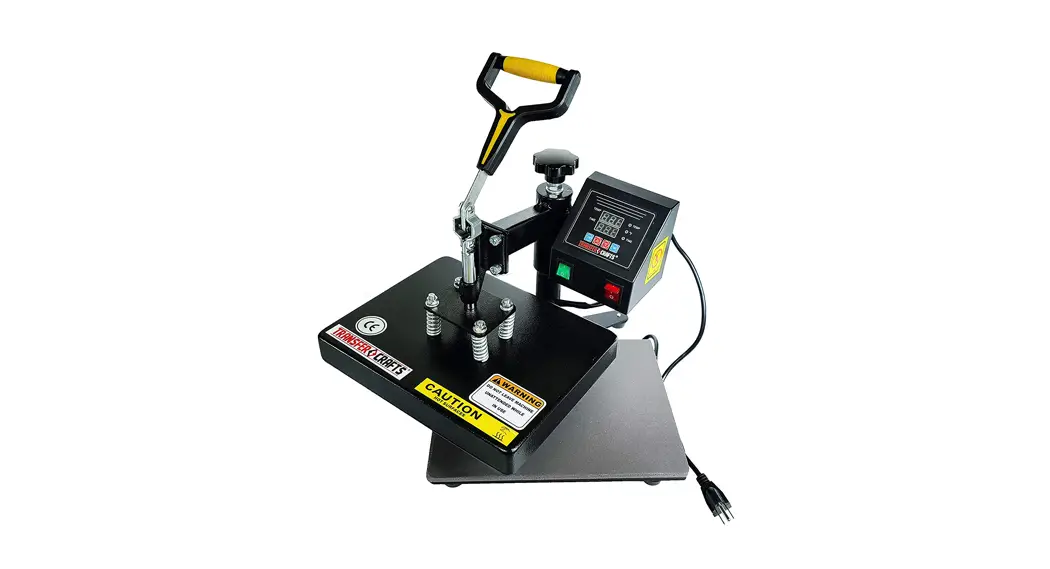
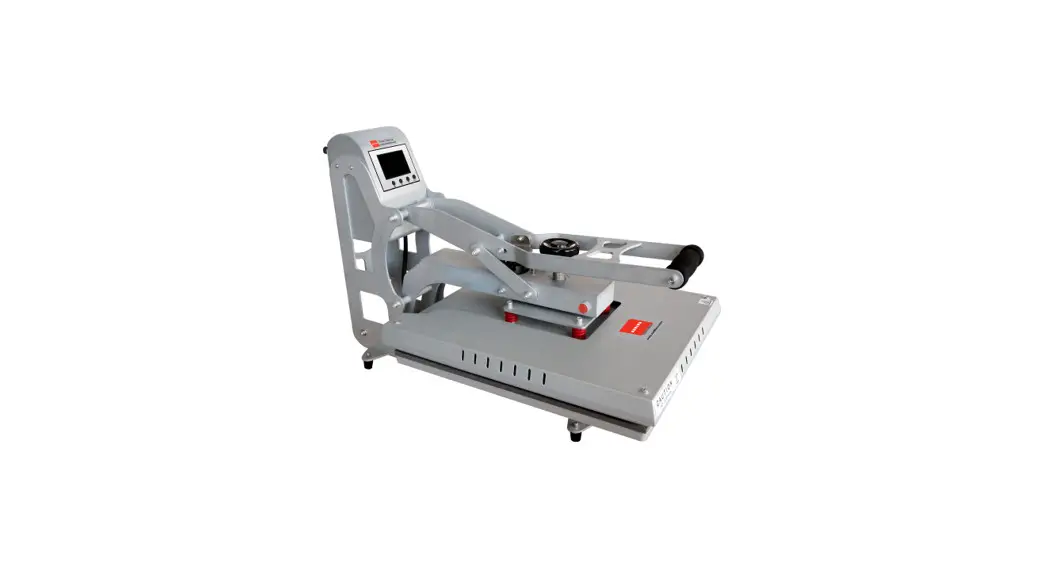
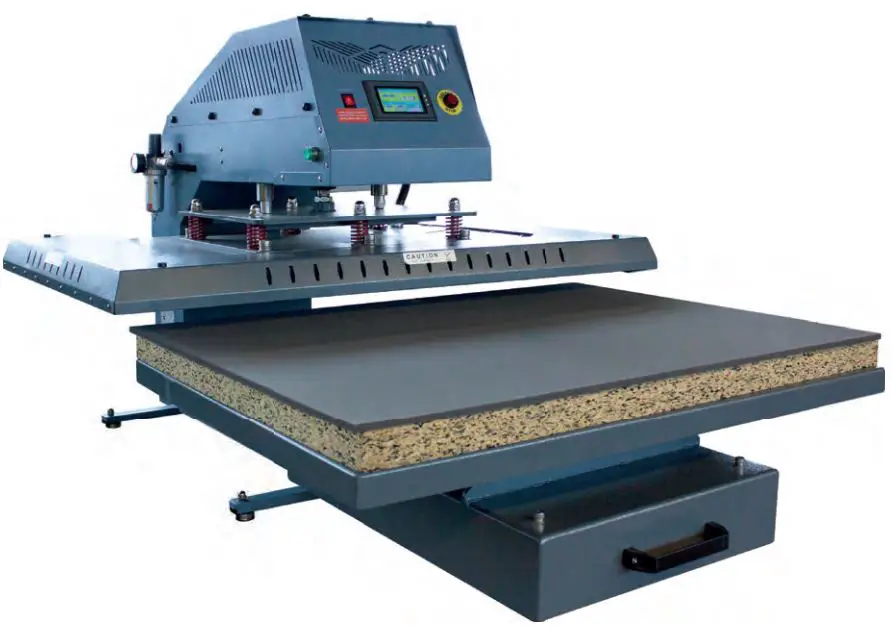
CH-64H-D2 Heat Transfer Press
Machine Introduction
The heat transfer press comes in three different platen sizes –
40x40cm, 40x50cm, and 40x60cm. It operates on a voltage of 110V and
has a power range of 2.5KW to 3.8KW, depending on the platen size.
The time range for the machine is 0-999 seconds, and the
temperature range is 0-299 degrees Celsius.
Notice
- Use the heat transfer press only as intended.
- Please keep children away from the machine.
- Make sure to use the correct outlet before using the
device. - Burns can occur from contact with the hot surface, so use
caution. - Please choose an air compressor with at least 35L
capacity. - Turn off the device when not in use and remove the power
plug.
Preheat Silicon Mat & Remove Wrinkles
To ensure more even temperature distribution, it’s recommended
to preheat the silicon mat for 30-60 seconds before the first heat
pressing. When sublimating or heat transferring graphics onto
fabric products, it’s better to preheat the fabric to remove
wrinkles before placing the graphic design on it and heat pressing
it.
User Tips
- If the magnetic heat press is not auto-opening after timing,
make sure there is sufficient pressure and try again. - If the heating plate is always lying on the silicon mat, there
may be an air shock leakage. - If the magnetic device is not working properly, follow these
instructions:- Feel the magnetic with a metal tool, such as a small wrench,
when the control display is timing. - Adjust the round metal plate above the electromagnet location a
little down-forward.
- Feel the magnetic with a metal tool, such as a small wrench,
Troubleshooting
No troubleshooting information is provided in the manual.
MACHINE INTRODUCTION
TRANSFER PARAMETERS
Platen Size (CM) 40 x 40 40 x 50 40 x 60
Platen Size (Inches) 16″ x 16″ 16″ x 20″ 16″ x 24″
Voltage (V) 110 110 110
Power (KW)
2.5 3 3.8
Time Range (Sec)
0-999 0-999 0-999
Temperature Range()
0-299
0-299
0-299
NOTICE
1.Use the heat transfer press only as intended 2.Please keep children away from the machine 3.Make sure correct outlet before use the device 4.Burns can occur from contact with hot surface 5.Please choose a at least 35L air comprossor 6.Turn off the device when not in use and remove the power plug
Preheat Silicon Mat & Remove Wrinkles
To make consistent heat transfer process, for first time heat pressing, it’s well recommended to preheat the silicon for 30-60 seconds to ensure more even temperature distribution. When you move forward to sublimate or heat transfer graphics onto your substrates, especial the fabrics products, you’d better to preheat the fabrics products to remove the wrinkles before you put the graphics design on and heat press it.
User Tips When magnetic heat press is not auto-opening after timing, please make sure sufficient pressure and try again. When the heating plate is always lying on silicon mat, that’s the air shock leakage. When magnetic device is not working properly, please following instructions. I. Feel magnetic with a metal tool Say. small wrench when control display is timing. II. Adjust the round metal plate above electromagnet location a little down-forward.
Troubleshooting
Q: Heat press does not turn on after plug and play. A: Please make sure the power plug and socket fitting firmly. If machine is still not able to turn on, this could be loose connection on wire cable, power switch or thermal breaker. Please contactus for spare parts and technical support. Q: Heat press shuts off during use. A: This could be thermal breaker tripping for circuit protection, you will need to wait for few minutes and try again. If machine does not turn on, check both the power switch and thermal breaker, you will need to replace either power switch or thermal breaker after troubleshooting. Q: Timer does not start. A: This could be control panel failed or timing switch loose connection or activation failed. Please contact us for spare parts and technical support. Q: During the sublimation or heat transfer application, sublimation rate is low, or heat transfers are not fully stacked on the substrates. A: Please make sure sublimation or heat transfer application under correct temperature, timeand pressure. Please take an video or several pictures and consult us if problem is not solved. Q: The transfers are stacked on the heating platen. A: Transfers like dark ink-jet transfer paper could be stacked on heating platen, you should use a Teflon sheet to cover the transfer paper. Please wait till heating platen cools down complete and try to peel the paper from edge. Q: Difficult to peel off the heat transfer paper or vinyl. A: Please make sure heat transfer materials are warm peel or cold peel, and try to peel off them accordingly.