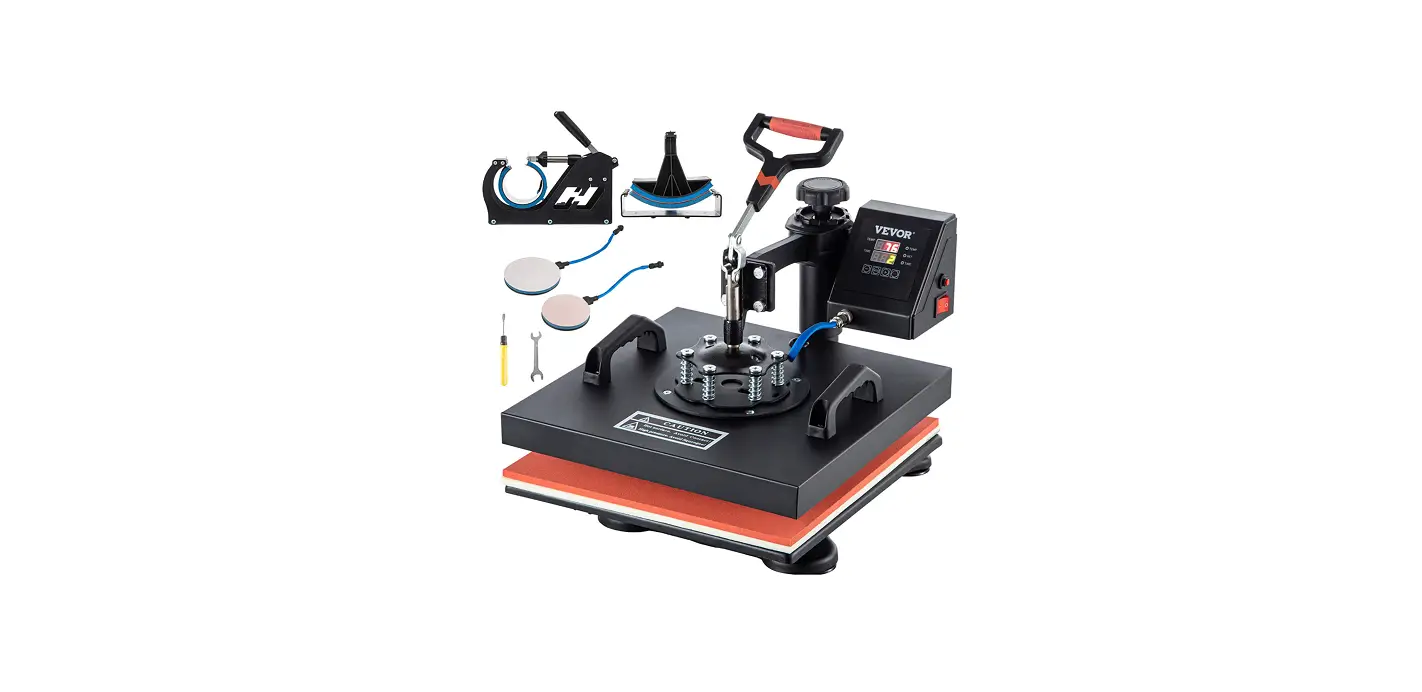
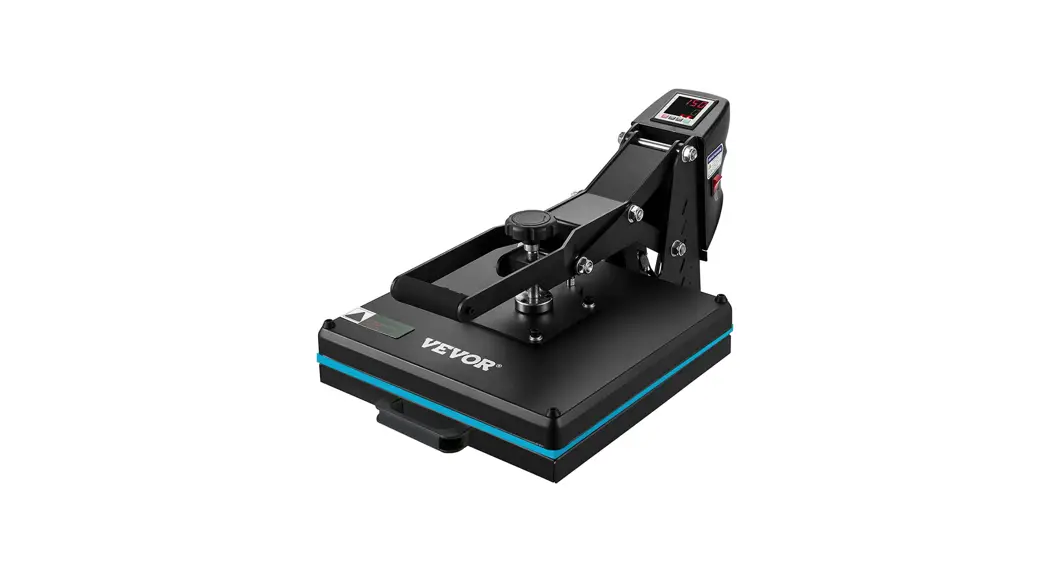
CK101 Heat Press Machine
Product Information: Heat Press Machine
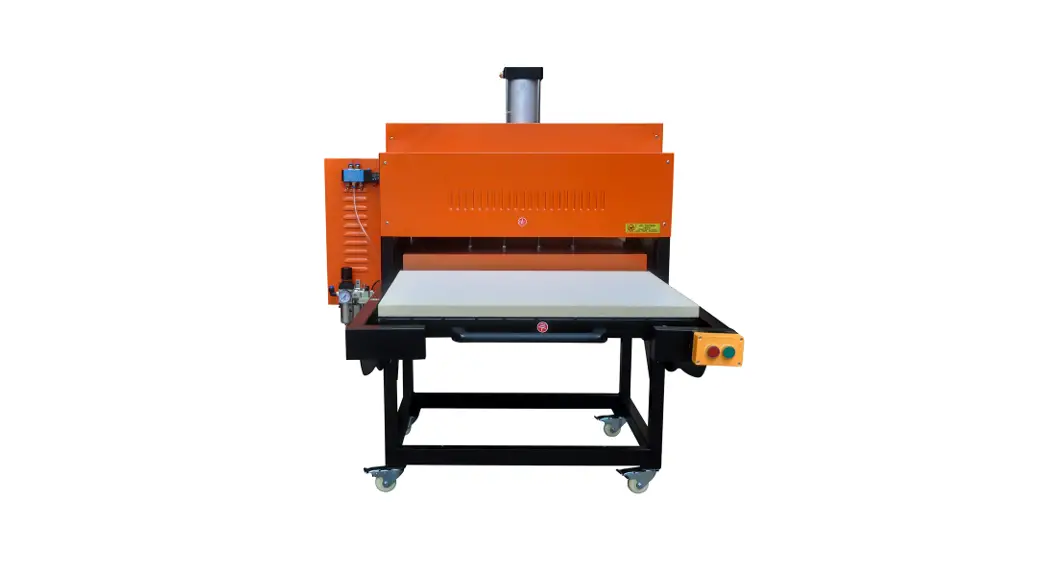
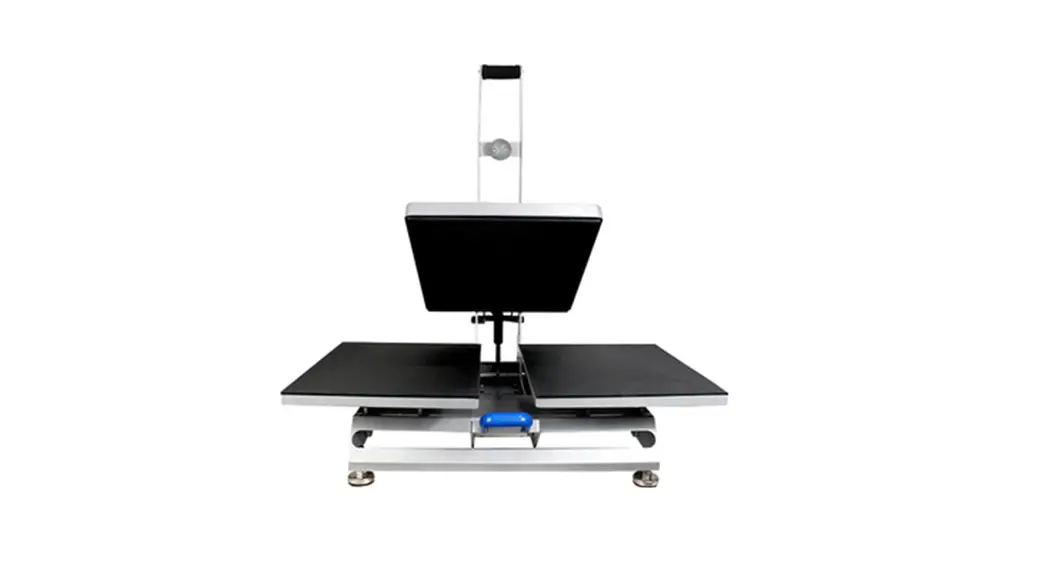
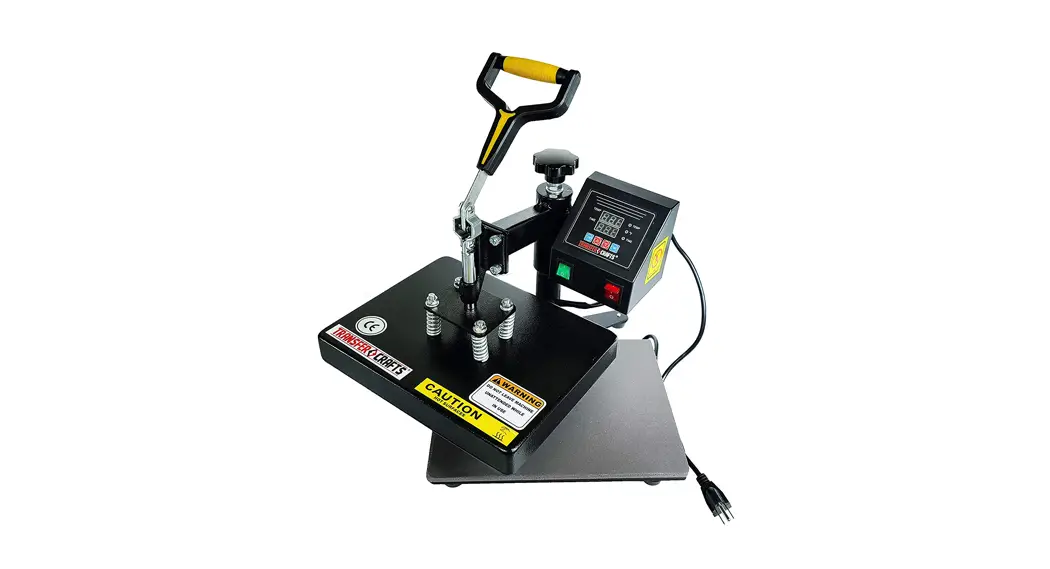
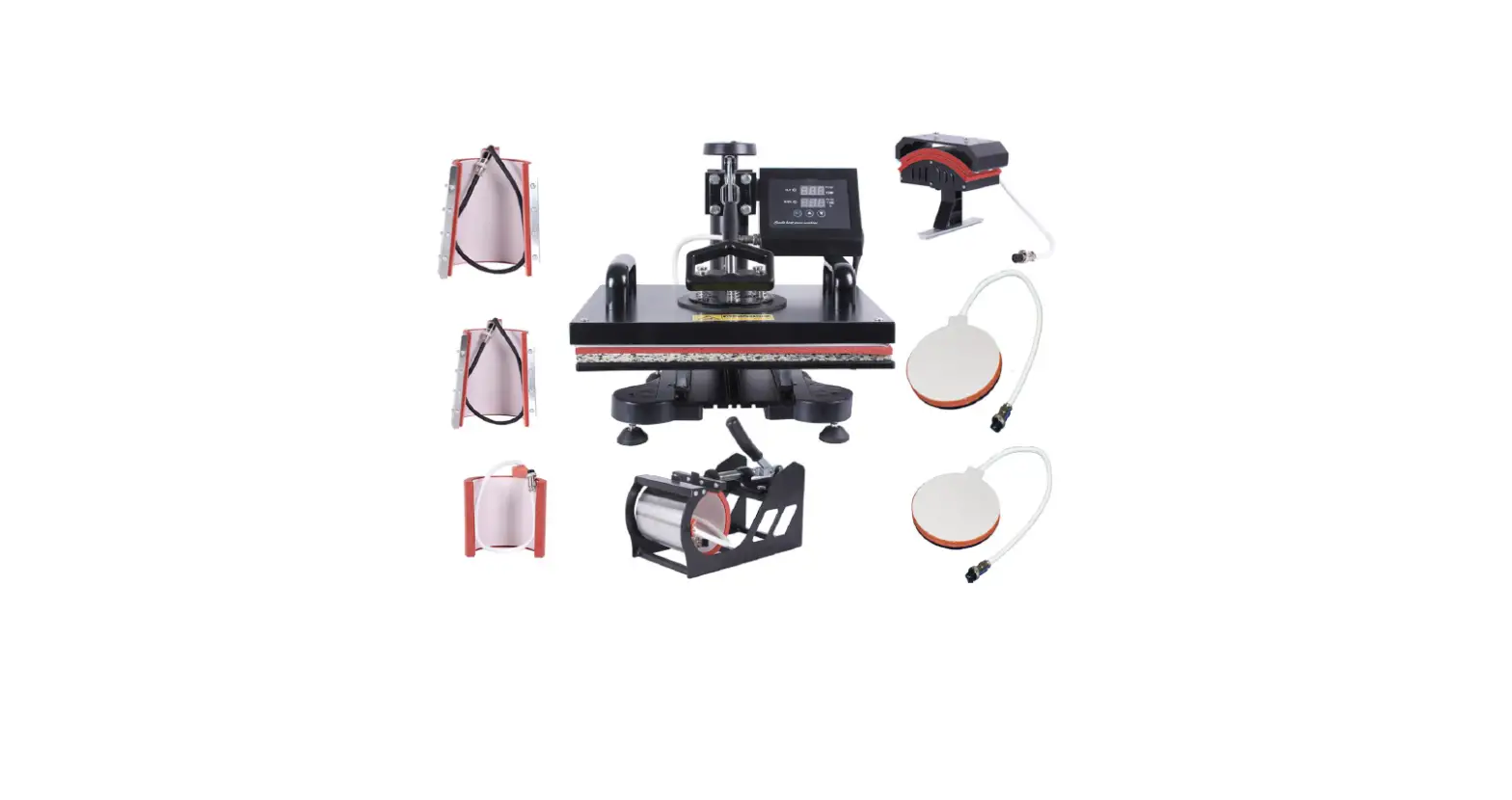
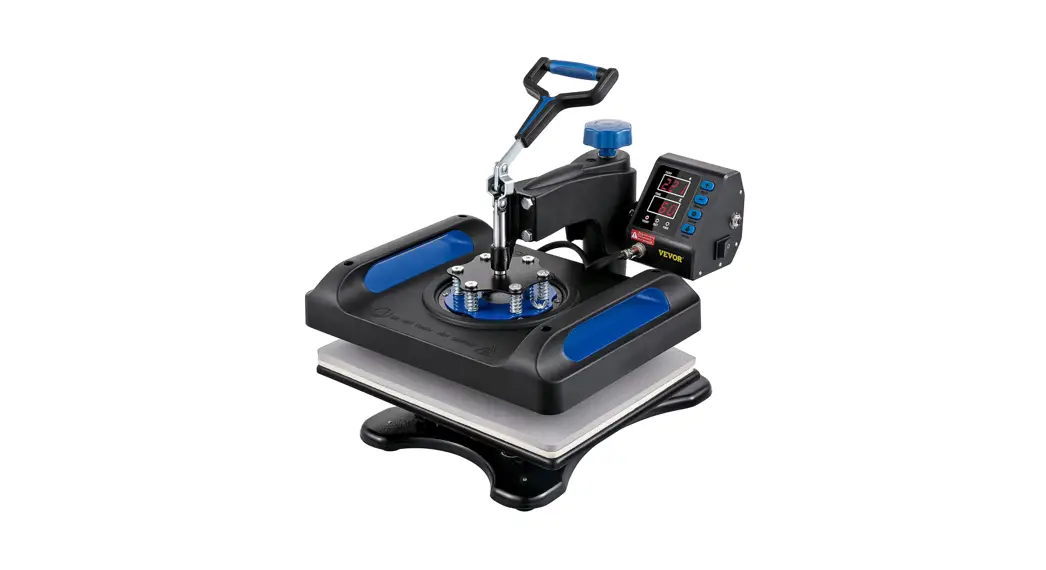
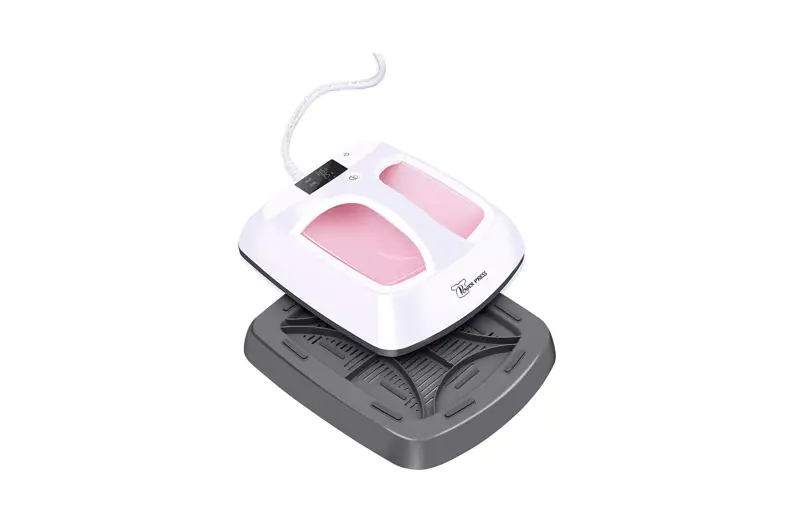
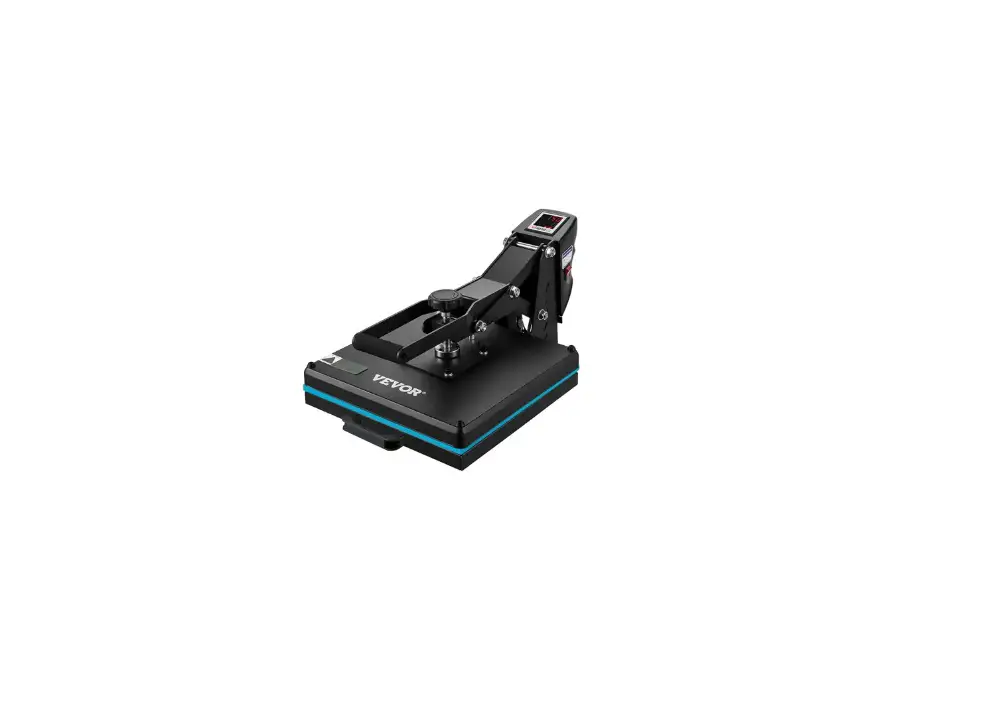
The Heat Press Machine (Model: CK101) is a versatile machine
that provides high pressure and timing for pressing oil, printing
textiles, and other materials. It can be used on various flat
surface items such as food, t-shirts, mouse pads, puzzles, ceramic
tiles, and more. The machine uses flex, flocking, transfer printing
paper, sublimation, etc. to create designs on the materials.
Usage Instructions:
- Plug in the machine and switch it on.
- Set the desired temperature on the controller and wait until
the machine has reached the temperature. - Place the object to be printed on the table and push it into
the machine. - Press the two buttons on the left and right side of the machine
to start pressing down and timing. - When the time is up, the machine will open automatically and
pull out the table. Pick up the object from the table.
Common Problems:
| Problem | Cause | Handling Methods |
|---|---|---|
| Fails to heat up but heating plate or relay display well | Heating plate or relay broken | Check the heating plate or replace the relay |
| Power on but controller screen out | Controller broken or connection line of controller loosen | Check connection line or change a new controller |
| No action after turning on power | Plug not touching well or fuse burnt | Check the plug and fuse |
| The real temp passes over the setting temp | Relay broken | Replace the relay |
INSTRUCTION MANUAL
HEAT PRESS MAHCINE INSTRUCTION CK101
The press can provid hight pressuer and timing,drawing out table. Using for prssing oil, printing textiles and other materials may be used on food, t-shirts, mouse pads, puzzles, ceramic tiles, and other flat surfaces items by using the flex, flocking, transfer printing paper, sublimation etc.
COMPLY WITH THESE INSTRUCTIONS
1. Do not put the wire on heating plates cover. 2. Do not touch heating plates when it is energized.Caution: Risk of burns. 3. Do not open the machine box and make changes to the device. 4. Do not allow liquid or metal objects inside the hot press. 5.Make ensure the machine is connected with a plug connected to the mass. 6. Don’t pull the cable to disconnect the plug. 7.Power off he machine when finish using. 8. Use extreme caution when using near children. 9.Make sure that the device is used in an environment.
2.Printing
when the machine has reached the desired temperature, Put objects on table,push it into machine,Press the two buttons on the left and right side,machine start to press down and time,when time is up,machine open automaticpull out the table and pick up the objects.
3.Common Problem
Problem
Cause
Handling methods
1 Fails to heat up,but Heating plate or Relay Check the heating plate
display well
broken
or Relay
2 Power on but
controller Screen out
Controller brocken or
Connection line of controller loosen
Check connection line or change a new controller
3 No action after turn Plug whether touch well Check the plug and fuse
on power
Fuse whether burn
4 The real temp pass Relay broken
over setting temp
Replace the relay