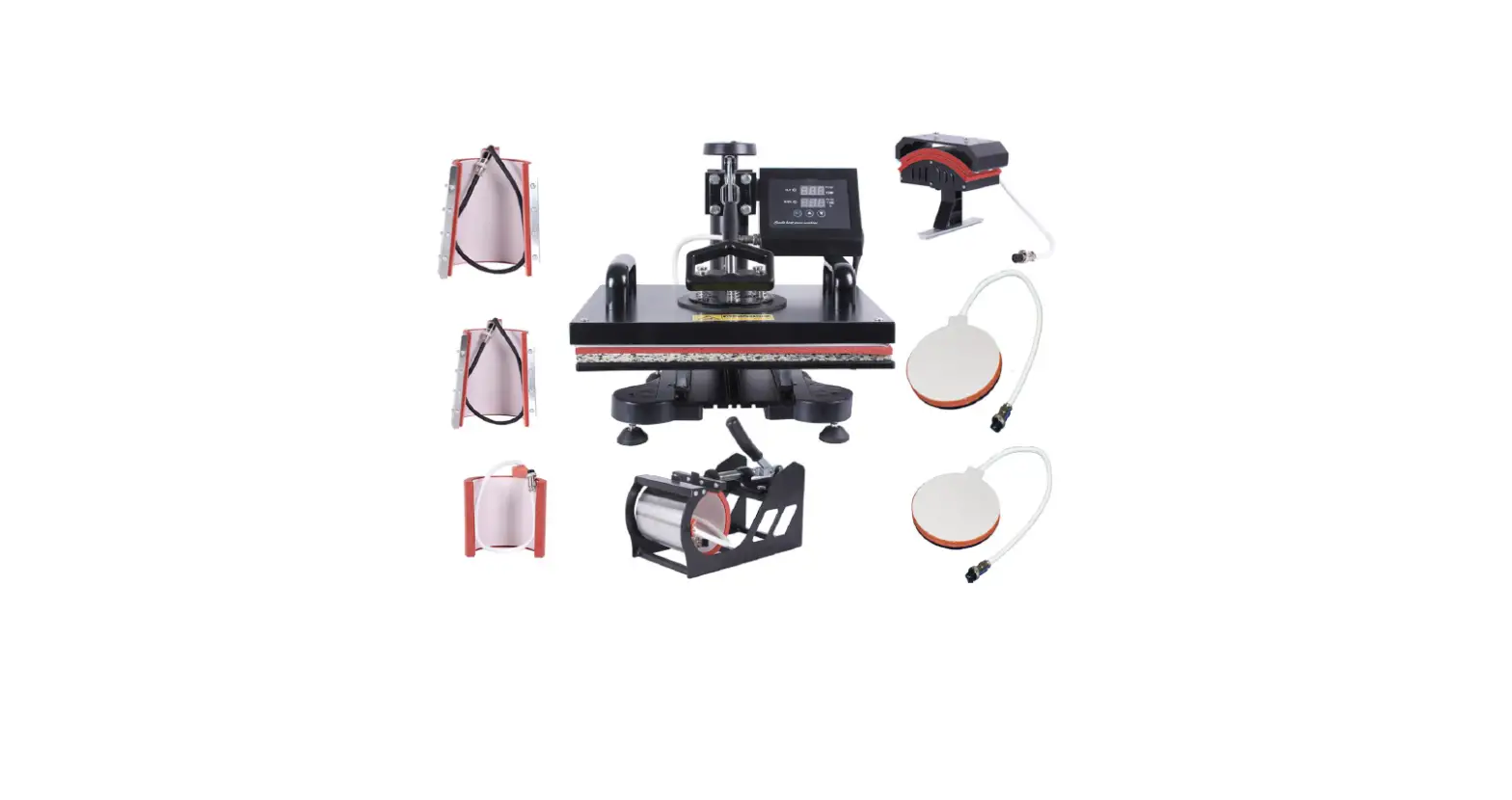
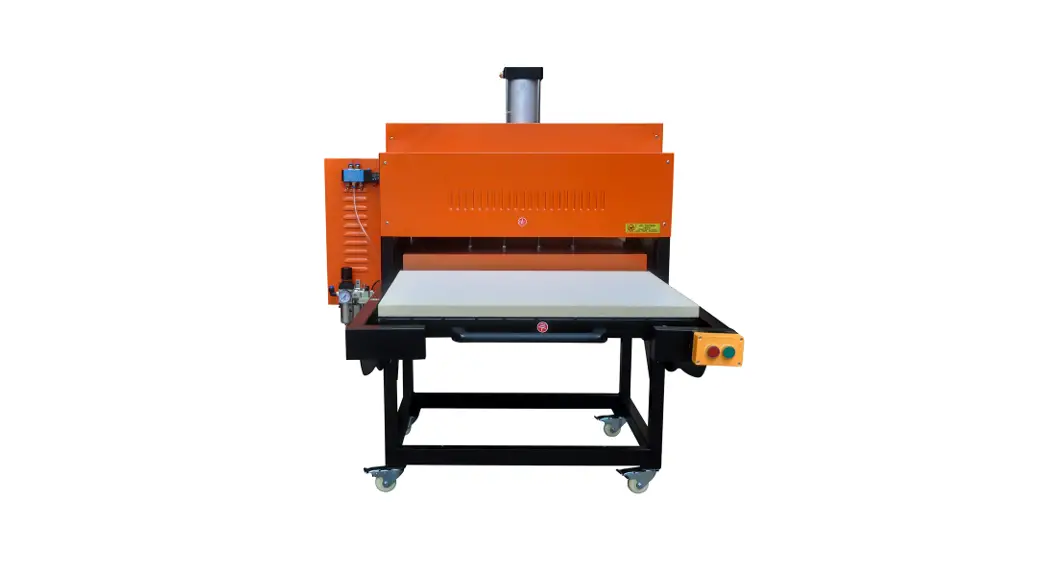
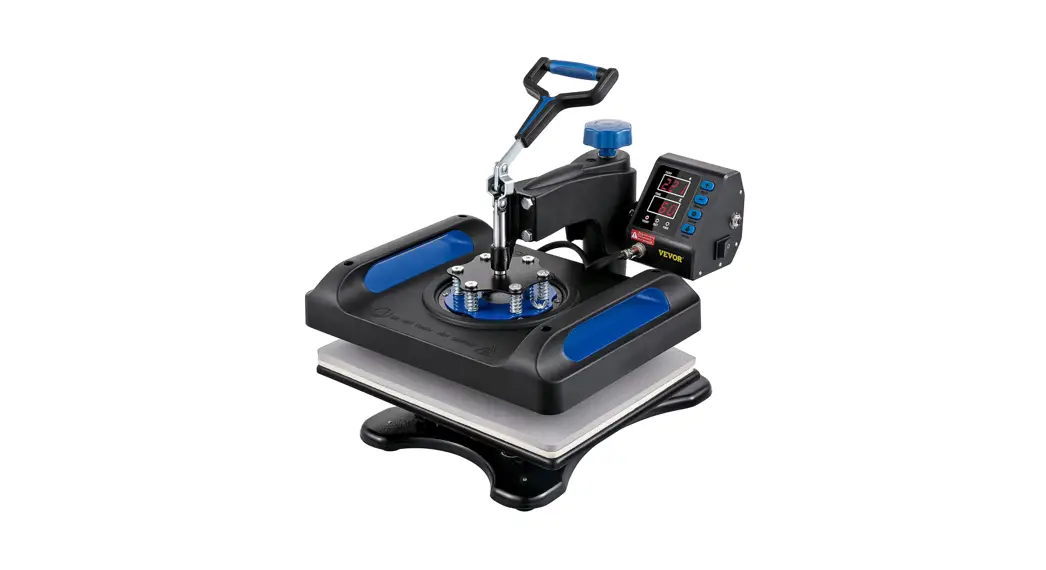
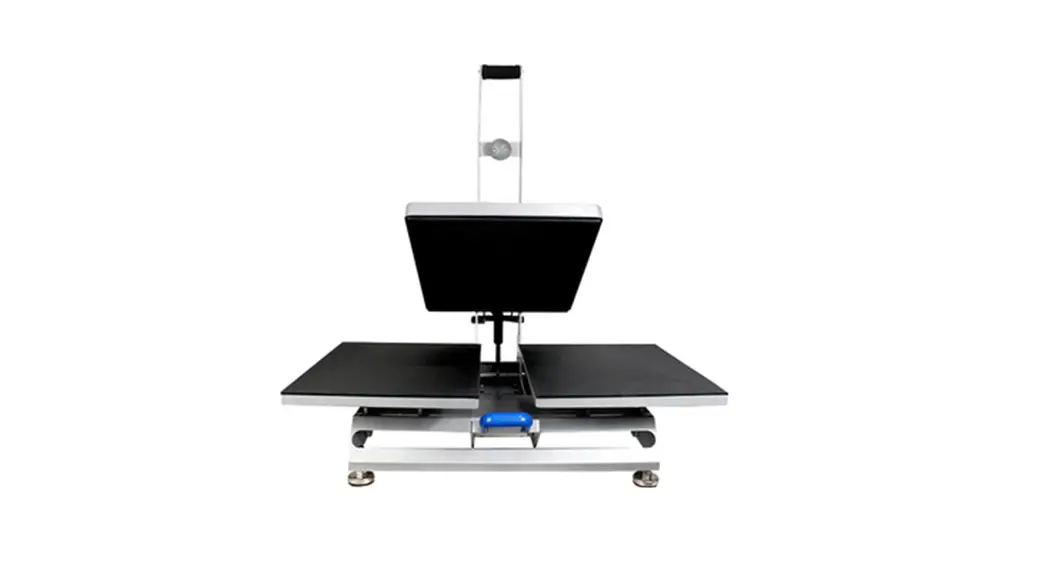
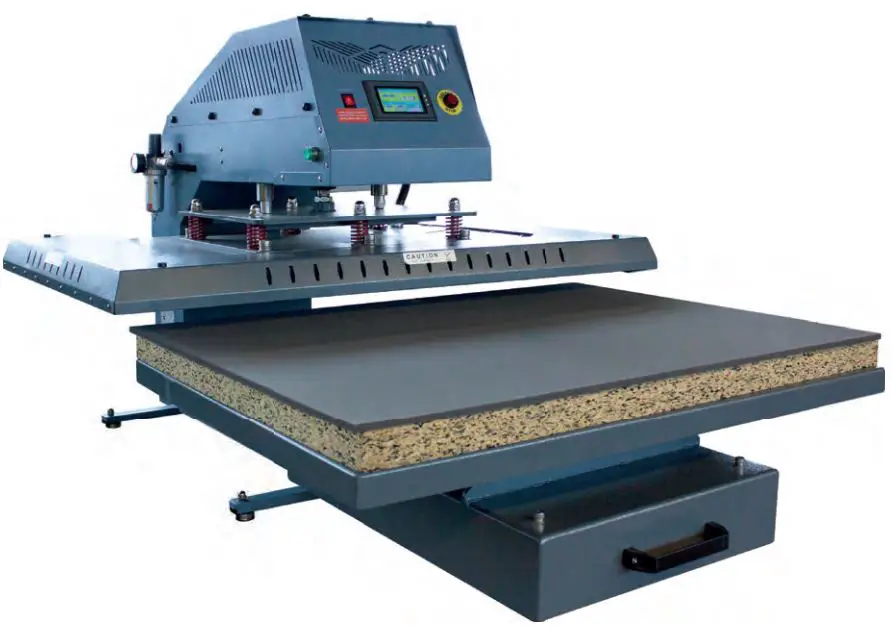
GS-SD8010 Manual Heat Press Machine
Product Information: Manual Heat Press Machine GS-SD8010
The Manual Heat Press Machine GS-SD8010 is a powerful machine
with technical parameters that include a power of 4.5 KW, current
of 12 amps, voltage of 220V-3 phase 60HZ, temperature range of
0-750, time temperature of 0-999S, printing area of 31.5*39 inches,
and pressure range of 0-114 Psi. This machine can transfer patterns
onto fabrics like cotton, linen, chemical fabric through heat
transfer technology. It can also be used for heat treatment of silk
screen printing, glue, foam printing, and for removing color code,
portrait photo, landscape pictures, and other patterns onto
vitrolite and metal plate which is especially suitable for making
medals, commemorative card, portrait of the deceased, T-shirt with
signs. Its great virtue is economic and practical.
Product Usage Instructions:
- Connect the power cord to the air switch.
- Turn on the power switch.
- Preset the needed time and temperature (See the details on the
time and temperature setting page). - After setting the temperature and time, wait for the machine to
heat up. - When heating is done, the green light automatically flashes.
You need to get things which need to be printed prepared. - Put the substrate on the silicon pad.
- Push down the handle to flatten the substrate first, then put
on transfer paper and high temp-resistance cloth. Push down the
handle again, the heat-pressing process will begin. - When the process is over, the buzzer will go off.
- Take out the substrate. If the sublimating paper requires to be
removed at lower temperature, please remove it after 5 to 10
seconds, if not please remove it as soon as the process is
done.
Time and Temperature Setting:
- Press the SET button to set temperature, when the numbers of
the underline flash and the up line shows `SV’, press or to set the
required temperature and then press the SET button again to
confirm. - Press the key to set time, when the numbers of the underline
flash and the up line shows `ST’, press or to set the required
time. Then press key to go back to work. Control panel will show
the actual temperature and setting time after few seconds.
Maintenance:
When the time’s up, the indicator lamp of the thermostat will
light and the indicator will show the selected temperature
(temperature difference is about 5, temperature up to 180 requires
about 15 minutes). If heating plate does not heat, please check the
circuit.
Notice:
- This machine must connect reliable ground wire.
- This machine should be used in cool, dry place as the capacity
of control instrument may be influenced in humid conditions. - The heat-pressing process requires coordination of proper
amounts of time, temperature and pressure. - The thickness and material of the cloth and the varieties of
the sublimation paper all affect the result of the printing. It is
suggested to print a sample first before mass production.
Temperature and Time Requirements of Different Materials (only
for reference):
- Pure cotton: 180-220, 25sec
- Polyester: 180, 15sec
- Pearl board: 180-120, 180sec
- Metal pendant: 180, 60sec
- Mouse pad: 180, 15sec
- Vitrolite: 220, 180sec
- Key ring pendant: 180, 100sec
- Ceramics: 180-220, 180sec
Instructions of Manual Heat Press Machine GS-SD8010
Technical parameters
Power : 4.5 KW Current: 12 amps
Voltage: 220V-3 phase 60HZ
Temperature range : 0-750 Time temperature : 0-999S Printing area : 31.5*39 inches
Pressure: 0-114 Psi
Main usage
This machine can transfer patterns onto fabrics like cotton, linen, chemical fabric through heat transfer technology. Heat treatment of Silk screen printing ,glue, foam printing can also be achieved by this machine. Color code, portrait photo, landscape pictures and other patters also can be removed onto vitrolite and metal plate which is especially suitable for making medals, commemorative card, portrait of the deceased, T-shirt with signs. Its great virtue is economic and practical .
Product features
We use digital displaying thermostatic controller which provides high accuracy(±2) with fine adjustment switch . Heating tube and heating board are integrated into one with advantage of safety, durability, and well-distributed thermal . This machine has the function of Automatic maintaining constant temperature and free pressure regulation with dependable capability. We use digital timer which complete the work according to the signal instructions . Heat-resisting silicone pad sit on the bottom plate which can withstand high temperature up to 400.
Operating steps
Step 1: Connect the power cord to the air switch . Step 2 : Turn on the power switch . Step 3: Preset the needed time and temperature (See the details on the time and temperature setting page )
Step 4: After setting the temperature and time, wait for the machine to heat up.
Step 5 : When heating is done, the green light automatically flashing . You need to get things which need to printed prepared .
Step 6: Put the substrate on the silicon pad .
Step 7 : Push down the handle to flatten the substrate first ,then put on transfer paper and high temp-resistance cloth. Push down the handle again ,the heat-pressing process will begin . Step 8 : When the process is over ,the buzzer will go off . Step 9 : Take out the substrate. If the sublimating paper requires to be removed at lower temperature, please remove it after 5 to 10 seconds, if notplease remove it as soon as the process is done .
Time and temperature setting
1. Press the SET bottom to set temperature, when the numbers of the under line flash and the up line shows `SV’, press or to set the required temperature and then press the SET bottom again to confirm . 2. Press key to set time, when the numbers of the under line flash and the up line shows `ST’, press or to set the required time. Then press key to go back to work . Control panel will show the actual temperature and setting time after few seconds .
Maintenance
Pressure: if the pressure is not enough or too much, you can adjustthe pentagram-shaped pressure regulator back the machine. Clockwise is for increasing pressure and counterclockwise is for decreasing pressure. It is better not to use great strength to push the handle. Please do not use force over 20 kg in case of twisting the handle. Time: If the transfer time arrivals, but the buzzer does not ring or stop ring, then you need to check the micro-switches point of contact inside the tail box to see if it is moderate .If not, it should be adjust to the appropriate position.
Temperature:
when the time’s up ,the indicator lamp of the thermostat will light and the indicator will show the selected temperature .(temperature difference is about 5, temperature up to 180 requires about 15 minutes) if heating plate does not heat, please check the circuit.
Notice
This machine must connect reliable ground wire . This machine should be used in cool, dry place as the capacity of control instrument may be influenced in humid conditions . The heat-pressing process requires coordination of proper amounts of time, temperature and pressure. The thickness and material of the cloth and the varieties of the sublimation paper all affect the result of the printing . It is suggested to print a sample first before mass production .
Temperature and time requirements of different materials (only for reference )
Pure cotton: 180-220 , 25sec Polyester: 180, 15sec Pearl board: 180120-180sec Metal pendant: 18060sec Mouse pad: 18015sec
Vitrolite: 220180sec Key ring pendant: 180100sec Ceramics: 180-220180sec
Time and Temperature settings
1. Temperature setting: press the “SET” button, then the numbers on the lower line blink, temperature-setting mode starts. You can press and to adjust the temperature, press and hold the “SET” button for 2 seconds to confirm the setting.
2. Time setting: press the increase and decrease button to set time. The letter “H” stands for “hour”,” M for “minute”and ” S “for “second”.
After-sale service :
If the machine damages or breaks down due to improper installation, improper maintenance or transporting damage. We’ll provide maintaining and technical guidance, charge at accessory cost price.