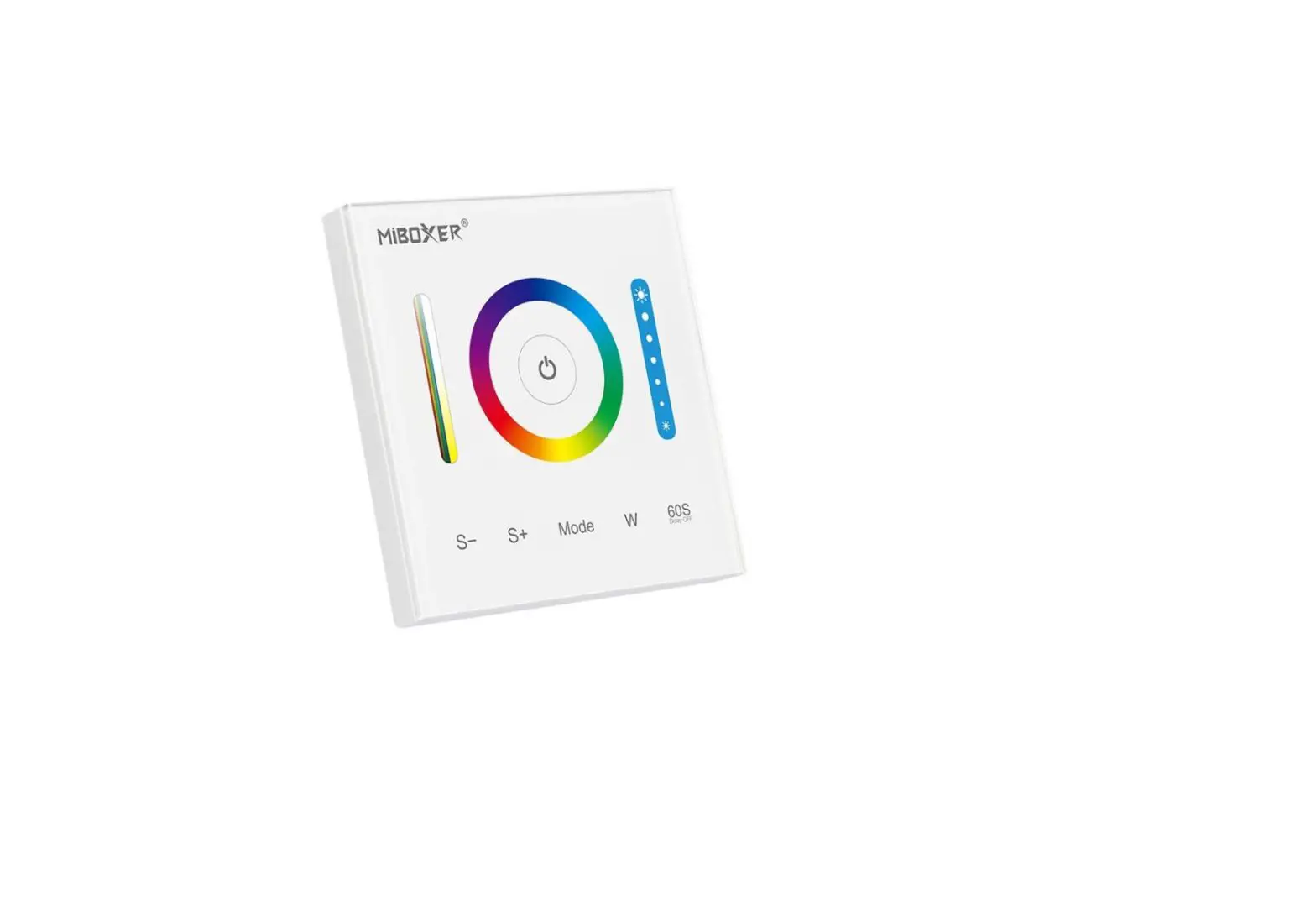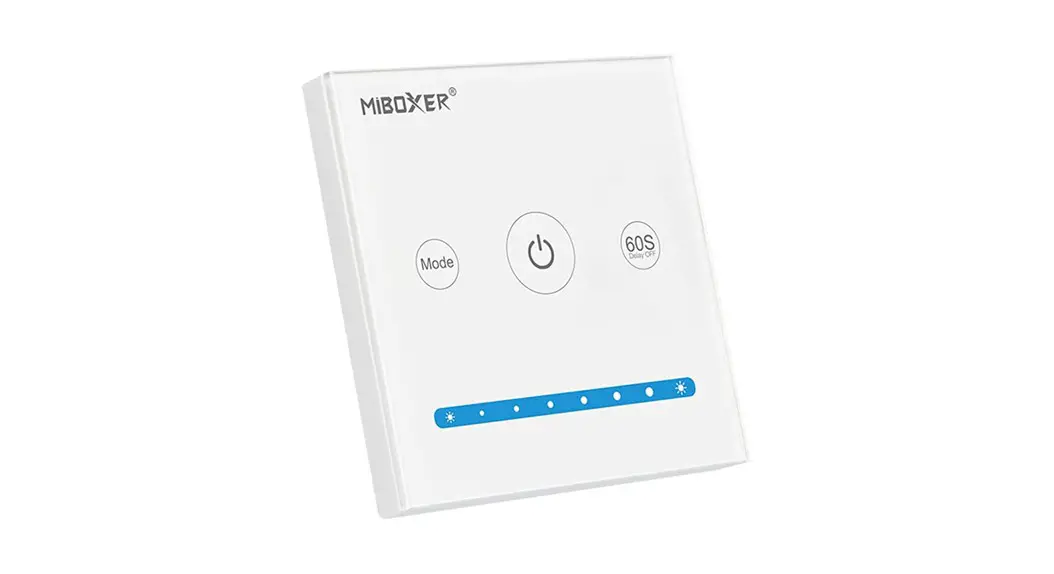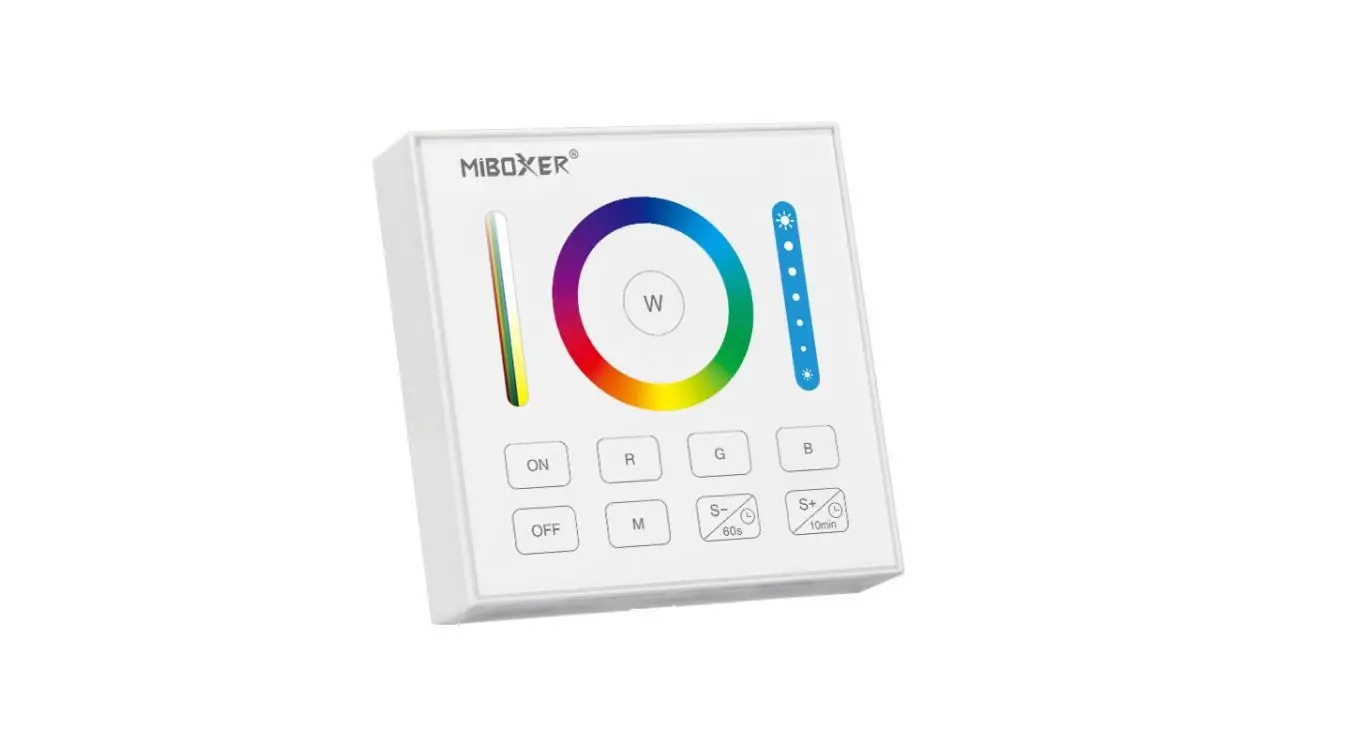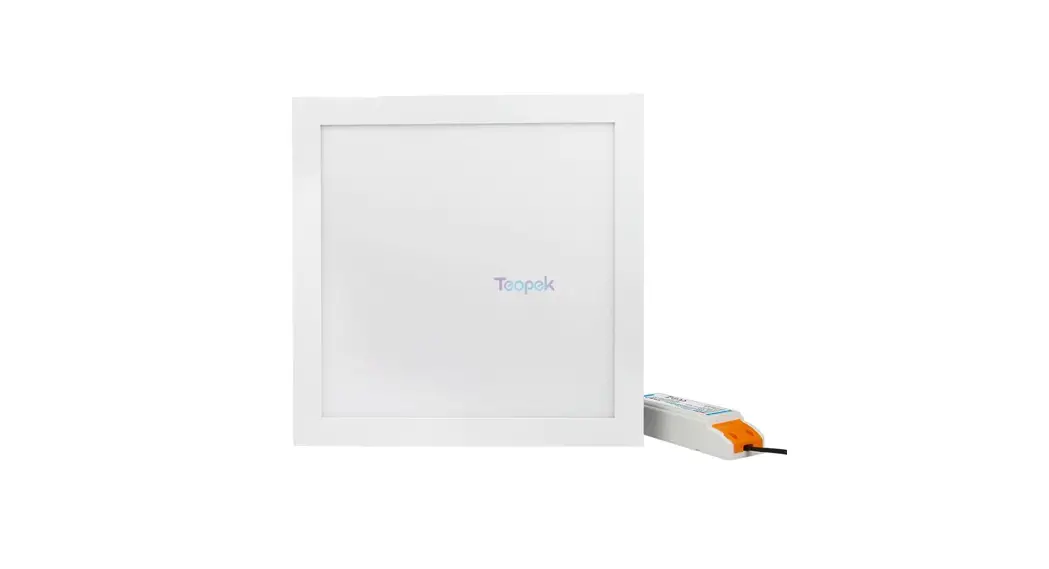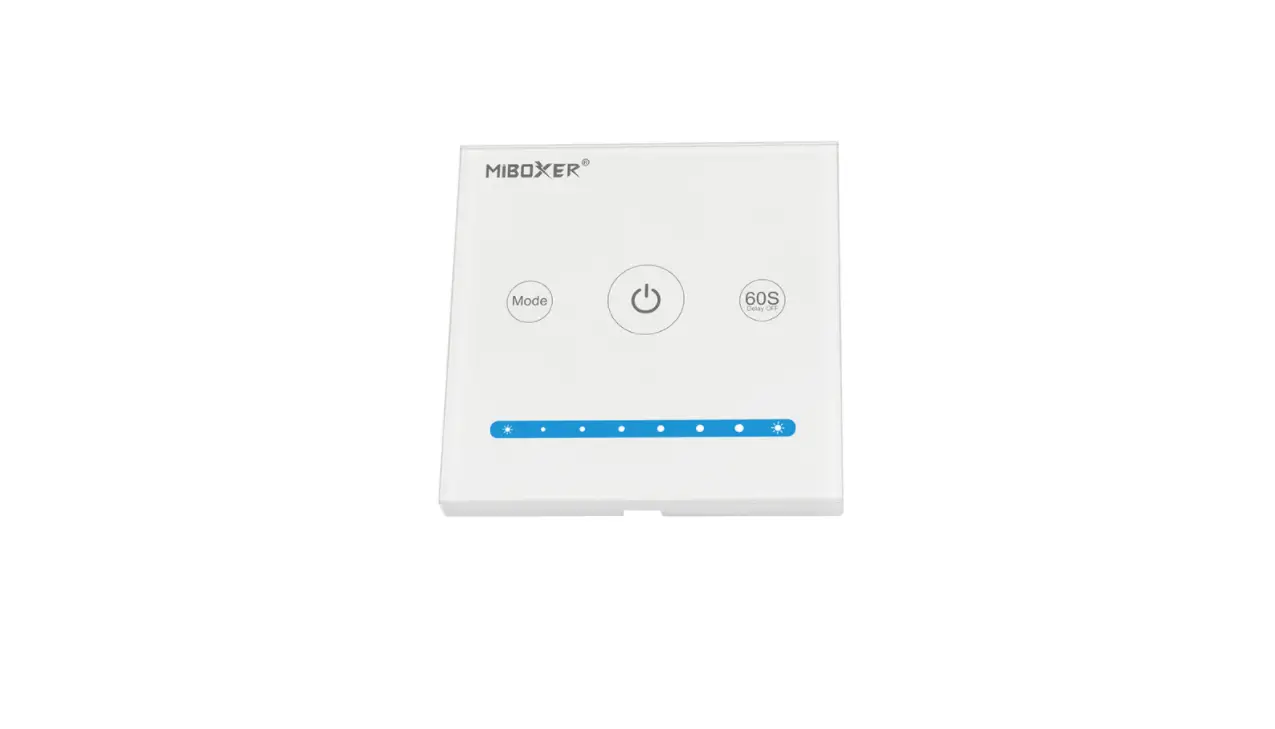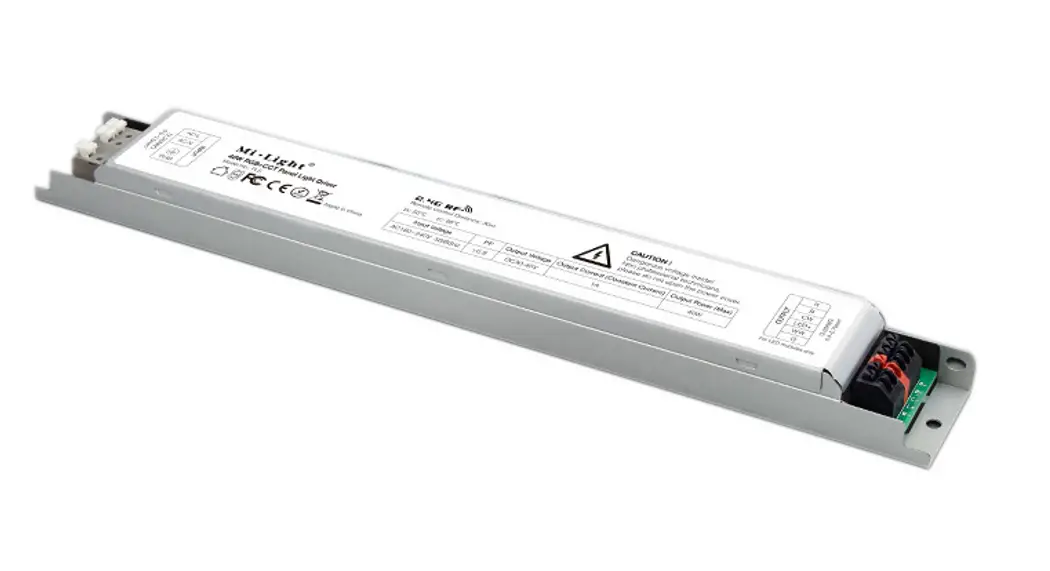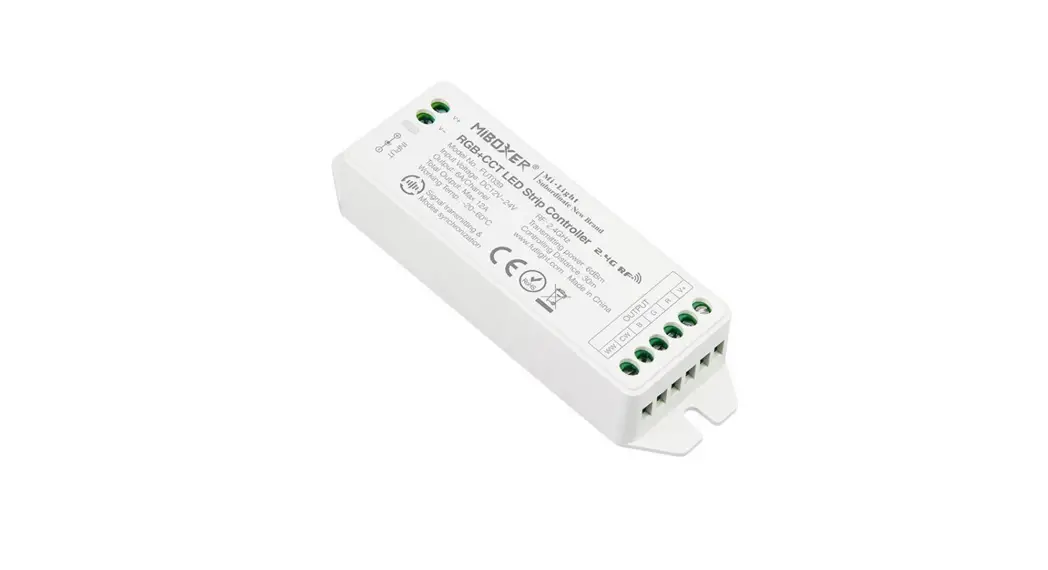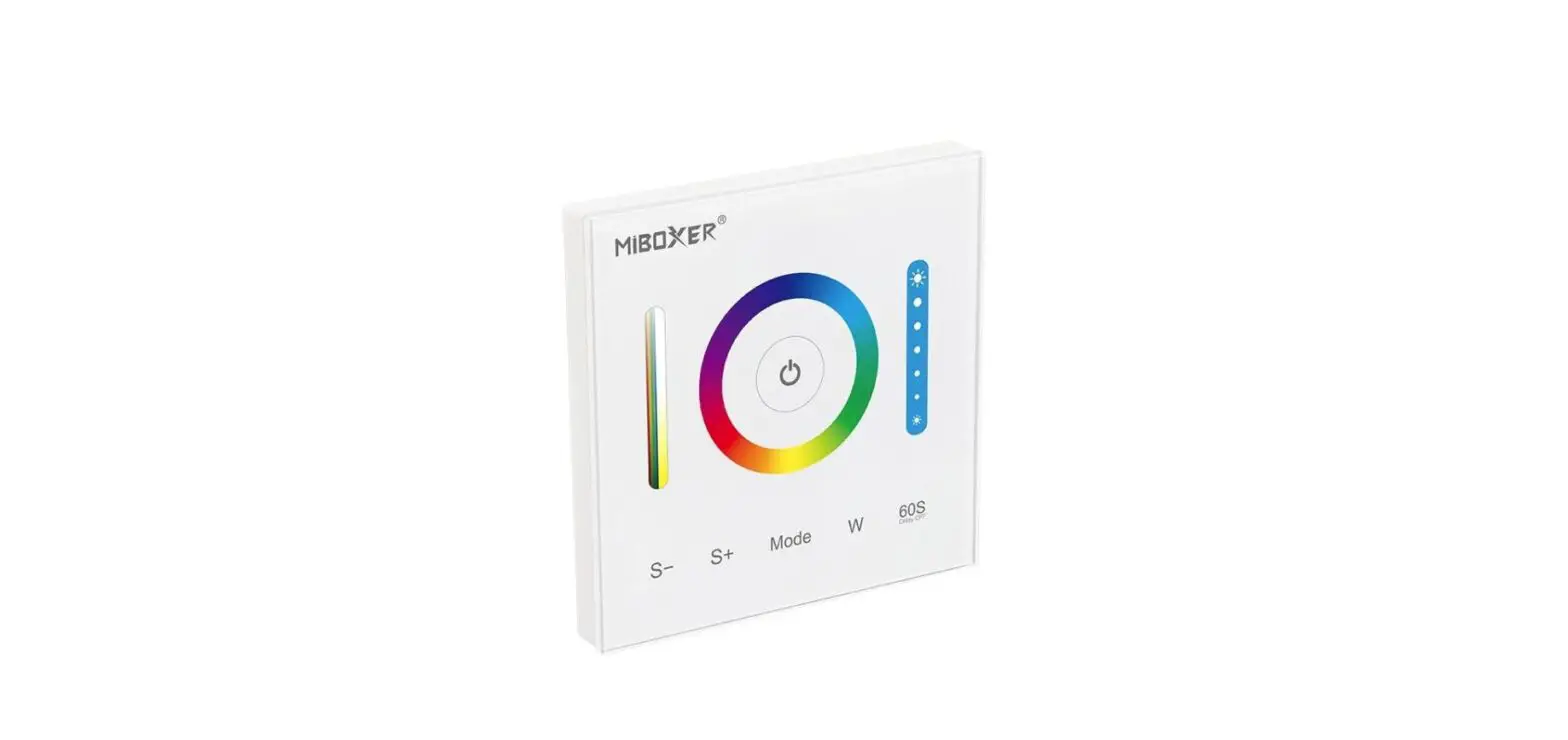

MIBOXER P3 3 in 1 Panel Controller RGB/RGBW/RGB+CCT
Features
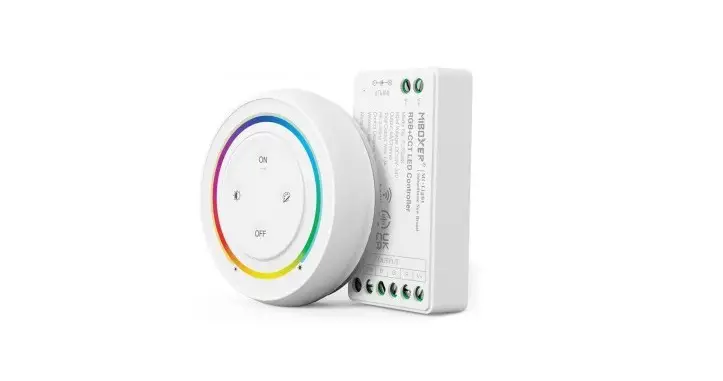
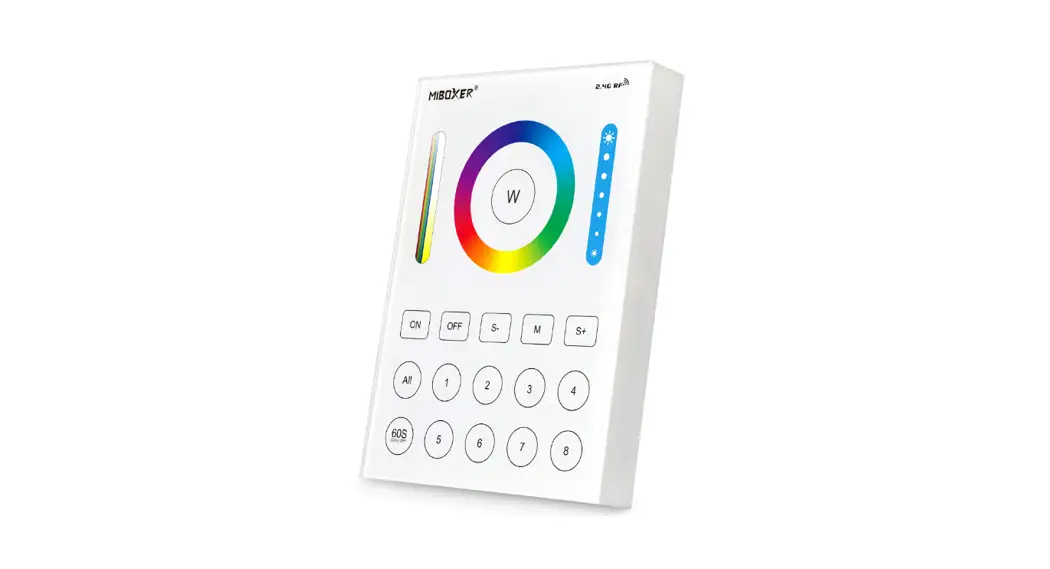
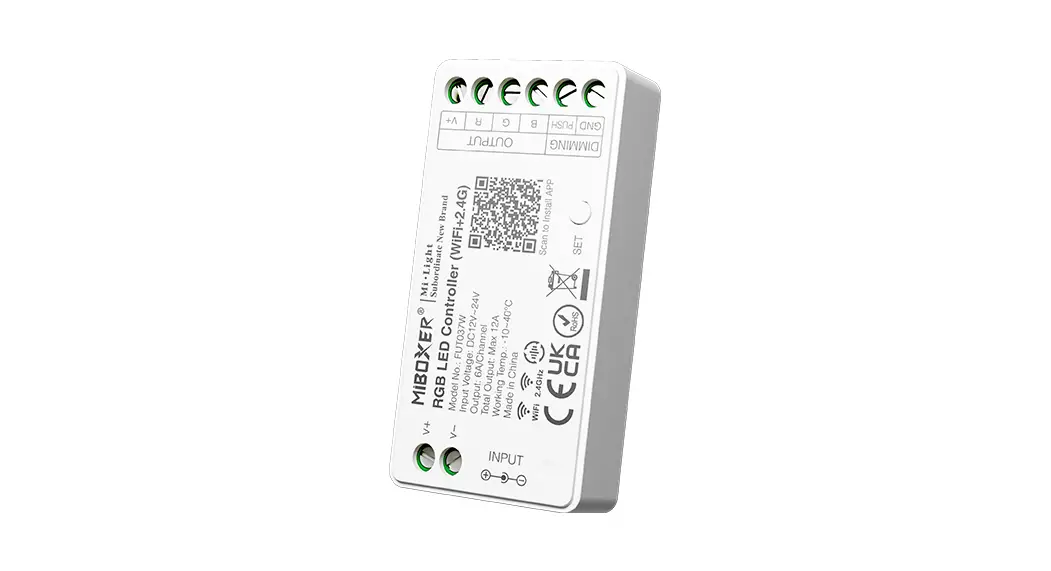
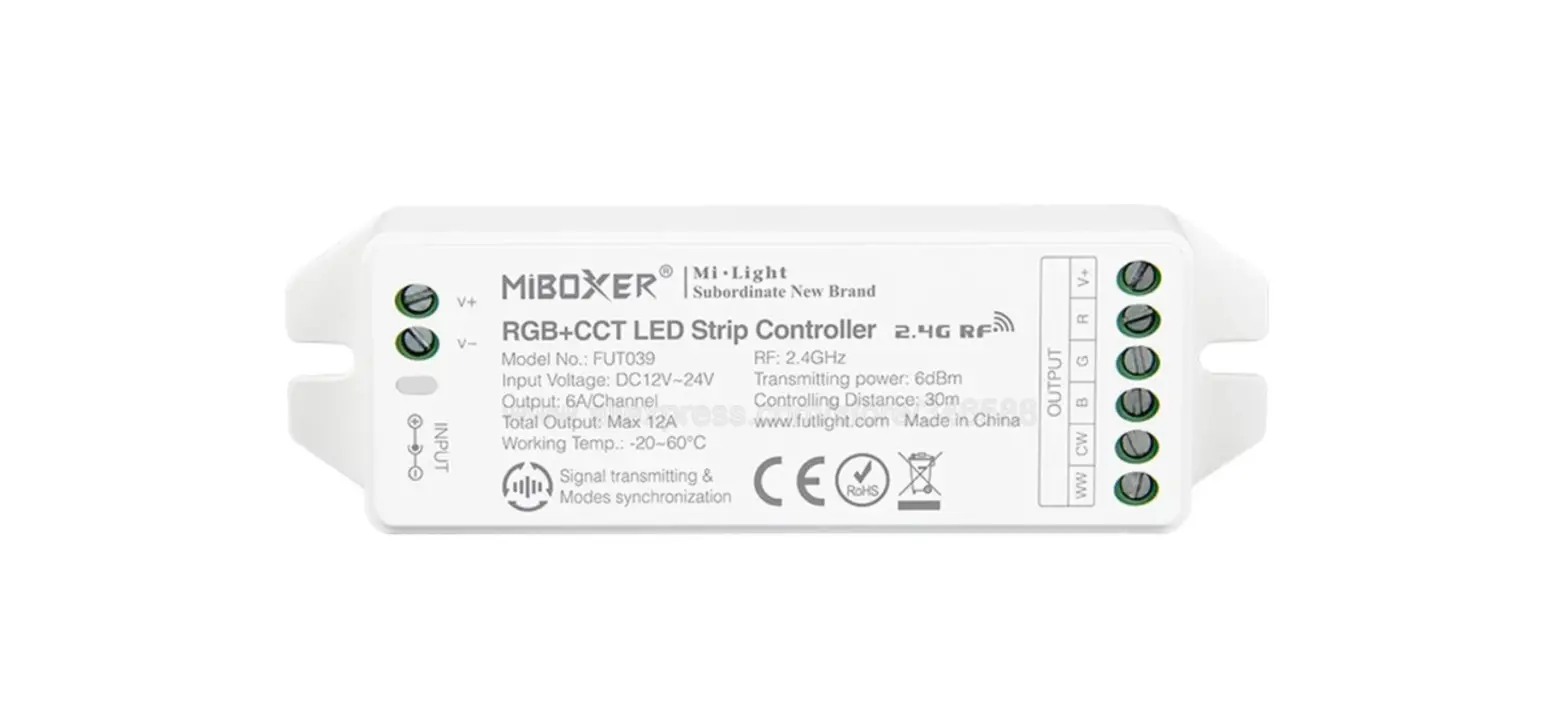
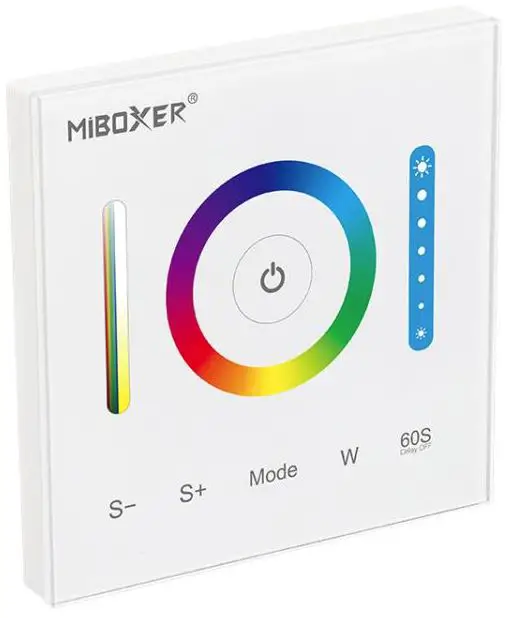
This product is a touch panel controller designed with a standard 86’86mm-box structure which can be connected with a constant voltage LED strip or lamp. It supports touch color adjustment, dimming, brightness dimmable, etc. You can pair it with remote control and enjoy the remote control function, It’s flexible and convenient to use.

- 16 Million colors to choose
- Color temperature adjustable
- Dimmable/Saturation control
- 2.4G RF wireless transmission technology
- Remote control Control distance 30m
- Support third-party voice control (2.4GHz gateway is needed)
- DMX512 controllable ( DMX512 LED transmitter is needed)
Parameters
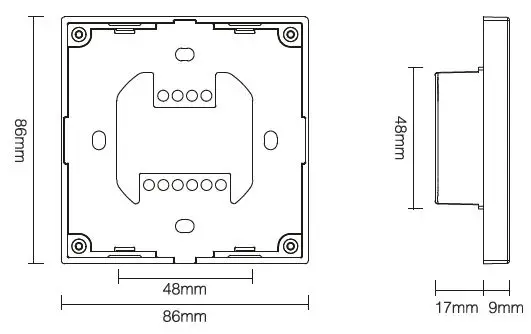
| Model No. | P3 |
| Input/Output Voltage | DC12V~24V |
| Output | 5A/Channel |
| Total Output Max | 10A |
| RF | 2.4GHz |
| Control Distance | 30m |
| Working Temp. | -20~60°C |
| Product Weight | 186g |
Function
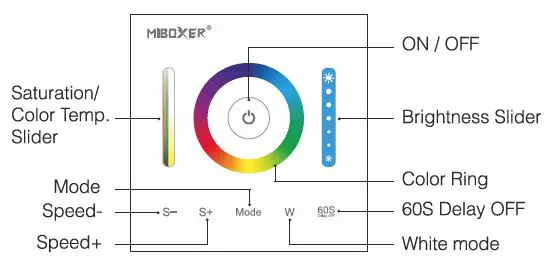
This controller is compatible with RGB, RGBW, and RGB+CCT versions. It will be an RGB+CCT version when you get it the first time.
Method of Switching RGB, RGBW, and RGB+CCT versions
- When the light is OFF, long press the” Mode” and “W” buttons at the same time, and the controller will sound 3 times after 5 seconds, then it changes to the RGB version.
- When the light is OFF, long press the” W” and “
 “buttons At the same time, the controller will sound 4 times after 5 seconds, then it changes to the RGBW version.
 - When the light is OFF, long press the ” Mode ” and “ “buttons at the same time, and the controller will sound 5 times after 5 seconds, then it changes to the RGB+CCT version.
 “buttons At the same time, the controller will sound 4 times after 5 seconds, then it changes to the RGBW version.
- Short press ON/ OFF switching
- Long press to turn on the night light while the light is on.
- Short press twice to enter the learning code state (see 8, 9 for details) while the light is on.
- W-Press” W “, and switch to static white light mode.
- When the light is ON, press” “, the light will be off automatically after 60 seconds.
 Touch the color ring, and choose the color you want.
 Touch the dimming slider to change the brightness from 1%~100%.
- Each mode has its own brightness value and saturation value ( Static white light mode and dynamic white light gradual changing mode have no saturation ) function see details for P3 Mode table.
 Touch the color ring, and choose the color you want.
 Touch the dimming slider to change the brightness from 1%~100%.
- Mode: Press ” Mode ” shortly, and switch to the next mode; long press ” Mode “, and switch the modes circularly, there are 12 kinds of modes. (PS, on the color light, press mode, and it will get to the first mode).
- In the version of RGB+CCT, the white gradual changing mode means CCT gradual changing under static white mode.
- S- Slow the speed on the present dynamic mode. There is 5 class speed. Long press” S- “, and slow the speed continuously. When it gets to the slowest speed, ” S- ” will be invalid. (Dynamic mode see details for P3 Mode table.)
- When the light is OFF, long press 5 seconds to turn OFF the indicating sound.
- S+ Accelerate the speed on the present dynamic mode. There is 5 class speed. Long press “S+”, and accelerate the speed continuously. When it gets to the fastest speed, “S+” will be invalid. (Dynamic mode see details for P3 Mode table.)
- When the light is OFF, long press 5 seconds to turn ON the indicating sound.
PWM high-frequency/low-frequency switching
Switch to high frequency (8KHz): on the condition of turning on the light
- Short press the “OFF” button of the remote control once;
- Short press the “ON” button of the remote control 5 times within 3 seconds, and the white light blinks 2 times quickly, indicating successfully.
Switch to low frequency (500Hz): on the condition of turning off the light
- Short press the “ON” button of the remote control once;
- Short press the “OFF” button of the remote control 5 times within 3 seconds, and the white light blinks 2 times slowly, indicating successfully.
P3 Mode Table 1 default
| State | Number | Mode | Brightness/Saturation/Speed |
| Static Mode (Natappllcabla to remote control) | 1 | Red | Adjustable (Speed is not adjustable) |
| 2 | Green | ||
| 3 | Blue | ||
| Dynamic Mode | 4 | Mardi Gras | Adjustable |
| 5 | Automatic color change | ||
| 6 | Sam | ||
| 7
8 | Gemstone
Twilight | ||
| 9 | American | ||
| 10 | Fat Tuesday | ||
| 11 | Party | ||
| 12 | Slow Color Splash |
P3 Mode table 2 (need to switch manually)
| State | Number | Mode | Brightness/ Saturation/Speed |
| Static Mode (Notapplical>le to remote control) | Red | Adjustable (Speed is not adjustable) | |
| Green | |||
| Blue | |||
| Dynamic Mode | Colors gradual change | Adjustable saturation | |
| White light Gradual change | Saturation isnot adjustable | ||
| RGB gradual change |
Adjustable | ||
| Seven colors jump to change | |||
| Jump to change randomly | |||
| Red light gradual change +Flash 3 times | |||
| 10 | Greenlight gradual change +Flash 3 times | ||
| 11 | Blue light gradually change +Flash 3 times | ||
| 12 | White light gradual change +Flash 3 times |
Dynamic mode table selection Remote control only
- Select dynamic mode table 1: press “
 ” 2 times continuously when the light is on, Within 3 seconds, press the” S+” button of the remote control 5 times, the blue light blink 3 times slowly , indicating successfully.
 - Select dynamic mode table 2: press “ ” 2 times continuously when the light is on, Within 3 seconds, press the” S-” button of the remote control 5 times, the yellow light blink 3 times slowly, indicating successfully.
Link/Unlink
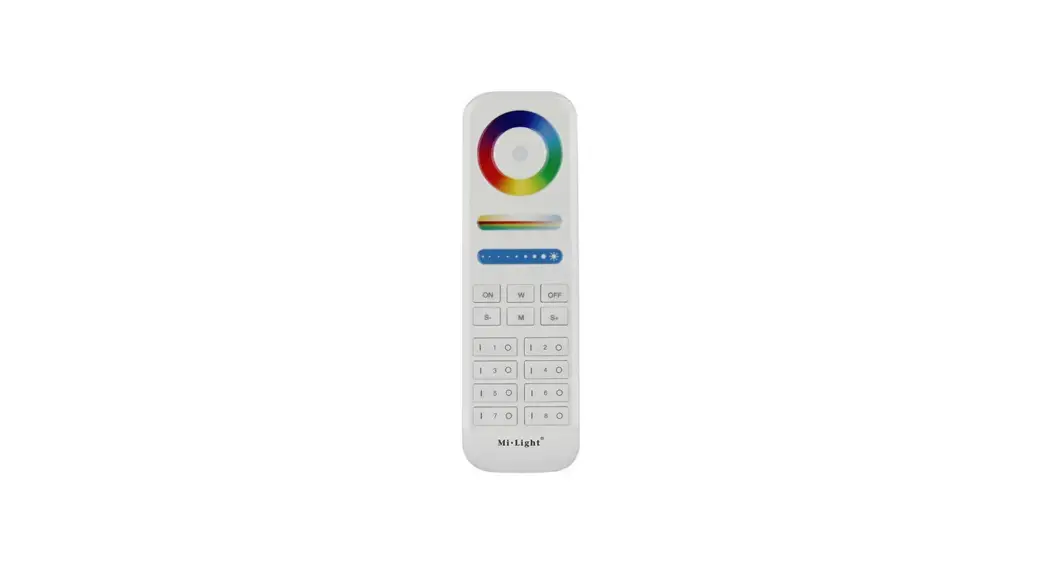
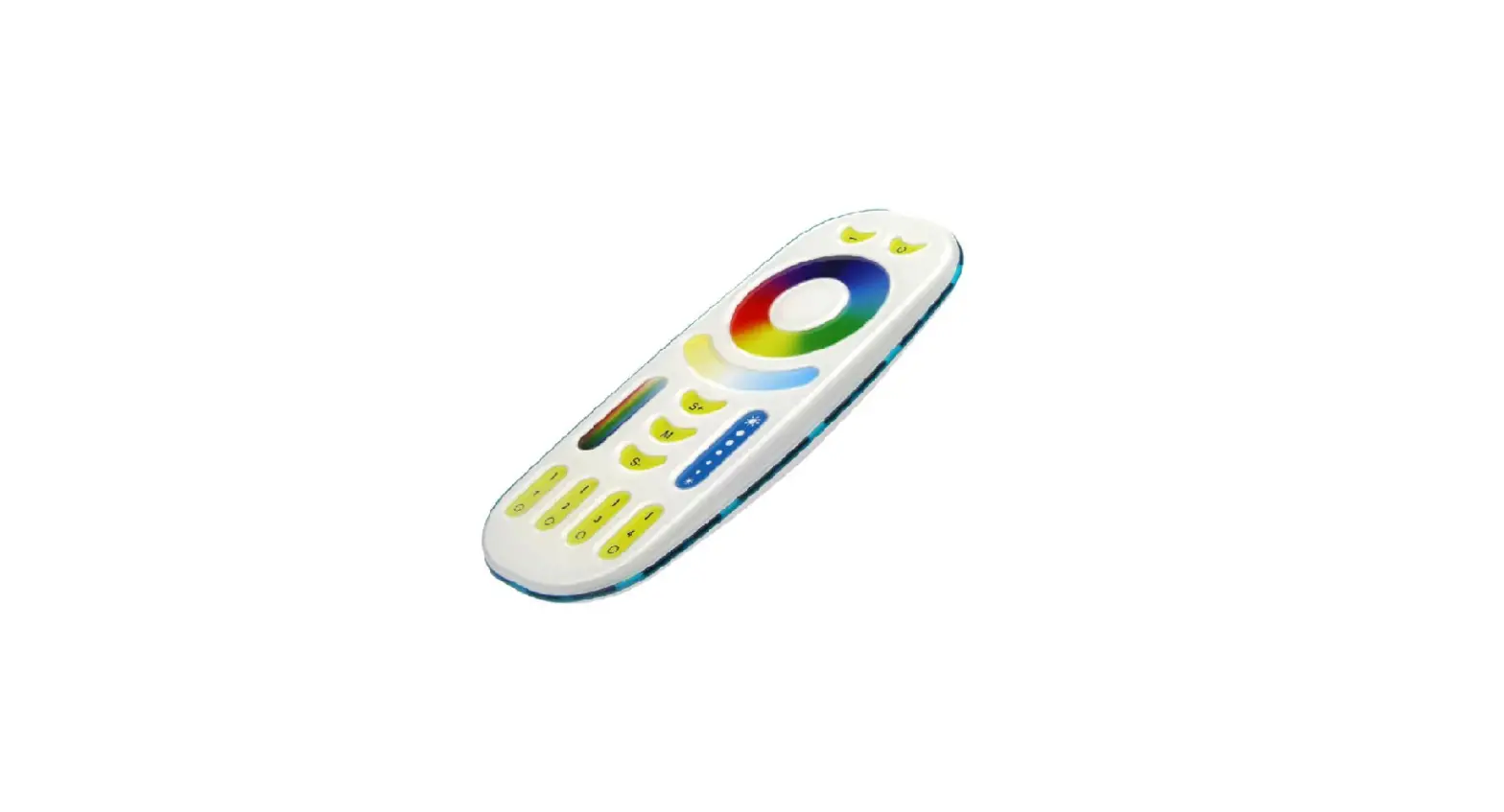
Compatible with these remote controls (Purchase separately)
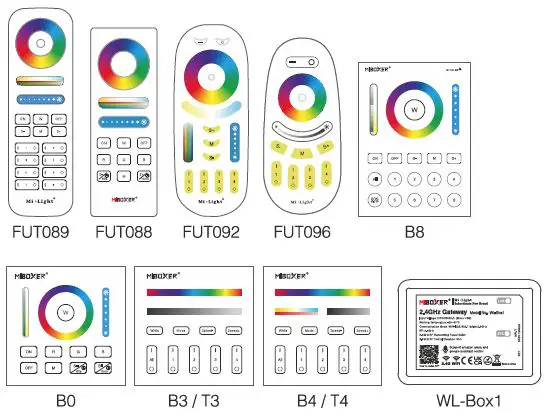
Light will work after linking with the remote control; for more details, pis read the remote instruction.
Remote control Link/Unlink
Support all remote control to do Link/Unlink (see 7 for details)
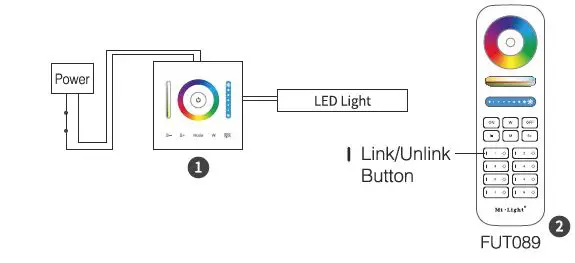
Link
Press” ” 2 times continuously when light is on
- Press the remote control within 3 seconds ” I ” key 3times
- The light blink 3 times slowly means the linking is done successfully
Unlink
Press “ ” 2 times continuously when light is on
- Press the remote control within 3 seconds ” I ” key Slimes
- The light blinks 10 times quickly means the unblinking successfully
If the link or unlink failed, please follow the above steps again.
DMX512 LED Transmitter Link/Unlink
Compatible with DMX512 LED Transmitter (Purchase separately)
- Choose the zone for the controller by pressing ‘ + ‘ or ‘-‘ (e.g. ‘CH12’ means zone 12)

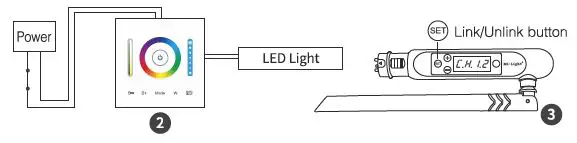
Link
Press “ ” 2 times continuously when the light is on
- Short press “
 ” 3 times within 3 seconds
 - The light blink 3 times slowly means the linking is done successfully
 ” 3 times within 3 seconds
Unlink
Press “ ” 2 times continuously when the light is on
- Short press “ ” 5 times within 3 seconds
- The light blinks 10 times quickly means the unlinking successfully
If the link or unlink failed, please follow the above steps again.
DMX512 LED Transmitter Connection Diagram
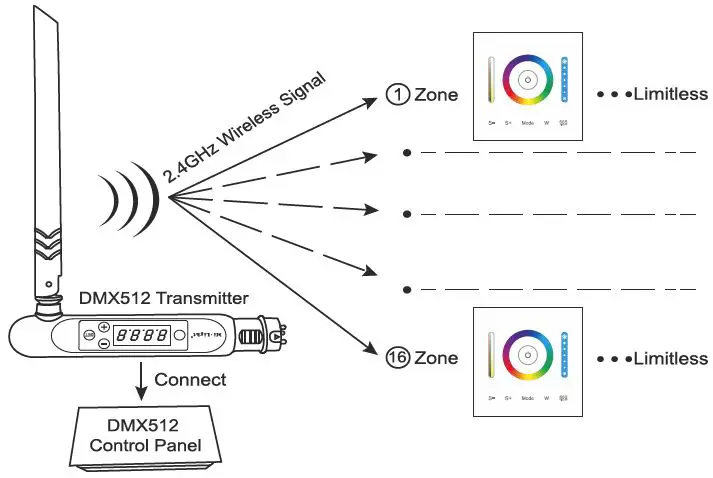
Signal transmitting
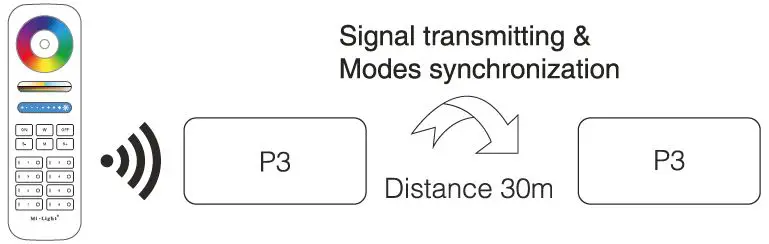
One strip controller can transmit the signals from the remote control to another controller within 30m, as long as there is a strip controller within 30m, the remote control distance can be limitless.
Modes synchronization
Different controllers can work synchronously when they are started at different times, controlled by the same remote, under the same dynamic mode, and within a 30m distance.
The same dynamic mode and the same speed can be synchronized.
Installation/Dismantlement
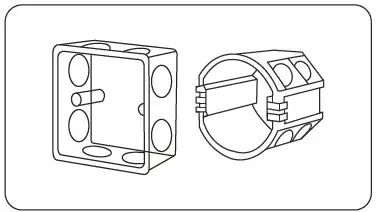
- Install the bottom case into the wall; Above are the standard bottom cases.

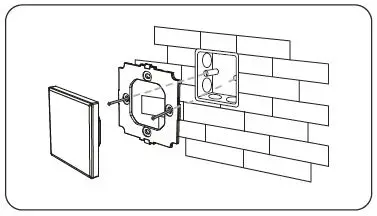
- Fix the controller base on the bottom case with a screw.

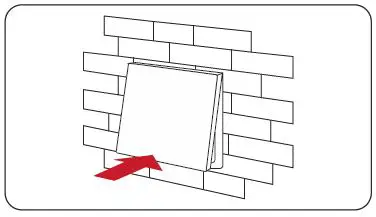
- Clicks into the upper side of the glass panel on the controller base, then press the lower side slightly to make it clicks into the controller base.

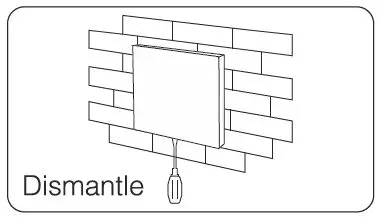
- Plug into the below bayonet with a screwdriver, and upwarp screwdriver, then you can dismantle the controller.

Attention:
- Please check whether the voltage of the power supply is in accordance with the controller, and please check the connection of both the cathode and anode, otherwise the controller will be broken.
- Please don’t connect wires with power on. Please turn it on again only when it is in the right connection and no short circuit.
- Please do not use the controller in a place with a wide range metal area or strong electromagnetic wave nearby, otherwise, the remote distance will be seriously affected.


Made in China.