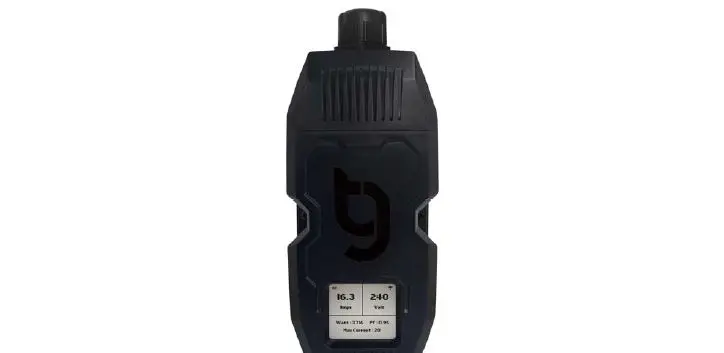
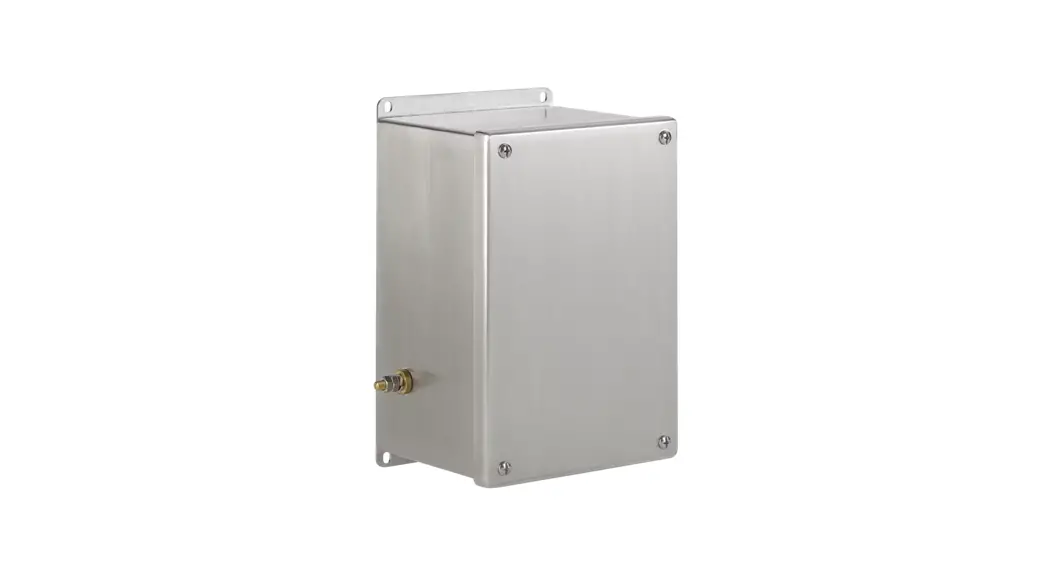
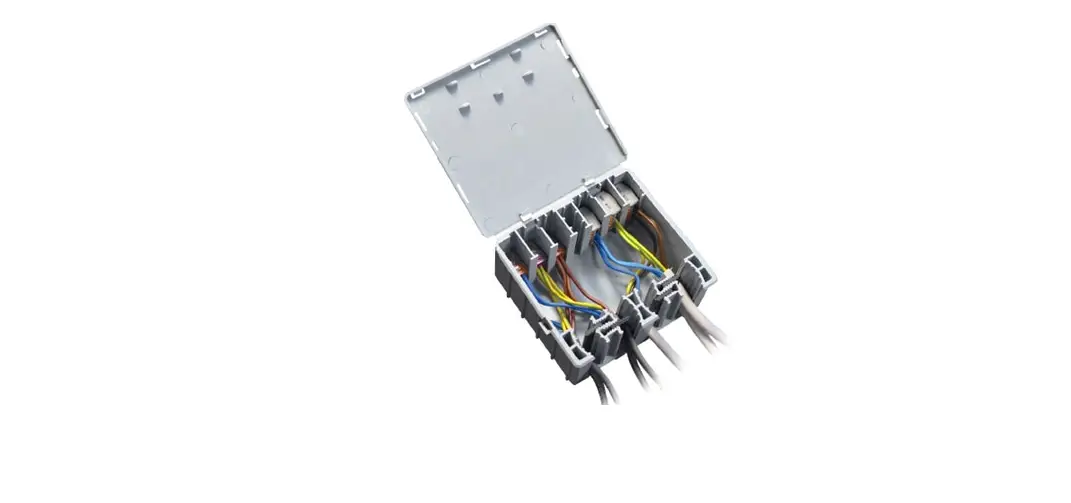
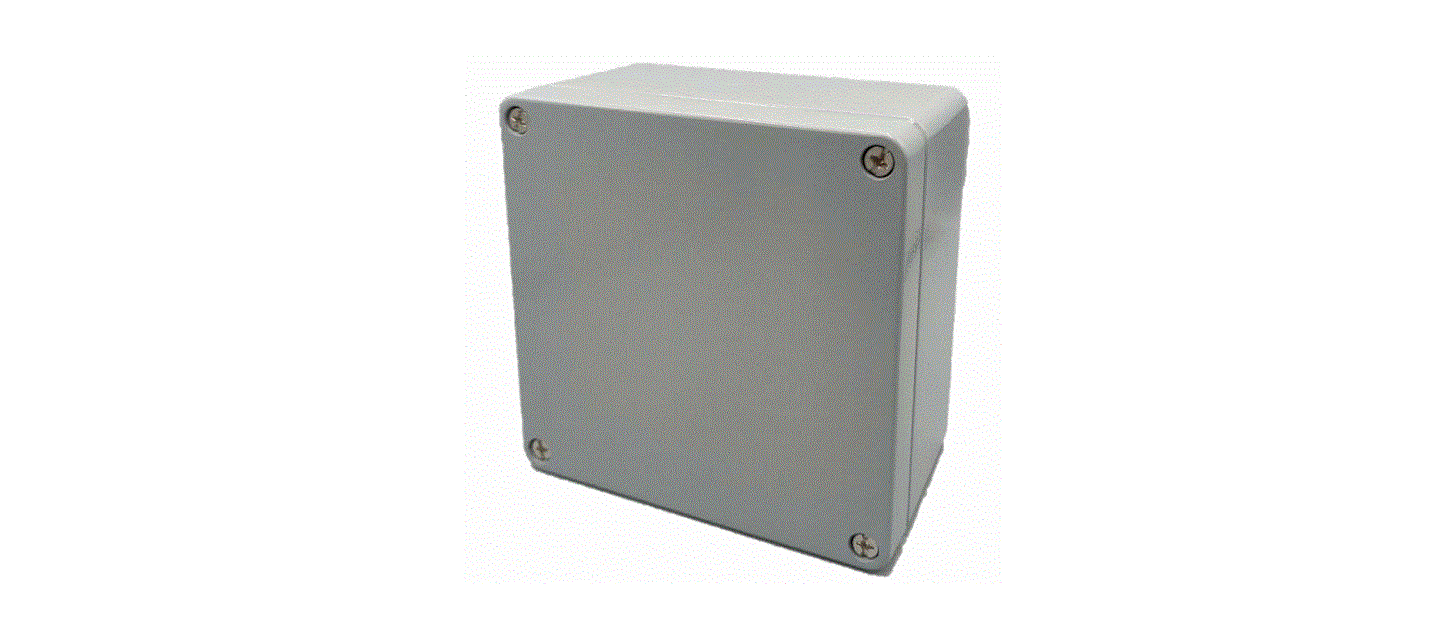
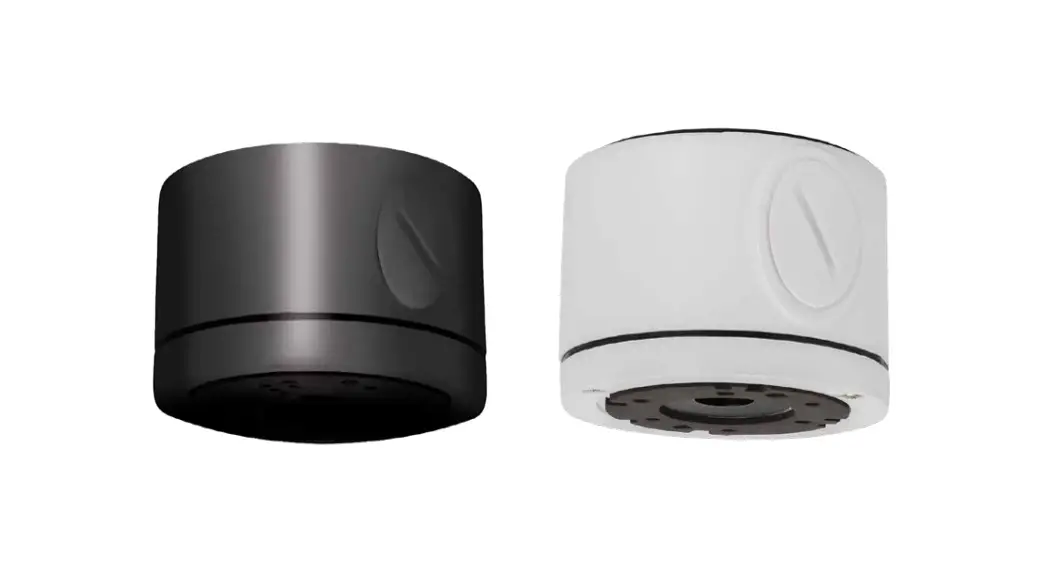
JB Equalised Junction Box
Product Information
The product is a junction board for load cells, specifically
designed for analogic and digital load cells. It has various
technical features and can be used for series connection with
multiple boards.
Technical Features of the Junction Cards
- Analogic Load Cell
- Digital Junction Board
Analogic Load Cell
The analogic load cell requires specific connection
instructions. When using a 6-cable load cell, the SENSE+ must be
short-circuited with EXC+, and SENSE- must be short-circuited with
EXC-.
Digital Junction Board
The digital junction board supports both 6-wire and 4-wire load
cell connections. It also has a series connection feature for using
multiple boards.
6 Wires Load Cell Connection
The digital junction board supports full duplex and half duplex
connections for 6-wire load cells.
4 Wires Load Cell Connection
The digital junction board provides instructions for connecting
4-wire load cells. It also mentions the proper functioning of RCPTD
load cells when the switch is set to OFF.
Connection to Indicator
The junction board needs to be connected to an indicator. The
manual provides specific instructions for connecting the junction
board to the indicator.
Series Connection with 2 or More Boards
For series connection with multiple boards, the manual provides
instructions on how to connect the boards and the indicator. It
also mentions the required termination jumpers and resistor for
proper functioning.
Product Usage Instructions
Equalisation Procedure
- Tighten all trimmer screws in a clockwise orientation.
- Perform the calibration using a standard weight of about 1 / (n
– 1) of the capacity, where n is the number of cells. Position the
weight centrally. - Place the standard weight near the points corresponding to the
load cells and identify the cell with the lowest visualized
weight. - Adjust the remaining cells to have the same weight as the cell
with the lowest signal. Follow the steps below:- Position the standard weight on the point corresponding to the
cell with the highest weight. - Loosen the cell trimmer’s bolt in an anticlockwise orientation
until the weight matches that of the cell with the lowest
value. - Repeat steps A and B for the remaining points related to the
cells.
- Position the standard weight on the point corresponding to the
- Check again that each point corresponding to the cells has the
same weight. If so, perform the calibration again by positioning
the standard weight centrally. Otherwise, repeat steps 3 and
4.
Note: For optimal system equalisation, it is recommended to use
a high-resolution visualization and a compact standard weight with
a reduced laying surface.
JB/JC
INDEX
INSTALLATION WARNINGS ……………………………………………………………………………………………………………….. 3 1. TECHNICAL FEATURES OF THE JUNCTION CARDS …………………………………………………………………………. 3 2. ANALOGIC LOAD CELL……………………………………………………………………………………………………………….. 4 2.1 LOAD CELL CONNECTION……………………………………………………………………………………………………… 4 2.2 CONNECTION TO INDICATOR …………………………………………………………………………………………………… 5 2.3 SERIES CONNECTION WITH 2 OR MORE BOARDS ……………………………………………………………………….. 6 3. DIGITAL JUCTION BOARD……………………………………………………………………………………………………….. 7 3.1 6 WIRES LOAD CELL CONNECTION ………………………………………………………………………………………… 7 FULL DUPLEX……………………………………………………………………………………………………………………………….. 7 3.2 4 WIRES LOAD CELL CONNECTION ……………………………………………………………………………………………. 8 3.3 RCPTD LOAD CELLS CONNECTIONS …………………………………………………………………………………………… 8 3.3 CONNECTION TO INDICATOR …………………………………………………………………………………………………… 9 3.4 SERIES CONNECTION WITH 2 OR MORE BOARDS ……………………………………………………………………… 10 3.6 TERMINATION JUMPER ……………………………………………………………………………………………………. 11 4. EQUALISATION PROCEDURE…………………………………………………………………………………………………. 12
2
JB/JC
INSTALLATION WARNINGS
A flat and levelled laying surface. Stability and absence of vibrations. No dust or strong vapours. Levelled platforms or even laying surface of the load cells. Moderate temperature and humidity (15-30° C and 40-70%). Make sure about correct earthing. Avoid welding of load cells installed. Use waterproof connections and sheaths to protect the load cell cables. Use waterproof junctions boxes to connect the cells. Everything not expressly described in this manual has to be considered as improper use of the equipment. Tighten well the unused holes by means of caps. Connect the junction boxes to the grounding point with a short cable with a minimum cross section of 50mm2.
1. TECHNICAL FEATURES OF THE JUNCTION CARDS
Maximum input voltage: 24Vdc. Maximum input current. 700mA Maximum input load cell signal: 1000mV Temperature effect: 50ppm/°C The 10 load cell version is fitted with Surge Arresters, against overcurrent and over tension.
3
JB/JC
2. ANALOGIC LOAD CELL
2.1 LOAD CELL CONNECTION
Note: with 6 cables load cells, SENSE+ must be short-circuited with EXC+, and SENSE- must be short-circuited with EXC- .
4
JB/JC
2.2 CONNECTION TO INDICATOR
5
JB/JC
2.3 SERIES CONNECTION WITH 2 OR MORE BOARDS
6
JB/JC
3. DIGITAL JUCTION BOARD
3.1 6 WIRES LOAD CELL CONNECTION
FULL DUPLEX
HALF DUPLEX
7
JB/JC
3.2 4 WIRES LOAD CELL CONNECTION
3.3 RCPTD LOAD CELLS CONNECTIONS For the proper functioning of these load cells, the switch must be set to OFF (see below).
For the connection of the cable of the load cells on the board, follow the instruction of the previous paragraph.
8
JB/JC
3.3 CONNECTION TO INDICATOR
9
JB/JC
3.4 SERIES CONNECTION WITH 2 OR MORE BOARDS
The first board must have all termination jumpers open (including S1). Cell terminal 10 is not used for connecting the cell, but for connecting the second board. Only use pins 4 and 6 in terminal CELL10. The second board must have the termination jumper closed on the last connected cell. The indicator must have the 485 line termination resistor active.
10
JB/JC
3.6 TERMINATION JUMPER According to the number of connected load cells, it is necessary to close one of the jumpers which are on the board If the number of installed load cells is 10, or only one load cell is present, there are no jumpers to close. If the number of the installed load cells varies from 2 to 9, the jumper to close is always the one corresponding to the last cell (in numerical order). On the other side of the line it is necessary to install the 120 Ohm termination resistance between A(+) and B(-) clamps. Example: if there are 8 load cells, the jumper to be closed is J8.
11
JB/JC
4. EQUALISATION PROCEDURE
1. Tighten all trimmer screws, in clockwise orientation. 2. Carry out the calibration with a standard weight of about 1 / (n – 1) of the capacity (where n is the
number of the cells). Position it centrally. 3. Put the standard weight near to the points corresponding to the load cells. Identify the cell with the
lowest visualized weight. 4. Adjust the remaining cells in order to have on all of them a weight equal to the cell with the lowest
signal. Follow these steps: A. Position the standard weight on the point corresponding to the cell with the highest weight. B. Loosen (anticlockwise orientation) the cell trimmer’s bolt until the weight is equal to the one
of the cell with the lowest value. C. Repeat steps “A” and “B” for the remaining points related to the cells. 5. Check again that each point corresponding to the cells has the same weight. If so, carry out the calibration again, by positioning the standard weight centrally. Otherwise, repeat the points 3 and 4. N.B. For a good equalisation of the system, it is advisable to use a high resolution visualization and a compact standard weight, with a laying surface reduced as much as possible.
12