
11/10/2022 18:40
Elite 4 Active
Jabra Elite 4 Active – Black
What do the LEDs on my Jabra Elite 4 Active mean?
Here is an overview of the LED colors and behaviours.
Note
The following explanations are in English. For other languages, refer to the translated user manual in the Product documents section on the product support page.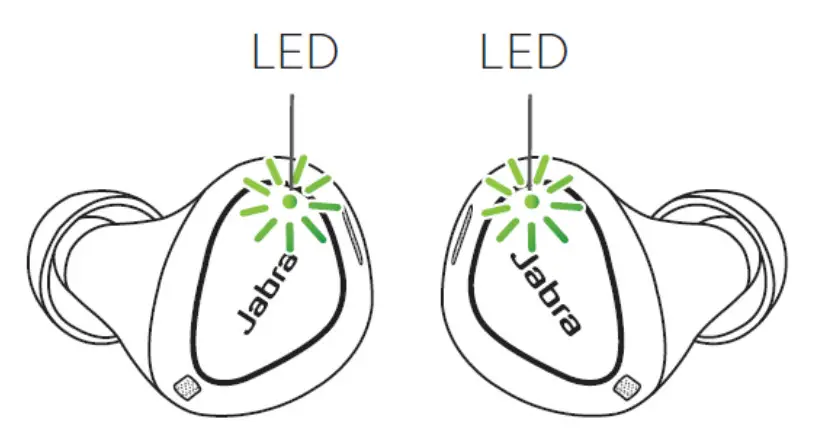
EARBUD STATUS
 High battery
 Medium battery
 Low battery
 Power off
 Pairing
 Resetting/ Firmware updating
 BATTERY STATUS WHEN OPENING CHARGING CASE
 BATTERY STATUS WHEN OPENING CHARGING CASE
 High battery Medium battery Low battery Critically low battery (earbuds not charging)
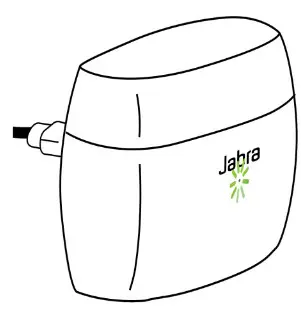
CHARGING CASE STATUS WHEN CONNECTED WITH USB CABLE High battery
 Medium battery Low battery , Fully charged
 What do the LEDs on my Jabra Elite 4 Active mean? | Jabra Elite 4 Active - Black | FAQ | Jabra Support