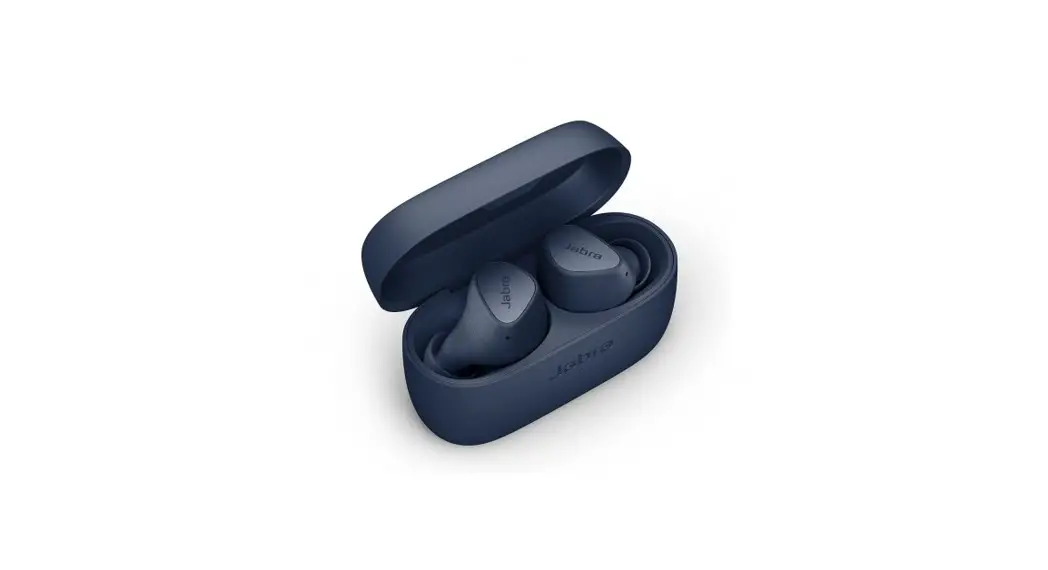
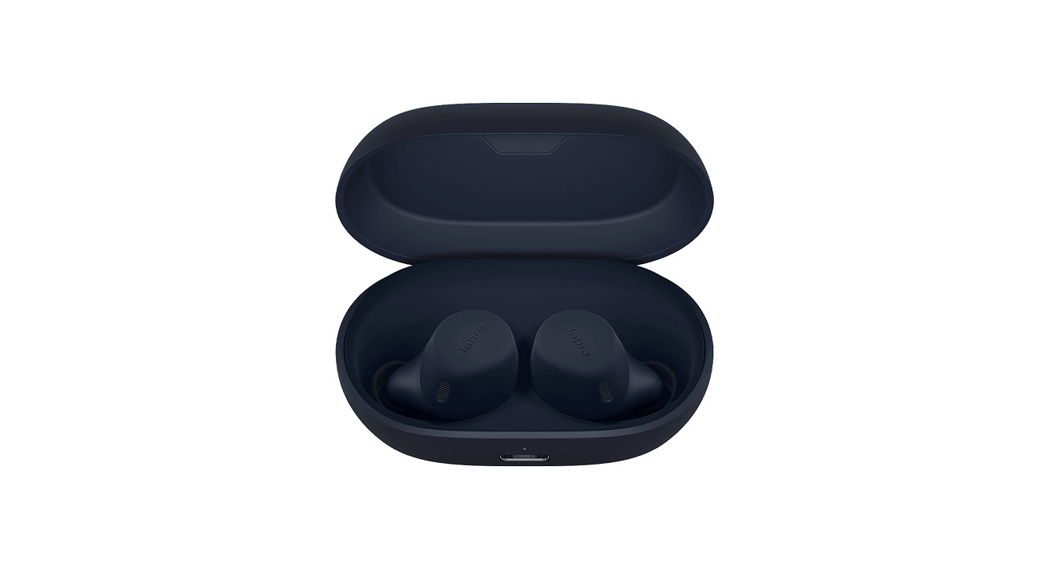
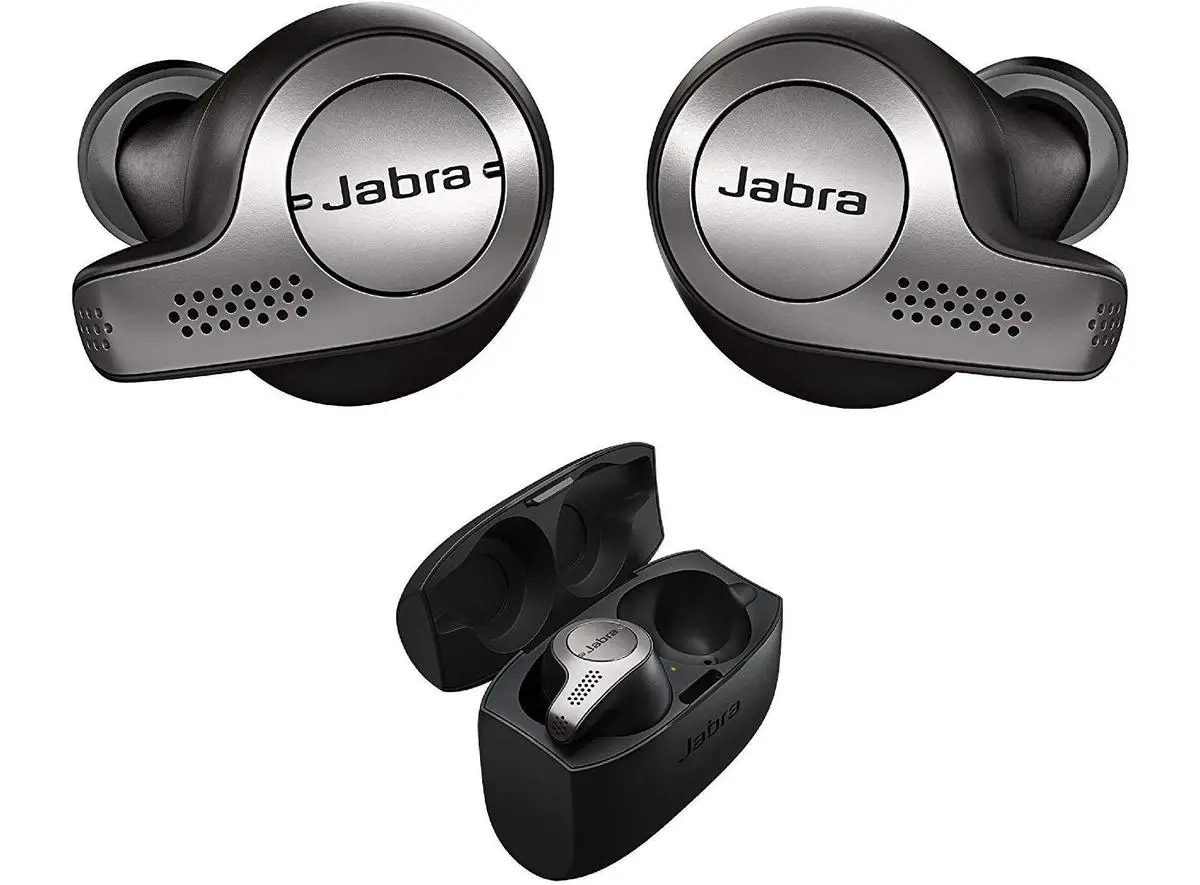
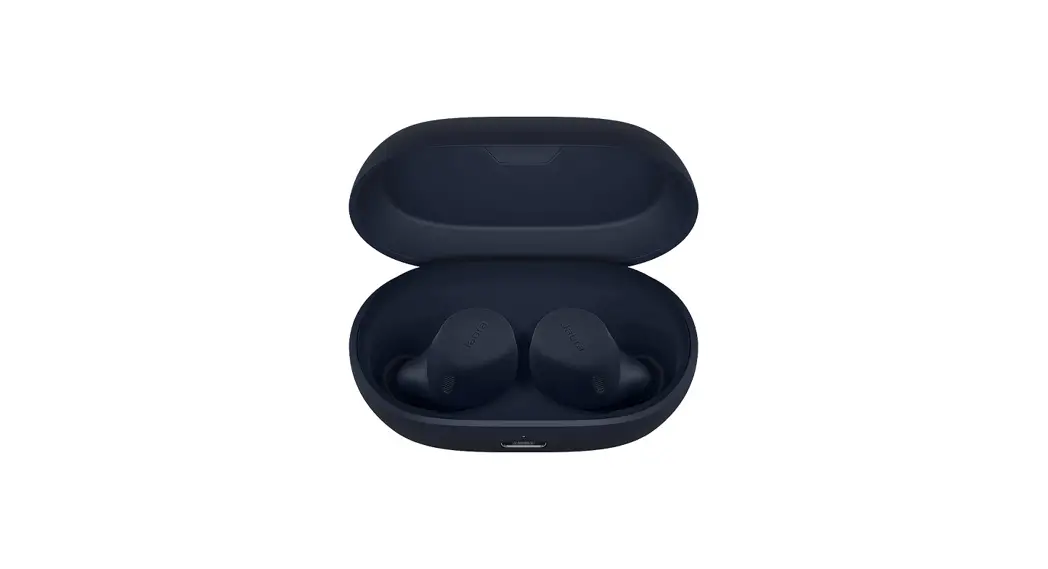
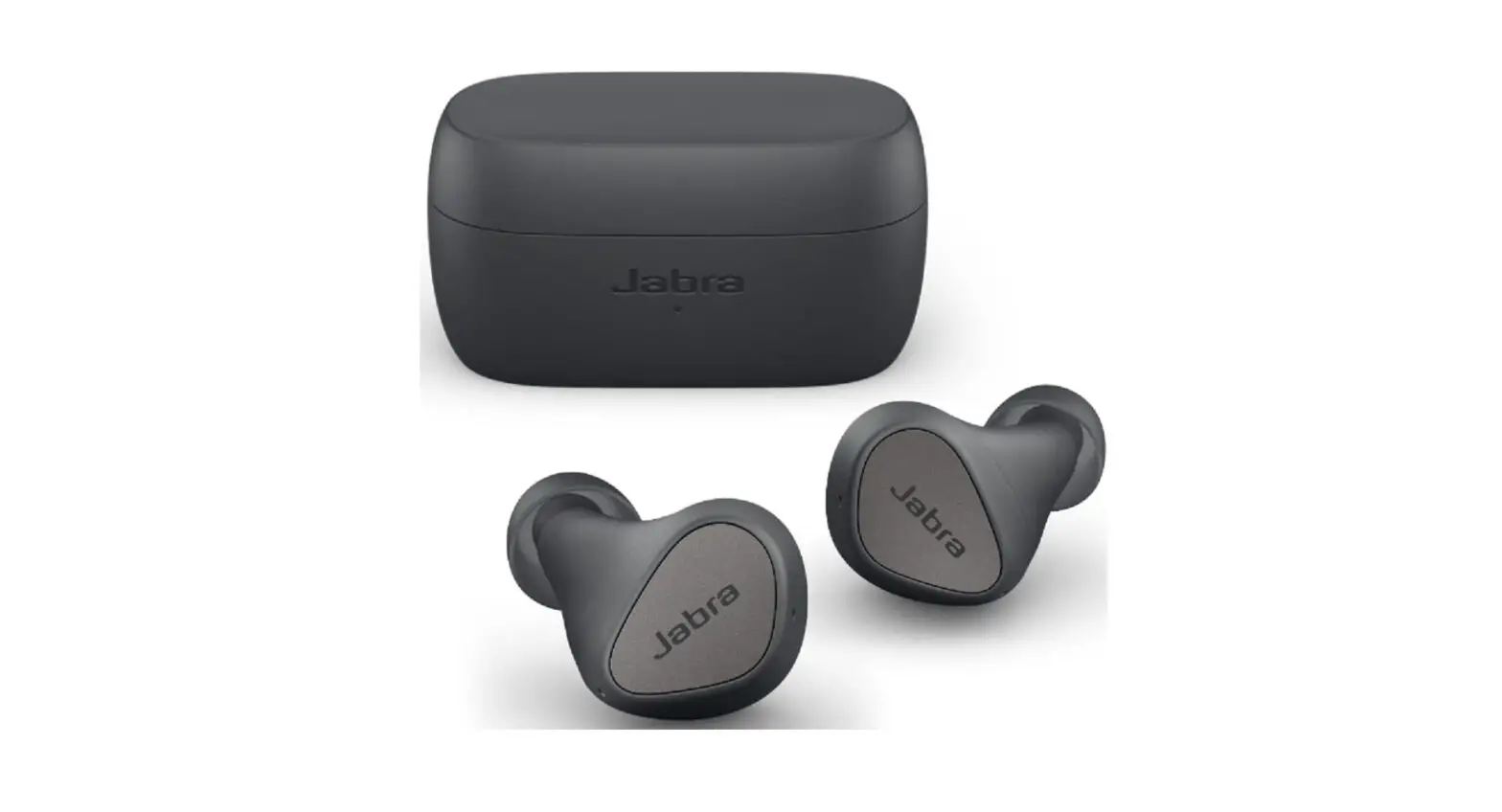
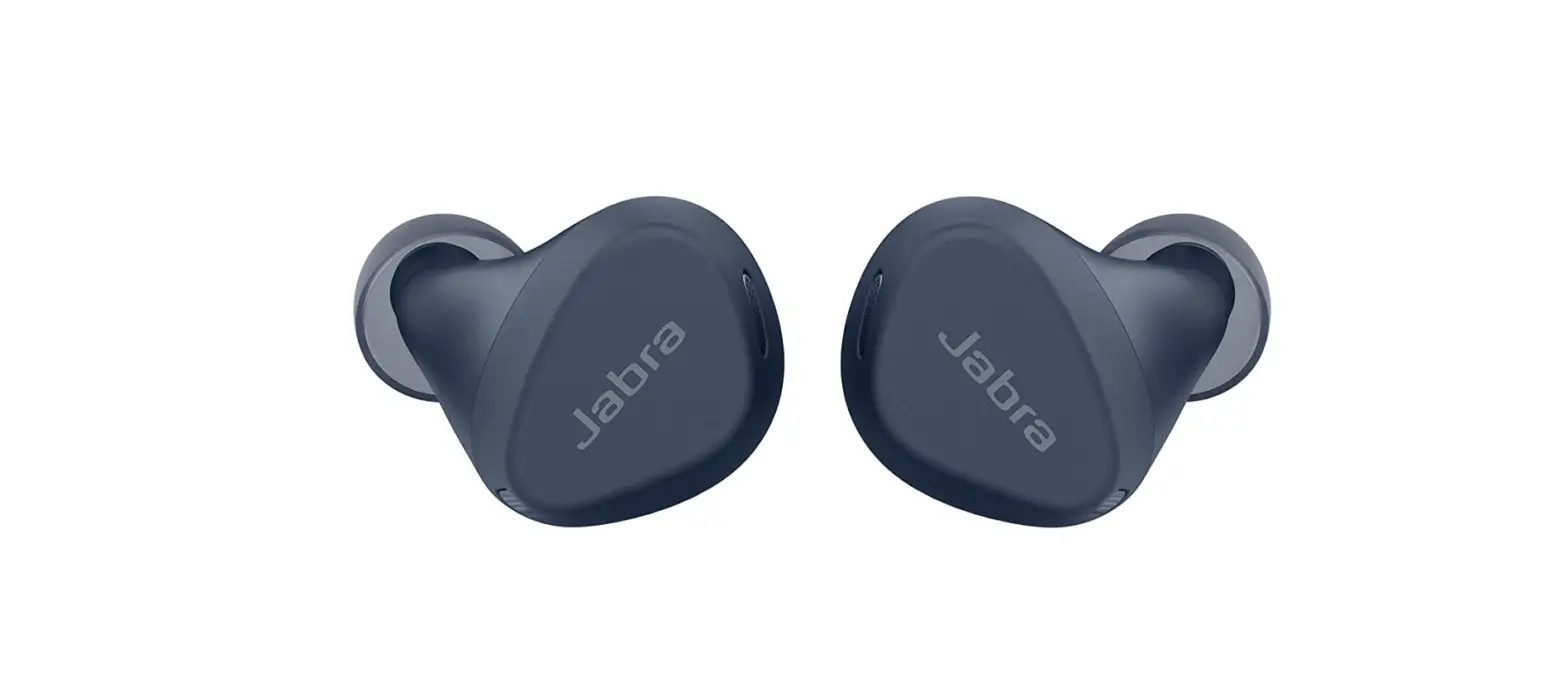
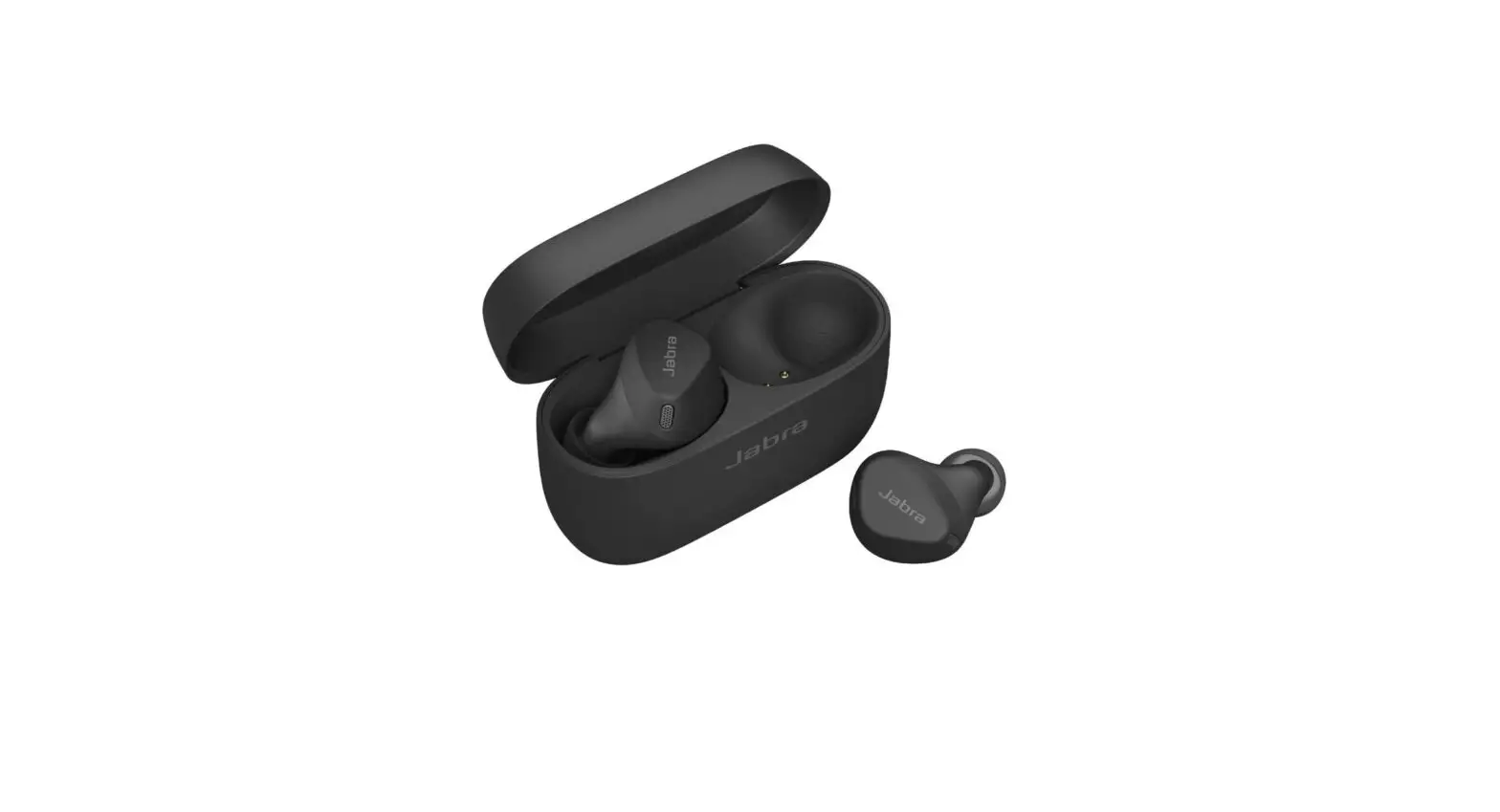
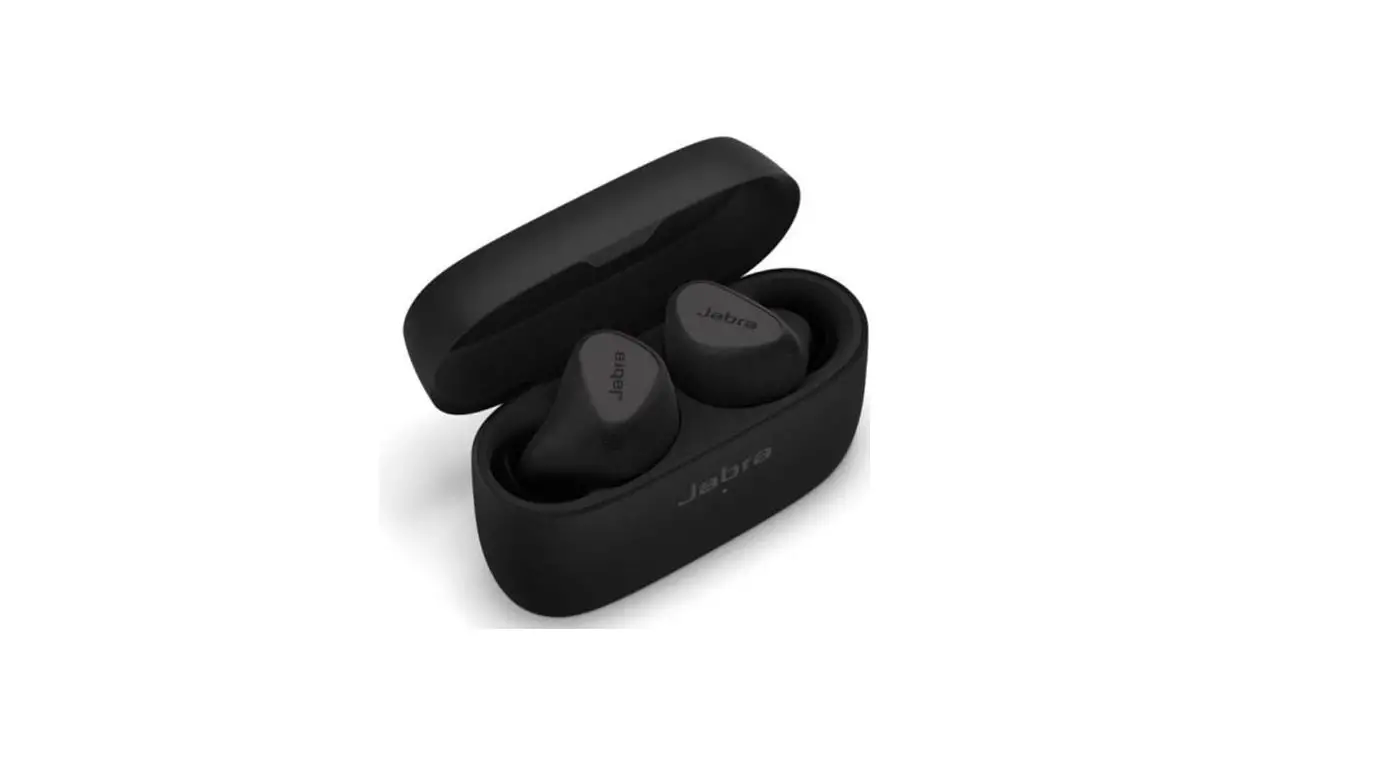
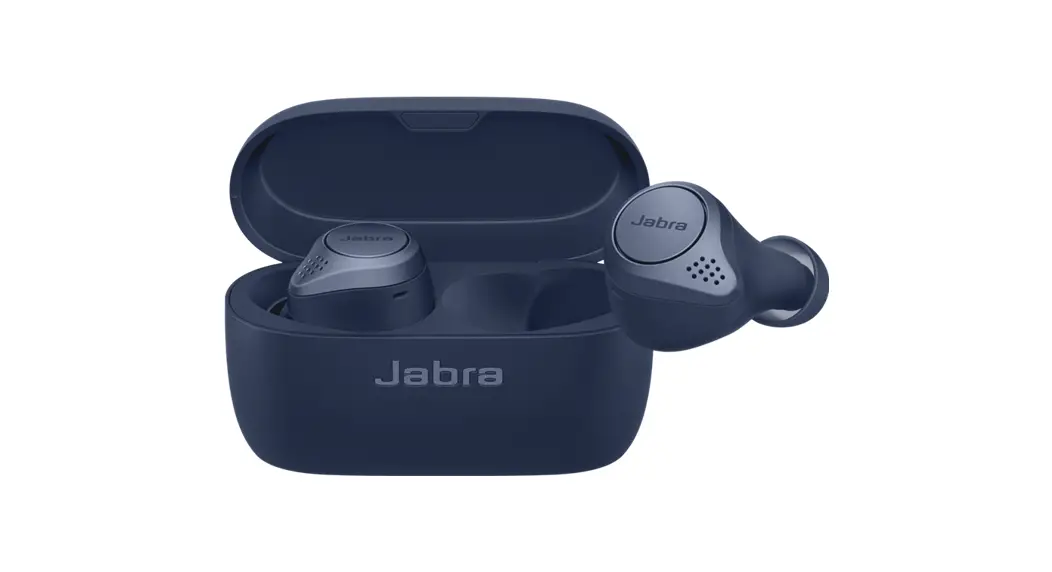
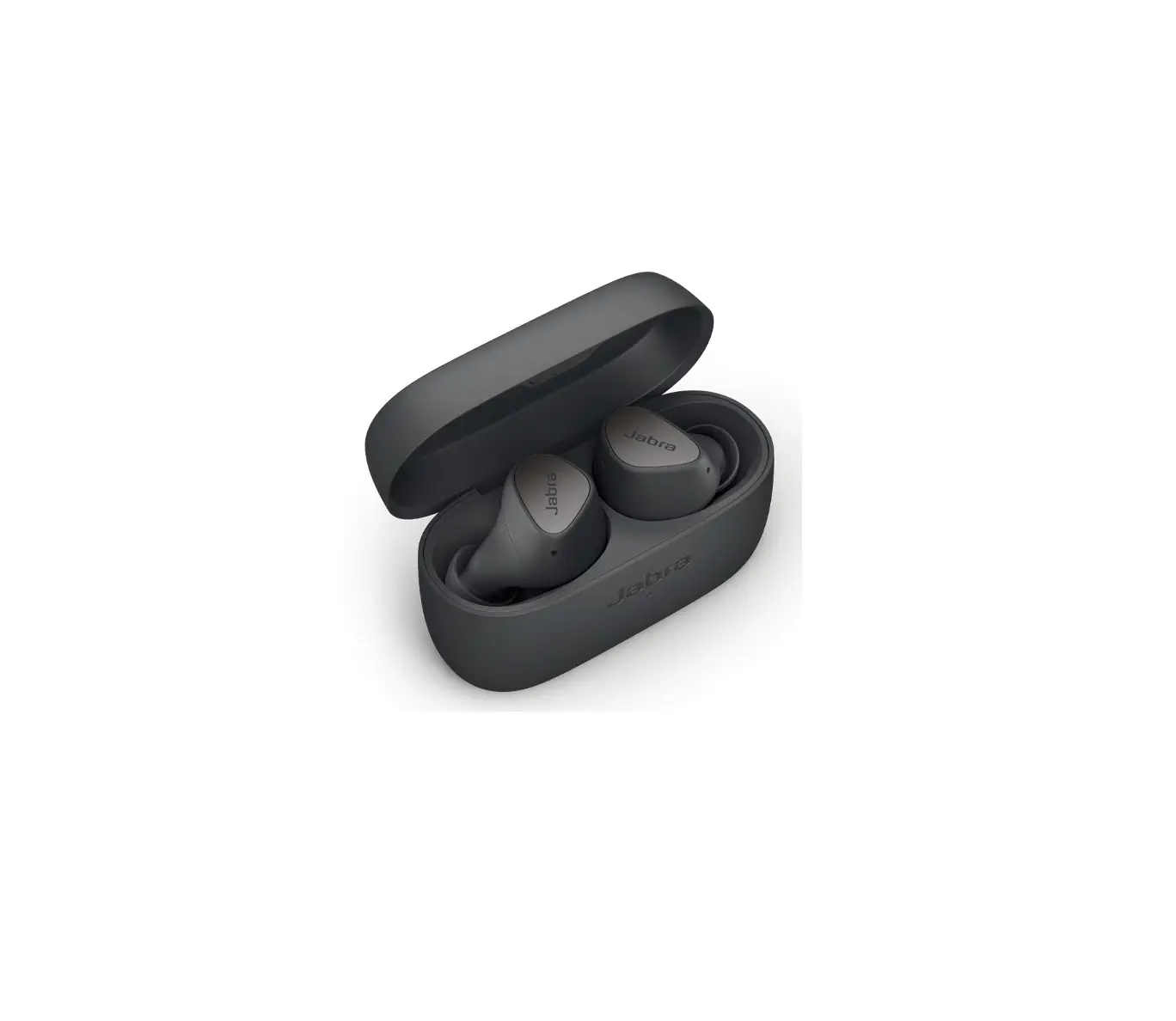
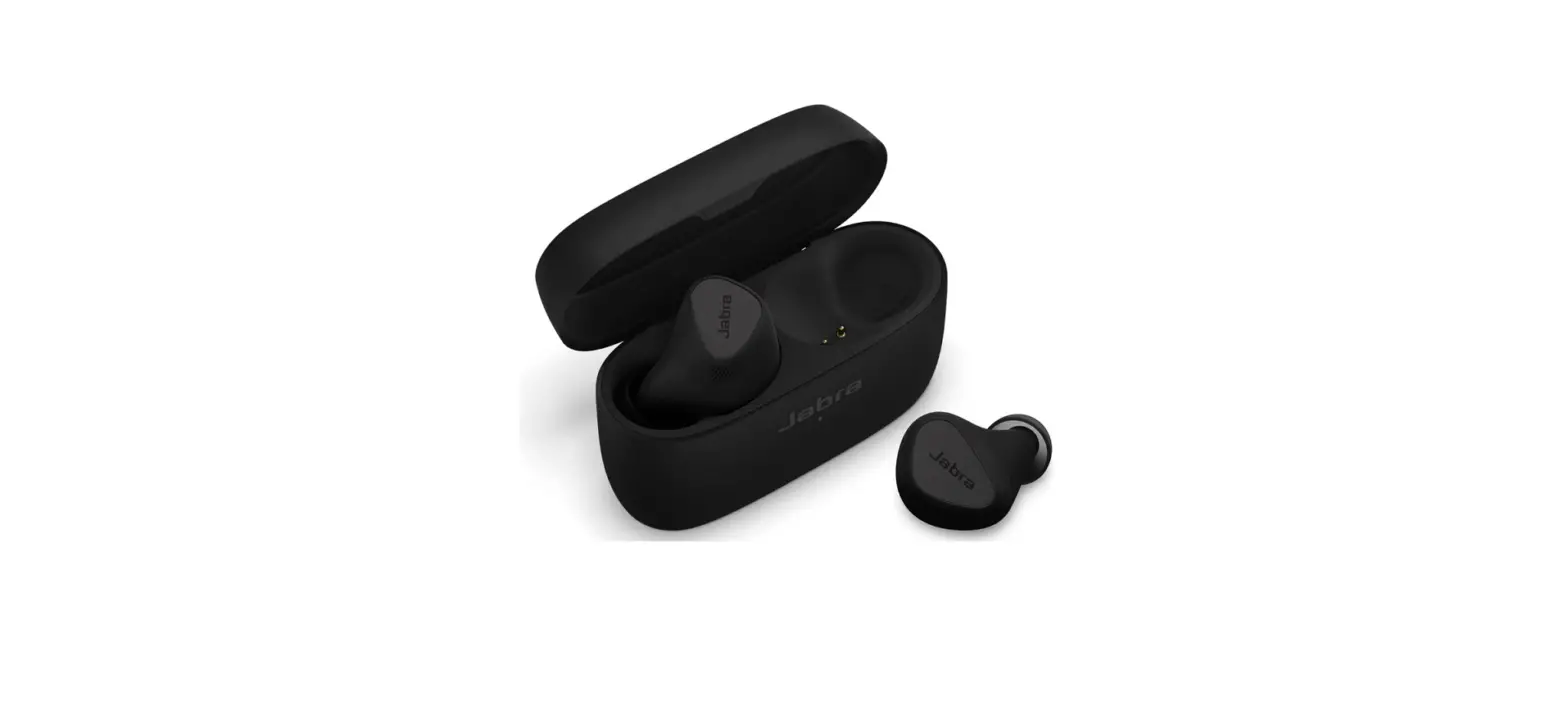
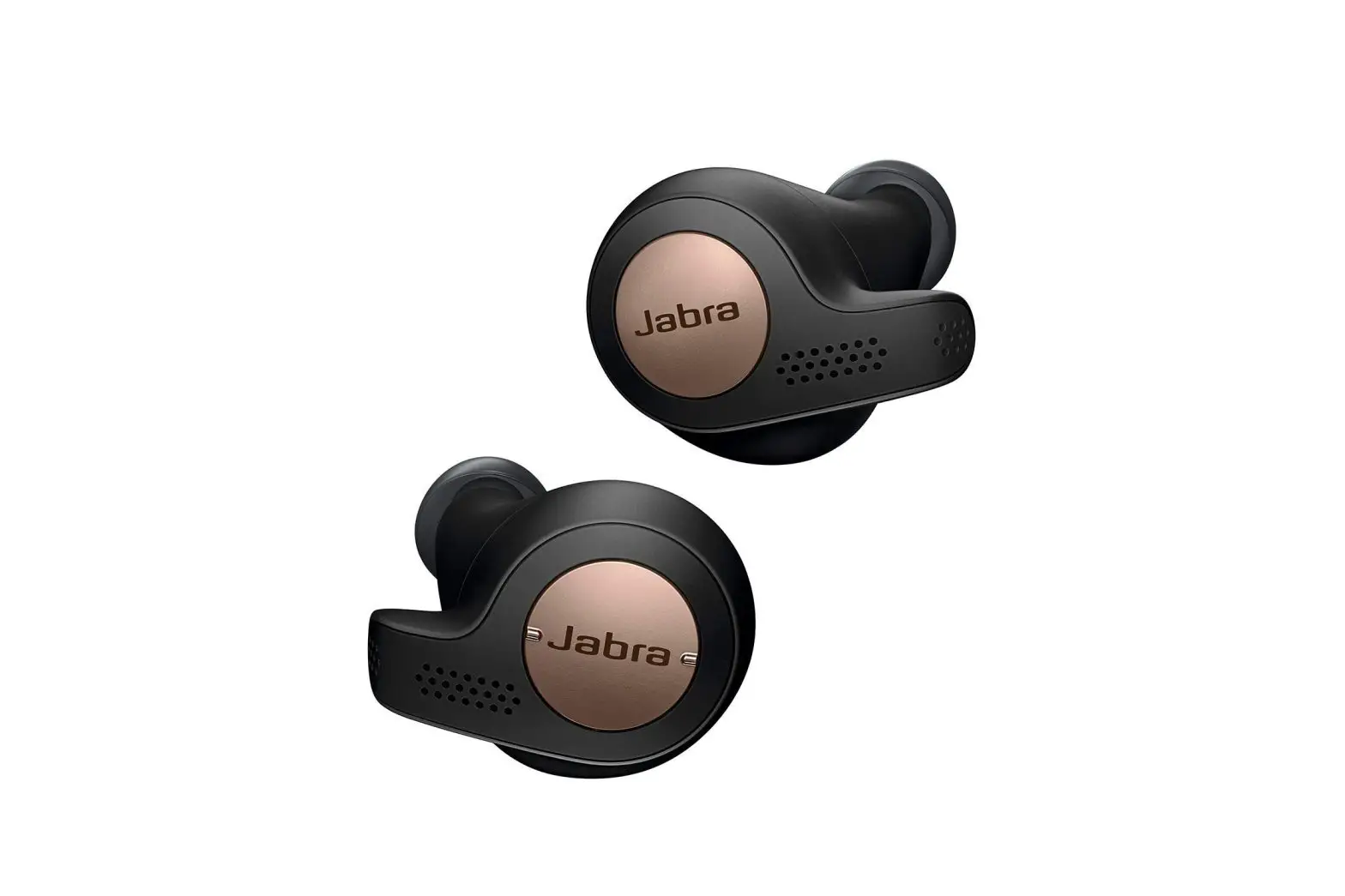
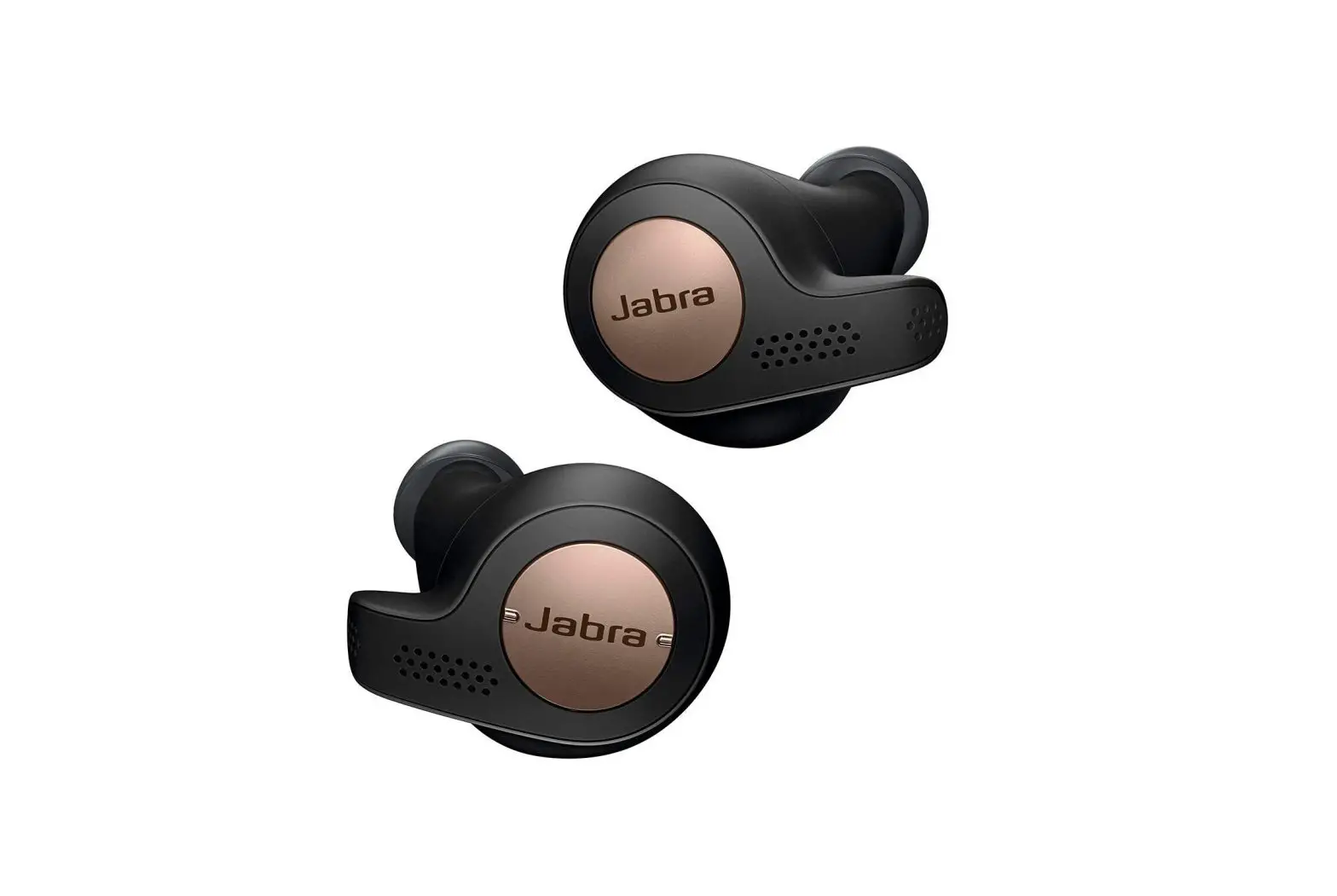
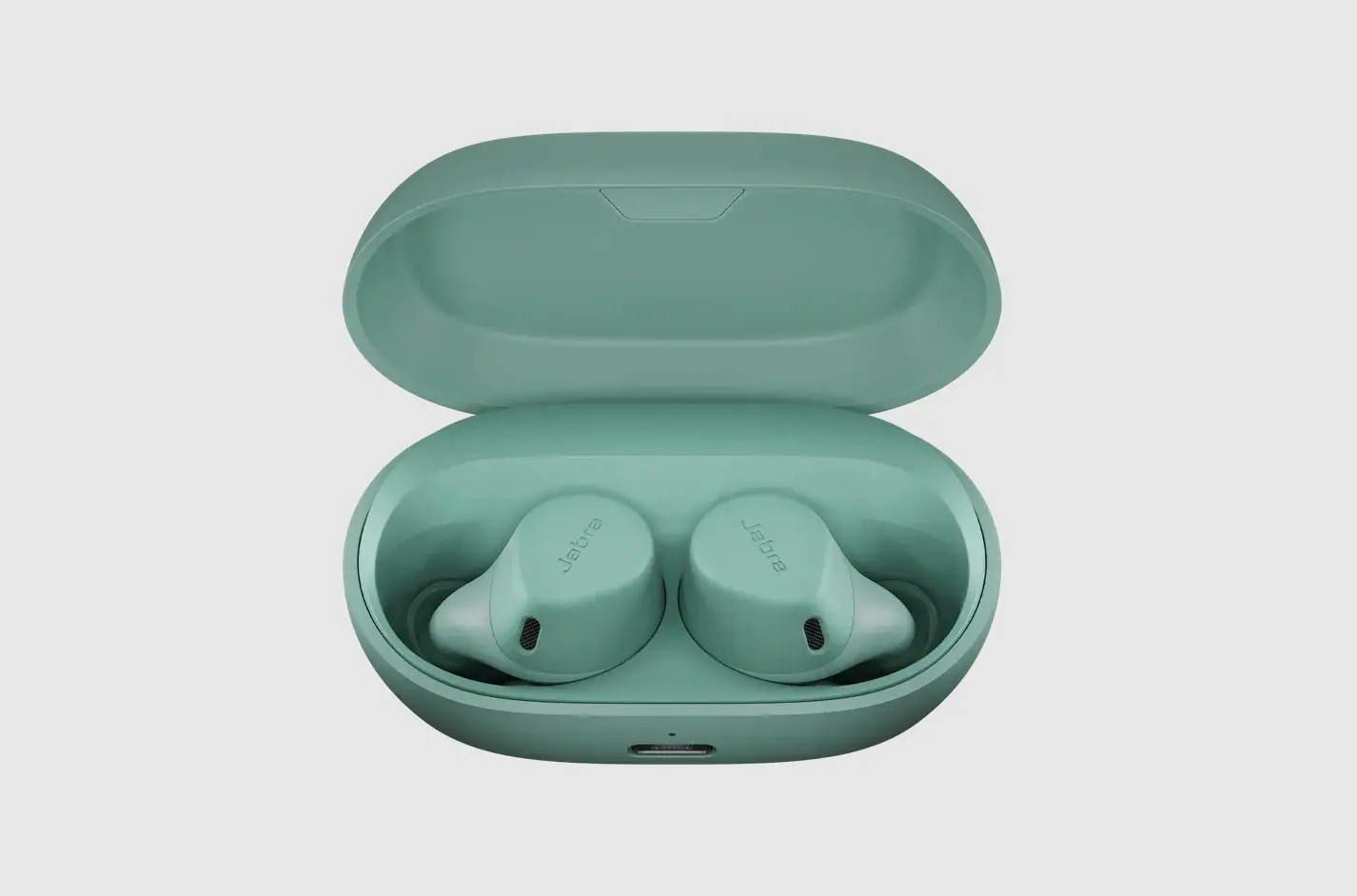
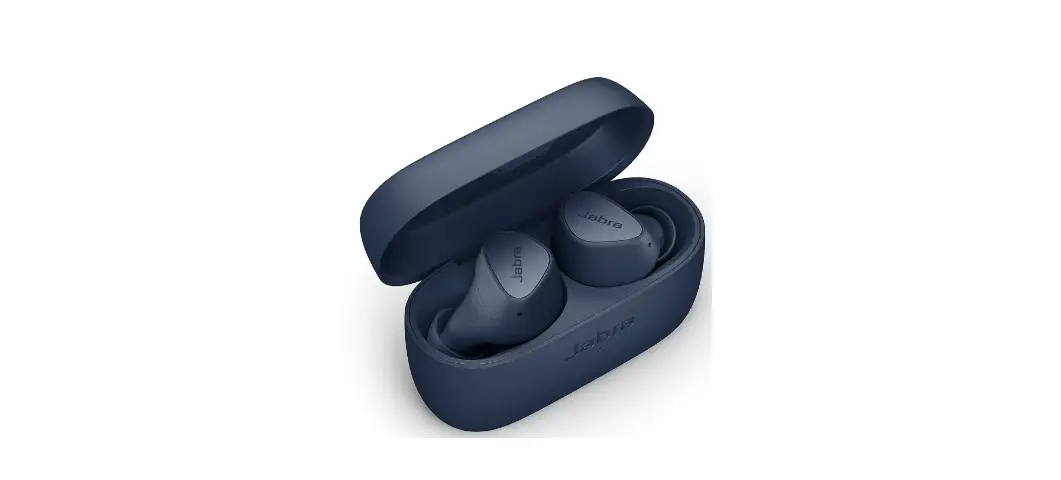
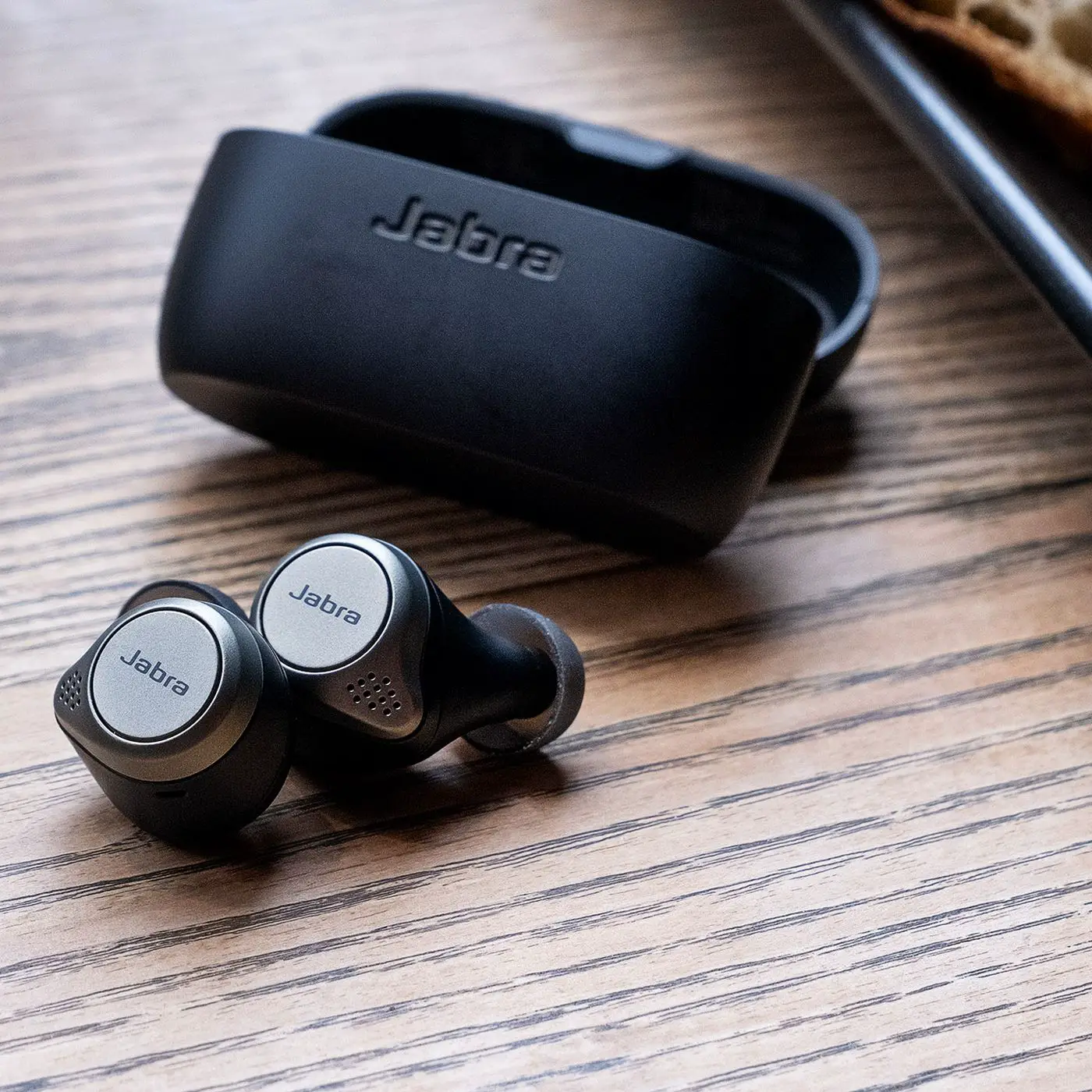
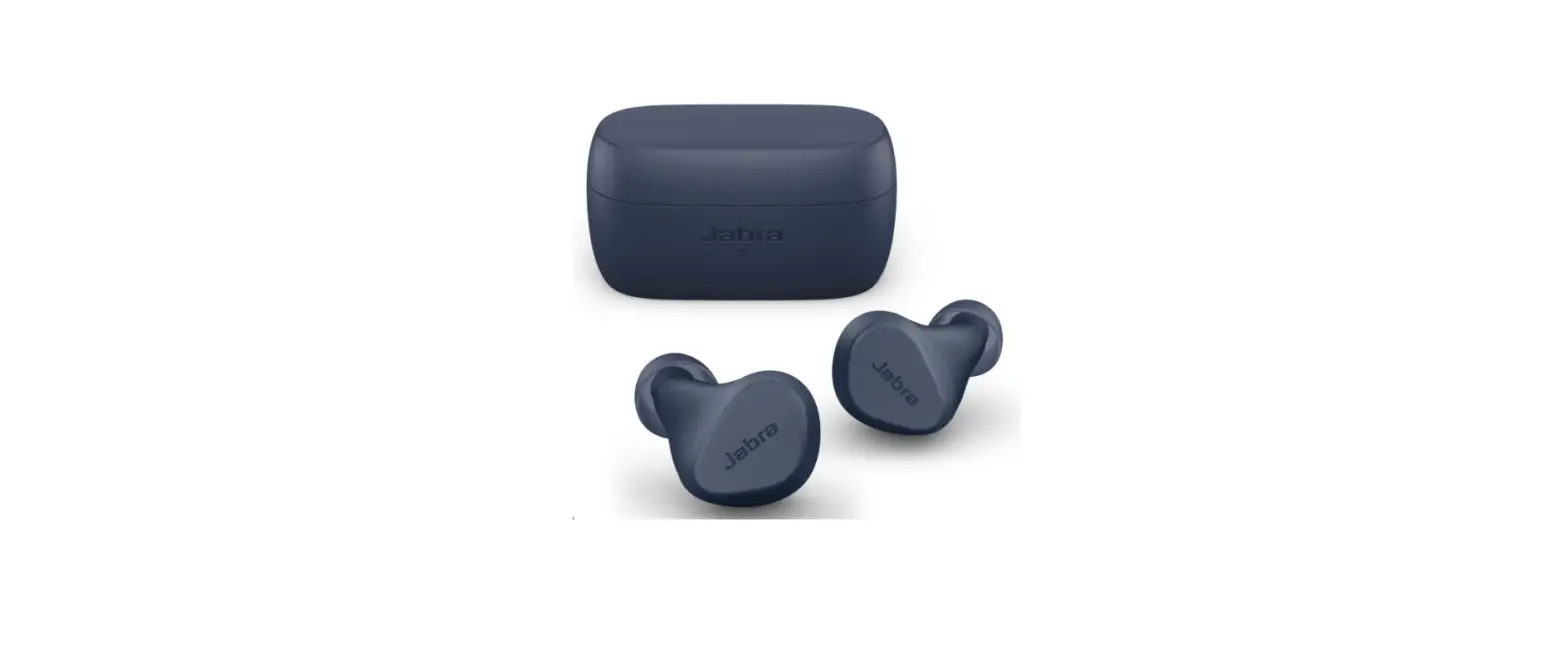
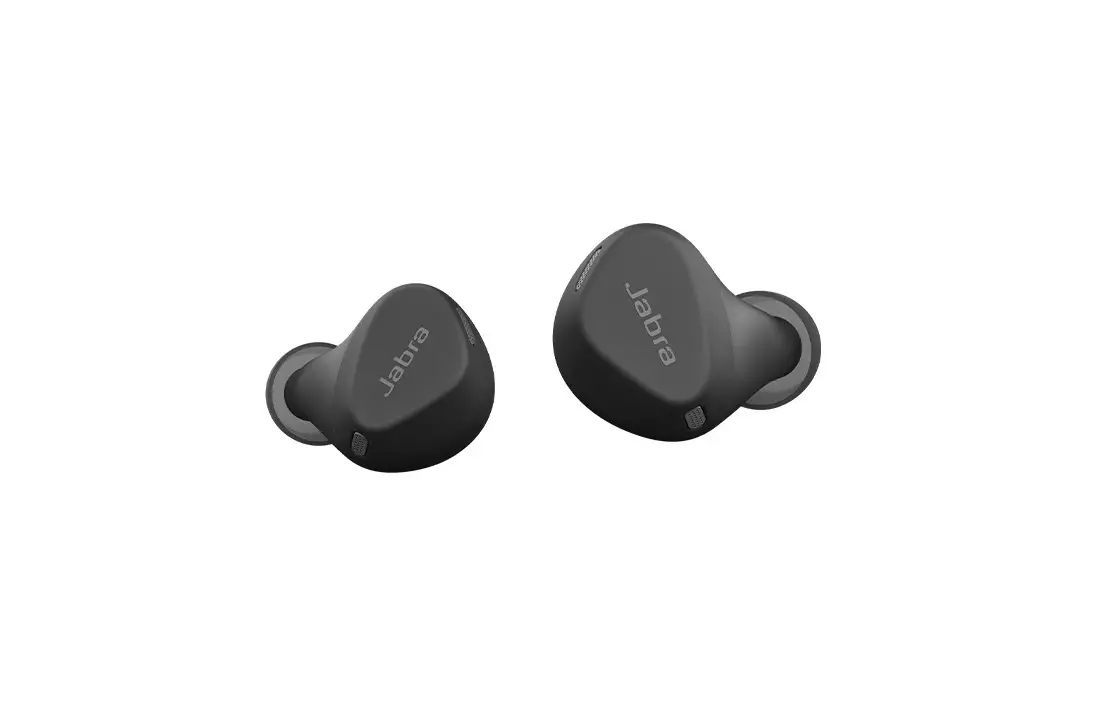
Elite 4 Active Earbuds
Product Information
The Jabra Elite 4 Active is a wireless earbud product made in
China. The model numbers for this product are OTE160R, OTE160L, and
CPB160. The product comes with different sized EarGels (small,
medium, and large) pre-mounted on the earbuds to provide optimal
audio experience. The product comes with a USB-C charging cable and
a charging case that offers up to 28 hours of battery life. The
earbuds offer up to 7 hours of battery life. The product is
compatible with Android OS 6.0 or higher and offers Alexa Built-in,
Spotify Tap playback, and Google Fast Pair functionalities.
Product Usage Instructions
How to wear
Carefully insert each earbud into your ear, positioning the
microphones on the earbuds towards your mouth.
Changing EarGels
For optimal audio experience, it is recommended to try each of
the different EarGel sizes. The medium EarGels are pre-mounted on
the earbuds. To change the EarGels, remove the current ones and
replace them with the desired size.
How to charge
To charge the earbuds, place them in the charging case and close
the lid. It takes up to 2 hours to fully recharge the earbuds. When
the charging case lid is opened with the earbuds inside, the LEDs
on the earbuds will light up red, yellow or green to indicate the
battery status of the earbuds. The LED on the front of the charging
case indicates the battery status of the charging case.
Fast charge the earbuds
If the earbuds are at low battery, placing them in the charging
case for 10 minutes will fast charge the earbuds, offering up to 60
minutes of battery. Fast charging the earbuds requires that the
charging case has a minimum of 30% battery. You can see the current
battery status of the earbuds using the Jabra Sound+ app.
Charging the charging case using USB
To charge the charging case, plug the supplied USB-C charging
cable into the charging case and a USB-A power supply or wall
charger. It takes up to 3.5 hours to fully charge the earbuds and
the charging case (depending on the charger used).
How to pair
To pair the Jabra Elite 4 Active with a mobile device, turn on
Bluetooth on your mobile device and press and hold the button on
both earbuds until the LED flashes purple. The earbuds will enter
pairing mode and connect to your device.
How to use
The Jabra Elite 4 Active comes with various controls including
powering the earbuds on/off, music controls, call controls, voice
assistant controls, Active Noise Cancellation, HearThrough,
one-touch Spotify playback, Sidetone, Mono earbud mode, sleep mode,
multiple call handling, update firmware, and reset the earbuds.
Refer to the user manual for detailed instructions on how to use
each control.
Jabra Sound+ app
The Jabra Sound+ app allows you to customize your audio
experience and provides additional functionalities such as
equalizer settings, language selection, and battery status of the
earbuds.
Support
The user manual provides FAQs, instructions on how to care for
your earbuds, replacement accessories, using replacement earbuds,
and using a replacement charging case.
Jabra
Elite 4 Active
User manual
© 2021 GN Audio A/S. All rights reserved. Jabra® is a trademark of GN Audio A/S. The Bluetooth® word mark and logos are registered trademarks owned by the Bluetooth SIG, Inc. and any use of such marks by GN Audio A/S is under license.
Made in China MODEL: OTE160R/OTE160L/
CPB160
Declaration of Conformity can be found on www.jabra.com/doc
ENGLISH
1. Welcome…………………………………..5 2. Jabra Elite 4 overview ……………..6
2.1 Included accessories
3. How to wear……………………………..8
3.1 Changing EarGels
4. How to charge………………………. 10
4.1 Charging the earbuds 4.2 Fast charge the earbuds 4.3 Charging the charging case using USB
5. What the LEDs mean …………… 13 6. How to pair……………………………. 15
6.1 Pairing with a mobile device
7. How to use …………………………… 16
7.1 Power the earbuds on/off 7.2 Music controls 7.3 Call controls 7.4 Voice assistant controls 7.5 Active Noise Cancellation 7.6 HearThrough 7.7 One-touch Spotify playback 7.8 Sidetone 7.9 Mono earbud mode
3
ENGLISH
7.10 Sleep mode 7.11 Multiple call handling 7.12 Update firmware 7.13 Reset the earbuds
8. Jabra Sound+ app…………………. 28 9. Support …………………………………. 29
9.1 FAQ 9.2 How to care for your earbuds 9.3 Replacement accessories 9.4 Using replacement earbuds 9.5 Using a replacement charging case
4
ENGLISH
1. Welcome
Thank you for using the Jabra Elite 4 Active. We hope you will enjoy it!
Jabra Elite 4 Active Features · Secure fit for active lifestyles. With ergonomic,
wing-free design. · Everyday durability. IP57-rated water and sweat
proof protection with a 2-year warranty*. · Active Noise Cancellation (ANC). Block intrusive
sounds and stay in the zone. · Your music your way. Boost the bass or turn up
the treble with the customizable equalizer. · Stay alert with HearThrough. Hear what’s going
on around you. · Clear calls in noisy places. 4 microphones for
great call clarity on the go. · Small on size. Big on power. Up to 7 hours in
the buds, and up to 28 hours with the case + fast charge. · Use either earbud with mono mode. · Seamless connectivity. Alexa Built-in or Spotify Tap playback, and Google Fast Pair**.
* Against failure from dust and water with Jabra Sound+ app registration
** Alexa Built-in, Spotify Tap playback and Google Fast Pair compatible with Android OS 6.0 or higher
5
ENGLISH
2. Jabra Elite 4 Active overview
Jabra Elite 4 Active earbuds
LEFT EARBUD
RIGHT EARBUD
LED
LED
Left button
Right button
Microphones Microphones
Charging case
LED Charging port
6
ENGLISH
2.1 Included accessories
EarGels S
L
M
pre-mounted on the earbuds
USB-C charging cable
7
ENGLISH
3. How to wear
Microphone Carefully insert each earbud into your ear. Position the microphones on the earbuds towards your mouth.
8
ENGLISH
3.1 Changing EarGels
For the optimal audio experience, it is recommended to try each of the different EarGel sizes. The fit should feel light and comfortable in your ear. The medium EarGels are pre-mounted on the earbuds.
S
M
L
9
ENGLISH
4. How to charge
The Jabra Elite 4 Active offers up to 7 hours of battery and up to 28 hours with the charging case and fast charge.
4.1 Charging the earbuds
Place the earbuds in the charging case and close the lid. It takes up to 2 hours to fully recharge the earbuds. When the charging case lid is opened with the earbuds inside, the LEDs on the earbuds will light up red, yellow or green to indicate the battery status of the earbuds. The LED on the front of the charging case indicates the battery status of the charging case.
10
ENGLISH
4.2 Fast charge the earbuds
Placing the earbuds in the charging case for 10 minutes when they are at low battery will fast charge the earbuds, offering up to 60 minutes of battery. Fast charging the earbuds requires that the charging case has a minimum of 30% battery. You can see the current battery status of the earbuds using the Jabra Sound+ app.
11
ENGLISH
4.3 Charging the charging case using USB
Plug the supplied USB-C charging cable into the charging case and a USB-A power supply or wall charger. It takes up to 3.5 hours to fully charge the earbuds and the charging case (depending on the charger used).
USB-C
It is recommended to use a power supply with 5V +-0.25V and maximum charging current below 2A. It is not recommended to charge the earbuds or charging case using a wall charger with a higher voltage.
12
ENGLISH
5. What the LEDs mean
LED
LED
EARBUD STATUS
High battery Medium battery Low battery
Power off Pairing
Resetting/ Firmware updating
BATTERY STATUS WHEN OPENING CHARGING CASE
High battery Medium battery Low battery Critically low battery (earbuds not charging)
13
ENGLISH
CHARGING CASE STATUS WHEN CONNECTED WITH USB CABLE
High battery Medium battery Low battery Fully charged
14
ENGLISH
6. How to pair
6.1 Pairing with a mobile device
3 Sec
1. Power on the earbuds by removing them from the charging case. Alternatively, press the Left and Right buttons to power the earbuds on.
2. Press and hold (3 sec) the Left and Right buttons simultaneously until the earbud LED flashes blue. The earbuds will now be ready to pair to your phone.
3. Go to the Bluetooth settings on your smartphone and select the Jabra Elite 4 Active from the list of available devices to complete the pairing.
15
ENGLISH
7. How to use
7.1 Power the earbuds on/off
Place the earbuds in the charging case to power off. Remove the earbuds from the charging case to power on.
To power off the earbuds manually, press both the Left and Right buttons simultaneously. To power off an earbud in mono mode, press and hold the button on the earbud for 5 seconds. To power on the left or right earbud manually, press the Left or Right button.
16
7.2 Music controls
ENGLISH
Left earbud
Function Play/pause music
Volume up
Right earbud
Press the Right button when not on a call
Press and hold the Right button
Press and hold the Left button
Volume down
Next track
Restart track or previous track
Double-press the Right button when listening to music
Triple-press the Right button when listening to music
Repeat to skip to the previous track
17
ENGLISH
7.3 Call controls
Left earbud
Press the Left or Right button
Double-press the Left or Right button
Function
Right earbud
Answer call End/reject call
Press the Left or Right button
Double-press the Left or Right button
Press the Left or Right button
Mute/unmute microphone
Press the Left or Right button
Volume up
Press and hold the Left button
Volume down
Press and hold the Right button
18
ENGLISH
7.4 Voice assistant controls
Left button
Voice assistant
Activate Voice assistant (Siri, Google Assistant, Amazon Alexa*)
Double-press the Left button when not on a call
* Alexa voice assistant and features only available for Android version 6.0 or higher
19
ENGLISH
7.5 Active Noise Cancellation
Active Noise Cancellation (ANC) counters noise by detecting and analyzing the pattern of incoming sound, and then generating an antinoise signal to cancel noise out. As a result, you experience a reduced level of surrounding noise during music and media playback.
Left button
Active Noise Cancellation
Cycle between HearThrough, ANC and Off
Press the Left button when not on a call
ANC is disabled by default and can enabled and personalized using the Jabra Sound+ app. A firmware update may be required to enable ANC.
20
ENGLISH
7.6 HearThrough
HearThrough lets you pay attention to your surroundings and engage in conversation, when not on a call, without needing to remove the earbuds. The microphones pick up surrounding sounds and transmit them to the speakers.
Left button
HearThrough
Cycle between HearThrough, ANC and Off
Press the Left button when not on a call
HearThrough can be adjusted using the Jabra Sound+ app. A firmware update may be required to adjust HearThrough.
21
ENGLISH
7.7 One-touch Spotify playback
When configured using the Jabra Sound+ app on an Android device, it is possible to control one-touch Spotify playback using the left earbud.
One-touch Spotify playback is off by default and is available for Android devices.
Left button
Spotify
Resume last played Spotify song
Double-press the Left button when not listening to music or on a call
Play Spotify recommended song
Double-press the Left button when Spotify is open
22
ENGLISH
7.8 Sidetone
Sidetone enables you to hear your own voice when you are on a call. The benefit of Sidetone is that it enables you to determine how loud you are speaking. Sidetone is on by default during calls and can be turned on/off using the Jabra Sound+ app.
23
ENGLISH
7.9 Mono earbud mode
The right or left earbud can be used individually for music playback or for calls. To activate mono earbud mode, place the unused earbud into the charging case.
Left button Left earbud only
Play/pause music
Press the Left button when listening to music
Answer call
Press the Left button
End/reject call
Mute/unmute microphone
Double-press the Left button
Press the Left button when on a call
Activate Voice assistant or one-touch Spotify playback
Adjust volume
Double-press the Left button when not on a call
Use the volume controls on the paired mobile device
24
ENGLISH
Right button Right earbud only
Play/pause music
Press the Right button when listening to music
Answer call
Press the Right button
End/reject call
Double-press the Right button
Mute/unmute microphone
Press the Right button when on a call
Next track
Double-press the Right button when listening to music
Restart track or previous track
Triple-press the Right button when listening to music
Repeat to skip to the previous track
Adjust volume
Use the volume controls on the paired mobile device
The left and right earbuds will automatically relink when both are placed in your ears.
25
ENGLISH
7.10 Sleep mode
To conserve battery, the earbuds will automatically power off when they are out of range of your mobile device for 15 minutes and are not in the charging case, or when they have been inactive for 30 minutes.
To power the earbuds on, press the Left and Right buttons. Alternatively, place the earbuds in the charging case and then take them back out.
7.11 Multiple call handling
The earbuds can accept and handle multiple calls at the same time.
Multiple call handling
End current call and answer incoming call
Press the Left or Right button
Reject incoming call, when on a call
Double-press the Left or Right button
26
ENGLISH
7.12 Update firmware
The Jabra Elite 4 Active can be updated to the latest firmware version using the Jabra Sound+ app.
If notifications are enabled in Jabra Sound+, you will receive an automatic notification when a firmware update is available. Follow the instuctions in the app to firmware update the earbuds.
7.13 Reset the earbuds
Resetting the earbuds clears the list of paired devices and resets all settings.
1. Place both earbuds in the charging case. 2. Press and hold (10 sec) the Left and Right
buttons on the earbuds simultaneously until the LEDs on the earbuds flash magenta. 3. When the LEDs stop flashing magenta the earbuds have been reset.
The earbuds will need to be re-paired to your mobile device. Remember to delete/forget the pairing in the Bluetooth menu on your mobile device.
27
ENGLISH
8. Jabra Sound+ app
Jabra Sound+ app
Personalize your music Register your 2-year warranty
28
ENGLISH
9. Support
9.1 FAQ
View the FAQs on Jabra.com/help/elite4active
9.2 How to care for your earbuds
· Always store the earbuds in the charging case and safely protected.
· To prevent the depletion of the battery lifetime or capacity, avoid storing the earbuds in hot or cold environments, such as a closed car in summer, or in winter conditions.
· It is recommended to store the earbuds between -20°C and 45°C (-4°F and 113°F).
· Do not store the earbuds for extended periods of time without recharging them (max. three months).
· If the earbuds or the charging case become dirty, it is recommended to clean them with a soft, lint-free cloth that has been dampened with clean water.
· It is recommended to use a power supply with 5V +-0.25V and maximum charging current below 2A. It is not recommended to charge the earbuds or charging case using a wall charger with a higher voltage. 29
ENGLISH
9.3 Replacement accessories
Replacement or additional accessories can be purchased online at jabra.com/accessories.
Left and right earbud set
Charging case
EarGels
S M L
USB-C charging cable
30
ENGLISH
9.4 Using replacement earbuds
1. Pair the replacement earbuds to your mobile device (see section 6.1)
2. Update the earbud firmware using the Jabra Sound+ app.
9.5 Using a replacement charging case
Before using a replacement charging case, it is recommended to charge it for 1 hour.
31
Jabra
Elite 4 Active
Manuel d’utilisation
© 2021 GN Audio A/S. Tous droits réservés. Jabra® est une marque commerciale de GN Audio A/S. La marque et le logo Bluetooth® sont la propriété de Bluetooth SIG, Inc. et toute utilisation de telles marques par GN Audio A/S est sous licence.
Fabriqué en Chine MODÈLE : OTE160R/OTE160L/
CPB160
Déclaration de Conformité disponible sur www.jabra.com/doc
FRANÇAIS
1. Bienvenue …………………….. 5
2. Présentation du Elite 4 Active de Jabra…………………………………….6
2.1 Accessoires fournis
3. Instructions de port …………………8
3.1 Changer les EarGels
4. Instructions de recharge………. 10
4.1 Recharger les écouteurs 4.2 Recharge rapide des écouteurs 4.3 Recharger l’étui-chargeur par USB
5. Signification des DEL ……………. 13 6. Instructions d’appariement….. 15
6.1 Appariement avec un appareil mobile
7. Instruction d’utilisation ……….. 16
7.1 Allumer/éteindre les écouteurs 7.2 Contrôle musical 7.3 Contrôle d’appel 7.4 Contrôle de l’assistant vocal 7.5 Réduction de bruit active 7.6 HearThrough 7.7 Lecture Spotify par touche directe 7.8 Effet local (Sidetone)
3
FRANÇAIS
7.9 Mode mono 7.10 Mode veille 7.11 Gérer plusieurs appels 7.12 Mise à jour du micrologiciel 7.13 Réinitialiser les écouteurs
8. Appli Jabra Sound+ ………………. 28 9. Support …………………………………. 29
9.1 FAQ 9.2 Entretien des écouteurs 9.3 Accessoires de remplacement 9.4 Utiliser les écouteurs de remplacement 9.5 Utiliser un étui de recharge de remplacement
4
FRANÇAIS
1. Bienvenue
Merci d’avoir acheté les Elite 4 Active de Jabra. Nous espérons que celui-ci vous donnera entière satisfaction.
Fonctionnalités Elite 4 Active de Jabra
· Maintien adapté aux modes de vie actifs. Avec un design ergonomique sans ailettes.
· Durabilité à l’épreuve du quotidien. Protection contre l’eau et la transpiration conforme à la norme IP57, garantie de 2 ans*.
· ANC (réduction de bruit active). Bloquez les sons intrusifs et restez dans votre bulle.
· Votre musique, vos préférences. Boostez les basses ou intensifiez les aigus avec l’égaliseur personnalisable.
· Gardez une oreille attentive sur ce qui Captez ce qui se passe autour de vous.
· Des appels clairs, partout. 4 microphones pour une grande clarté d’appel même en mouvement.
· Format mini. Grands par l’autonomie. Jusqu’à 7 heures avec les écouteurs et jusqu’à 28 heures avec l’étui + charge rapide.
· Avec le mode mono, vous pouvez utiliser chaque écouteur indépendamment.
· Connectivité fluide. Alexa intégré, Spotify Tap et Google Fast Pair**.
* Contre la poussière et l’eau (enregistrement indispensable avec l’appli Jabra Sound+)
** Alexa intégré, Spotify Tap et Google Fast Pair compatibles avec Android OS 6.0 ou supérieur
5
FRANÇAIS
2. Présentation du Elite 4 Active de Jabra
Écouteurs Elite 4 Active de Jabra
ÉCOUTEUR GAUCHE
ÉCOUTEUR DROIT
DEL
DEL
Bouton gauche
Bouton droit
Microphones Microphones
Étui-chargeur
DEL Port de recharge
6
FRANÇAIS
2.1 Accessoires fournis
EarGels
S
M
Pré-fixés sur les
L
écouteurs
Câble de charge USB-C
7
FRANÇAIS
3. Instructions de port
Microphone Insérez délicatement les écouteurs dans vos oreilles. Positionnez les microphones des écouteurs vers la bouche.
8
FRANÇAIS
3.1 Changer les EarGels
Pour une expérience audio optimale, il est recommandé d’essayer chacune des différentes tailles d’EarGel. La tenue dans l’oreille doit être légère et confortable. Les EarGels de taille M sont pré-fixés sur les écouteurs.
S
M
L
9
FRANÇAIS
4. Instructions de recharge
Les Elite 4 Active de Jabra vous offrent une autonomie allant jusqu’à 7 h (28 h avec l’étuichargeur) et une fonction de recharge rapide.
4.1 Recharger les écouteurs
Placez les écouteurs dans l’étui-chargeur et fermez le couvercle. Comptez environ 2 h pour effectuer une recharge complète. Lorsque le couvercle de l’étui-chargeur est ouvert avec les écouteurs à l’intérieur, les DEL des écouteurs s’allument en rouge, jaune ou vert afin d’indiquer l’état de la pile des écouteurs. La DEL située à l’avant de l’étuichargeur indique l’état de la pile de l’étuichargeur.
10
FRANÇAIS
4.2 Recharge rapide des écouteurs
Lorsque la pile est presque vide, vous pouvez effectuer une recharge rapide. Placez les écouteurs pendant 10 minutes dans l’étuichargeur afin de profiter de 60 minutes d’autonomie. Pour effectuer une recharge rapide des écouteurs, l’étui-chargeur doit être chargé à 30 % minimum. Vous pouvez consulter l’état de la pile des écouteurs sur l’appli Jabra Sound+.
11
FRANÇAIS
4.3 Recharger l’étui-chargeur par USB
Branchez le câble de recharge USB-C dans l’étui-chargeur et dans une source d’alimentation électrique USB-A ou un chargeur mural. Comptez jusqu’à 3h30 pour effectuer une recharge complète de l’étui et des écouteurs (en fonction du chargeur utilisé).
USB-C
Nous vous recommandons d’utiliser une source d’alimentation électrique de 5 V +-0,25 V avec une intensité de recharge inférieure à 24. Nous vous déconseillons de recharger les écouteurs ou l’étui-chargeur avec un chargeur mural affichant une tension supérieure.
12
FRANÇAIS
5. Signification des DEL
DEL
DEL
STATUT DES ÉCOUTEURS
pile pleine pile moyenne pile faible
Éteint Appariement
Réinitialisation/Mise à jour du micrologiciel
STATUT DE LA PILE À L’OUVERTURE DE L’ÉTUI-CHARGEUR
pile pleine pile moyenne
pile faible pile très faible (pas de chargement des écouteurs)
13
FRANÇAIS
ÉTAT DE L’ÉTUI-CHARGEUR BRANCHÉ AVEC UN CÂBLE USB
pile pleine pile moyenne pile faible Entièrement rechargé
14
FRANÇAIS
6. Instructions d’appariement
6.1 Appariement avec un appareil mobile
3 Sec
1. Allumez les écouteurs en les retirant de l’étui-chargeur. Autrement appuyez sur les boutons gauche et droit pour allumer les écouteurs.
2. Appuyez simultanément et pendant 3 secondes sur les boutons gauche et droit jusqu’à ce que la DEL de l’écouteur clignote en bleu. Les écouteurs sont maintenant prêts à être appariés avec votre téléphone intelligent.
3. Pour effectuer l’appariement, allez dans le menu Bluetooth de votre téléphone intelligent et sélectionnez Elite 4 Active de Jabra dans la liste des périphériques disponibles. 15
FRANÇAIS
7. Instruction d’utilisation
7.1 Allumer/éteindre les écouteurs
Placez les écouteurs dans l’étui-chargeur pour les éteindre. Pour allumer les écouteurs, retirez-les de l’étui-chargeur
Pour éteindre manuellement les écouteurs, appuyez simultanément sur les boutons gauche et droit. Pour éteindre un écouteur en mode mono, appuyez pendant 5 secondes sur son bouton. Pour allumer manuellement l’écouteur gauche ou droit, appuyez sur le bouton gauche ou droit.
16
7.2 Contrôle musical
FRANÇAIS
Écouteur gauche
Appuyez sur le bouton gauche
Fonction
Lecture/pause musicale
Volume +
Écouteur droit
Appuyez sur le bouton droit lorsque vous n’êtes pas en ligne
Appuyez sur le bouton droit
Volume
Piste suivante
Appuyez deux fois sur le bouton droit lorsque vous écoutez de la musique
Relire une piste ou revenir à la piste précédente
Appuyez trois fois sur le bouton droit lorsque vous écoutez de la musique
Répétez pour revenir à la piste précédente
17
7.3 Contrôle d’appel
FRANÇAIS
Écouteur gauche
Appuyez sur le bouton gauche ou droit
Fonction
Décrocher un appel
Écouteur droit
Appuyez sur le bouton gauche ou droit
Appuyez deux fois sur le bouton gauche ou droit
Raccrocher/ rejeter un appel
Appuyez deux fois sur le bouton gauche ou droit
Appuyez sur le bouton gauche ou
droit
Activer/ désactiver le microphone
Appuyez sur le bouton gauche ou droit
Volume +
Appuyez sur le bouton droit
Appuyez sur le bouton gauche
Volume
18
FRANÇAIS
7.4 Contrôle de l’assistant vocal
Bouton gauche Assistant vocal
Activer l’assistant vocal (Siri, Assistant Google ou Amazon Alexa*)
Appuyez deux fois sur le bouton gauche lorsque vous n’êtes pas en ligne
* L’assistant vocal Alexa et les fonctionnalités sont disponibles uniquement pour les appareils Android version 6.0 ou supérieure
19
FRANÇAIS
7.5 Réduction de bruit active
La réduction de bruit active (ANC) neutralise le bruit : elle détecte et analyse le type de bruit entrant, puis génère un signal anti-bruit destiné à annuler ce bruit. Les bruits ambiants sont ainsi fortement réduits lorsque vous écoutez de la musique ou un contenu multimédia.
Bouton gauche Réduction de bruit active
Naviguer entre HearThrough, ANC et Off
Appuyez sur le bouton gauche lorsque vous n’êtes pas en ligne
L’ANC est désactivée par défaut. Vous pouvez l’activer et la personnaliser via l’appli Jabra Sound+. La mise à jour du micrologiciel peut s’avérer nécessaire pour activer l’ANC.
20
FRANÇAIS
7.6 HearThrough
HearThrough vous permet d’entendre ce qui se passe autour de vous et d’entamer une conversation (lorsque vous n’êtes pas en ligne) sans avoir à retirer les écouteurs. Les microphones captent les sons environnants et les transmettent dans les écouteurs.
Bouton gauche HearThrough
Naviguer entre HearThrough, ANC et Off
Appuyez sur le bouton gauche lorsque vous n’êtes pas en ligne
Vous pouvez régler HearThrough à l’aide de l’appli Jabra Sound+. La mise à jour du micrologiciel peut s’avérer nécessaire pour régler HearThrough
21
FRANÇAIS
7.7 Lecture Spotify par touche directe
Après avoir configuré cette fonction sur un appareil Android via l’appli Jabra Sound+, vous pouvez contrôler vos contenus Spotify en appuyant sur le bouton situé sur l’écouteur gauche.
La lecture Spotify par touche directe est désactivée par défaut et est disponible uniquement sur les appareils Android.
Bouton gauche Spotify
Reprendre la lecture de la dernière chanson écoutée sur Spotify
Appuyez deux fois sur le bouton gauche lorsque vous n’écoutez pas de la musique ou n’êtes pas en ligne
Lecture d’une chanson recommandée par Spotify
Appuyez deux fois sur le bouton gauche lorsque Spotify est ouvert
22
FRANÇAIS
7.8 Effet local (Sidetone)
L’effet local vous permet d’entendre votre propre voix lorsque vous êtes en ligne, et ainsi d’en évaluer le niveau sonore. L’effet local est activé par défaut lors des appels. Vous pouvez le désactiver/activer à l’aide de l’appli Jabra Sound+.
23
FRANÇAIS
7.9 Mode mono
Vous pouvez utiliser un seul écouteur (droit ou gauche) pour écouter de la musique ou passer des appels. Pour activer le mode mono, placez l’écouteur inutilisé dans l’étui-chargeur.
Bouton gauche
Écouteur gauche uniquement
Lecture/pause musicale
Appuyez sur le bouton gauche lorsque vous écoutez de la musique
Décrocher un appel
Raccrocher/ rejeter un appel
Activer/ désactiver le microphone
Appuyez sur le bouton gauche
Appuyez deux fois sur le bouton gauche
Appuyez sur le bouton gauche lorsque vous êtes en ligne
Activer l’assistant vocal ou la lecture Spotify par touche directe
Appuyez deux fois sur le bouton gauche lorsque vous n’êtes pas en ligne
Régler le volume
Utilisez le réglage du volume de votre téléphone intelligent apparié
24
Bouton droit Écouteur droit uniquement
FRANÇAIS
Lecture/pause musicale
Décrocher un appel Raccrocher/ rejeter un appel Activer/ désactiver le microphone
Piste suivante
Relire une piste ou revenir à la piste précédente
Régler le volume
Appuyez sur le bouton droit lorsque vous écoutez de la musique.
Appuyez sur le bouton droit
Appuyez deux fois sur le bouton droit
Appuyez sur le bouton droit lorsque vous êtes en ligne
Appuyez deux fois sur le bouton droit lorsque vous écoutez de la musique
Appuyez trois fois sur le bouton droit lorsque vous écoutez de la musique
Répétez pour revenir à la piste précédente
Utilisez le réglage du volume de votre téléphone intelligent apparié
La liaison entre les écouteurs gauche et droit est rétablie automatiquement lorsque vous les insérez dans vos oreilles.
25
FRANÇAIS
7.10 Mode veille
Pour préserver l’autonomie de la pile, les écouteurs s’éteignent automatiquement lorsqu’ils sont en dehors du rayon de portée de votre téléphone intelligent pendant 15 minutes et lorsqu’ils ne sont pas dans leur étui de recharge, ou lorsqu’ils sont inactifs pendant 30 minutes.
Pour allumer vos écouteurs, appuyez sur les boutons gauche et droit. Autrement, placez les écouteurs dans l’étui-chargeur, puis retirezles de l’étui.
7.11 Gérer plusieurs appels
Les écouteurs peuvent accepter et traiter simultanément plusieurs appels.
Gérer plusieurs appels
Terminer l’appel en cours et répondre à l’appel entrant
Appuyez sur le bouton gauche ou droit
Refuser l’appel entrant, lorsque vous êtes en conversation
Appuyez deux fois sur le bouton gauche ou droit
26
FRANÇAIS
7.12 Mise à jour du micrologiciel
Vous pouvez installer la dernière version du micrologiciel des Elite 4 Active de Jabra à l’aide de l’appli Jabra Sound+.
Si les notifications sont activées dans Jabra Sound+, vous recevrez une notification automatique dès qu’une mise à jour du micrologiciel sera disponible. Suivez les instructions de l’appli pour effectuer la mise à jour du micrologiciel des écouteurs.
7.13 Réinitialiser les écouteurs
La réinitialisation des écouteurs efface la liste des périphériques appariés et réinitialise tous les paramètres.
1. Placez les deux écouteurs dans l’étui-chargeur. 2. Appuyez simultanément et pendant
10 secondes sur les boutons gauche et droit des écouteurs jusqu’à ce que leurs DEL clignotent en violet. 3. La réinitialisation des écouteurs est terminée lorsque les DEL cessent de clignoter en violet.
Vous devrez réappairer les écouteurs avec votre téléphone intelligent. N’oubliez pas d’effacer/supprimer l’appariement du menu Bluetooth de votre appareil mobile.
27
FRANÇAIS
8. Appli Jabra Sound+
Appli Jabra Sound+
Personnalisez votre musique Enregistrez votre garantie de 2 ans
28
9. Support
FRANÇAIS
9.1 FAQ
Consultez la FAQ sur Jabra.com/help/elite4active
9.2 Entretien des écouteurs
· Rangez toujours vos écouteurs dans l’étui-
chargeur afin de bien les protéger.
· Afin d’éviter une décharge rapide ou une baisse
de la capacité de la pile, évitez de ranger les
écouteurs dans des environnements chauds ou
froids (voiture fermée en été, conditions
hivernales, etc.).
· Nous vous conseillons de ranger les écouteurs à
une température comprise entre 20°C et 45°C.
· Ne rangez pas vos écouteurs pendant des
périodes prolongées sans les recharger (max.
trois mois).
· Si les écouteurs ou l’étui-chargeur se salissent, il
est recommandé de les nettoyer à l’aide d’un
chiffon doux et non pelucheux ayant été
préalablement humidifié avec de l’eau propre.
· Nous vous recommandons d’utiliser une source
d’alimentation électrique de 5 V +-0,25 V avec
une intensité de recharge inférieure à 24. Nous
vous déconseillons de recharger les écouteurs
ou l’étui-chargeur avec un chargeur mural
affichant une tension supérieure.
29
FRANÇAIS
9.3 Accessoires de remplacement
Vous pouvez acheter des accessoires de remplacement ou complémentaires en ligne sur jabra.com/accessories.
Paire d’écouteurs gauche et droit
Étui de recharge
EarGels
S M
L
Câble de charge USB-C
30
FRANÇAIS
9.4 Utiliser les écouteurs de remplacement
1. Appariez les écouteurs de remplacement avec votre appareil mobile (voir section 6.1)
2. Effectuez la mise à jour du micrologiciel à l’aide de l’appli Jabra Sound+.
9.5 Utiliser un étui de recharge de remplacement
Avant d’utiliser un étui de recharge de remplacement, nous vous recommandons de le recharger pendant 1 heure.
31
 Need an accessory for your Jabra headset ? or speakerphone ??
 Declarations of Conformity