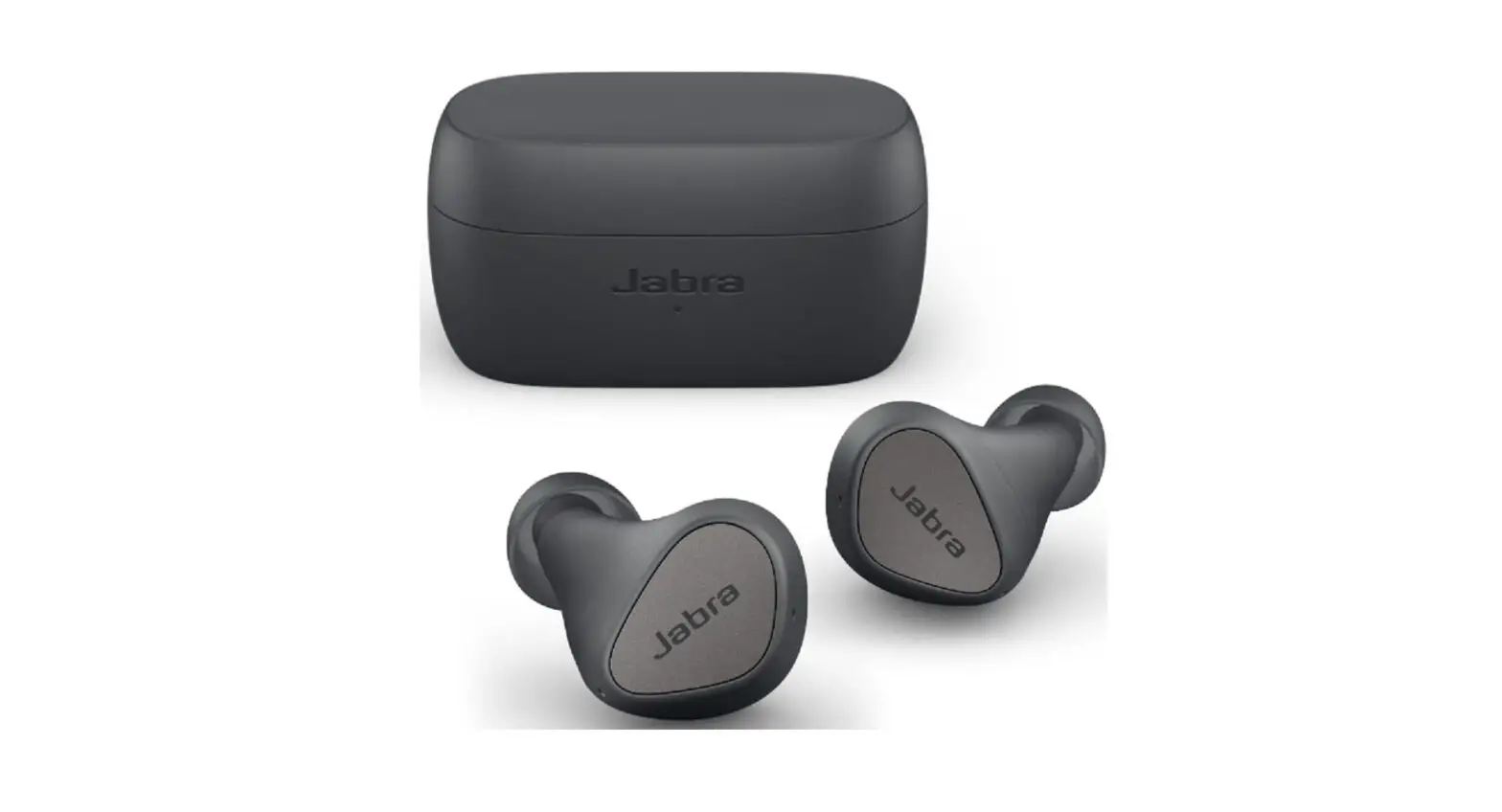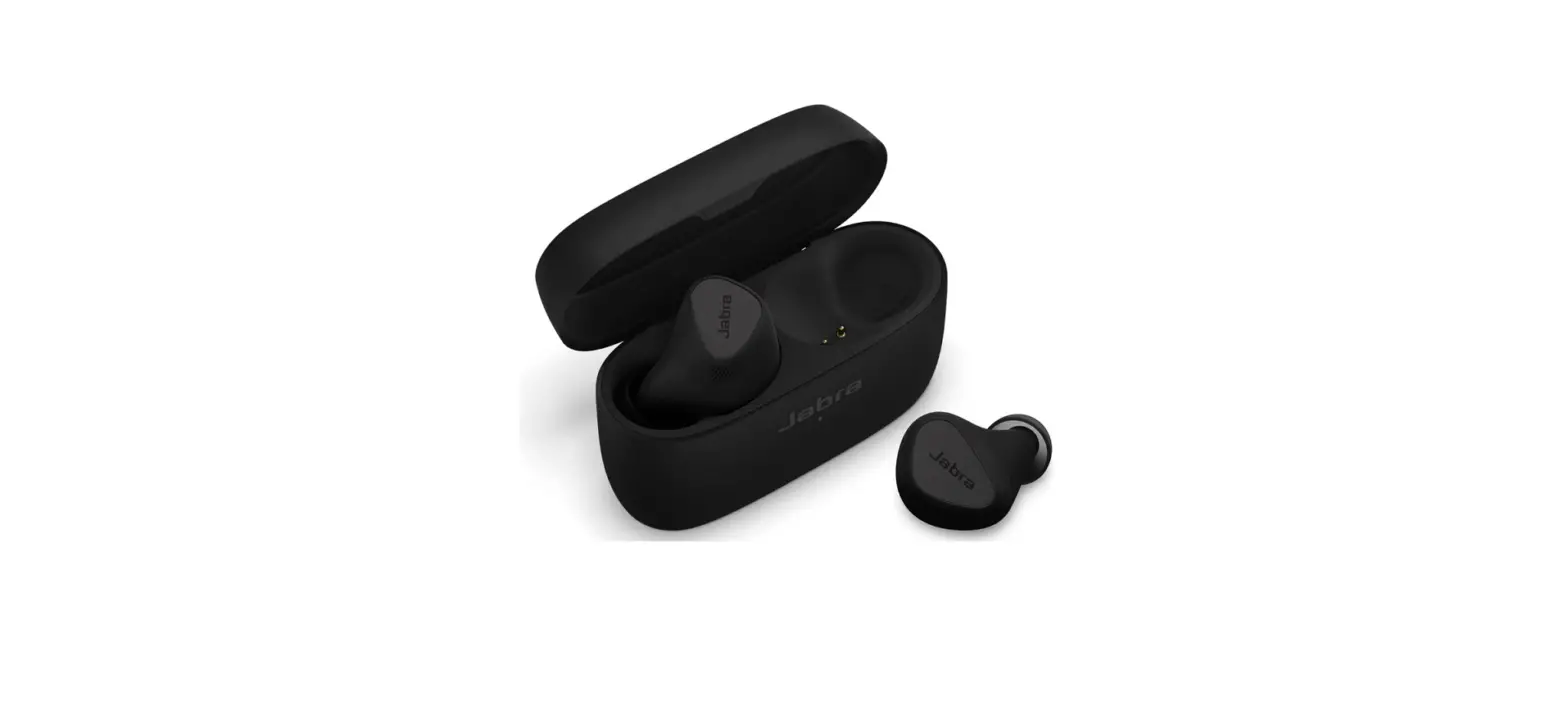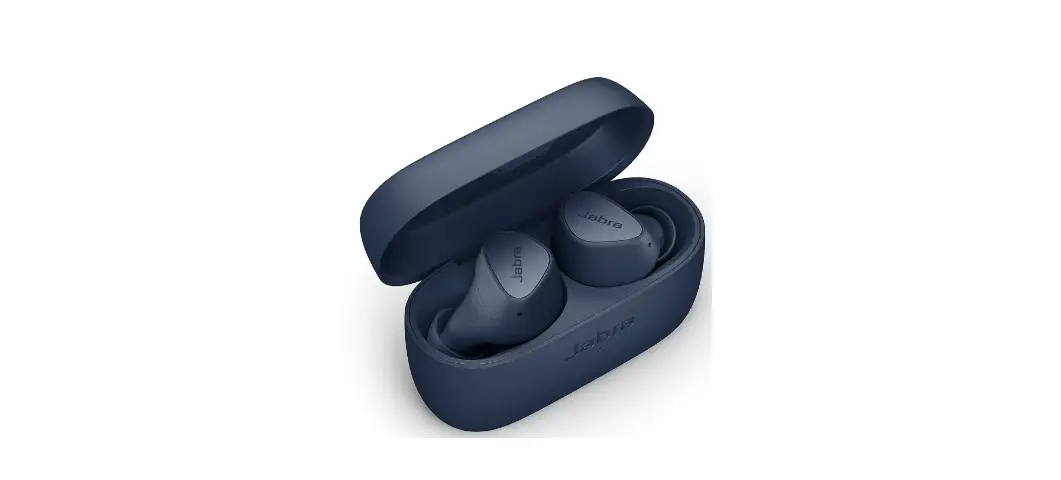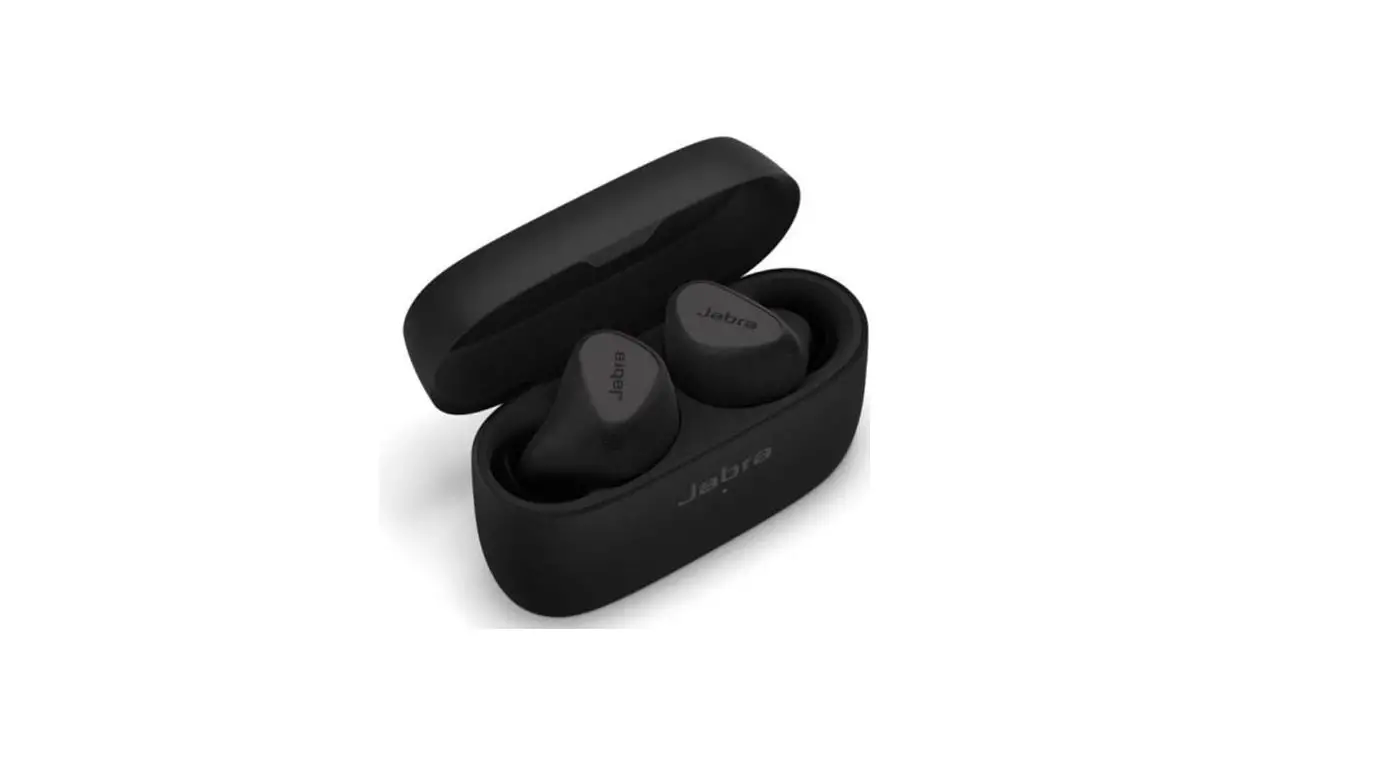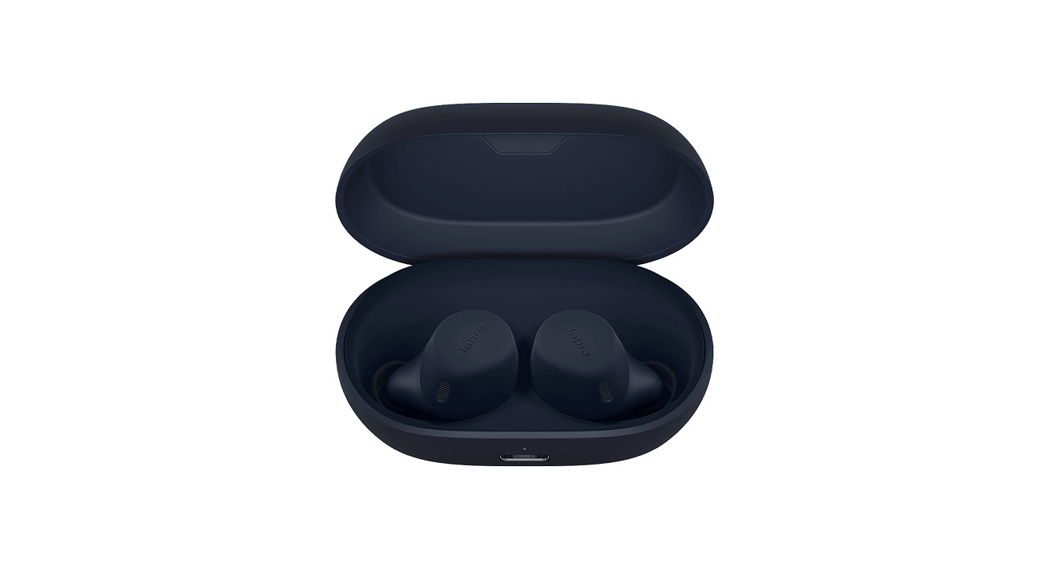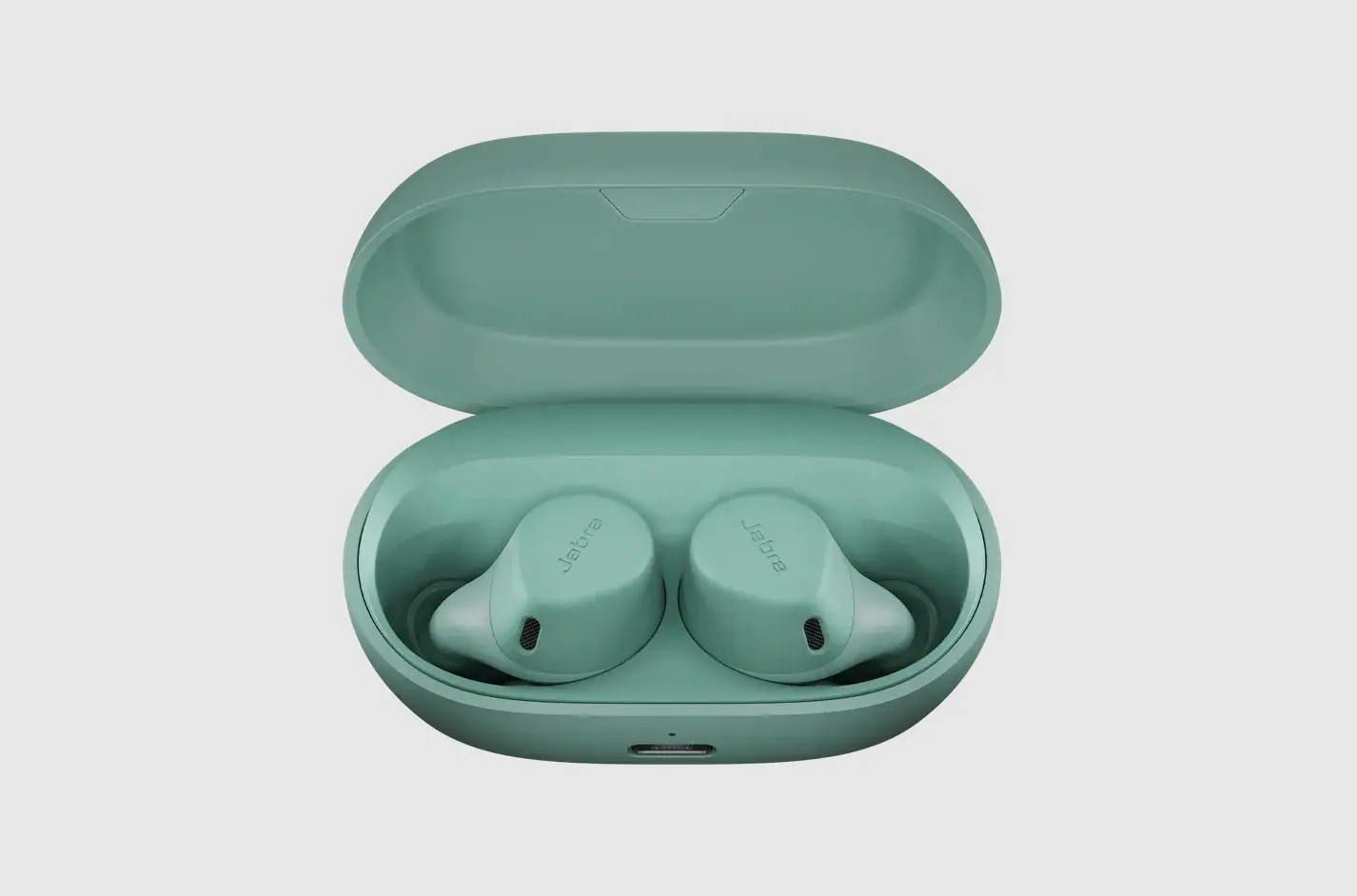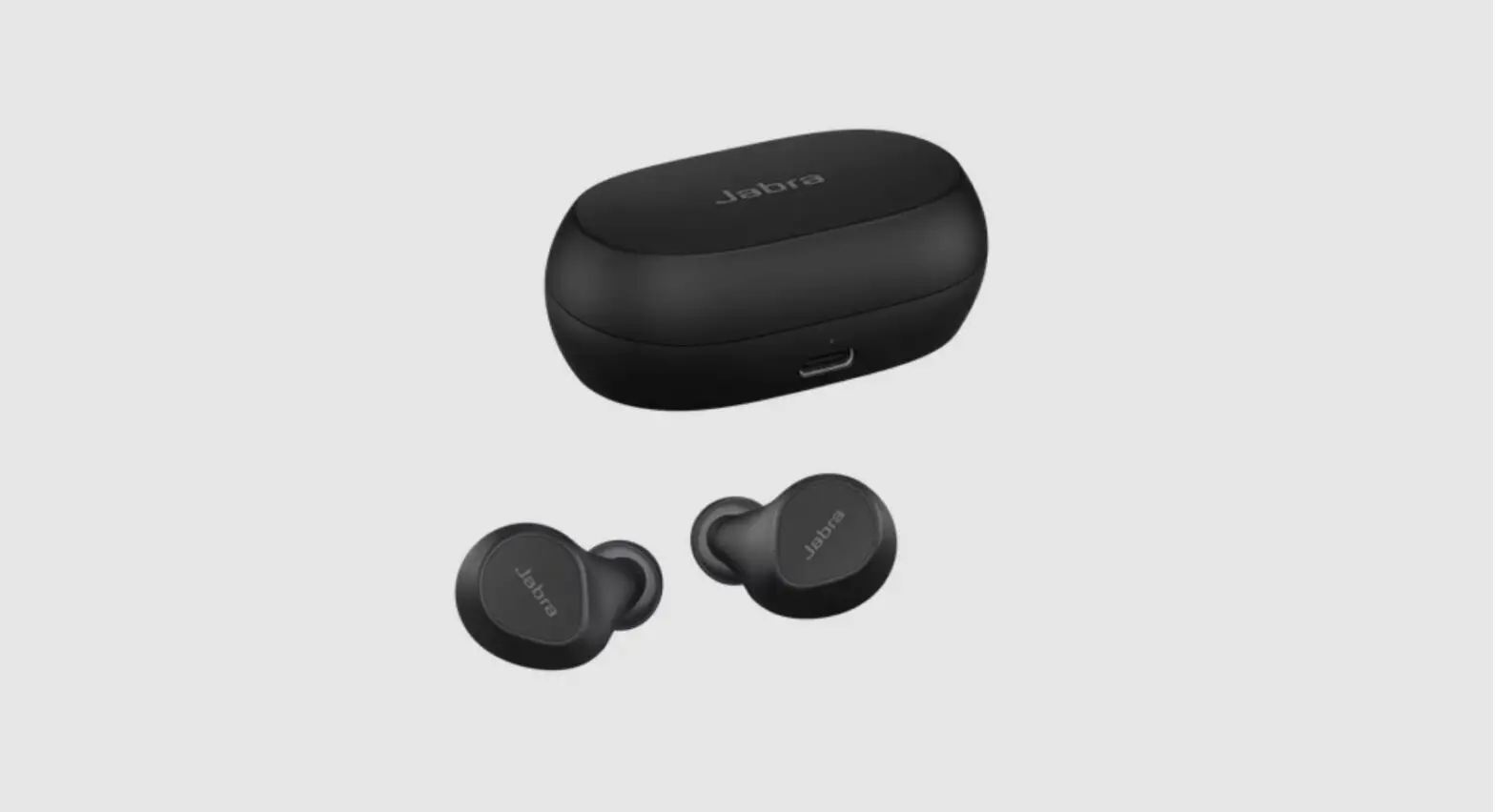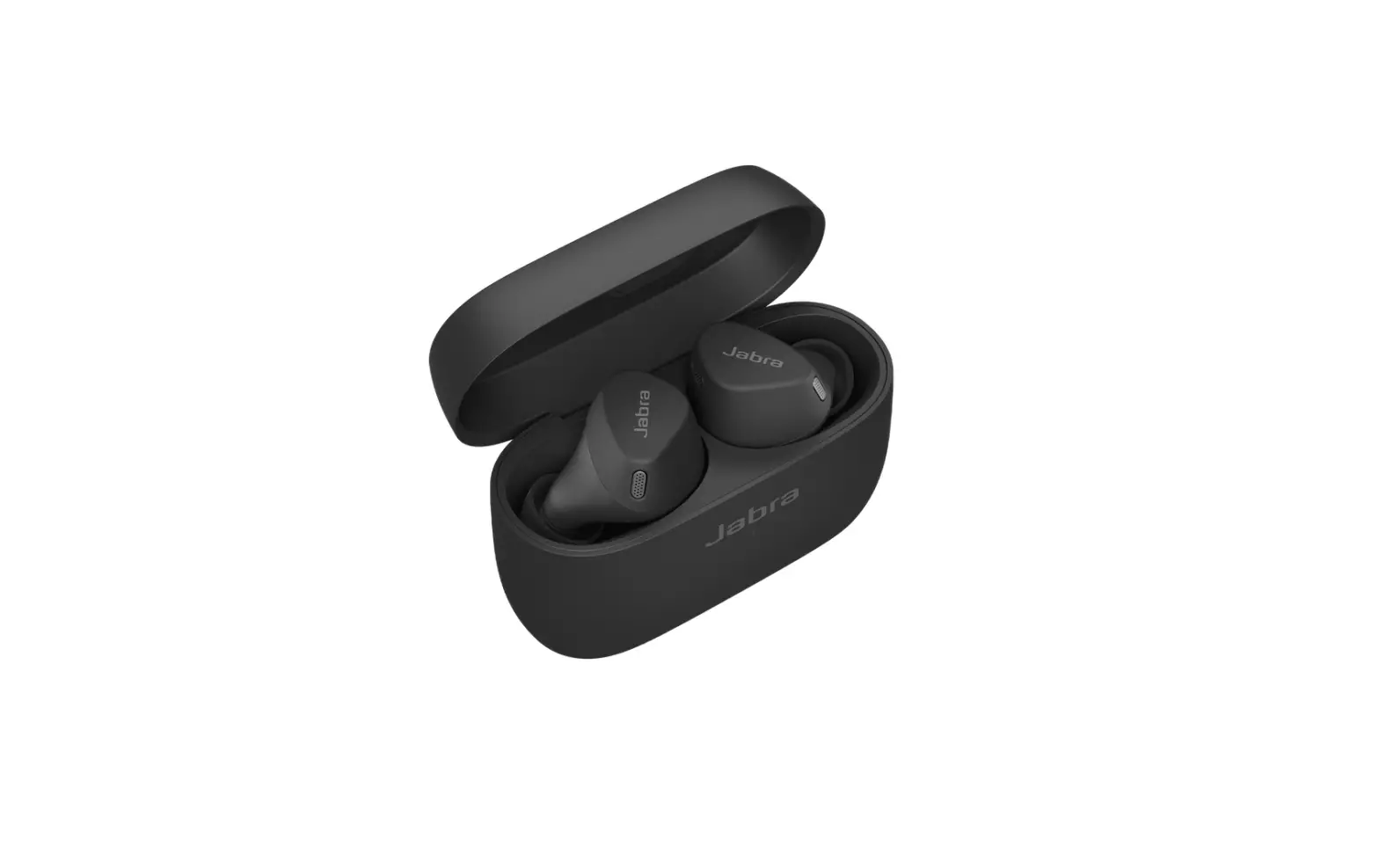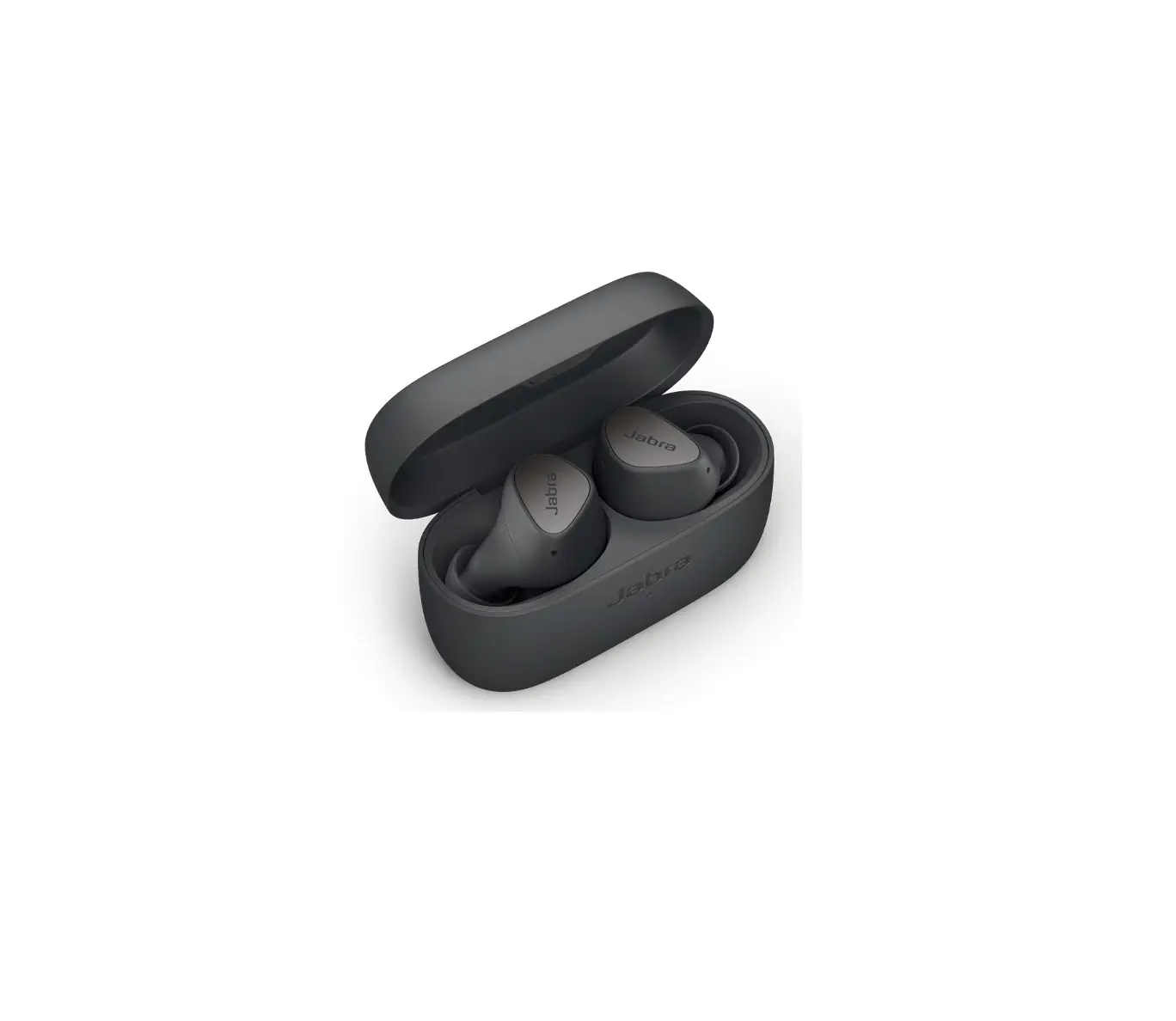
Jabra Elite 3 True Wireless Earbuds
How do I update the firmware on my Jabra Elite 2/Elite 3 using Jabra Sound+?
Voraussetzungen
- Jabra Sound+ – Android
- Jabra Sound+ – iOS
If your earbuds are paired with your mobile device, when you open Jabra Sound+, a notification will appear when a new firmware is available. The Discover icon will also pulse with a red glow.
To install new firmware, follow these steps.
- Remove both earbuds from the charging case and make sure they are paired with and within range of your mobile device.
- In Jabra Sound+, tap the Discover icon.
- Tap Update now to start the update process.
- Follow the onscreen instructions to update your earbuds. This may take up to 15 minutes and is indicated by the earbud LEDs flashing purple.
Note: Do not use the earbuds while the LEDs are flashing purple. - A notification appears on the screen when the firmware update is complete.
Download Jabra Sound+ from Google Play on your Android device or from the App Store on your iOS device.

References
 [FAQTitle] | Jabra Elite 3 - Dark Grey | FAQ | Jabra Support
-
Why do I not hear music in stereo when I use just one earbud with my Android smartphone? | Jabra Elite 3 - Dark Grey | FAQ | Jabra Support
-
[FAQTitle] | Jabra Elite 3 - Dark Grey | FAQ | Jabra Support
-
Can I use just one of my Jabra earbuds? | Jabra Elite 3 - Dark Grey | FAQ | Jabra Support
-
[FAQTitle] | Jabra Elite 3 - Light Beige | FAQ | Jabra Support
-
Can I pair my Jabra Bluetooth device with a computer or softphone? | Jabra Elite 3 - Light Beige | FAQ | Jabra Support
-
[FAQTitle] | Jabra Elite 3 - Light Beige | FAQ | Jabra Support
-
[FAQTitle] | Jabra Elite 3 - Light Beige | FAQ | Jabra Support
 [FAQTitle] | Jabra Elite 3 - Dark Grey | FAQ | Jabra Support
 [FAQTitle] | Jabra Elite 3 - Light Beige | FAQ | Jabra Support