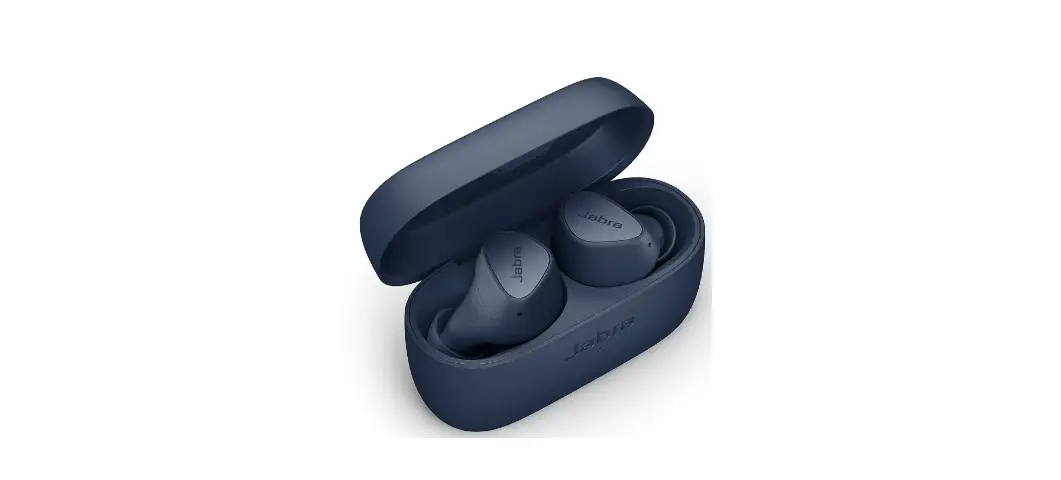

Jabra Elite 3 Navy True Wireless Earbuds How do I clean my Jabra true wireless earbuds?
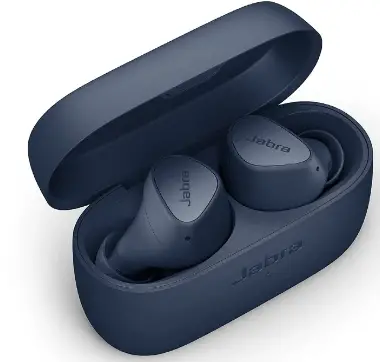 How do I clean my Jabra true wireless earbuds?
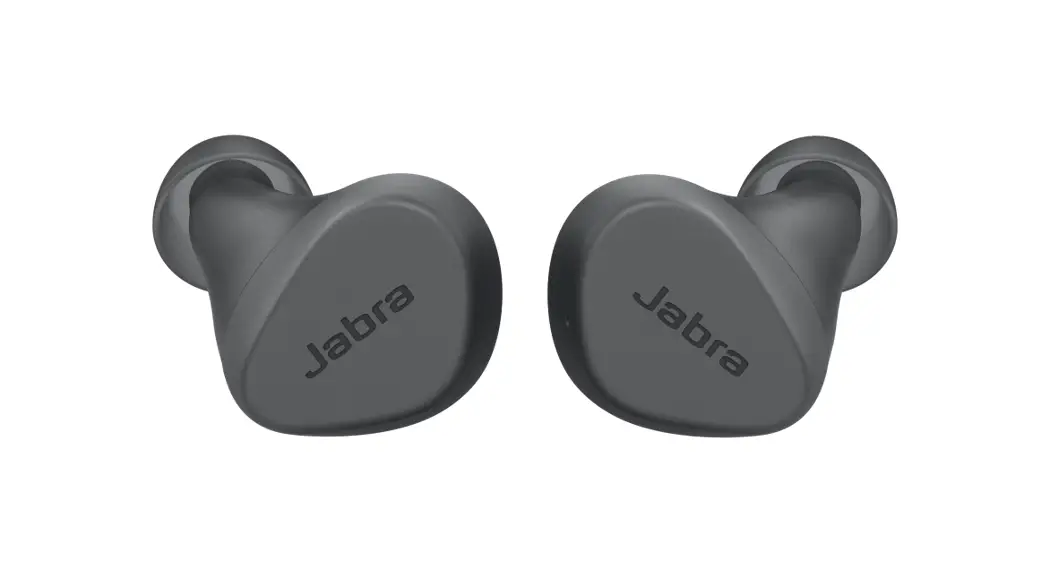
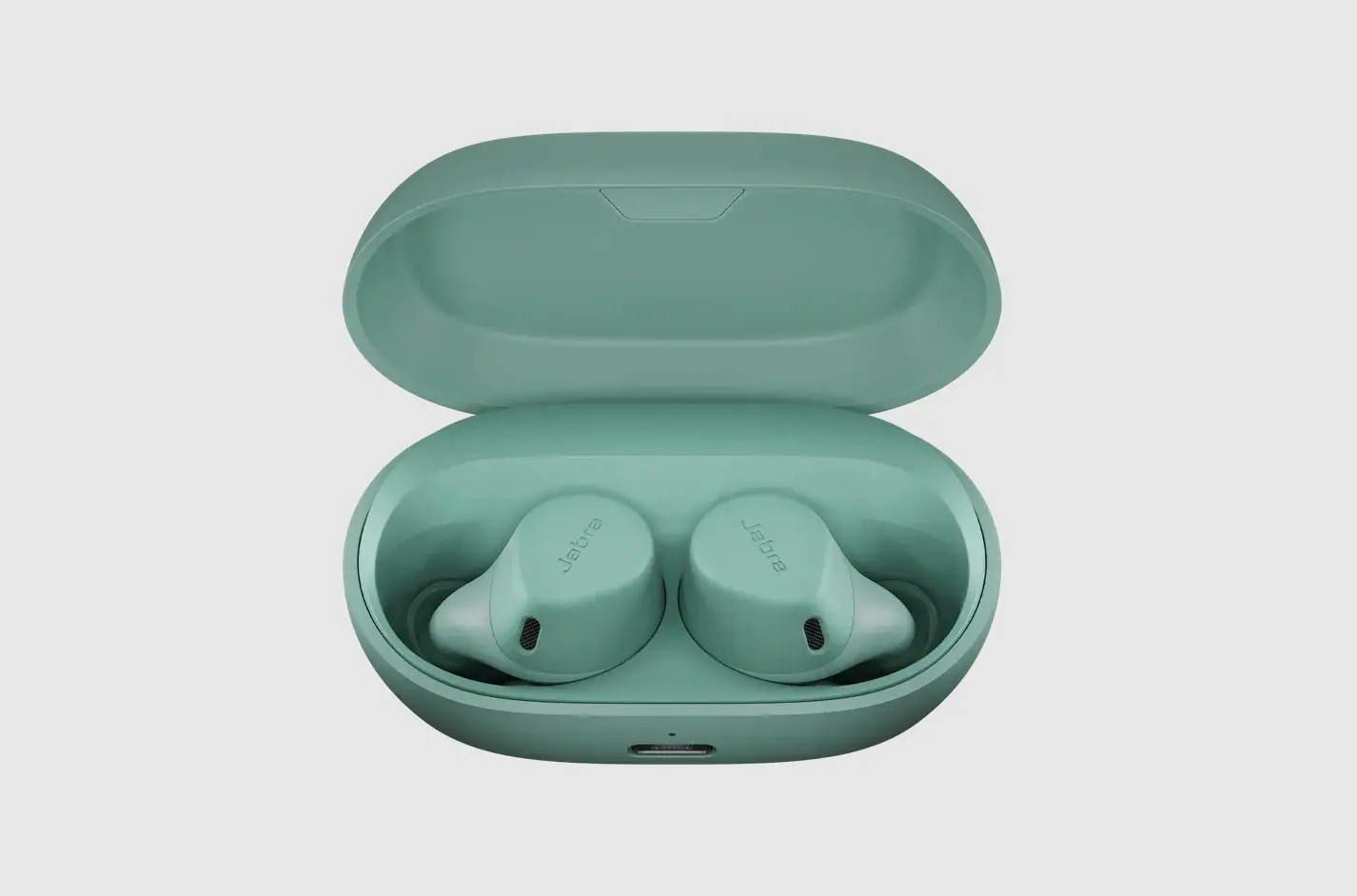
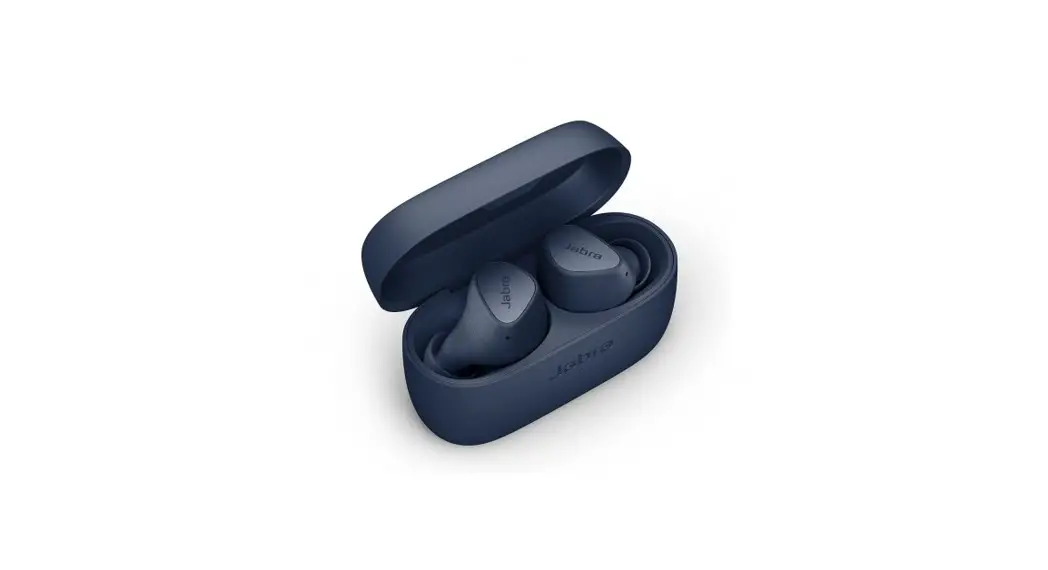
Your earbuds and charging case become soiled over time due to earwax, sweat, or oil. Therefore, it is important to practice aural hygiene and also to clean the earbuds regularly. To clean the earbuds, use the following guidelines.
EarGels
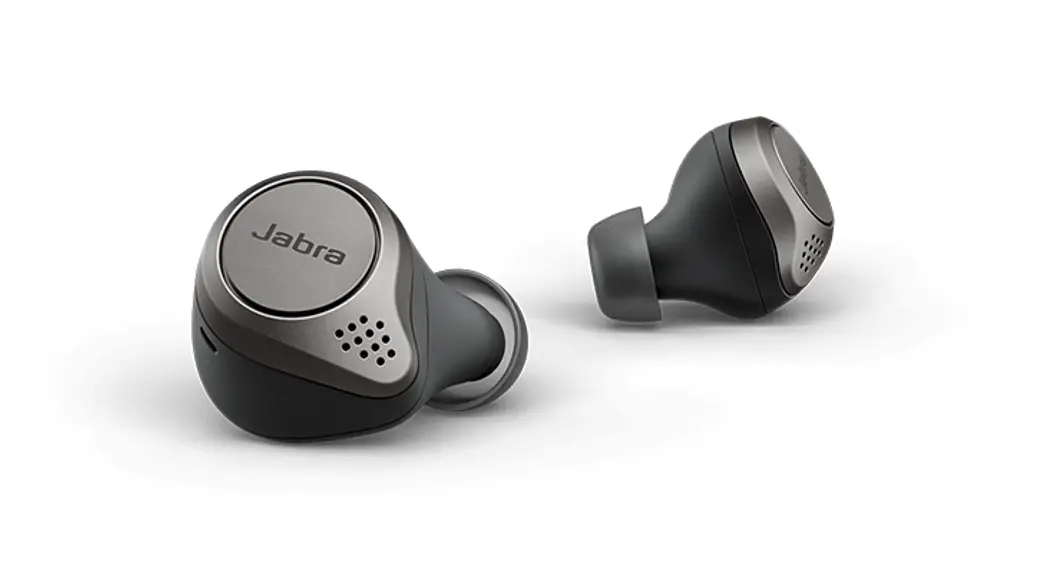
Remove the EarGel from the earbud. Use a swab, slightly dampened with warm water, to wipe the outer surface and around the hole in the middle of the EarGel. Let it air dry completely before the next use.
Earbuds and charging case
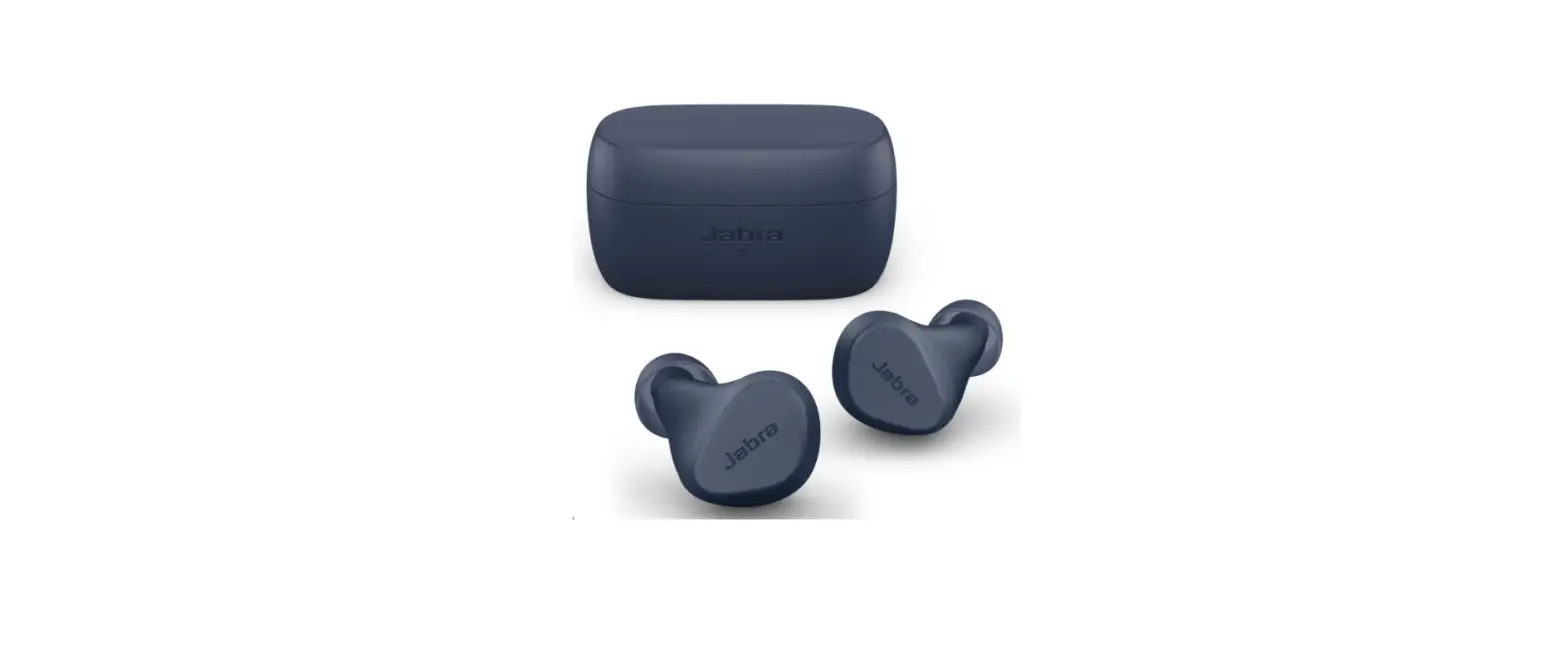
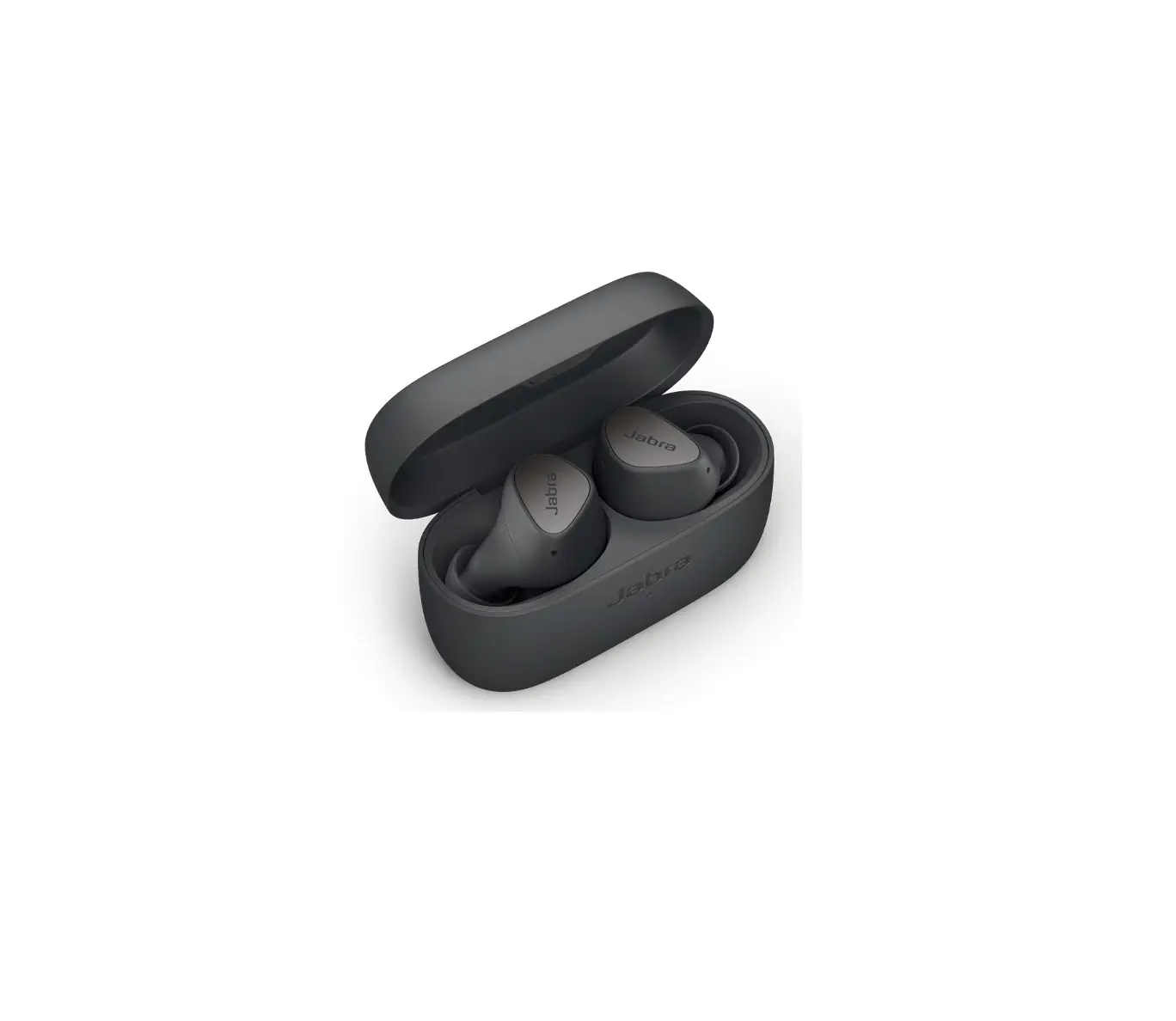
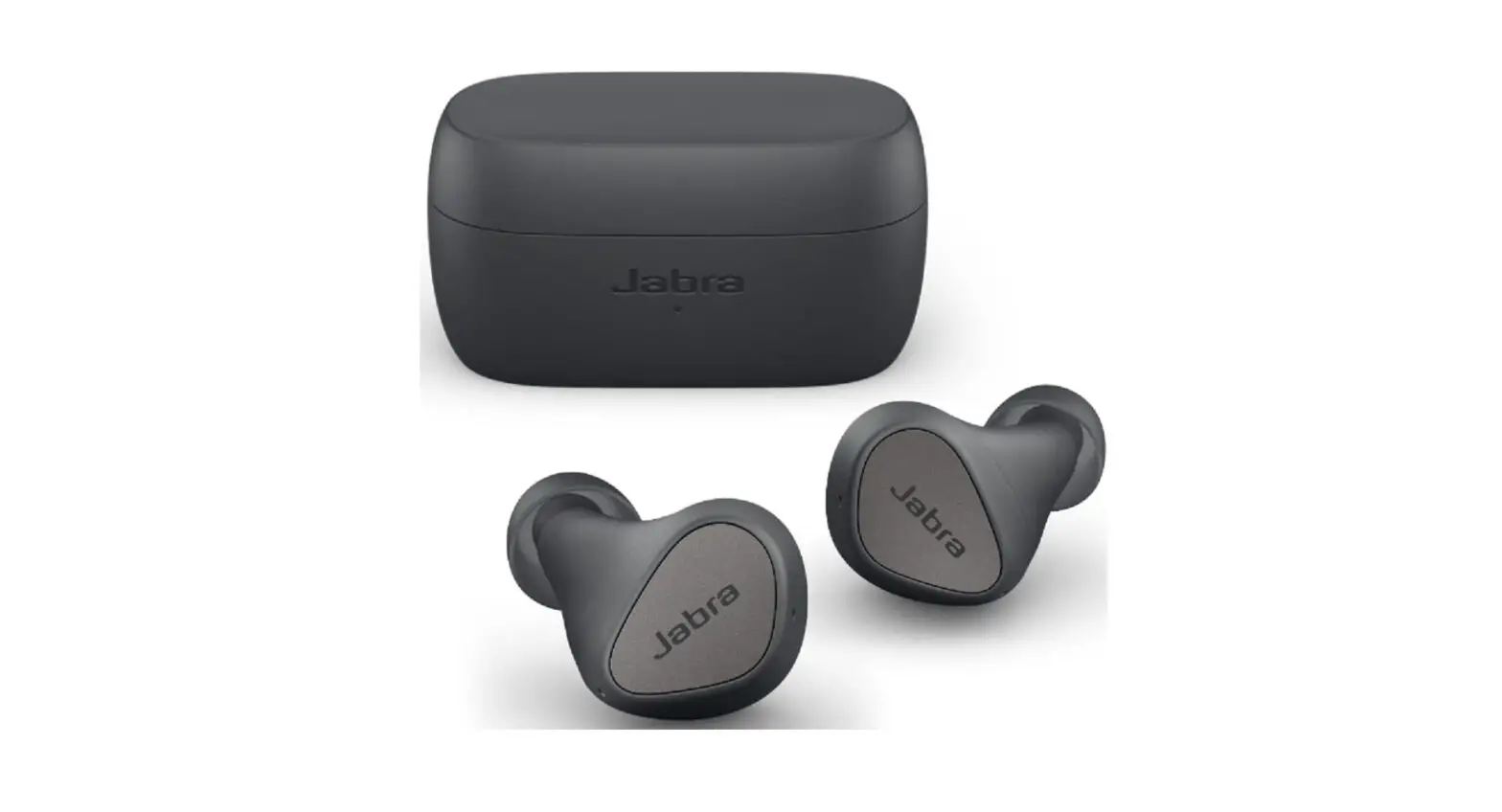
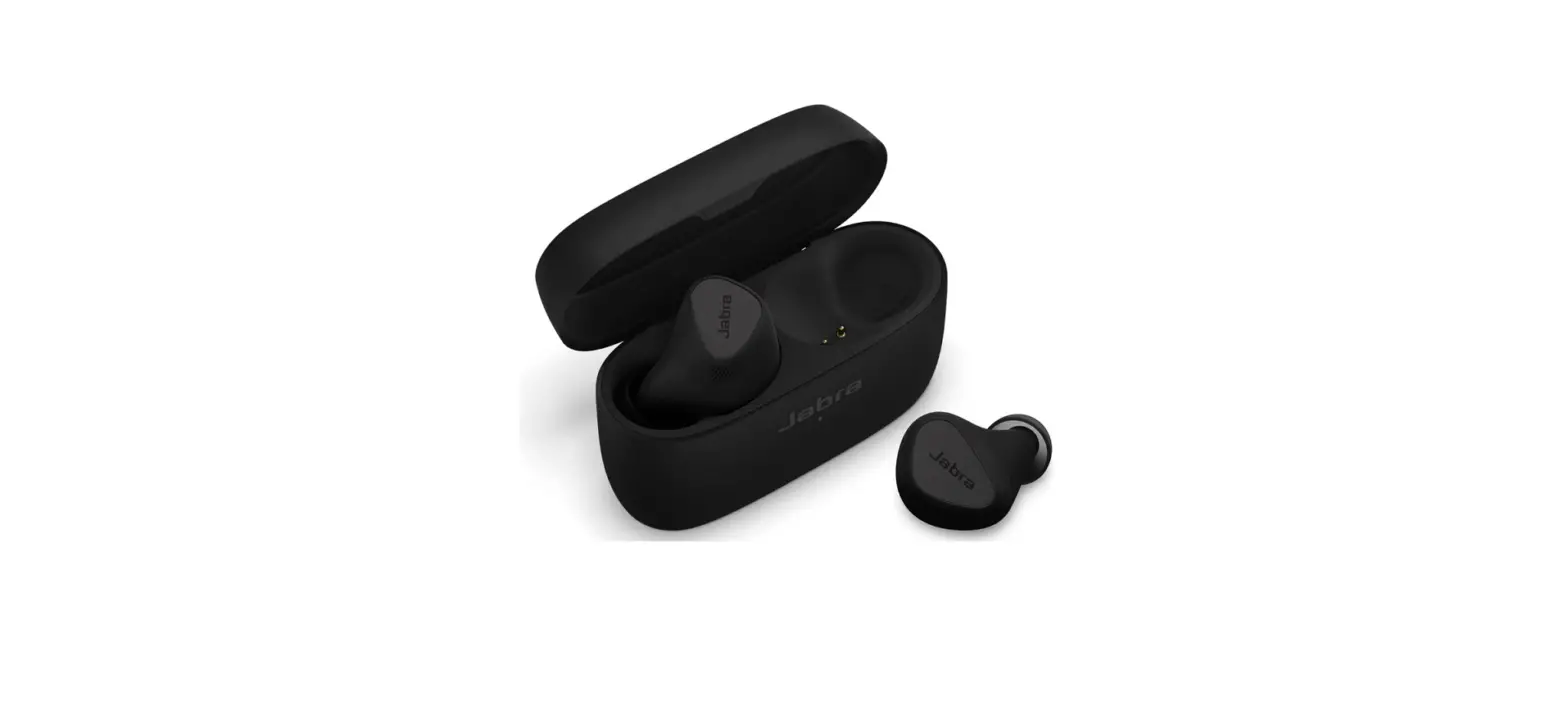
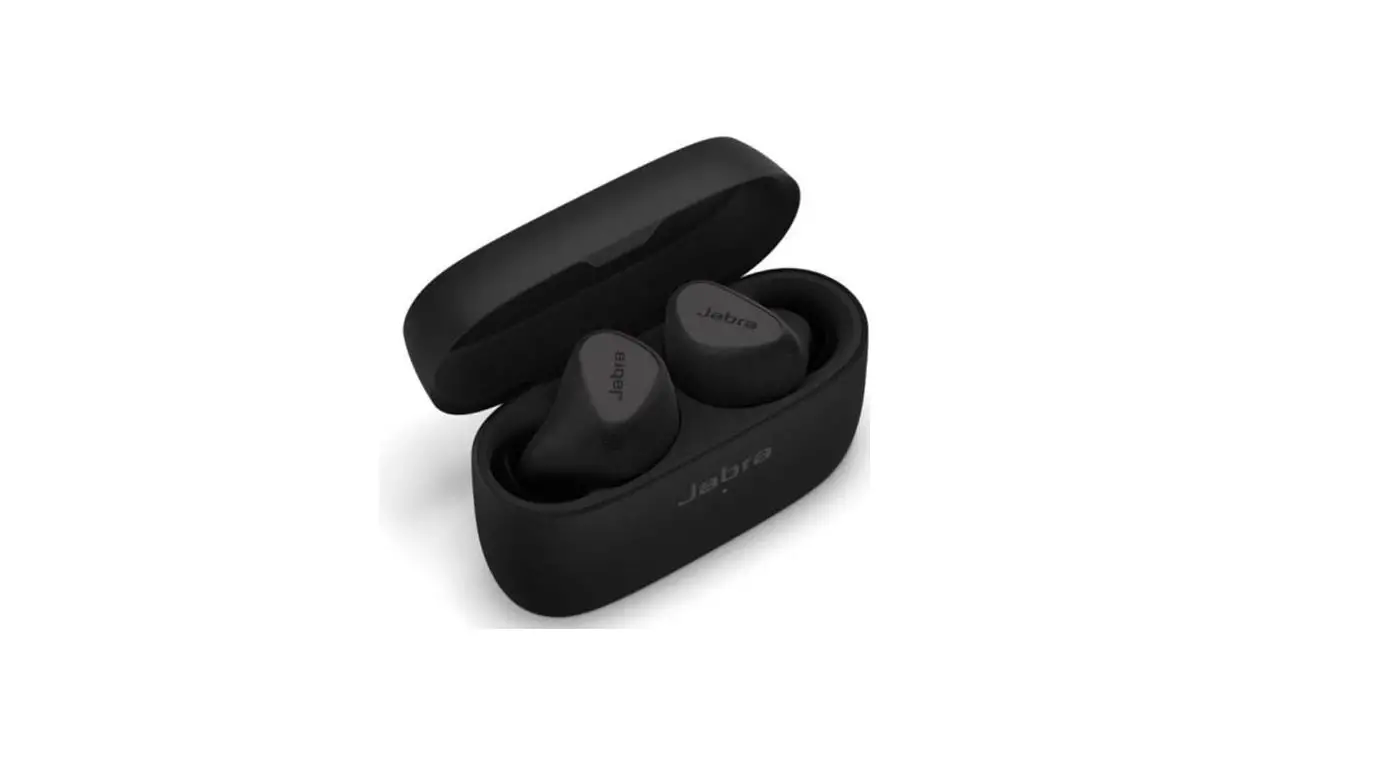
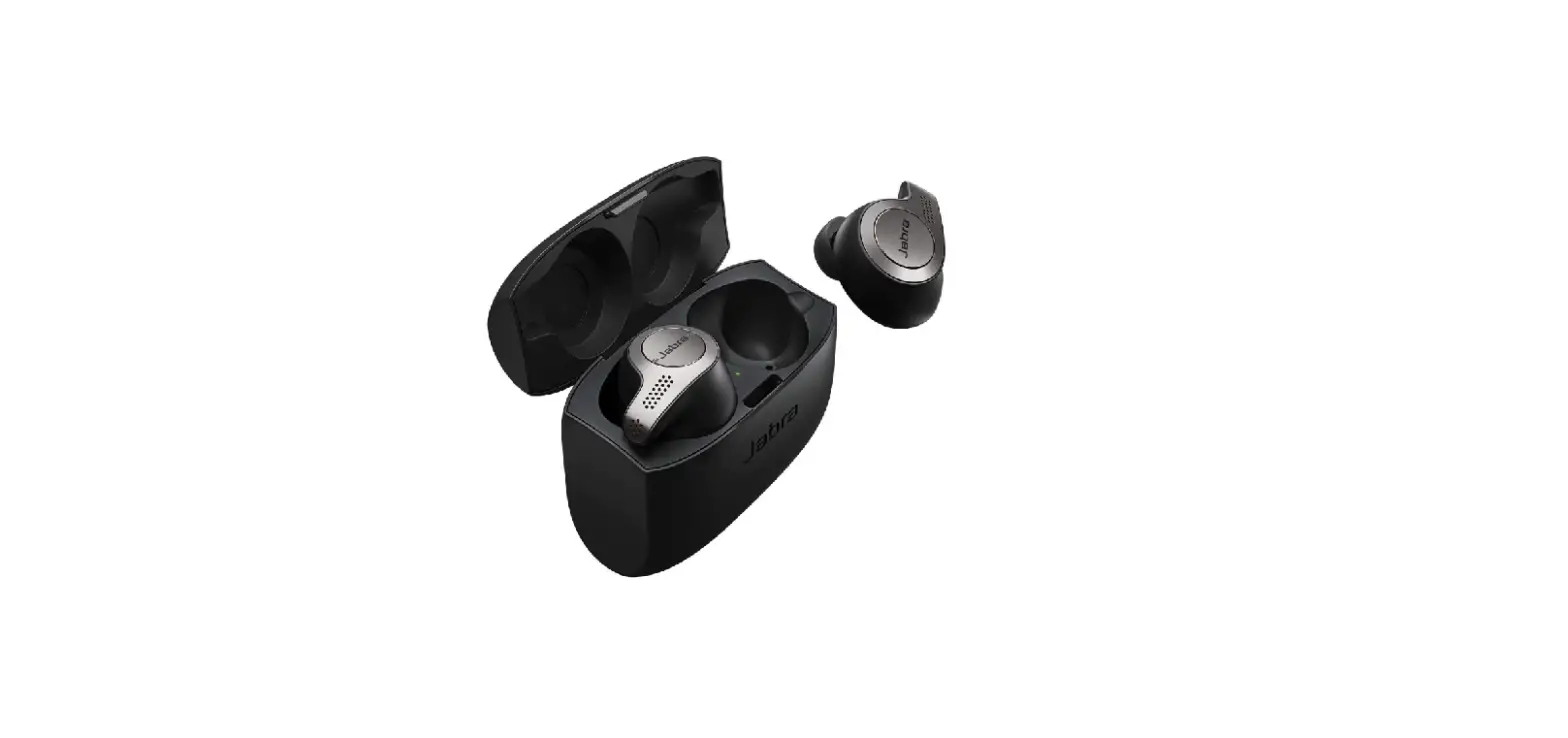
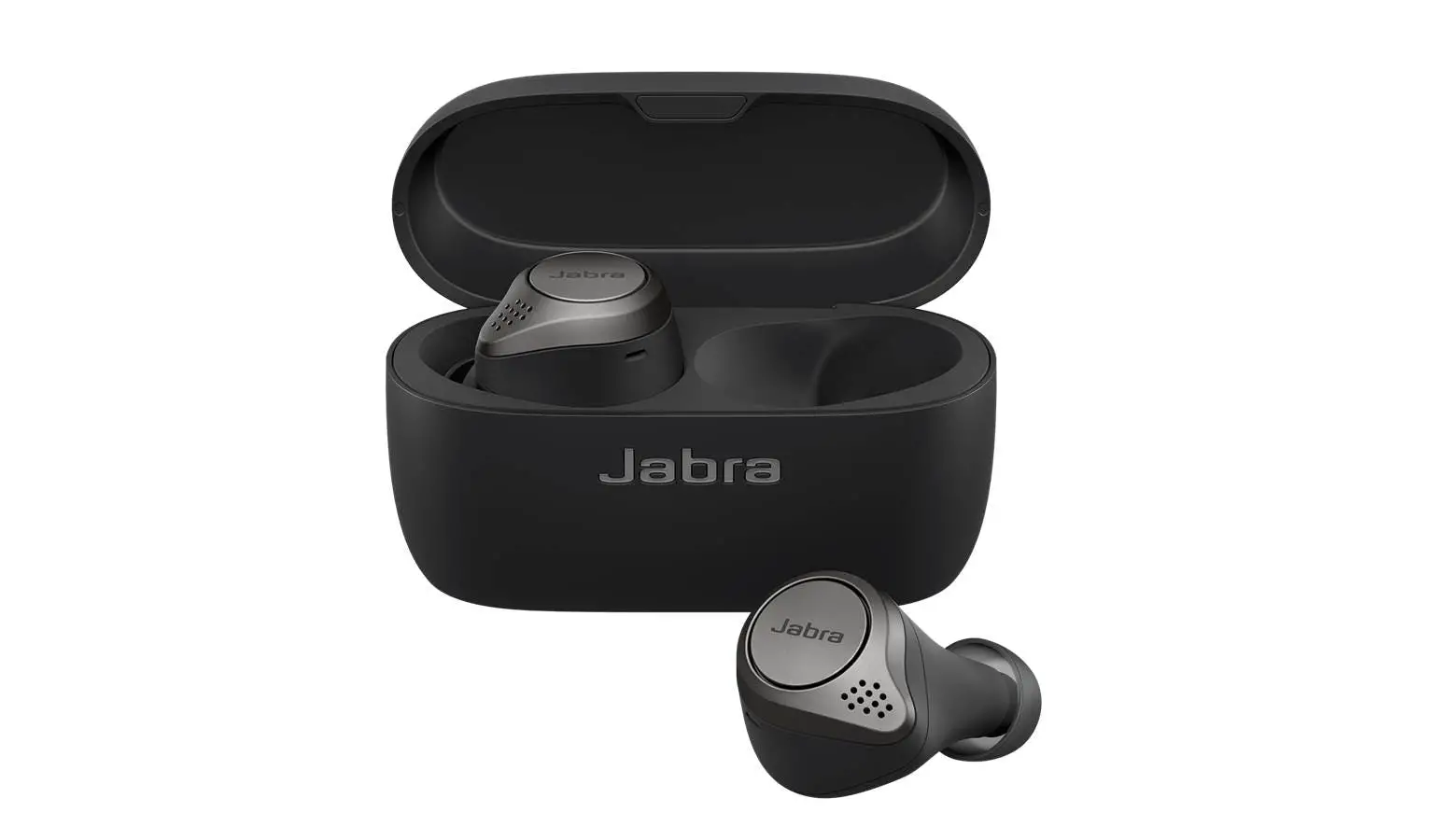
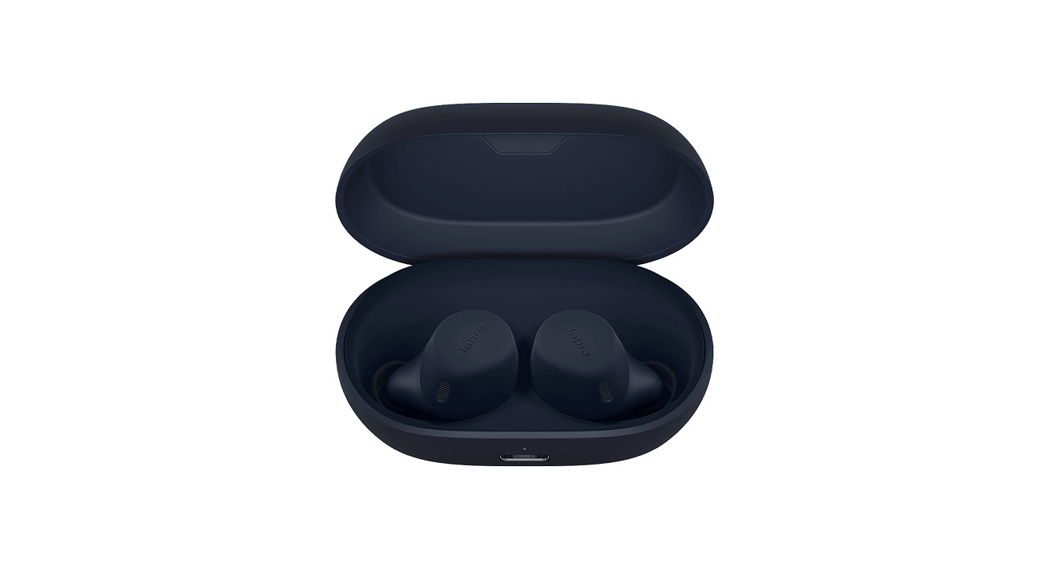
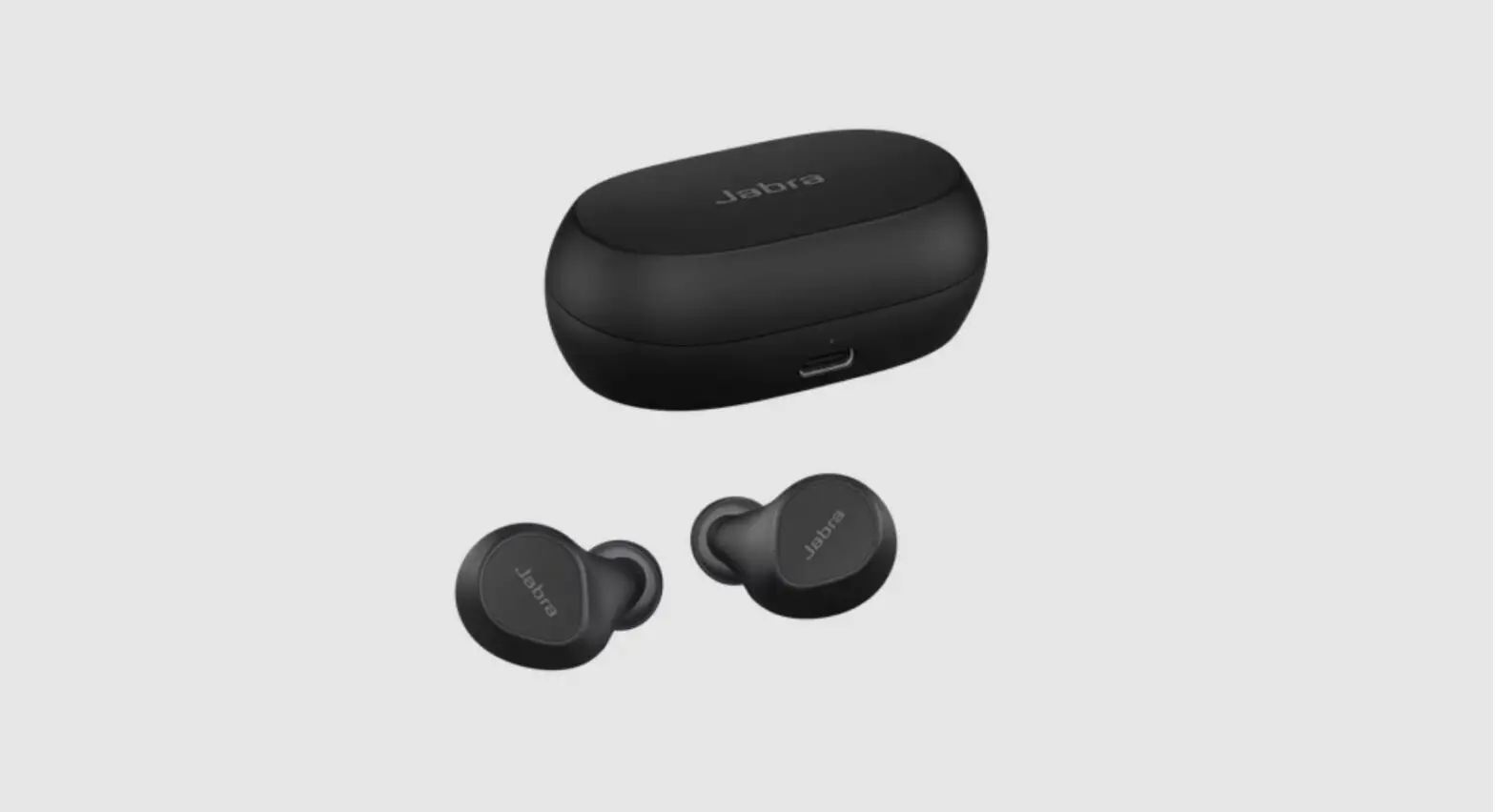
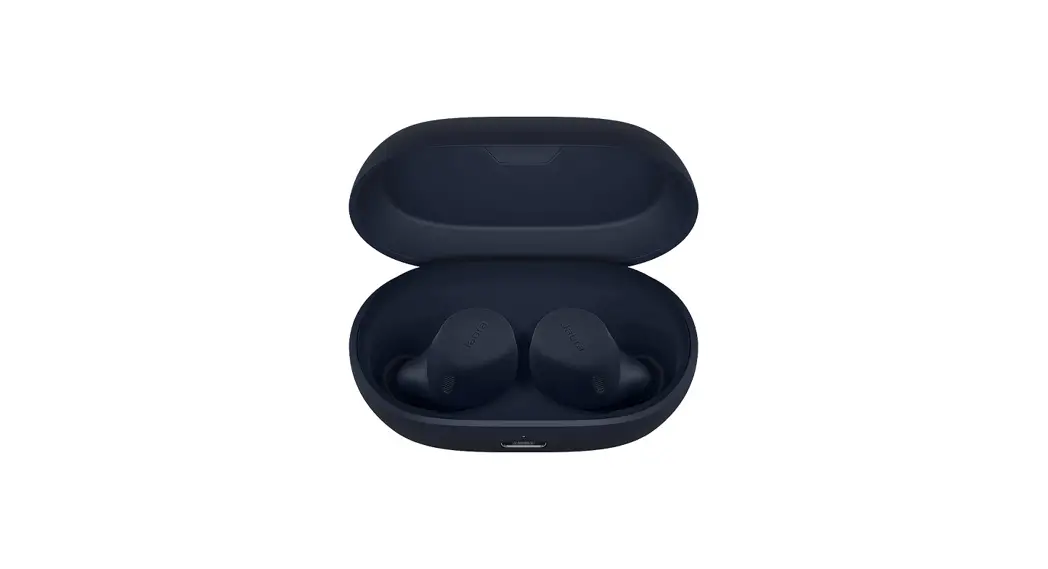
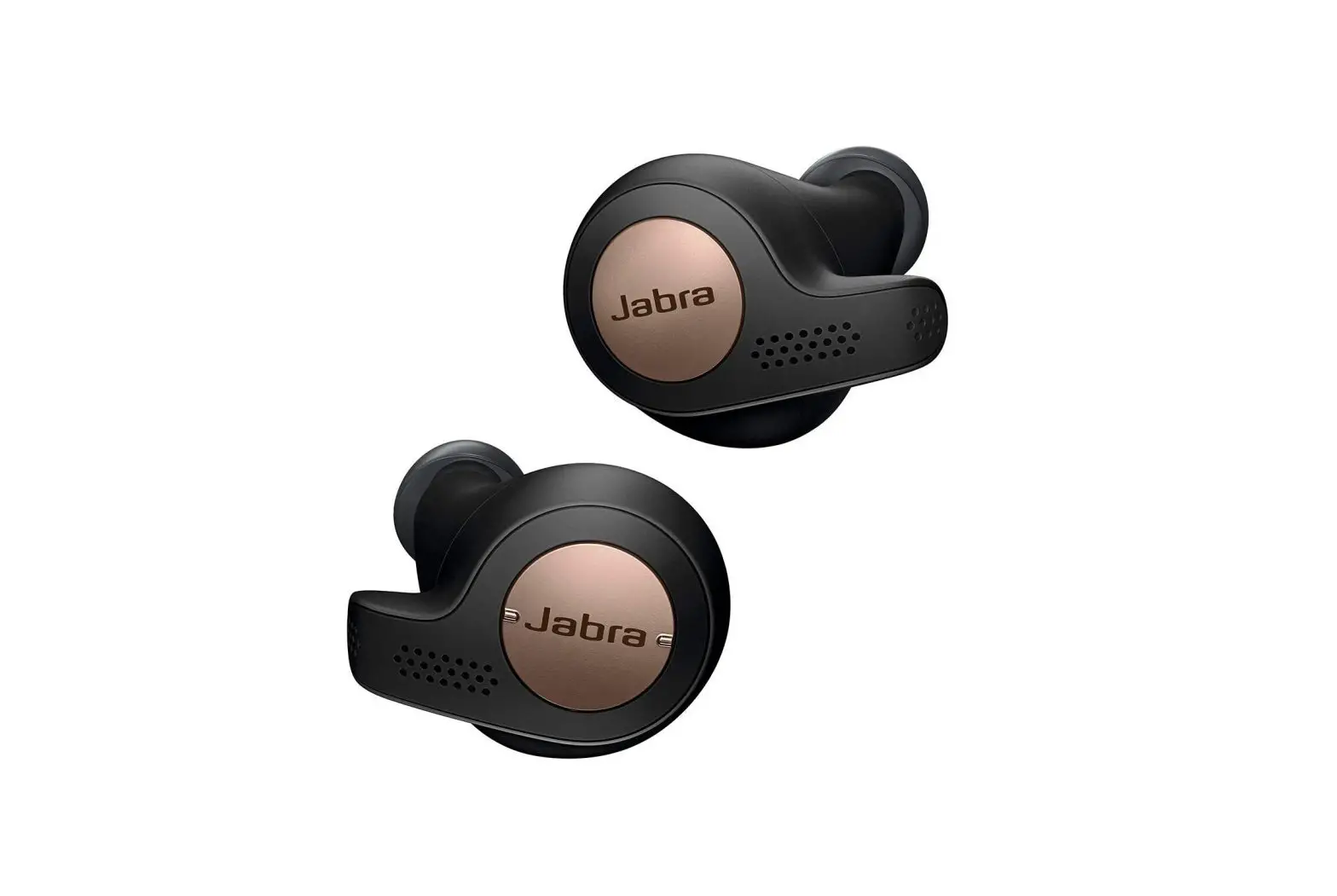
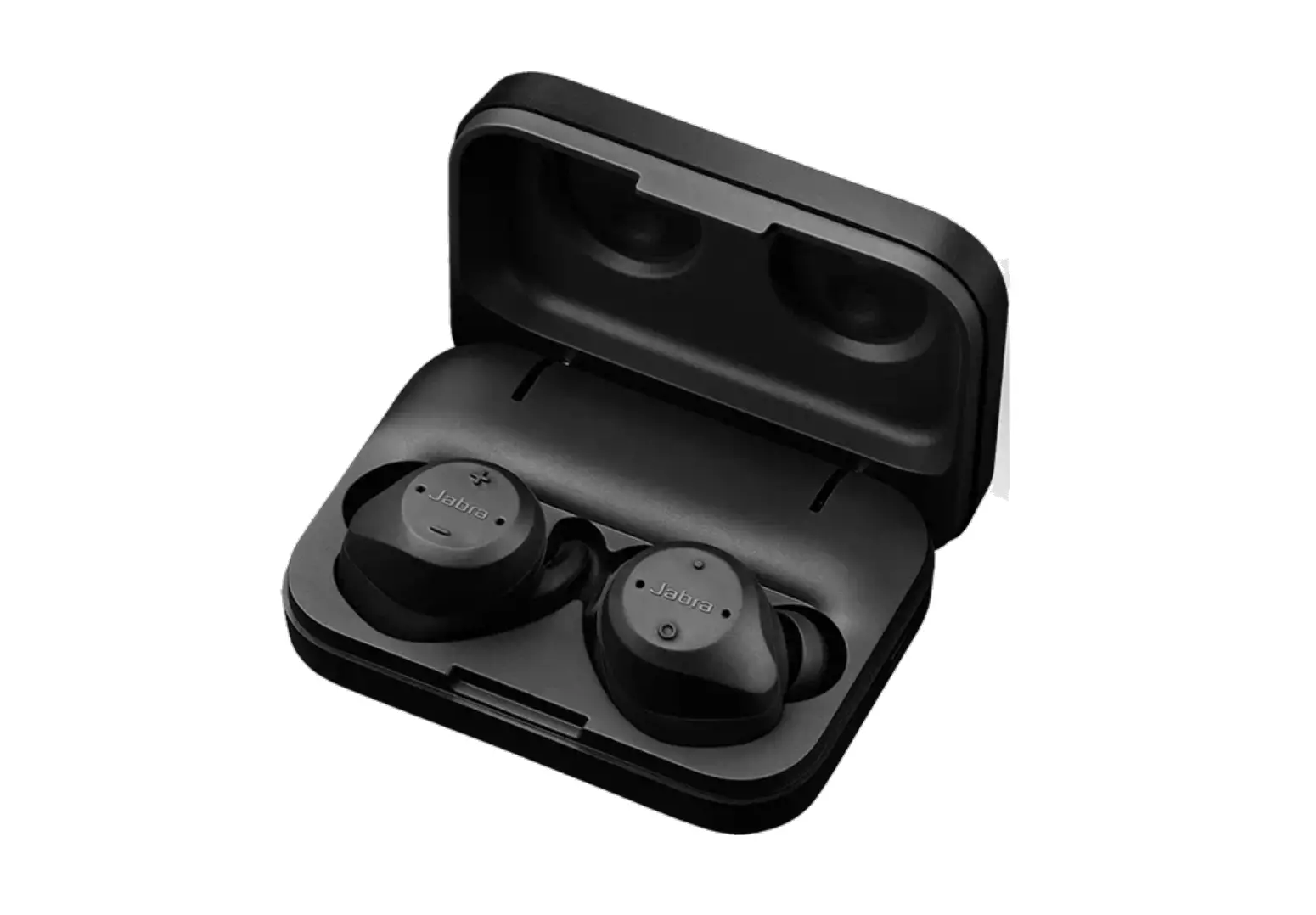
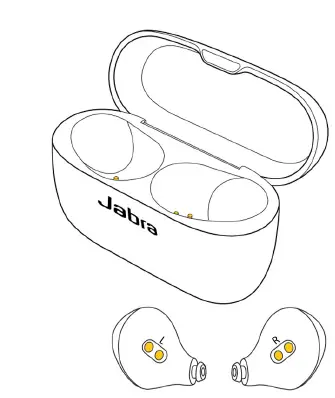
The charging case has 4 charging pins inside of the case, and each earbud has 2 charging poles. Soil buildup on the charging pins and poles can affect charging and performance. Use a dry swab to gently clean the pins in the charging case and poles on the earbuds. When you are not using the earbuds, store them in the charging case to avoid contact with dusty or dirty surfaces.
Note
Images are for guidance purposes only. The displayed image may differ slightly from your device, but the content is still relevant and accurate.
Applicable products