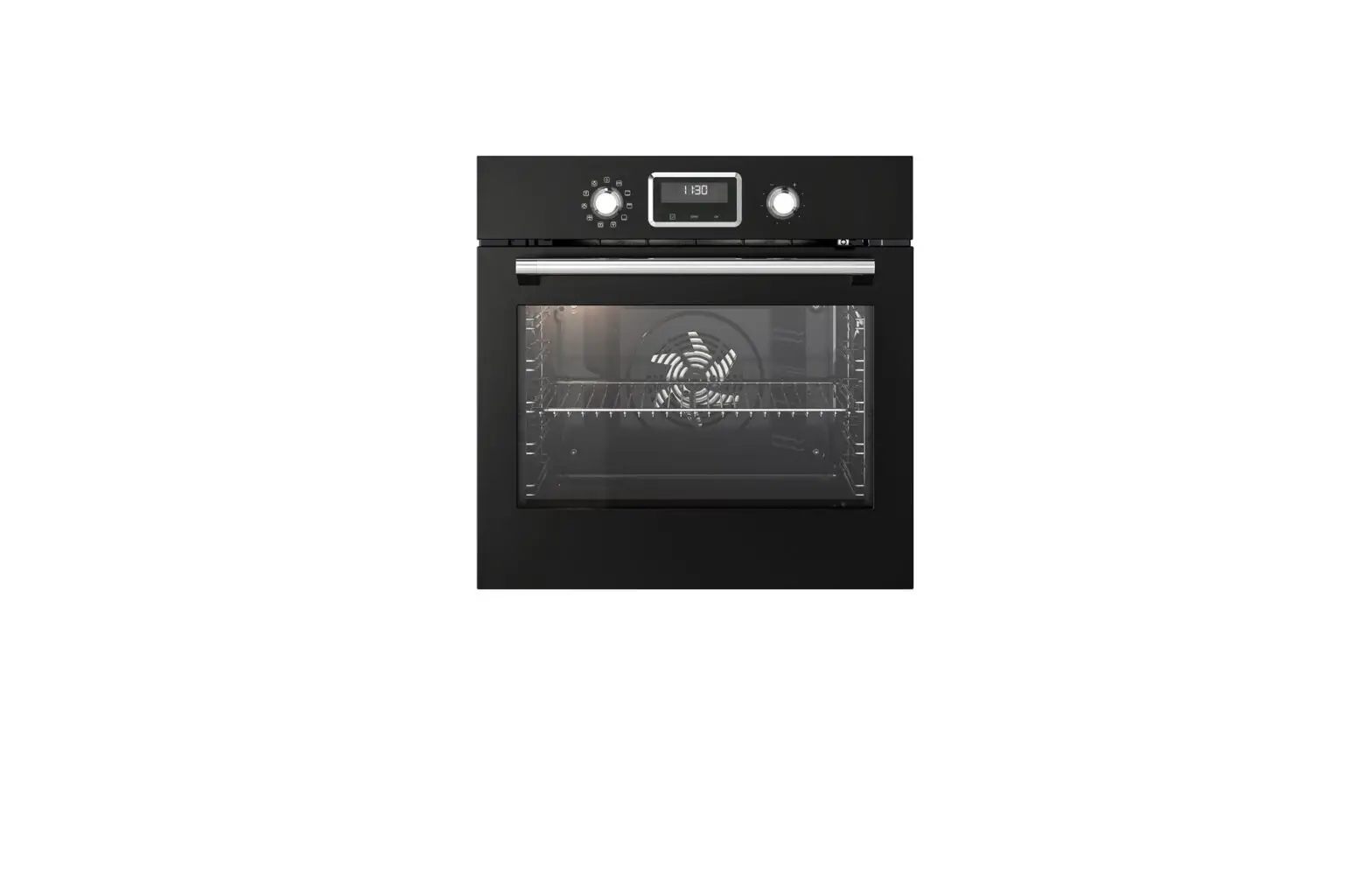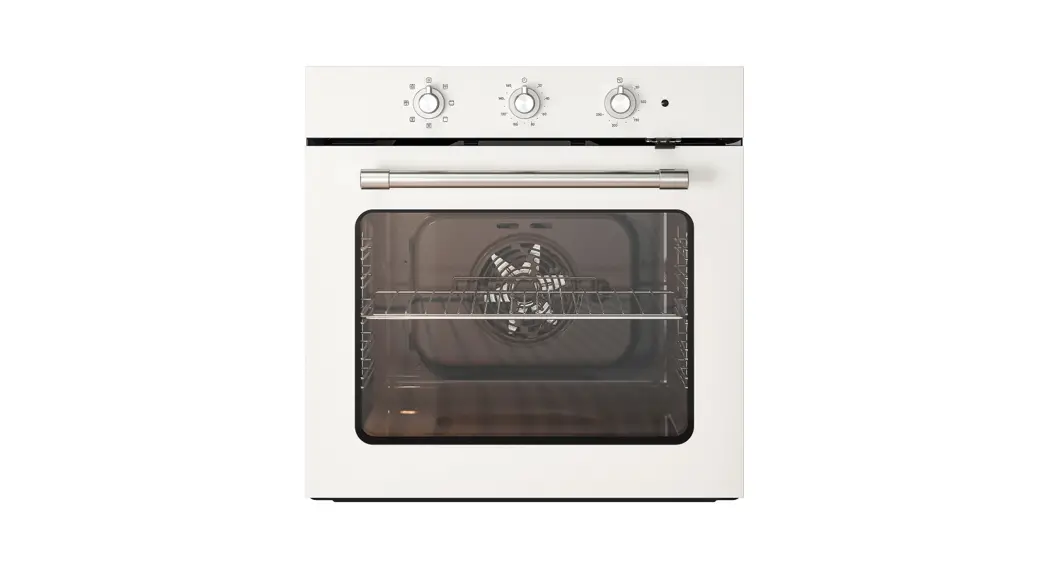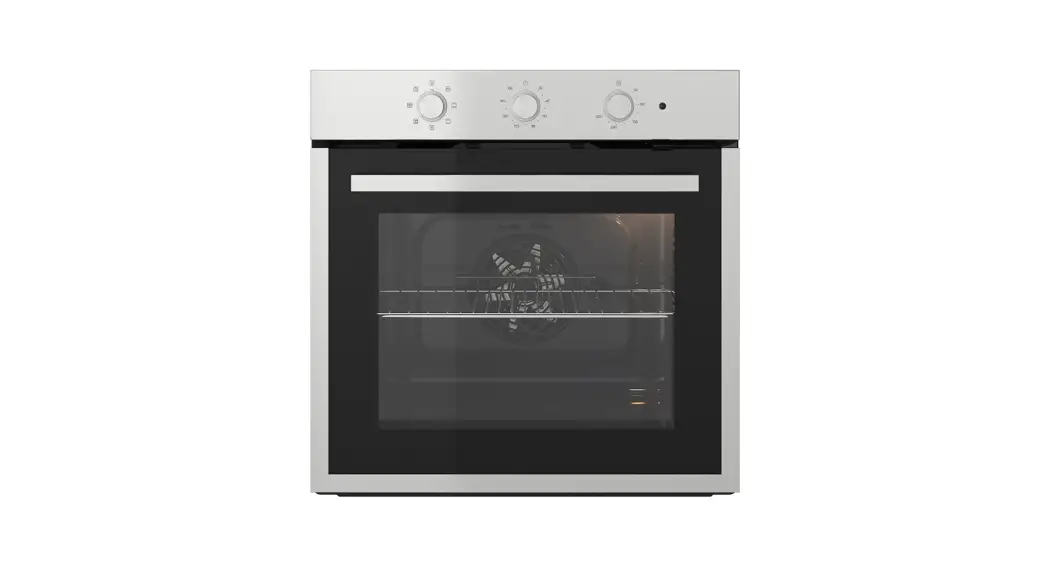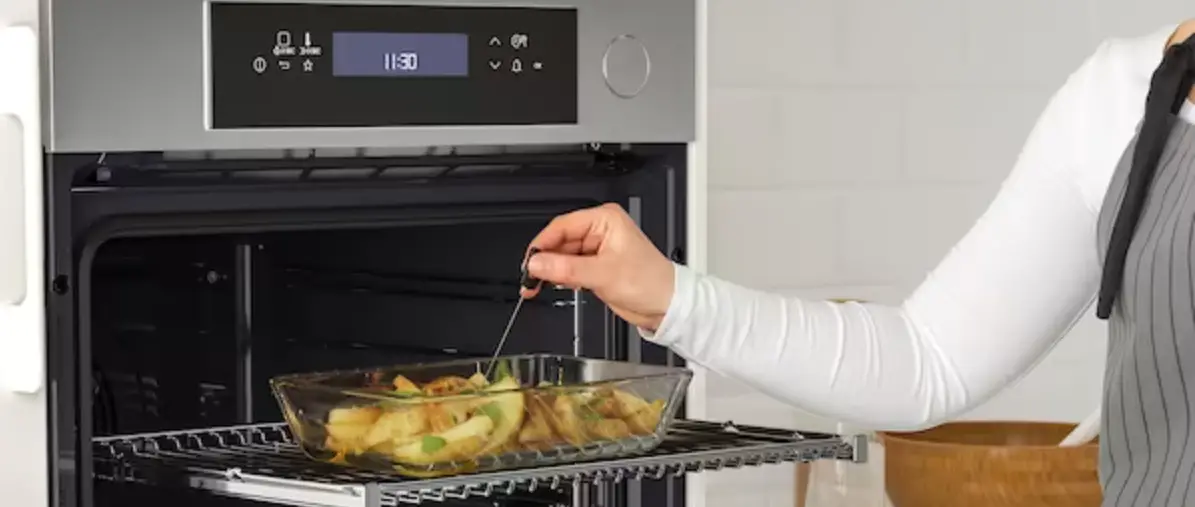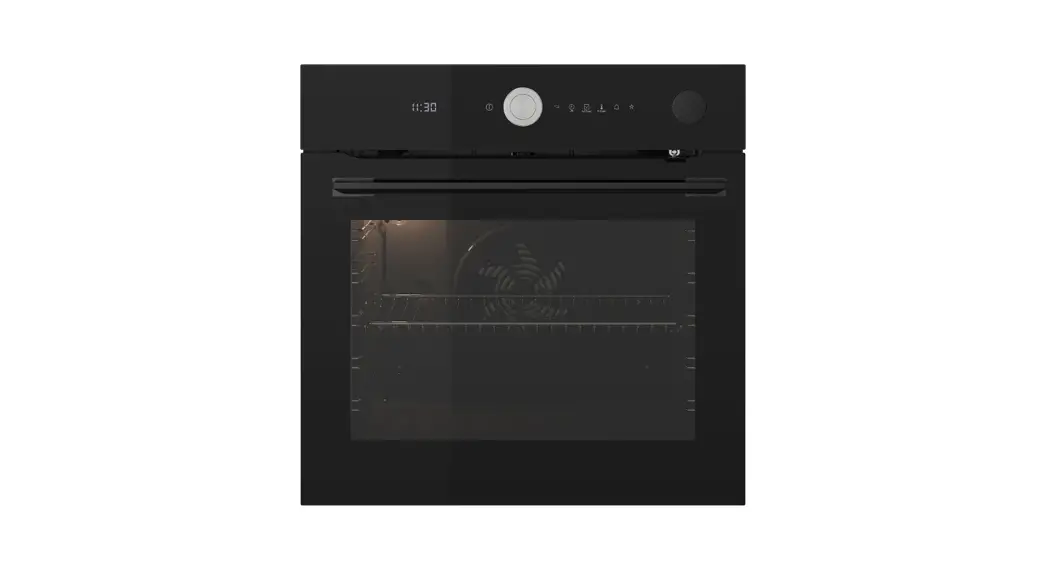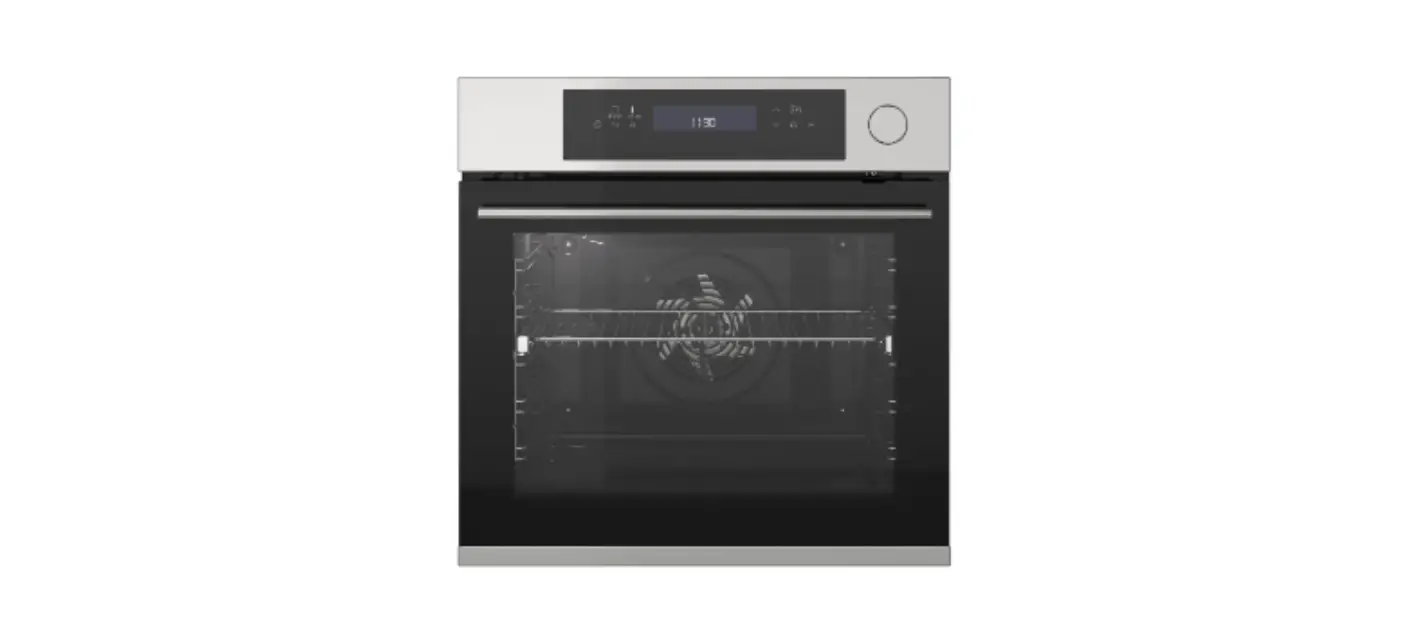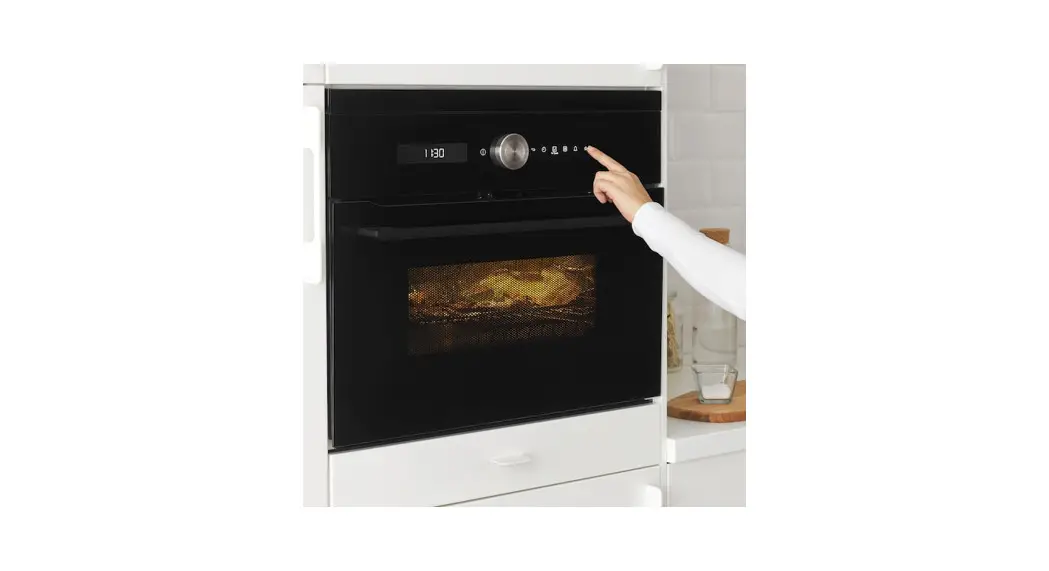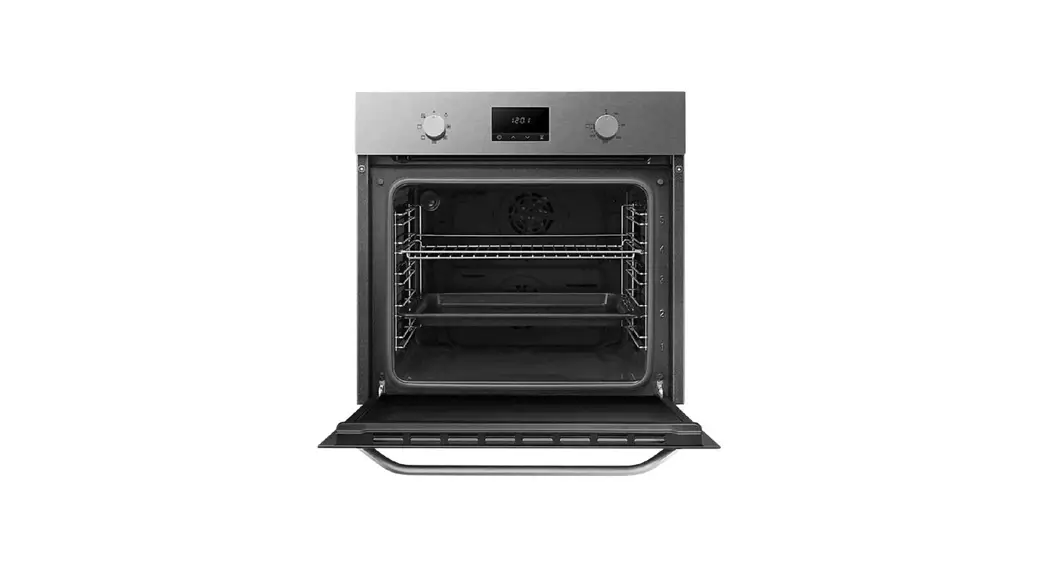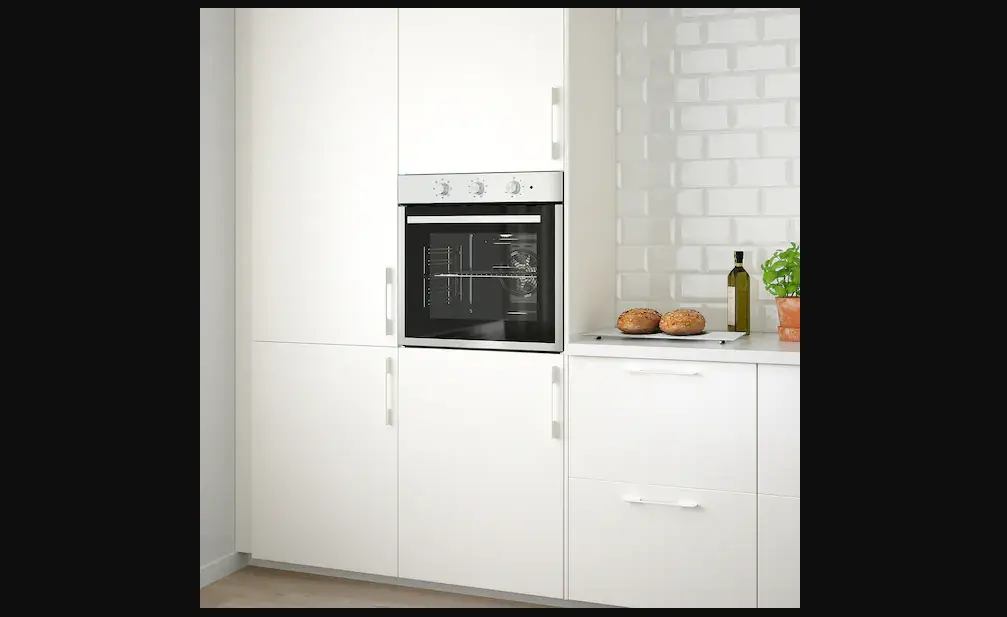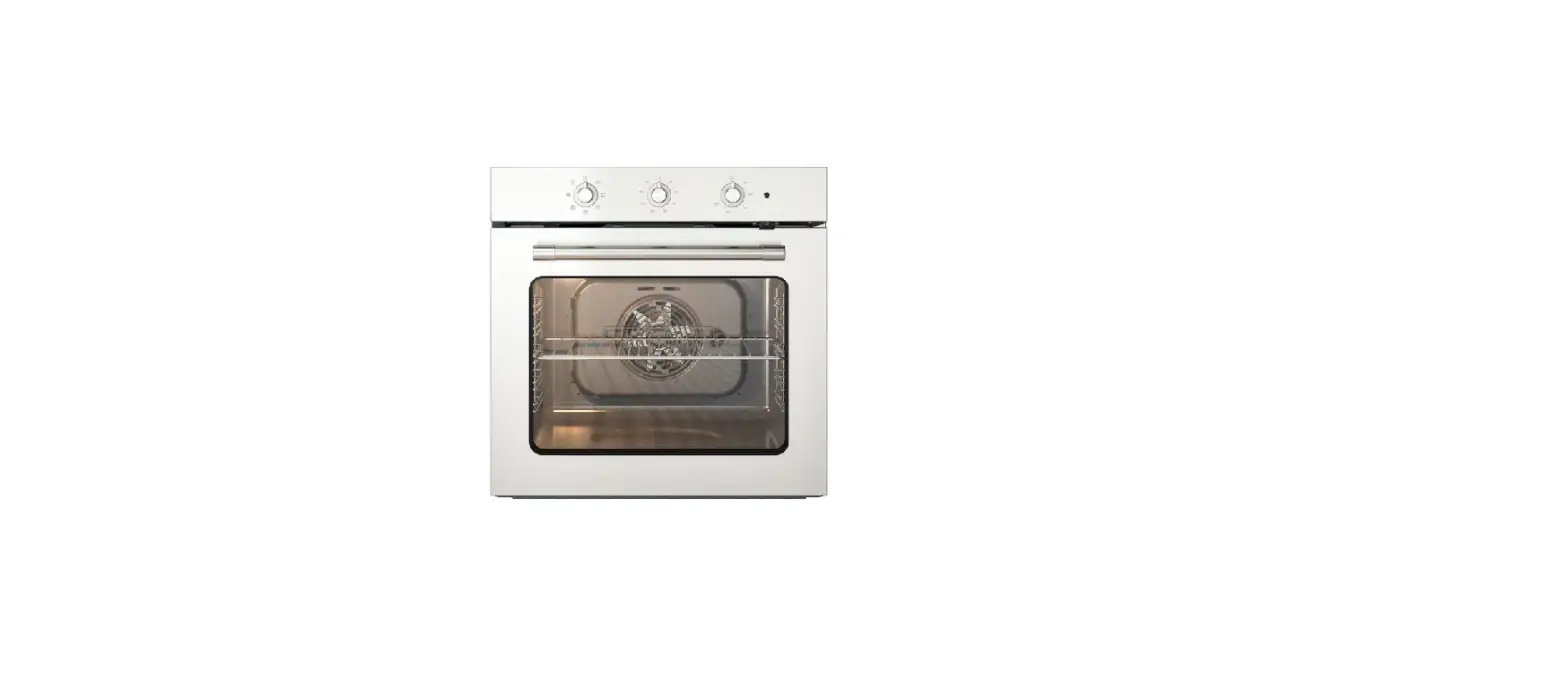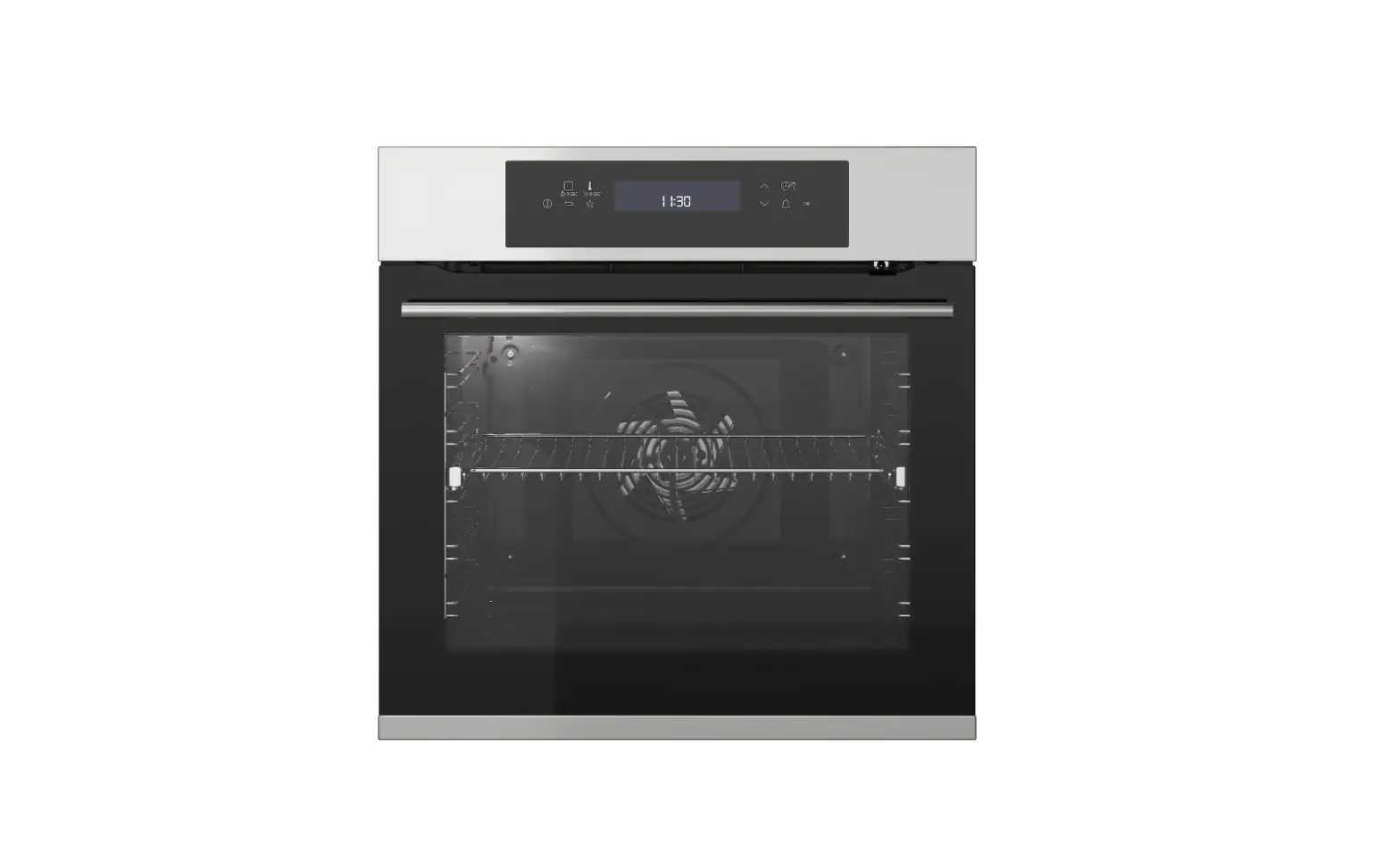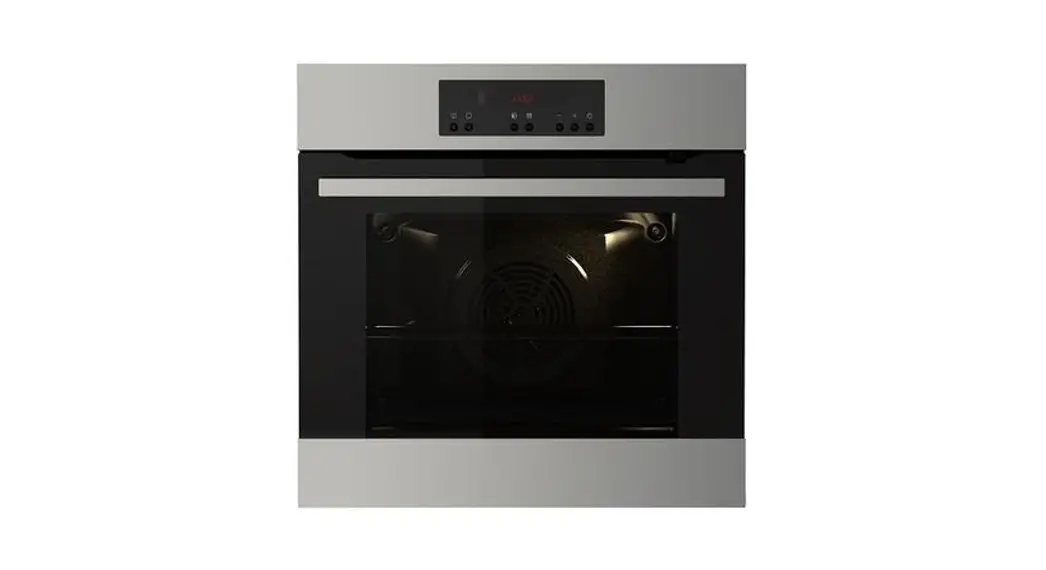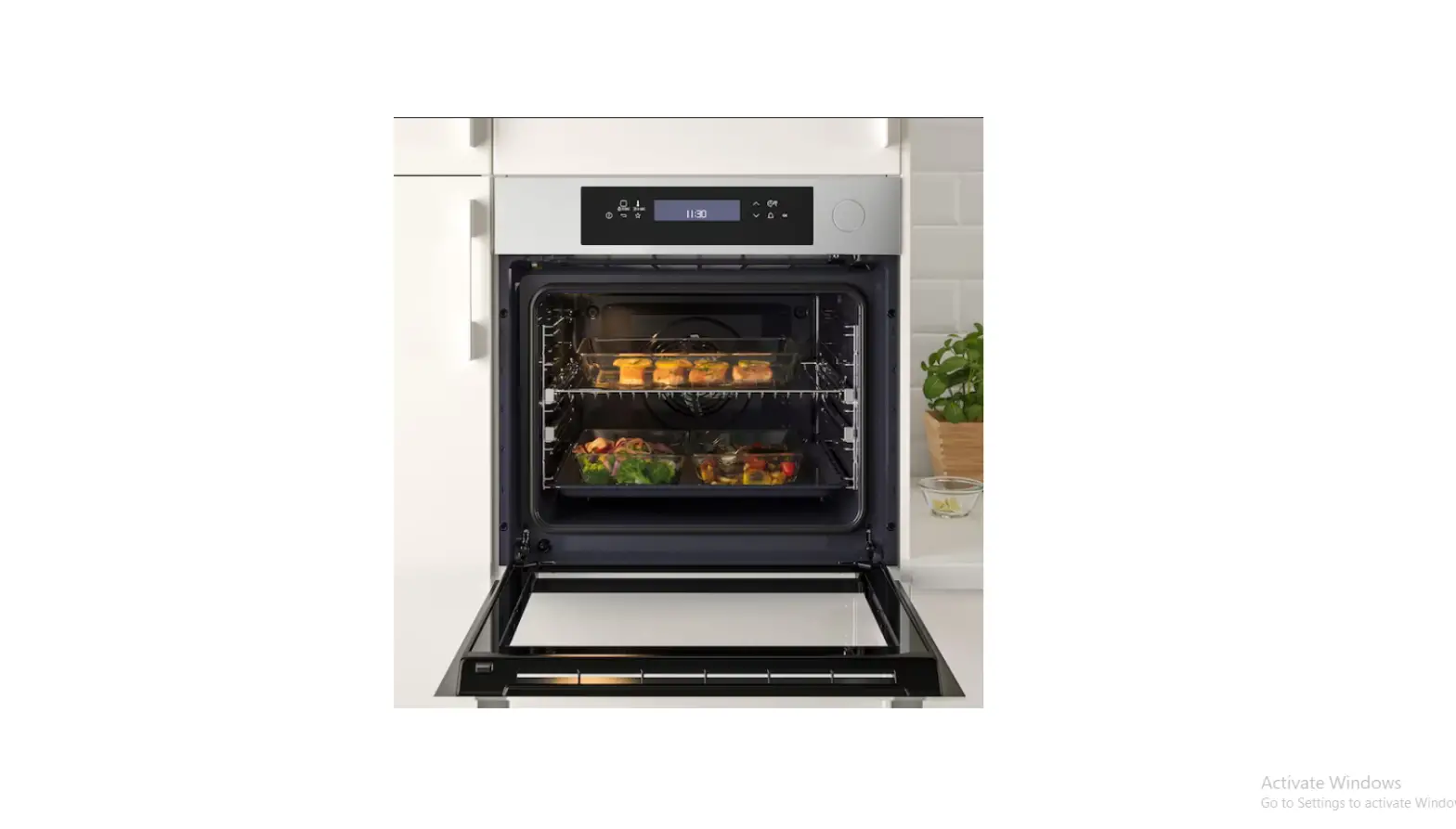

IKEA MUTEBO Forced Air Oven
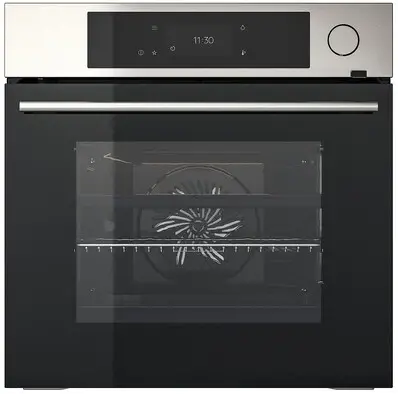
Product Description:
The MUTEBO is an oven that features various heating functions, including True Fan Cooking, Conventional Cooking, Frozen Foods, Pizza Function, Bottom Heat, Grill, Turbo Grilling, Preserving, Dehydrating, Plate Warming, Defrost, Au Gratin, Slow Cooking, Keep Warm, Moist Fan Baking, Easysteam, Steam Regenerating, Bread Baking, Dough Proving, Full Steam, Humidity High and Humidity Low. The oven also has a control panel with a display that shows the current settings of the appliance and a lamp switch to turn the lamp on and off. The oven also has a shelf support that is removable and various shelf positions.
Product Usage Instructions:
Control Panel:
The control panel has several buttons:
- ON/OFF: Press and hold to turn the appliance on and off.
- Menu: Lists the appliance functions.
- Favourites: Lists the favourite settings.
Heating Functions:
The MUTEBO oven has various heating functions that can be selected using the control panel:
- True Fan Cooking: Even baking, tenderness, drying
- Conventional Cooking: Traditional baking
- Frozen Foods: French fries, potato wedges, spring rolls
- Pizza Function: Baking pizza
- Bottom Heat: Baking cakes
- Grill: Toasting, grilling
- Turbo Grilling: Roasting meat, browning
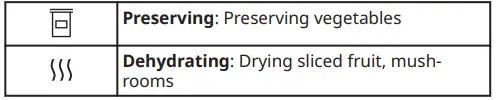
- Preserving: Preserving vegetables
- Dehydrating: Drying sliced fruit, mushrooms
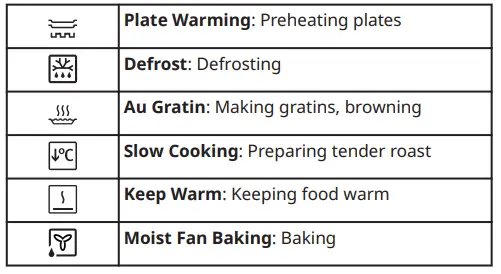
- Plate Warming: Preheating plates
- Defrost: Defrosting
- Au Gratin: Making gratins, browning
- Slow Cooking: Preparing tender roast
- Keep Warm: Keeping food warm
- Moist Fan Baking: Baking
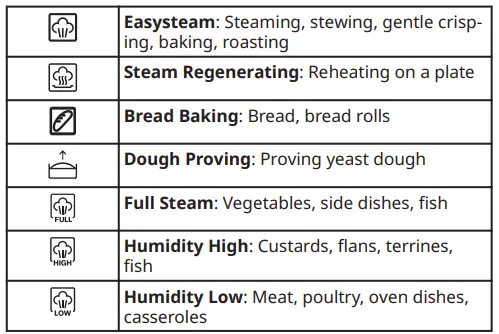
- Easysteam: Steaming, stewing, gentle crisping, baking, roasting
- Steam Regenerating: Reheating on a plate
- Bread Baking: Bread, bread rolls
- Dough Proving: Proving yeast dough
- Full Steam: Vegetables, side dishes, fish
- Humidity High: Custards, flans, terrines, fish
- Humidity Low: Meat, poultry, oven dishes, casseroles
Water Hardness:
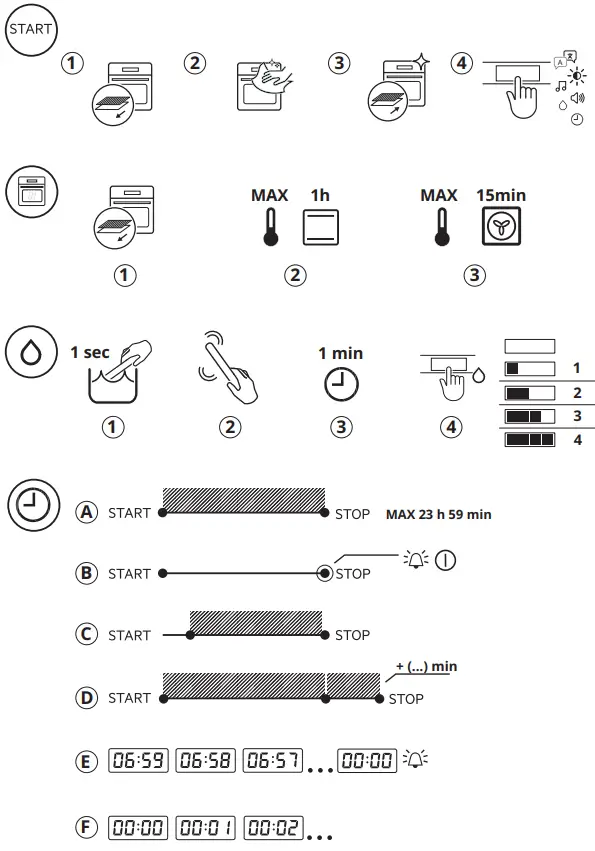
The water hardness level can be changed in the menu: Settings / Setup / Water hardness.
Moist Fan Baking:
The Moist Fan Baking function is designed to save energy during cooking. When using this function, the temperature in the cavity may differ from the set temperature, and the heating power may be reduced. The oven door should be closed during cooking to ensure that the function is not interrupted and the oven operates with the highest energy efficiency possible. The lamp automatically turns off after 30 seconds of use.
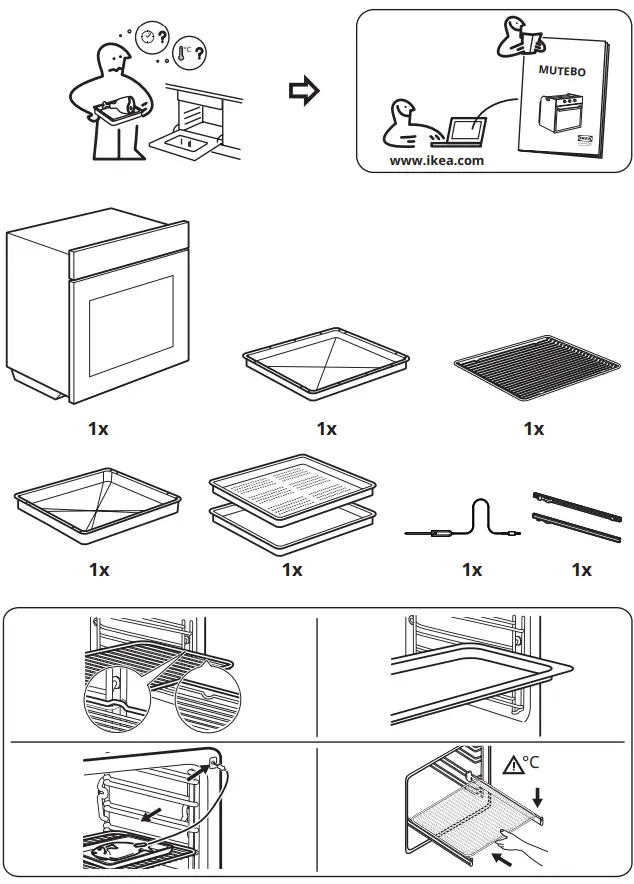
WHAT IS IN THE BOX
OVERVIEW
Product description
General overview
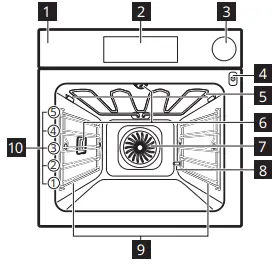
- Control panel
- Display
- Water drawer
- Socket for the food sensor
- Heating element
- Lamp
- Fan
- Descaling pipe outlet
- Shelf support, removable
- Shelf positions
Control panel
Control panel overview
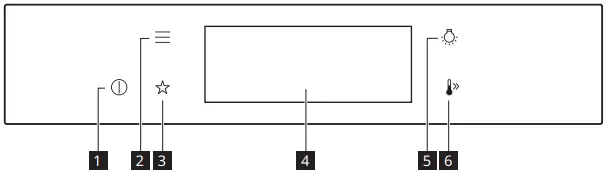
| 1 | ON / OFF | Press and hold to turn the appliance on and off. |
| 2 | Menu | Lists the appliance functions. |
| 3 | Favourites | Lists the favourite settings. |
| 4 | Display | Shows the current settings of the appliance. |
| 5 | Lamp switch | To turn the lamp on and off. |
| 6 | Fast Heat Up | To turn on and off the function: Fast Heat Up. |
Display indicators
Display with key functions.
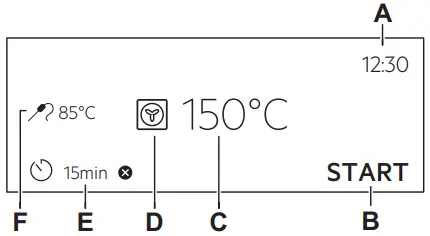
- A. Time of day
- B. START/STOP
- C. Temperature
- D. Heating functions
- E. Timer
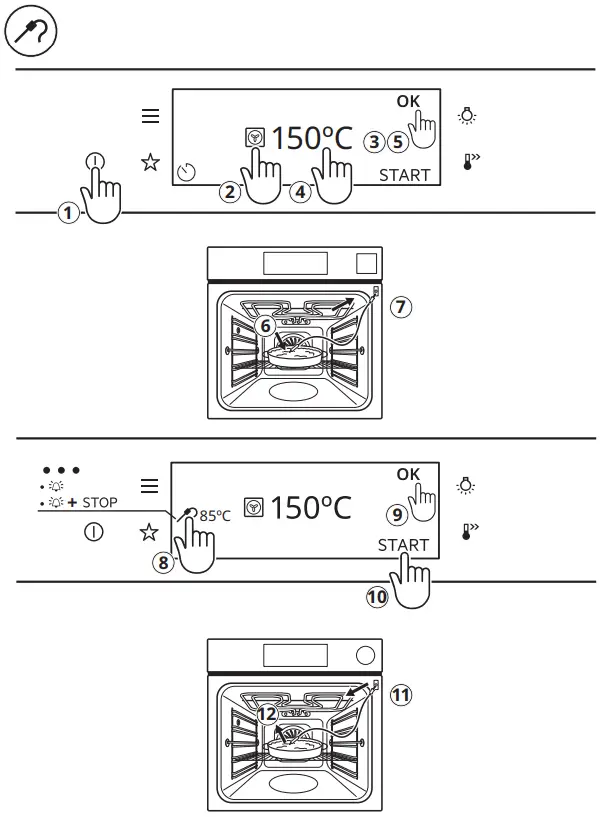
- F. Food sensor (selected models only)
Basic indicators – to navigate on the display
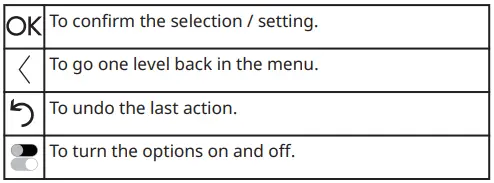
Sound alarm function indicators – when the set time of cooking ends, the signal sounds.

Daily use
Heating functions
STANDARD
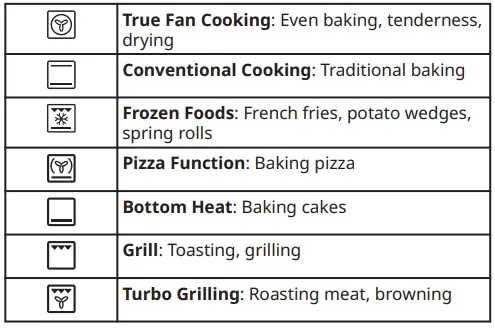
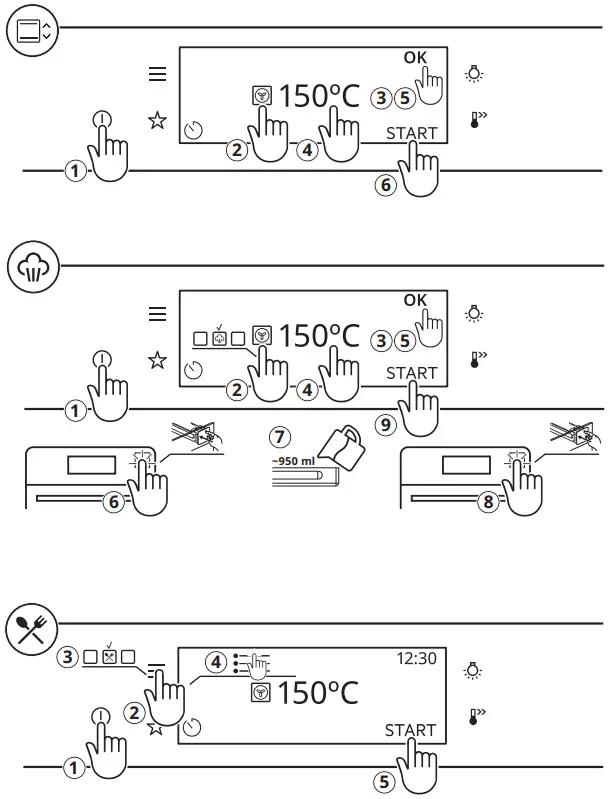
True Fan Cooking, Conventional Cooking: When you set the temperature below 80 °C the lamp automatically turns off after 30 sec.
SPECIALS
STEAM
Notes on: Moist Fan Baking
This function was used to comply with the energy efficiency class and ecodesign requirements (according to EU 65/2014 and EU 66/2014). Tests according to:
IEC/EN 60350-1
The oven door should be closed during cooking so that the function is not interrupted and the oven operates with the highest energy efficiency possible.
When you use this function the lamp automatically turns off after 30 sec.
This function is designed to save energy during cooking. When you use this function, the temperature in the cavity may differ from the set temperature. The heating power may be reduced.
Water hardness
You can change the water hardness level in the menu: Settings / Setup / Water hardness.
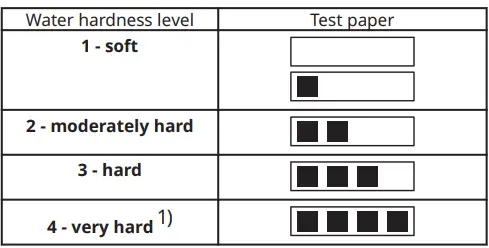
- When the tap water hardness level is 4 or above, fill the water drawer with still bottled water. Use bottled water with a maximum calcium deposit Ca2+ of 3.9 mmol / l or 151 mg / l (check bottle label). If you use the water softening system make sure that the water hardness level is between level 1 and 3, otherwise use bottled water within this range. For more information about your tap water hardness (dH) contact your local water supplier.
Troubleshooting
If you encounter an issue with your appliance, check “Troubleshooting” chapter in the full version of the User Manual available on: www.ikea.com
Product Information and Product Information Sheet
| Supplier’s name | IKEA |
| Model identification | MUTEBO 905.570.42 |
| Energy Efficiency Index | 61.9 |
| Energy efficiency class | A++ |
| Energy consumption with a standard load, conventional mode | 1.09 kWh/cycle |
| Energy consumption with a standard load, fan-forced mode | 0.52 kWh/cycle |
| Number of cavities | 1 |
| Heat source | Electricity |
| Volume | 70 l |
| Type of oven | Built-In Oven |
| Mass | 35.5 kg |
| IEC/EN 60350-1- Household electric cooking appliances – Part 1: Ranges, ovens, steam ovens and grills – Methods for measur‐ ing performance. | |
Menu
| Menu item | Application | |
| Assisted Cooking | Lists automatic programmes. | |
| Cleaning | Lists cleaning programmes. | |
| Favourites | Lists the favourite settings. | |
| Options | To set the appliance configuration. | |
| Settings | Setup | To set the appliance configuration. |
| Service | Shows the software version and configuration. | |
Submenu for: Cleaning
| Submenu | Application |
| Drying | Procedure for drying the cavity from the condensation remaining after a use of the steam functions. |
| Tank emptying | Procedure for removing the residual water from the water drawer after use of the steam functions. |
| Steam Cleaning | Light cleaning. |
| Steam Cleaning Plus | Thorough cleaning. |
| Descaling | Cleaning of the steam generation circuit from residual limestone. |
| Rinsing | Procedure for rinsing and cleaning the steam generation circuit after frequent use of the steam functions. |
Submenu for: Options
| Submenu | Application |
| Light | Turns the lamp on and off. |
| Child Lock | Prevents accidental activation of the appliance. When the option is on, the text Child Lock appears in the display when you turn on the appliance. To en‐ able the appliance use, choose the code letters in the alphabetical order. Ac‐ cess to the timer, the remote operation and the lamp is available with the op‐ tion on. |
| Fast Heat Up | Shortens the heat up time. It is available only for some of the appliance func‐ tions. |
| Cleaning Reminder | Turns the reminder on and off. |
| Time indication | Turns the clock on and off. |
| Digital clock style | Changes the format of the displayed time indication. |
Submenu for: Setup
| Submenu | Description |
| Language | Sets the appliance language. |
| Display brightness | Sets the display brightness. |
| Key tones | Turns the tone of the touch fields on and off. It is not possible to mute the tone for: . |
| Buzzer volume | Sets the volume of key tones and signals. |
| Water hardness | Sets the water hardness. |
| Time of day | Sets the current time and date. |
Submenu for: Service
| Submenu | Description |
| Demo mode | Activation / deactivation code: 2468 |
| Software version | Information about software version. |
| Reset all settings | Restores factory settings. |
To download the full version visit www.ikea.com
 Hej! Welcome to IKEA Global