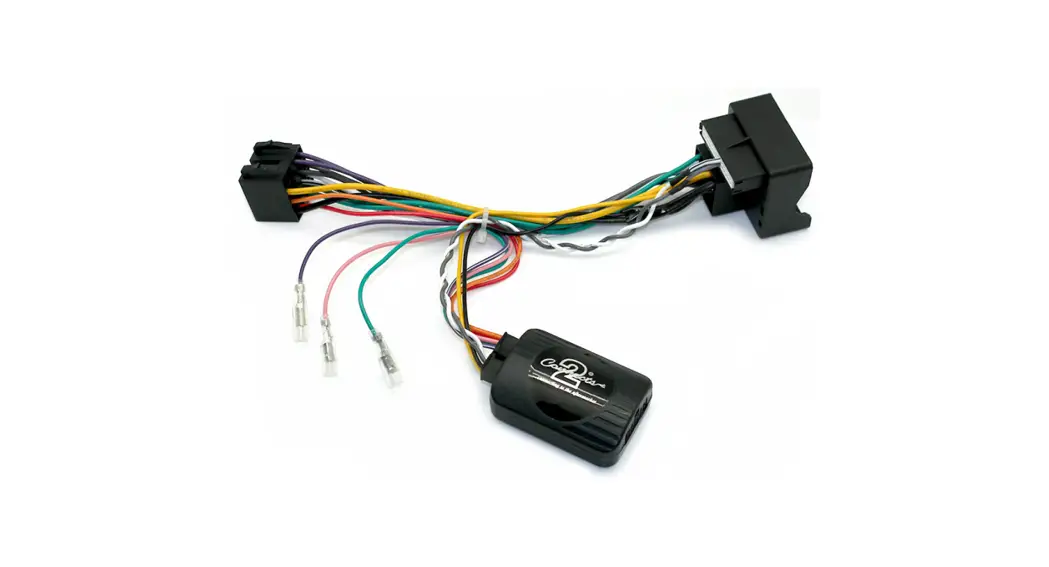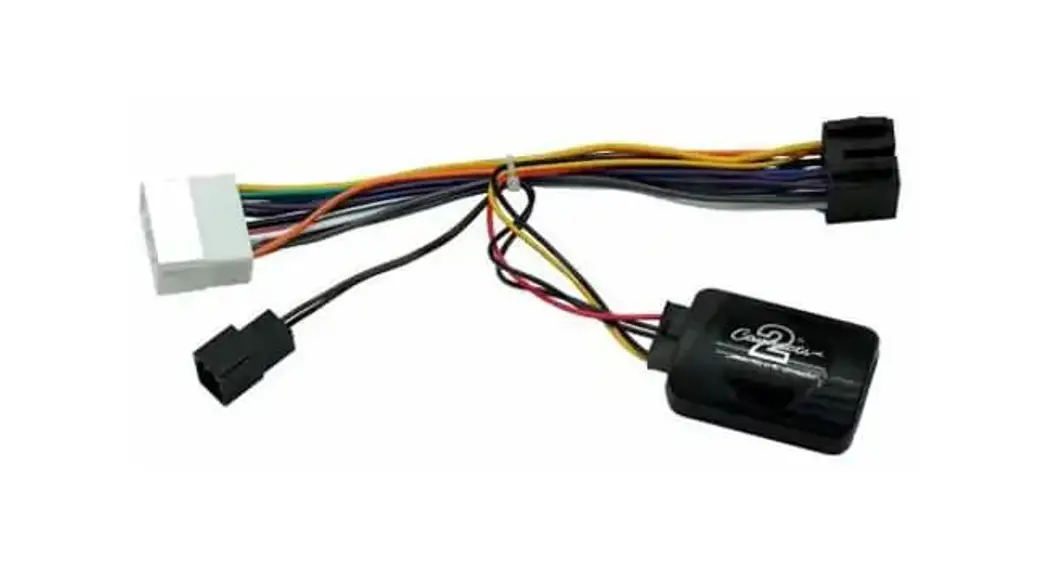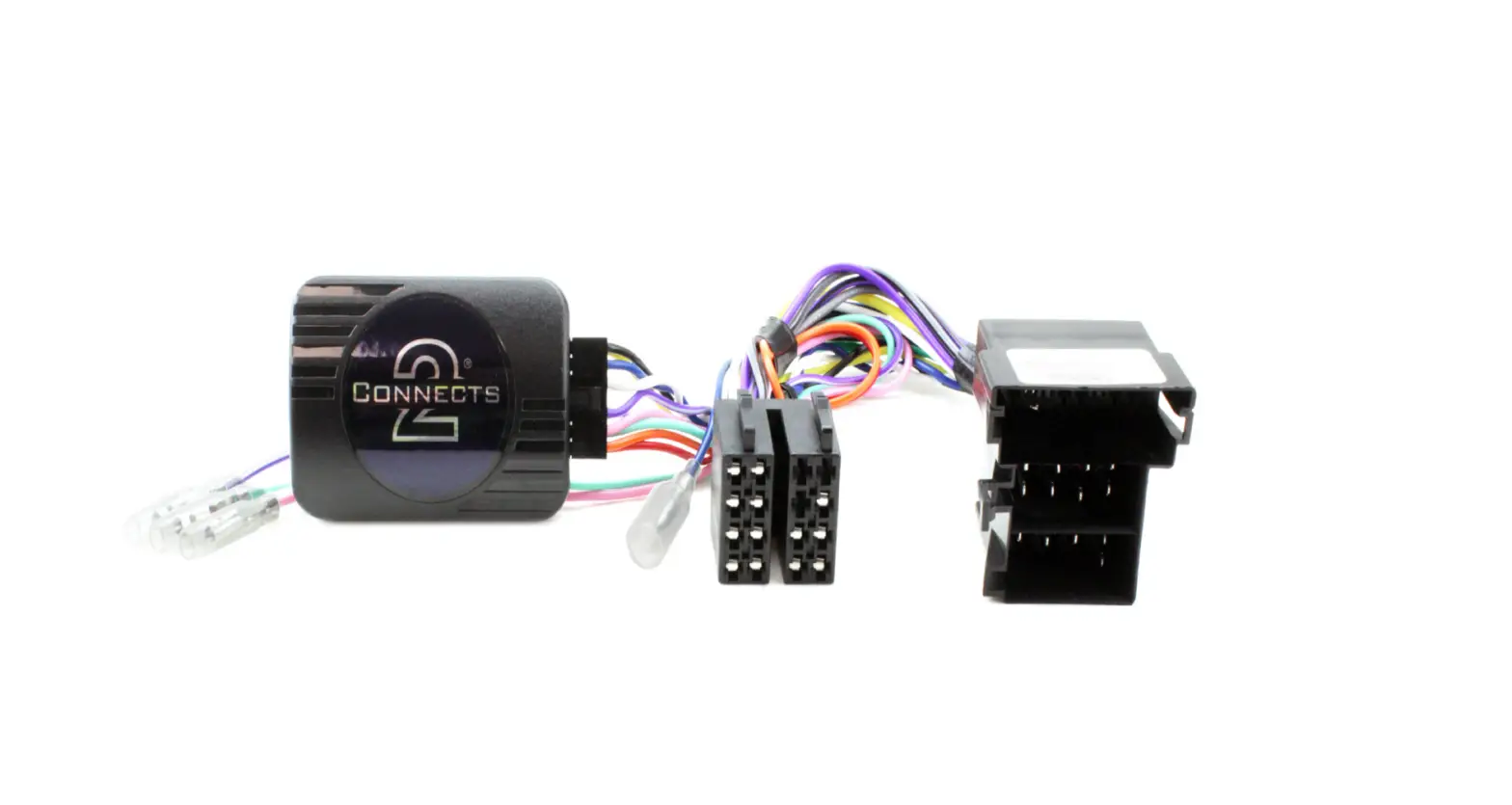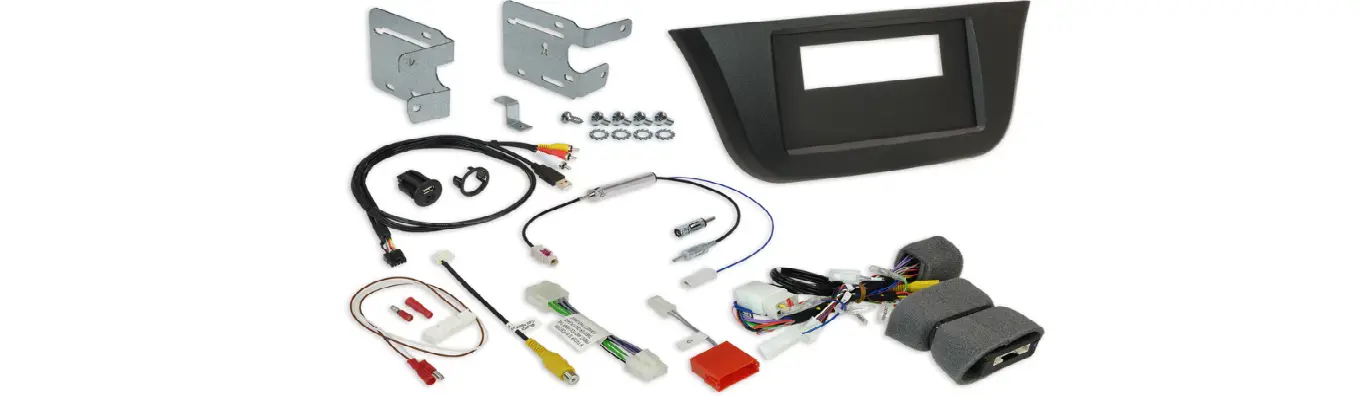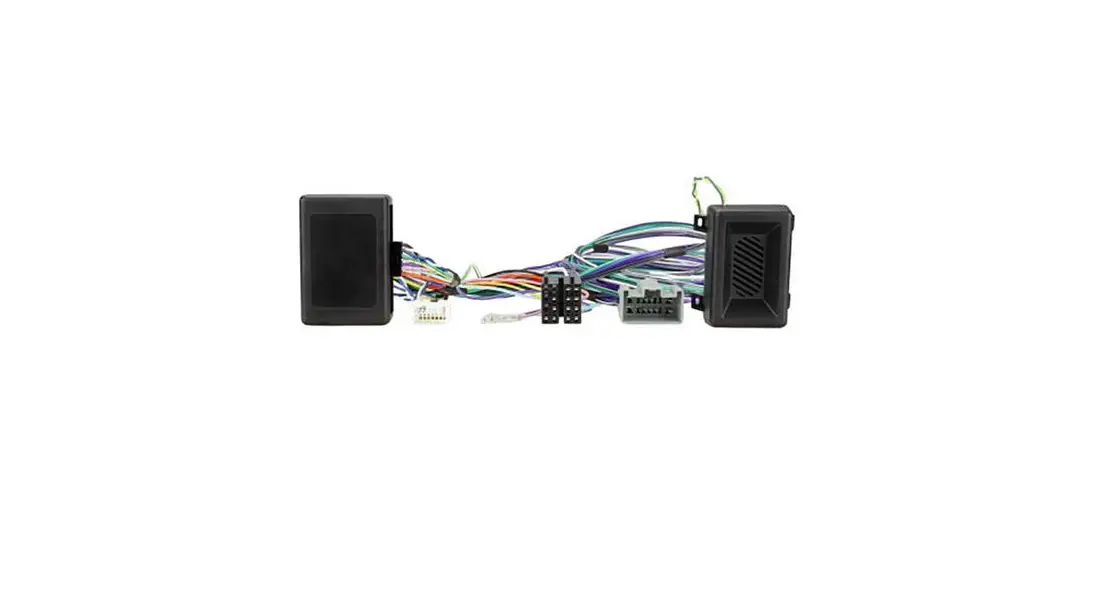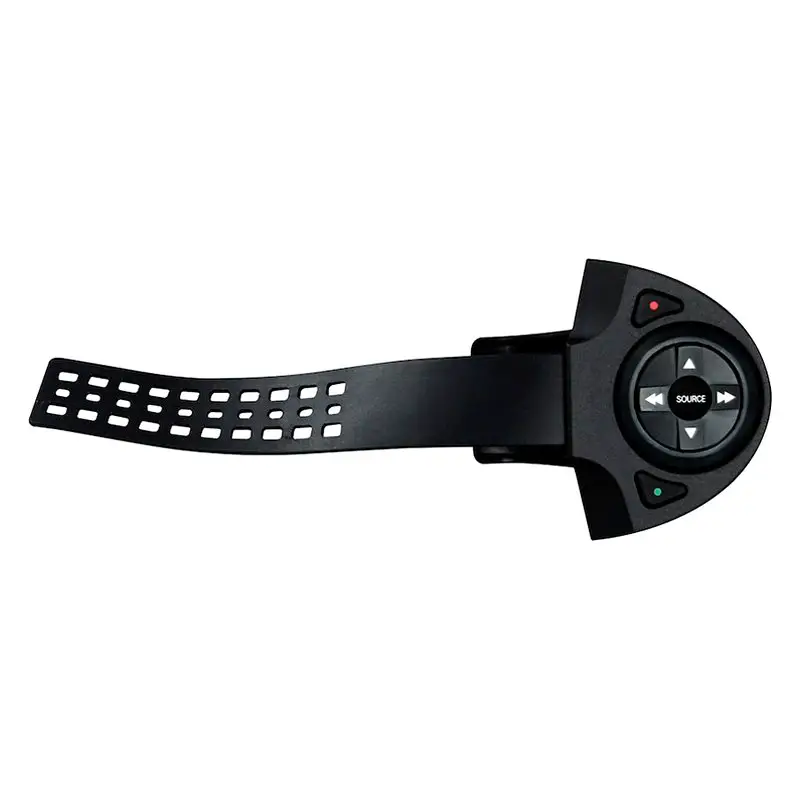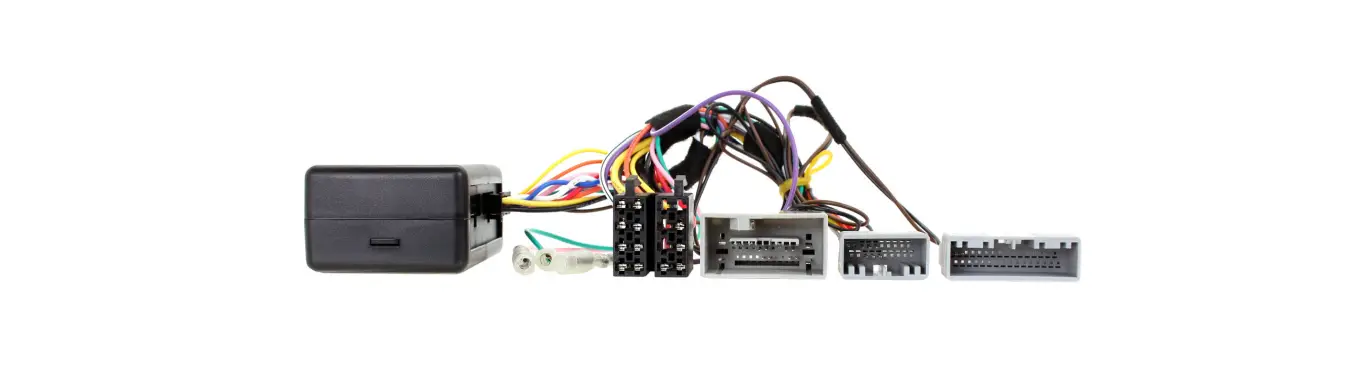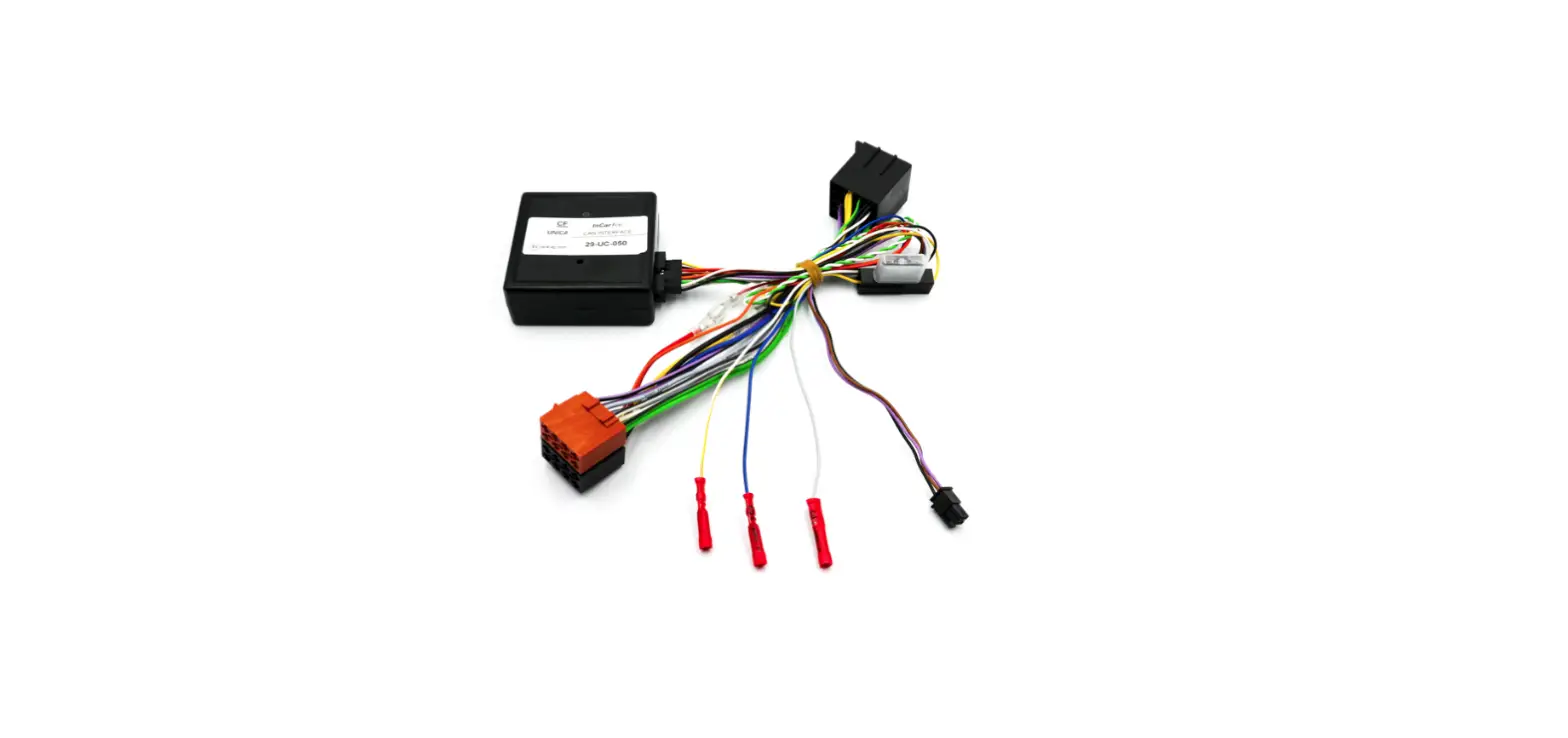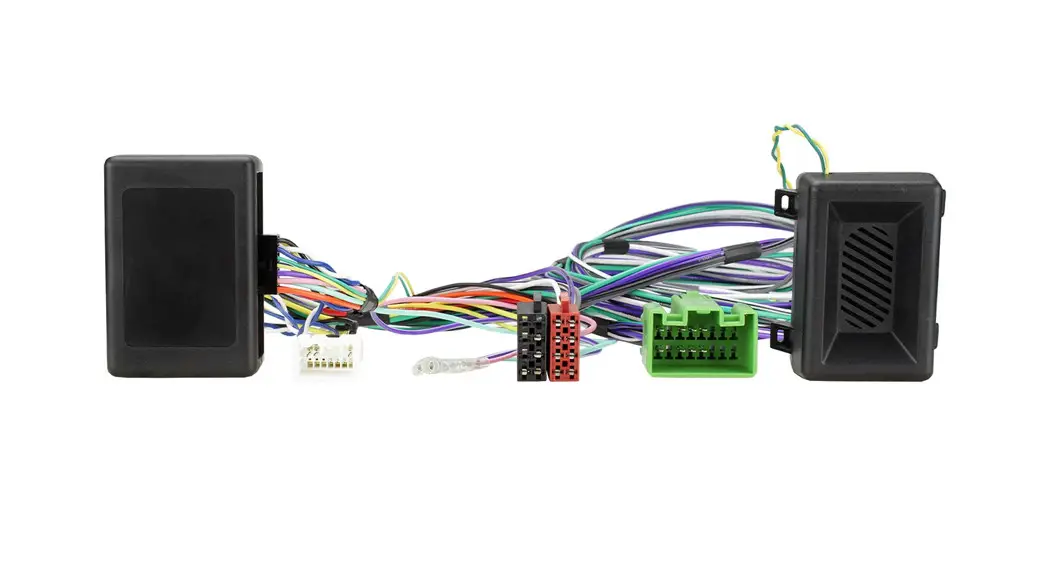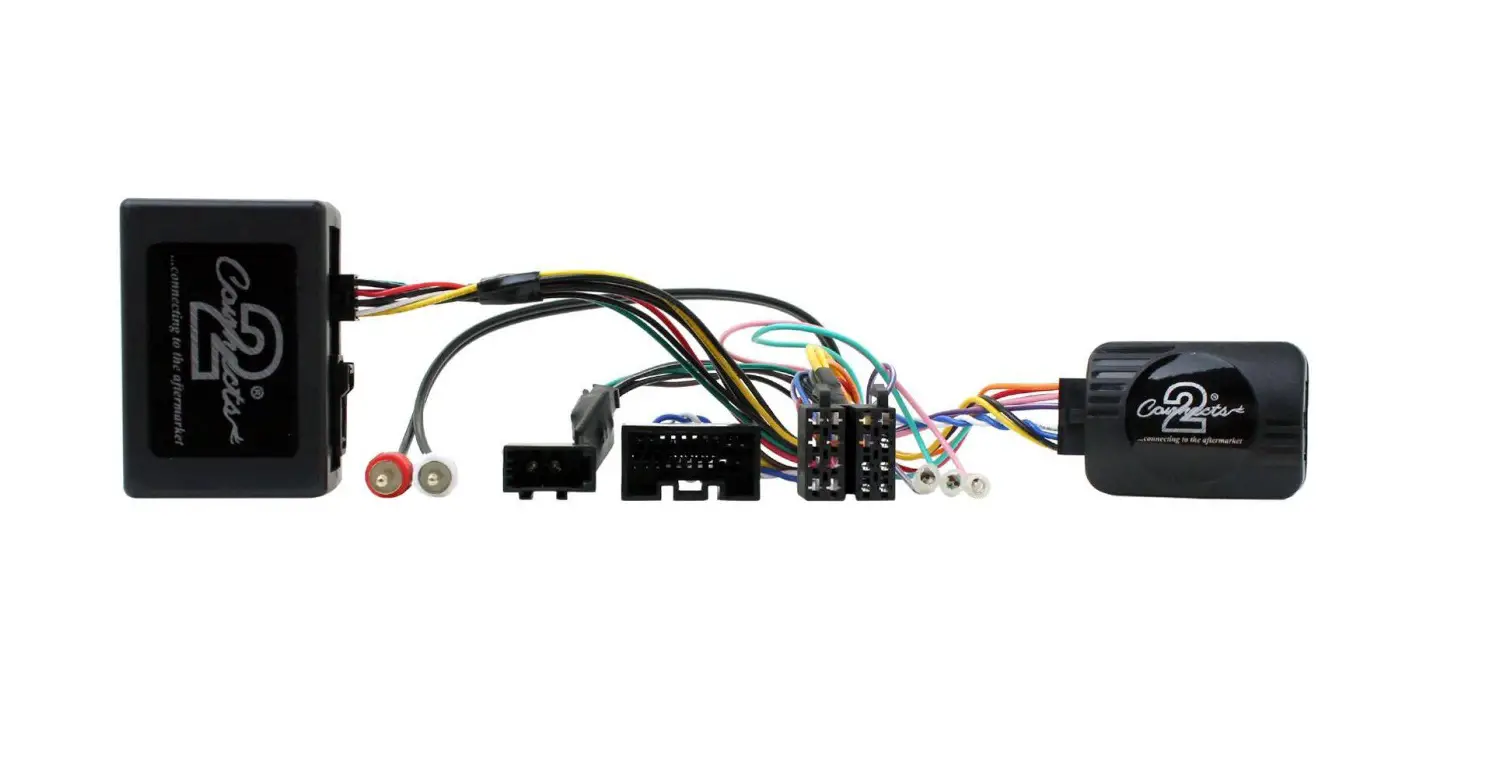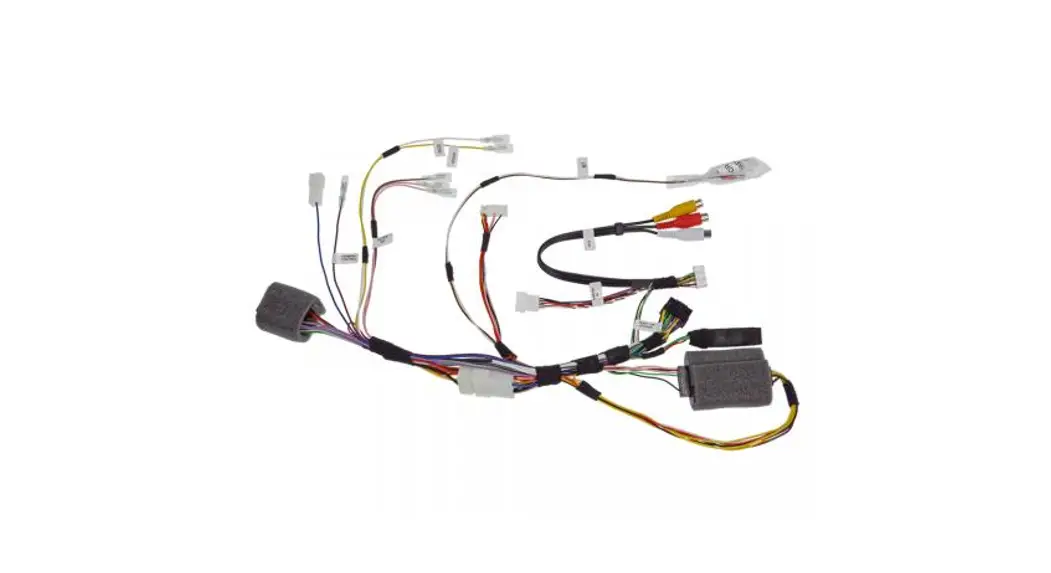
 Steering wheel remote control interface installation kit for IVECO
Model: Daily VI open dash with SWRC
Year: 2014 > 2019
Kit content: SWRC interface wiring harness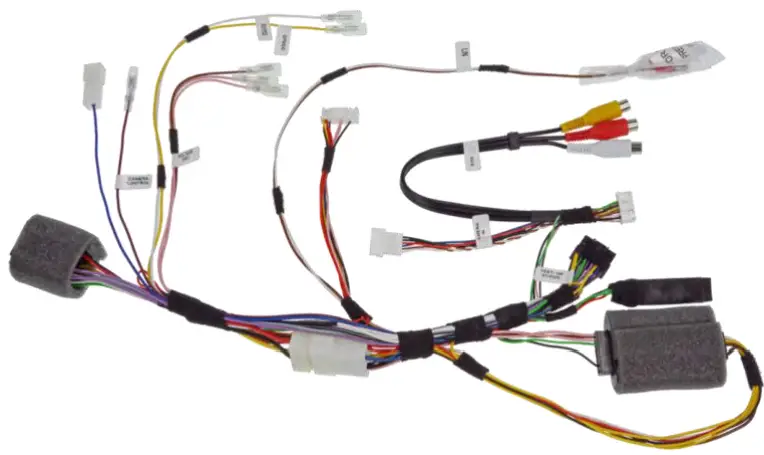
KWE-403ID6 Steering Wheel Remote Control Interface Installation Kit for IVECO
All installation work must be performed by a qualified professional installer only.
The manufacturer / dealer is not liable for any kind of incidental or indirect damages.
06/2020 ALL RIGHTS RESERVED. Technical changes possible. No liability for misprints.
INSTALL THIS HARNESS INSTEAD OF THE POWER CABLE CONTAINED IN THE X903D-ID, KIT-7ID AND KIT-F9ID KITS FOLLOWING THE PROCEDURES BELOW:
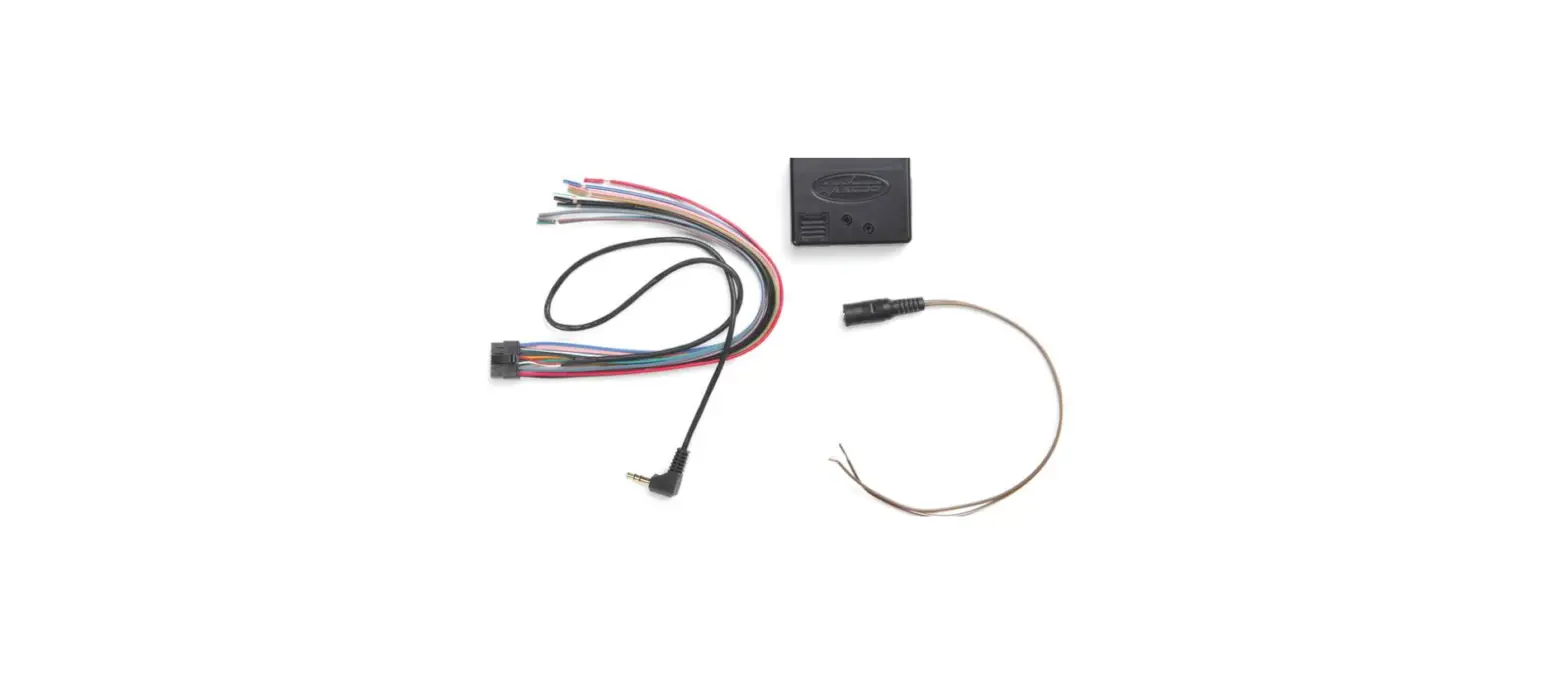
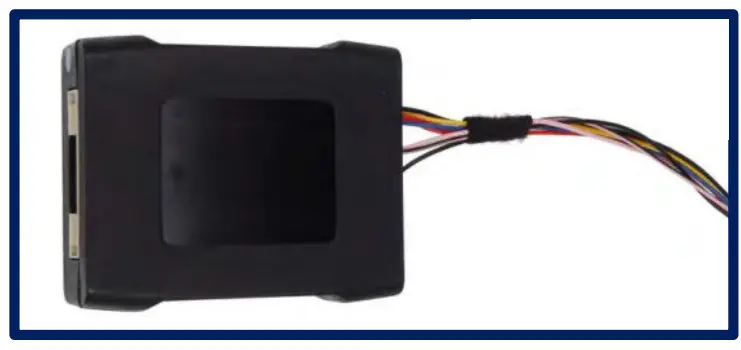
REMOVE THE INTERFACE WITH THE LABEL SHOWN BELOW FROM THE KITS: X903D-ID, KIT-7ID AND KIT-F9ID:
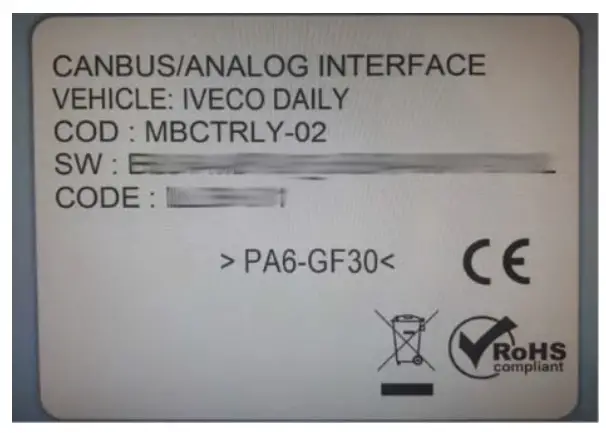
AND CONNECT IT TO POINT (4) SEE THE NEXT PAGE.
Content and wiring harness connections
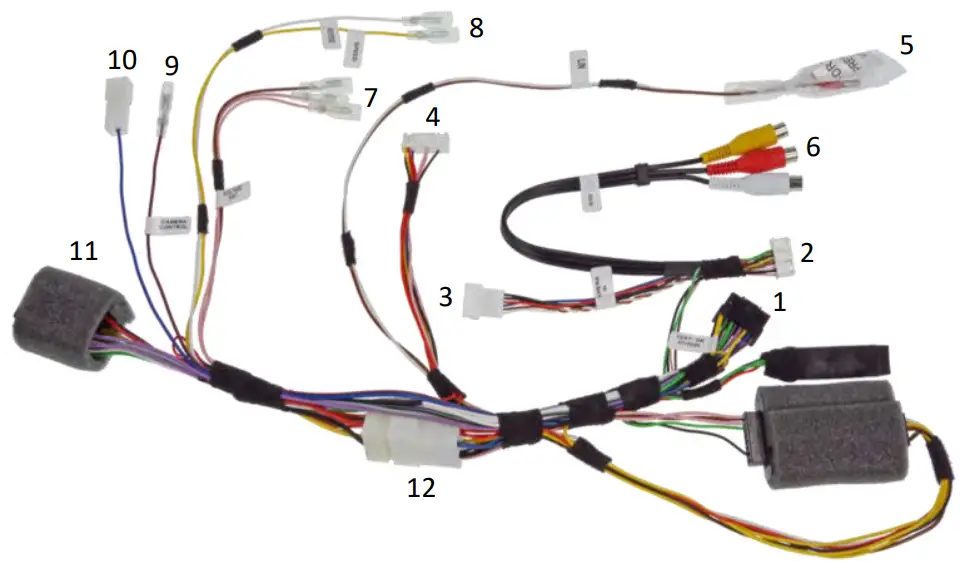
- to RADIO connector
- to RADIO connector
- to CAMERA INPUT
- to X903D-ID / KIT-7ID / KIT-F9ID interface
- to LIN BUS connector cable: to key harness contained in X903D-ID, to LIN cable contained in KIT-7ID & KIT-F9ID
- AUX input
- connect these 3 cables to the 3 voltage SWRC cable in the vehicle: Pink with Pink cable Pink/Black with Pink/Black cable Brown with Brown cable
- to SERVICES provided by the vehicle: Yellow – to vehicle SPEED pulse (MUST be connected to vehicle) White – to vehicle REVERSE signal (MUST be connected to vehicle)
- CAMERA control / REMOTE output
- POWER ANTENNA output
- to CAR connector
- external power access
- Cable Connections
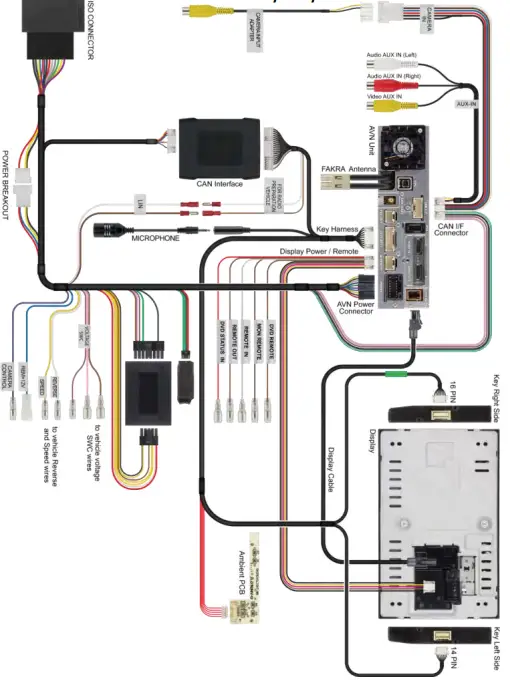
Connect the harness as indicated in the installation manual (IM_X903D-ID_EN) of X903D-ID (page 26-27) to vehicle and as indicated on the last page (8). Please also note the points on the following pages of these instructions.
- Speed and Reverse Cable Connections (point 8 / page 3) Connect the two SERVICES cables.
→ Yellow – to vehicle SPEED pulse (MUST be connected to vehicle)
→ White – to vehicle REVERSE signal (MUST be connected to vehicle) 2.1 Connecting Reverse Signal (White cable (point 8 / page3))
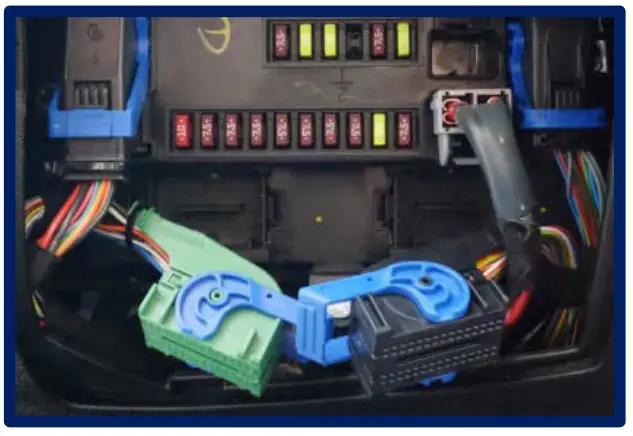
 Body Computer/Fuse Box
Left Connector F (Green or Black):
Pin 4 = Reverse Light
Remove the cover of the Green or Black plug. The Grey/Green or
White/Green cable carries the reverse signal. Remove the terminal from the connector housing. Connect the White cable (point 8 / page 3) from the wiring harness to the Grey/Green or White/Green cable from the vehicle connector.
2.2 Connecting Speed Signal (Yellow cable (point 8 / page3)) Body Computer/Fuse Box
Right Connector D (Black):
Pin 56 = Speed Signal
Remove the cover of the Black plug.
The Orange cable, if proven otherwise, installing a PIN, carries the speedsignal. Remove the terminal from the connector housing.
Connect the White cable (point 8 / page 3) from the wiring harness to the Grey/Green or White/Green cable from the vehicle connector. - Three Voltage SWRC Cable Connections
There are a few vehicles that control the steering wheel remote control via three voltages cables. The original delivery status of the X903D-ID does not work for these vehicles, because the original connection wiring harness does not have a connection for these 3 voltage cables.
By connecting these 3 cables, a transmission to the functionality of the steering wheel remote control is done. Connect the three voltage cables (point 7 / page 3) for SWRC.
→ Pink with Pink cable in vehicle
→ Pink/Black with Pink/Black cable in vehicle
→ Brown with Brown cable in vehicle
You can find these 3 cables in the radio slot, close to the original radio connection wiring harness.
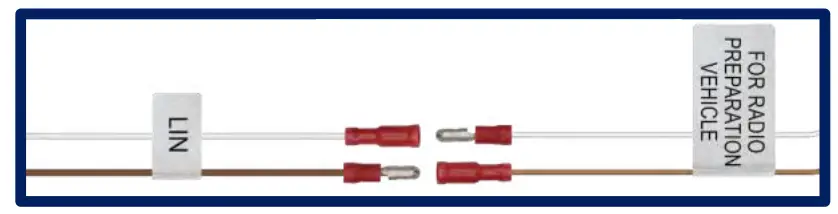
- LIN BUS Cable Connection (White and Brown cable (point 5 / page3)) Connect the two LIN BUS connector cables:
→ to key harness contained in X903D-ID or
→ to LIN cable contained in KIT-7ID & KIT-F9ID
- Interface Connection (point 4 / page3)
Connect the interface contained in X903D-ID, KIT-7ID or KIT-F9ID to the wiring harness (point 4 /page 3).
 2.1 Connecting Reverse Signal (White cable (point 8 / page3))
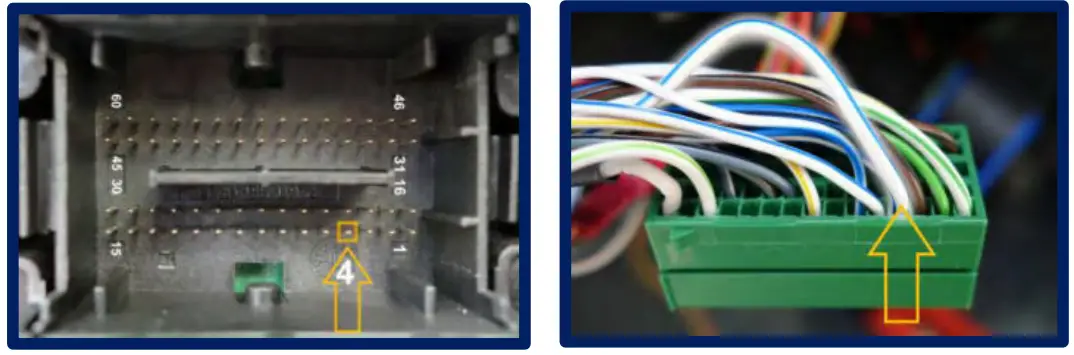 Body Computer/Fuse Box
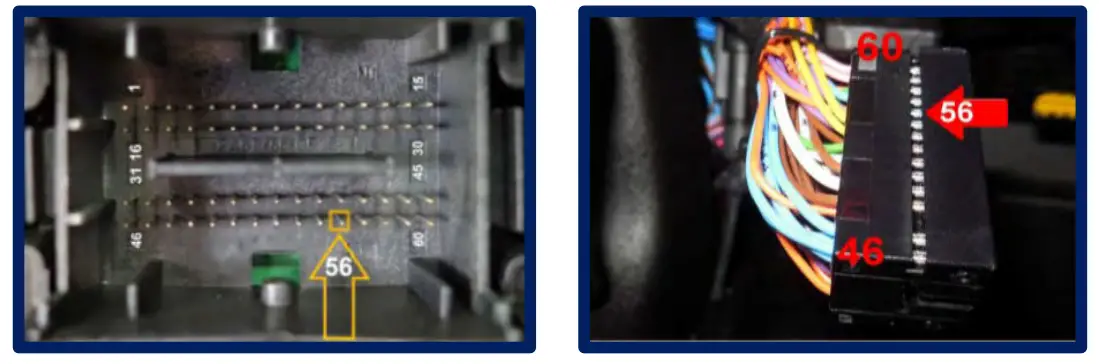 Body Computer/Fuse Box
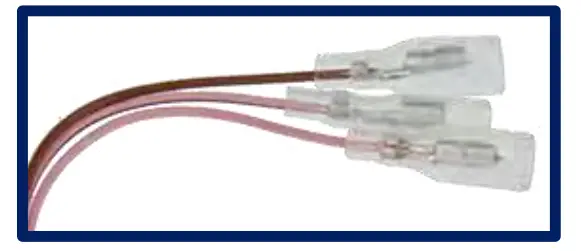 Connect the three voltage cables (point 7 / page 3) for SWRC.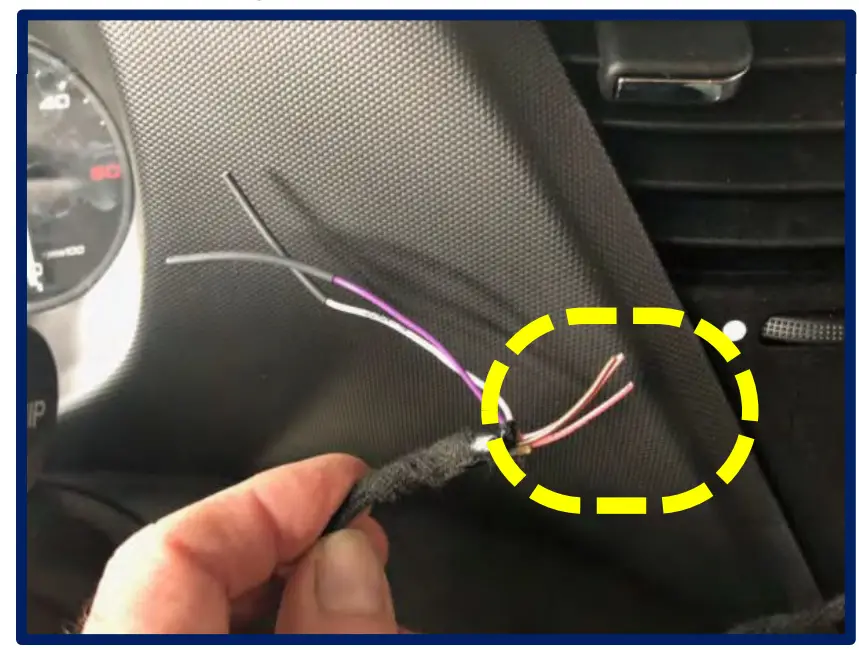
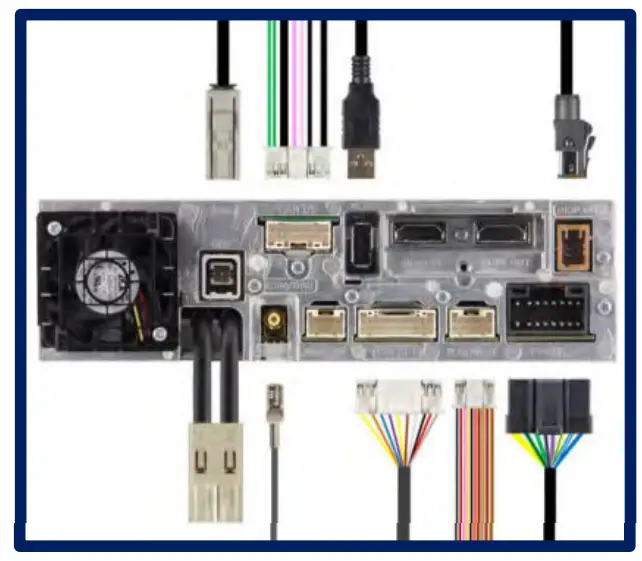
Connectivity Layout