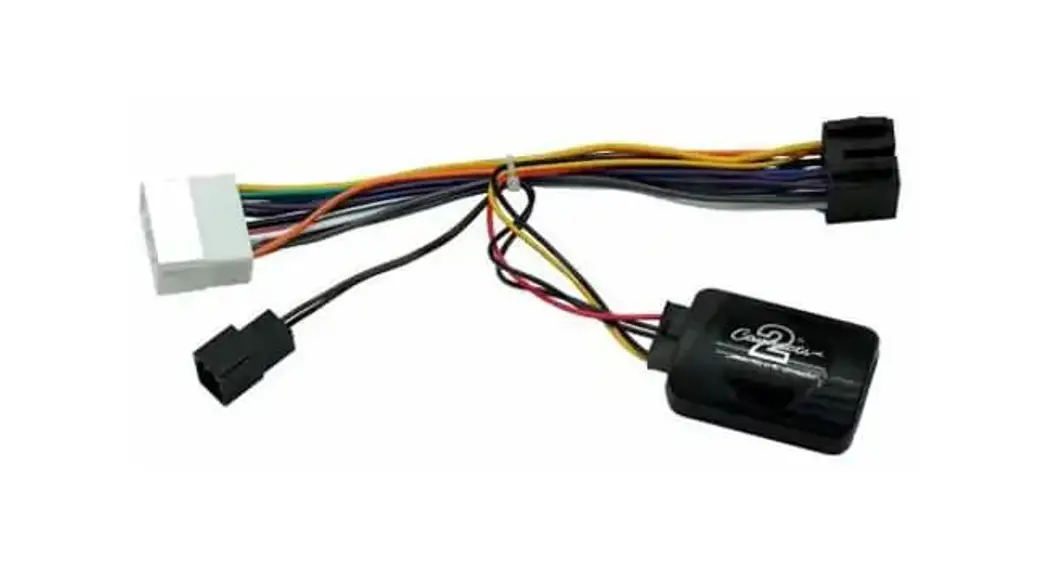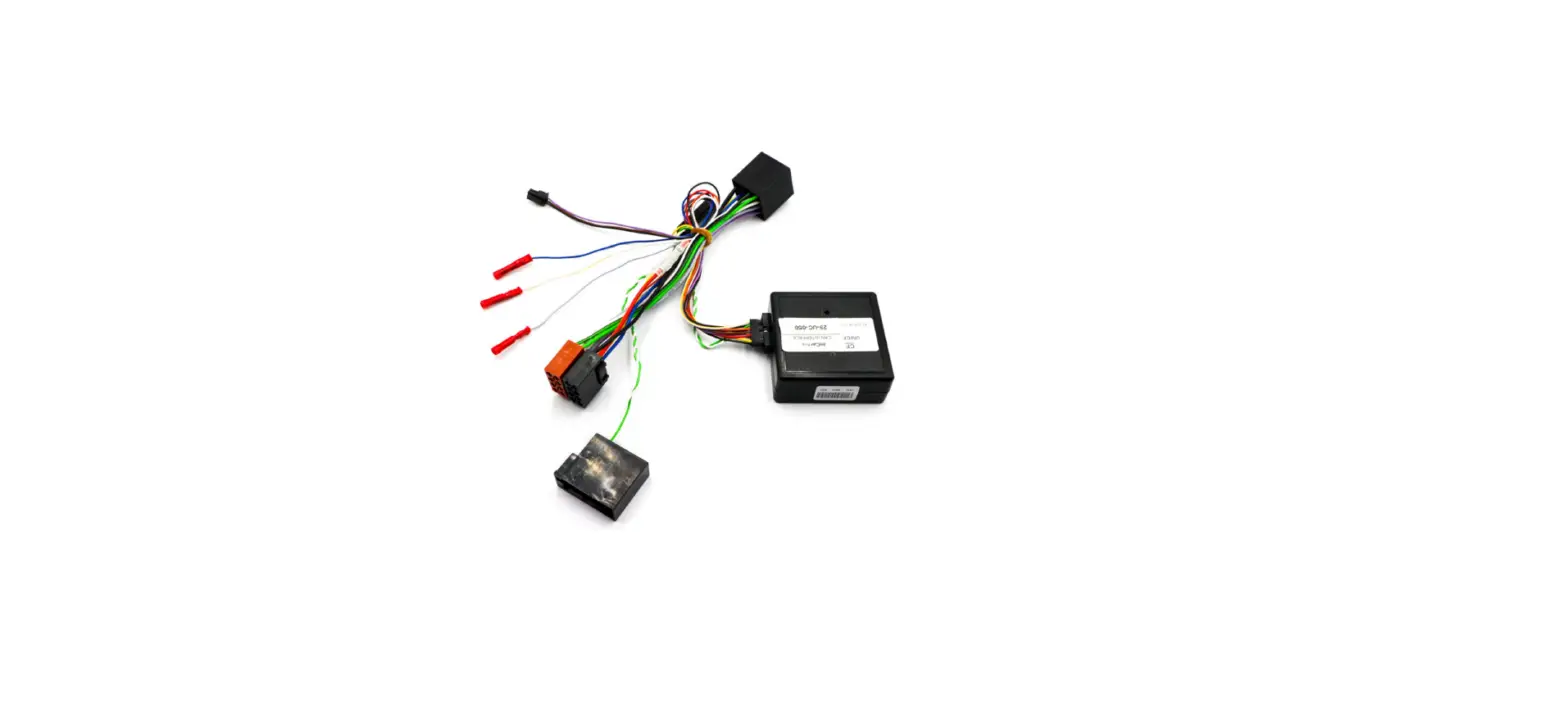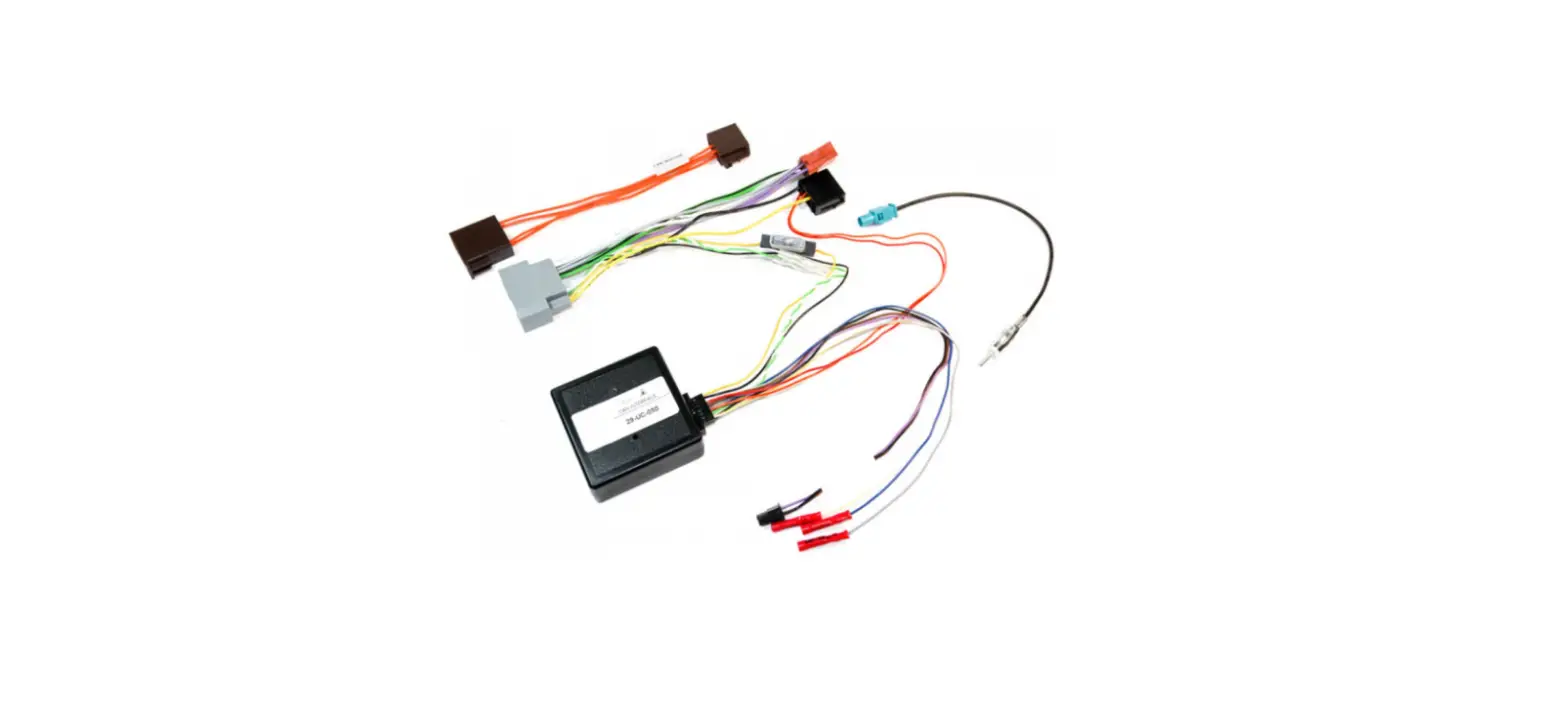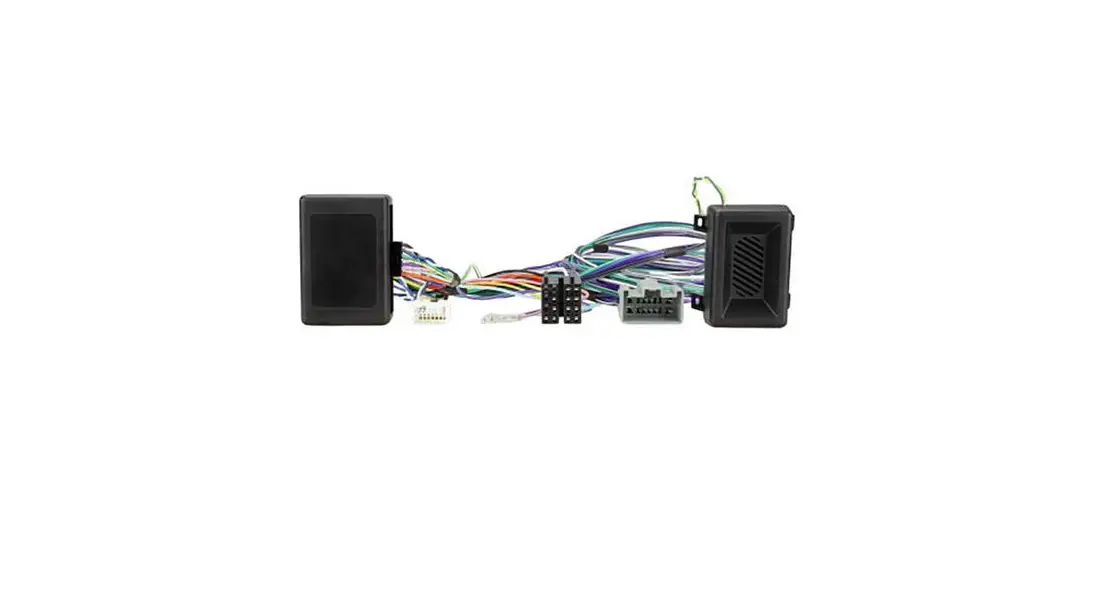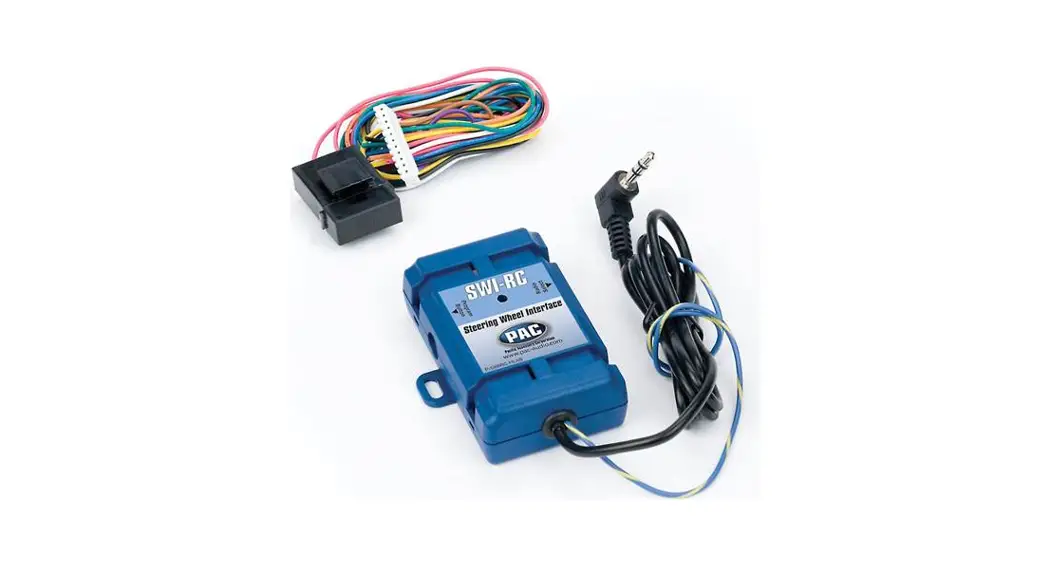

CARiD mpn2575370 Steering Wheel Remote Control SWC

In Home screen, press SWC icon to enter SWC settings. It will show as below.
Description
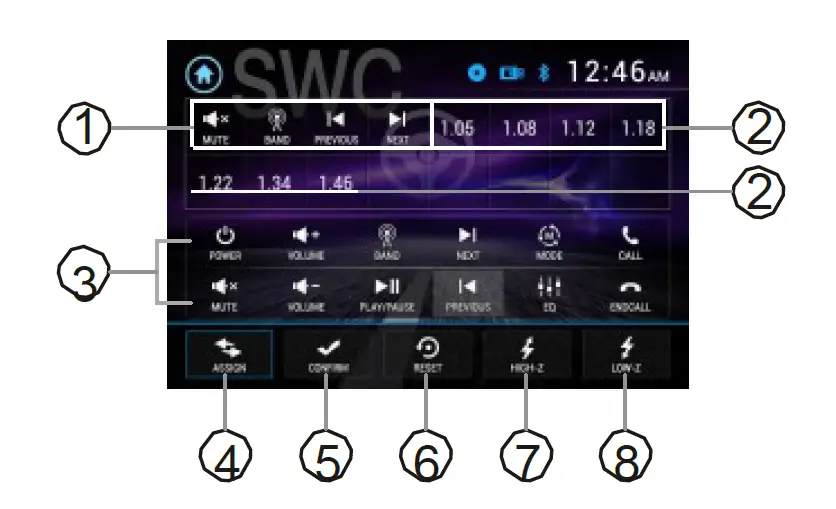
- Saved functions
- Steering wheel input (voltage)
- Functions
- Map the f unction to the steering wheel control
- Save the function to the steering 4 5 6 7 8 wheel control
- Reset to default
- High voltage steering wheel input
- Low voltage steering wheel input
Steering Wheel learning Process
Before learning, press to reset RESET icon to remove any previous settings.
- Input a steering wheel key. The voltage will show as on description #2 above.
- Tap the ASSIGN icon as shown on description #4 above, tap #2 to select key then tap the function as shown on description #3 above to map the steering wheel key.
- Tap the CONFIRM icon as shown on description #5 above to save the settings.
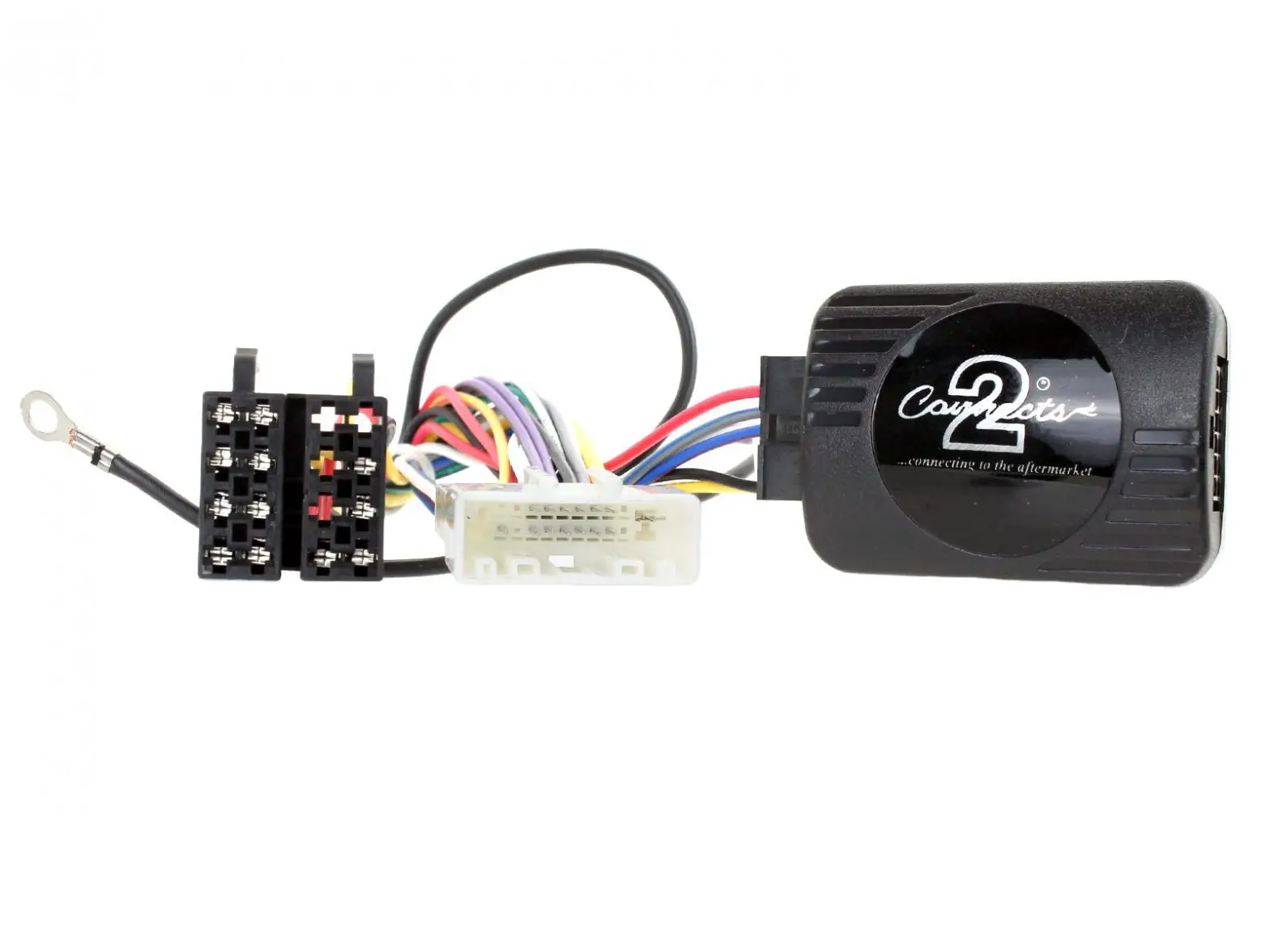
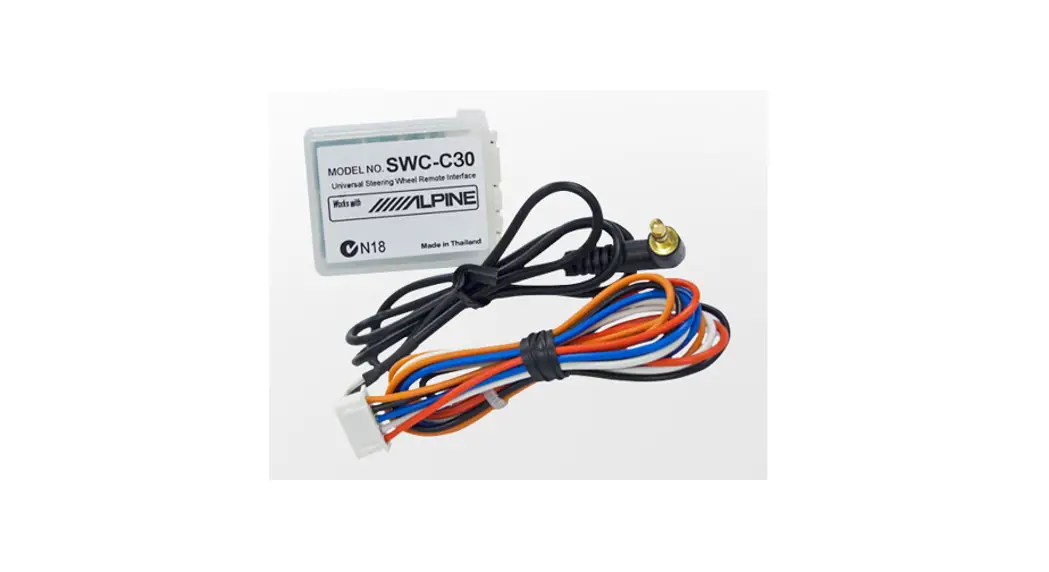
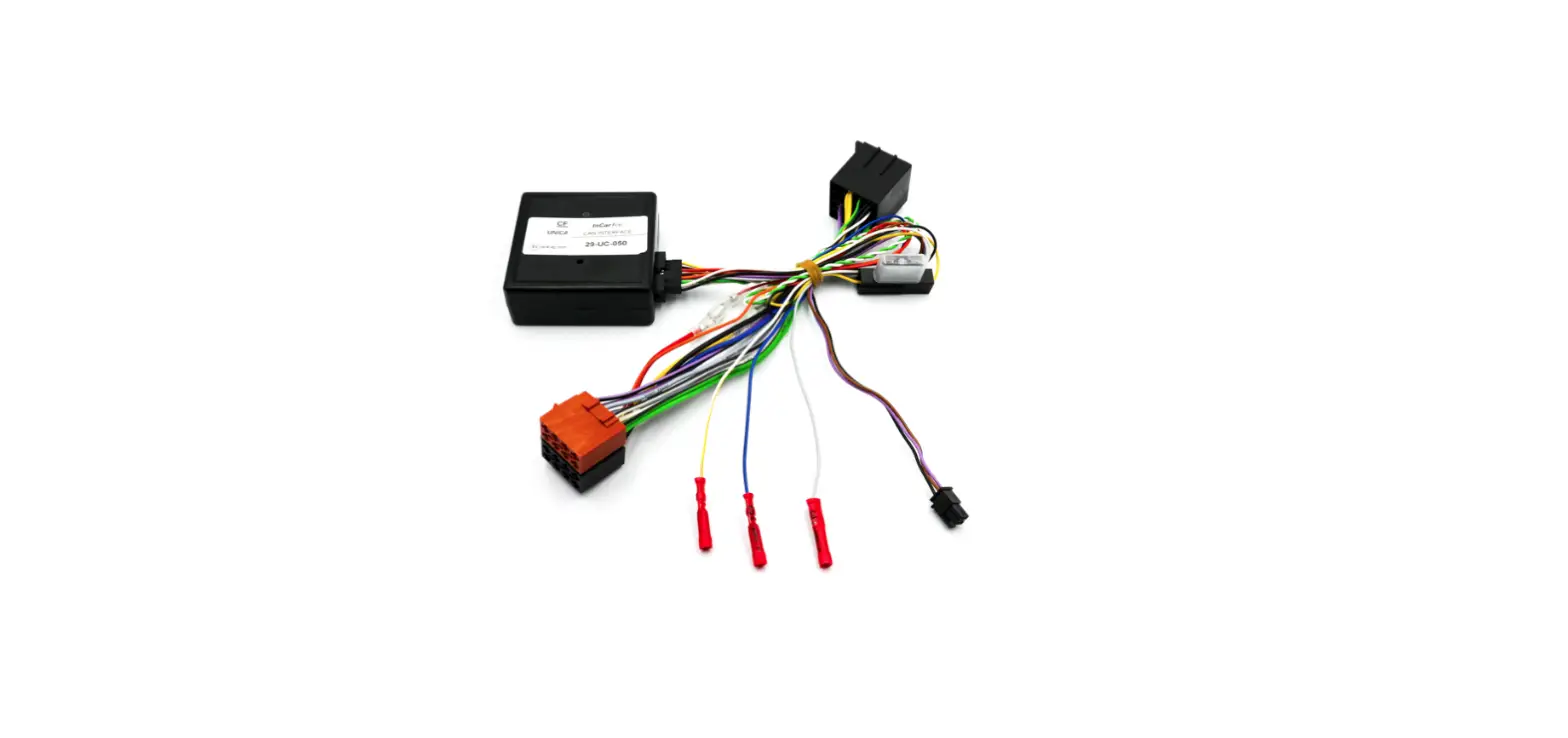
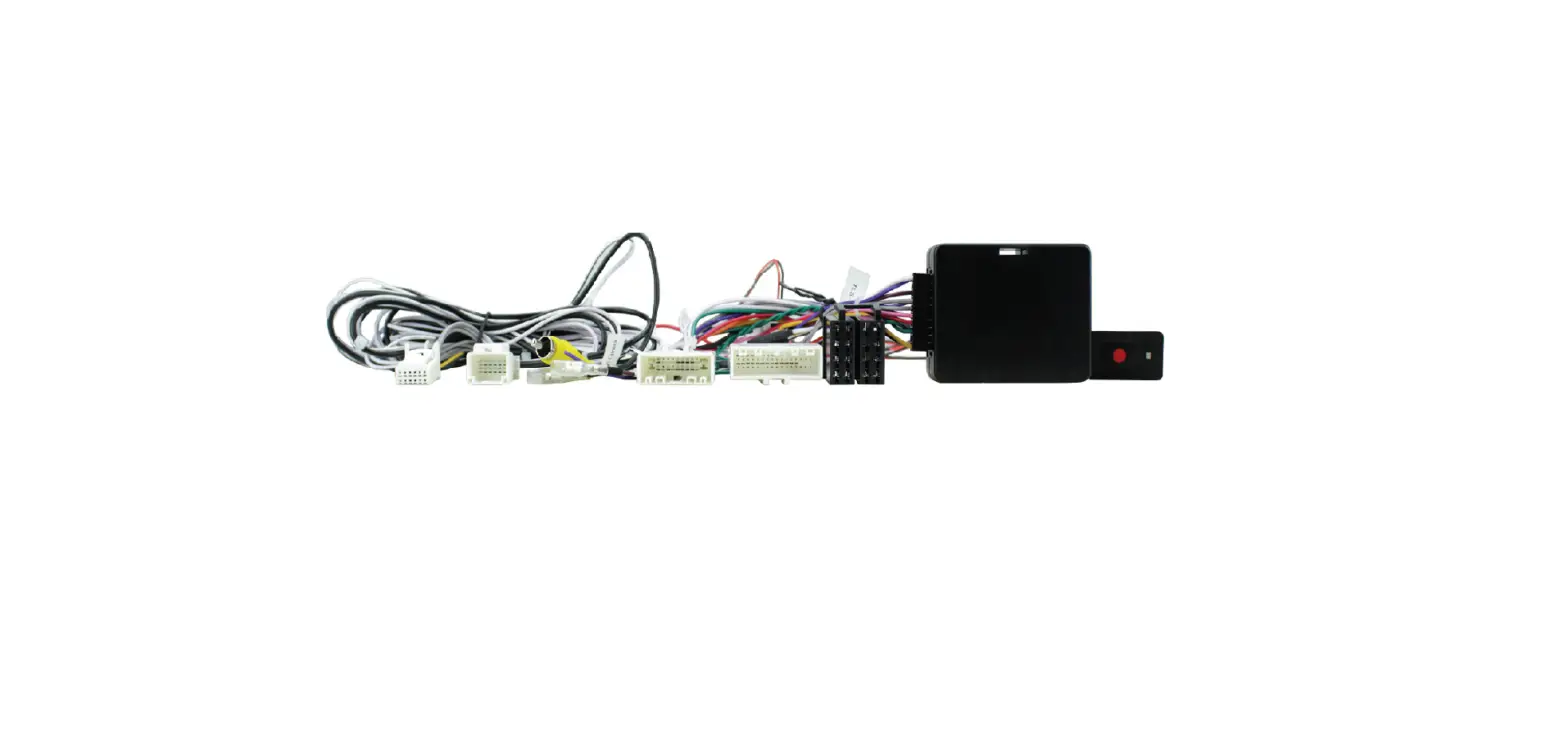
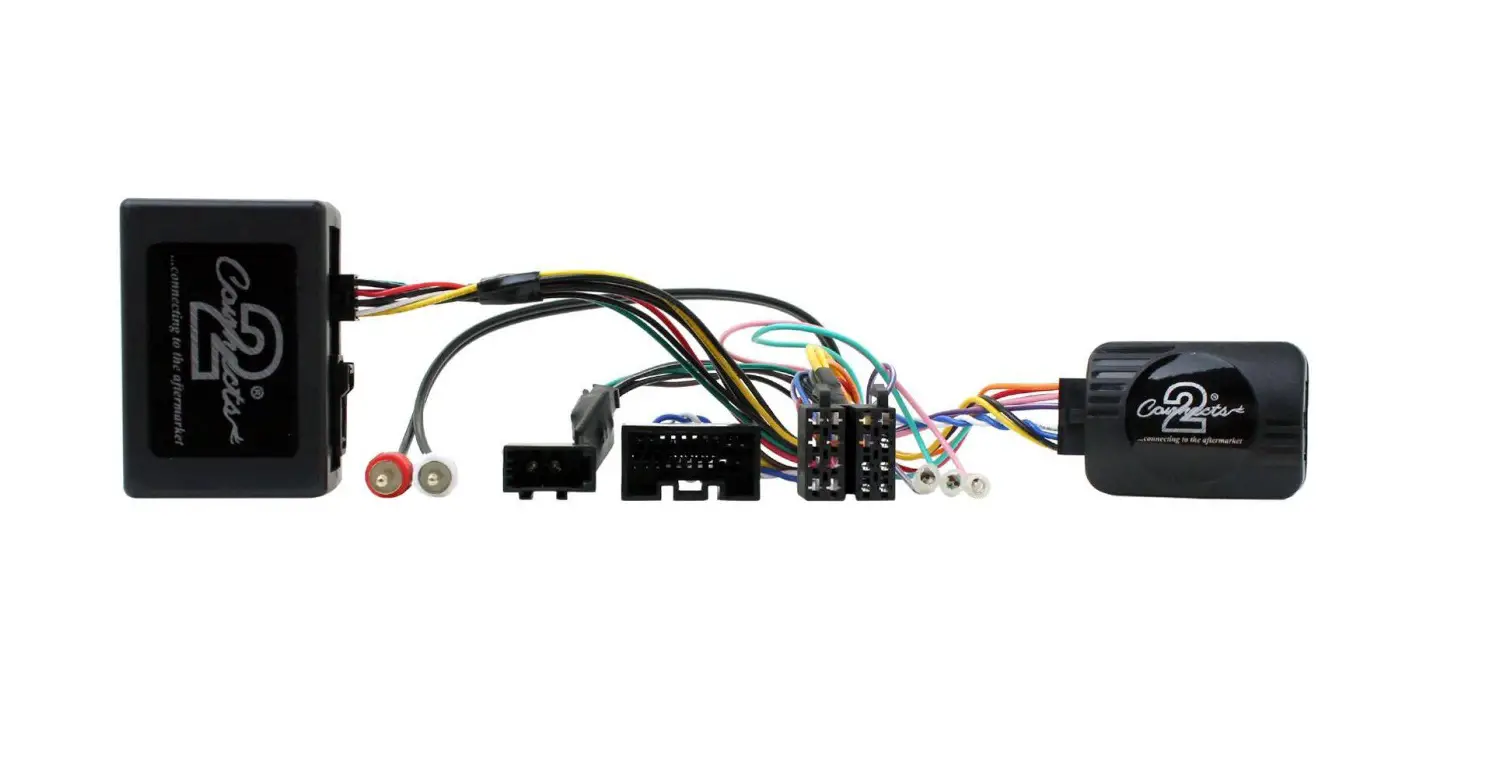
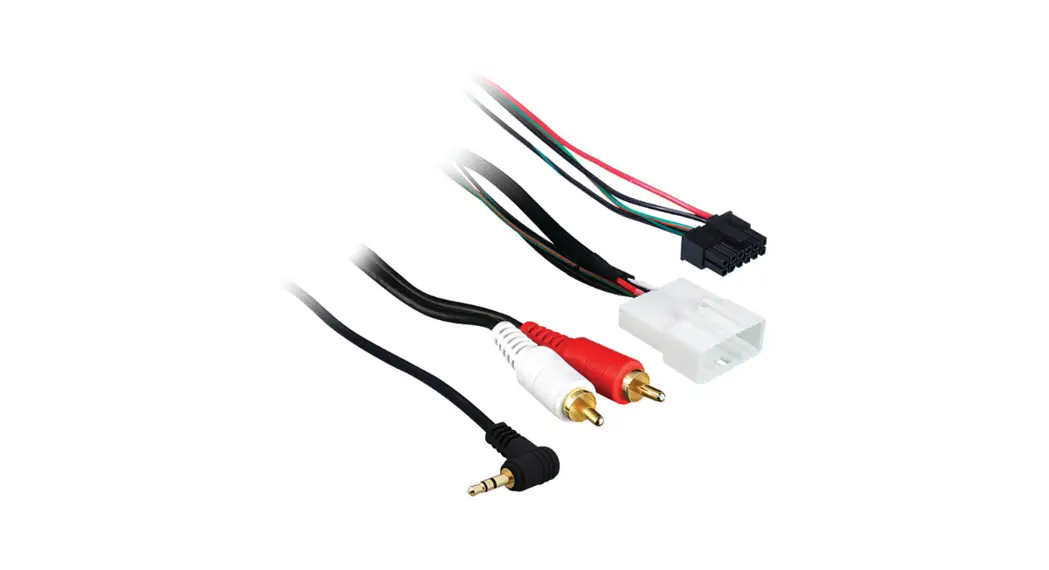
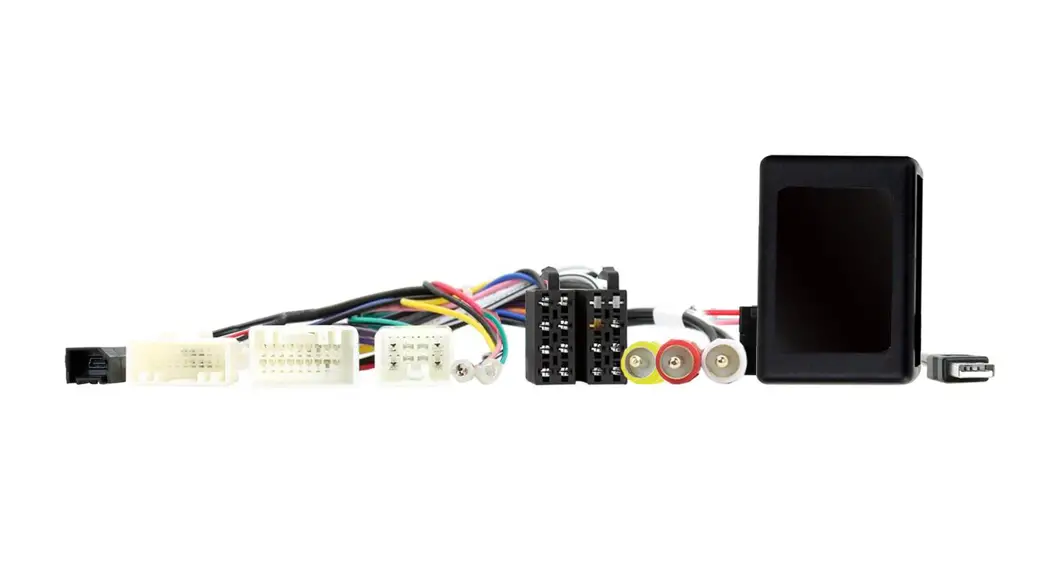
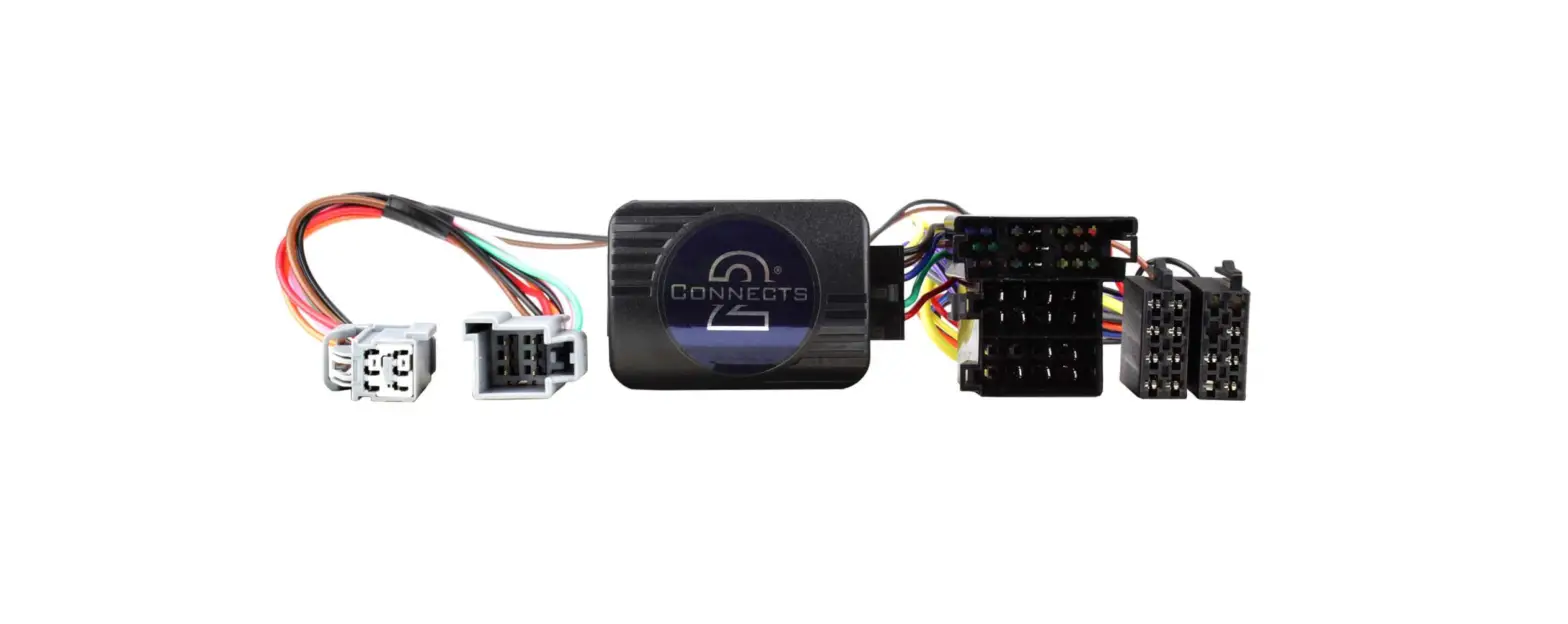
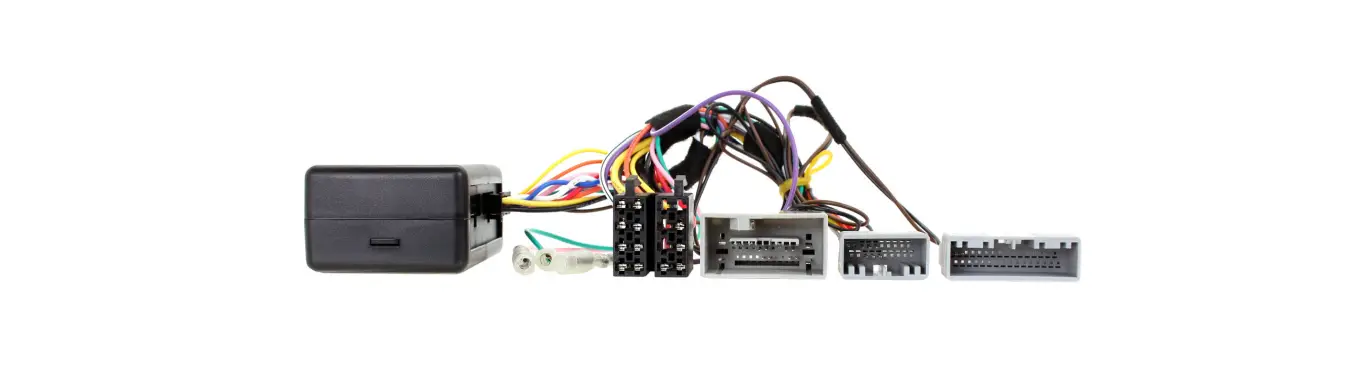
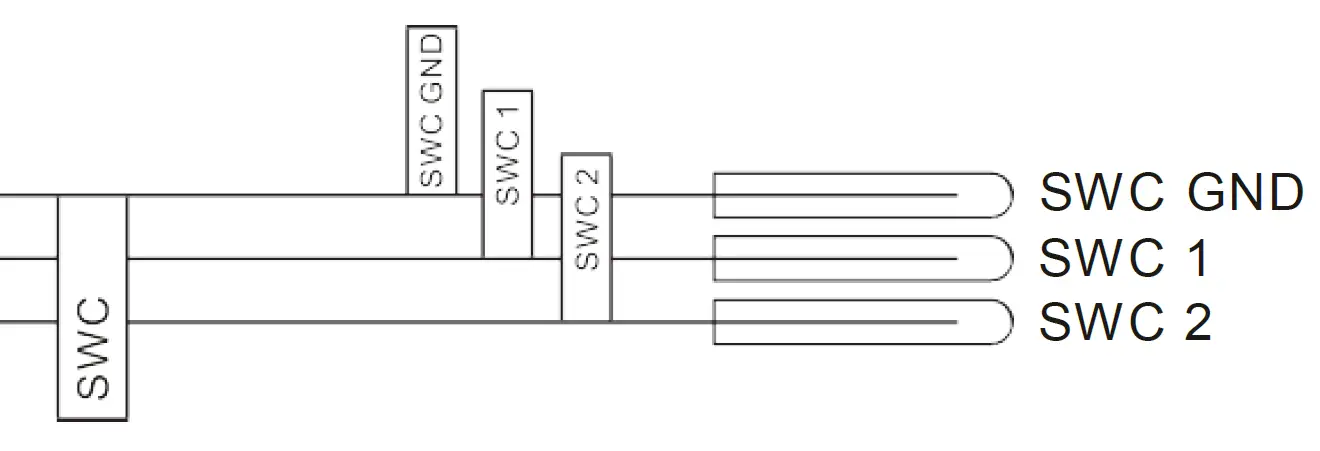
SWC Connecting Wires
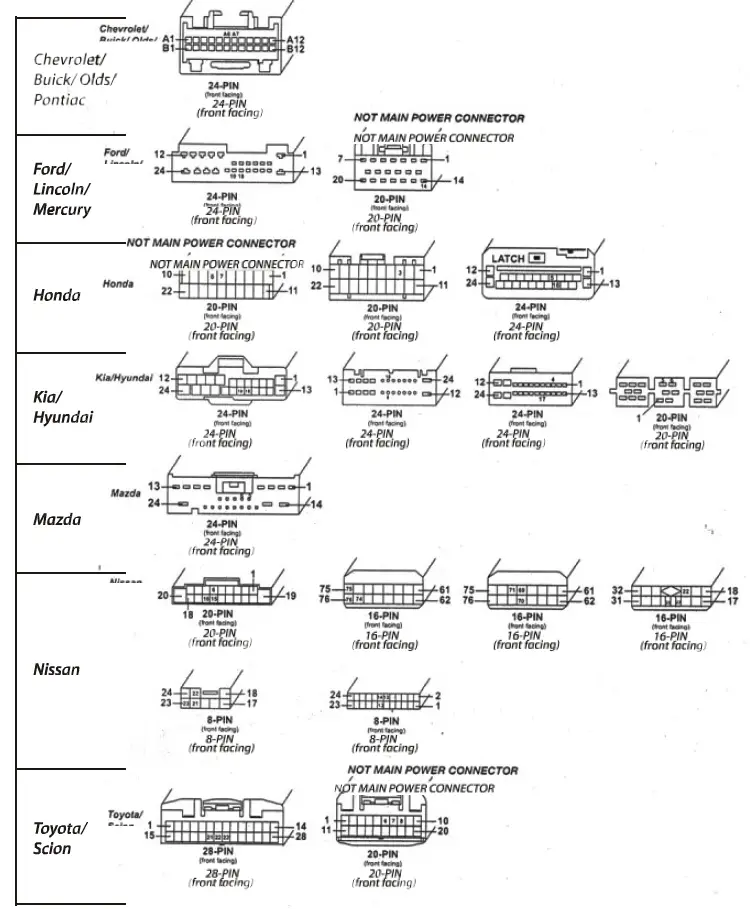
APPLICABLE VEHICLES
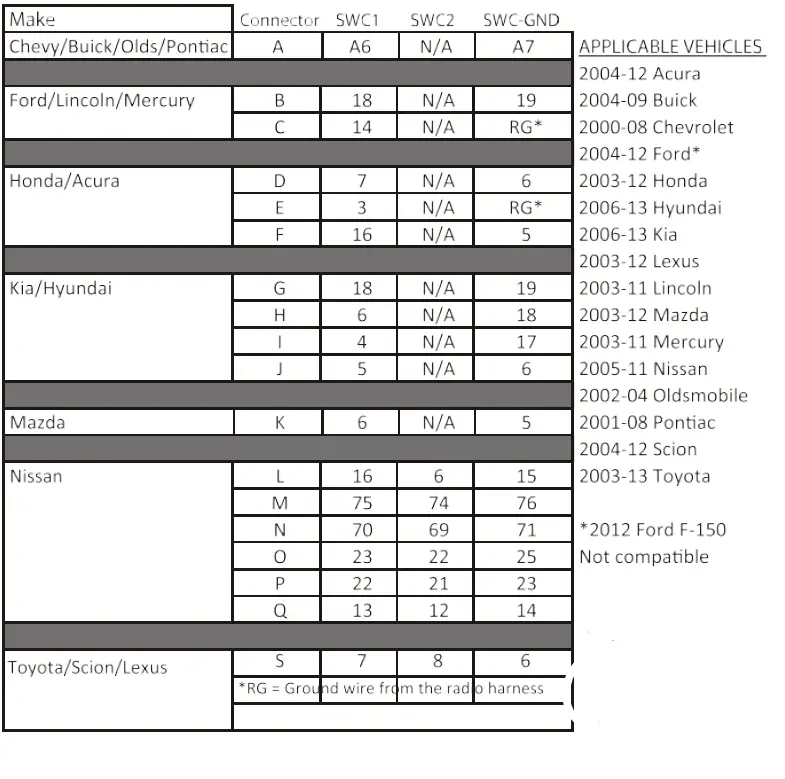
IMPORTANT
This unit only works with analog steering wheel controls.Does not support any data bus system.