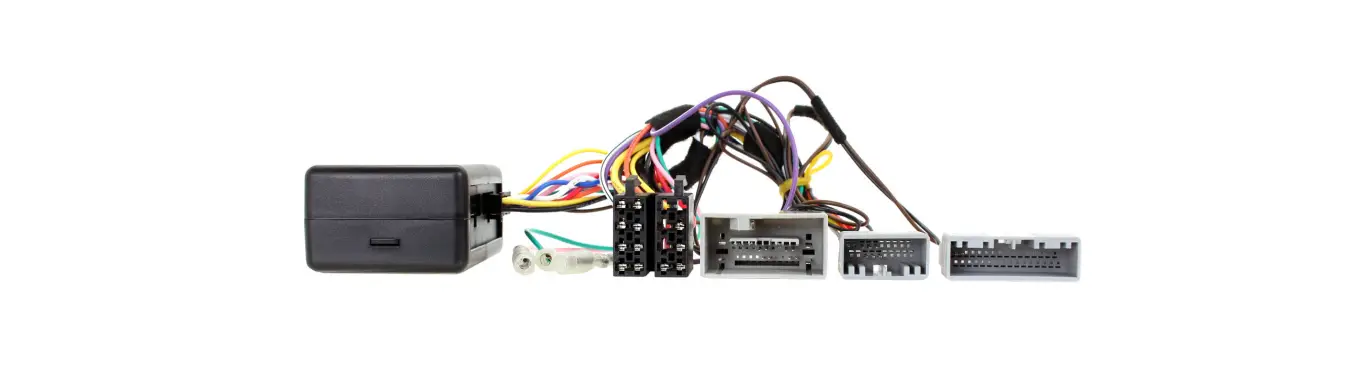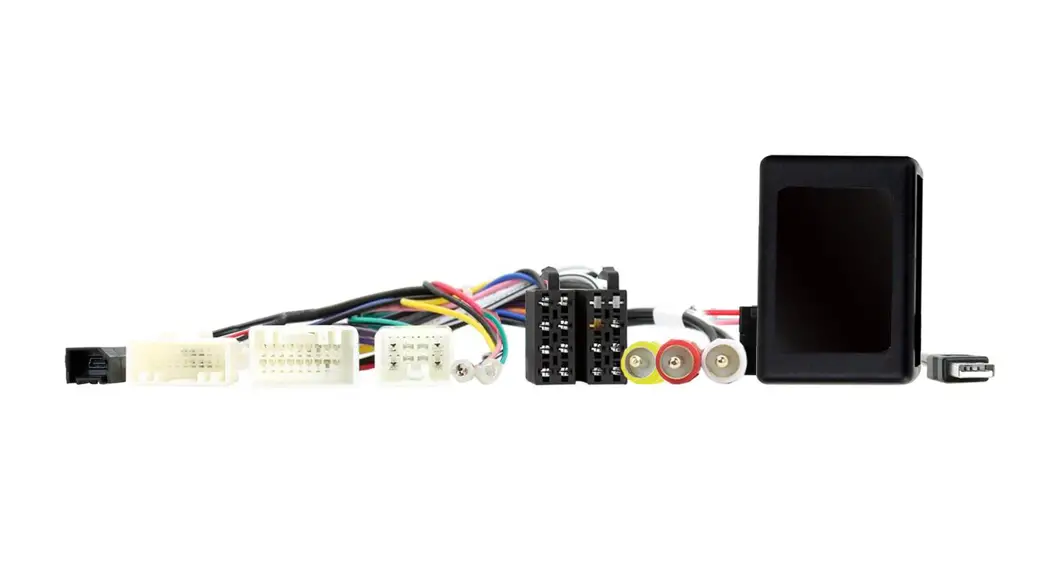

Installation Instructions for AX-TOY28SWC
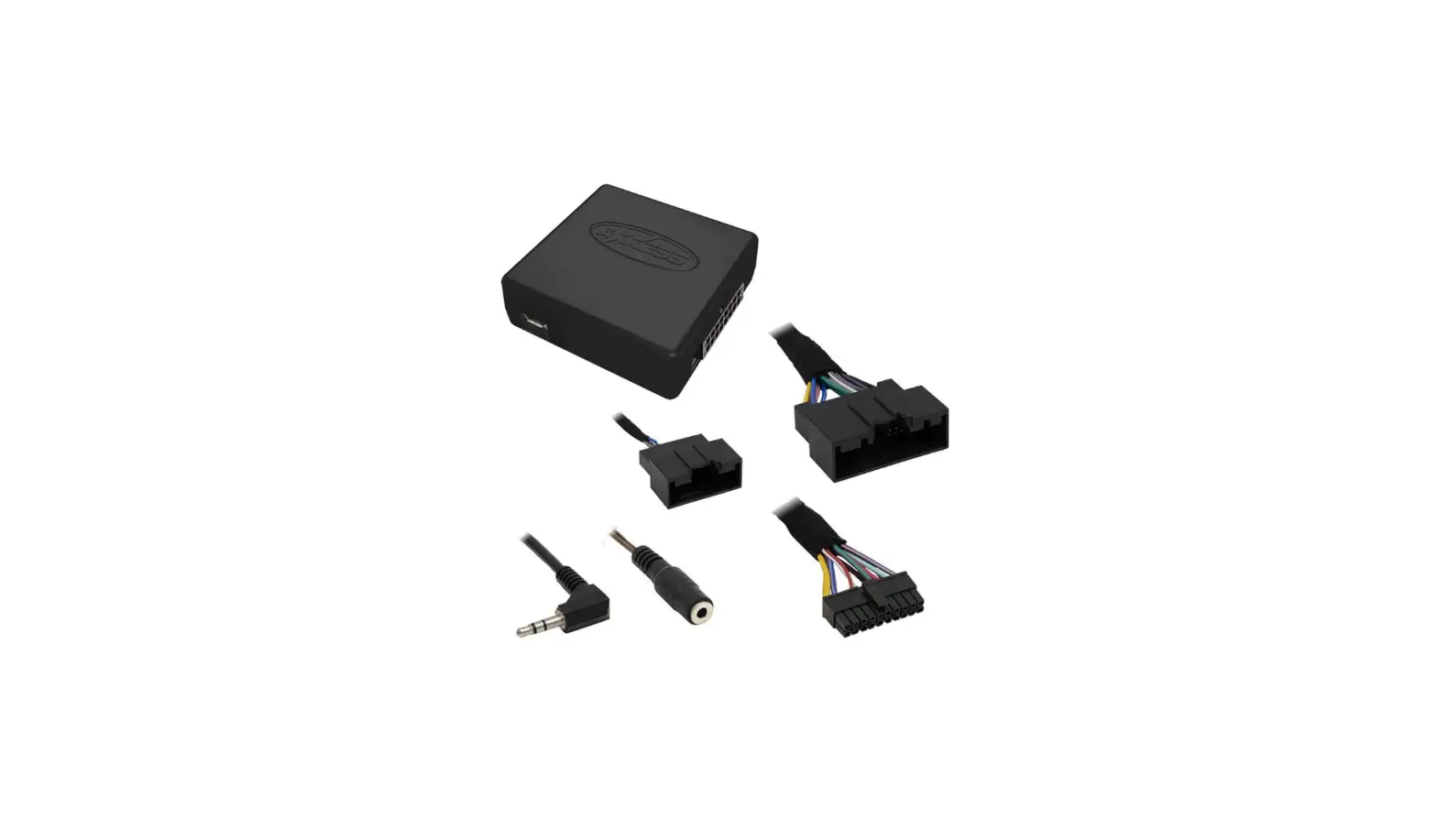
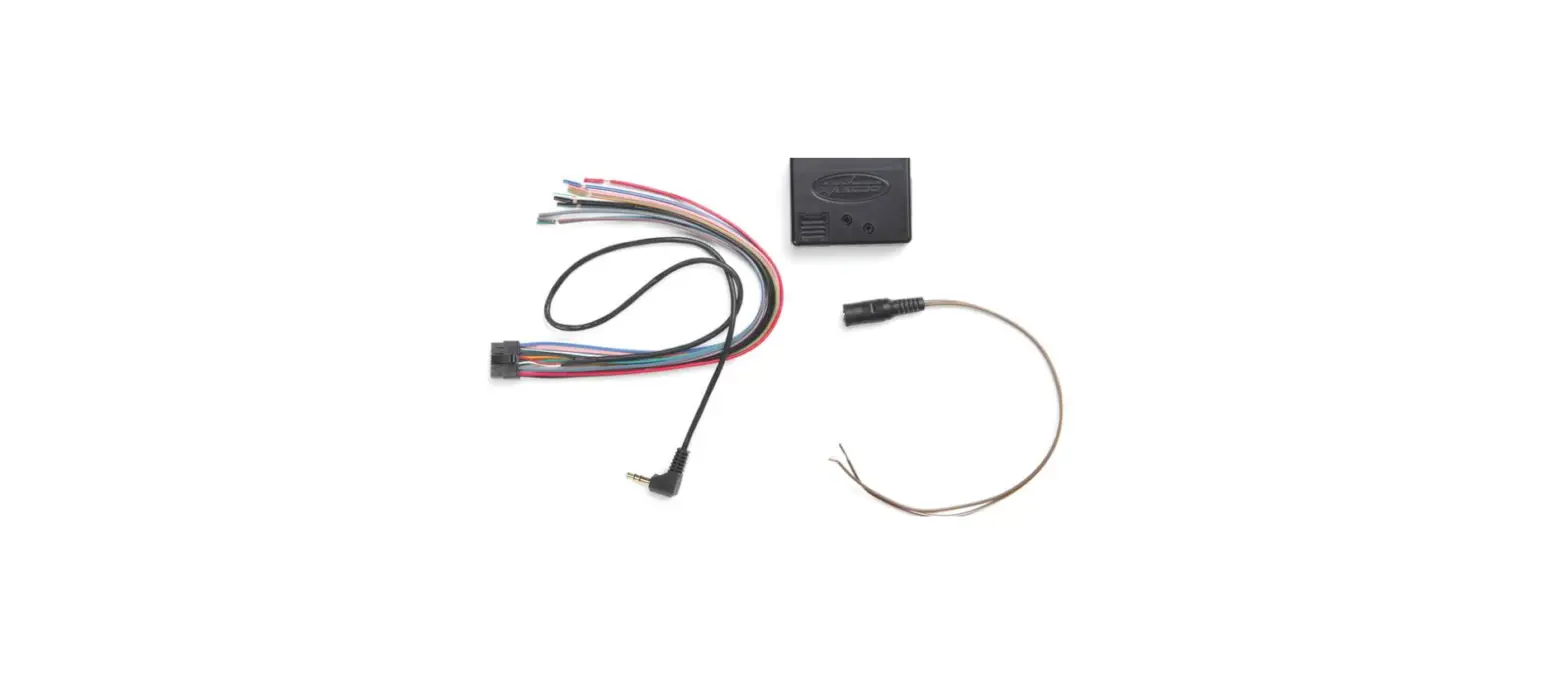
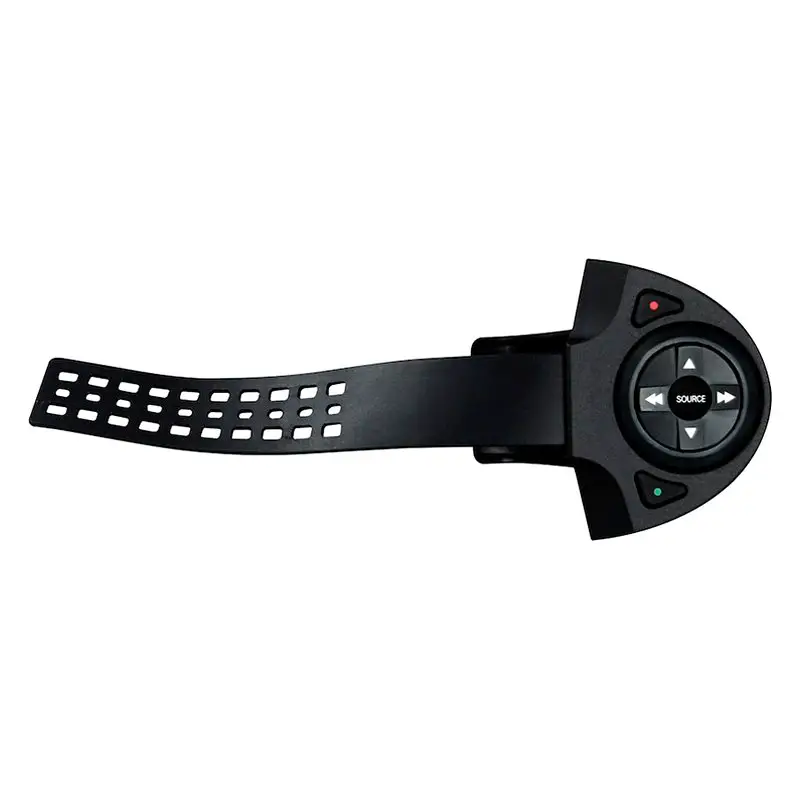
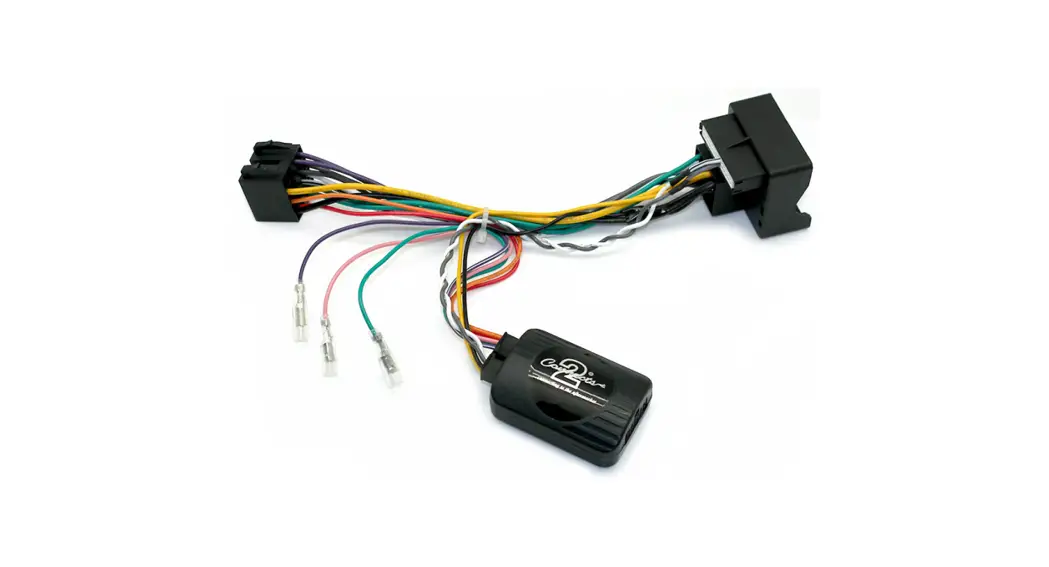
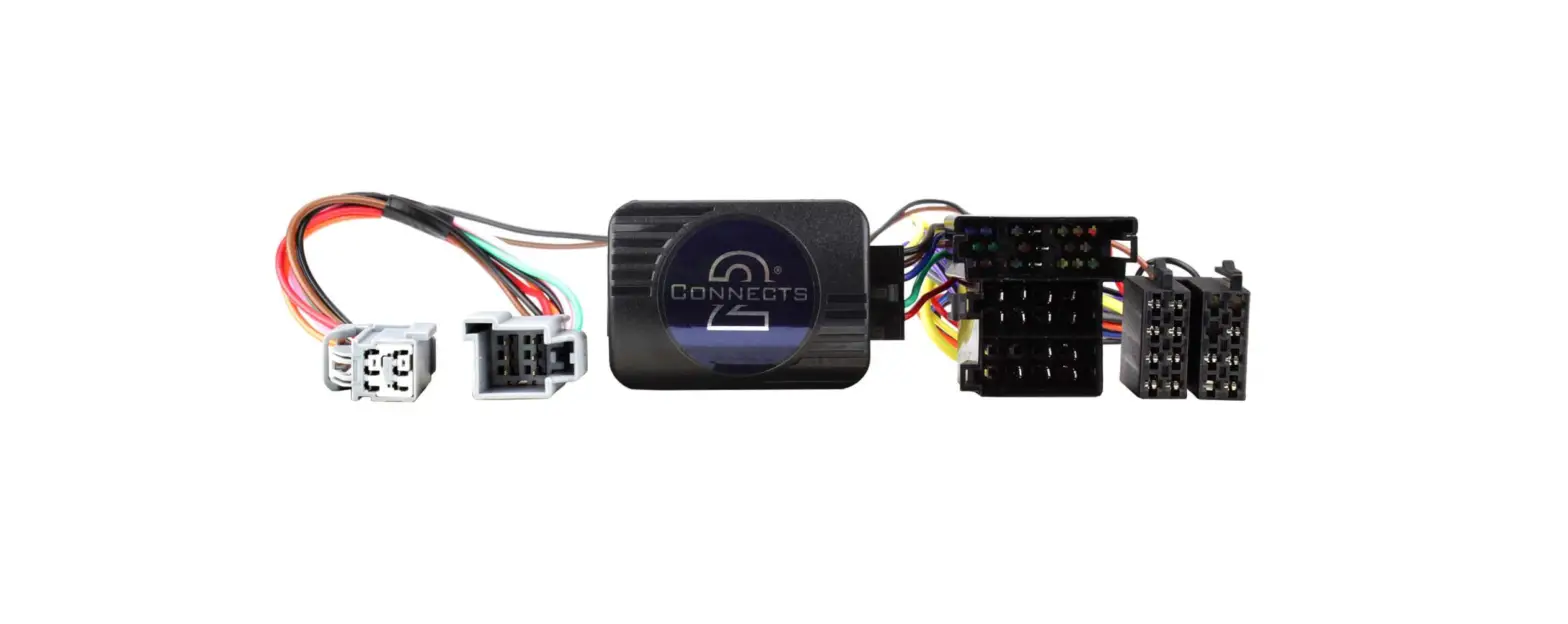
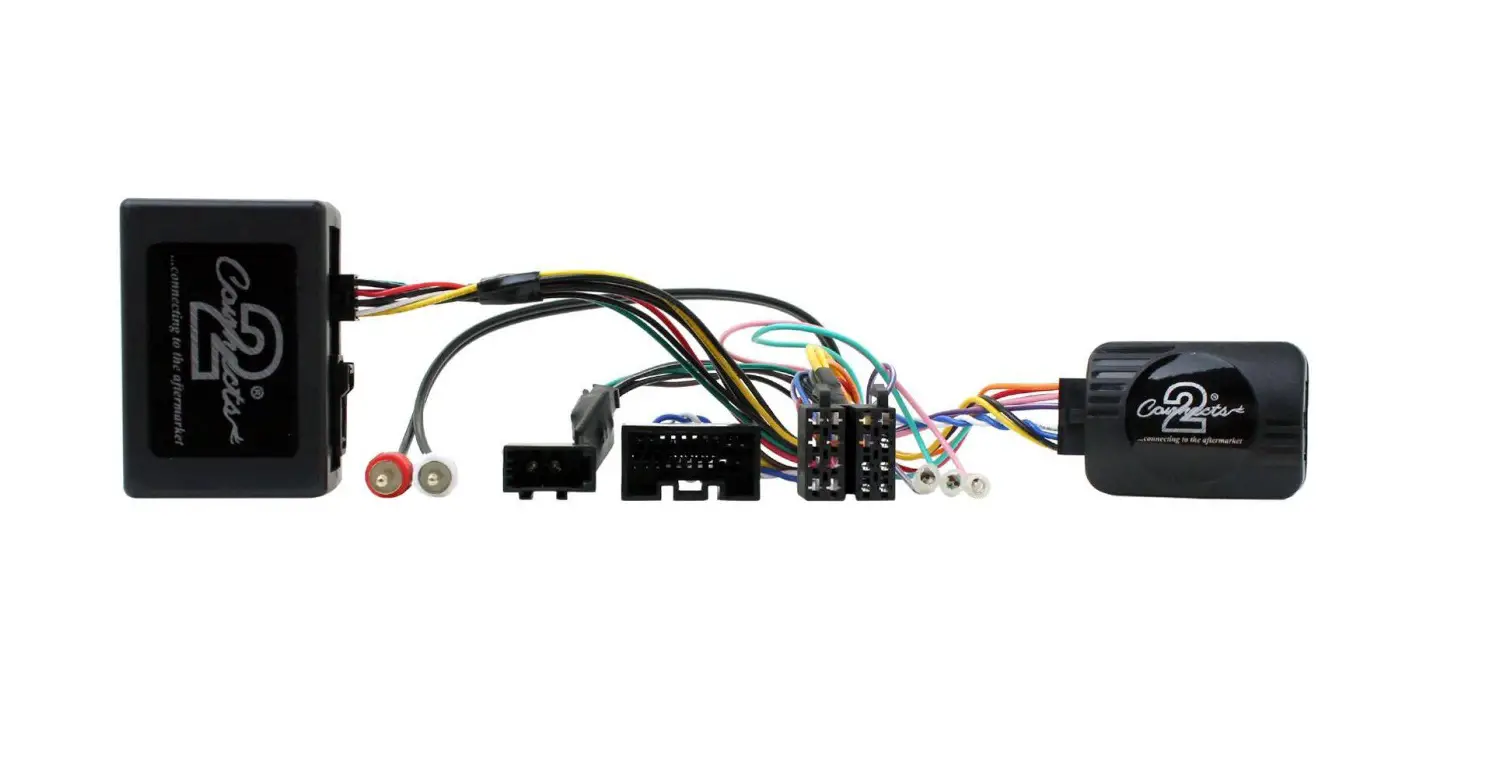
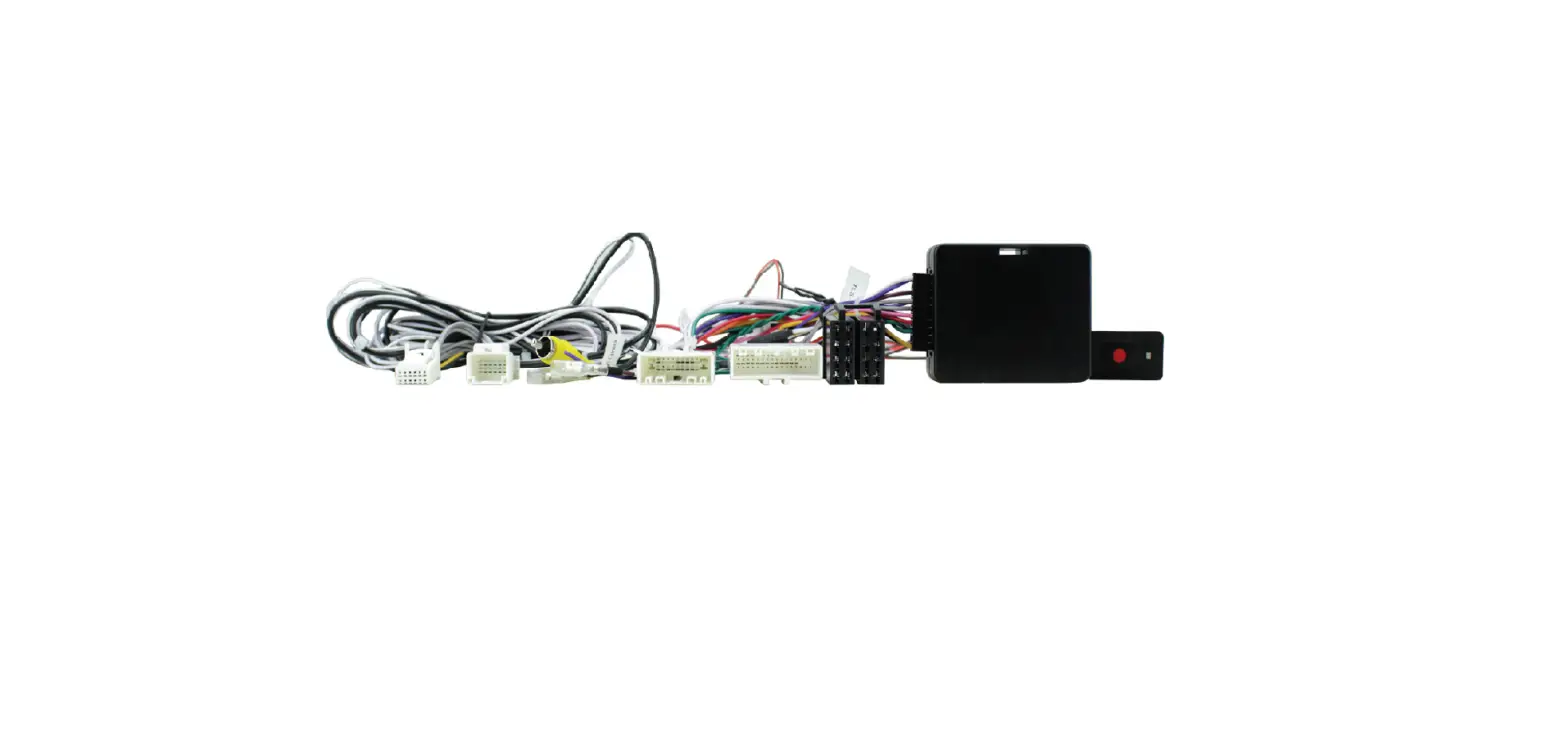
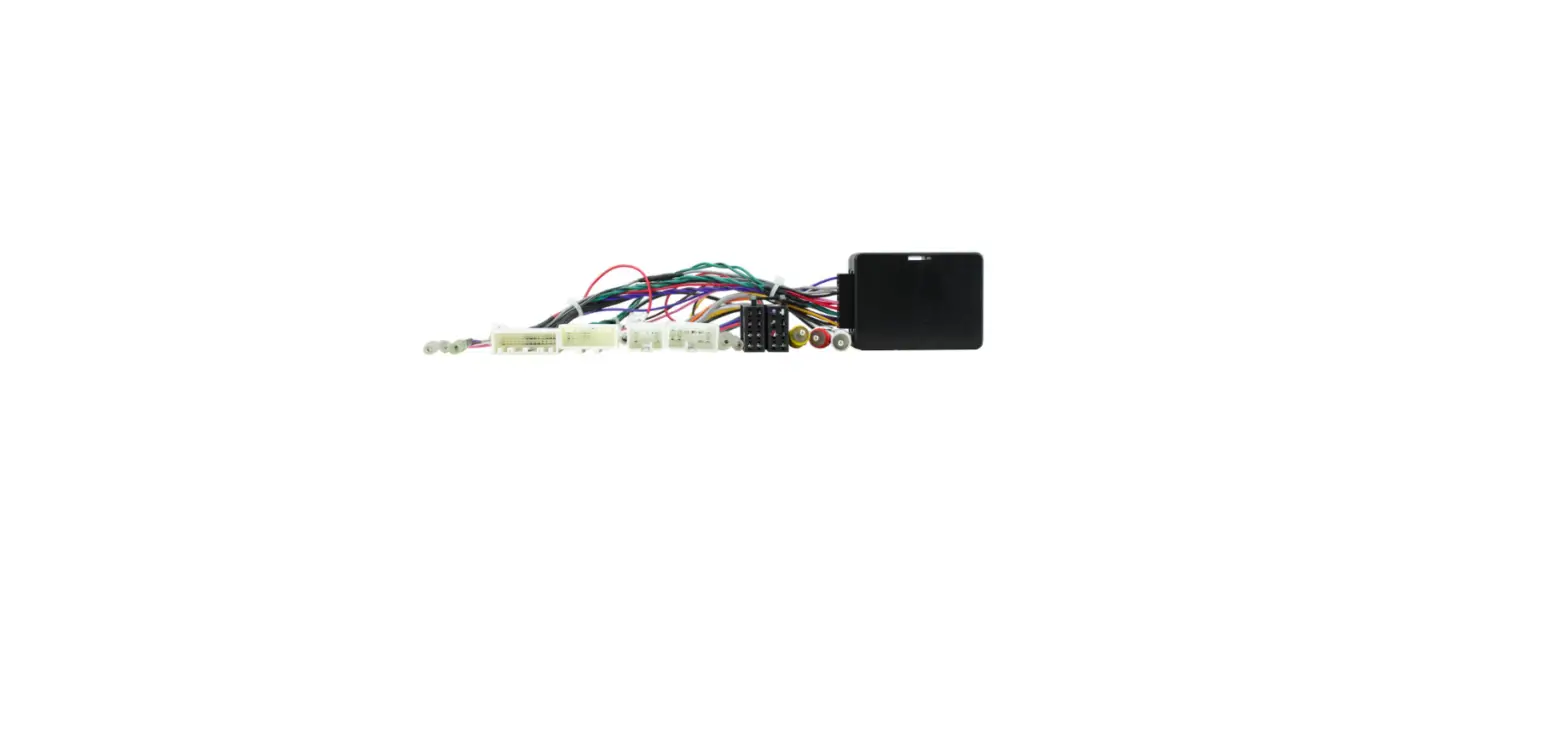
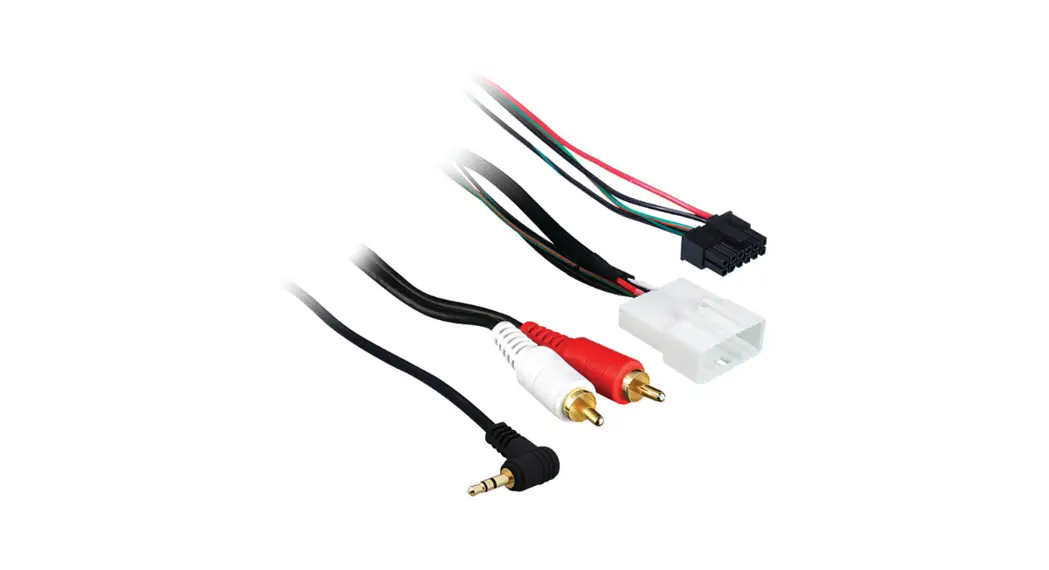
AX-TOY28SWC Plug and Play Harness for the ASWC-1
(sold separately) 2012-up
FEATURES
- Plug and play harness for the ASWC-1 (sold separately)
- Retains the factory AUX-IN jack
INTERFACE COMPONENTS
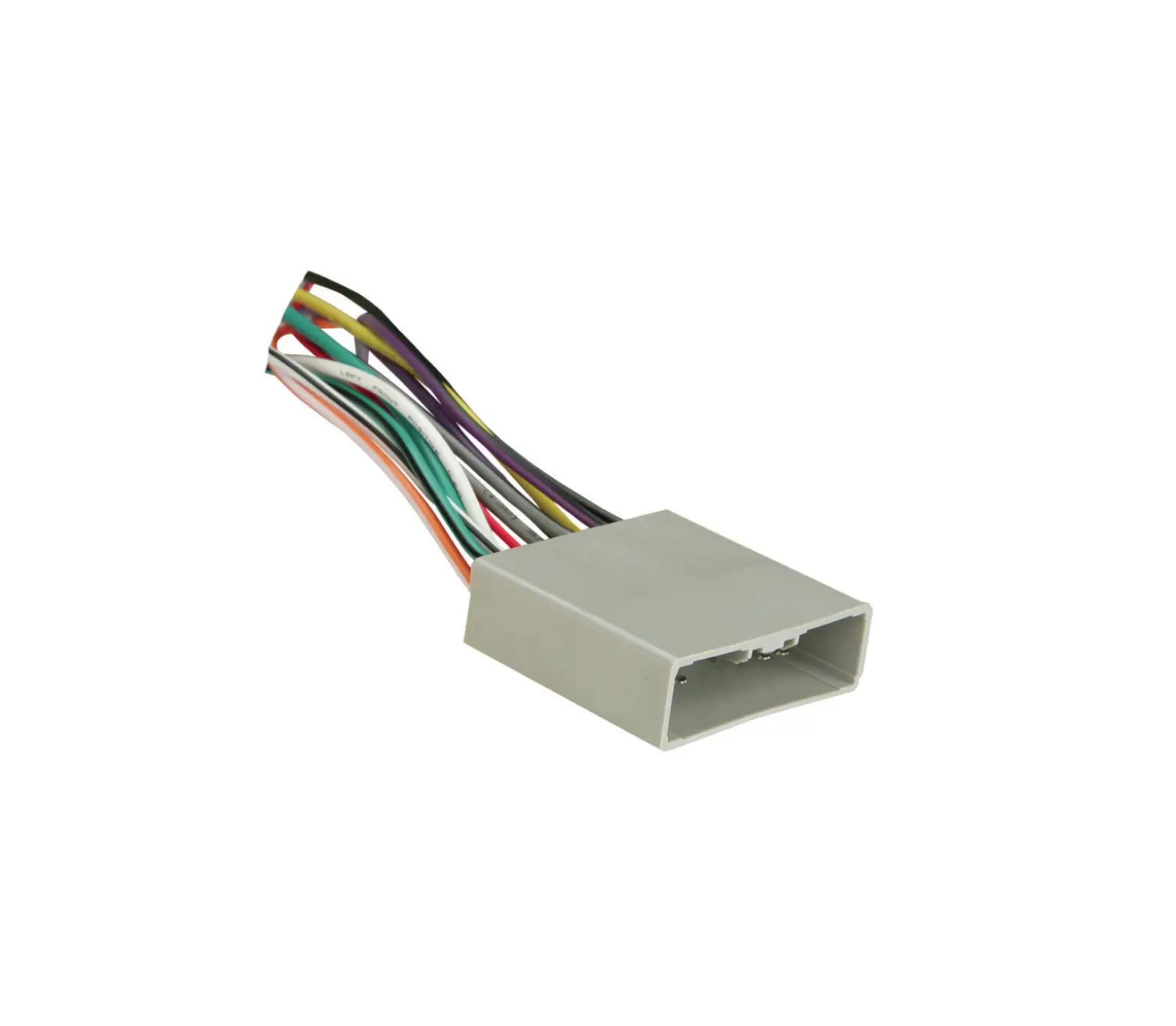
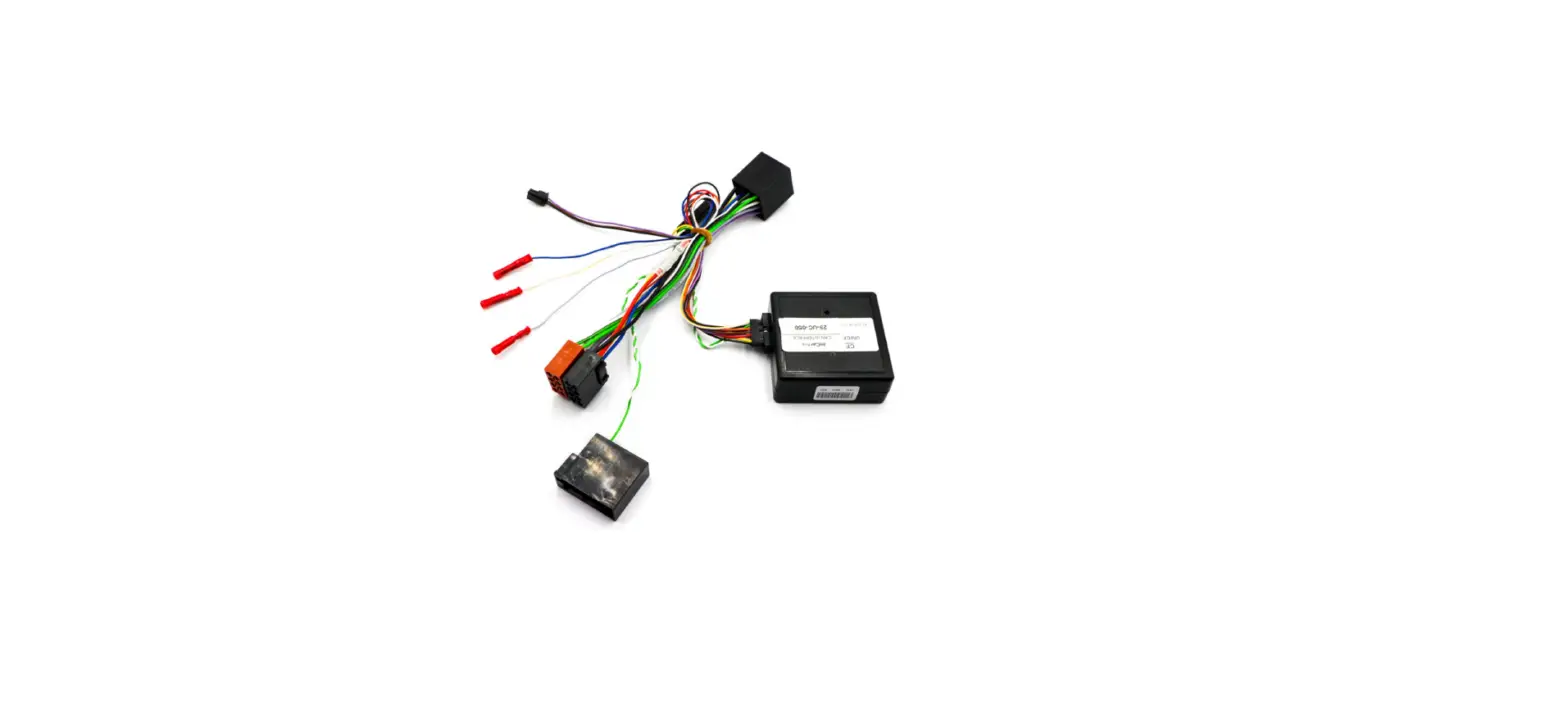
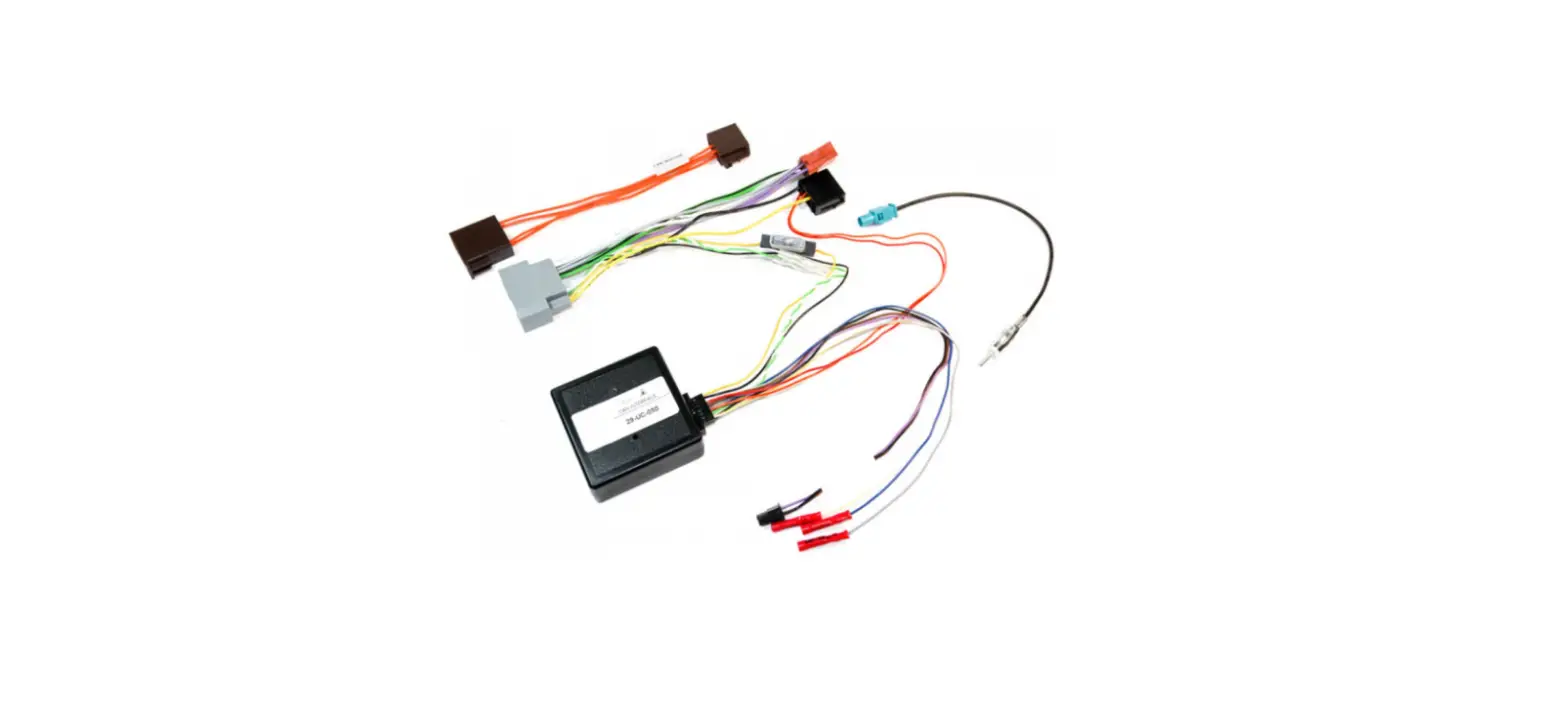
- AX-TOY28SWC harness
TOOLS REQUIRED
- Cutting tool
- Crimping tool
- Tape
- Connectors (example: butt-connectors, bell caps, etc.)
APPLICATIONS
| SCION | |
| tC | 2014-2015 |
| SUBARU | |
| Forester (w/ nav) | 2014-2015 |
| Forester (w/ SD based nav) | 2012-2013 |
| Impreza WRX (w/ nav) | 2013-2014 |
| Legacy 2015 | 2015 |
| Legacy (w/ HK amp) | 2012-2013 |
| Outback 2015 | 2015 |
| Outback (w/ HK amp) | 2012-2013 |
| WRX (w/ nav) 2015 | 2015 |
| XV Crosstrek (w/ nav) | 2013-2014 |
| LEXUS | |
| CT 200h | 2011-2015 |
| TOYOTA | |
| 4-Runner | 2013-2015 |
| Avalon | 2013-2015 |
| Camry | 2012-2015 |
| Corolla | 2013-2015 |
| Corolla (w/ nav) | 2011-2015 |
| FJ Cruiser (w/ nav) | 2013 |
| Highlander | 2013-2015 |
| Matrix (w/ USB) | 2013 |
| Prius V | 2012-2015 |
| Prius C | 2012-2015 |
| Prius | 2012-2015 |
| Rav-4 | 2012-2015 |
| Sequoia (w/ nav) | 2013-2015 |
| Tacoma | 2013-2015 |
| Tundra | 2014-2015 |
| Venza | 2013-2015 |
| Yaris Hatchback | 2012-2015 |
CAUTION! All accessories, switches, climate controls panels, and especially air bag indicator lights must be connected before cycling the ignition. Also, do not remove the factory radio with the key in the on position, or while the vehicle is running.
Connections to be made
From the AX-TOY28SWC harness to the aftermarket radio:
- Connect the Black wire to the ground wire.
- Connect the Red wire to the accessory wire.
- Connect the Red and White RCA jacks to the audio AUX-IN jacks (if so equipped).
The following (2) wires are for aftermarket multimedia/navigation radios that provide these wires (if not required, tape them off and disregard them):
- Connect the Light Green wire to the parking brake wire (if applicable).
- Connect the Green/Purple wire to the reverse wire (if applicable).
Installing the AX-TOY28SWC
- With the key in the off position, connect the AX-TOY28SWC harness into the ASWC-1 (sold separately), and then into the vehicle.
- Follow the instructions included with the ASWC-1 (sold separately) for connections to the 3.5mm jack.
- With all connections completed, reconnect the negative battery terminal.
Programming the ASWC-1 (sold separately)
When using the ASWC-1 to retain steering wheel audio controls:
- Turn the key to ignition; the L.E.D. in the ASWC-1 (sold separately) will flash fast.
Note: If your vehicle has a RETURN button on the steering wheel, press and hold that button during this process. - After about 20 seconds the L.E.D. will light up solid indicating the ASWC-1 (sold separately) has been programmed. If the L.E.D. does not light up solid, or the steering wheel controls do not work, refer to the instructions included with the ASWC-1 (sold separately) for troubleshooting.
IMPORTANT WARNING
This product includes instructions for installation which must be carefully followed. The instructions are worded in such a manner to assume that the installer is capable of completing these type of electronic installations. If you are unclear as to what you are instructed to do or believe that you do not understand the instructions so as to properly and safely complete the insta llation you should consult a technician who does have thisknowledge and understanding.
Failure to follow these instructions carefully and to install the interface as described could cause harm to the vehicle or to safety systems on the vehicle. Interference with certain safety systems could cause harm to persons as well. If you have any questions in this regard please call the Help line or Metra at 1-800-221-0932 for assistance.
 1-800-221-0932
 metraonline.com
REV. 2/29/16
© COPYRIGHT 2004-2016
http://axxessinterfaces.com/
METRA ELECTRONICS CORPORATION
 Metra Online | Welcome to Metra Auto Parts Online Warehouse