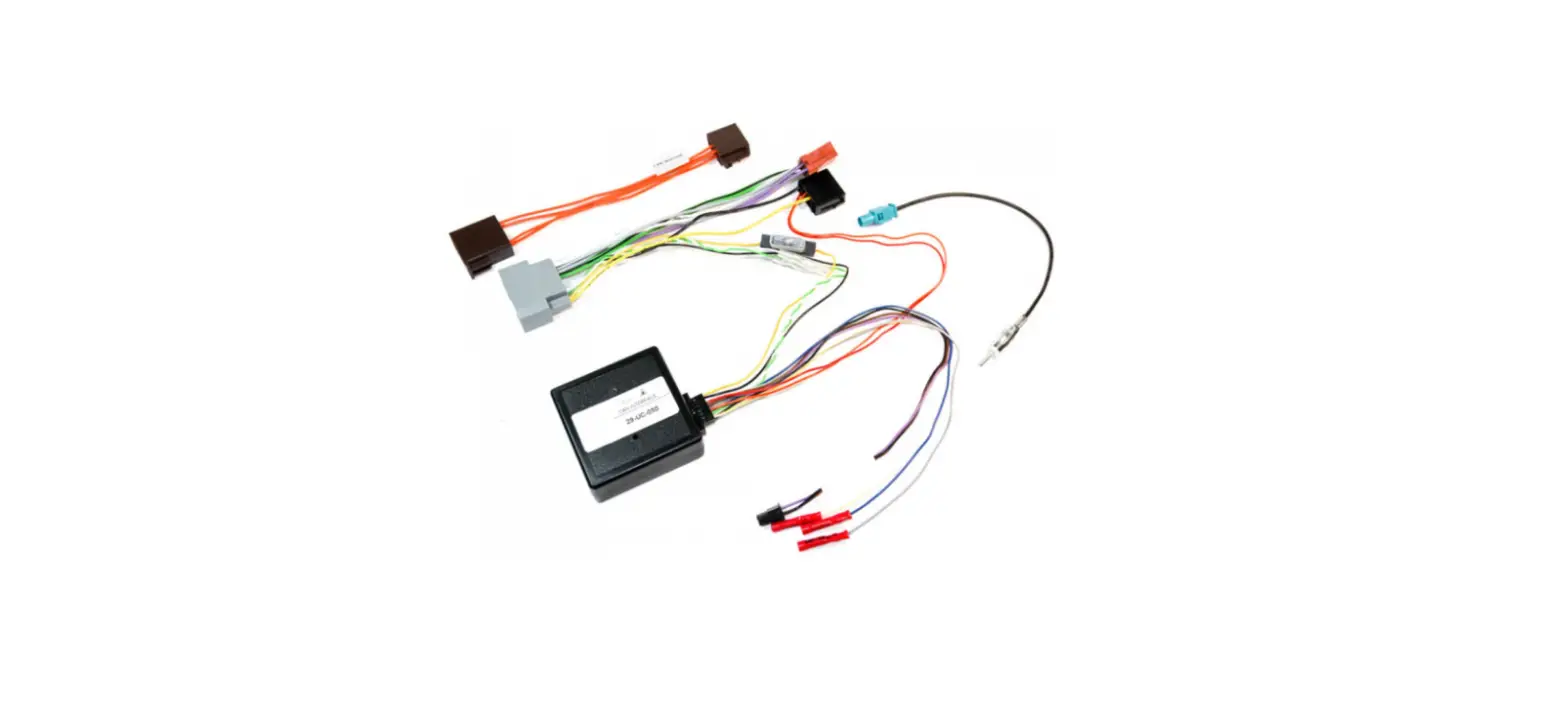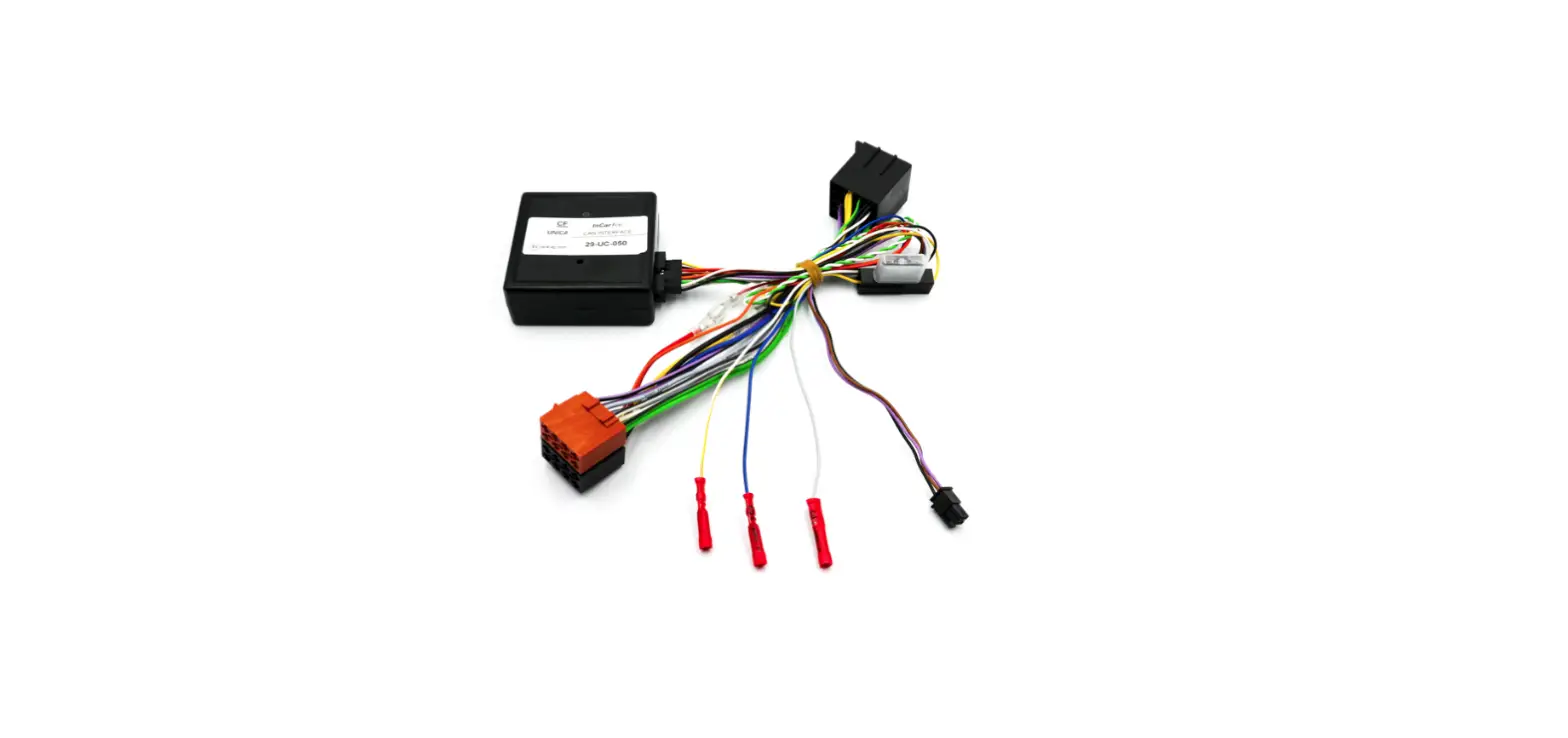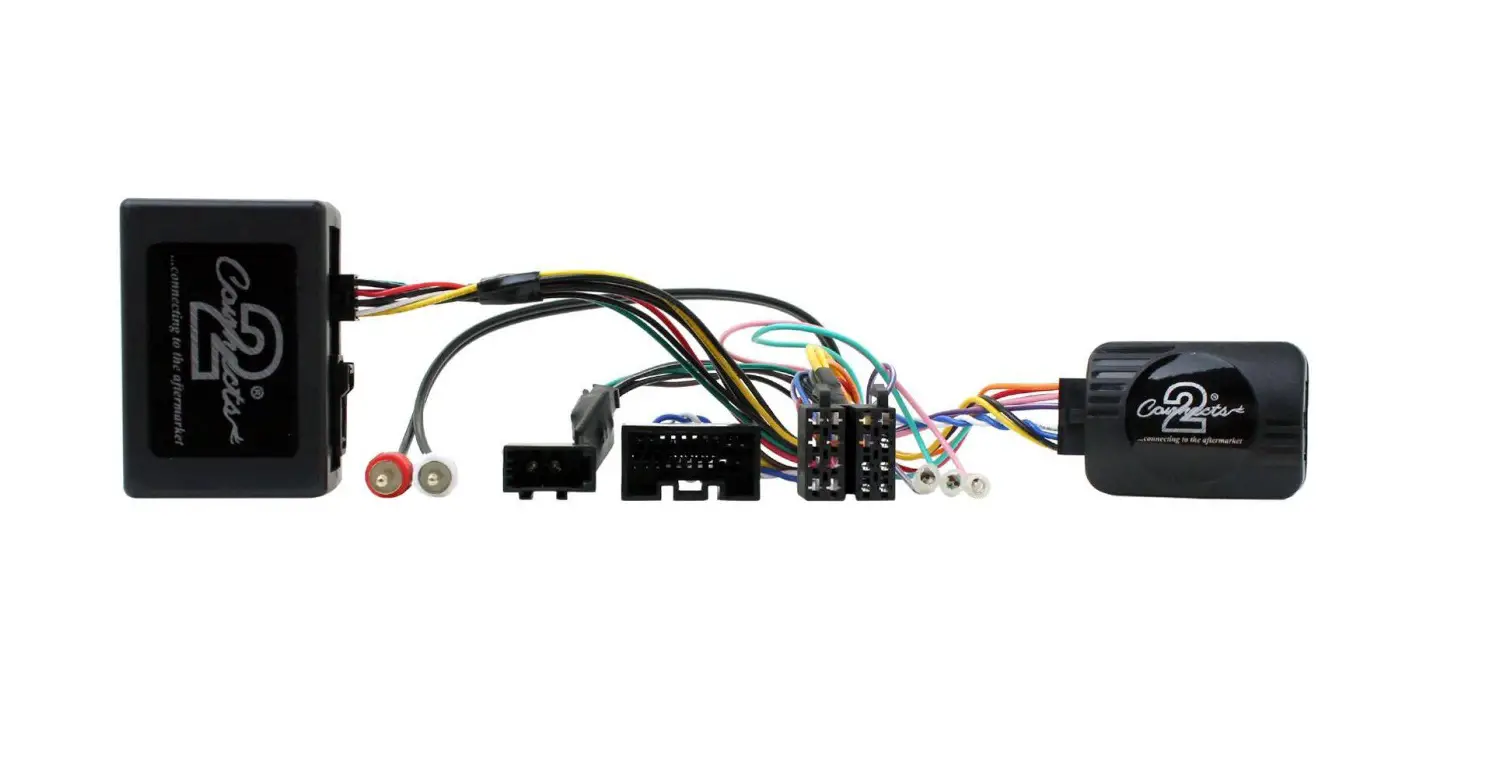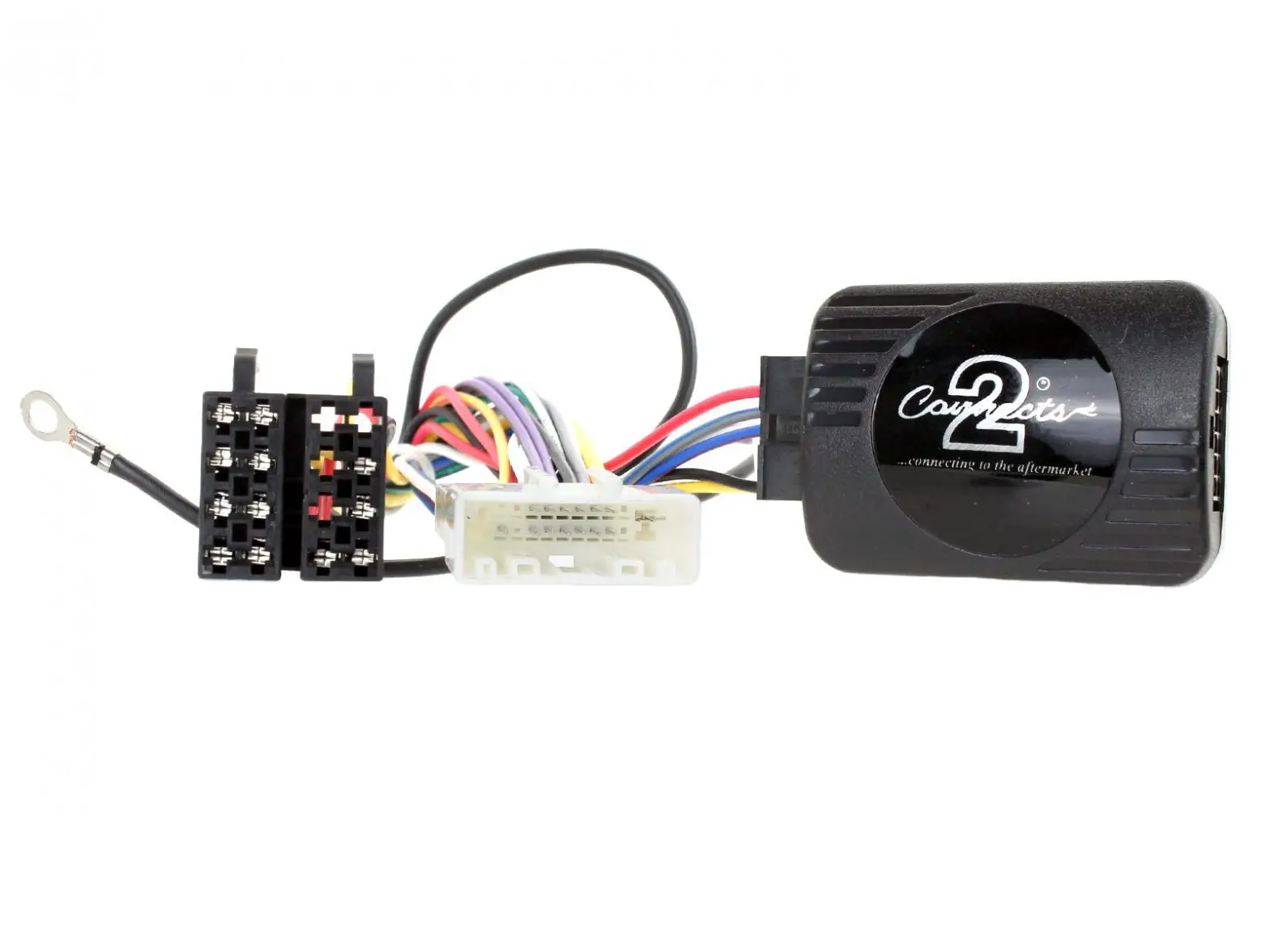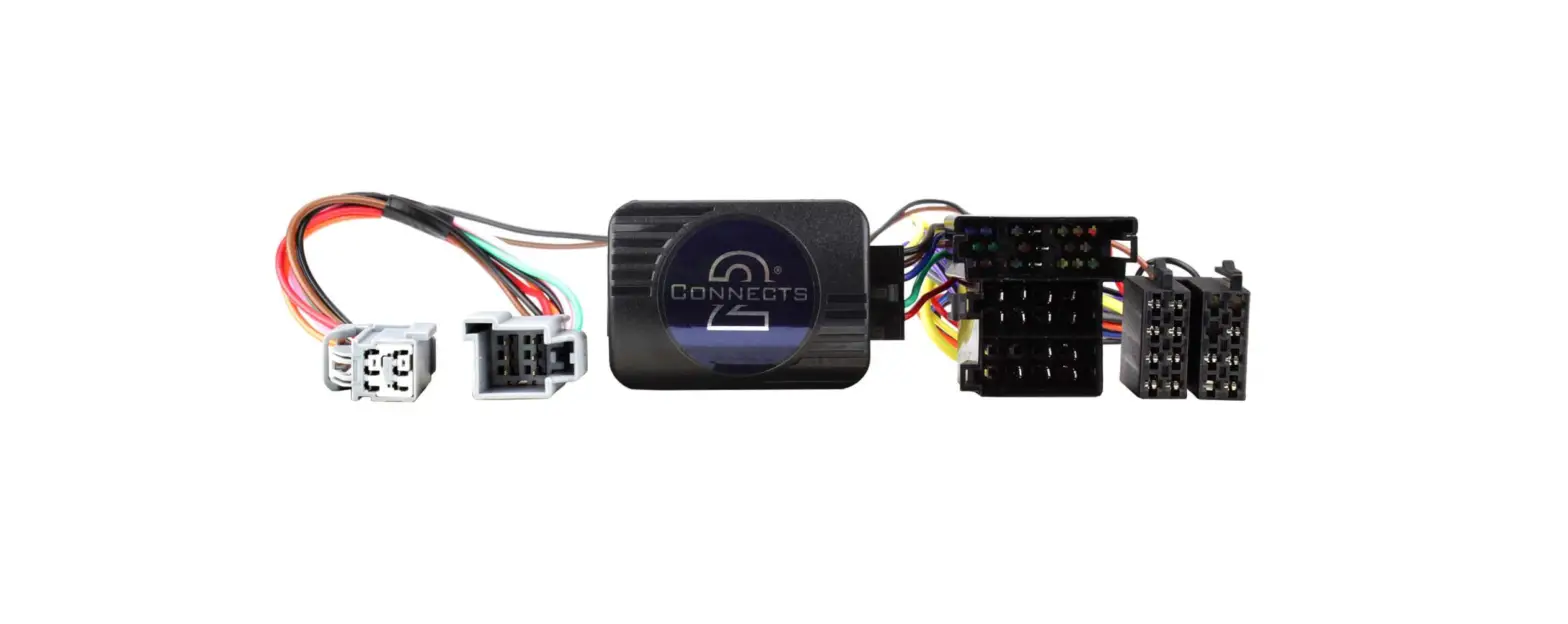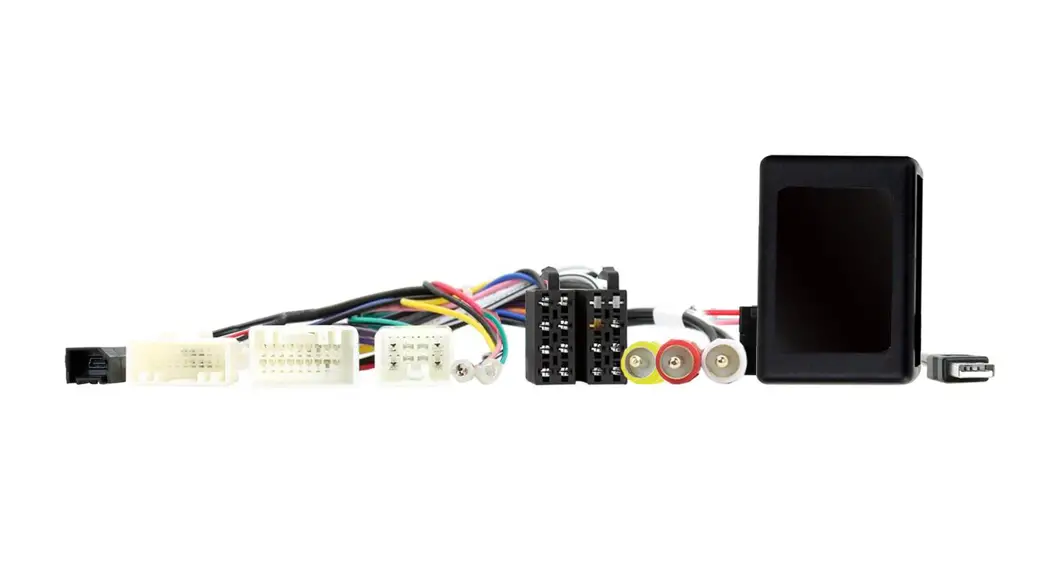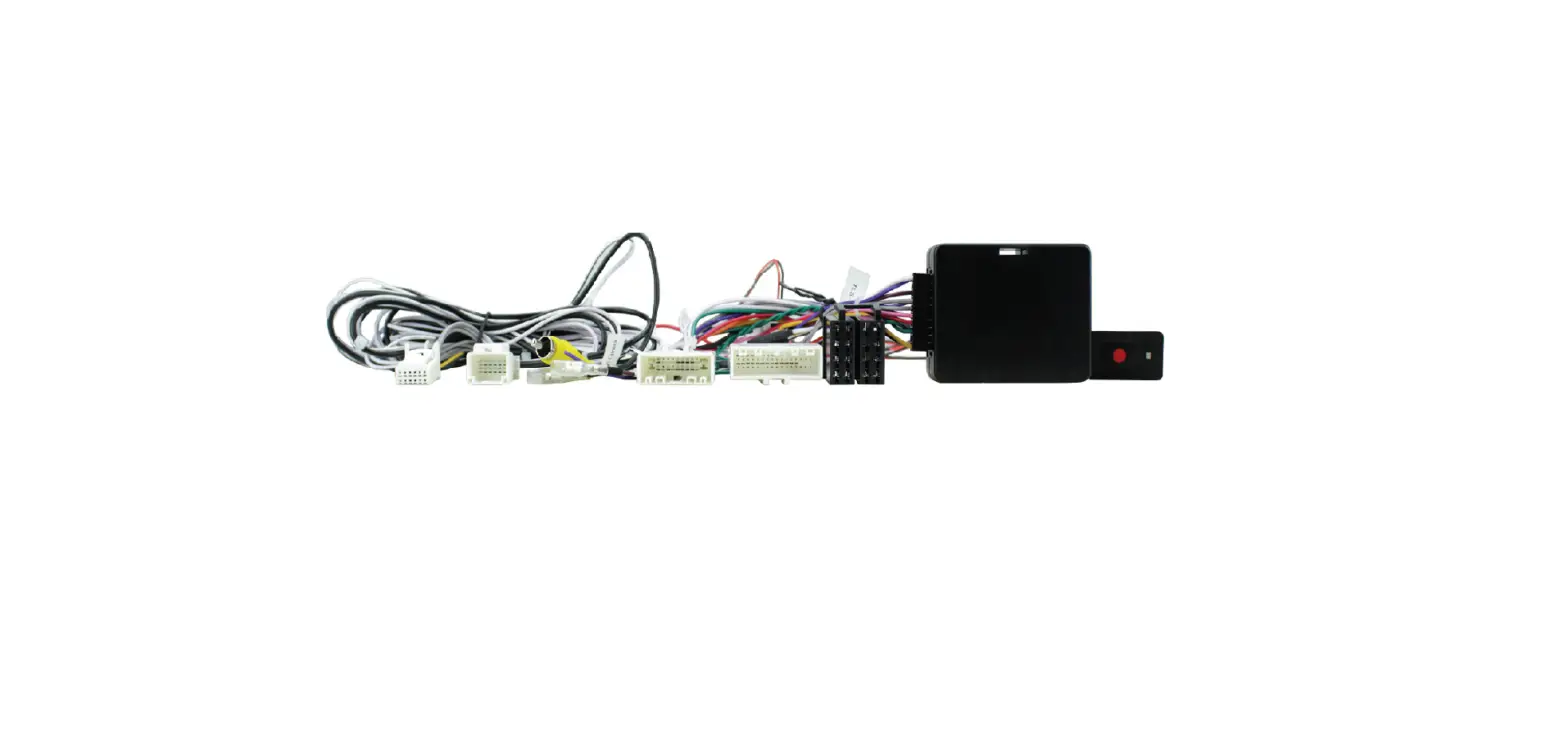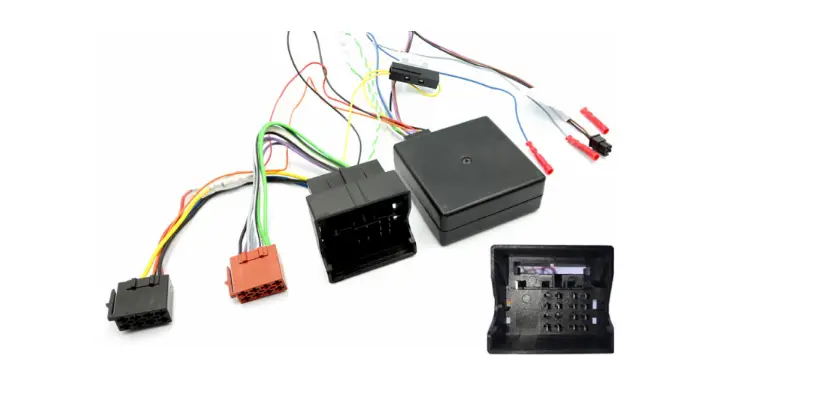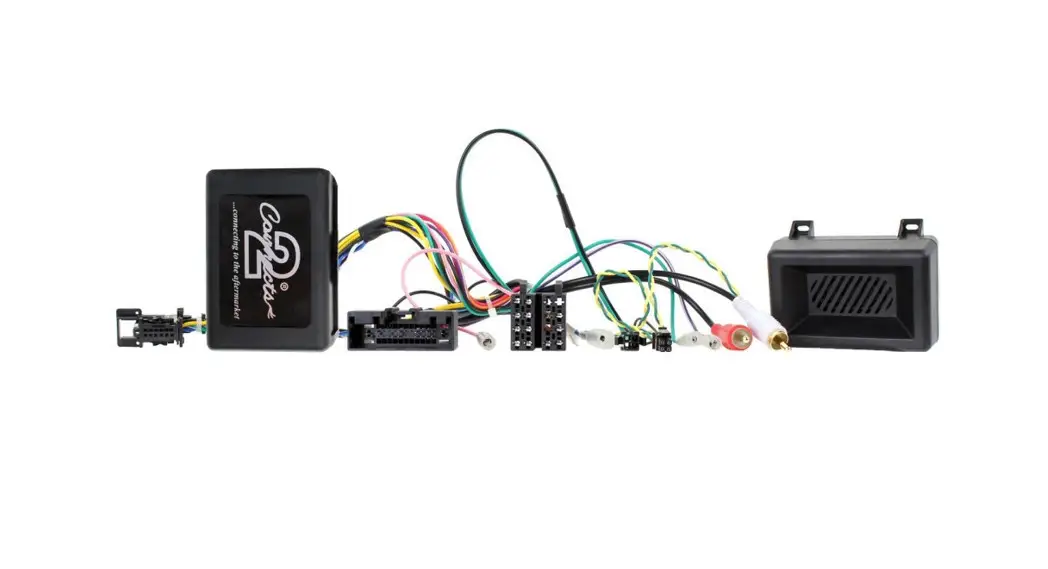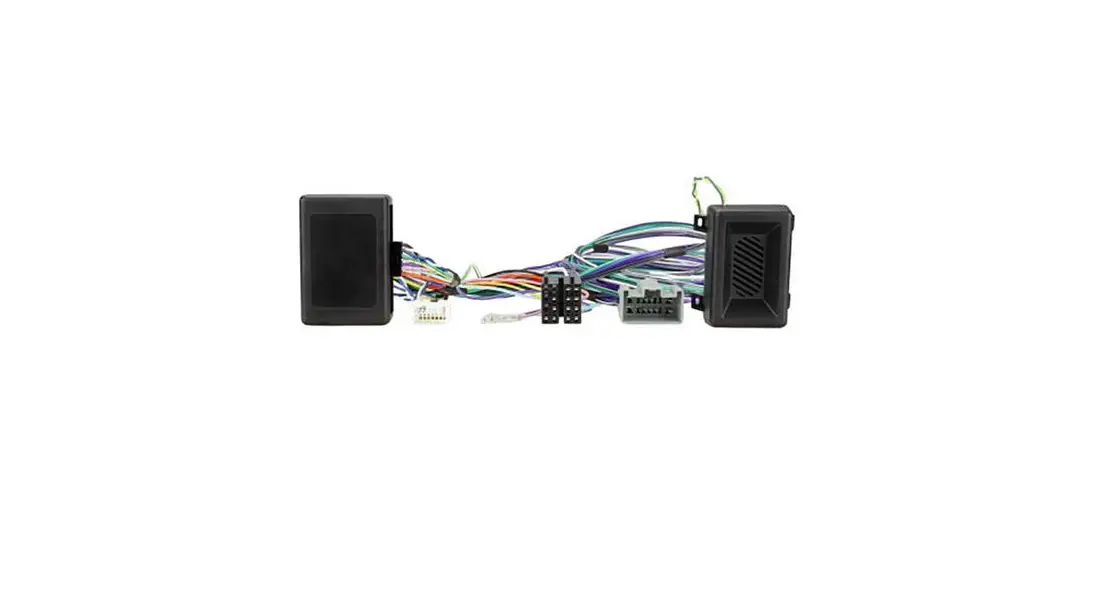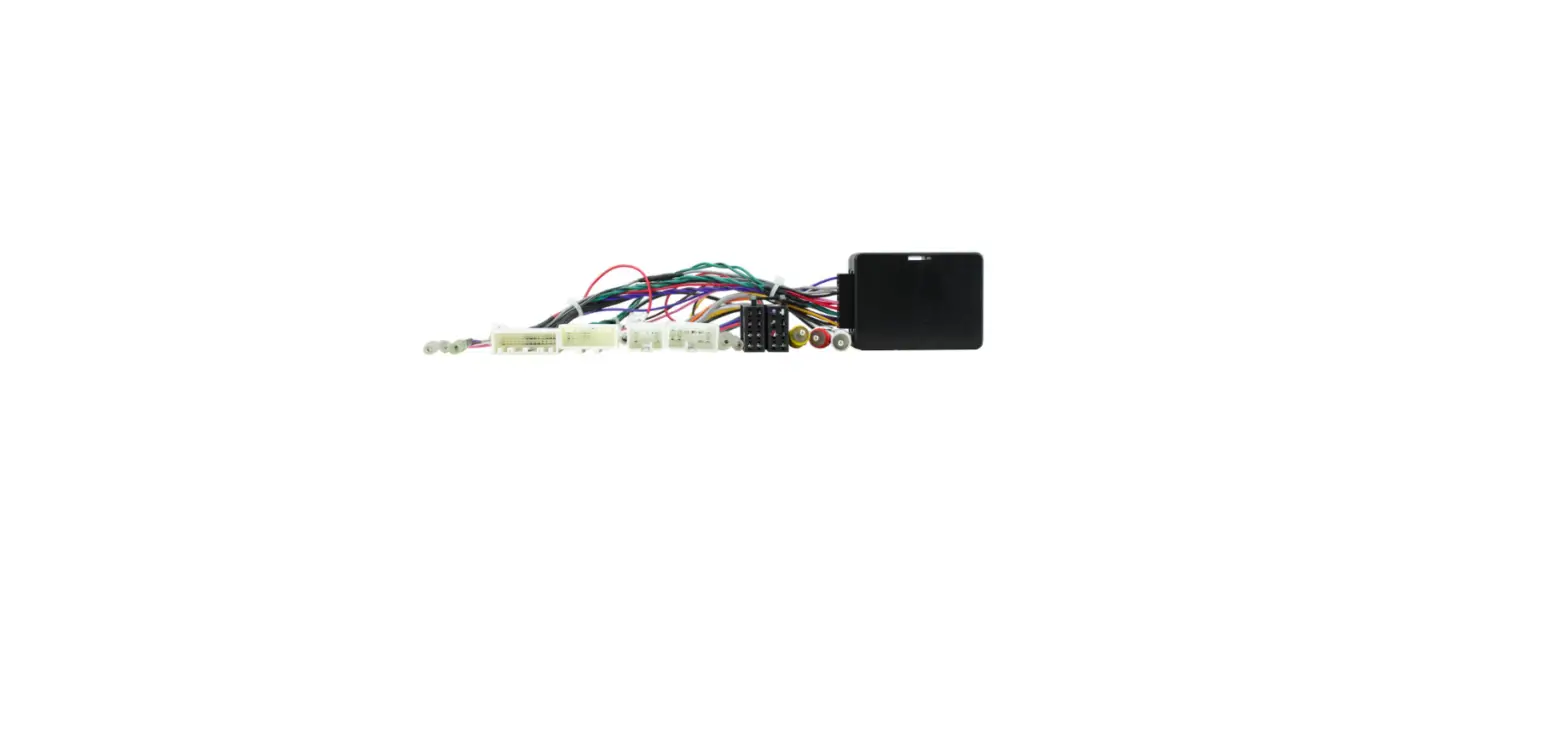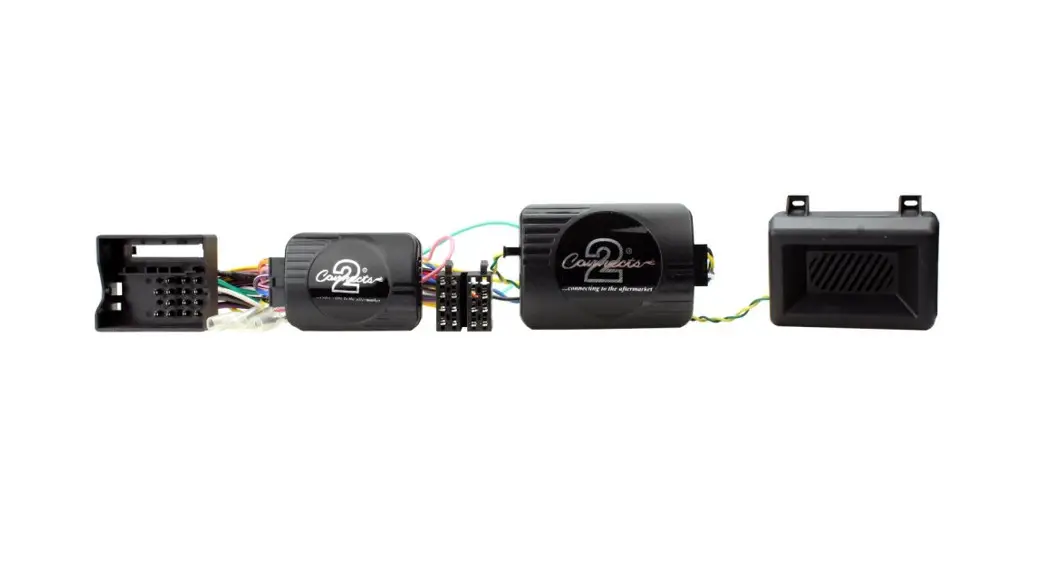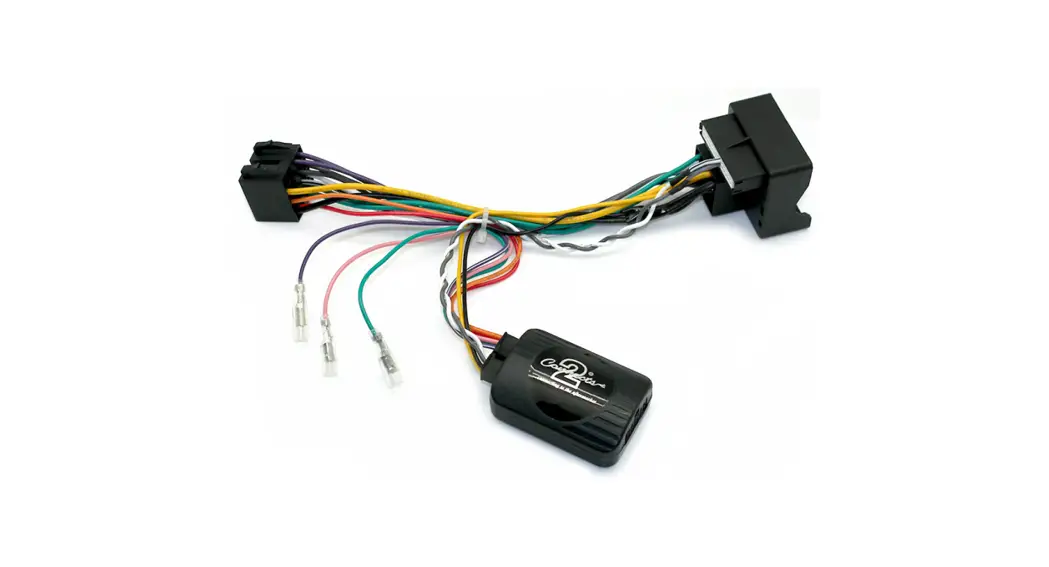
 29-CTSIV004
Iveco Steering Wheel Control Interface
With OEM Navigation and Camera
Retention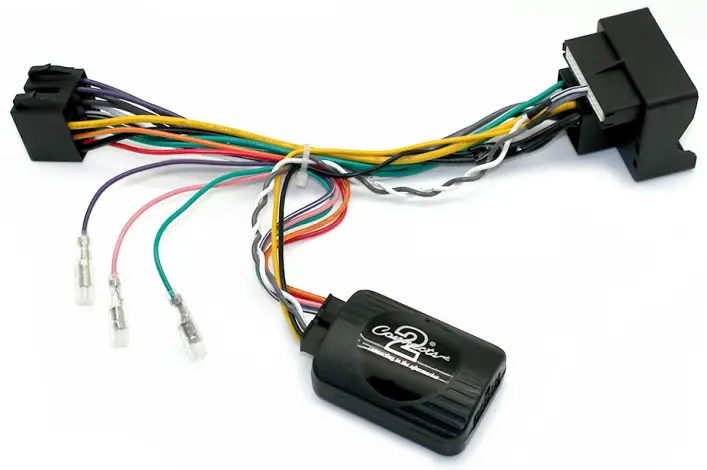
 Application:
Daily 2016>
ABOUT THIS PRODUCT…
29-CTSIV004
CAN-Bus Iveco Steering Wheel Control Interface with OEM Navigation and Camera Retention
Product Contents
- Interface
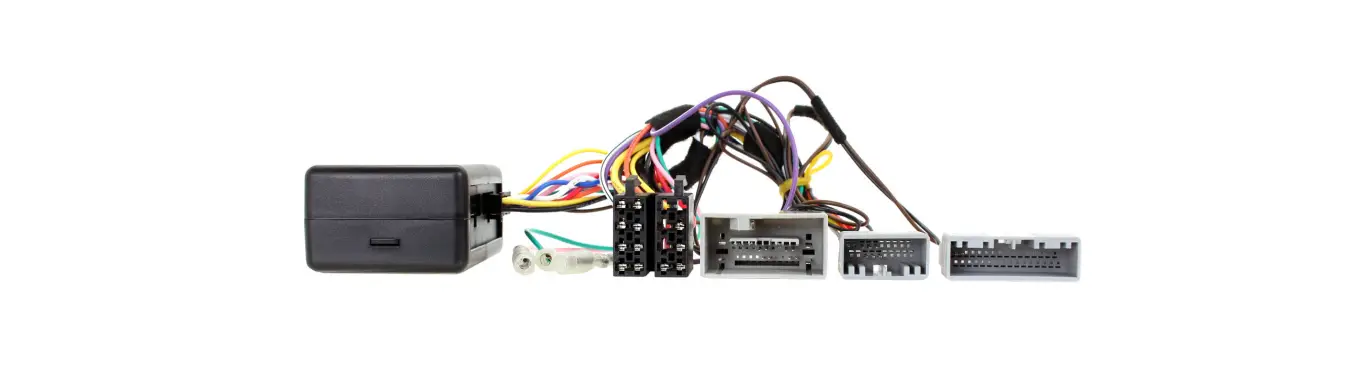
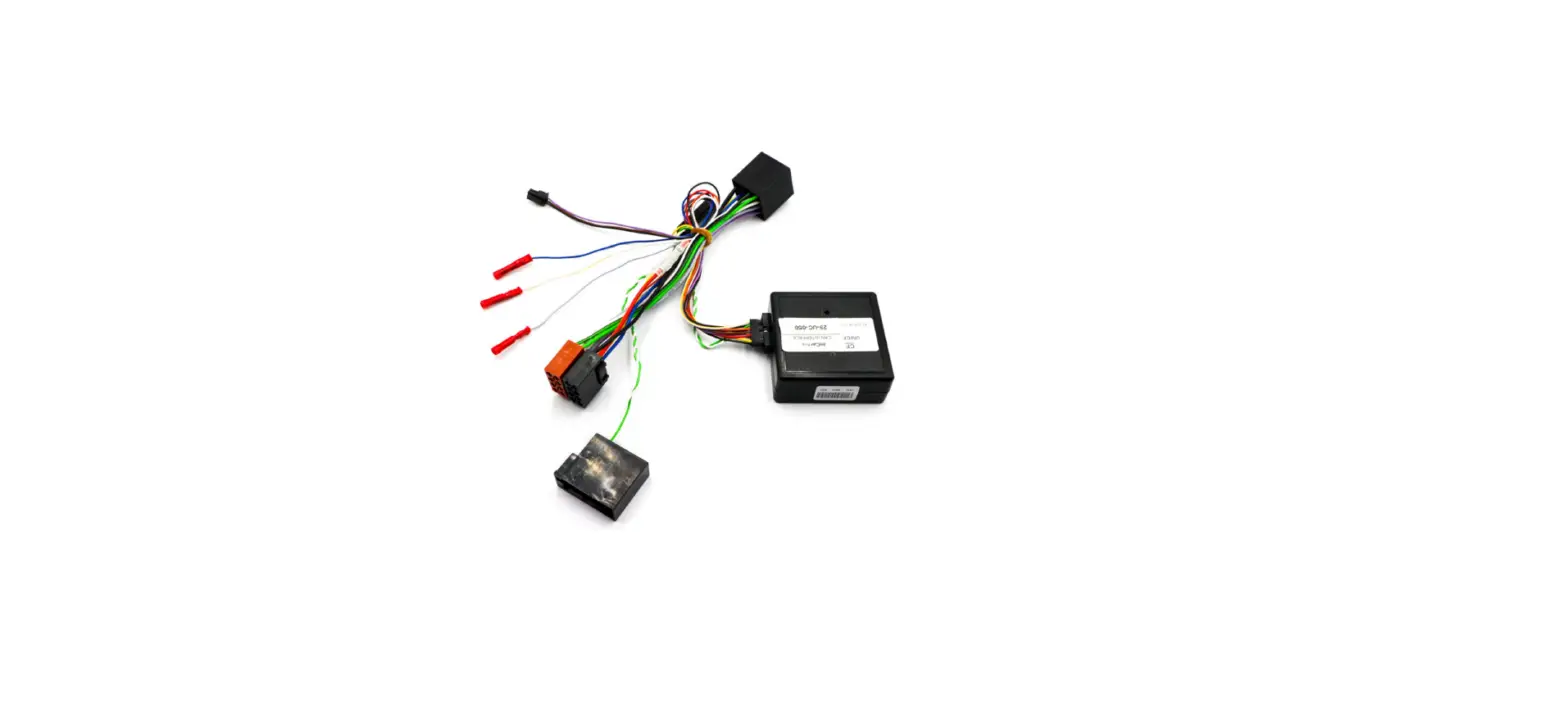
- Harness
- Instruction
Prior to installation
Read the manual prior to installation. Technical knowledge is necessary for installation. The place of installation must be free of moisture and away from heat sources.
Please ensure you use the correct tools to avoid damage to the vehicle or product.
Wiring Colour Codes
| Wire Colour | Function |
| Yellow | Permanent 12V |
| Black | Ground |
| Red | 12V Ignition |
| Orange | Illumination |
| Pink | Speed Pulse |
| Green | Park Brake |
| Purple | Reverse |
| Wire Colour | Function |
| Purple | Right Rear Speaker + |
| Purple/Black | Right Rear Speaker |
| Green | Left Rear Speaker + |
| Green/Black | Left Rear Speaker |
| Grey | Right Front Speaker + |
| Grey/Black | Right Front Speaker – |
| White | Left Front Speaker + |
| White/Black | Left Front Speaker – |
FITTING GUIDE
- Remove and disconnect the original head unit.
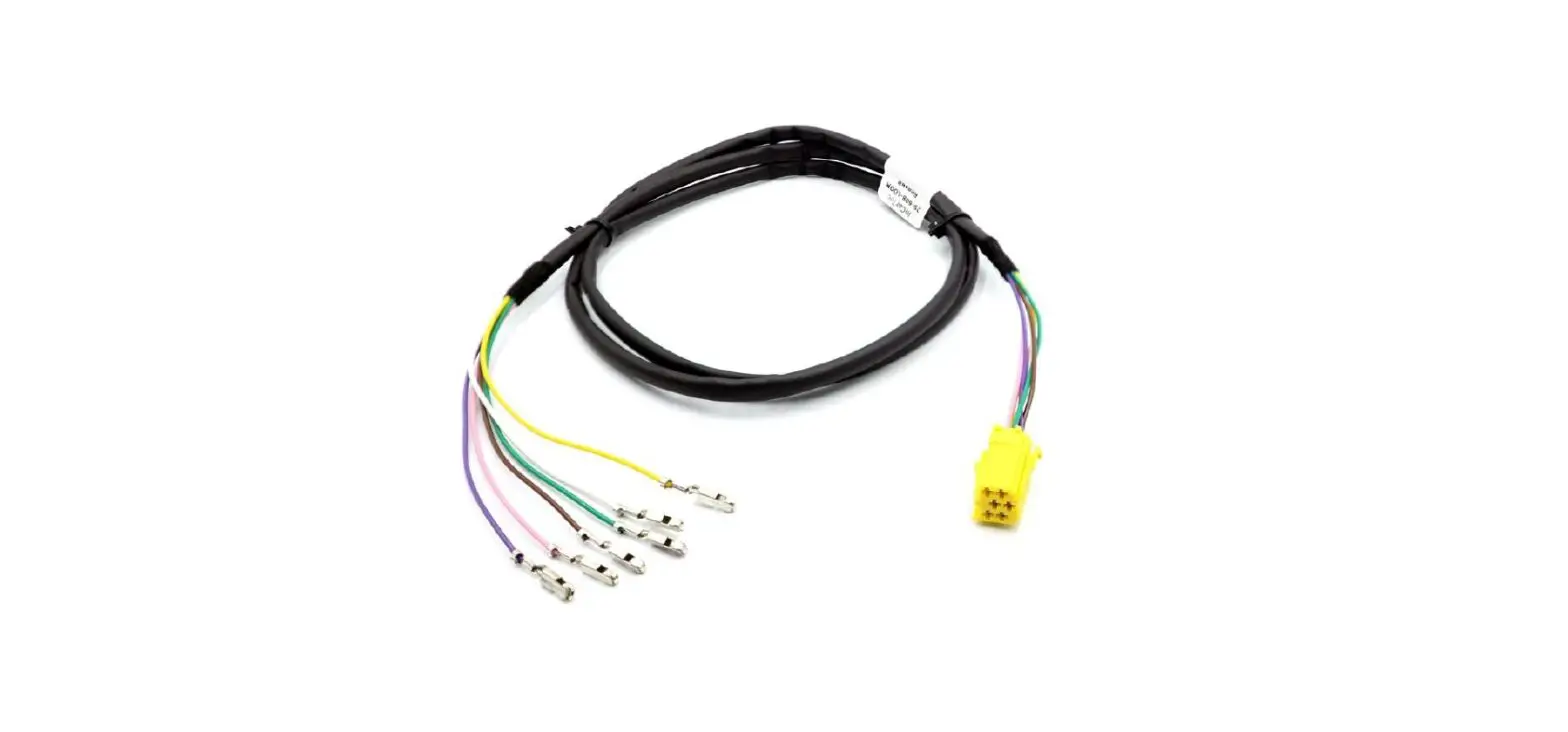
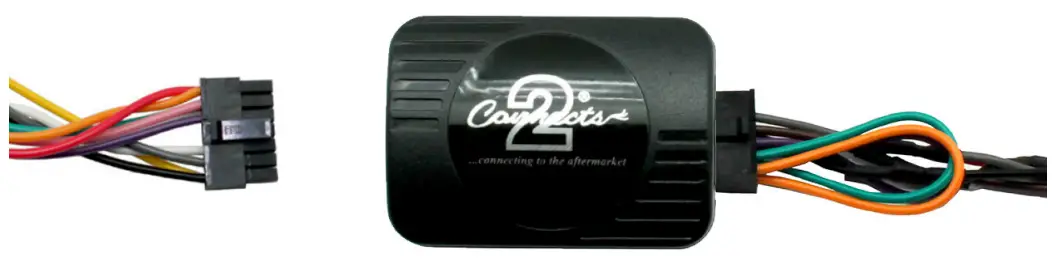
- Connect the 12 way molex connector of the head unit patch lead (supplied separately) to the interface.

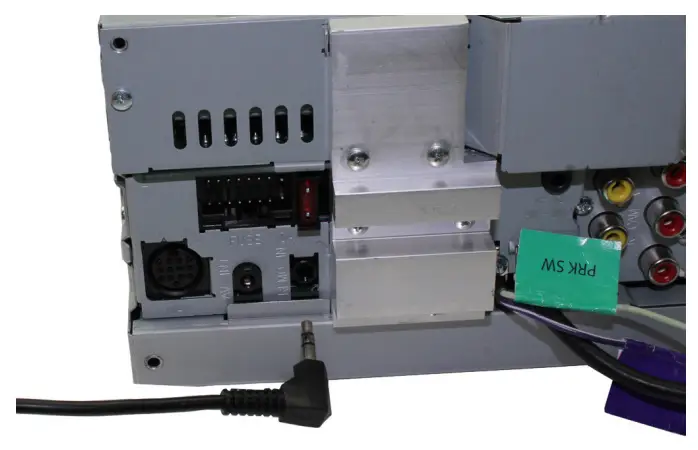
- Connect the opposite end of head unit patch lead to the head unit steering wheel control input on the back of the aftermarket head unit. This may be a 3.5mm jack plug or a wire input depending upon the head unit brand being fitted.
Please see the head unit installation manual for further information on where to connect.
Important Note: This step must be completed before connecting power to the interface. Failure to so do may result in no steering wheel control function.
- Connect the 14 way molex connector to the interface

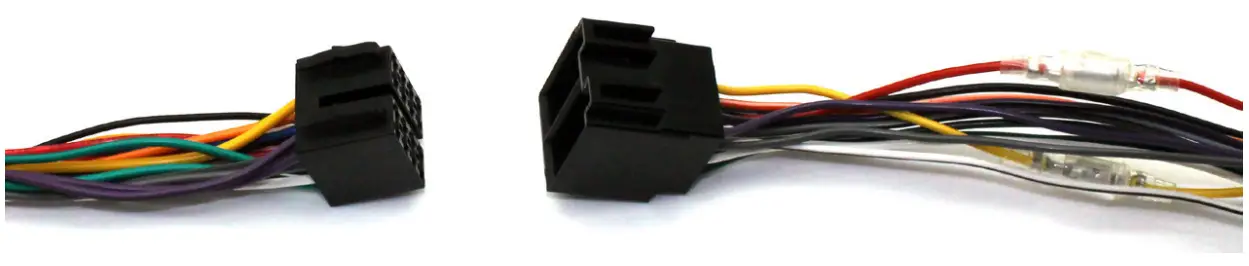
- Connect the male power/speaker ISO harness to the female power/speaker ISO harness from the aftermarket head unit. For aftermarket head units without an ISO connector, please refer to the wiring colours on Pg. 2.

- Connect the female vehicle specific connector to the male vehicle connector. Test head unit for correct operation.
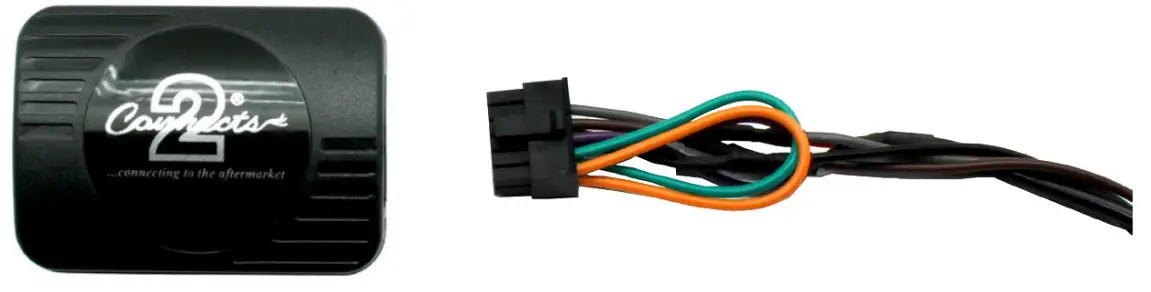
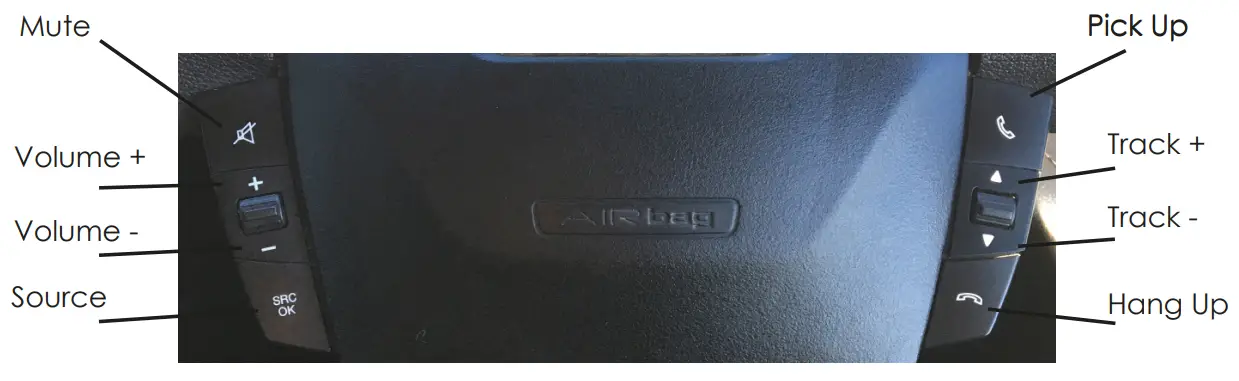
STEERING WHEEL CONTROL FUNCTIONS