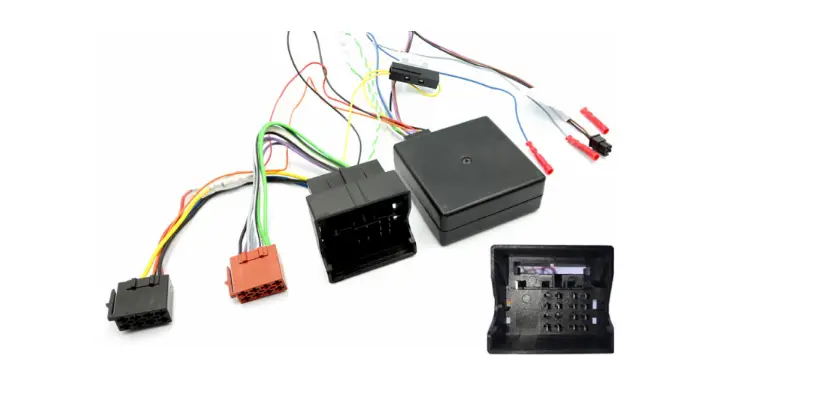
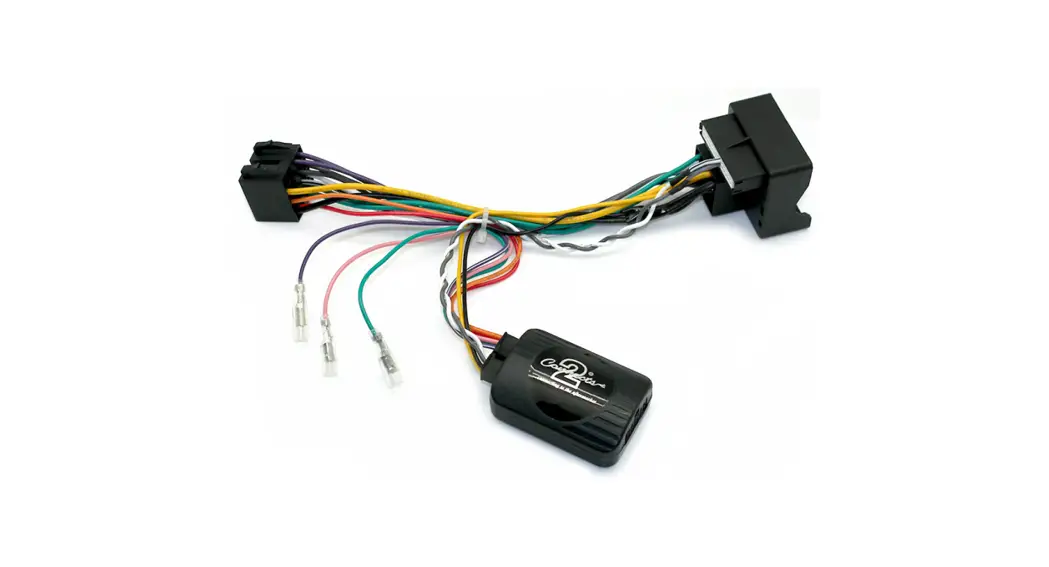
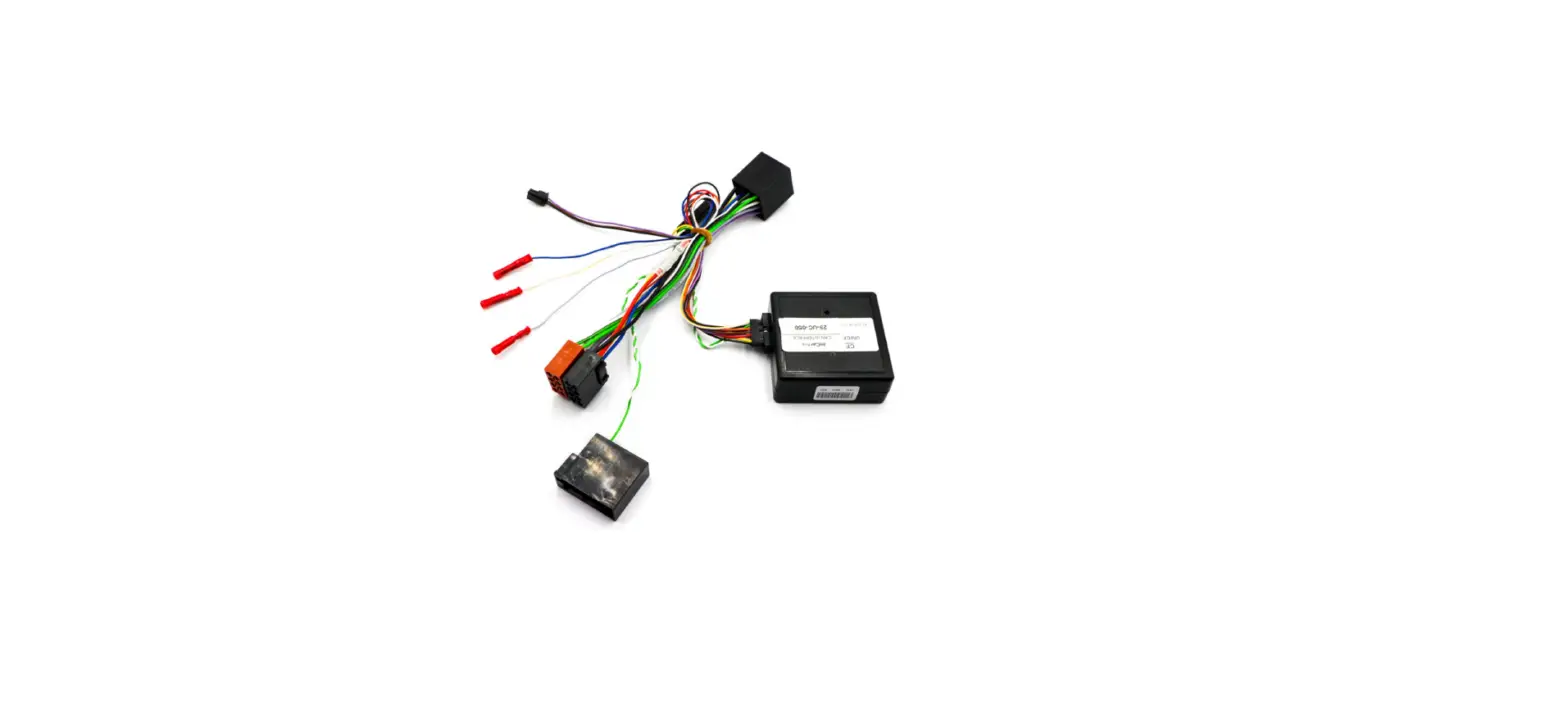
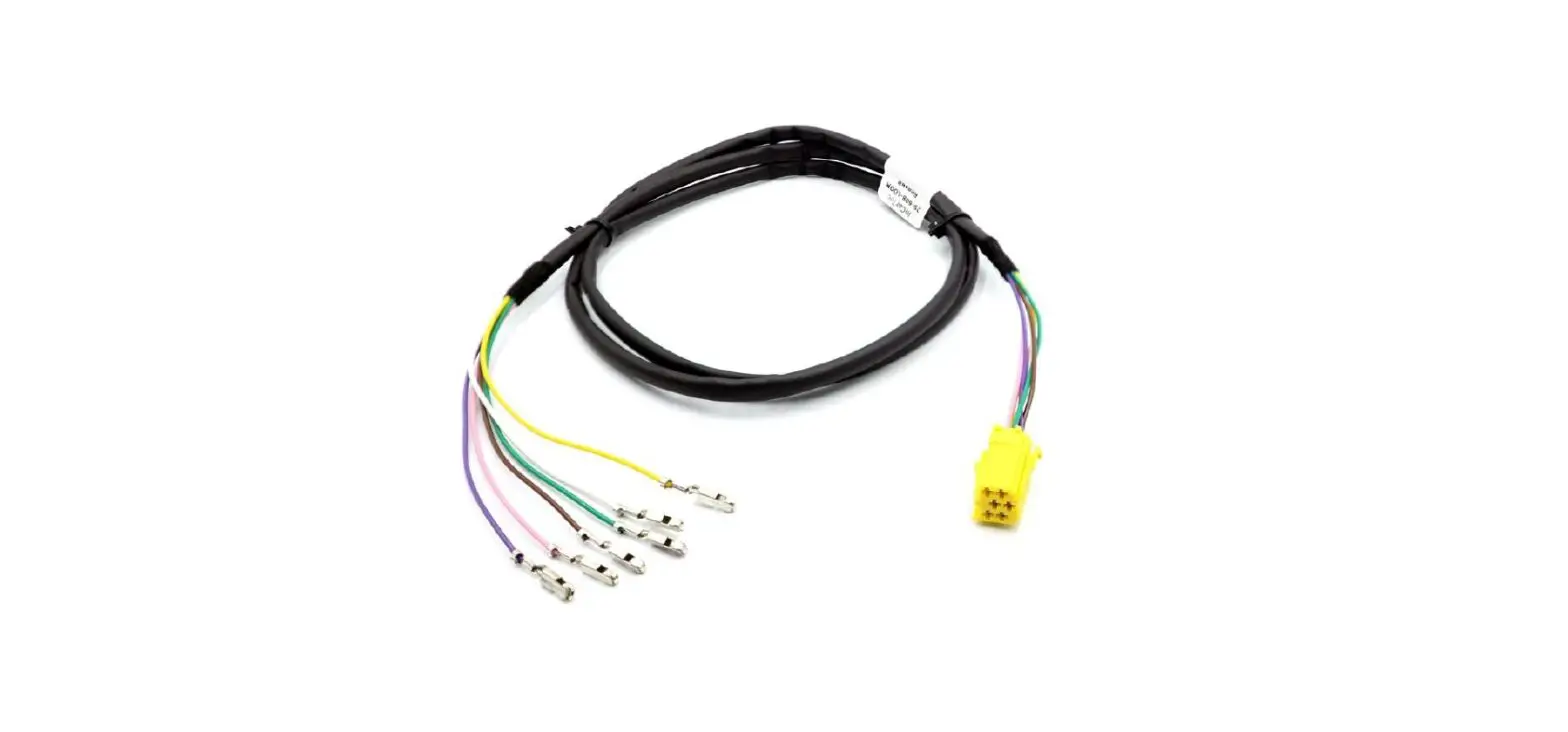
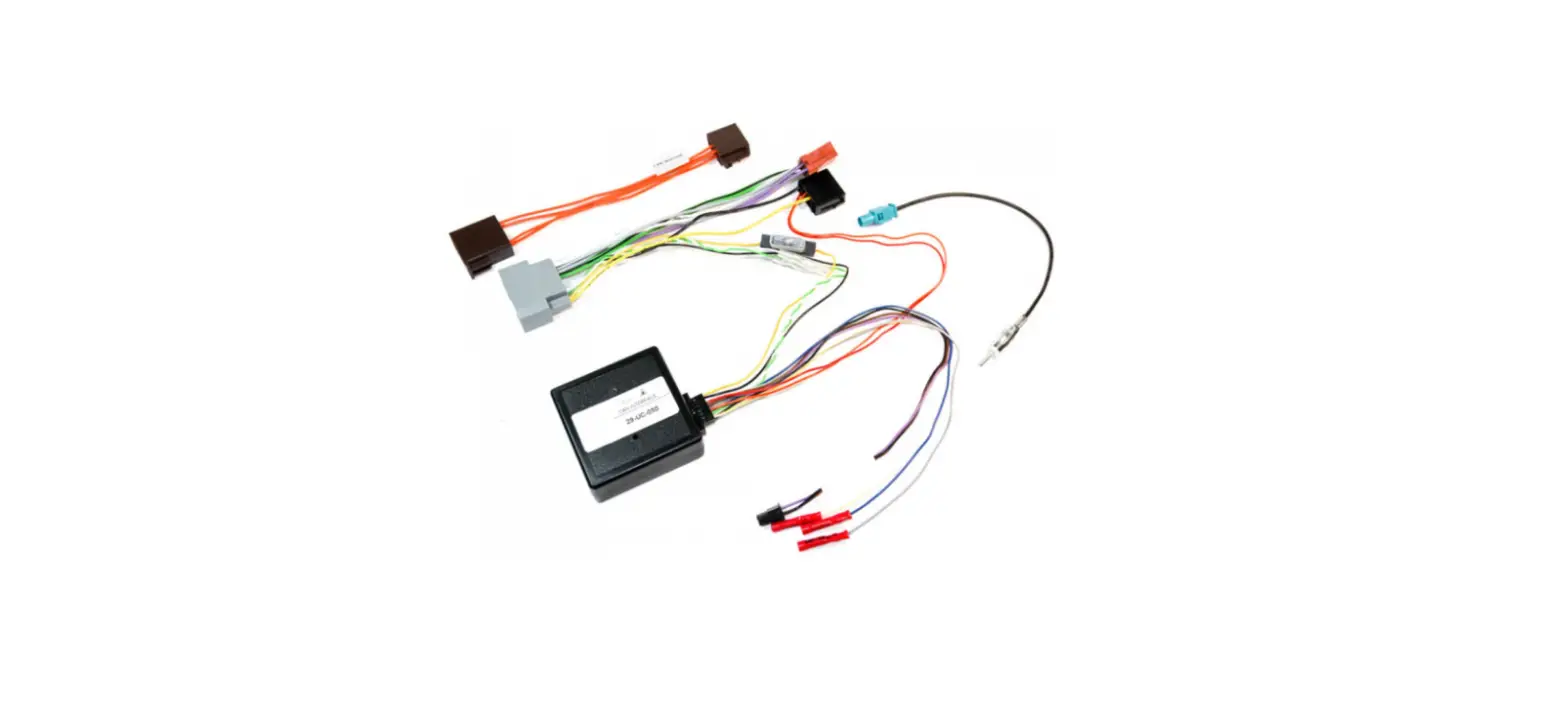
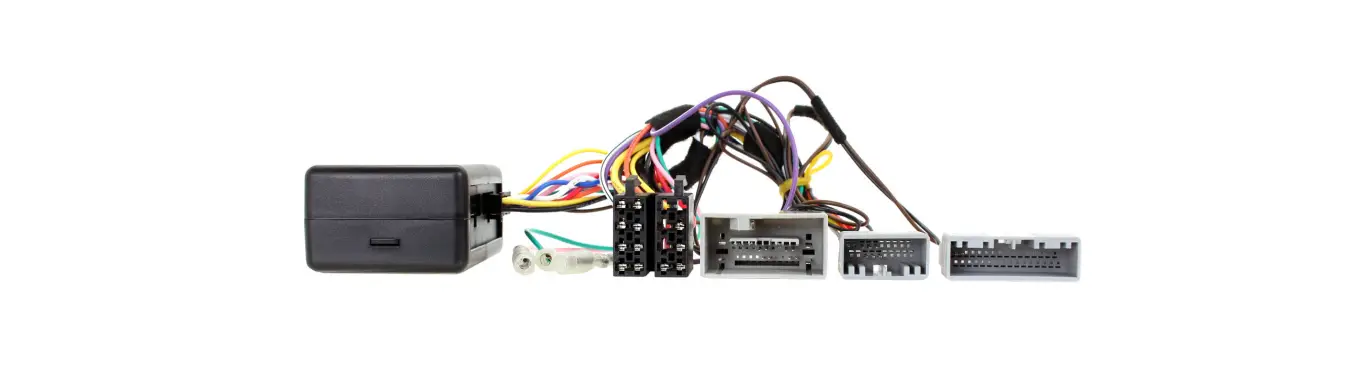
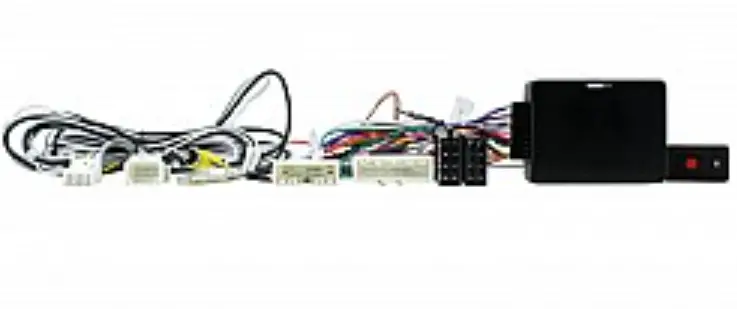
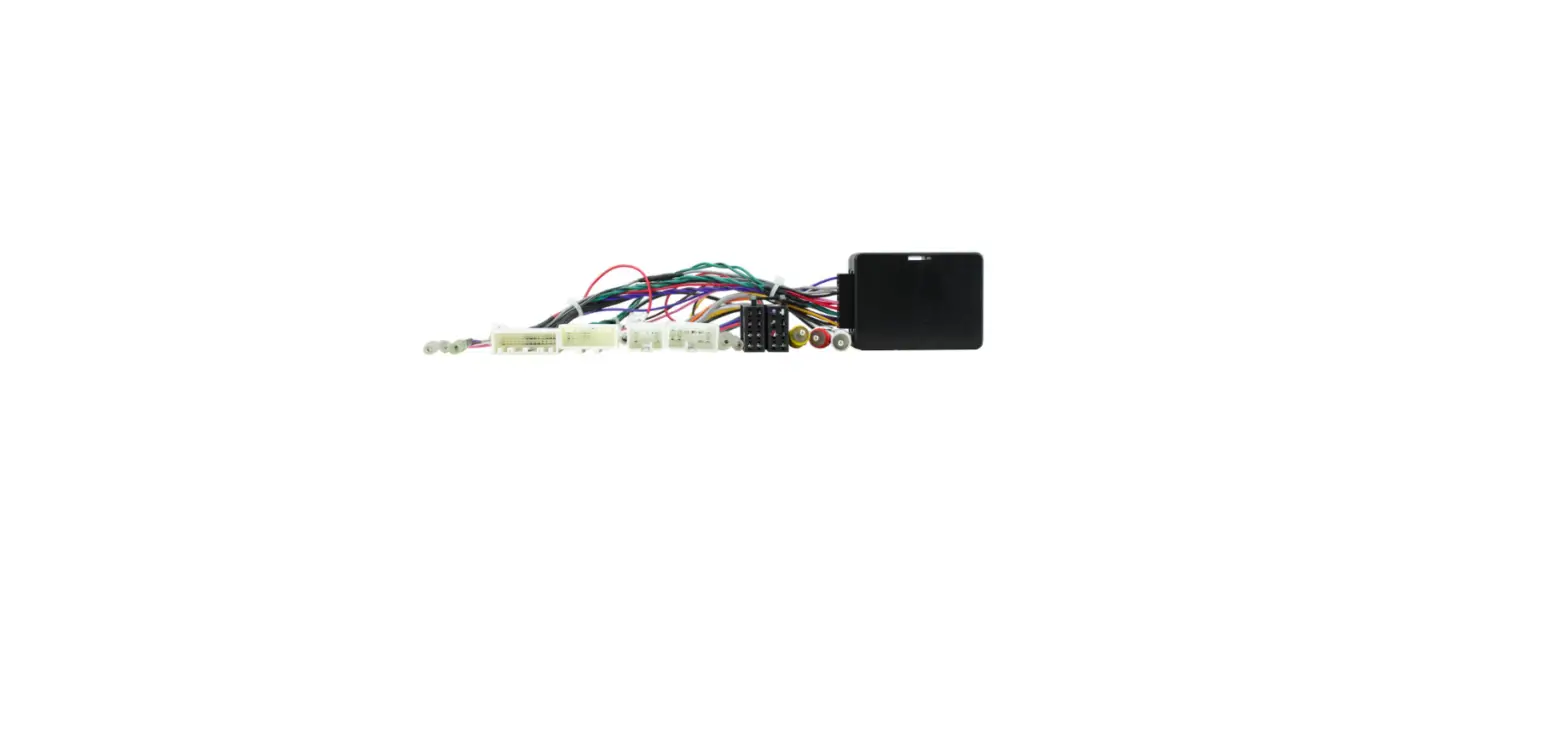
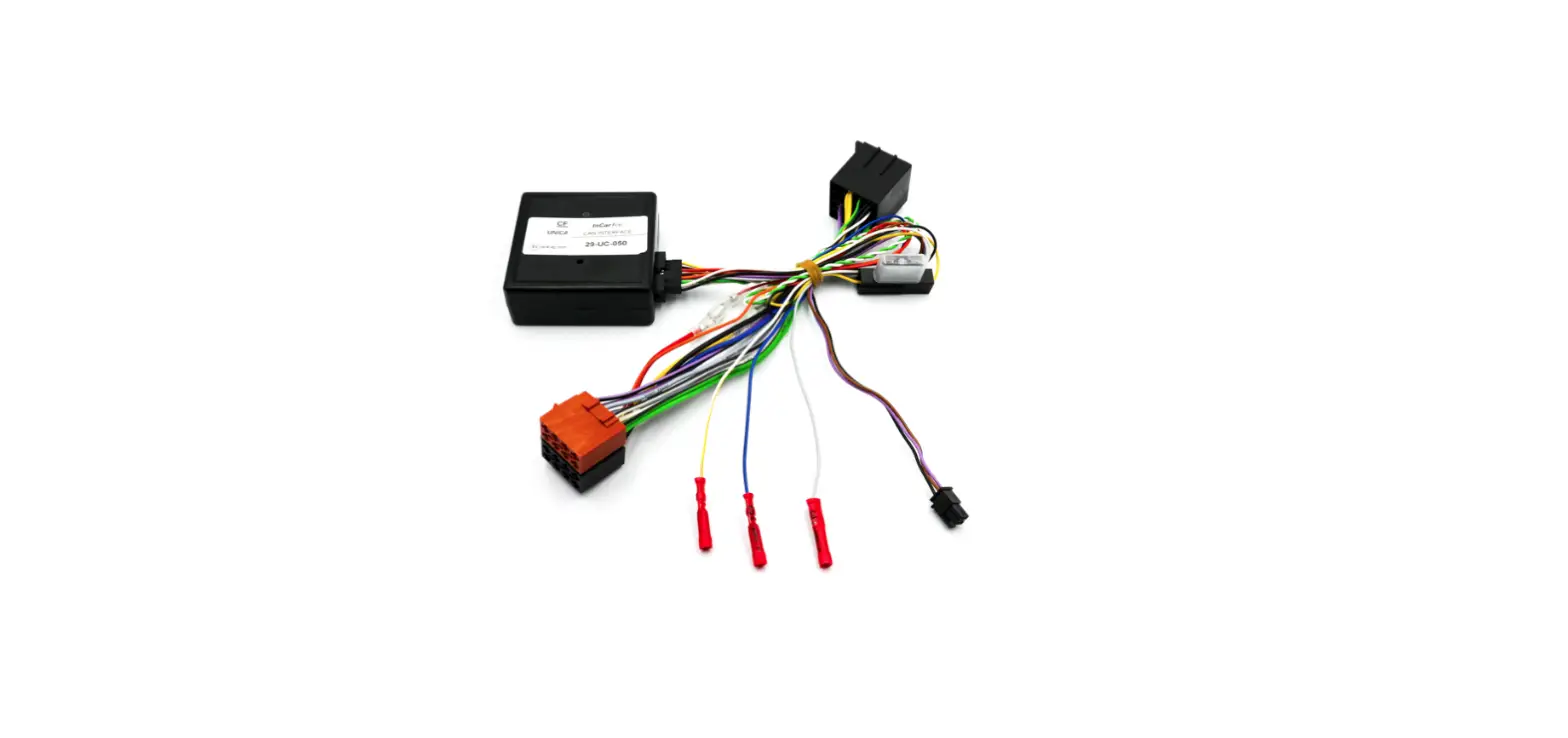
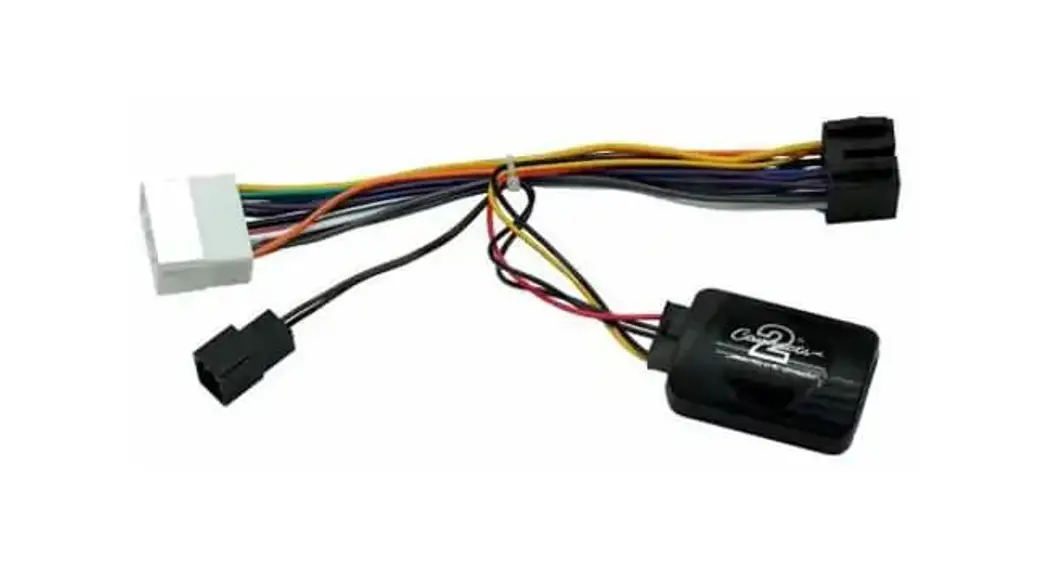
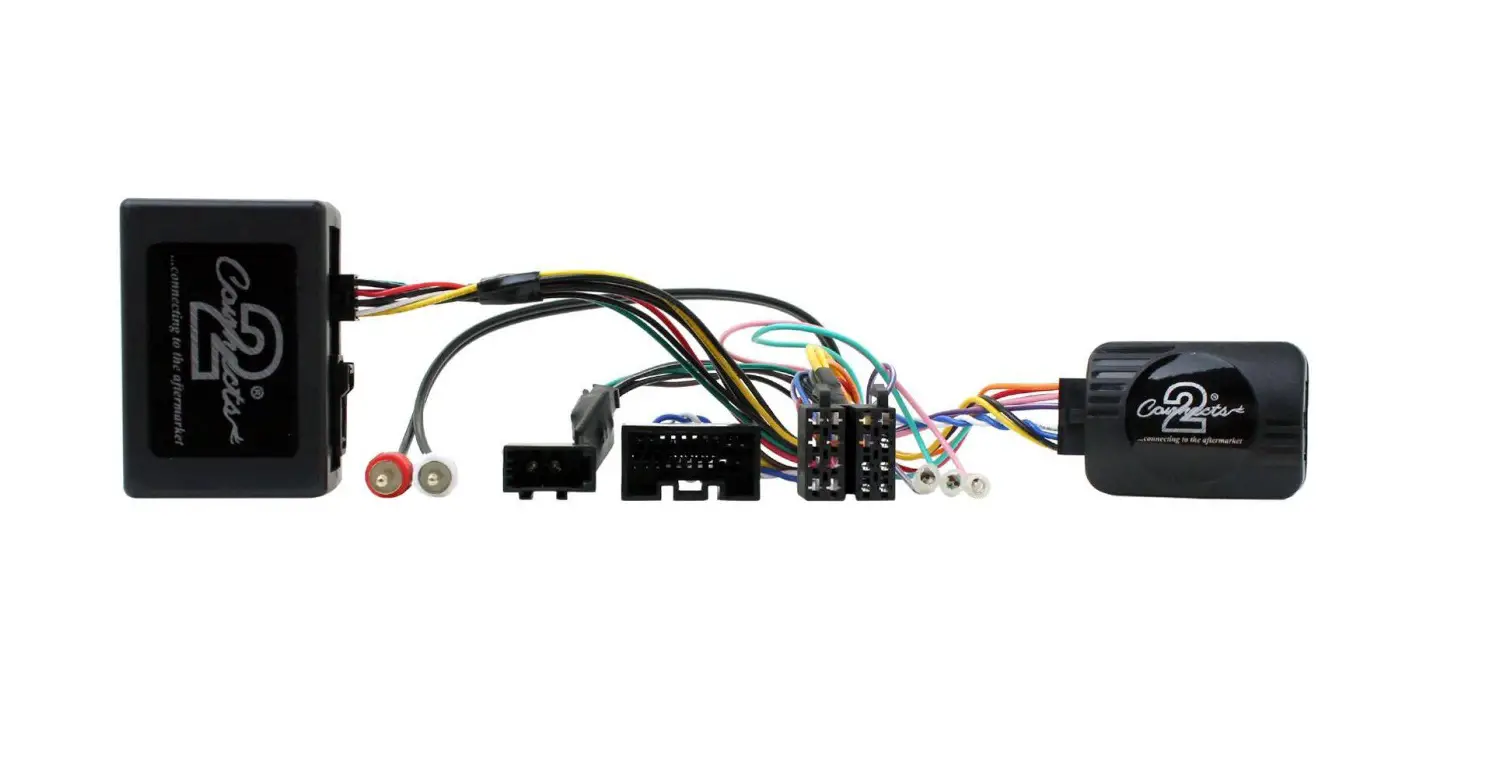
39-IVE-02 Iveco Daily CANbus Steering Wheel Control Interface
Product Information:
Product Name: Iveco Daily CANbus steering wheel
control interface
Compatibility: Compatible with the following
vehicles:
- Iveco Daily VI (2014 >)
- Iveco Daily 7 (2019 >) – ONLY MODELS WITH DELPHI DAB
RADIO - Fiat Ducato (2021 >) – ONLY VEHICLES WITH CAN STEERING WHEEL
CONTROLS AND ISO CONNECTORS
Product Usage Instructions:
Setting Switches:
The switches on the interface need to be set according to the
brand of radio and vehicle model. Follow these steps:
- Open the black box and locate the switches.
- Refer to the tables below for the switch settings.
- Switches 1-4 relate to the brand of head unit, and switches 5-8
are vehicle options. - Start by setting option 1 and check if the steering controls
are operating correctly and if the odometer is not flashing. - If the steering controls are not working or the odometer is
flashing, try other switch settings. - For some car models, a flashing odometer may occur after
installation. In this case, try other switch options for that car
group.
Switch Settings:
| Switch | Alpine | Kenwood | JVC | Clarion | Zenec | Sony | Pioneer | Chinese/learning |
|---|---|---|---|---|---|---|---|---|
| 1 | Off | On | Off | Off | Off | On | Off | On |
| 2 | On | On | Off | On | Off | Off | On | Off |
| 3 | Off | Off | On | On | Off | On | On | Off |
| 4 | Off | Off | Off | Off | On | On | On | On |
| 5-8 | Car model: On, Off, Off, Off – Iveco Daily VI & Fiat Ducato with Delphi DAB Radio | |||||||
Patch Lead Setup:
Pioneer and Sony:
| Pin 1 | Pin 2 | Pin 3 | Pin 4 |
|---|---|---|---|
| Black (base) | Red (middle) | Not connected | White (tip) |
Alpine, Clarion and JVC:
| Pin 1 | Pin 2 | Pin 3 | Pin 4 |
|---|---|---|---|
| Black (base) | White (tip) | Not connected | Red (middle) |
JVC, Kenwood, and Zenec:
| Pin 1 | Pin 2 | Pin 3 | Pin 4 |
|---|---|---|---|
| Not connected | Blue (single wire) | Not connected | Not connected |
Chinese/Learning:
| Pin 1 | Pin 2 | Pin 3 | Pin 4 |
|---|---|---|---|
| Blue (single wire) | Not connected | Not connected | Blue (single wire) |
Note: The 4 pin patch lead connector diagrams above are viewed
from the wire entry side of the connector.
CANbus Connection:
The interface has two indicator lights:
- Green Light: Indicates that the interface is
recognizing the vehicle’s CANbus. - Yellow Light: Indicates that the interface is
giving out an ignition power supply.
If the green light is not on, check the CANbus connections and
switch settings.
Steering Wheel Control Functions:
When connected, the following steering wheel control functions
are available:
- MUTE
- VOLUME UP
- VOLUME DOWN
- Short Press: SOURCE
- Long Press: PUSH TO TALK
- ANSWER CALL
- TRACK UP
- TRACK DOWN
- REJECT/END CALL
Setting Time and Date:
If required, follow these steps to set the time and date:
- Press mute and track+ at the same time.
- The radio will turn off to indicate that the time setting mode
is active. - Use volume + and – to set the time and date.
- Use track + and – to move through the settings.
Optional Fly Lead Connections:
The following optional connections are available:
- Pink – Speed Pulse Output
- Purple/White – Reverse Output
- Green – Handbrake Output
Note: The loose purple lead with a terminal can be insulated and
ignored in this application. Not all vehicles require the red
mini-ISO plug to be connected.
39-IVE-02
Iveco Daily CANbus steering wheel control interface
Compatible vehicles Iveco Daily VI (2014 >) Iveco Daily 7 (2019 >) ONLY MODELS WITH DELPHI DAB RADIO Fiat Ducato (2021 >) ONLY VEHICLES WITH CAN STEERING WHEEL CONTROLS AND ISO CONNECTORS
Set the switches
The switches on the interface need to be set according to the brand of radio and vehicle model. Open the black box and set the switches.
See the tables below and right for the switch settings. Switches 1-4 relate to the brand of head unit and switches 5-8 are vehicle options. Try setting option 1 first, check that if the steering control are operating correctly and that the odometer is not flashing, if this is the case, try other settings.
Some cars may have a flashing odometer after installation, in this instance, try the other switch options for that type of car group.
Switch 1
2
3
4
Alpine
Off On Off Off
Kenwood
On On Off Off
JVC
Off Off On Off
Clarion
Off On On Off
Zenec
Off Off Off On
Sony
On Off On On
Pioneer
Off On On On
Chinese/learning On Off Off On
5 6 7 8
Car model
On Off Off Off Iveco Daily VI & Fiat Ducato
Delphi DAB Radio
Set up the patch lead
4 3 2 1
Pioneer and Sony
Pin 1 black (base) Pin 2 red (middle) Pin 3 not connected Pin 4 white (tip)
4 3 2 1
Alpine, Clarion and JVC
Pin 1 black (base) Pin 2 white (tip) Pin 3 not connected Pin 4 red (middle)
4 3 2 1
JVC, Kenwood and Zenec
Pin 1 not connected Pin 2 blue (single wire) Pin 3 not connected Pin 4 not connected
4 3 2 1
Chinese/Learning
Pin 1 blue (single wire) Pin 2 not connected Pin 3 not connected Pin 4 blue (single wire)
The 4 pin patch lead connector diagrams above are viewed from the wire entry side of the connector.
39-IVE-02
Iveco Daily CANbus steering wheel control interface
Green- CAN active Yellow- Ignition output active
When connected the green light will indicate that the interface is recognising the vehicles CANbus, and the yellow light will indicate the interface is giving out an ignition power supply.
If the green light is not on check the CANbus connections and switch settings.
MUTE VOLUME UP VOLUME DOWN Short Press: SOURCE Long Press: PUSH TO TALK
Steering Wheel Control Functions
ANSWER CALL TRACK UP
TRACK DOWN REJECT/END CALL
Setting time and date (If required) Press mute and track+ at the same time. The radio will turn off to show time setting mode is active. Use volume + and – to set time and date, use track + and – to move through
OPTIONAL FLY LEAD CONNECTIONS: Pink– Speed Pulse Output Purple/ White– Reverse Output Green– Handbrake Output NOTE: The loose purple lead with a terminal can be insulated and ignored in this application. NOTE: Not all vehicles require the red mini-ISO plug to be connected.