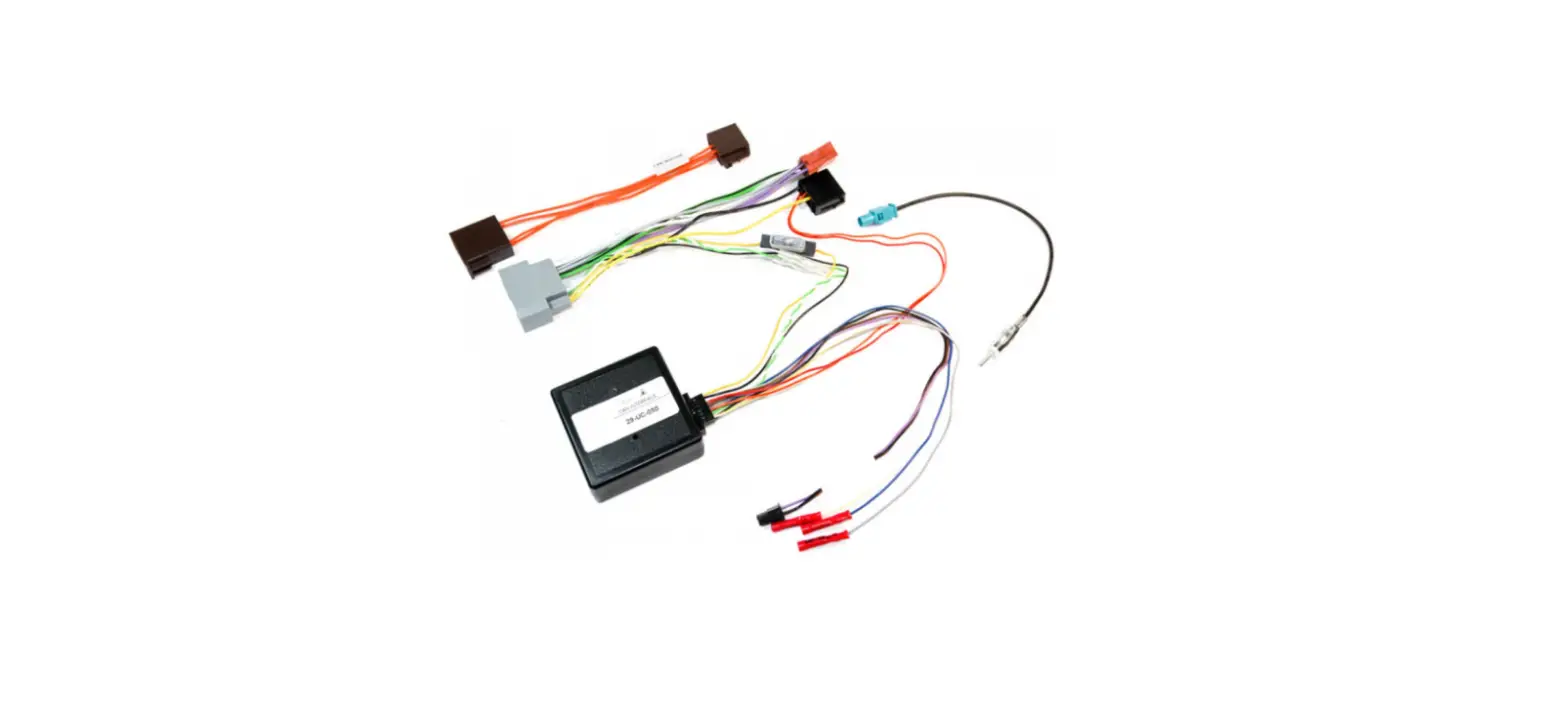
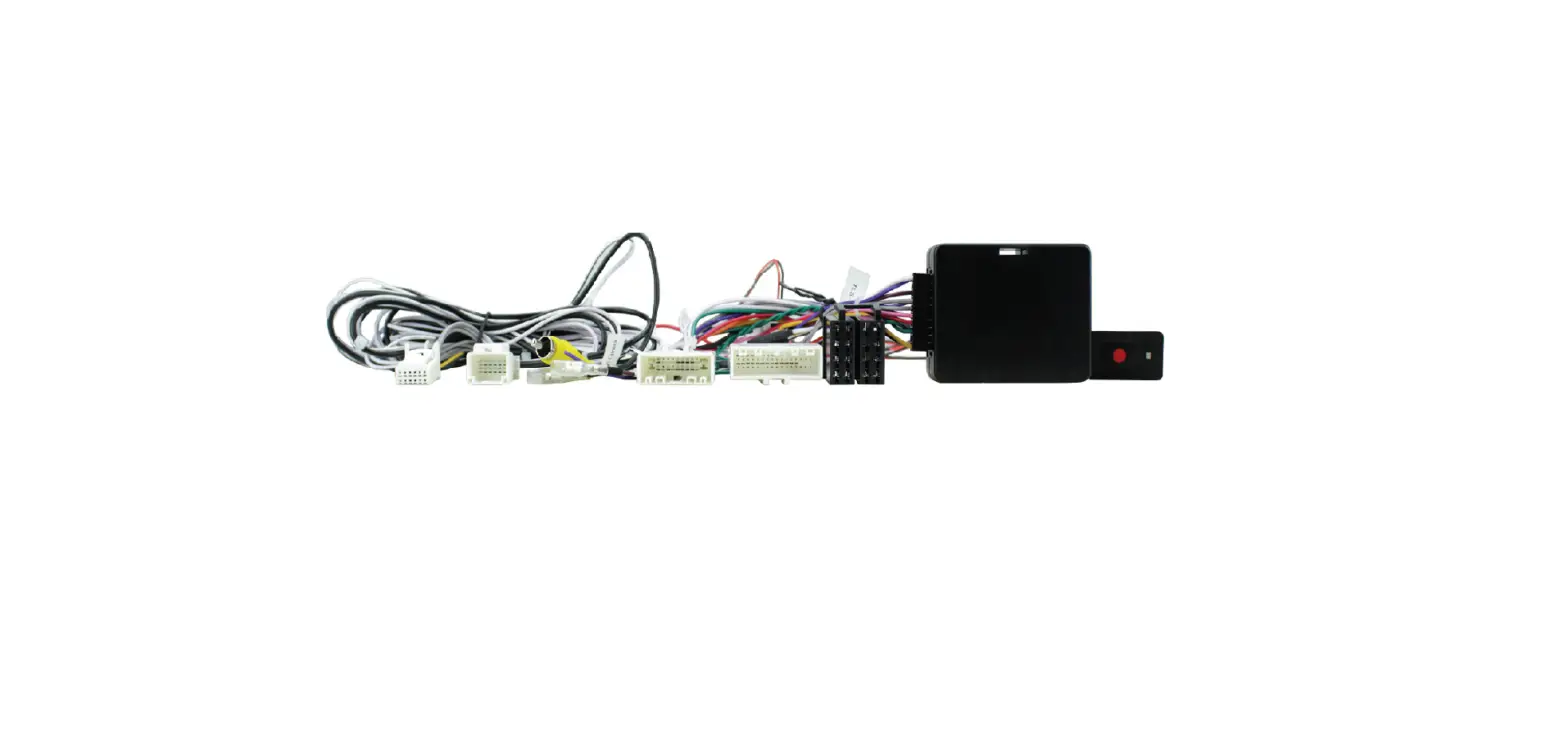
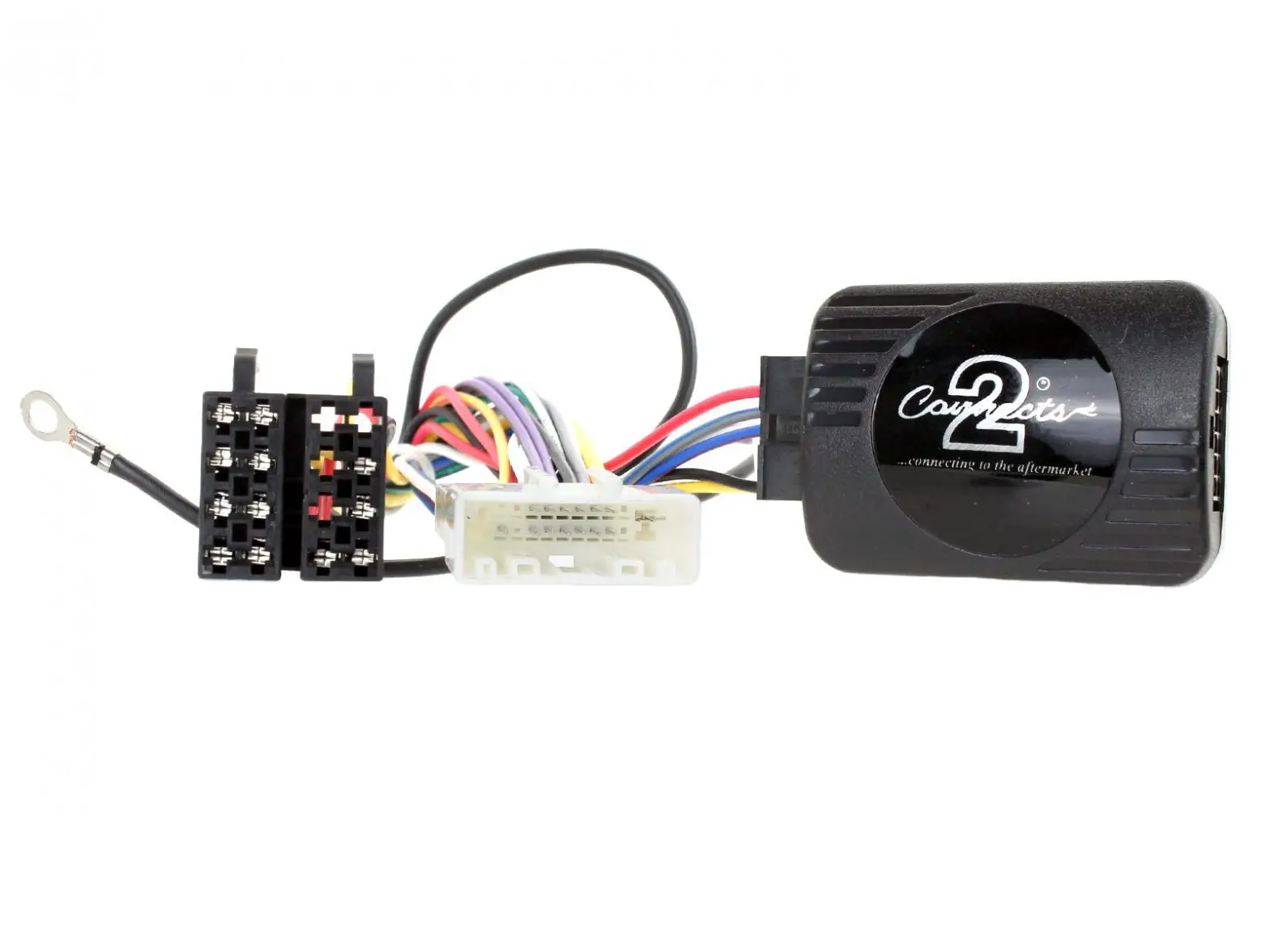
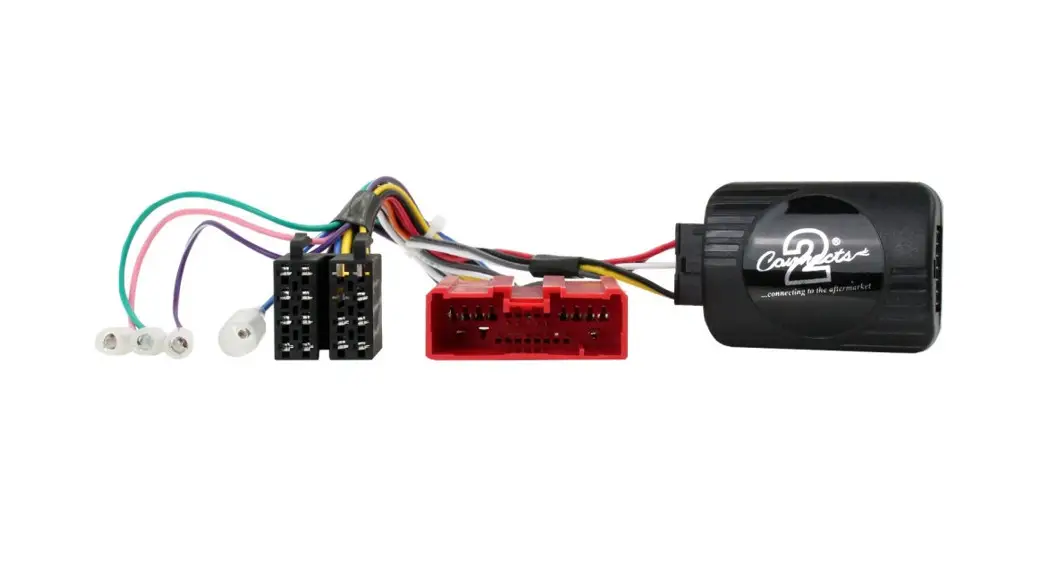
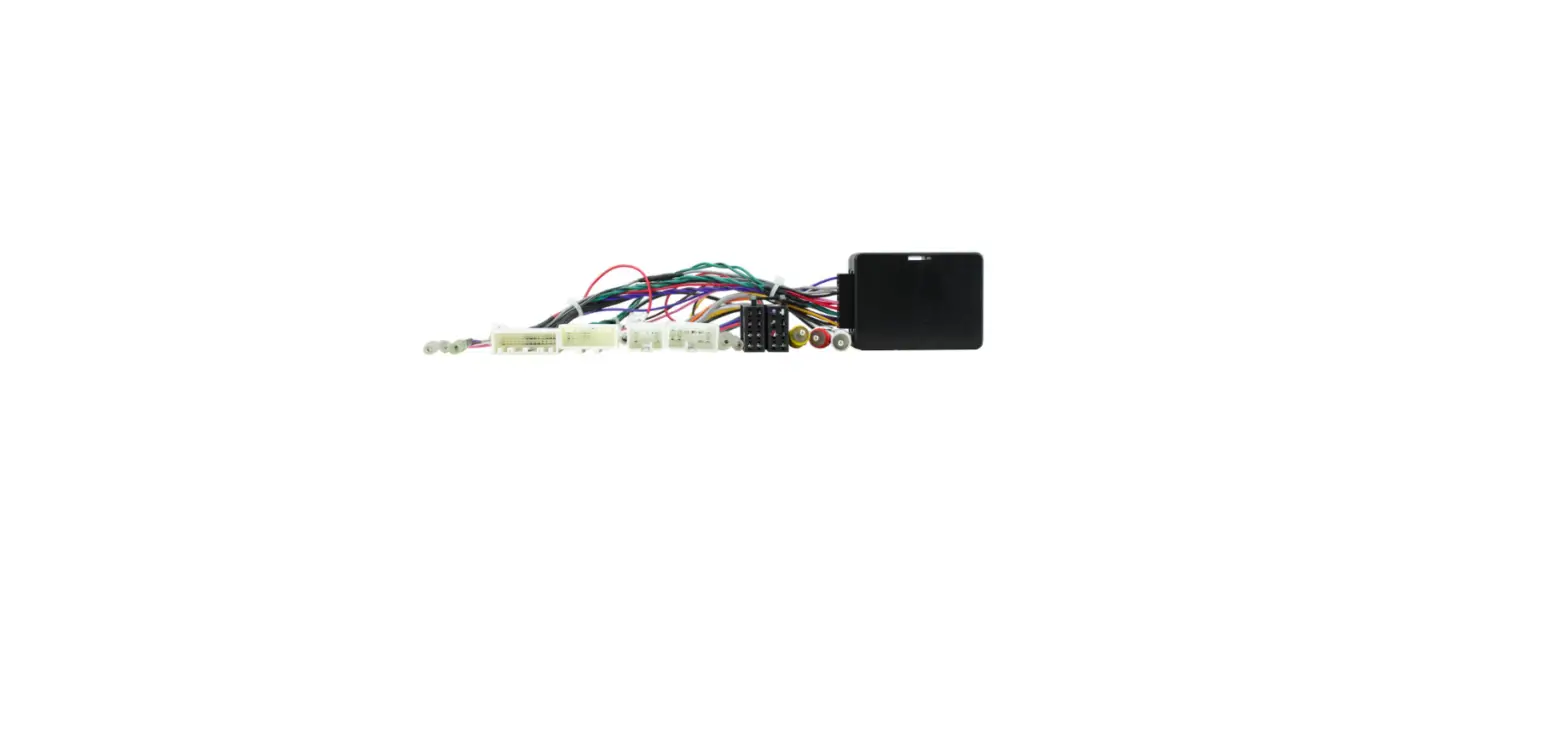
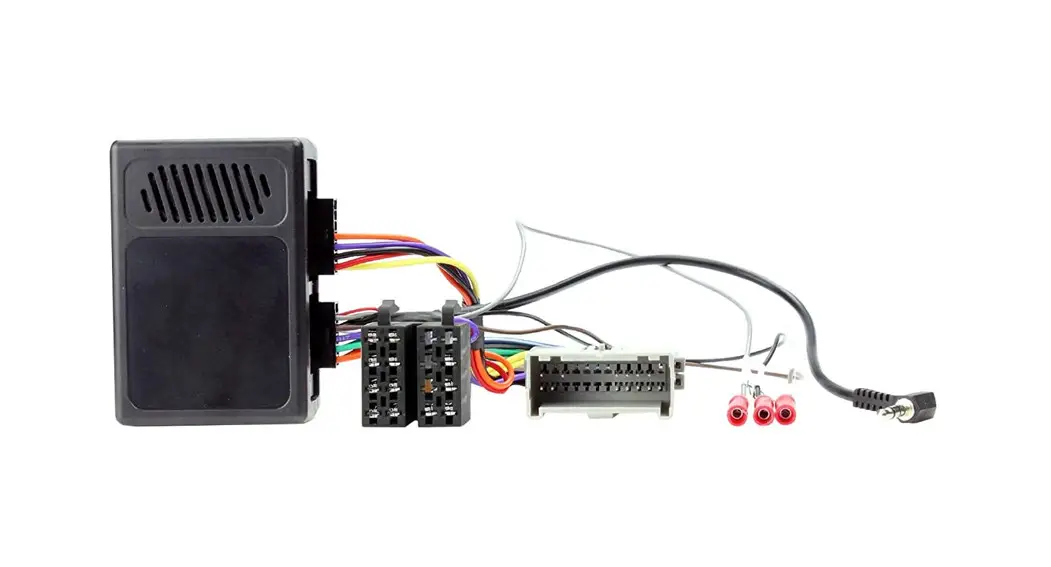
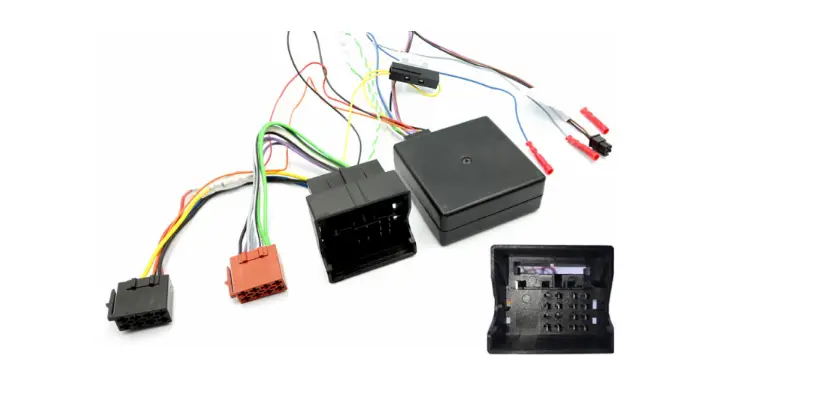
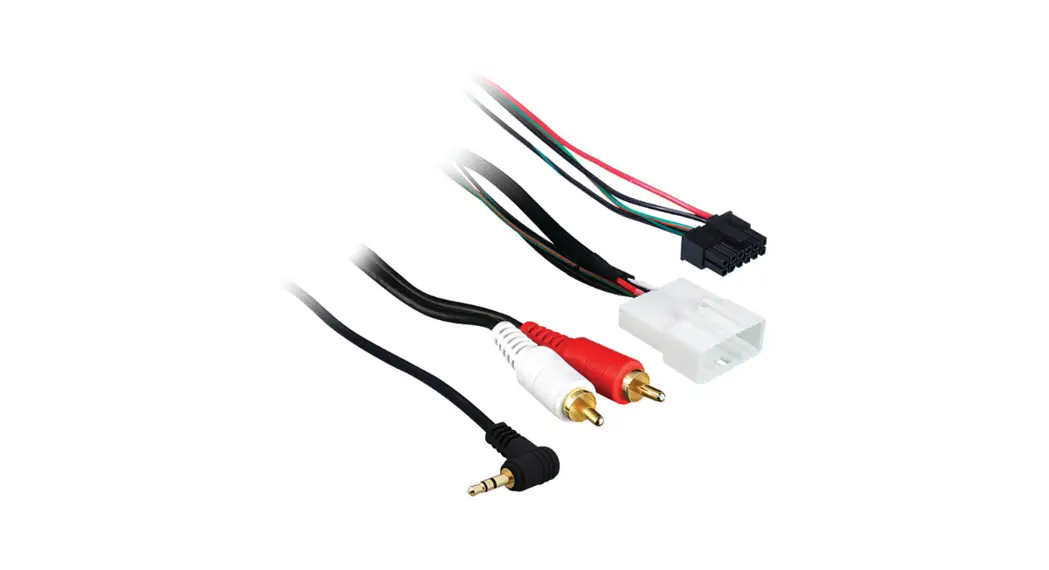
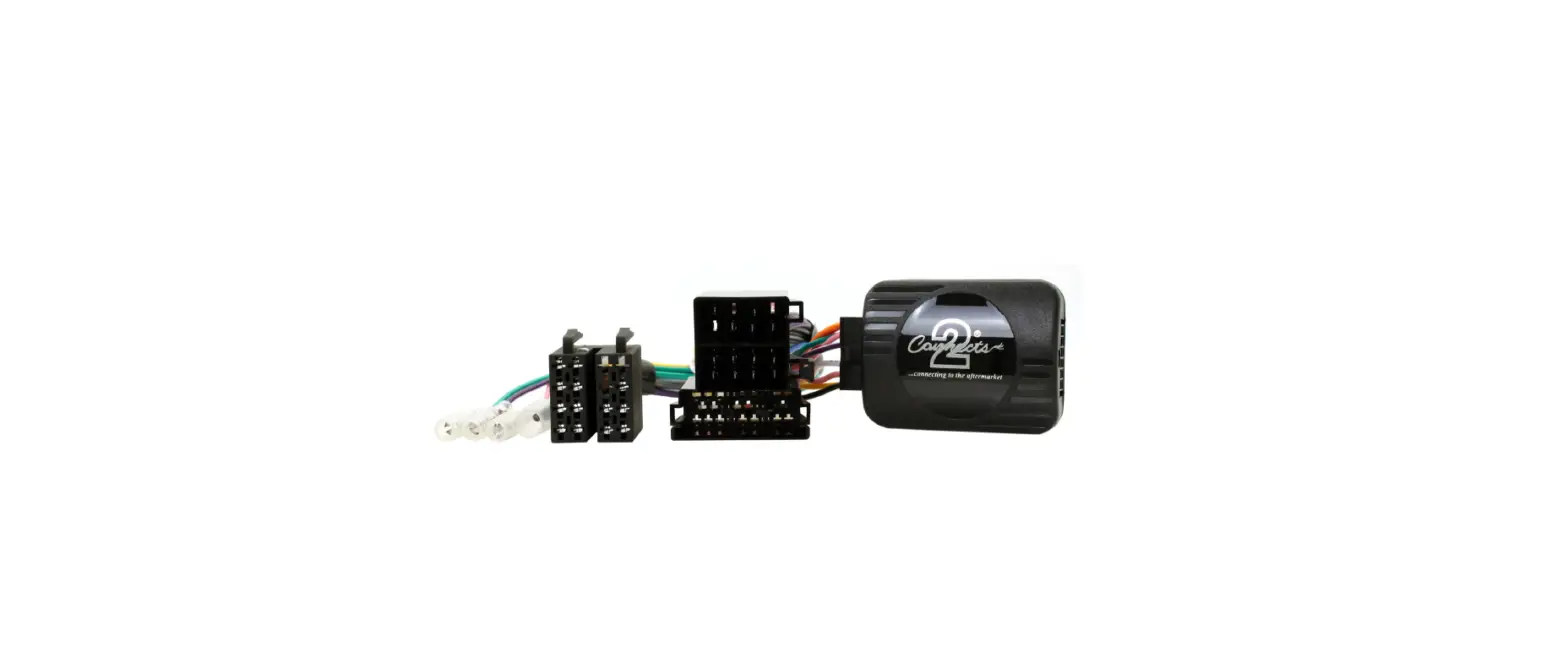
29-CTSNS021 Steering Wheel Control Interface for Nissan Vehicles
Product Information: Steering Wheel Control Interface for
Nissan Vehicles
The Steering Wheel Control Interface for Nissan Vehicles is
designed for CAN-Bus vehicles with 24 & 20 pin connectors. It
is compatible with Nissan Micra models from 2017 onwards. Please
note that application data is subject to change at any time.
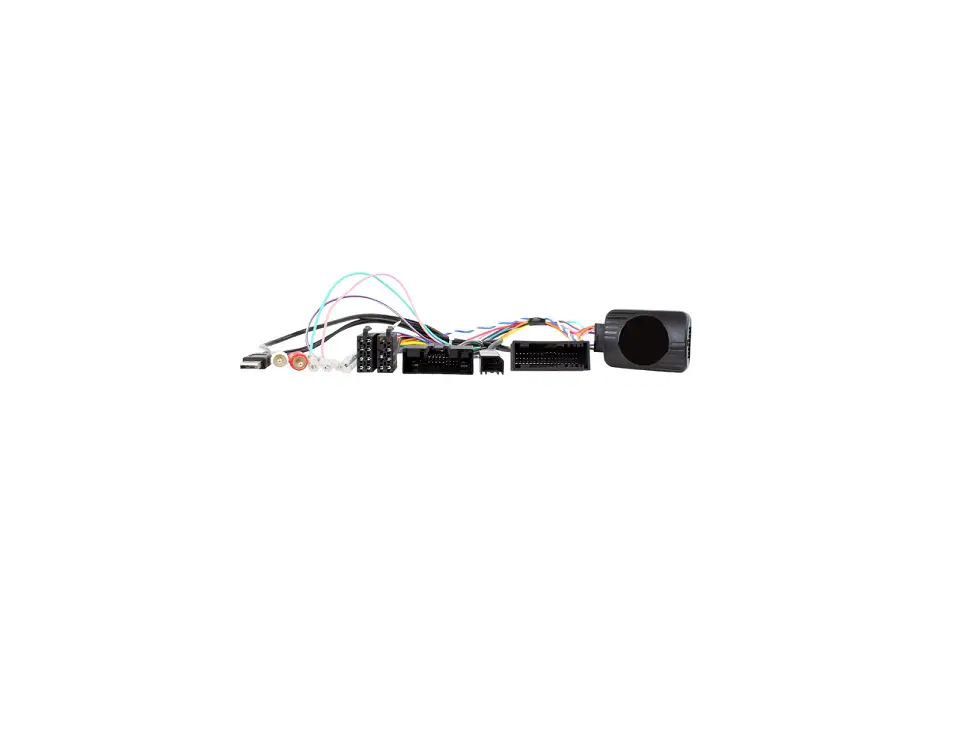
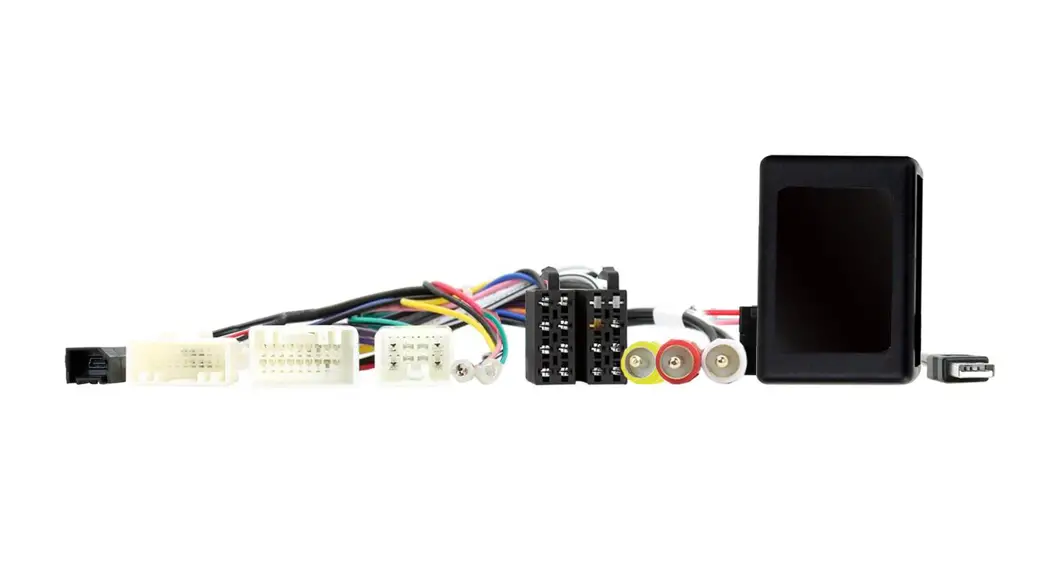
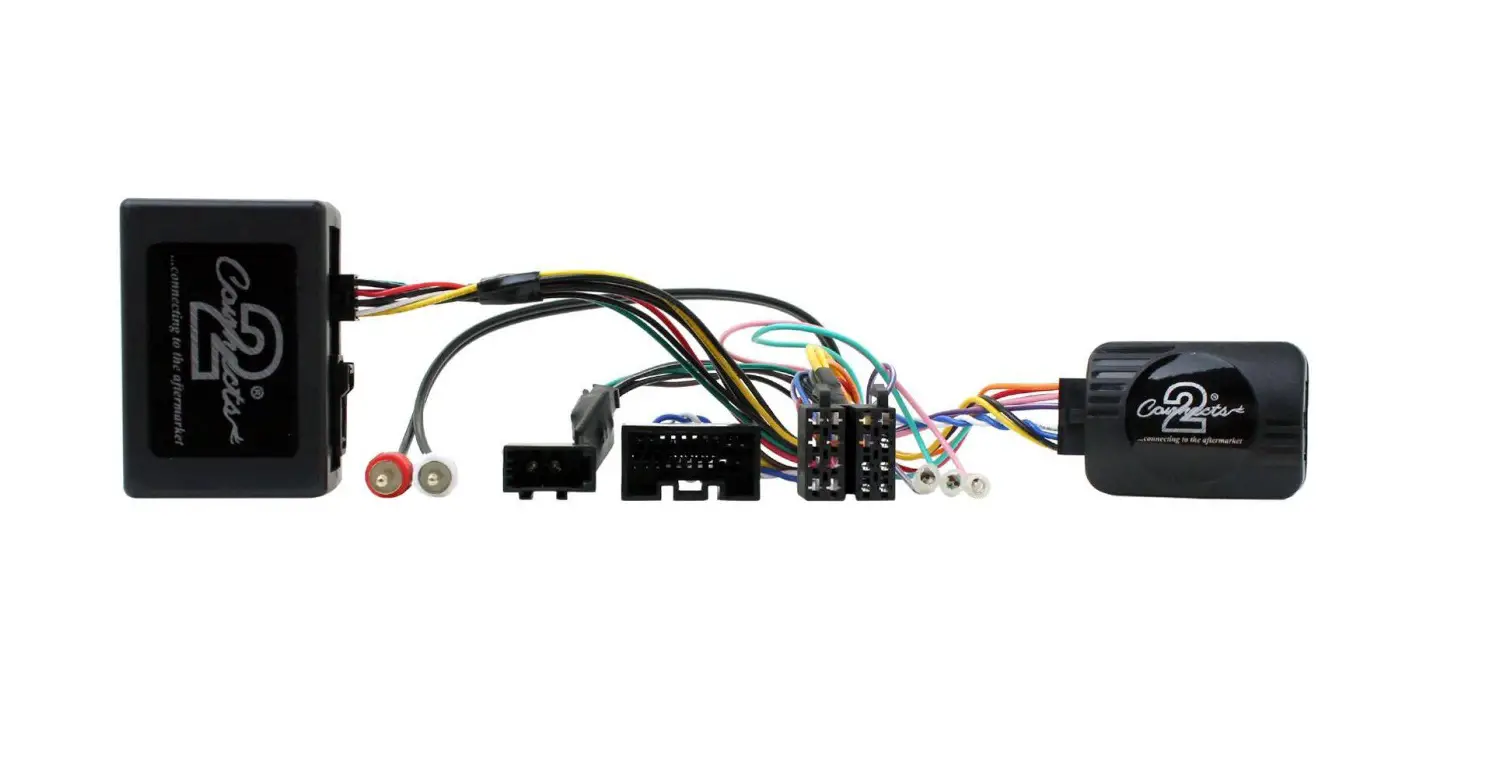
The interface box (i) is included in the package, along with a
female ISO connector (ii), a vehicle specific connector (iii) with
24 pin/20 pin, a USB connector (iv), RCA connectors for camera (v)
and aux (vi), and flying wires for park brake, reverse gear, speed
pulse, and ACC 12V (vii).
It is important to read the manual prior to installation and
have technical knowledge for proper installation. The installation
should take place in a location free of moisture and away from heat
sources. Ensure that the correct tools are used during installation
to avoid damage to the vehicle or product.
The product features additional connections such as permanent
12V, ground, ignition 12V, illumination, retain factory reverse
camera, retain factory aux input, retain factory USB port, and
more. Please refer to the wiring key provided in the manual for
further details.
The steering wheel control functionality allows you to control
various functions using the buttons on your steering wheel. The
specific configuration may vary depending on the vehicle. The
manual provides a diagram with examples of common steering wheel
control configurations.
Product Usage Instructions: Installation Guide
Before installing the interface, the factory stereo must be
removed and disconnected. Please consult the vehicle owner’s
manual/handbook or contact a fitting professional for guidance.
A stereo connection (patch) lead is also required for the
installation of this interface (supplied separately). Make sure you
have the correct lead before proceeding. If using a universal patch
lead, prepare the wiring loops as instructed in the product’s
manual.
- Connect the 12 pin connector from the stereo connection (patch)
lead to the interface box (i). - Connect the opposite end of the stereo connection (patch) lead
to the steering wheel control input on the back of the aftermarket
stereo. Note that this may be a 3.5mm jack connector or a wired
input, depending on the brand of aftermarket stereo being fitted.
Refer to the aftermarket stereo installation manual for further
information on where to make the connection.
It is crucial to complete these steps before connecting power to
the interface. Failure to do so may result in a lack of
functionality and require reinstallation.
29-CTSNS021 Steering Wheel Control Interface for Nissan Vehicles
i
iv
vi v vii
ii
iii
i. Interface Box ii. Female ISO Connector
iii. Vehicle Specific Connector (24 Pin/20 Pin) iv. USB Connector
v. RCA Connector (Camera) vi. RCA Connectors (Aux) vii. Flying Wires (Park Brake, Reverse Gear, Speed Pulse, ACC 12V)
APPLICATION
Nissan Micra
2017>
For CAN-Bus vehicles with 24 & 20 Pin connectors
Note: Application data is subject to change at any time
FEATURES
· Retains Factory Steering Wheel Control Functions · Retains Factory Phone Buttons · Retains Factory Reverse Camera (if vehicle is equipped) · Retains Factory Aux Input (if vehicle is equipped) · Retains Factory USB Input (if vehicle is equipped) · Provides Speed Pulse, Park Brake, ACC 12V & Reverse Gear Outputs · Updateable via USB (contact supplier for more information)
DISCLAIMER
The information provided in this document is subject to change without notice due to manufacturer changes and/or improvements to the product/s. This instruction manual is based on documented data and research. The manufacturer of this product cannot be held responsible for any changes made to the
vehicle by the manufacturer or damages that may occur through the installation of this product in accordance with the steps outlined herein.
PRIOR TO INSTALLATION
Read the manual prior to installation. Technical knowledge is necessary for installation. The place of installation must be free of moisture and away from heat sources. Please ensure that the correct tools are using during the installation to avoid damage to the vehicle or product.
WIRING KEY
IN WIRING HARNESS
Purple Purple/Black Green Green/Black Grey Grey/Black White
White/Black
Right Rear Speaker + Right Rear Speaker Left Rear Speaker + Left Rear Speaker Right Front Speaker + Right Front Speaker Left Front Speaker +
Left Front Speaker –
ADDITIONAL CONNECTIONS
Yellow Black Red Orange
Permanent 12V Ground Ignition 12V Illumination
Light Green Pink Purple/White Yellow RCA Red/White RCA USB
Park Brake Speed Pulse Reverse Gear Composite Video – Retain Factory Reverse Camera Retain Factory Aux Input Retain Factory USB Port
STEERING WHEEL CONTROL FUNCTIONALITY
The following diagram, though based on careful research, is an example only Individual steering wheel control configurations may differ.
1
5
6
2
3
4
1. Volume +
2. Volume –
3. Track –
4. Track +
5. Pick Up
6. Hang Up
2
INSTALLATION GUIDE
See wiring diagram on Pg.4 for more information
Before installing the interface, the factory stereo must be removed and disconnected. To do this, please consult the vehicle owner’s manual/handbook or contact a fitting professional.
A stereo connection (patch) lead is also required for the installation of this interface (supplied seperately). Please ensure that you have the correct lead before proceeding. For universal patch leads, prepare the wiring loops in accordance with the instruction manual supplied with the product before installation.
1. Connect the 12 Pin connector from the stereo connection (patch) lead to the interface box i
2. Connect the opposite end of the stereo connection (patch) lead to the steering wheel control input on the back of the aftermarket stereo
NOTE: This may be a 3.5mm jack connector or a wired input depending on the brand of aftermarket stereo being fitted. Please consult the aftermarket stereo installation manual for further information on where to make the connection
!
IMPORTANT: THIS STEP MUST BE COMPLETED BEFORE CONNECTING POWER TO THE INTERFACE. FAILURE TO DO SO MAY RESULT IN A LACK OF FUNCTIONALITY AND THE NEED TO REINSTALL THE
PRODUCT
3. Connect the 14 Pin connector from the supplied wiring loom to the interface box i
4. Connect the female power/speaker ISO connector to the male power/speaker ISO connector from the
aftermarket stereo. ii
NOTE: For aftermarket stereos which do not have an ISO connector, please see “Wiring Key” on Pg.2 for information on which wires to connect. Some interfaces may also have additional `flying’ wires which can be connected to the vehicle to support various features ie. parking brake trigger, reverse gear and speed pulse. Details of these can be found under `Additional Connections’.
5. If vehicle has a 12V ACC wire, connect the male ACC bullet on the wiring loom to the `Wired ACC’ female bullet. If vehicle does not have a 12V ACC wire, connect the male ACC bullet on the wiring loom to the `CAN ACC’ female bullet.
6. Connect the male vehicle specific connector/s on the supplied harness to the female vehicle specific connector from the vehicle. Please refer to wiring diagram on Pg.4, or cover photo on Pg.1 for more
information on the connector style of this interface. Common styles include Mini ISO or Quadlock. iii
7. Connect the yellow RCA connector to the back of the aftermarket stereo to retain the vehicle’s factory reverse camera (if vehicle is equipped). Connect the red/white RCA connectors to the back of the aftermarket stereo to retain the vehicle’s factory Aux input (if vehicle is equipped).
8. Connect the male USB connector to the back of the aftermarket stereo and the female USB connector to the corresponding connector from the vehicle to retain the vehicle’s factory USB input (if vehicle is equipped)
9. Test stereo and steering wheel control functionality for correct operation before reassembling the vehicle dashboard. If steering wheel control functions are unresponsive, please uninstall the interface and wiring and reinstall carefully in accordance with the above steps.
For further help and support, please contact us directly at support.connects2.com/tickets/technical and fill out a support ticket with the full details of your issue.
3
WIRING DIAGRAM
TOWARDS VEHICLE
TOWARDS STEREO
ACC Wires If vehicle has a 12V ACC wire, connect the male ACC bullet to `Wired ACC’ female bullet.
If vehicle does not have a 12V ACC wire, connect the male ACC bullet to `CAN ACC’ female bullet.
Flying Wires Pink – Speed Pulse Light Green – Park Brake Purple/White – Reverse Gear
Female ISO Connector Connect to aftermarket stereo
Female USB Vehicle Connector Connect to vehicle
20 & 24 Pin Vehicle Specific Connectors Connect to vehicle specific connectors from vehicle
Male Yellow RCA Connector Connect to Aftermarket stereo
Male USB Connector Connect to Aftermarket stereo
Male Red/White RCA Connector Connect to Aftermarket stereo Main Wiring Loom Connector [14 Pin] Connect to Interface Box
Interface Box
Stereo Connection (Patch) Lead Connector [12 Pin] Connect to Interface Box Note: Must be connected first, before power
4