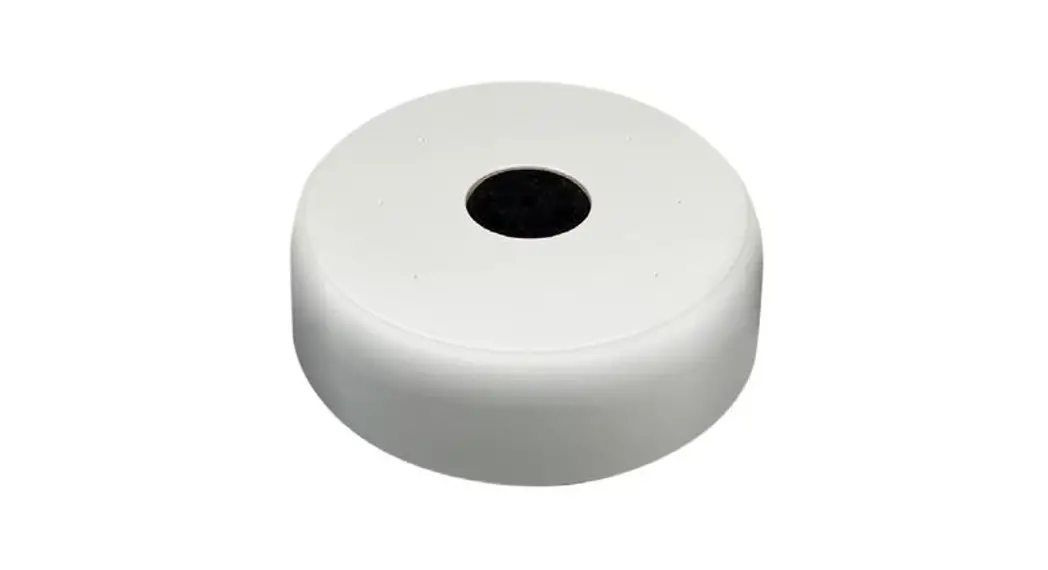
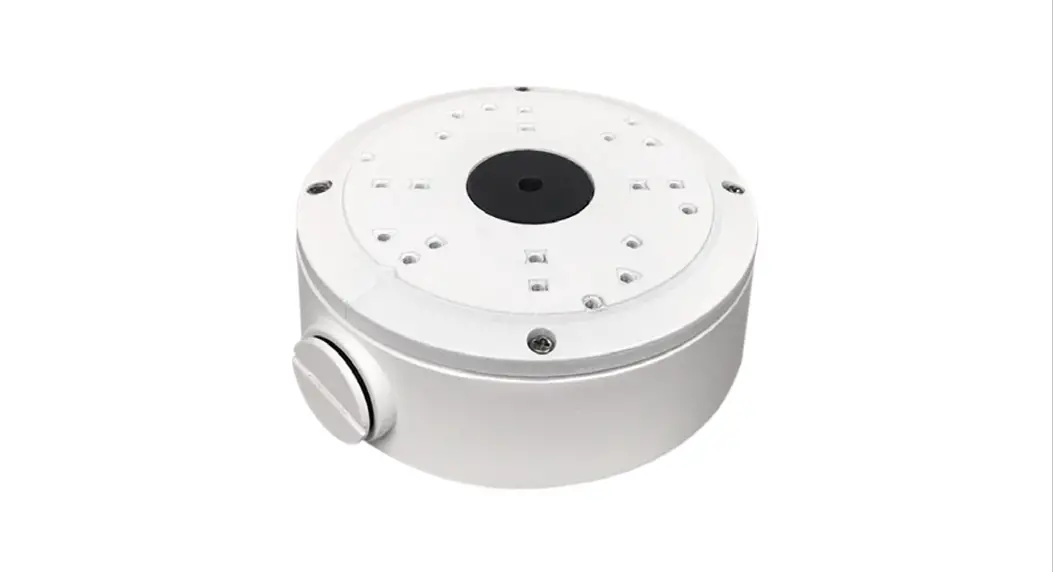
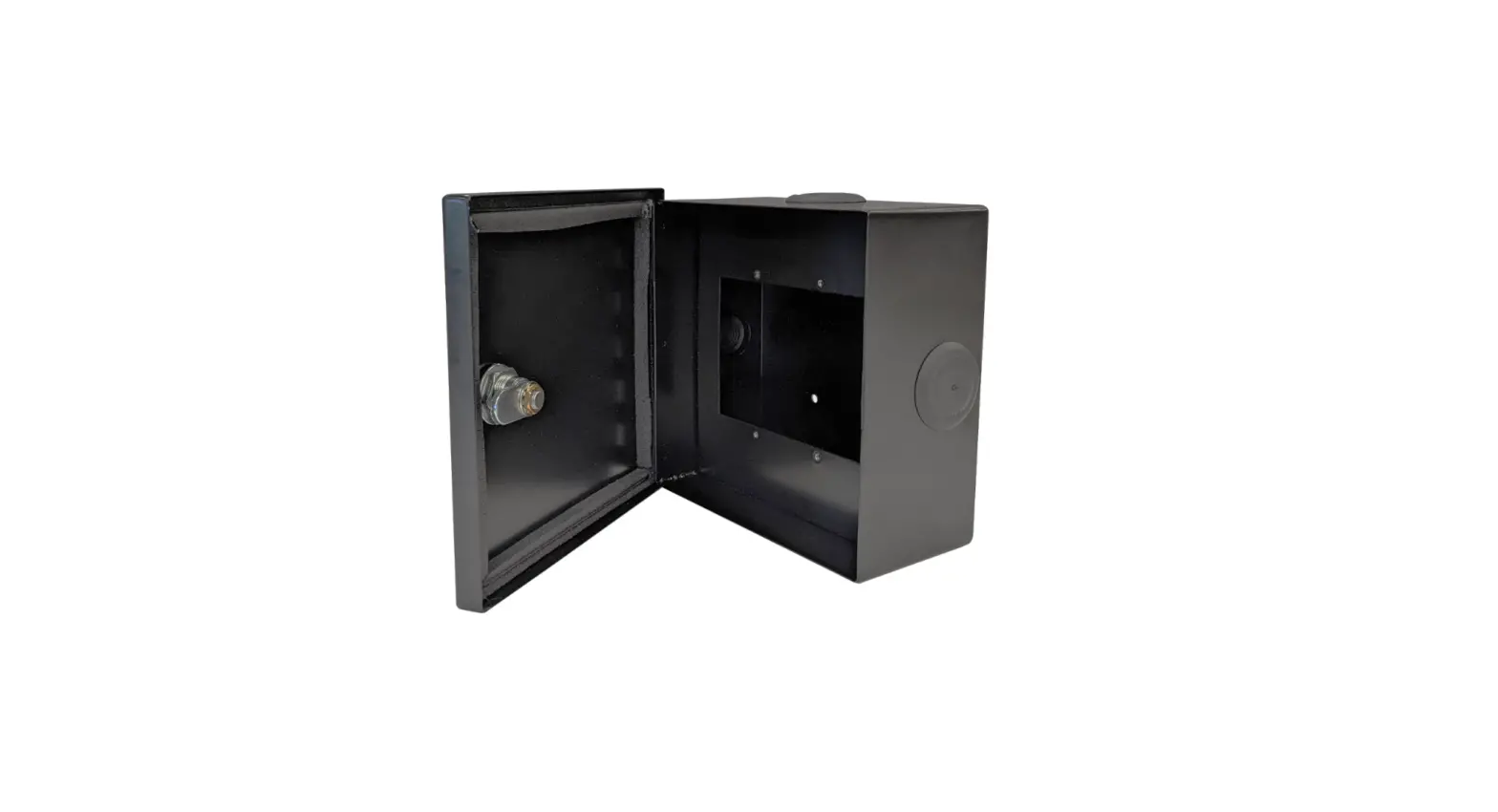
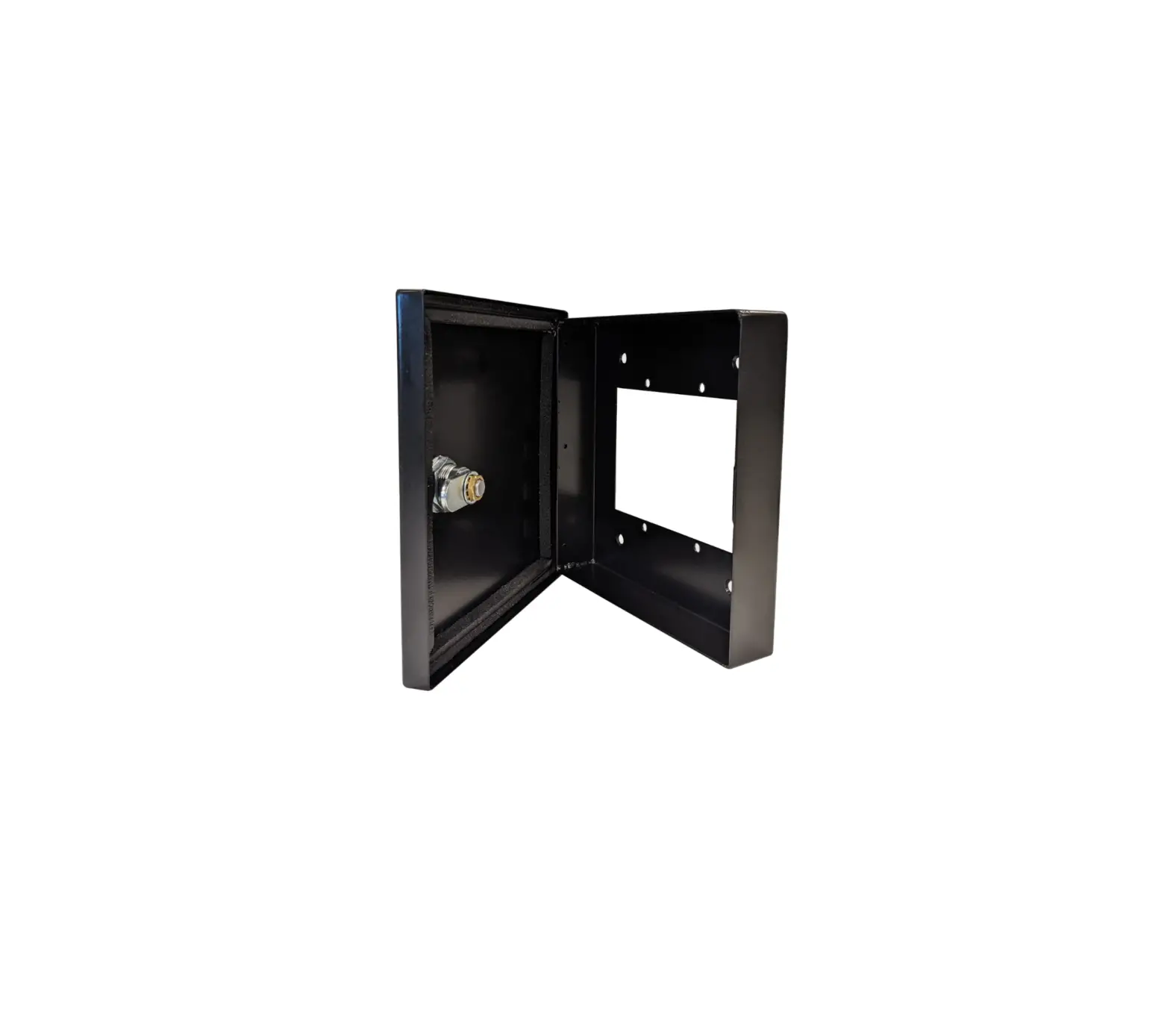
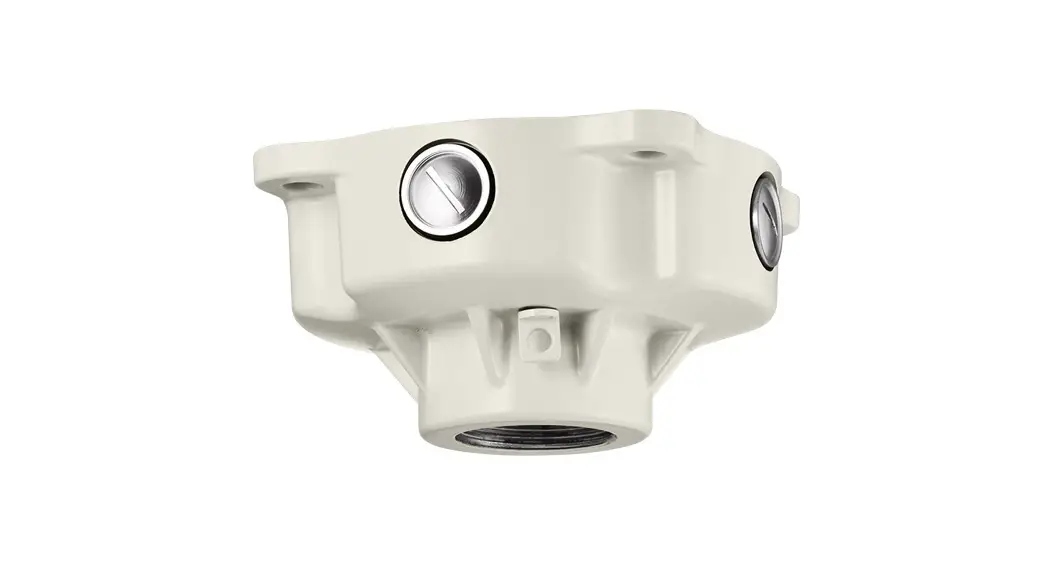
B85 Back Box Mounting Base
Product Information
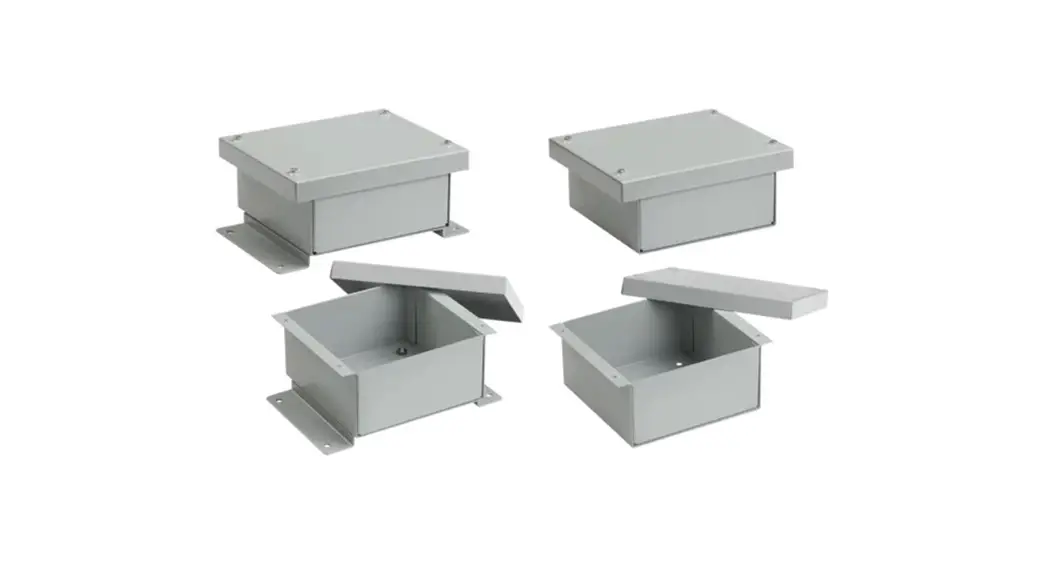
The B85 is a back box mounting base designed for use with the
M85 Camera. It is compatible with EMT pipes and DB60 horizontal
wall mount brackets. The package includes the B85 back box, round
head screws, plastic anchors, a surface mount template, and other
necessary components.
The dimensions of the B85 back box are as follows:
- Diameter: 5 15/16″ (150 mm)
- Height: 1 3/4″ (44 mm)
The B85 back box features alignment marks, a cable retention
clip, a waterproof RJ45 connector, and a rubber gasket for added
protection.
Product Usage Instructions
Surface Installation
- Use a security Torx bit or screwdriver to loosen the four
screws securing the dome bubble to the M75/M85 camera. Set the dome
bubble aside. - Complete drilling 2-3 holes on the mounting surface depending
on the type of installation and mounting surface. - Attach the provided mounting template to the mounting
surface. - Drill holes in the mounting surface, as marked on the template,
to match the pre-drilled holes on the B85 back box. - Insert the provided anchors into the drilled holes.
- If not using the side conduit, drill a conduit hole for the
camera cable as marked on the template. - Secure the B85 back box to the mounting surface using the
provided tapping screws with O-rings. Tighten the screws to fully
compress the O-rings. - Use the provided round head machine screws to secure the
mounting base to the back box. - Pull the camera’s cable into the B85 back box.
- Adjust the lens assembly for the desired view and re-attach the
dome bubble.
DB60 / Pendant Installation
Note: Do not drill holes in the B85 back box for this
installation.
- Remove RP1 from the B85 and pull the camera’s cable through the
top conduit opening and into the DB60 or the 3/4 EMT pipe. - Attach the B85 back box to the DB60 or the 3/4 EMT pipe using a
conduit fitting. - Add sealant to all threads as shown in Figure B of the user
manual. - Use the provided round head machine screws to secure the camera
body to the back box. - Adjust the lens assembly for the desired view and re-attach the
dome bubble.
If you have any questions or concerns regarding camera
installation or require software services or support, please
contact our Technical Support team at 1.877.877.7241 or
[email protected].
User Manual
B85
Back Box Mounting Base
The B85 is an extension back box for cable management and can be used for surface, pendant or horizontal wall mounting of i3’s M75 and M85 camera series. · Back box for IP camera wire management. · Suitable for outdoor and indoor installations. · Six (6) pre-drilled hole dimples for surface mounting. Optional use with Pendant
Mount EMT Pipe 3/4″ or DB60 Horizontal Wallmount bracket.
PACKAGE CONTENTS
In addition to this manual and B85 back box, the packing box includes: 1. Round head screw, machine type x5 2. Round head screw, tapping type with O-ring x5 3. Plastic anchor x5 4. Surface Mount template x1
123
Up Lens Direction
GUIDE PATTERN
4
DIMENSIONS
3/4″ side conduit RP1. 3/4″ waterproof hole with metal plug rubber plug
Rubber gasket
Diameter
5 15/16″
(150 mm)
Cable retention clip
Height
1 3/4″
(44 mm)
Pendant Mount Rigid 3/4″ EMT Pipe
(Optional)
3/4″ Electrical EMT Conduit Fitting
Alignment marks
Waterproof RJ45 connector
Rev. 230517
DB60 Goose Neck Wallmount Bracket
(Optional)
Add Sealant
B85 Back Box
Figure A. B85, Dimensions
INSTALLATION NOTES
· To maintain IP67 waterproof rating, always use the waterproof RJ45 connector supplied with the camera. · Ensure that the mounting surface and mounting hardware is suitable for the chosen installation method. · When using with the DB60 or EMT pipe, remove RP1 first. · If using the side conduit hole, replace the RP1 with the metal plug from the side conduit. Do not use the
rubber plug (RP1) in the side conduit hole. · Always add sealant to all threads in outdoor installations (as shown in Figure B). · If attaching directly to a surface, tighten the provided tapping screws to fully compress the `O’ ring. · Use a network cable 5mm or more in diameter to create a good seal in RP1 (if using).
M85 Camera
INSTALLATION
Use the security Torx bit or screwdriver (not provided) to loosen four screws securing the dome bubble to the M75/M85 camera. Set the dome bubble aside.
Surface Installation
1. B85 comes with six 90% pre-drilled hole dimples. Depending on the type of installation and mounting surface, complete drilling 2-3 holes.
Round head machine screws (provided)
2. Attach the mounting template (4) to the mounting surface.
3. Drill holes in the mounting surface, as marked on the template, to match the B85 holes pre-drilled in Step 1.
4. Insert anchors (3) into the holes.
5. (Skip this step if using the side conduit) Drill the conduit hole for the camera cable, as marked on the template.
6. Secure the B85 back box to the mounting surface using the tapping screws with the O-ring (2). Tighten to fully compress the `O’ ring.
7. Use the round head machine screws (1) to secure the mounting base to the back box.
8. Pull the camera’s cable into the B85 back box.
M85 Lexan dome bubble
9. Adjust the lens assembly for the desired view and re-attach the dome bubble.
DB60 / Pendant Installation (Follow Figure B)
Figure B. B85 mounting diagram.
Note: Do not drill holes in B85 for this installation.
1. Remove RP1 from the B85 and pull the camera’s cable through the top conduit
opening and into the DB60 or the 3/4 EMT pipe. 2. Attach B85 to the DB60 or to the 3/4″ EMT pipe (using a conduit fitting).
Add sealant to all threads as shown in Figure B.
Scan this QR code or visit ftp.i3international.com to view i3 product manuals.
3. Use the round head machine screws (1) to secure the camera body to the back box. 4. Adjust the lens assembly for the desired view and re-attach the dome bubble.
Contact our Technical Support team at: 1.877.877.7241 or
[email protected] if you have any questions or
concerns regarding camera installation or if you require
QR Code for Complete
software services or support.
User Manual and ACT
i3-TRNG-CAMS-B85.indd