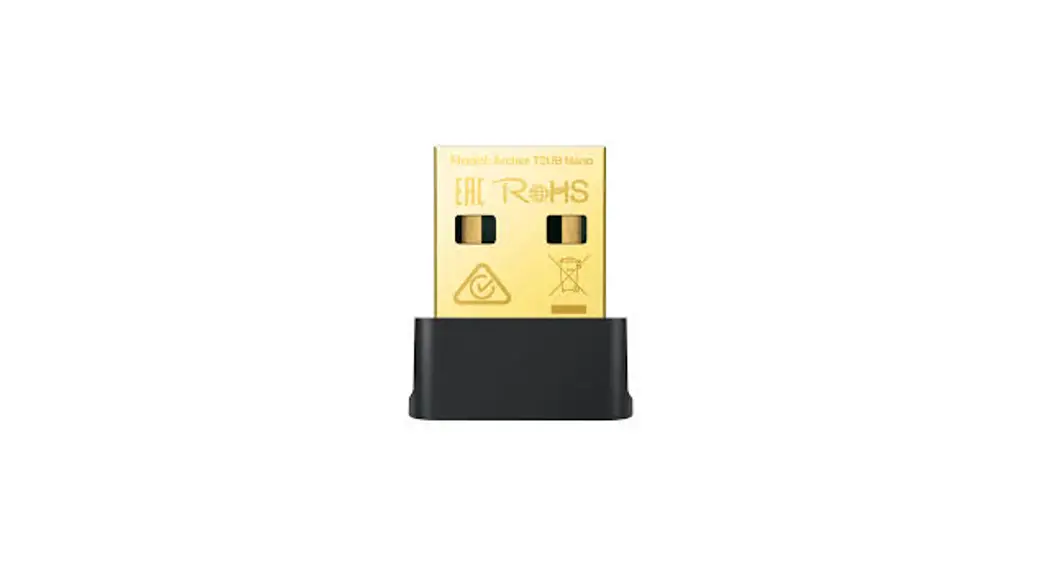
 Quick Installation Guide
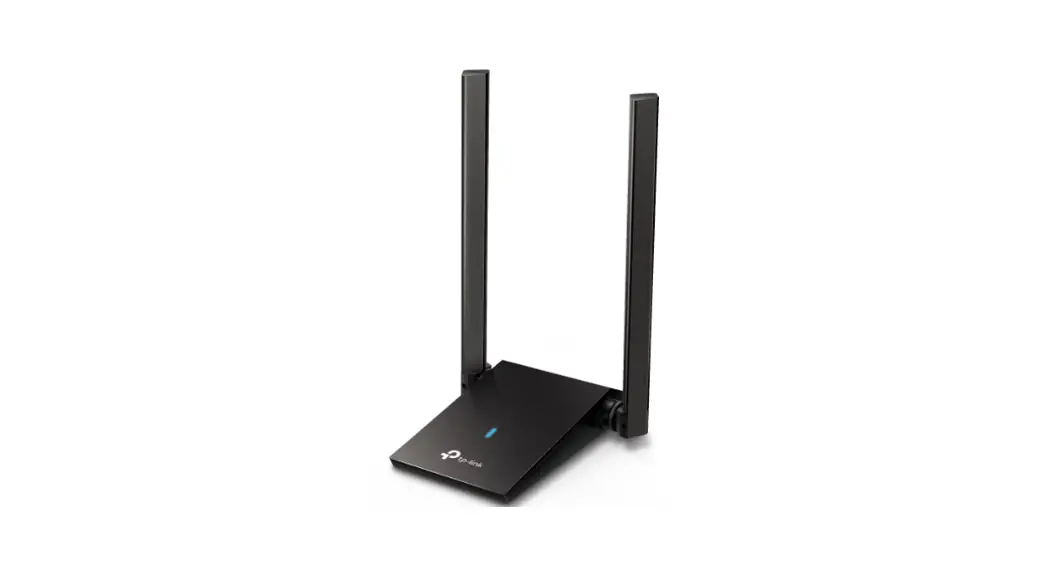
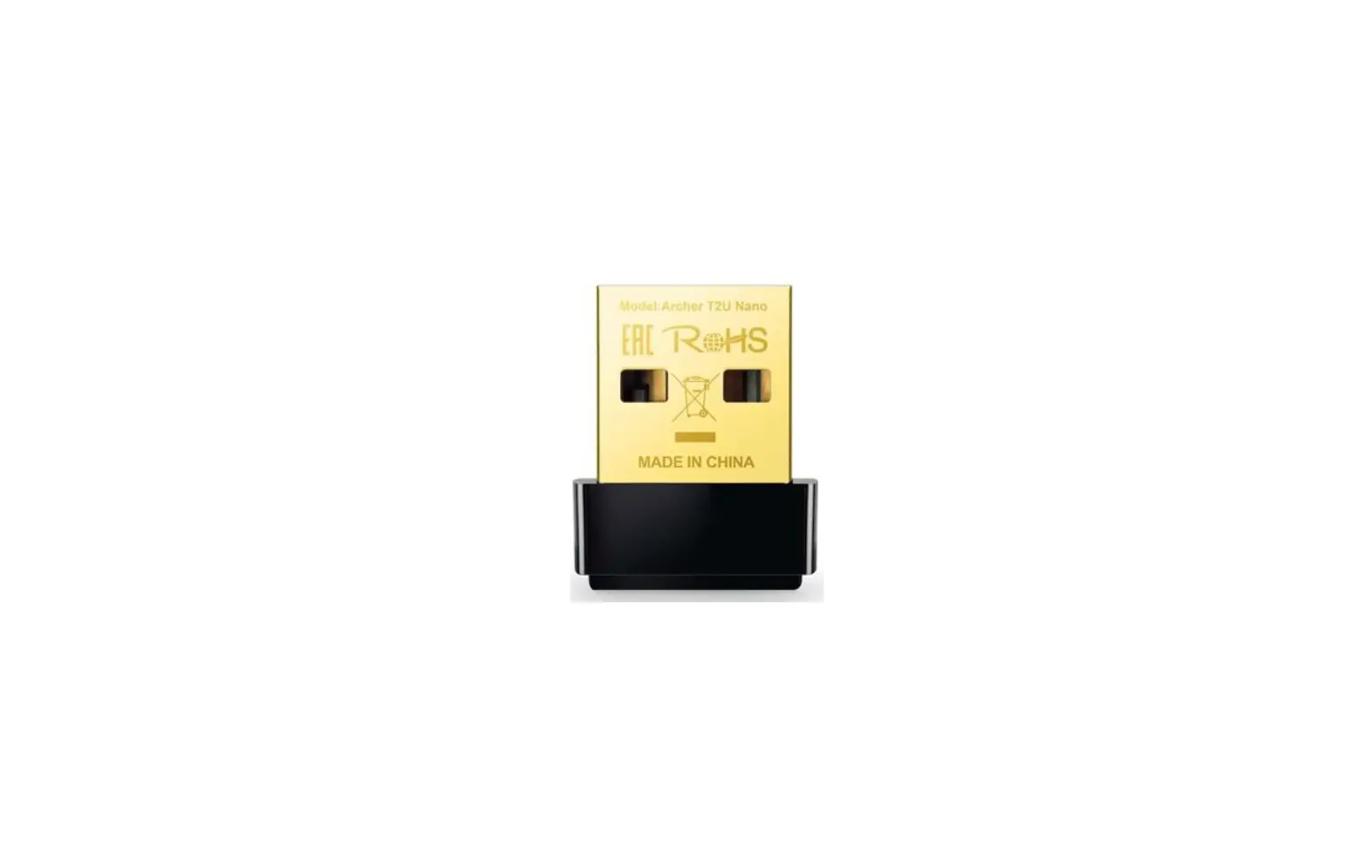
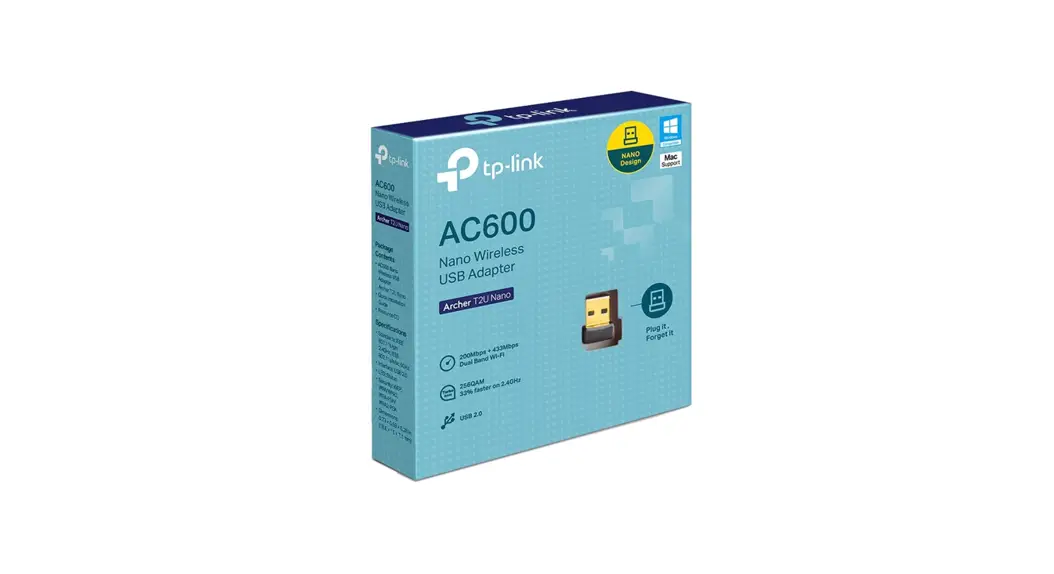
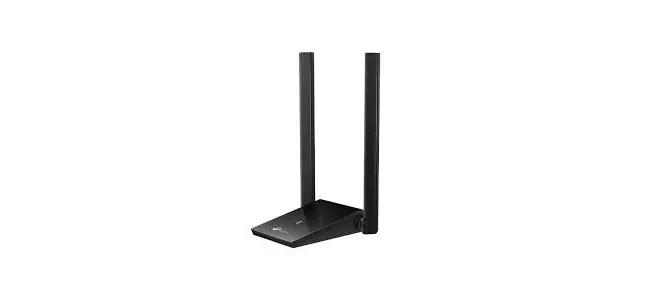
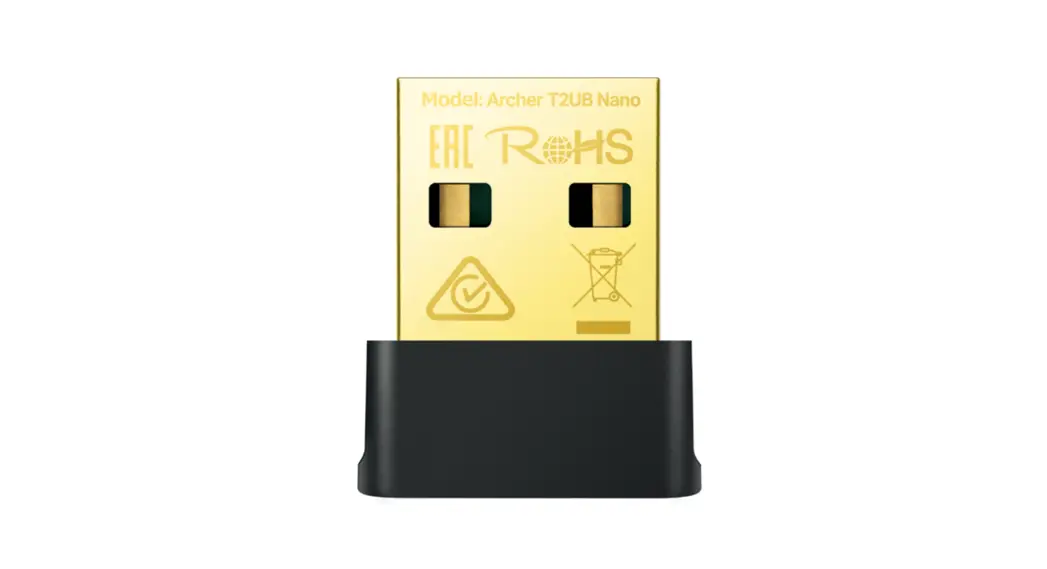
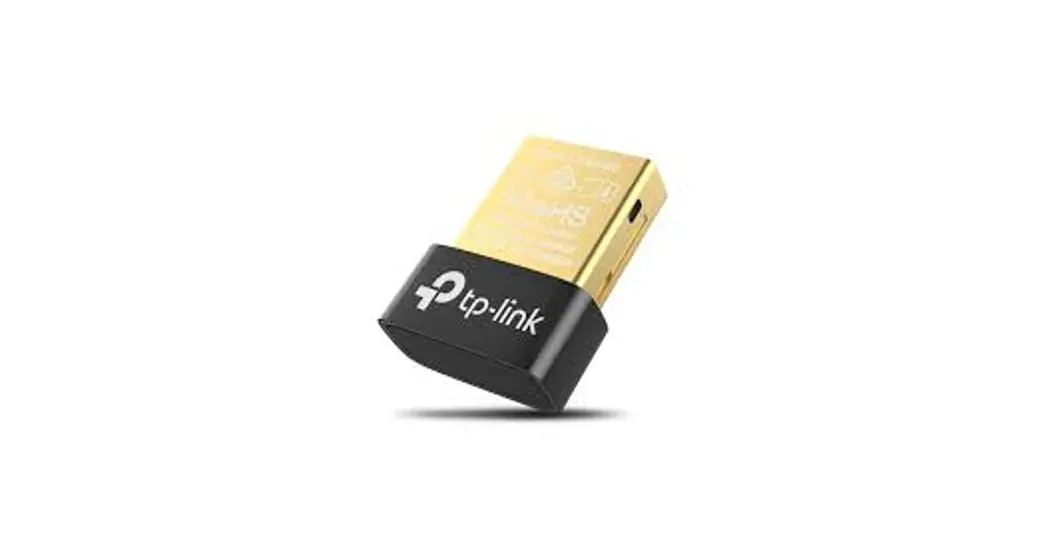
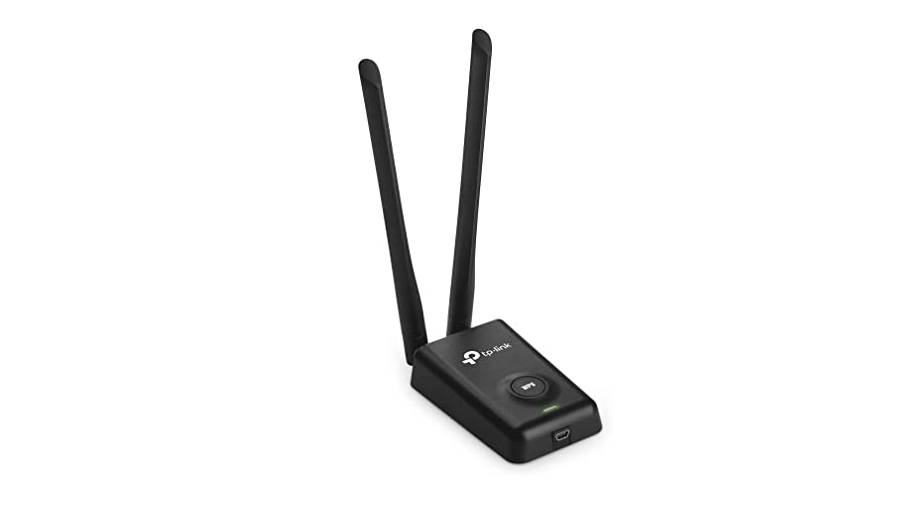
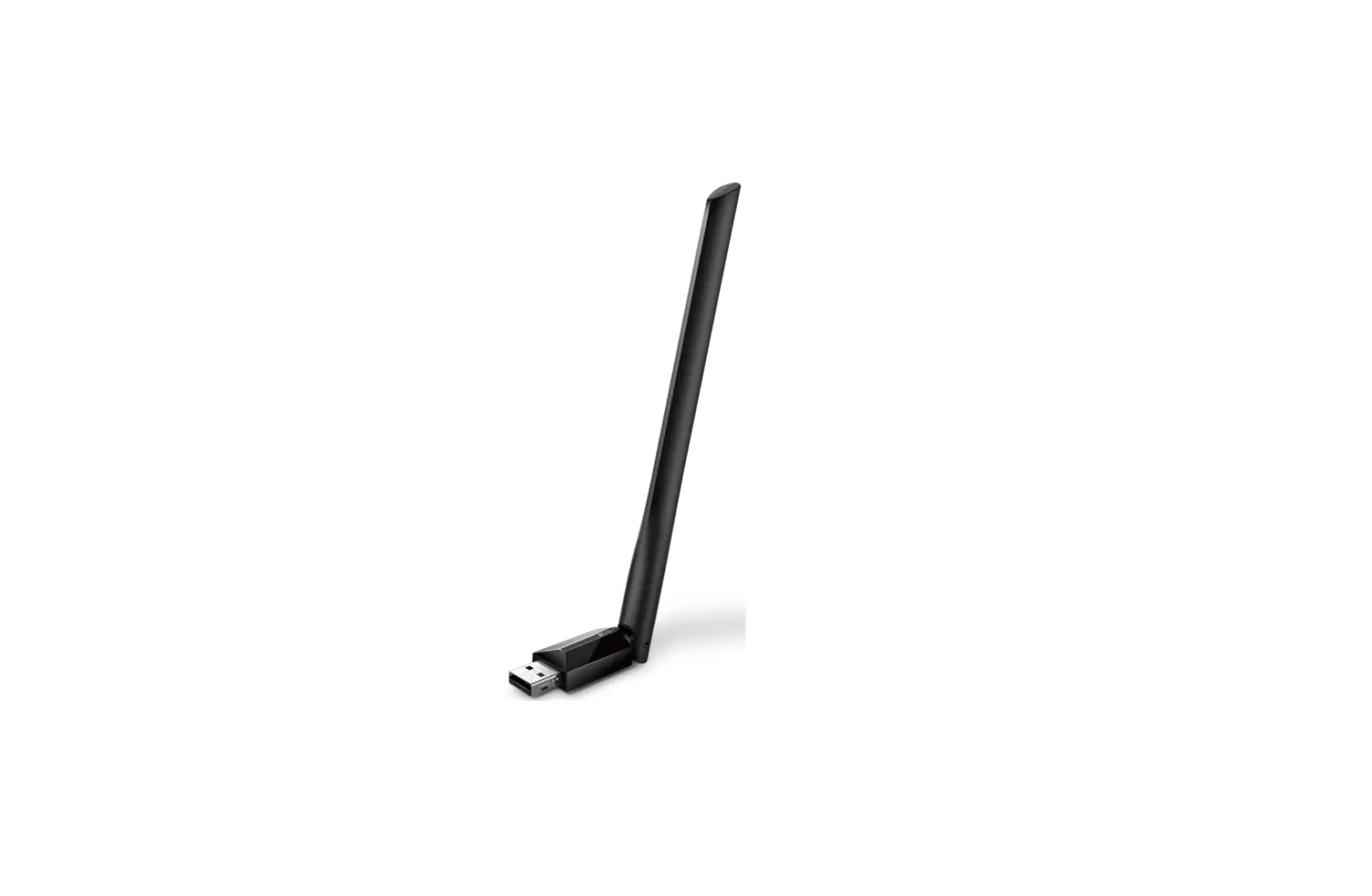
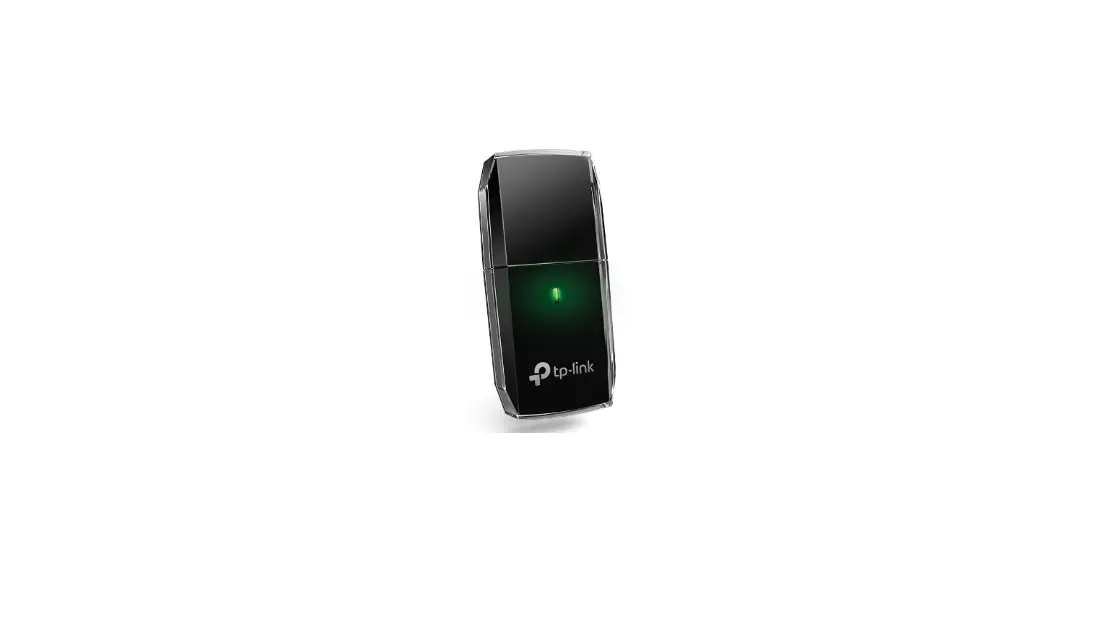
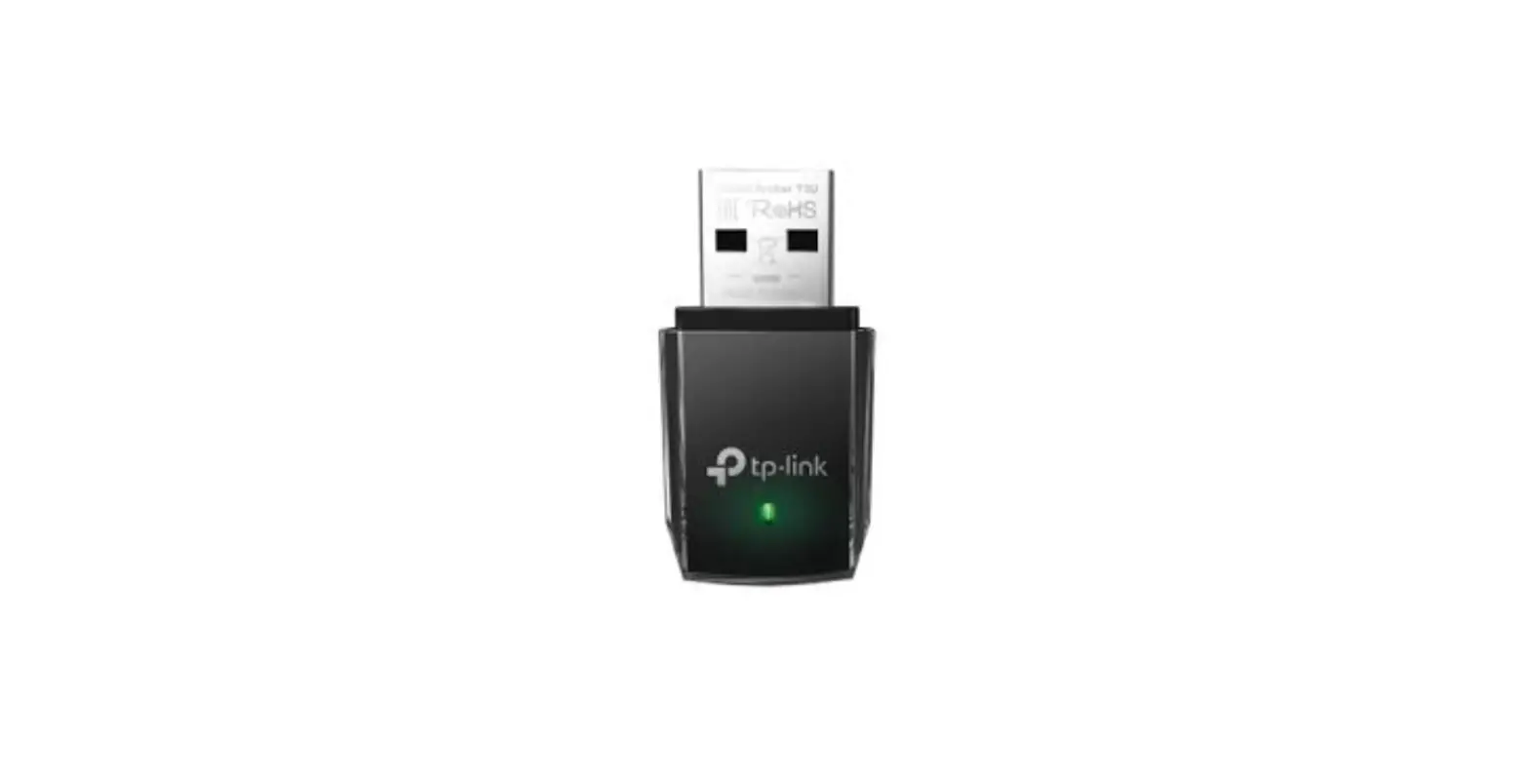
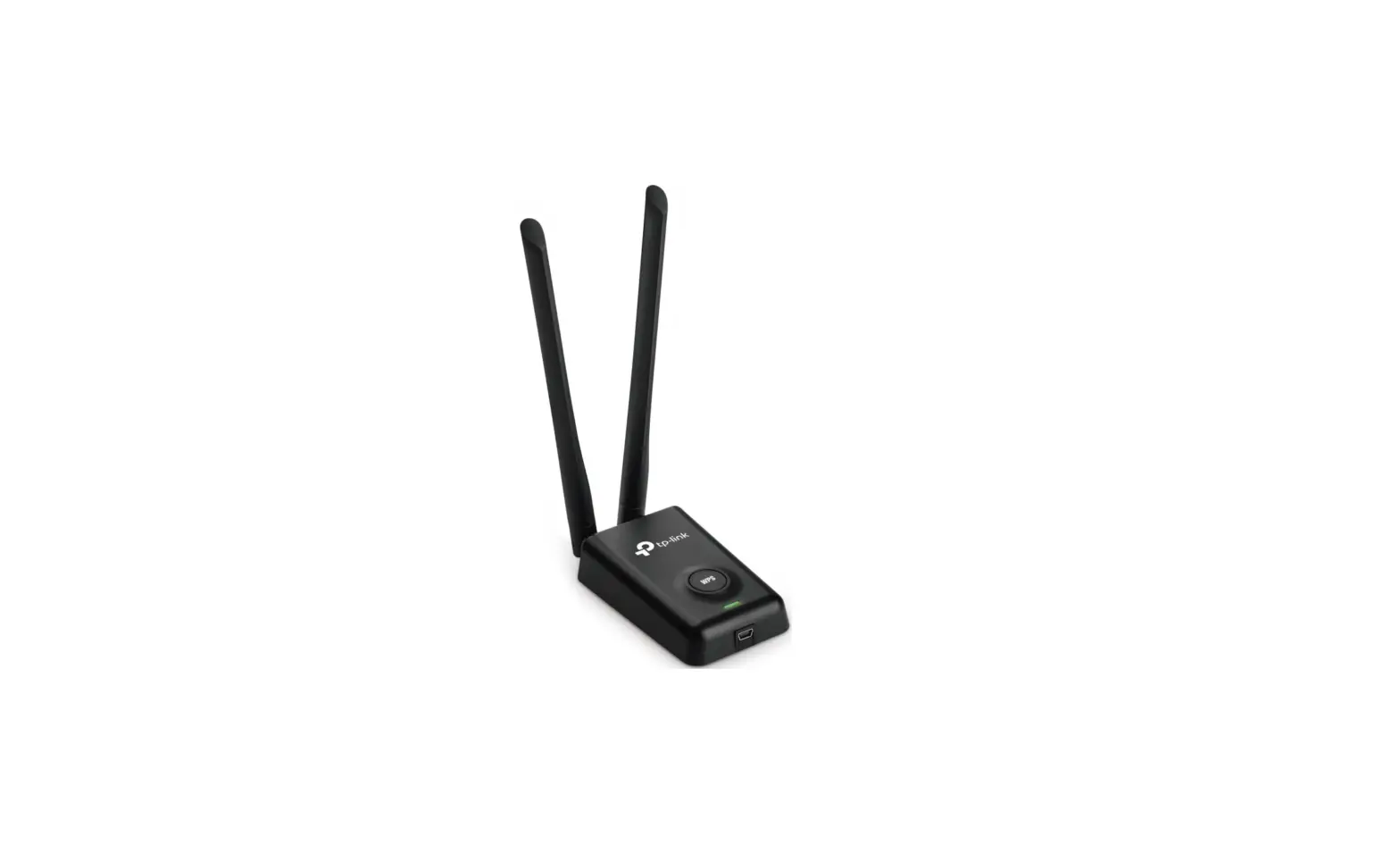
Wireless USB Adapter
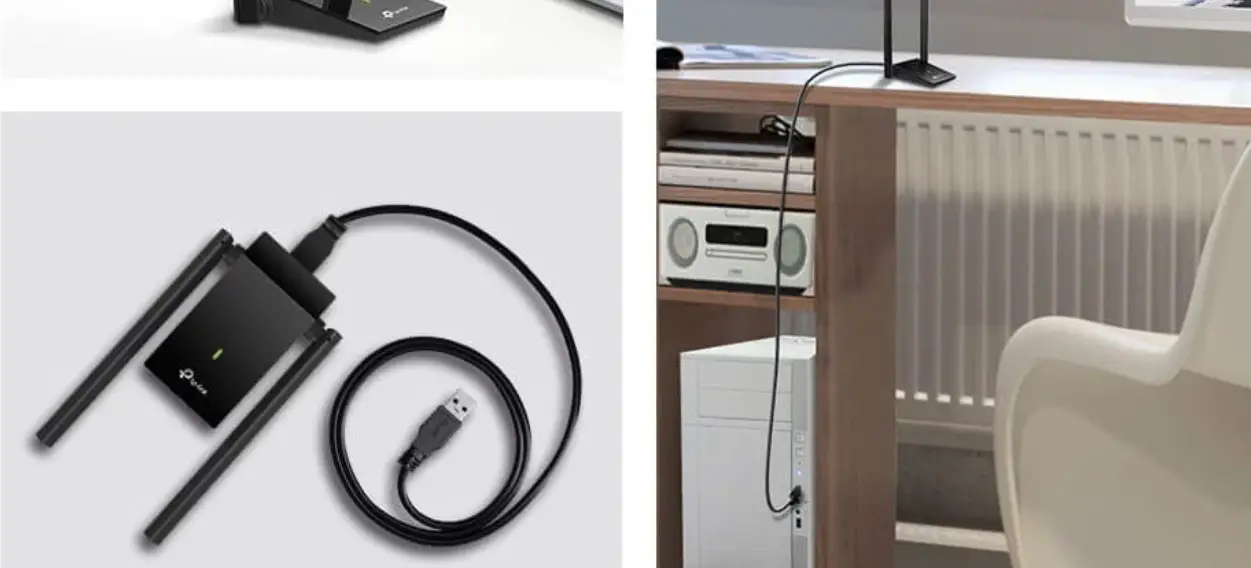
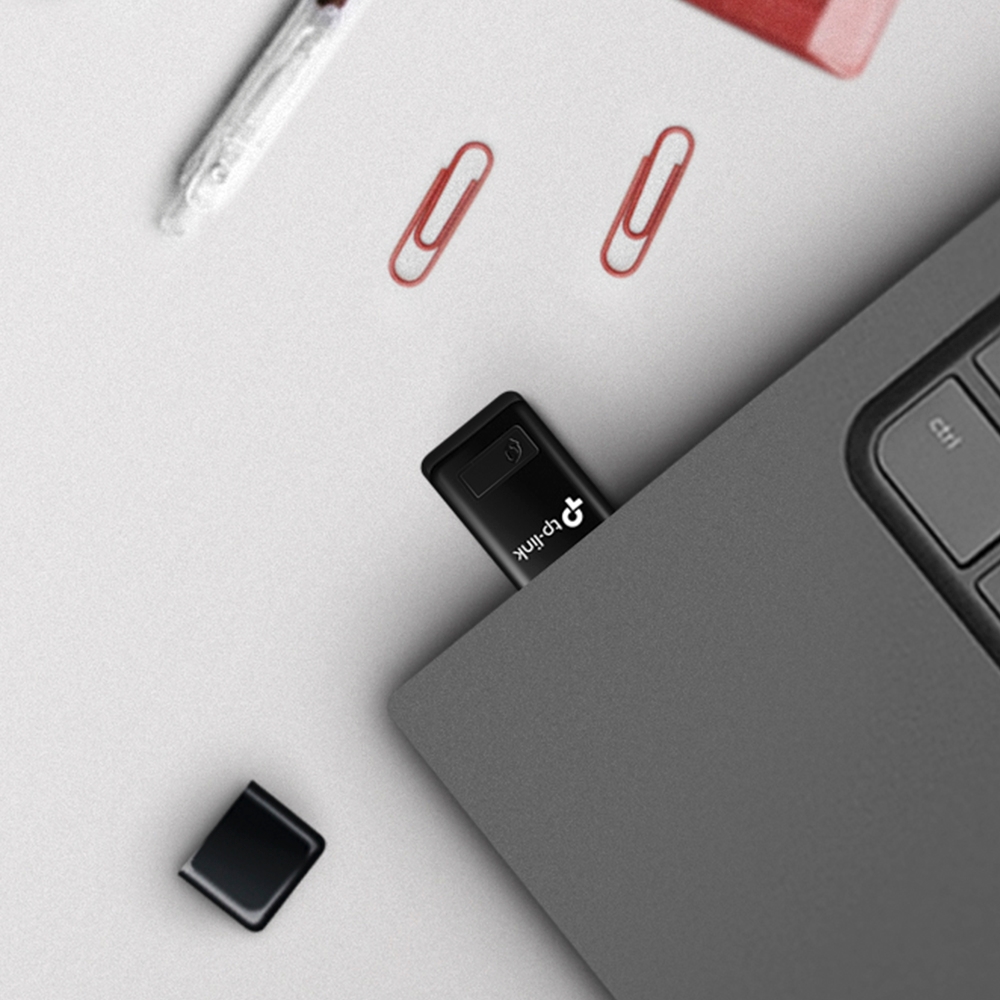
Connecting to a Computer
- Option Direct

- Option Via USB Extension Cable
 Note: In Windows XP or Vista, when the adapter is detected New The Hardware Found Wizard window appears. Please click Cancel.
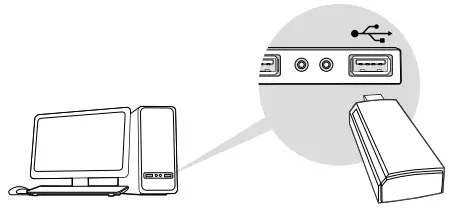
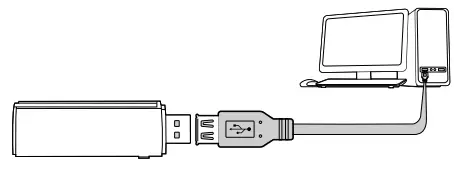 Note: In Windows XP or Vista, when the adapter is detected New The Hardware Found Wizard window appears. Please click Cancel.
Driver Installation For Windows
A. Insert the CD and run Autorun.exe. Note: You can download the driver for this product at www.tp-link.com.tr.You can download it from the support page.
B. Select your adapter and click to complete the installation. follow the instructions. Note: If you cannot successfully install the driver, uninstall the antivirus software.and disable the firewall and try again.
For Mac OS X
A. Driver and utility www.tp-link.com.trDownload it from the Support page for this product at
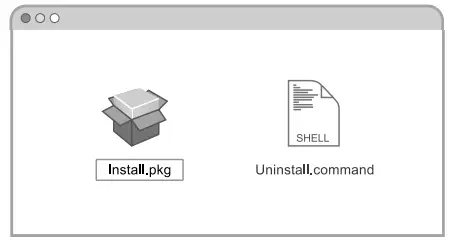
B. Open the downloaded folder and open the Install. pkg filerun it.
C. Follow the instructions to complete the installation.
Wireless Network Inclusion For
Windows Option
- Using the Windows Wireless Utility
A. Click ( or
or  ) the Network icon in the taskbar.
B. Select your Wi-Fi network, click Connect and when promptedenter the password.
- Option Installation via WPS ToolIf your adapter does not have a WPS button, you can ignore this option.
A. Press the WPS button on your router.
B. Within 2 minutes, until the WPS Tool opens Press and hold the WPS button on the adapter.
 or
or  ) the Network icon in the taskbar.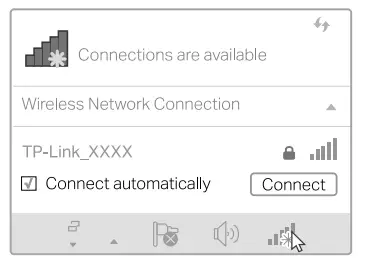
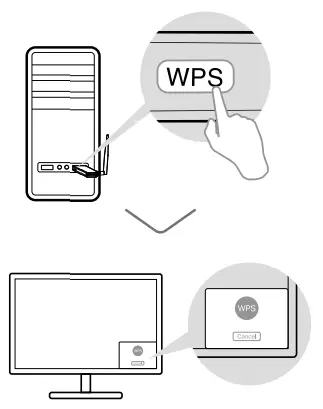
C. “Connected!” When the message is displayed, your computer It means it is connected to wifi.
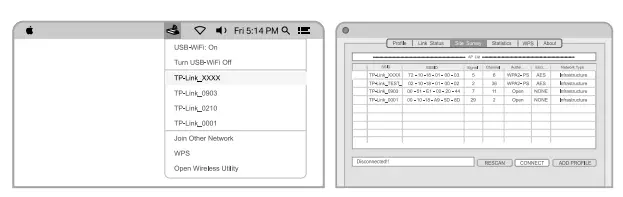
for Mac OS XOption 1: Via TP-Link Utility
A. Click  (TP-Link Utility) in the menu baror Field Research of the pop-up program window Select the tab.
B. Select your Wi-Fi network and enter the Wifi password when prompted.
Option 2: Installation via WPS Tool If your adapter does not have a WPS button, you can ignore this option.
A. Press the WPS button on your router.
B. Within 2 minutes, until the following window appears Press and hold the WPS button on the adapter.
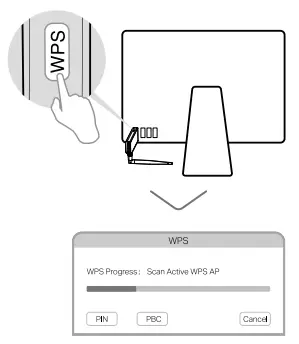
C. When prompted “WPS Protocol Ended” or “PBC – Get WPS “Profile successfully completed “.For detailed instructions, please visit www.tp-link.com.tr for this Product. Please review the User’s Guide on the support page.
© 2022 TP-Link 7106509890 REV2.0.2
 WiFi Networking Equipment for Home & Business | TP-Link
 TP-Link Türkiye – Ev & Ofis Kablosuz Ağ Ekipmanları