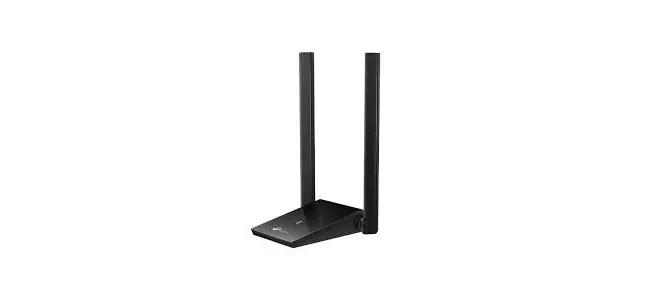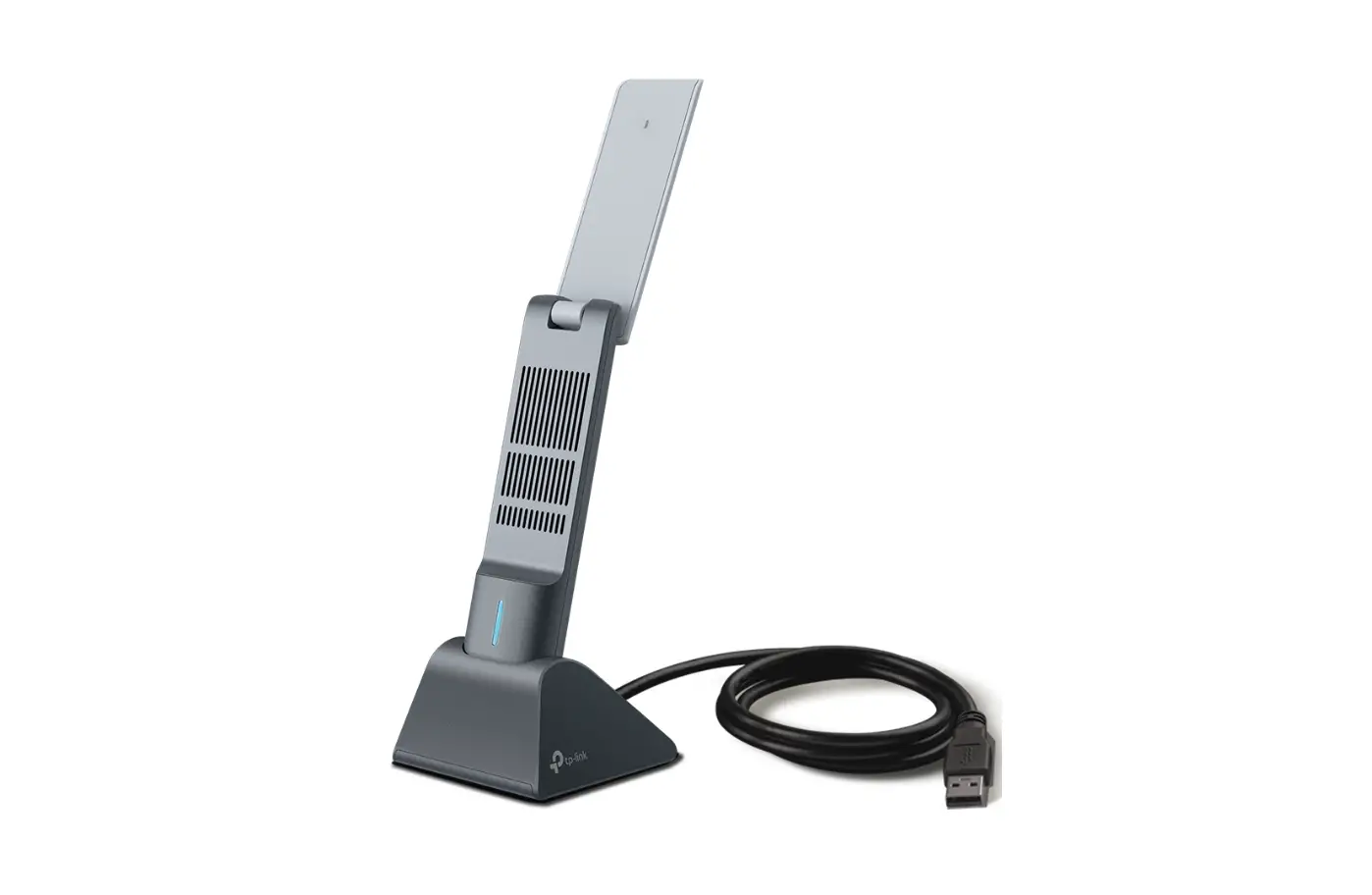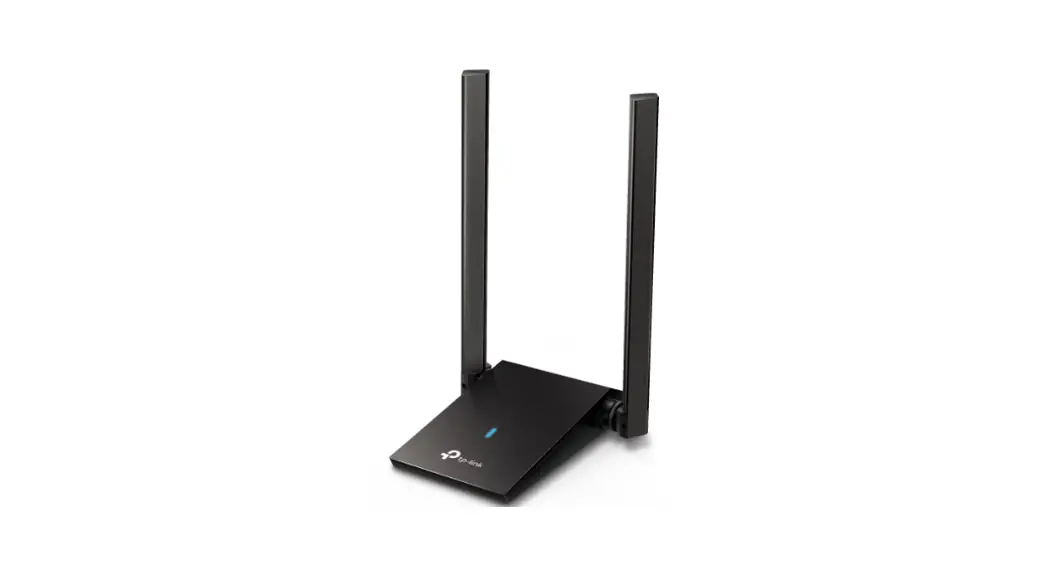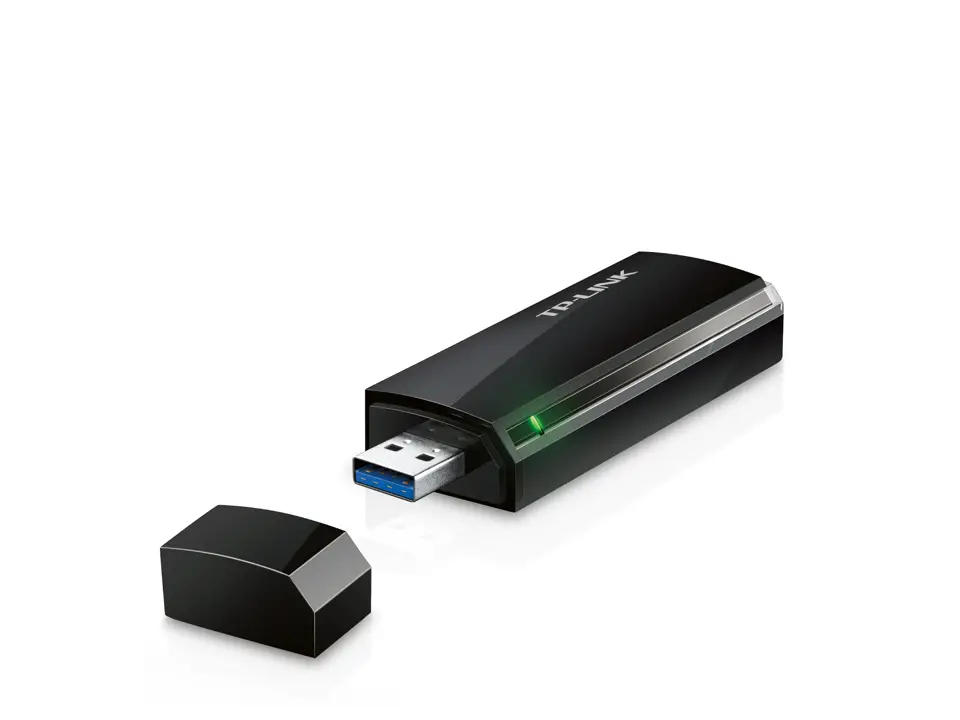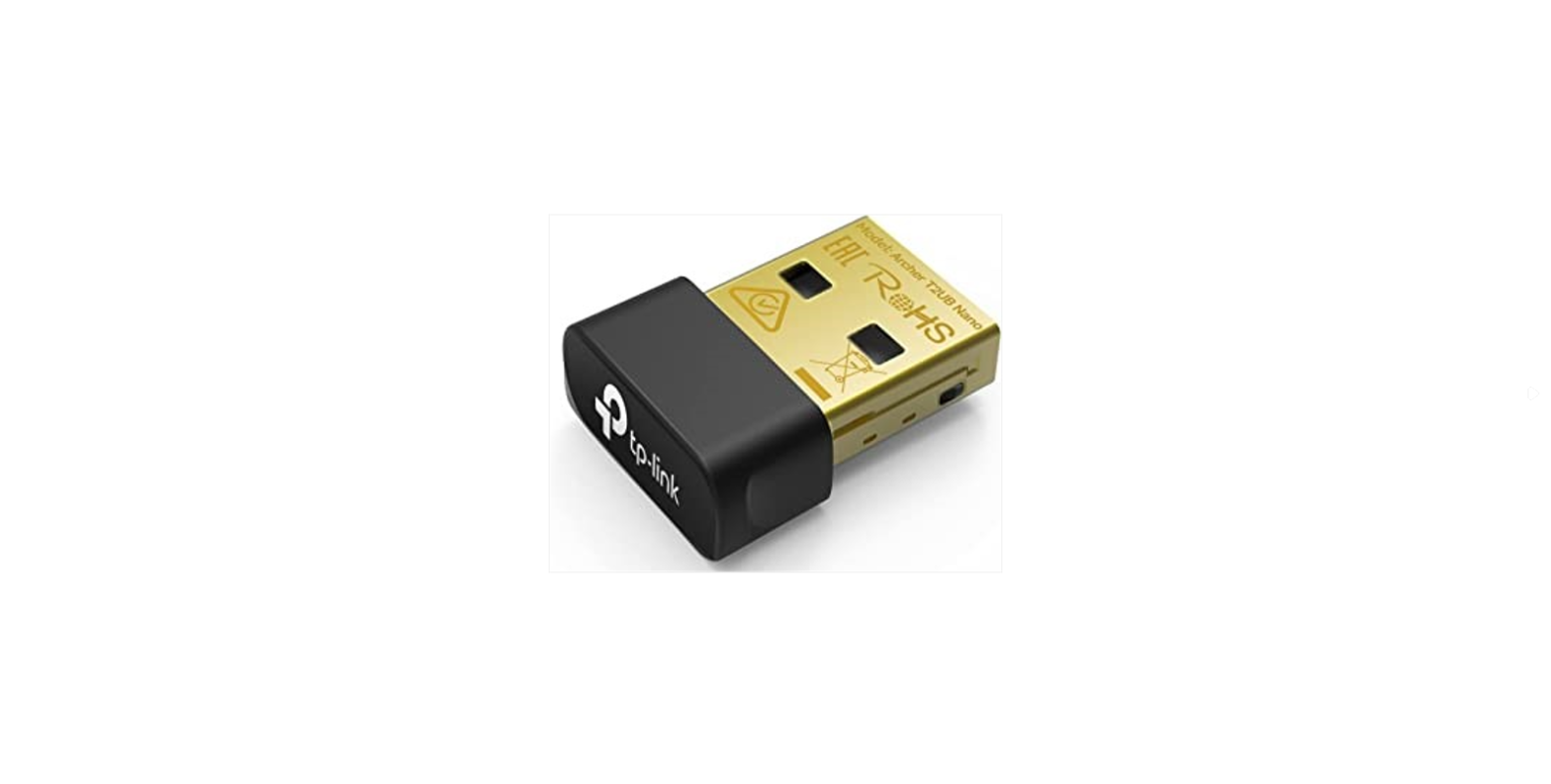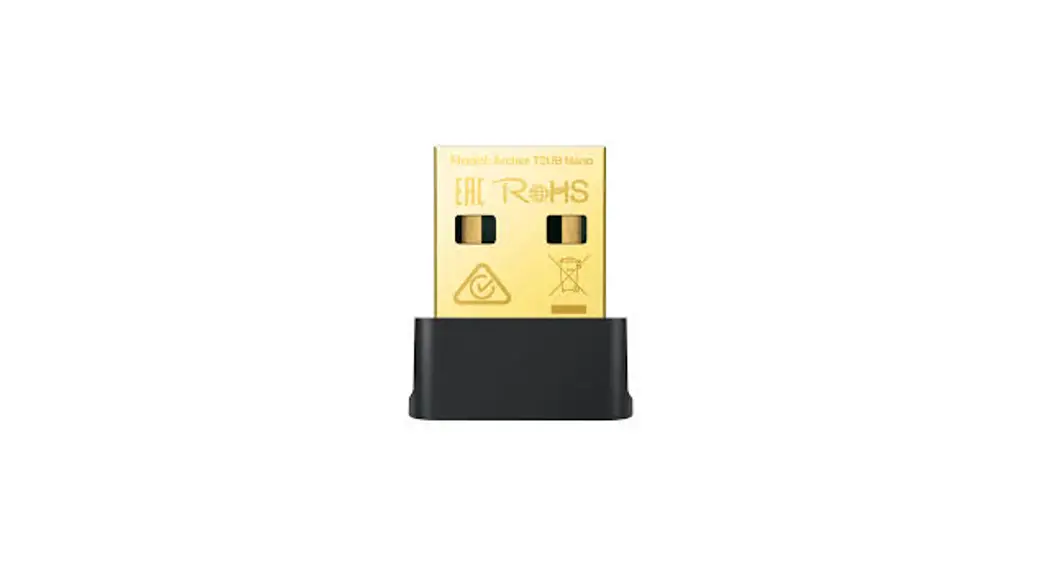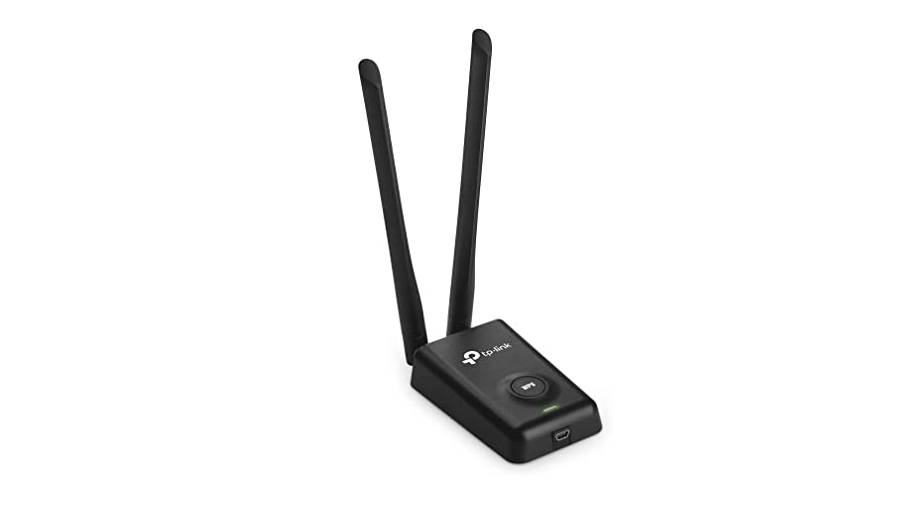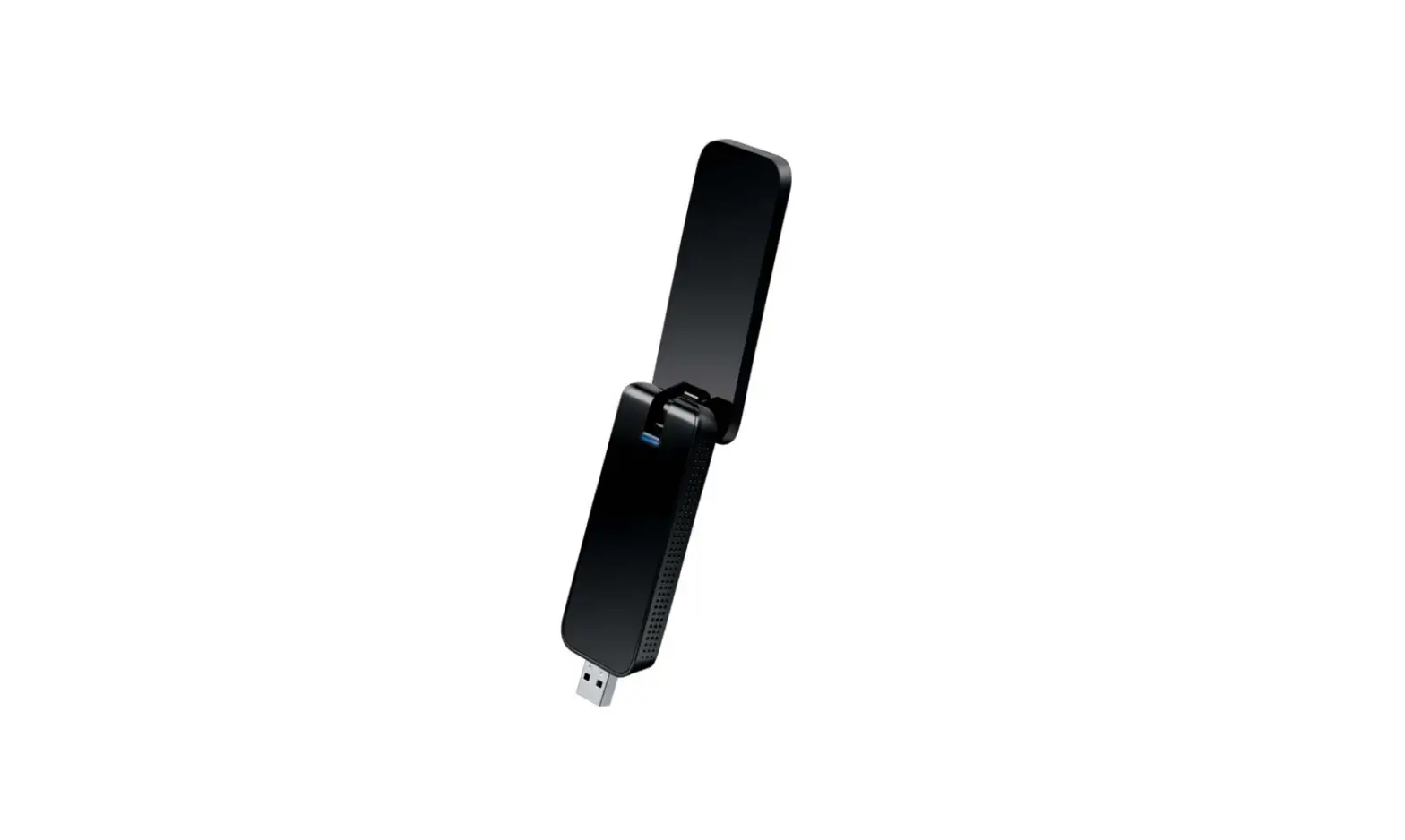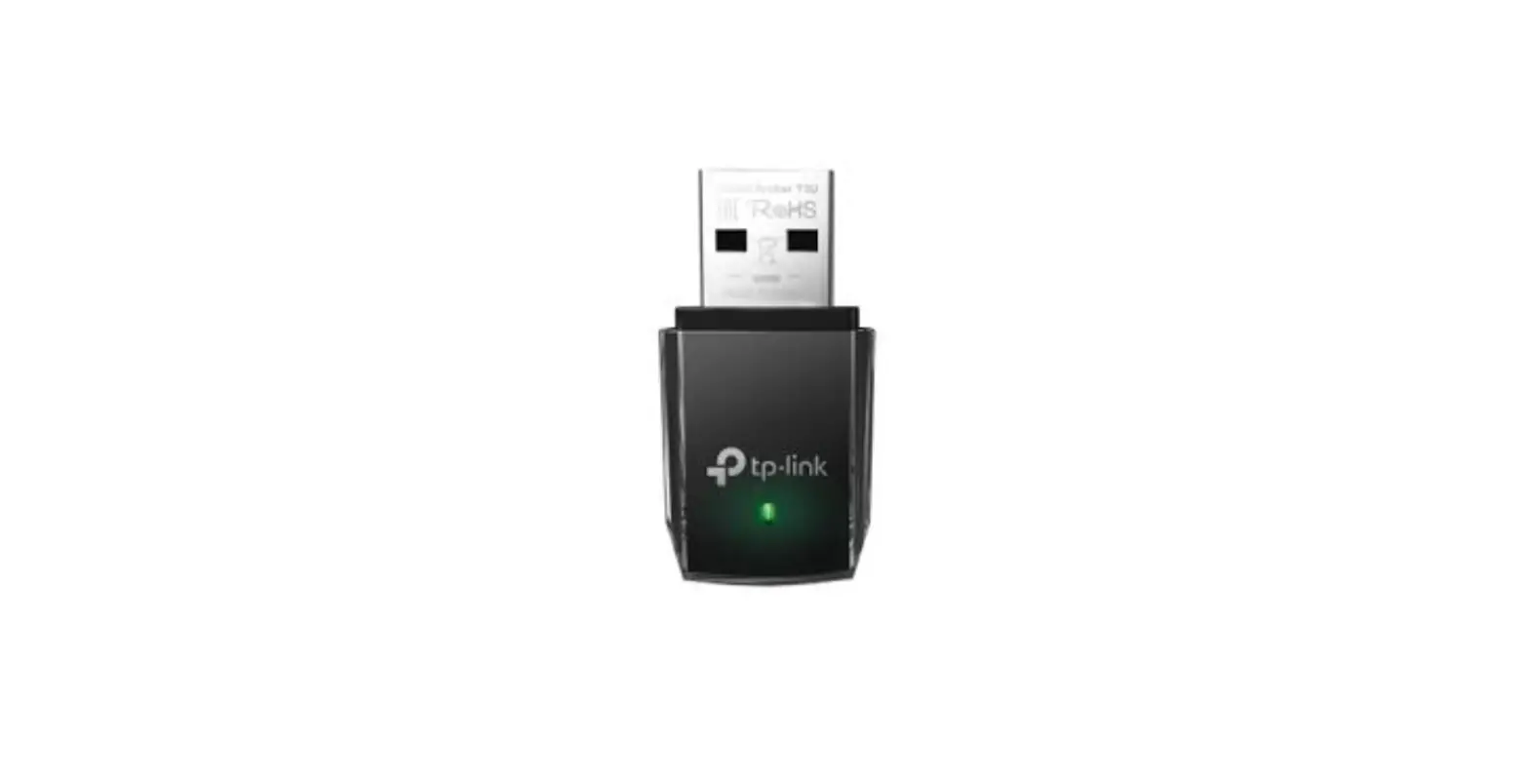

tp-link Archer T4U Plus Wireless USB Adapter
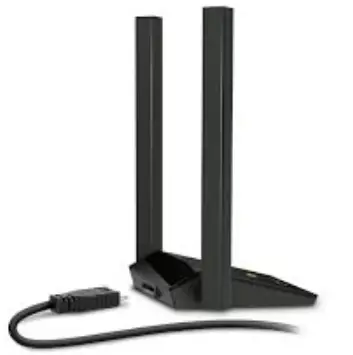
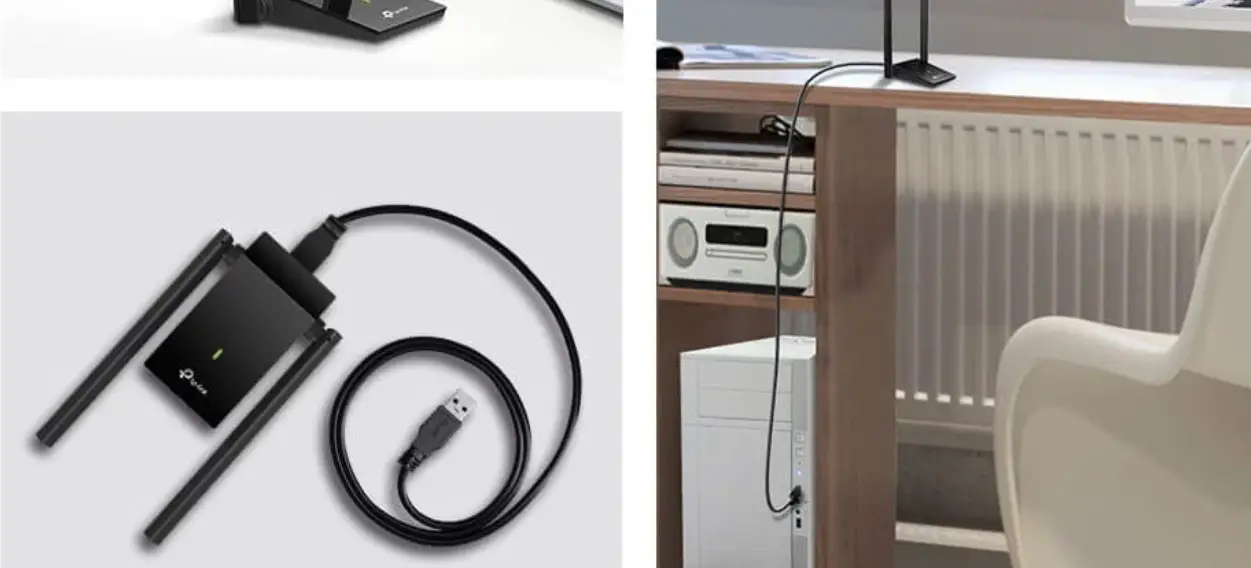
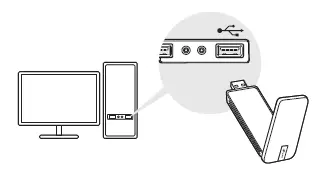
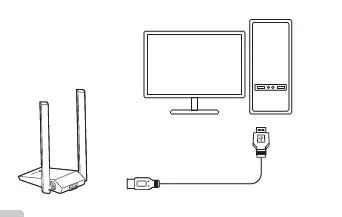
Connect to a Computer
- Option 1: Directly

- Option 2: Via the USB Extension Cable

Install Driver
- Insert the CD and run the Autorun.exe. Note:
You can also download the driver or check the new release at
https://www.tp-link.com/download-center - Select your adapter and follow the instructions to complete the installation.
Notes:
- If you can’t install the driver successfully, disable the antivirus software and firewall, then try again.
- In Windows 7, if a Windows Security message pops up, refer to Troubleshooting > T4.
- If an unknown publisher message pops up, select Yes to continue.
- If Windows User Account Control requires admin credentials, type user name and password of your Windows administrator account.
Join a Wireless Network
- Click the network icon
 on the taskbar.
 - Select your Wi-Fi network, click Connect and enter the password when prompted.

 on the taskbar.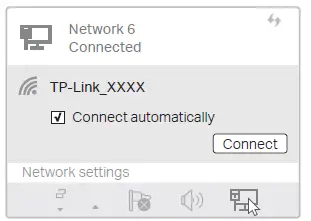
Troubleshooting
If you have problems during the installation, please refer to the following online FAQs.
- T1. Can’t find the hardware version of the adapter: https://www.tp-link.com/faq-46.html
- T2. Can’t find or connect to the wireless networks: https://www.tp-link.com/faq-2253.html
- T3. Can’t install the driver: https://www.tp-link.com/faq-2252.html
- T4. How to fix Windows 7 Security issue: https://www.tp-link.com/faq-2760.html
Safety Information
- Do not attempt to disassemble, repair, or modify the device.
- Do not use the device where wireless devices are not allowed.
- Keep the device away from water, fire, humidity or hot environments.
- This USB Adapter can only be powered by computers that comply with PS2 (IEC/EN 62368-1) or Limited Power Source (LPS) (IEC/EN 60950-1).
Support
For technical support, replacement services, user guides, and other information, please visit
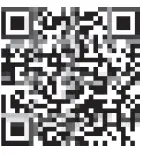
https://www.tp-link.com/support, or simply scan the QR code.
References
 Download Center | TP-Link
-
Problems you may come across during the driver installation of the TP-Link wireless adapter
-
Why cannot I connect to my wireless network | TP-Link
-
Update System Patches if Windows 7 cannot verify the digital signature of TP-Link driver software
-
How to find the hardware version on a TP-Link device
-
TP-Link Product Support - Wireless Networking Equipment Support
 Download Center | TP-Link