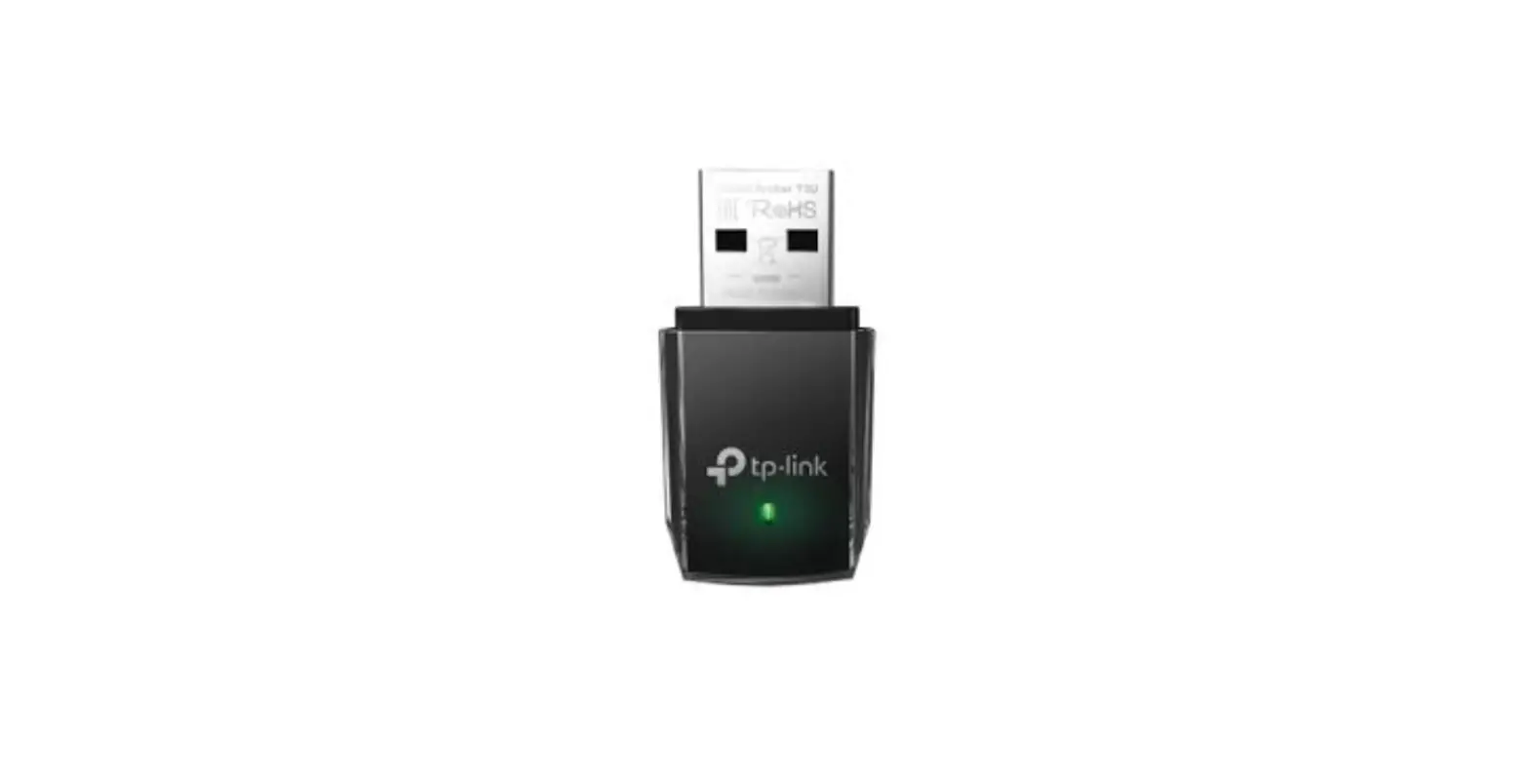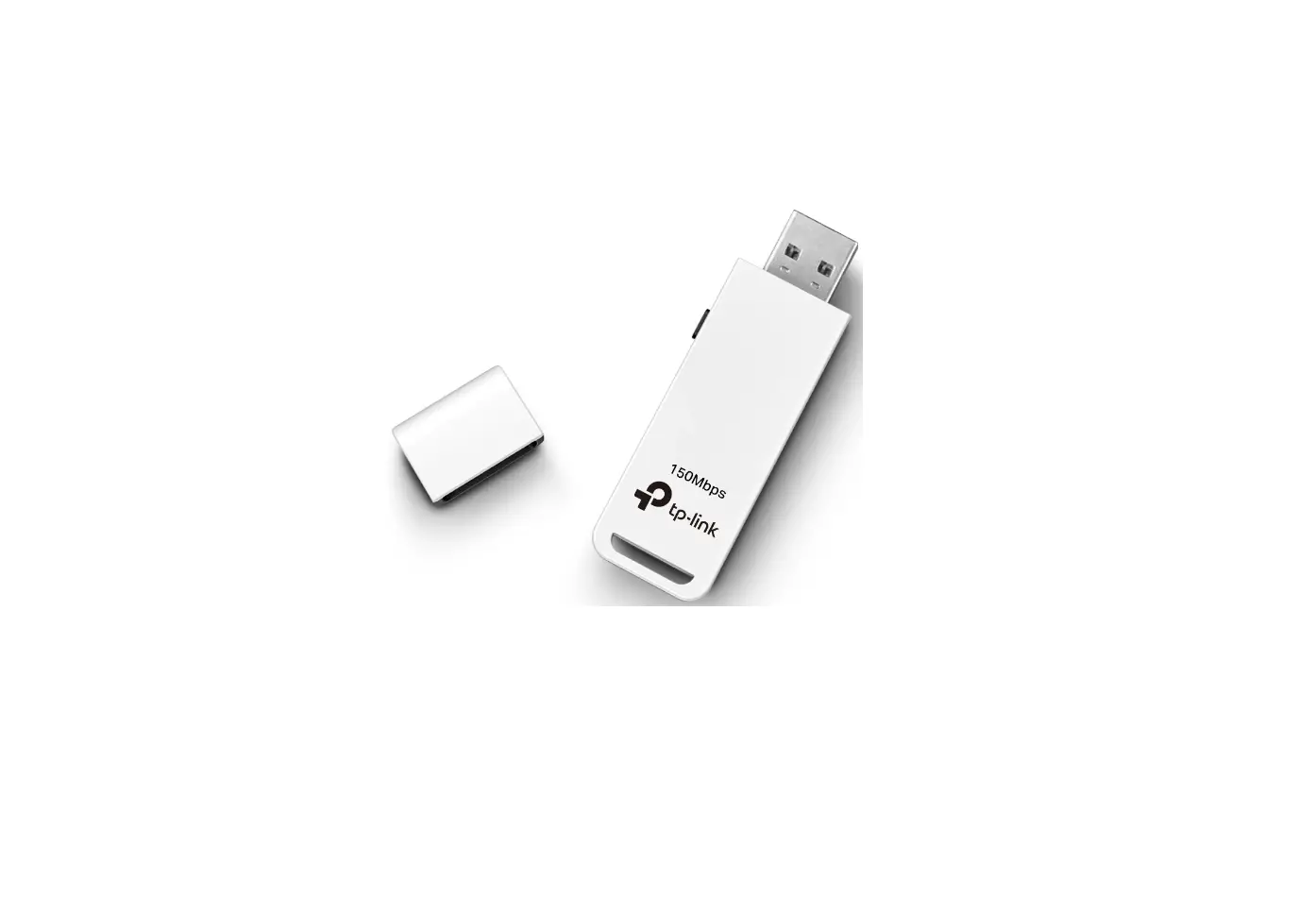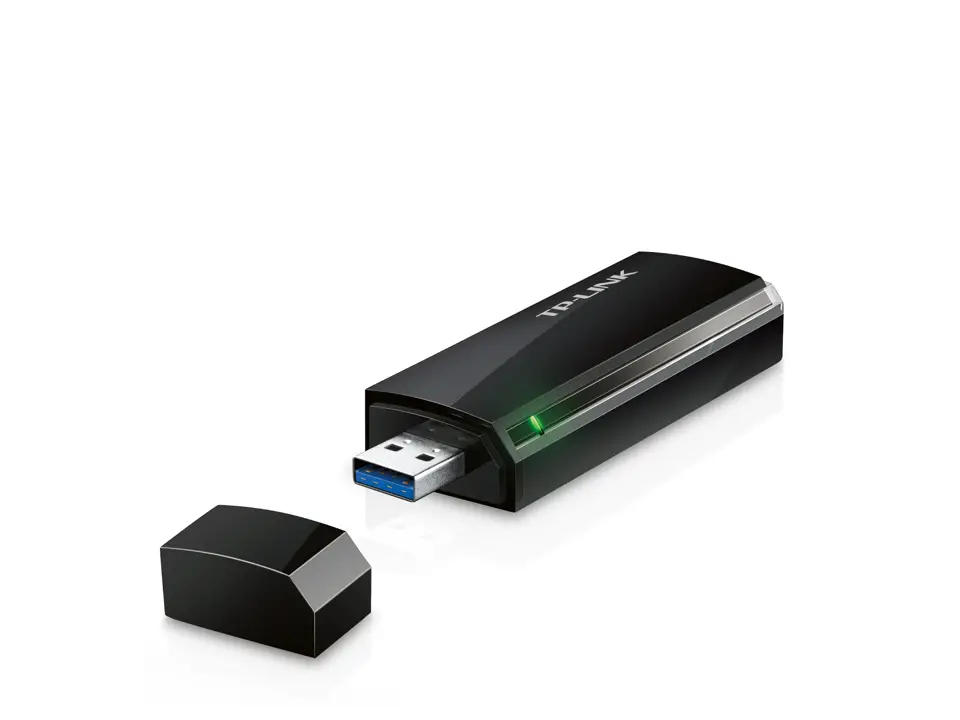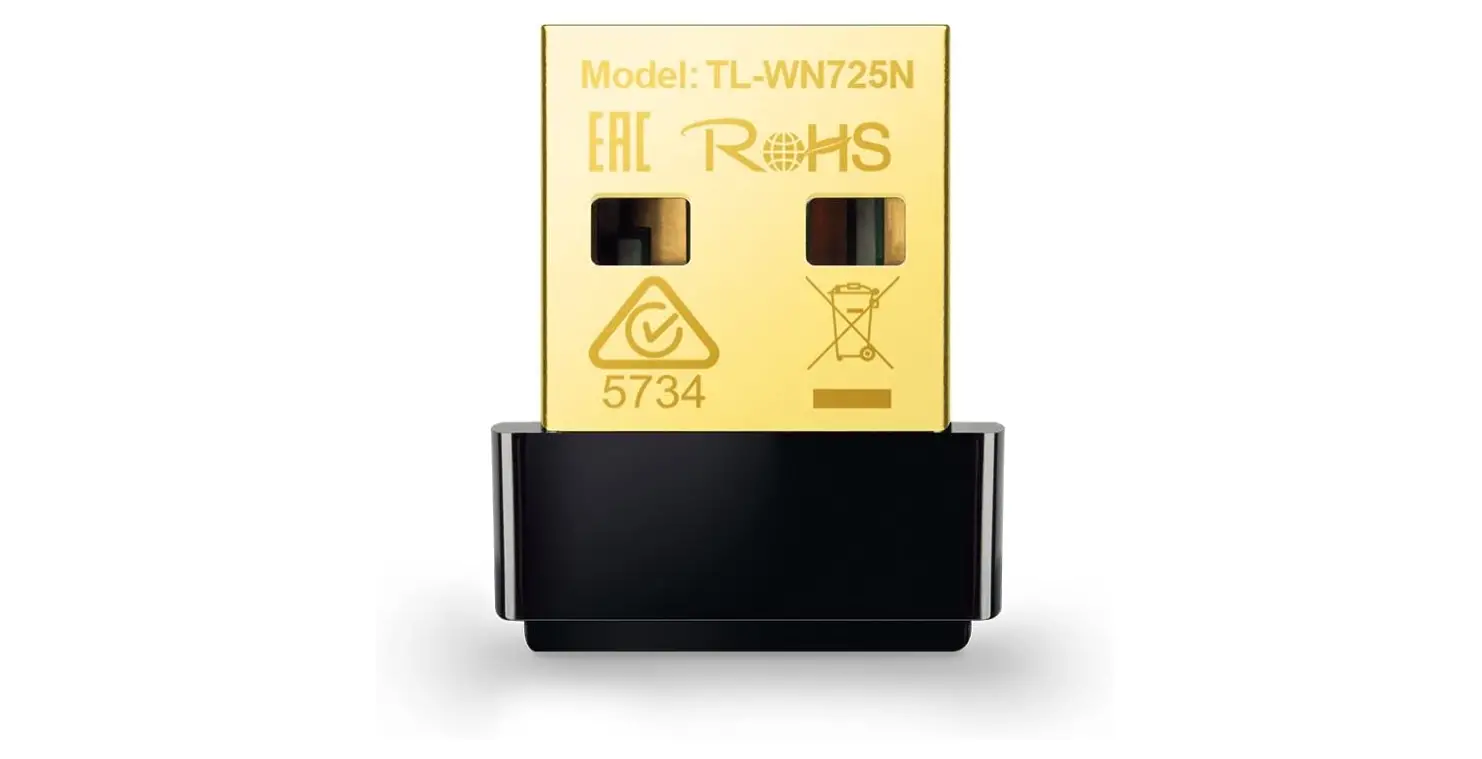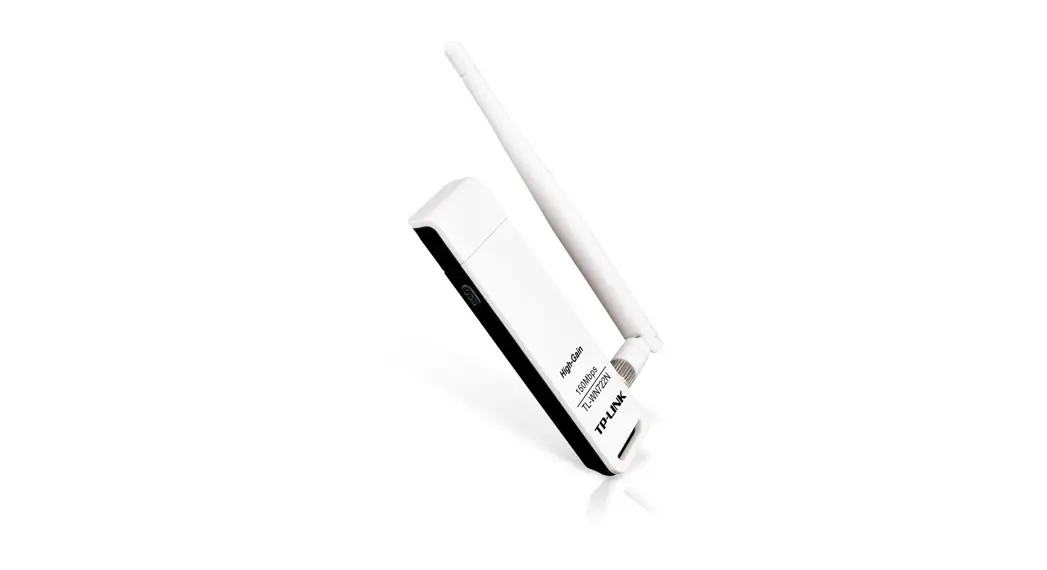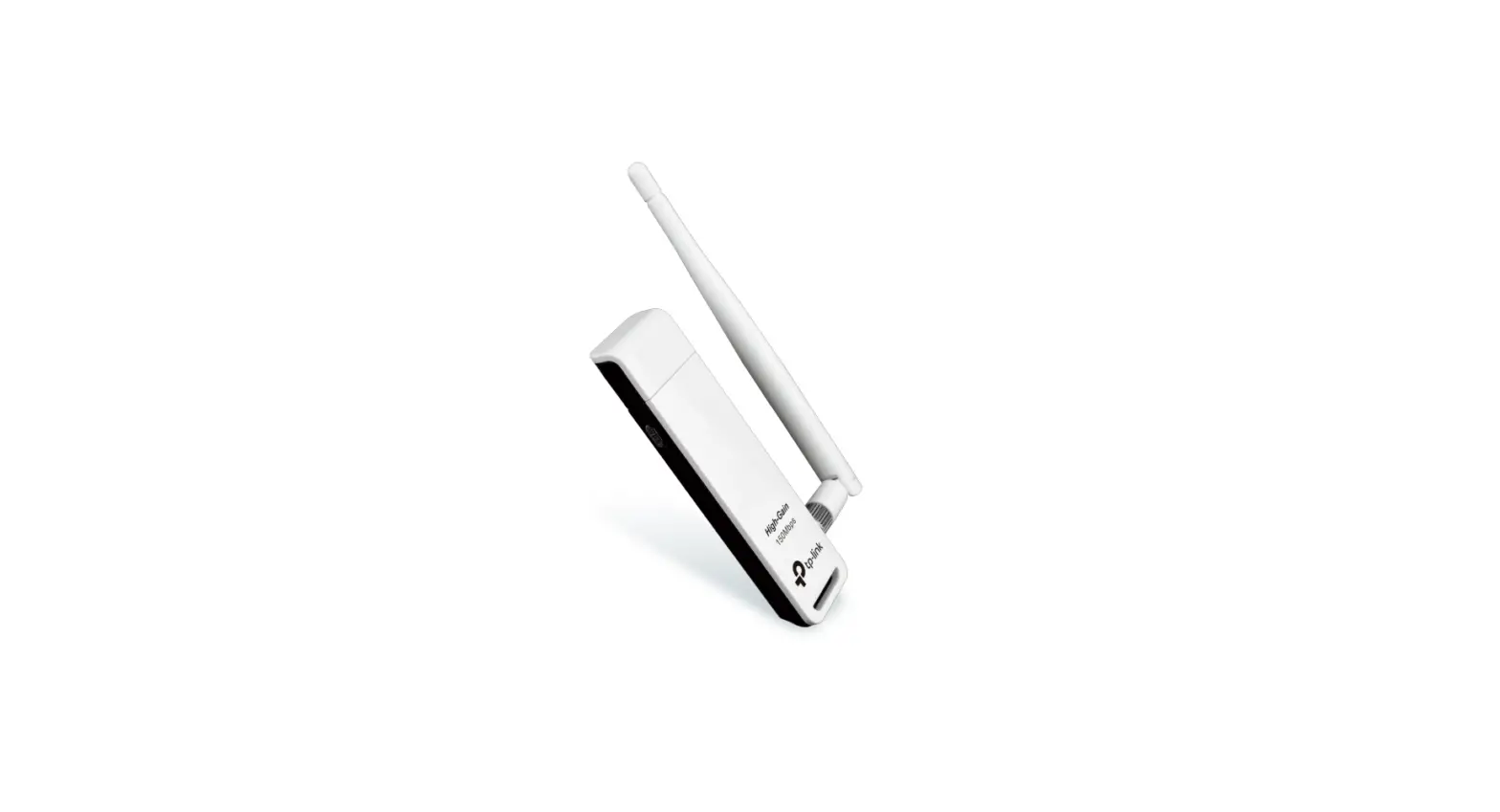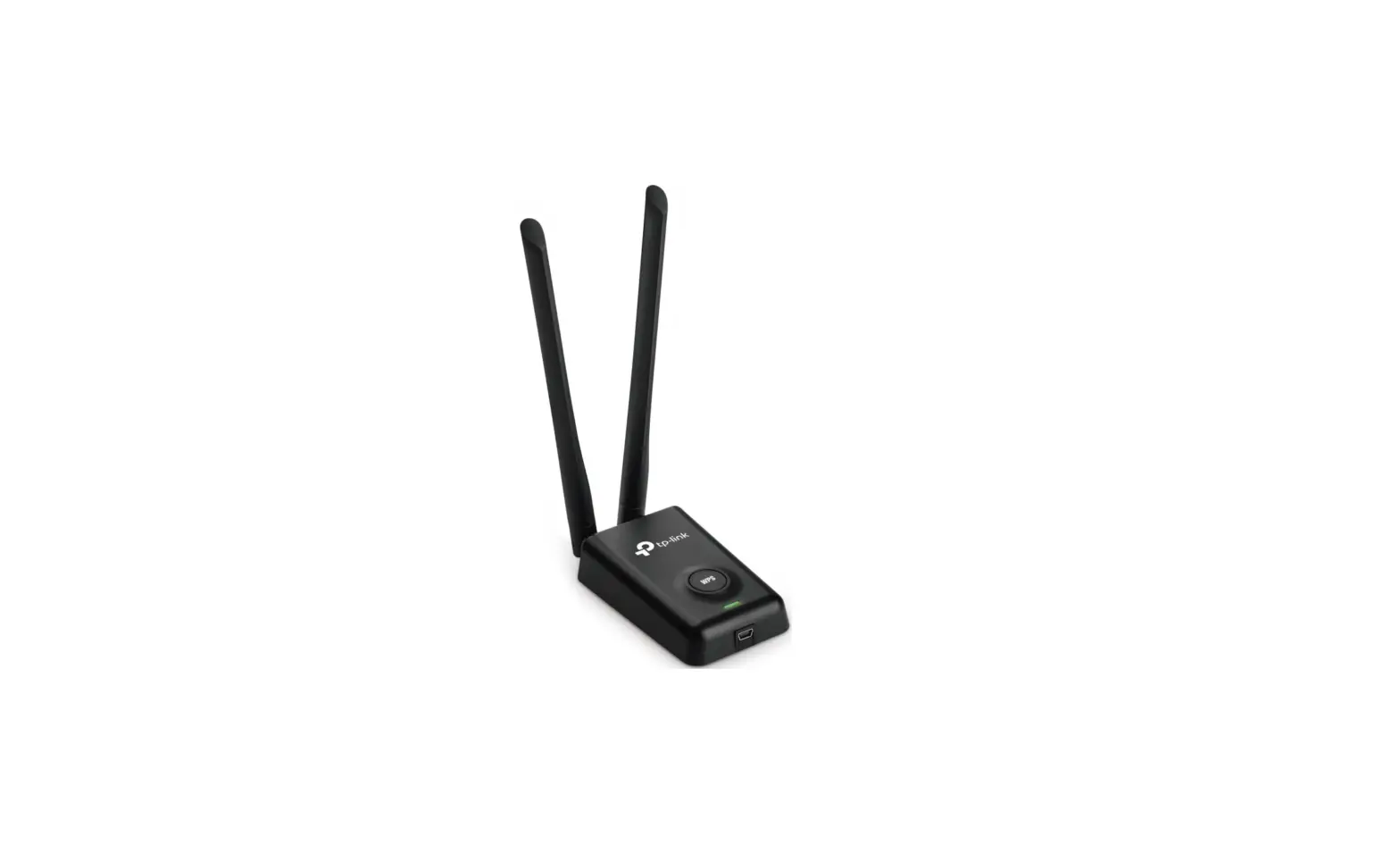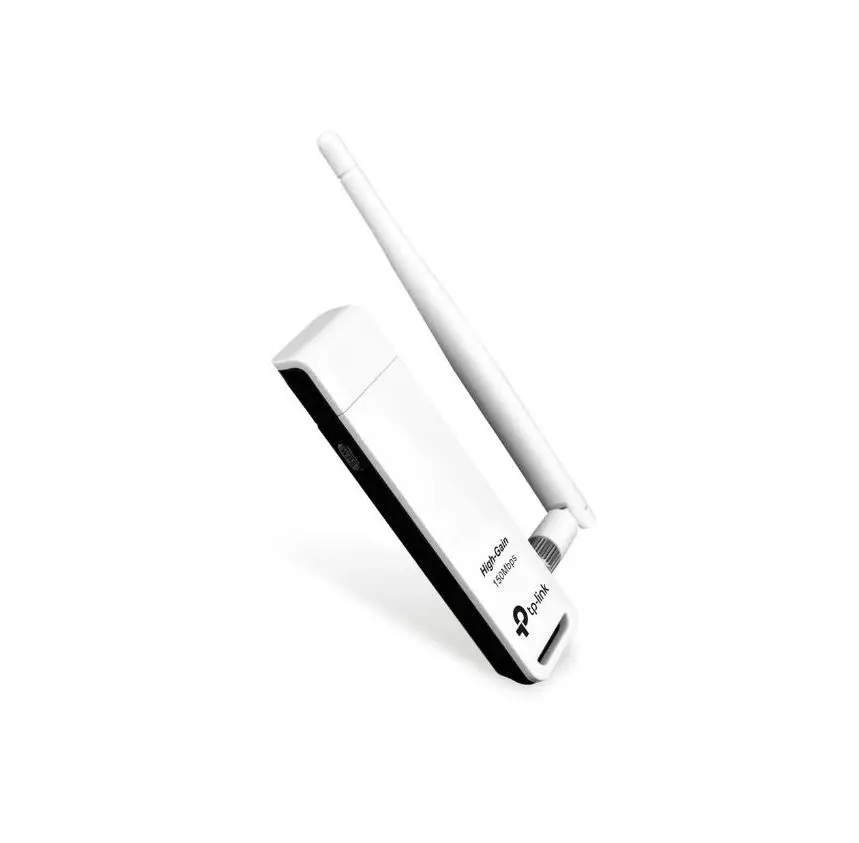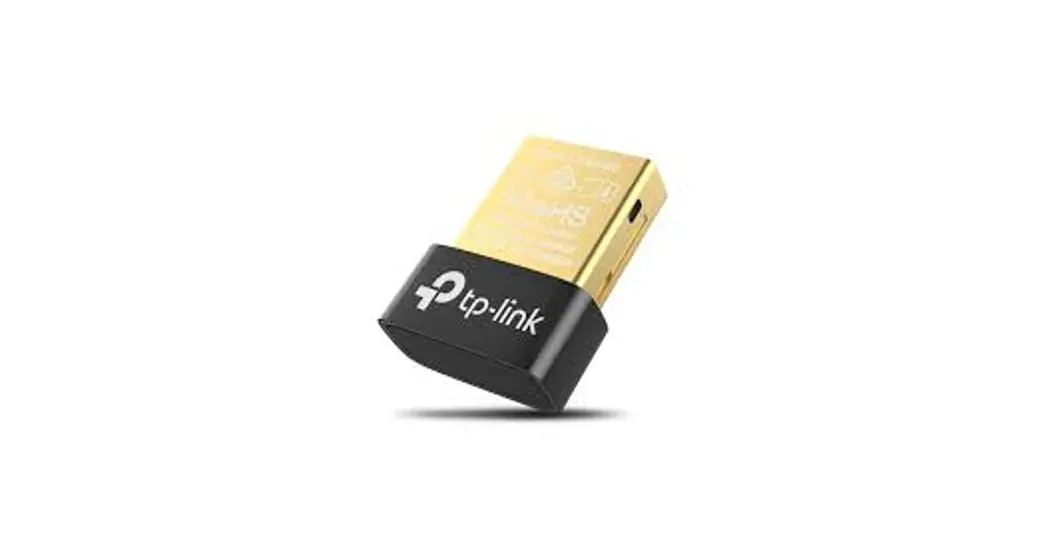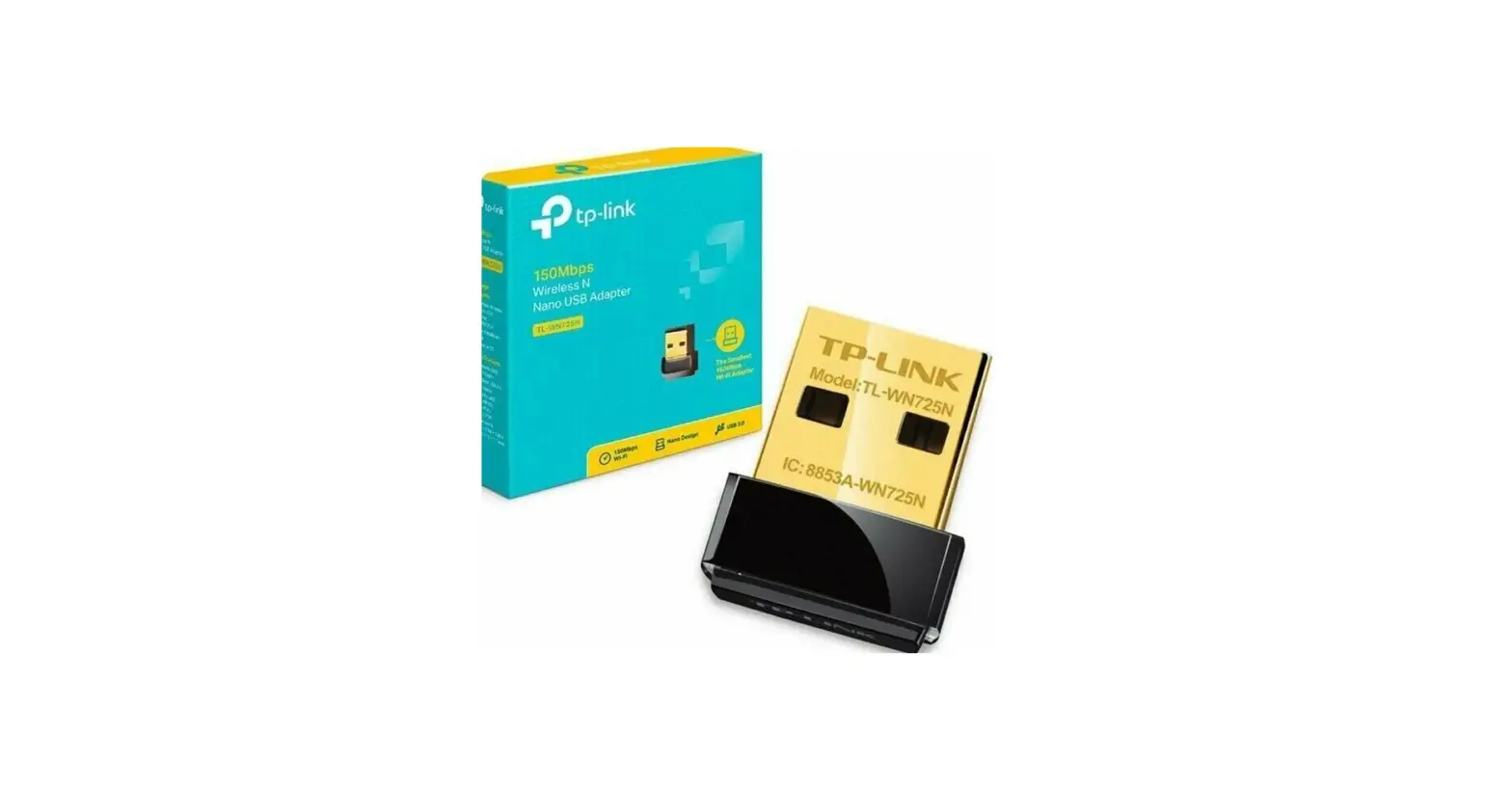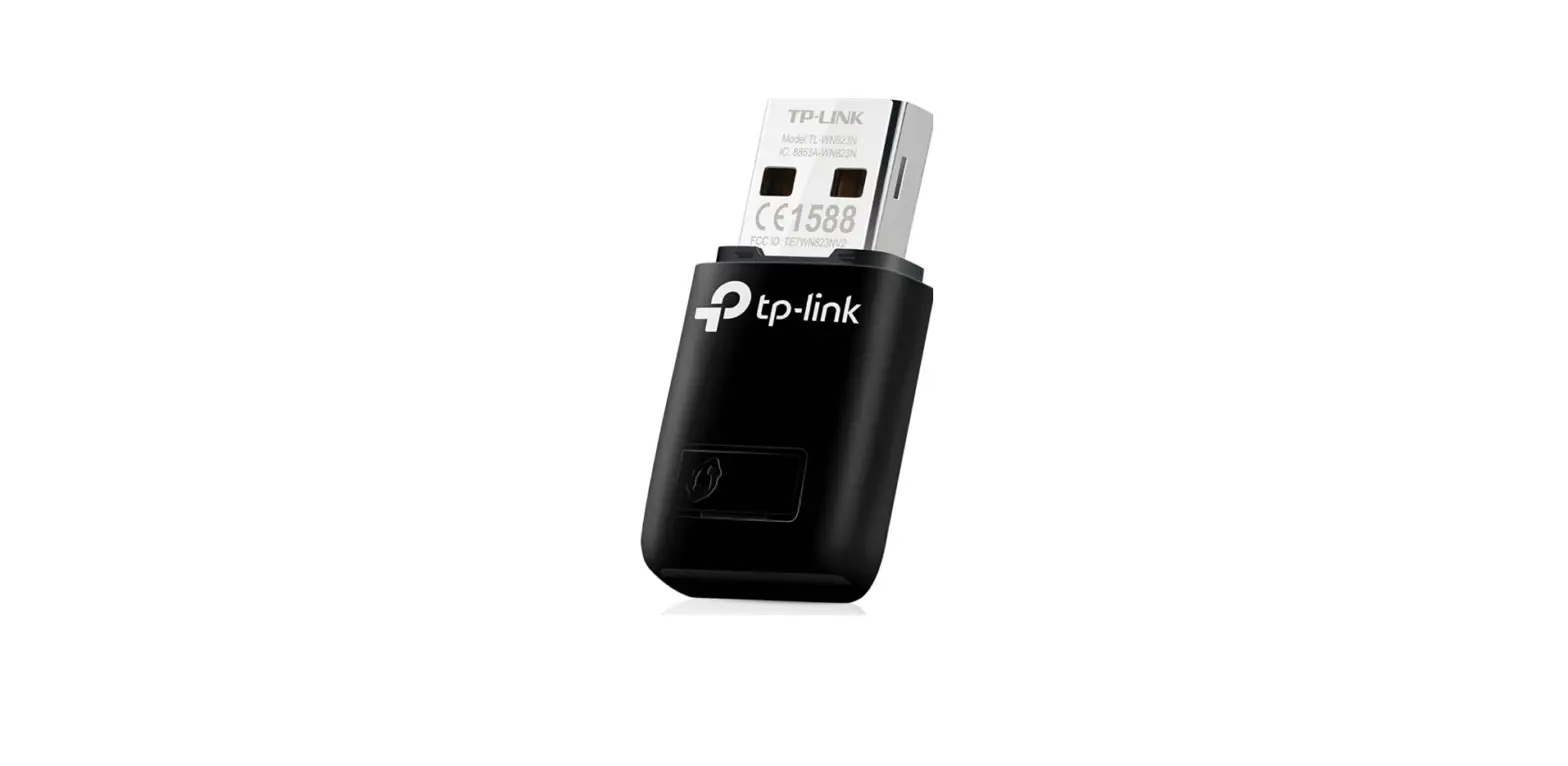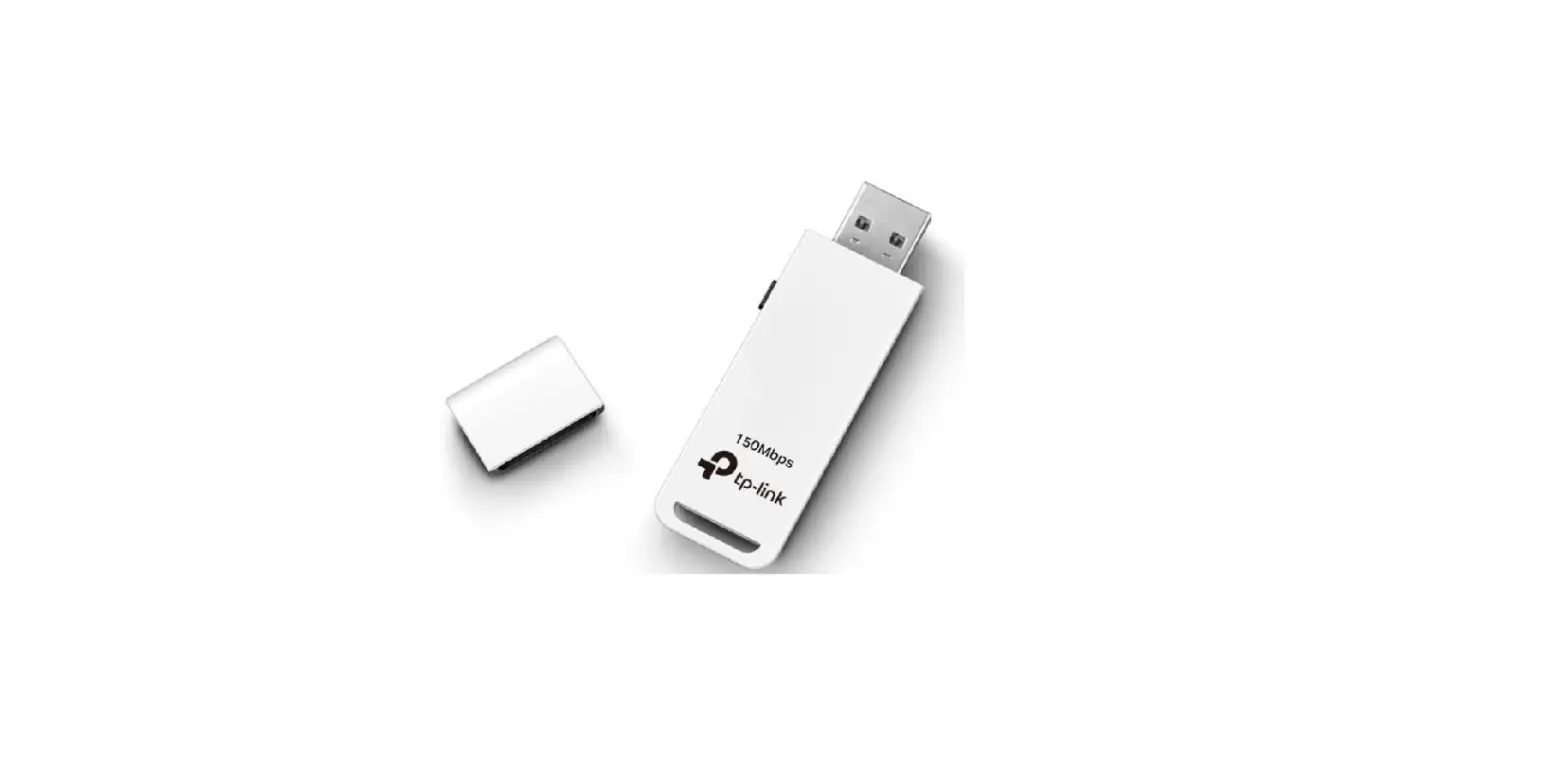
 tp-link 7106509868 Wireless USB Adapter
 tp-link 7106509868 Wireless USB Adapter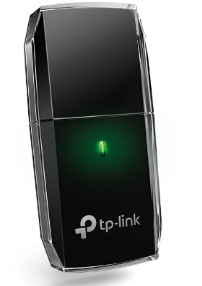
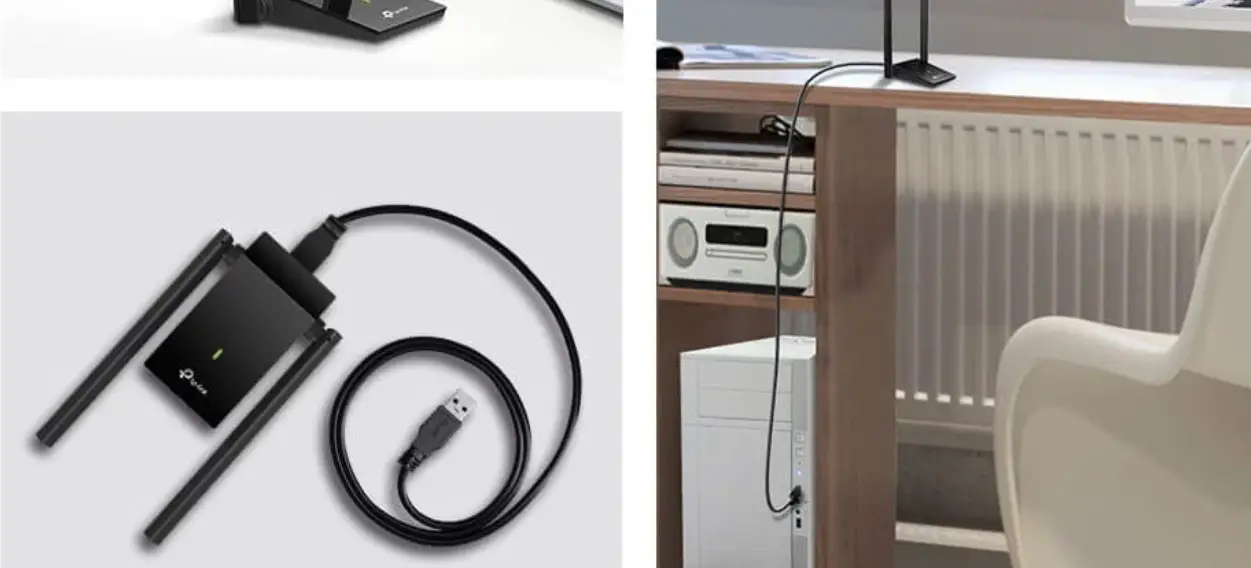
Connect to a Computer
Option 1: Directly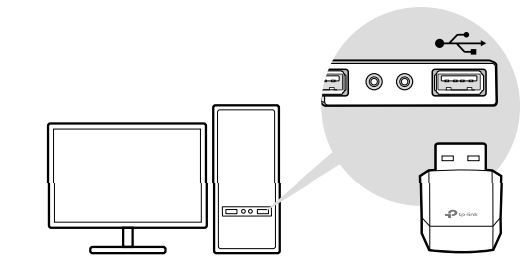
Option 2: Via the USB Extension Cable (if provided)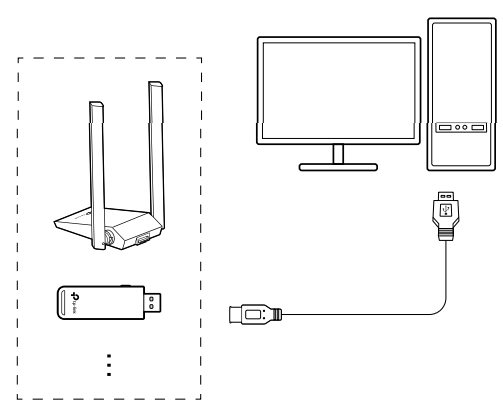
Install Driver
(For Windows)
- This adapter supports Plug and Play feature. Plug the
adapter in and then it is ready to use. - If your operating system does not support this feature,
follow the steps below:- Download the driver or check the new release at https://www.tp-link.com/download-center.
- Unzip the downloaded folder and run the Setup.exe.
- Select your adapter and follow the instructions to complete the installation
Notes: - If you can’t install the driver successfully, disable the antivirus software and firewall, then try again.
- In Windows 7, if a Windows Security message pops up, refer to https://www.tp-link.com/faq-2760.html.
- If an unknown publisher message pops up, select Yes to continue.
- If Windows User Account Control requires admin credentials, type user name and password of your Windows administrator account.
(For macOS)
- Download the driver and utility at https://www.tp-link.com/download-center.
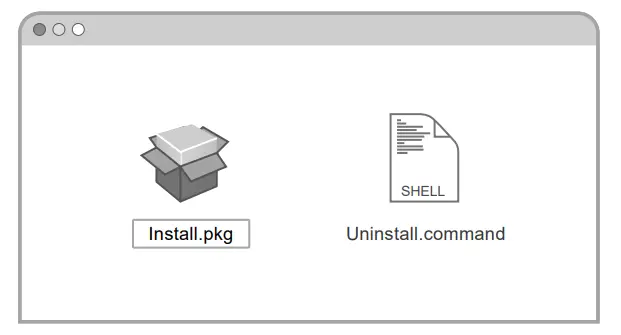
- Unzip the downloaded folder and run the Install.pkg.
- Follow the instructions to complete the installation.
Note: If a 3rd Party Mac Developer Installer message pops up, click Continue for further instructions.
Join a Wireless Network
For Windows
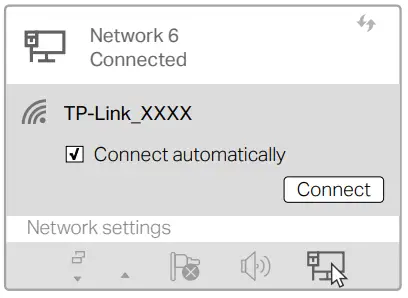
Option 1: Via Windows Wireless Utility
- Click the network icon ( ) on the taskbar.
- Select your Wi-Fi network, click Connect and enter the password when prompted

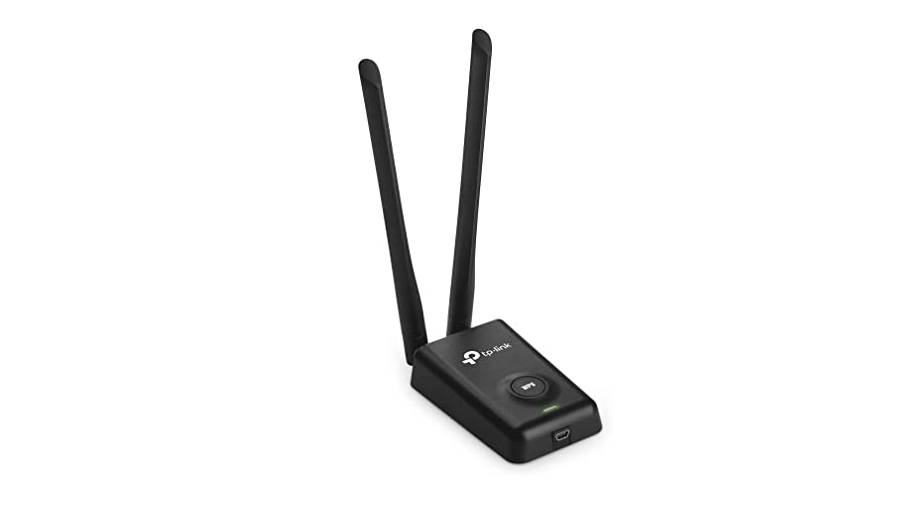
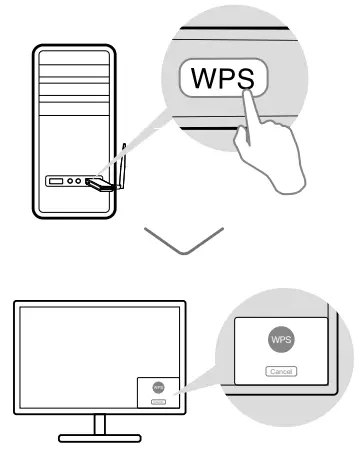
Option 2: Via WPS Tool
(If your adapter has a WPS button)
- Press the WPS button on your router.
- Within 2 minutes, press and hold the WPS button on the adapter until WPS Tool opens.

For macOS
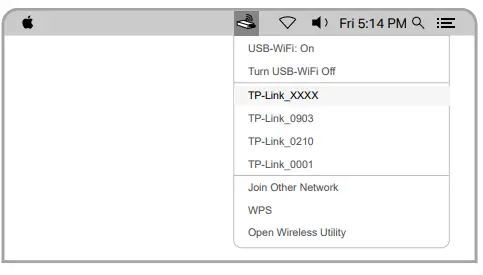
Option 1: Via TP-Link Utility
- Click (TP-Link Utility) on the menu bar.
- Select your Wi-Fi network and enter the Wi-Fi password when prompted.

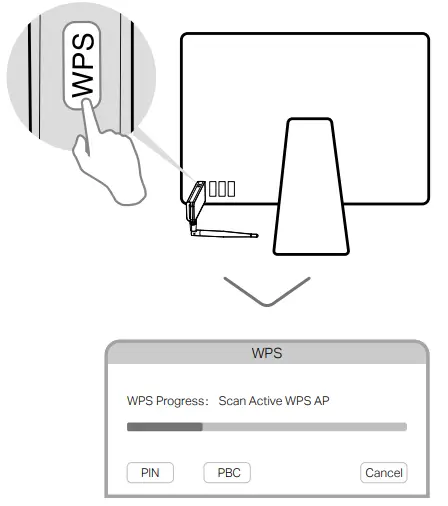
Option 2: Via Wi-Fi Protected Setup (WPS)
(If your adapter has a WPS button)
- Press the WPS button on your router.
- Within 2 minutes, press and hold the WPS button on the WPS progress window appears.

References
 Download Center | TP-Link
-
WiFi Networking Equipment for Home & Business | TP-Link
-
Download Center | TP-Link
-
CE Regulatory Compliance | TP-Link
-
Update System Patches if Windows 7 cannot verify the digital signature of TP-Link driver software
-
TP-Link Product Support - Wireless Networking Equipment Support
 Download Center | TP-Link
 WiFi Networking Equipment for Home & Business | TP-Link