084H5001 Intelligent Purging System
Product Information: Intelligent Purging System (IPS 8)
Ammonia
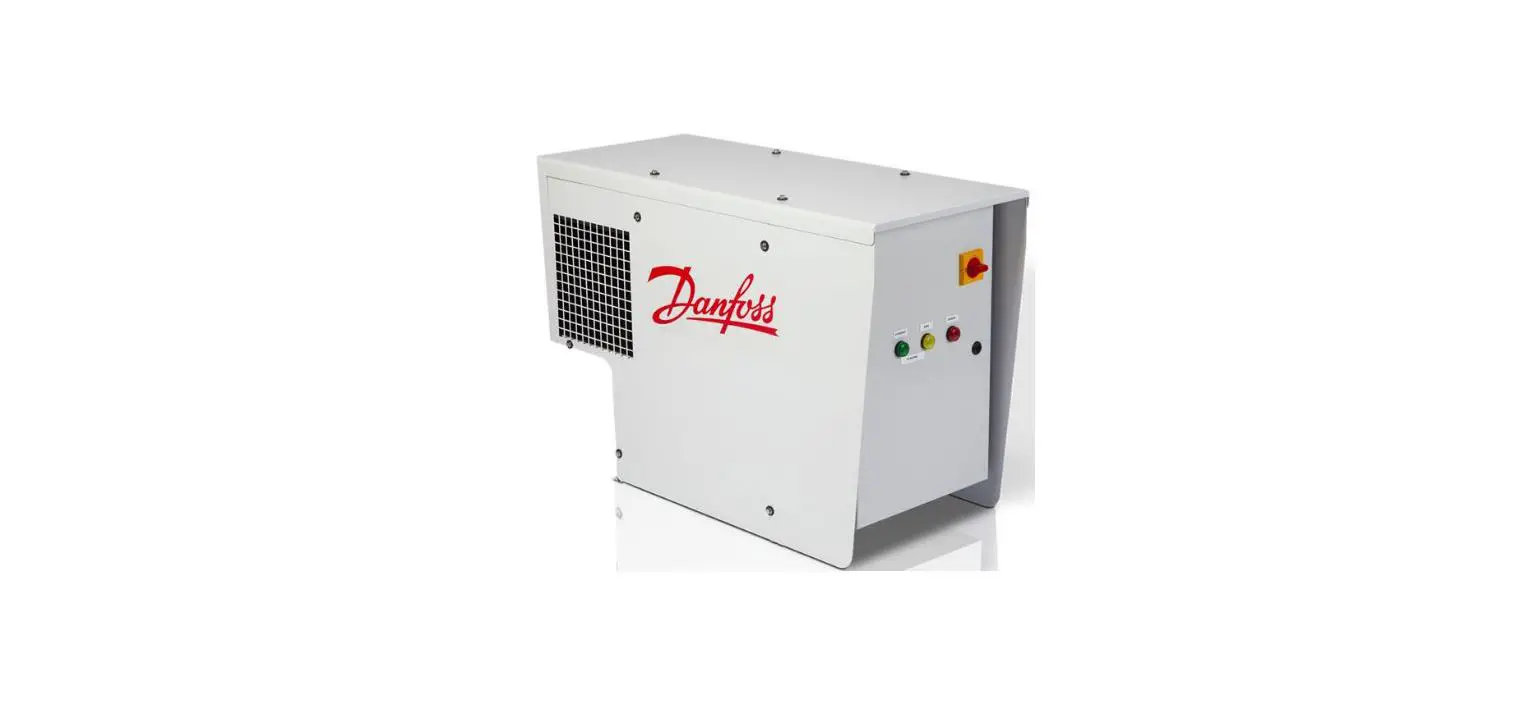
The Intelligent Purging System (IPS 8) is a purger unit designed
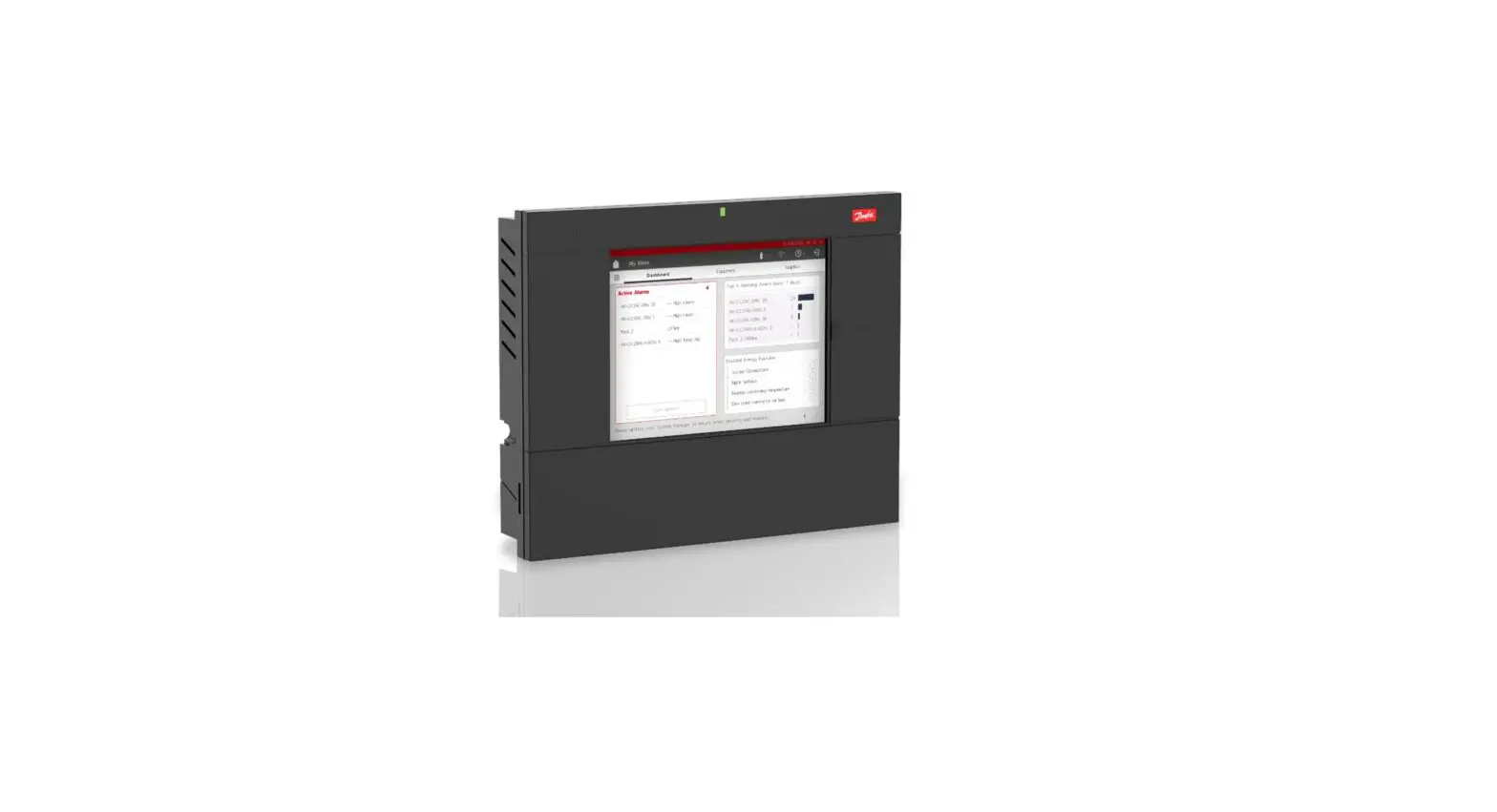
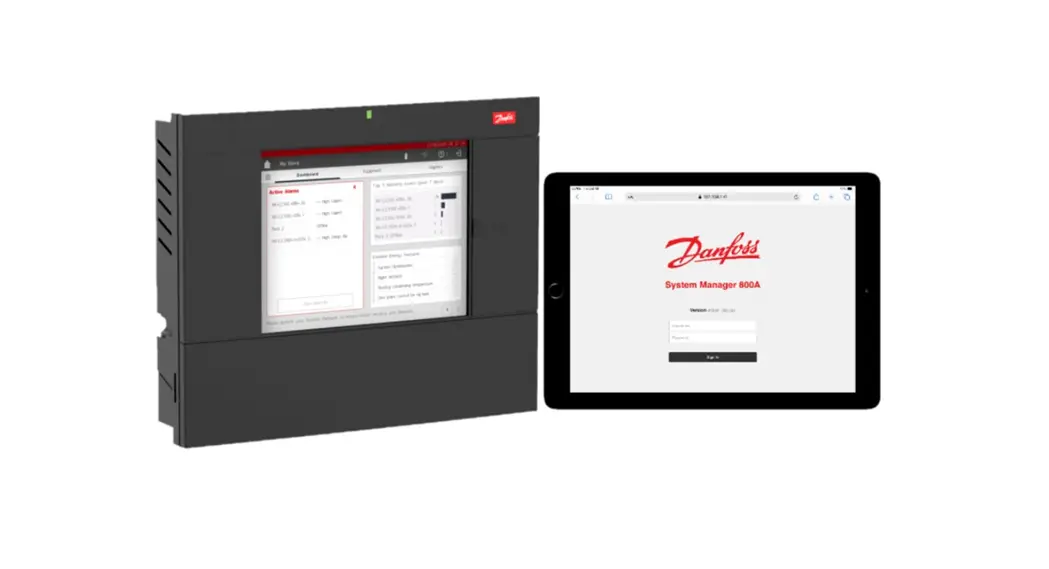
for use with ammonia systems. It is equipped with the MCX15B2
controller for efficient operation and control.
Features:
- Integrated MCX15B2 controller
- Designed for ammonia systems
- Allows for purging of gas lines
- Includes temperature and pressure sensors
- Easy navigation and configuration
Specifications:
- Power Supply: 230V AC, 1ph
- Frequency: 50Hz (code: 084H5001), 60Hz (code: 084H5002)
- Compliance: CE
Installation Requirements:
- Ensure proper mechanical installation as per Danfoss
instructions - Maintain horizontal alignment within 2 degrees to IPS top
cover - Keep the purger unit in an upright position at all times
- Provide sufficient space around the IPS for air circulation
flow - Inspect gas lines for possible dirt
Electrical Check:
- Verify connections to field-connected purge point solenoids and
ICFD solenoid (if used) - Coils voltage should be the same as the main power supply
- If field-connected solenoids have different voltage, refer to
Fig. 9 for further instructions
Product Usage Instructions:
- Perform the mechanical and refrigeration check as per the
instructions provided. - Ensure the IPS controller (MCX15B2) is properly set up.
- Switch ON QS1, QM2, and QM4 in the electrical panel (refer to
Fig. 10). - Check the temperatures before starting the compressor. They
should be within the specified range (+/-1 K). - If temperatures are not within the range, check cables and
connections of pressure and temperature sensors. - Navigate to the Main Switch parameter and select Start. Then
select Main Switch ON. - Monitor the compressor operation and observe pressure and
temperature changes on the main screen. - If the compressor runs for 15-25 minutes without significant
pressure and temperature changes, and becomes very hot on its
surface (90°C-110°C), stop IPS and contact Danfoss for
assistance. - To configure the number of purge solenoid valves connected to
the IPS, follow the steps below:
- Navigate from the Main Menu to Start.
- Select Main Switch OFF.
- Go to Main Menu.
- Navigate from the Main Menu to Login.
- Enter password 200.
- Choose Parameters.
- Choose Unit Config.
- Choose Valve Settings.
- Enter the number of purge solenoid valves connected to the IPS
(factory setting is: 8). - Go back to Start and choose Main Switch ON, and return to the
main screen.
Start-up guide
IPS 8, CE, 230V AC, 1ph, 50Hz, code 084H5001 IPS 8, 230V AC, 1ph, 60Hz, code 084H5002
User Guide | Intelligent Purging System (IPS 8) Ammonia
Contents
Mechanical / Refrigeration check……………………………………………………………………………………………………………………………………………….. 3 Electrical check ………………………………………………………………………………………………………………………………………………………………………………….. 3 IPS controller (MCX15B2) setup…………………………………………………………………………………………………………………………………………………… 4 IPS MCX controller Quick start …………………………………………………………………………………………………………………………………………………. 6 Lifting Procedure ………………………………………………………………………………………………………………………………………………………………………………. 8 Connection points…………………………………………………………………………………………………………………………………………………………………………..10 Installation ………………………………………………………………………………………………………………………………………………………………………………………….10
© Danfoss | Climate Solutions | 2023.07
BC437120335698en-000101 | 2
User Guide | Intelligent Purging System (IPS 8) Ammonia
Mechanical / Refrigeration check
1) Verify that IPS 8 purger is installed, wired, and piped as per Danfoss instructions 2 )Horizontal alignment requirements must be within 2 degrees to IPS top cover. See Fig. 1 3 )The purger unit should be always kept in an upright position – from receipt to final
installation, including possible lift to a high final location. See Fig. 2 4) Leave space around IPS for air circulation flow. Do not install it right up to a wall. See Fig. 3 5) Inspection of possible dirt in gas lines. See Fig. 4
a. For purge point connect gas line a slope towards the IPS8 purger, must be observed. b. No liquid traps 6) Remember to remove rubber plug. See Fig. 5. 7) Carry out proper vacuum on the purge point connect gas line and R717 side of IPS 8 purger. The R717 side of IPS 8 purger must be pressurized prior to the IPS 8 being put into operation. 8) Before connecting power supply to IPS let it stand upright for min. 6 hours after it has been placed at its final location 9) After mechanical installation, but before connecting power supply IPS, please check: a. If Danfoss drain valve used (Type SV or ICF with ICFD), then check: b. SV: See Fig. 6a
i. Check throttle valve A is opened, and SV is properly assembled. ii. Check that port B is closed by bolt. c. ICFD: See Fig. 6b i. Check stop valves ii. Check coil is installed on solenoids (Solenoid for ICF w/ICFD (DO6) if used) 10) Open stop valves D, as we have vacuumized the pipes before. Open manually one of purge point solenoids E. See Fig. 6a and 6b
For general mechanical installation guidance/practice. See Fig. 6c
Electrical check
11) Check Main power supply. See Fig. 7 a. 084H5001, IPS 8: 230 V, AC 50 Hz b. 084H5002, IPS 8: 230 V, AC 60 Hz c. Power to be connected to Main switch: QS1 and Terminal: XT0 i. Terminals on QS1 1. 3, L2 Line phase 2. 1, L1 Neutral ii. Terminal XT0 1. PE Earth
12) Check connections to field connected Purge point solenoids and ICFD solenoid (if used) See Fig. 8a and 8b a. Coils voltage. Same as Main power supply. No further action needed. b. At different voltage for field connected solenoids coils. See Fig. 9
3 | BC437120335698en-000101
© Danfoss | Climate Solutions | 2023.07
User Guide | Intelligent Purging System (IPS 8) Ammonia
IPS controller (MCX15B2) setup
After Mechanical / Refrigeration check, the conditions for startup must be checked. See Fig. 10 for overview of Electrical Panel and location of Thermal magnetic miniature circuit breakers 13) Switch ON:
a. QS1, QM2 and QM4. See Fig. 10 14) Before start of compressor, temperatures needs to be checked. Should all be within:
+/-1 K (OK) if OK then go to 15)
If Temperatures are not within: +/-1 K then check cables and connections of pressure and temperature sensors. (NOK)
15) Preparation for start compressor a. Switch ON See Fig. 10 i. QM1 and QM3
Below (E10, System is OFF and the icon
) inform that MainSwitch is OFF
16) Navigation to Main Switch parameter a. <Enter> b. Select “Start” c. Select “Main Switch ON” and <Enter>
© Danfoss | Climate Solutions | 2023.07
BC437120335698en-000101 | 4
User Guide | Intelligent Purging System (IPS 8) Ammonia Go to Main Screen and watch compressor in operation and pressure/temperature changing. As compressor is in operation, pressure and temperature is changing, after about 15-25 minutes we should observe changes as reflected on below screens. See development below from left to right
If the compressor is running for 15-25 minutes, without pressure and temperature really changing (example below) and compressor then becomes very hot [90 0C-110 0C] on its surface, – then STOP IPS and call Danfoss.
5 | BC437120335698en-000101
© Danfoss | Climate Solutions | 2023.07
User Guide | Intelligent Purging System (IPS 8) Ammonia
IPS MCX controller Quick start
Basically, the IPS with the built-in MCX controller, only need one setting, How many Purge points? See steps below for how to navigate to the parameter for entering how many Purge points which is connected.
a) Navigate from the Main Menu to Start by <Enter> b) Select “Main Switch OFF” c) Go to Main Menu d) Navigate from the Main Menu to “Login” e) Enter password “200” f ) Choose “Parameters” g) Choose “Unit Config” h) Choose “Valve Settings” i) Enter the number of purge solenoid valves connected to the IPS (factory setting is:8) j) Go back to Start and chose `Main Switch ON’, and go back to main screen
See development below from left to right
© Danfoss | Climate Solutions | 2023.07
BC437120335698en-000101 | 6
User Guide | Intelligent Purging System (IPS 8) Ammonia
IPS MCX controller Quick start
It can be useful during commissioning to quickly move the next Purge point, in order not to wait to IPS internal time cycle between purge points. See steps below for how to navigate to the parameter in question.
1. Navigate from the Main Menu to Start by <Enter> 2. Enter password “200” 3. Choose “Start” 4. Choose “Next Purge Point” and <Enter> 5. Press <X>, to go back to main screen 6. Check that Purge Point has been changed to the next one. (below example from Purge Point
3 to Purge Point 4)
See development below from left to right
7 | BC437120335698en-000101
© Danfoss | Climate Solutions | 2023.07
User Guide | Intelligent Purging System (IPS 8) Ammonia
Lifting Procedure
Fig. 1
It is important that the support construction is level to ensure the internal liquid trap is properly filled. Angle to horizontal < 2 degrees
.
All 4 lifting eyes must be positioned correctly, to match the actual used lifting gear All 4 lifting eyes must be used Fig. 2
© Danfoss | Climate Solutions | 2023.07
BC437120335698en-000101 | 8
User Guide | Intelligent Purging System (IPS 8) Ammonia
Min. 900 mm
1051 mm
Min. 500 mm
703
* *FoFroeraesaysyacaccecsesstsotothtehme mainainswsiwtcithch anadndsesrevrivcicnign,gt,htehePuPrugregreurnuint isthsahllabllebe inisntsatlalelldedbebtewtweeenen0,0,505toto1,1,m1 m(2(t2ot4o34i3n)in) abaobvoevesesrevrivcieceplpaltafotfromrmlelveevl.el.
Service platform
*
32 mm
Flange for R717 access Support for 100 kg/ 220 lbs
Min. 300 mm
446 mm
Min. 300 mm
Min. 900 mm
Fig. 3 Installation dimensions
9 | BC437120335698en-000101
© Danfoss | Climate Solutions | 2023.07
User Guide | Intelligent Purging System (IPS 8) Ammonia Connection points
ICF 15-4
Be aware of liquid traps Where slope is shown above, ensure downward sloping pipe flowing towards purger drop leg.
Installation
SNV
SVA
NH gas + NC gases
NH bypass for draining purger Ammonia Liquid
SVA SV3
SNV SNV
Liquid drain to Low pressure side Fig. 4 Multi-point purging from up to 8 purging points
Purge Points – up to 8 points
416,4 198 310 155
8 x 011 mm (hole)
274
547
Enclosed gasket
Enclosed bolts, Torque: 60 Nm (44.3 ft lb) diagonal tension Enclosed weld flange (fig. 14) Purging pipe OD 17.2 for rubber hose to water bath Do not unscrew restrictor inside pipe. Risk of purging high NH concentration
Flange for NH connection. Remove rubber plug
Fig. 5 Ammonia connection
© Danfoss | Climate Solutions | 2023.07
BC437120335698en-000101 | 10
User Guide | Intelligent Purging System (IPS 8) Ammonia
Fig. 6a
11 | BC437120335698en-000101
© Danfoss | Climate Solutions | 2023.07
User Guide | Intelligent Purging System (IPS 8) Ammonia
Solenoid coil to be connected in IPS Electrical panel to: Terminal Block: QG-XT2 Terminal numbers: 1 and 21: ICFD valve (DO6)
ICF 20-4 with ICFD
Fig. 6b
Fig. 6C
© Danfoss | Climate Solutions | 2023.07
BC437120335698en-000101 | 12
User Guide | Intelligent Purging System (IPS 8) Ammonia
Fig. 7a Controller box internal
Classified as Business
13 | BC437120335698en-000101
© Danfoss | Climate Solutions | 2023.07
User Guide | Intelligent Purging System (IPS 8) Ammonia
QM3 for
XT2 see Fig. 8b
Fig. 8a Controller box internal
Classified as Business
© Danfoss | Climate Solutions | 2023.07
BC437120335698en-000101 | 14
User Guide | Intelligent Purging System (IPS 8) Ammonia
XT2 terminal block for field connected solenoids
Fig. 8b XT2 terminal block
Terminal numbers: 1 and 2: ICFD valve (DO6) 3 and 4: Purge valve no. 1 (DO7) 5 and 6: Purge valve no. 2 (DO8) 7 and 8: Purge valve no. 3 (DO9) 9 and 10: Purge valve no. 4 (DO10) 11 and 12: Purge valve no. 5 (DO11) 13 and 14: Purge valve no. 6 (DO12) 15 and 16: Purge valve no. 7 (DO13) 17 and 18: Purge valve no. 8 (DO14) 19 and 20: Bubbler (DO15)
15 | BC437120335698en-000101
© Danfoss | Climate Solutions | 2023.07
User Guide | Intelligent Purging System (IPS 8) Ammonia
XT3 terminal block
At different voltage for field connected solenoids coils: Remove connection between terminal: 1 and 3 2 and 4
Install transformer GD2 for supply of field connected solenoids coils. Observe: GD2 not included with standard IPS
Fig. 9 Controller box internal
Classified as Business
GD1:Power supply 115-230V / 24 V DC KL1: relay For compressor and Heater
LLS 4000 External Mainswitch
Fig. 10 Controller box internal
© Danfoss | Climate Solutions | 2023.07
Classified as Business
QS1: Main switch; IPS panel
QM1: Thermal magnetic miniature circuit breaker; Compressor, Condenser, Extraction Air FanC, rankcase Heater QM2: Thermal magnetic miniature circuit breaker; 24 V DC for MCX15B2 I/O, Front panel lights and Main Purge valve (YV1) QM3: Thermal magnetic miniature circuit breaker; Field connected solenoid coils QM4: Thermal magnetic miniature circuit breaker; 230 V AC to MCX15B2 controller
MCX15B2 controller
XT2 terminal block for field connected solenoid coils for: Up to 8 Purge point solenoid coils ICFD on ICF 20-4. ICFE 20 solenoid coil (optional) Bubbler water valve (optional) XT4 terminal block for communication: MODbus CANbus GD2, transformer (optional) For alternative voltage supply to field connected solenoid coils
BC437120335698en-000101 | 16
17 | BC437120335698en-000101
© Danfoss | Climate Solutions | 2023.07