HAMRON 017345 LED Strip Light Instruction Manual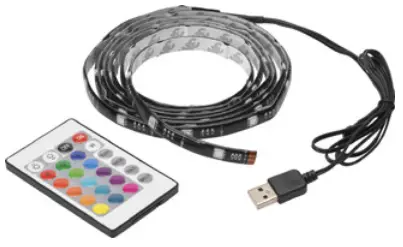
Important! Read the user instructions carefully before use. Save them for future reference. Jula reserves the right to make changes. For latest version of operating instructions, see www.jula.com
Care for the Environment!
Recycle discarded product in accordance with local regulations.
SAFETY INSTRUCTIONS
SYMBOLS
| Read the instructions. |
 | Approved in accordance with the relevant directives. |
| Recycle end-of-life product in accordance with local regulations. |

TECHNICAL DATA
- Rated voltage: 5V
- Output: 2.5W
DESCRIPTION
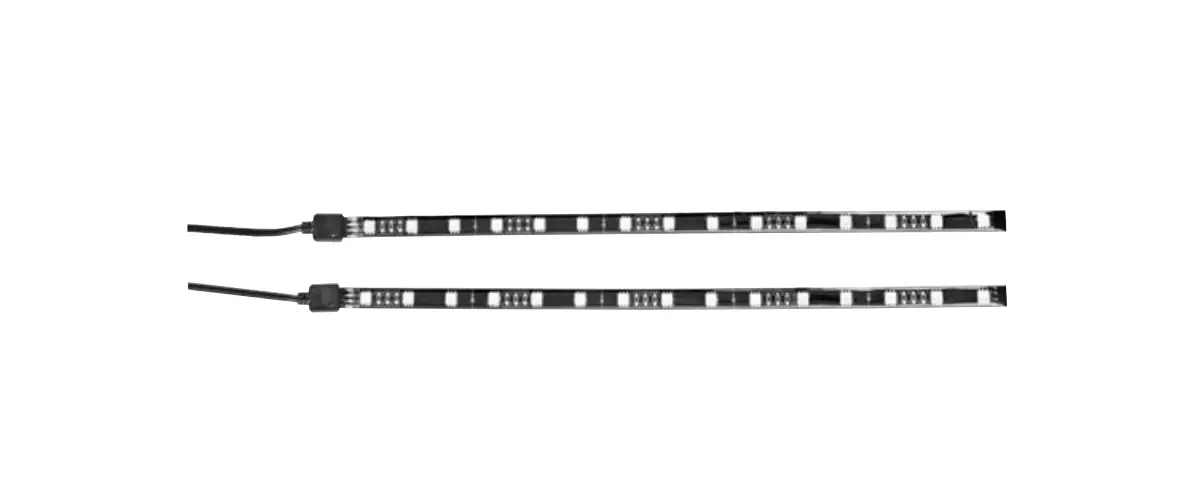
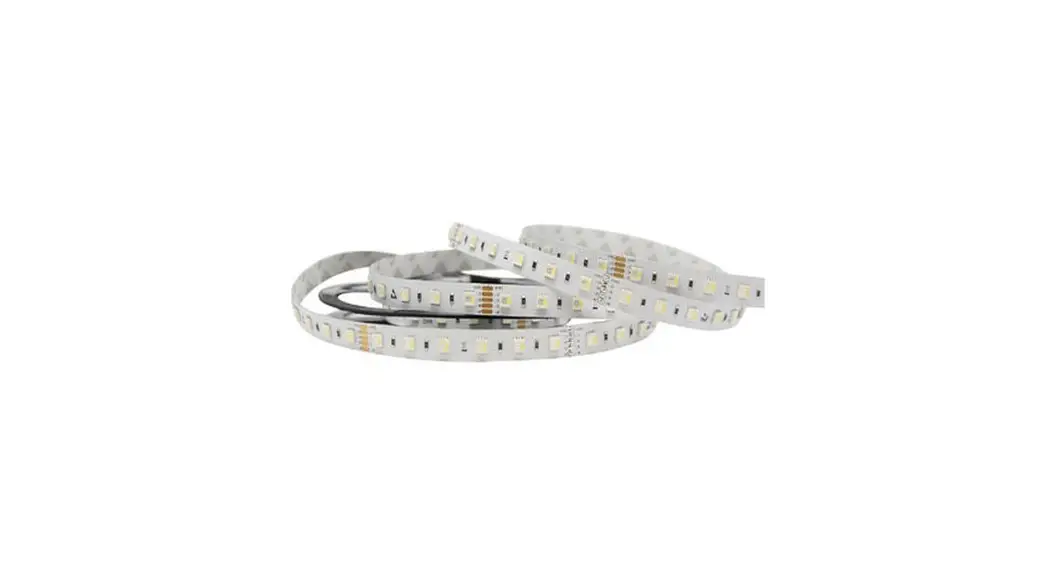
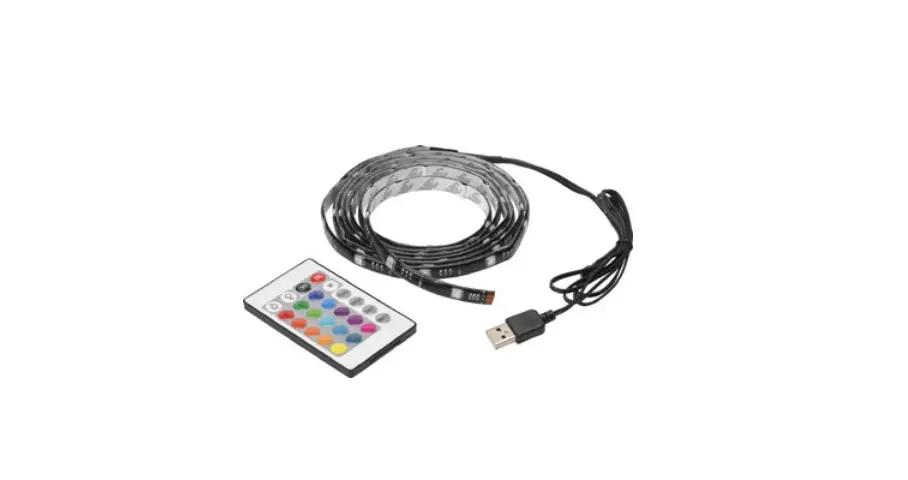
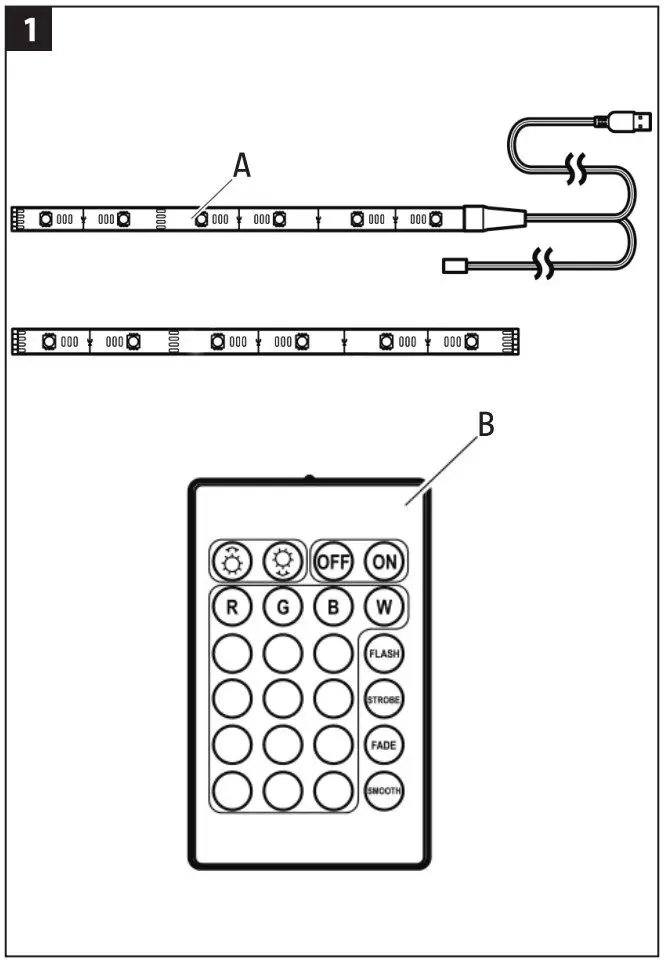
- A. LED strip with USB port and IR sensor
- B. Remote control
FIG. 1
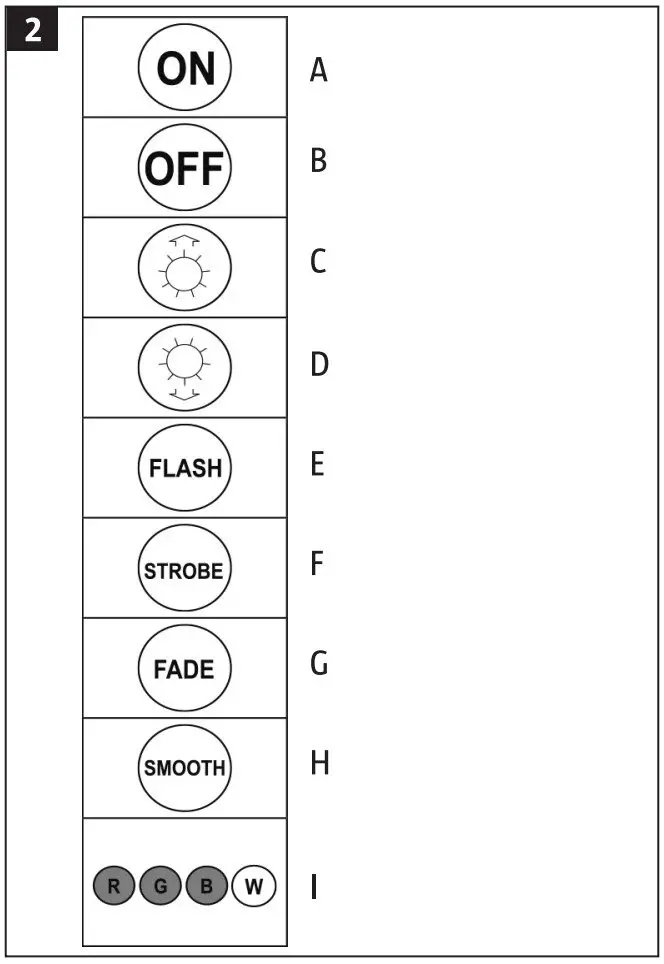
- A. ON
- B. OFF
- C. Increase the brightness in one-colour mode, or increase the speed in flashing, strobe and fade mode.
- D. Reduce the brightness in one-colour mode, or reduce the speed in flashing, strobe and fade mode.
- E. FLASH — flashing mode. Each colour flashes rapidly.
- F. STROBE — strobe mode. Change of colour every 3 seconds.
- G. FADE — fade mode. The colours slowly fade into each other.
- H. SMOOTH — rapid fade mode. More rapid colour fading than in fade mode.
- I. Colour selection — choose between 16 colours with adjustable brightness.
FIG. 2
INSTALLATION
BEFORE INSTALLATION
When necessary LED strip (A) can be cut to the required length, along the white dotted lines. FIG. 3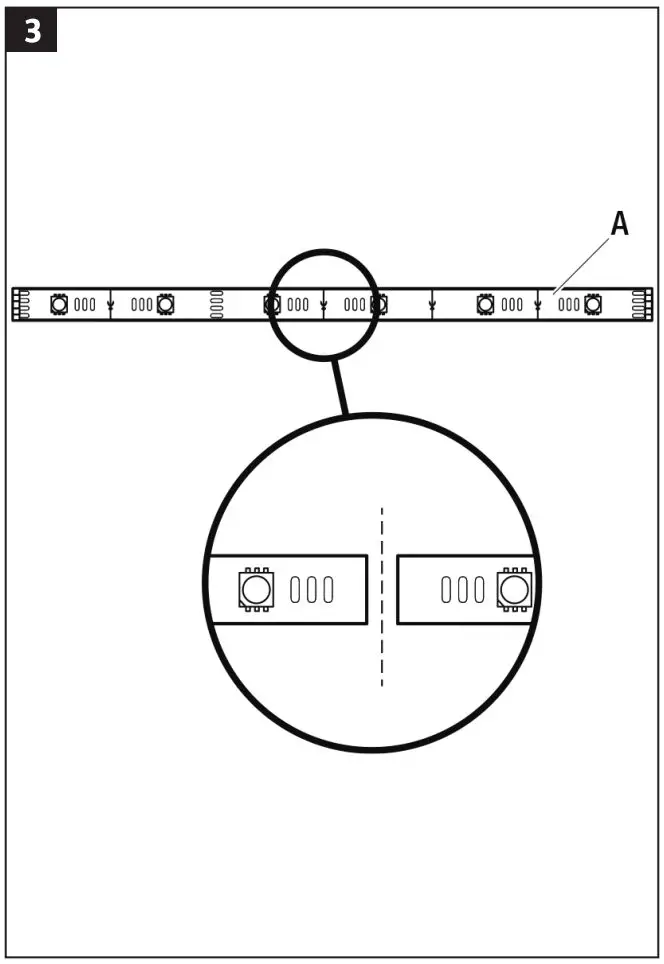
INSTALLATION
- Check that the installation surface is smooth, clean and dry.
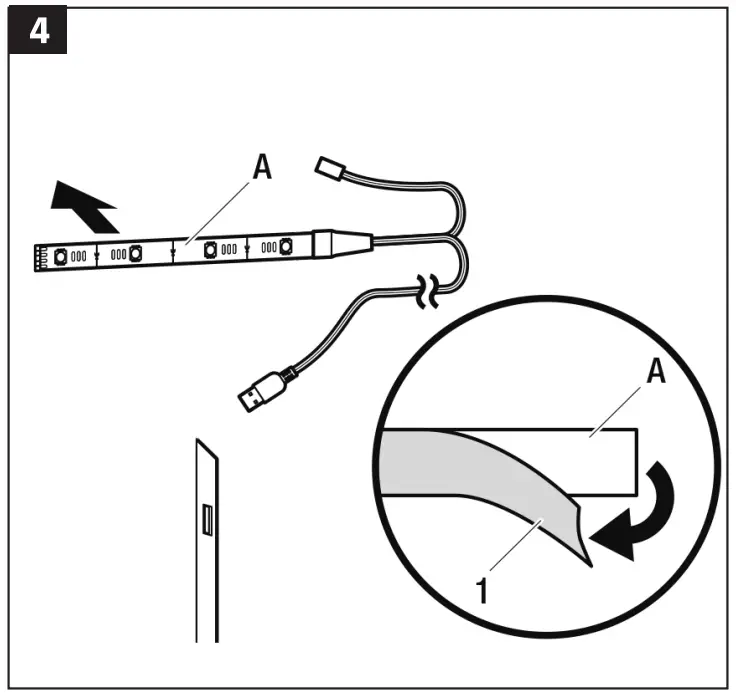
- Check that the LED strip (A) reaches up to the USB port.
- Remove the protective film (1) from the back of the LED strip.
- Put the LED strip against the surface and press in place for a few seconds. FIG. 4

CONNECTION
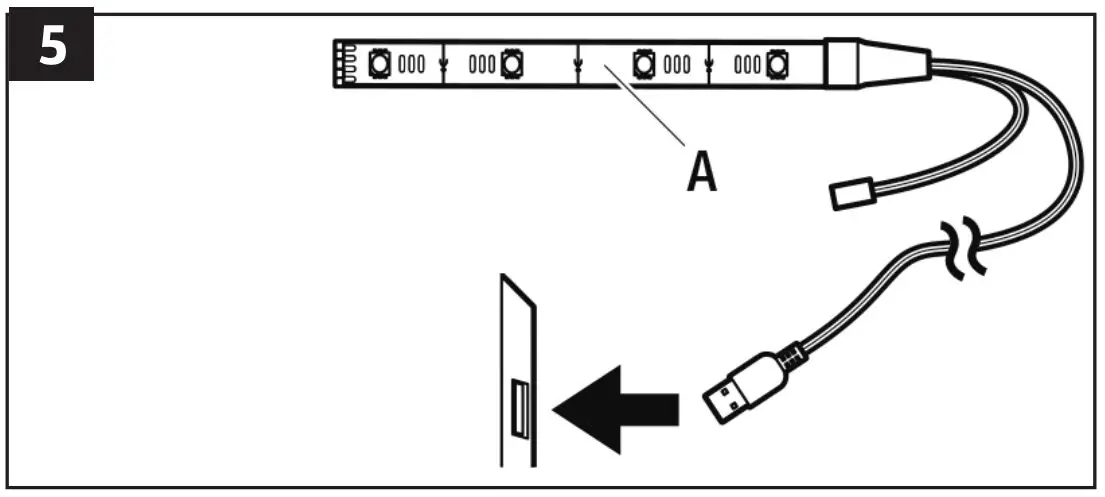
Connect the LED strip (A) to the USB port.
FIG. 5