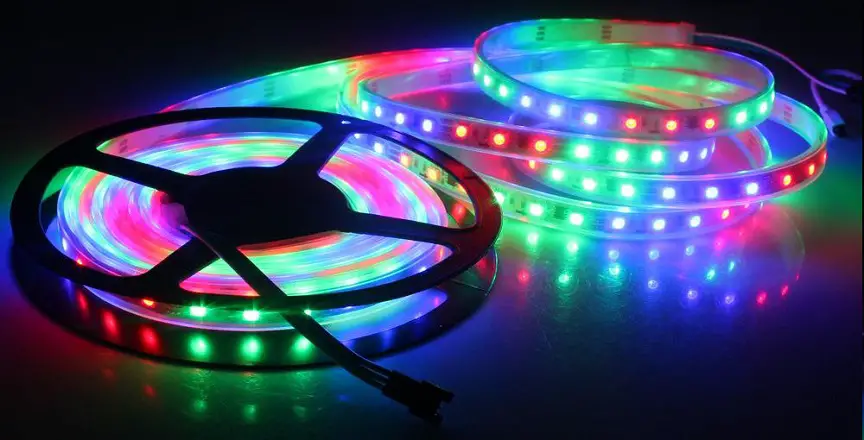

HAMRON 017345 LED Strip
SAFETY INSTRUCTIONS
SYMBOLS
- Read the instructions.
- CE Approved in accordance with the relevant directives.
- Recycle end-of-life product in accordance with local regulations.
TECHNICAL DATA
- Rated voltage: 5v
- Output : 2.5W
DESCRIPTION

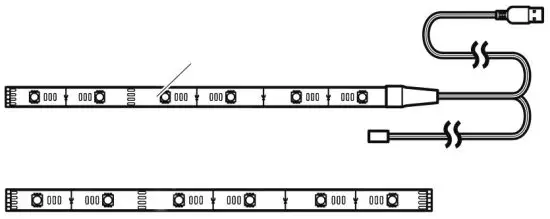
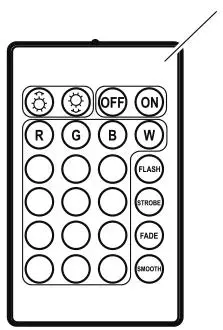
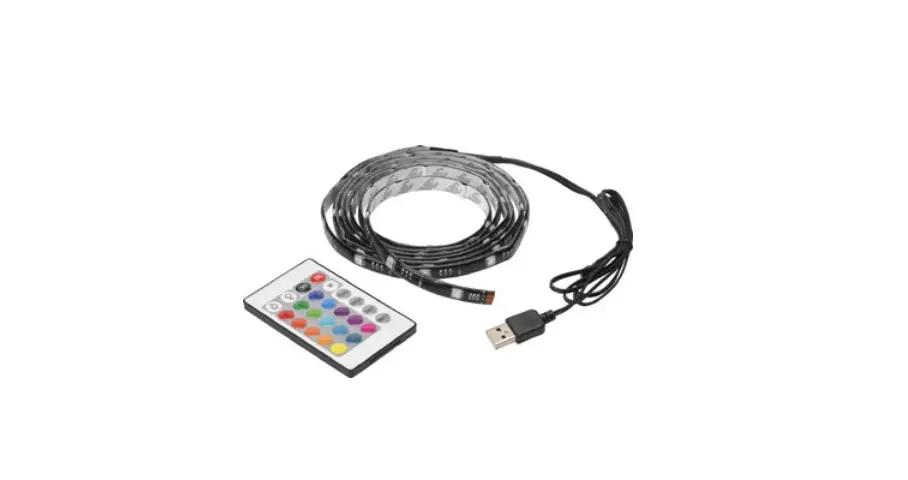
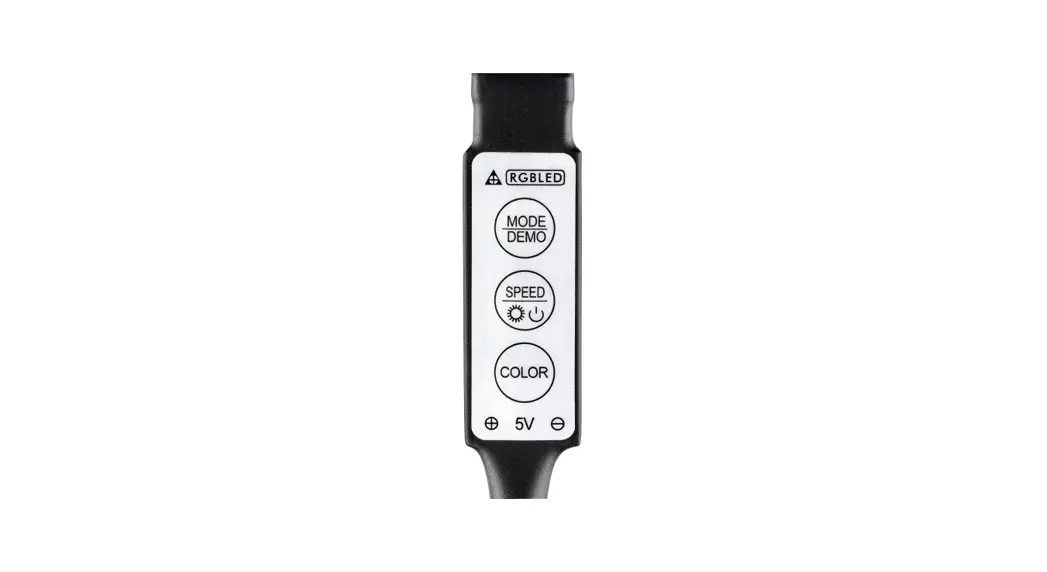
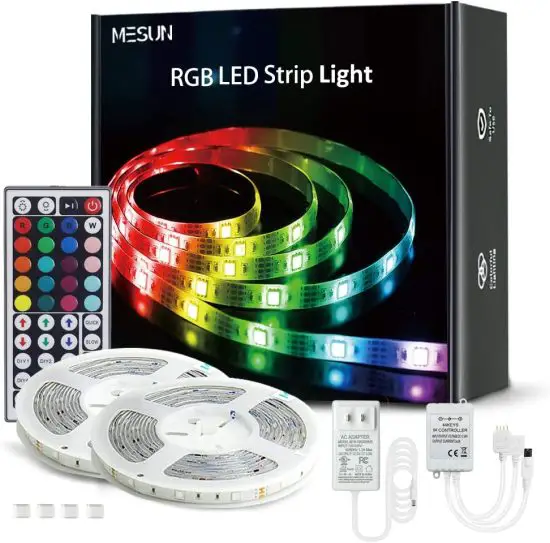
A. LED strip with use port and IR sensor
B. Remote control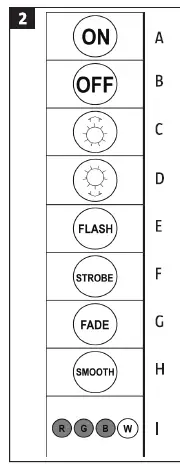
A. ON
B. OFF
C. Increase the brightness in one-colour mode, or increase the speed in flashing, strobe and fade mode.
D. Reduce the brightness in one-colour mode,
or reduce the speed in flashing, strobe and fade mode.
E. FLASH -flashing mode. Each colour flashes rapidly.
F. STROBE – strobe mode. Change of colour every 3 seconds.
G. FADE – fade mode. The colours slowly fade into each other.
H. SMOOTH – rapid fade mode. More rapid colour fading than in fade mode.
I. Colour selection -choose between 16 colours with adjustable brightness.
INSTALLATION
BEFORE INSTALLATION
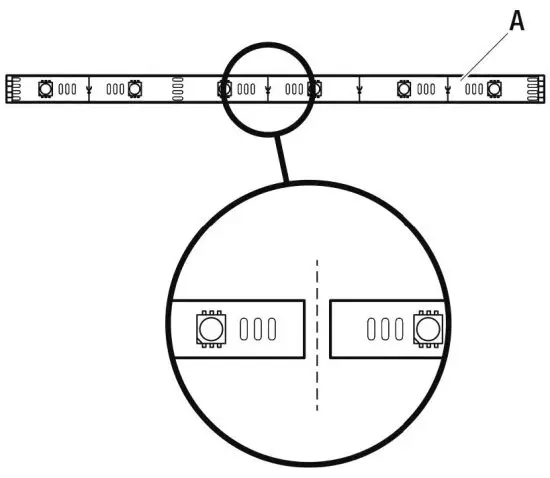
When necessary LED strip (A) can be cut to the required length, along the white dotted lines.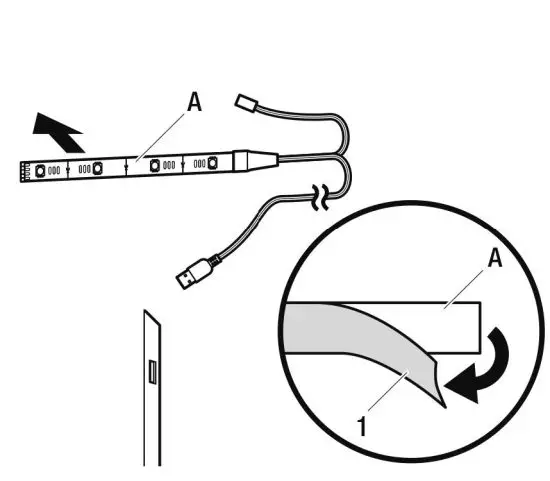
- Check that the installation surface is smooth, clean and dry.
- Check that the LED strip (A) reaches up to the USB port.
- Remove the protective film (1) from the back of the LED strip.
- Put the LED strip against the surface and press in place for a few seconds.
CONNECTION
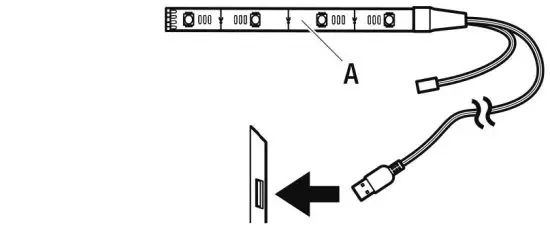
Connect the LED strip (A) to the USB port.