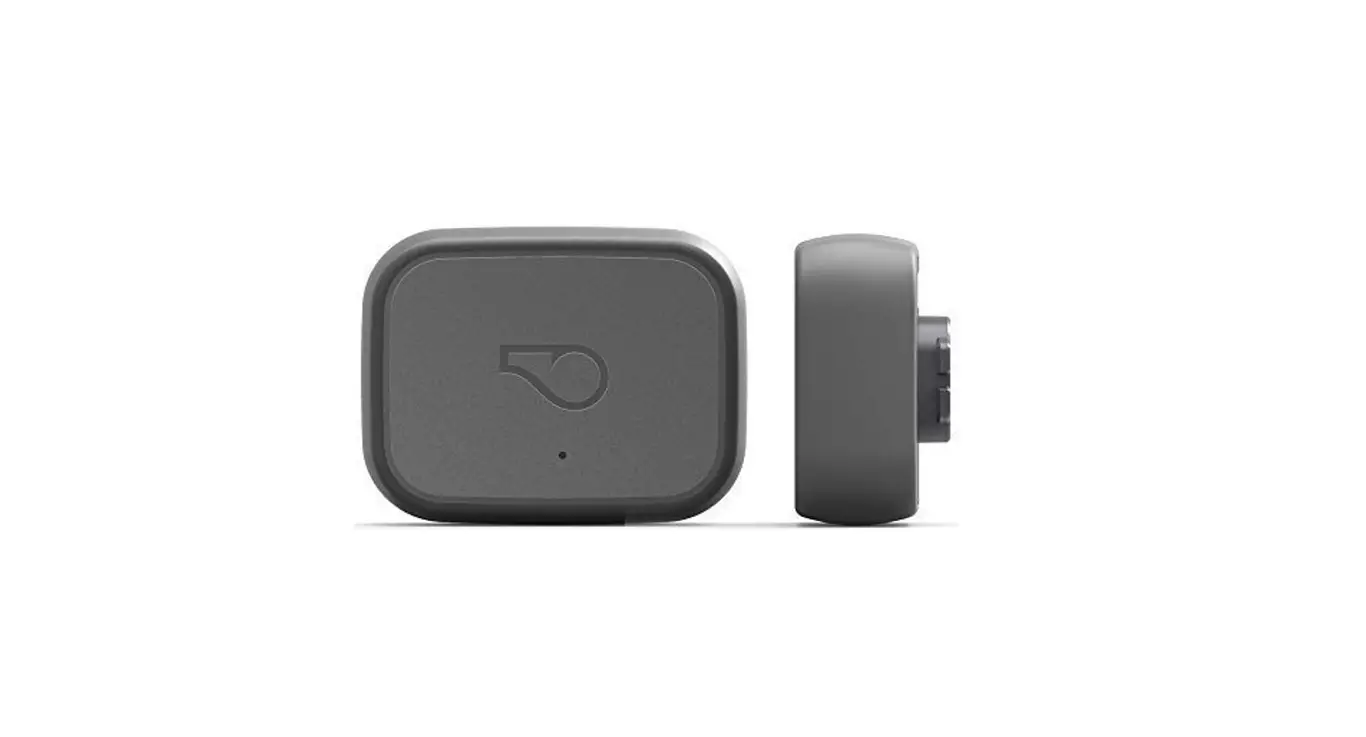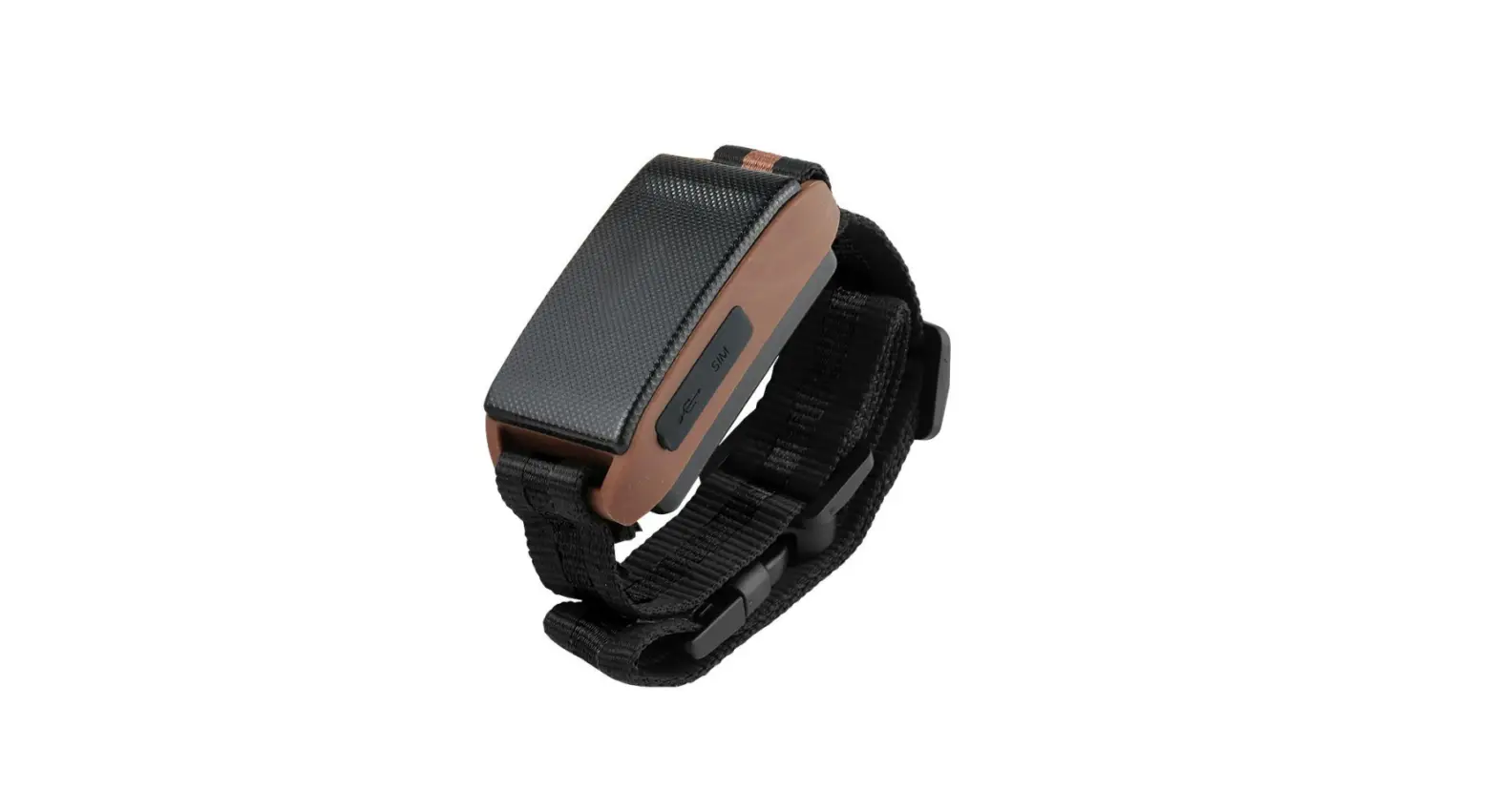

jiobit GPS Dog and Cat Location Monitor
app tips
- Trusted Places
Make sure the Trusted Place boundary fits the radius of your yard, dog park, or anywhere you consider safe. - Wi-Fi Fence
If a geofence is too big, set up a Wi-Fi Fence in your Trusted Place for faster notifications and a radius based on your Wi-Fi signal strength. - Live Mode
Use this feature sparingly to avoid depleting a full battery charge. - Care Team
Add family members, walkers, and pet sitters to maximize battery performance and know when your pet is safe with someone you trust.
ATTACH
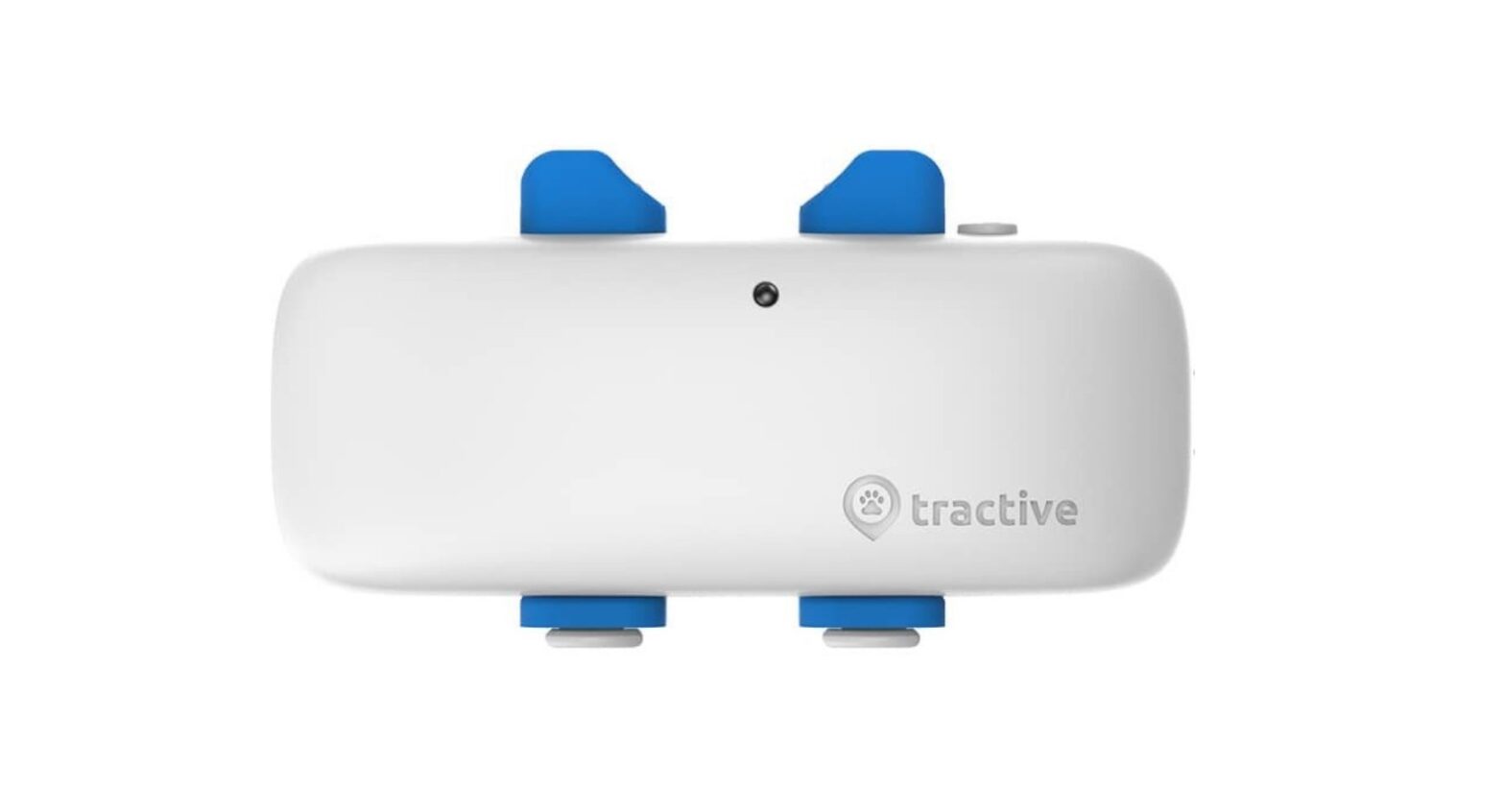
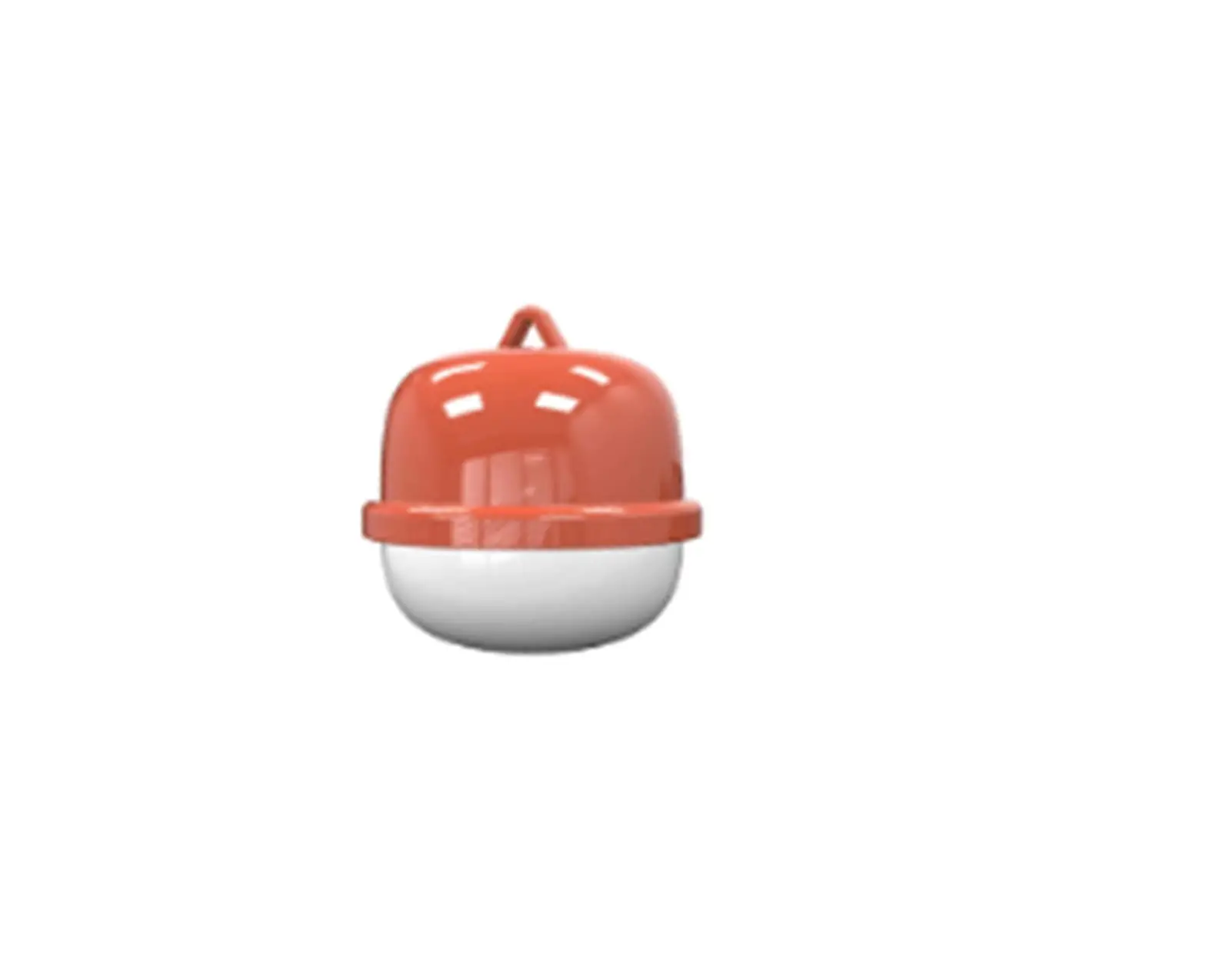
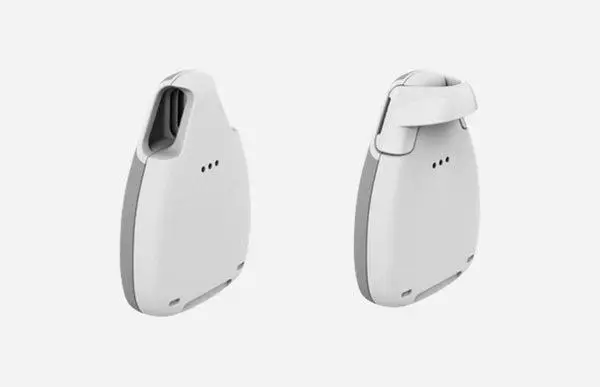
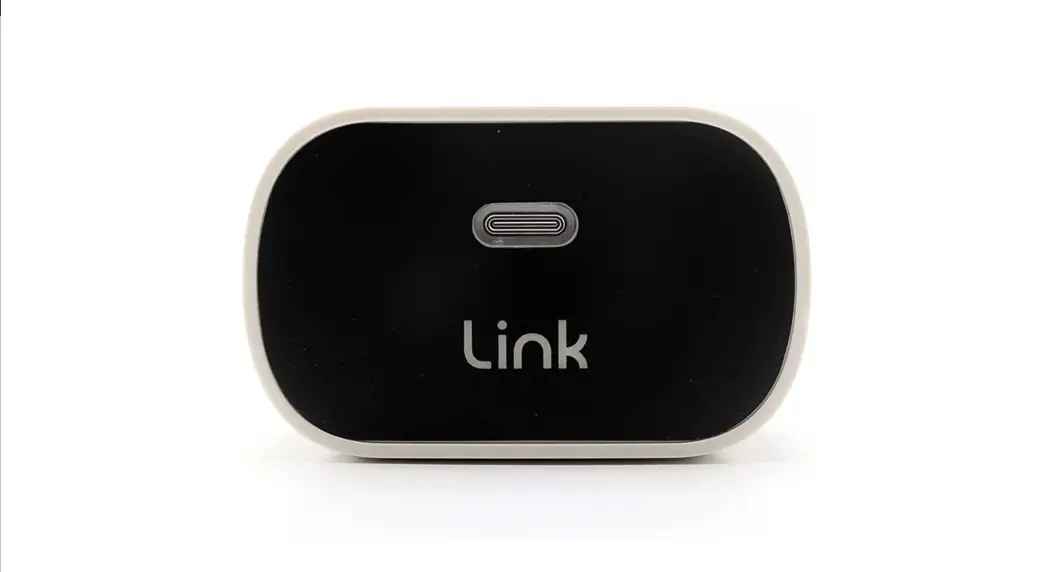
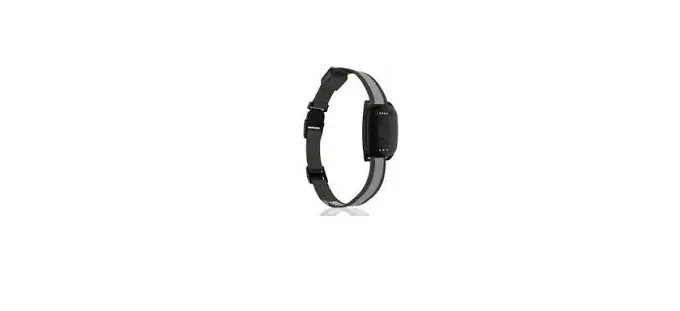
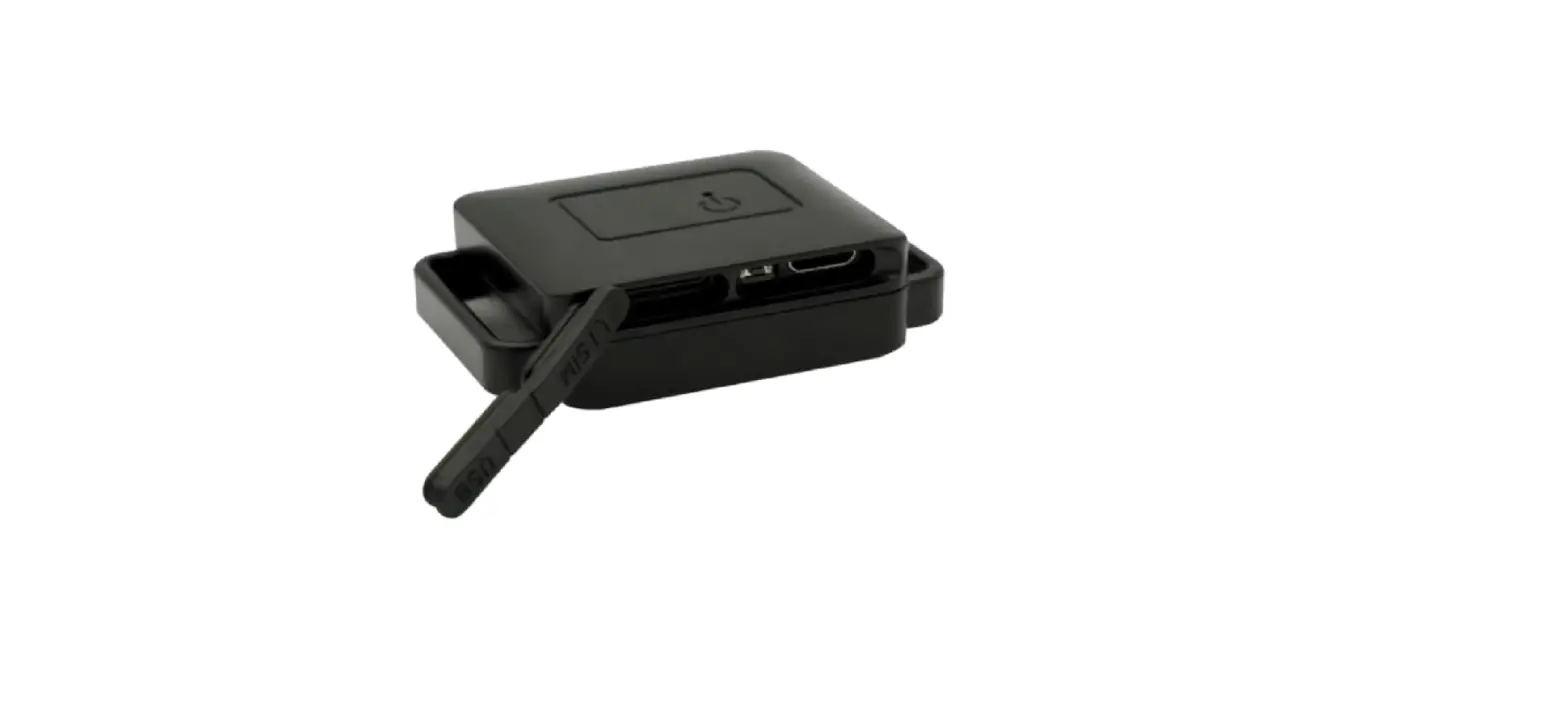
Your device is about the size of a teabag, and weighs less than a battery.
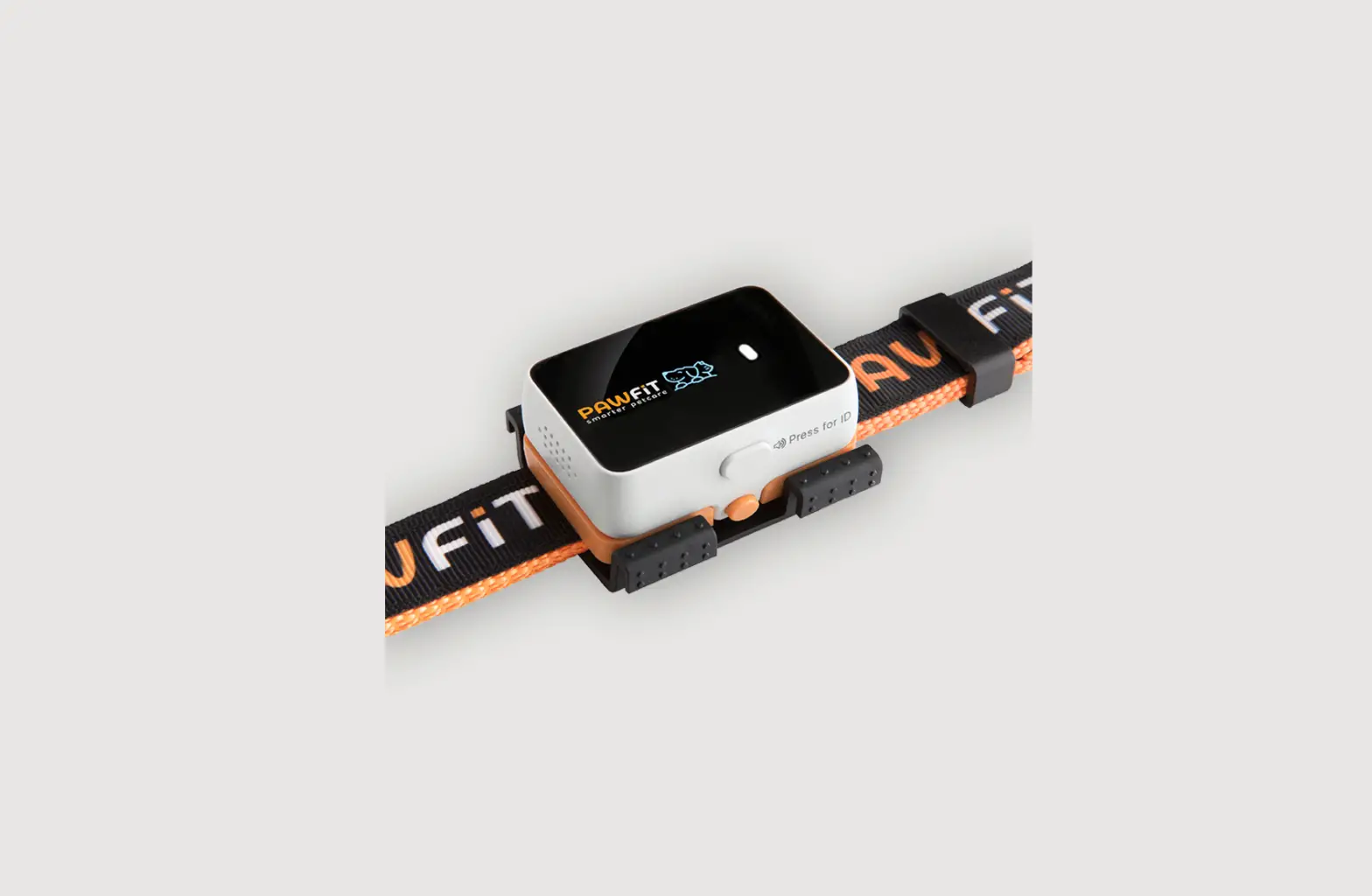
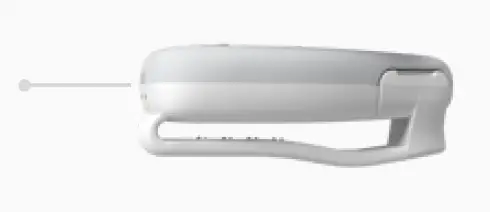
Strap Clip
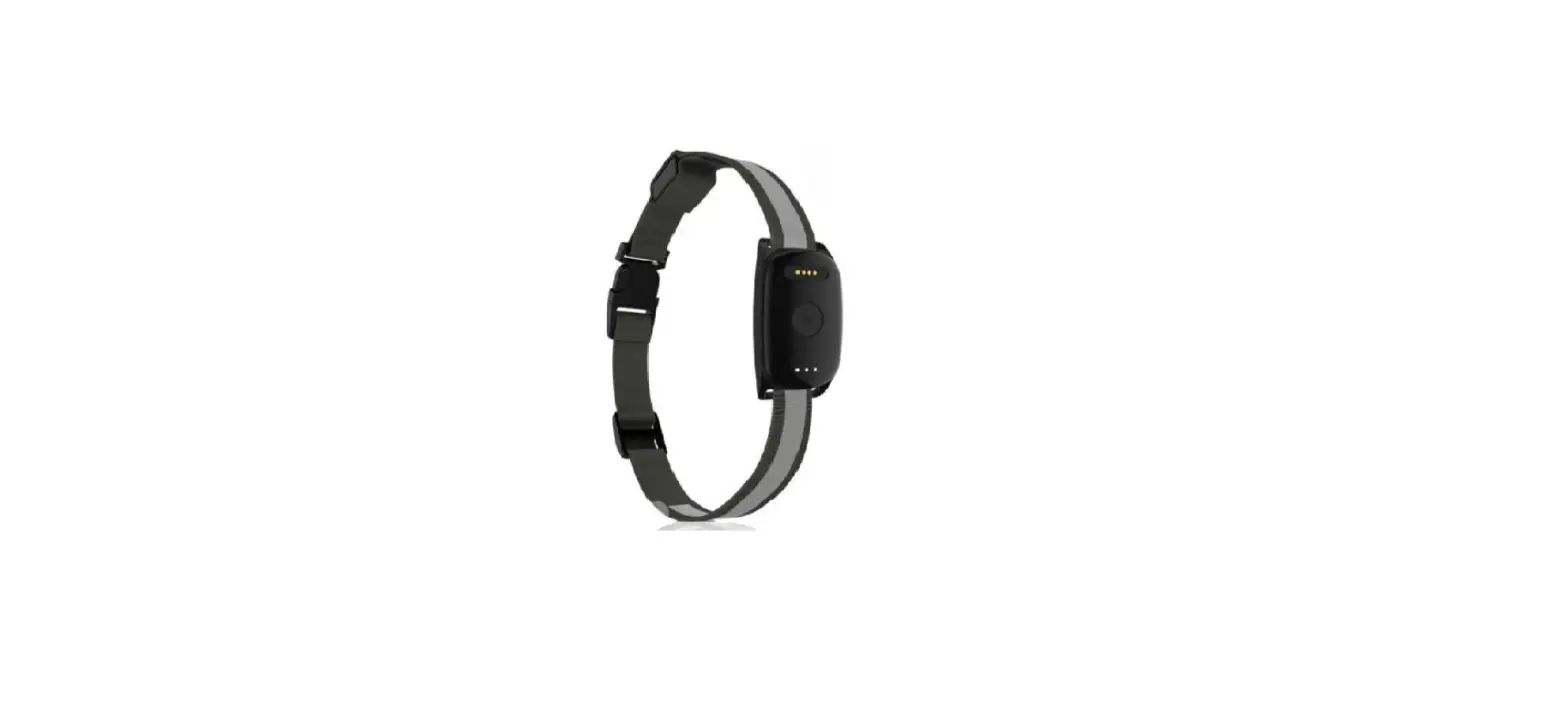
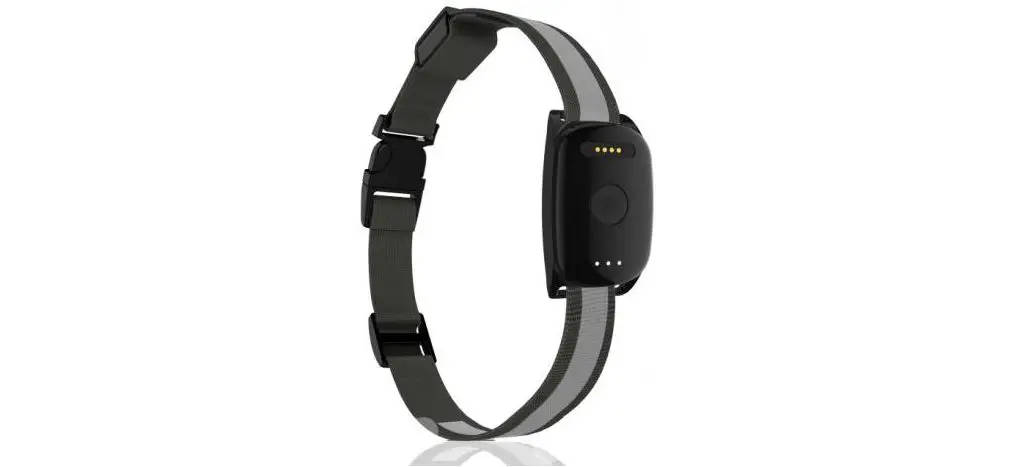
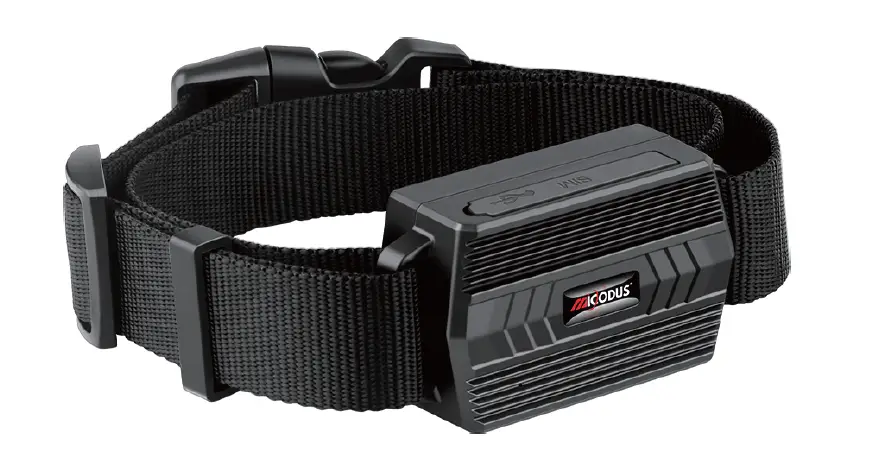
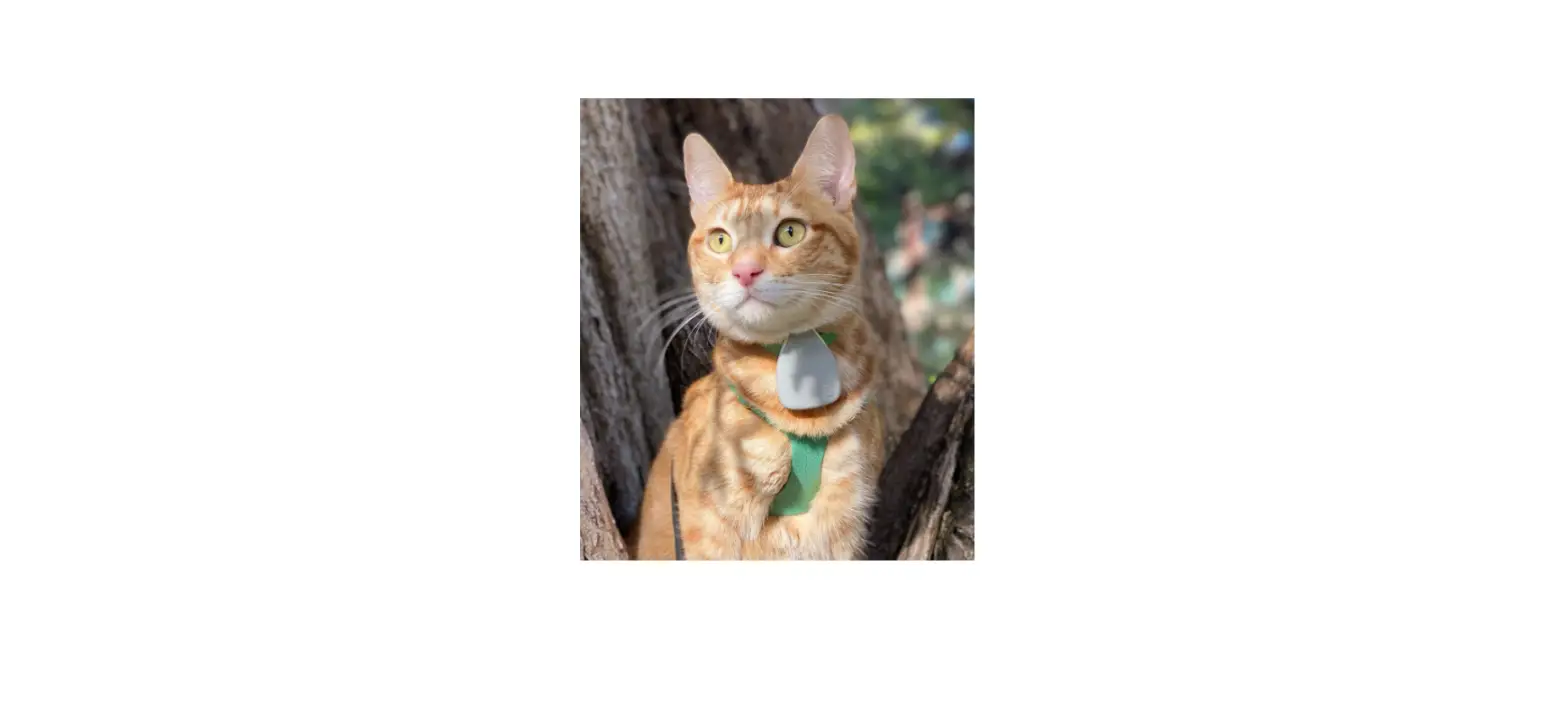
Attach to a pet collar or harness. The more you tug, the tighter it grips.
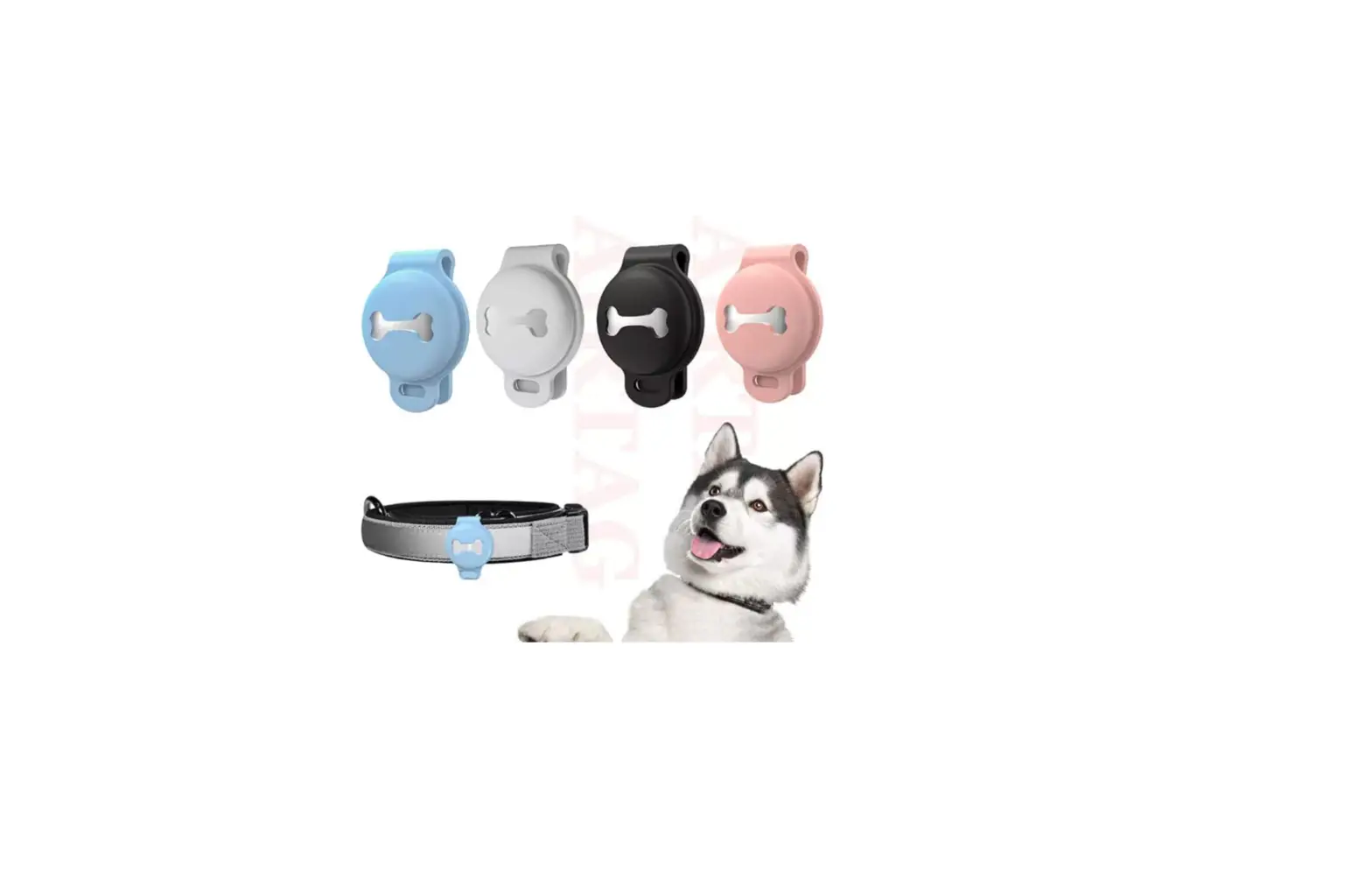
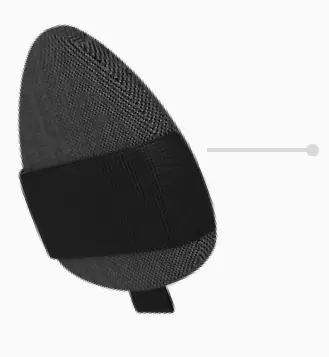
Fabric Sleeve
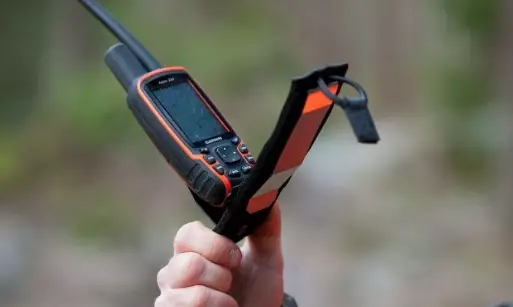
Enclose the device in flexible protective fabric and stretch over nearly any strap, leash, or collar.
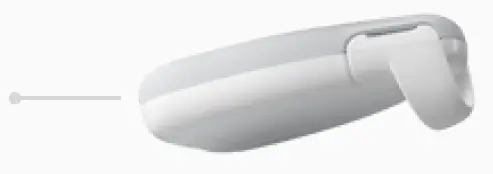
Secure Loop
The secure loop fits on small collars up to 11mm wide.
adjust
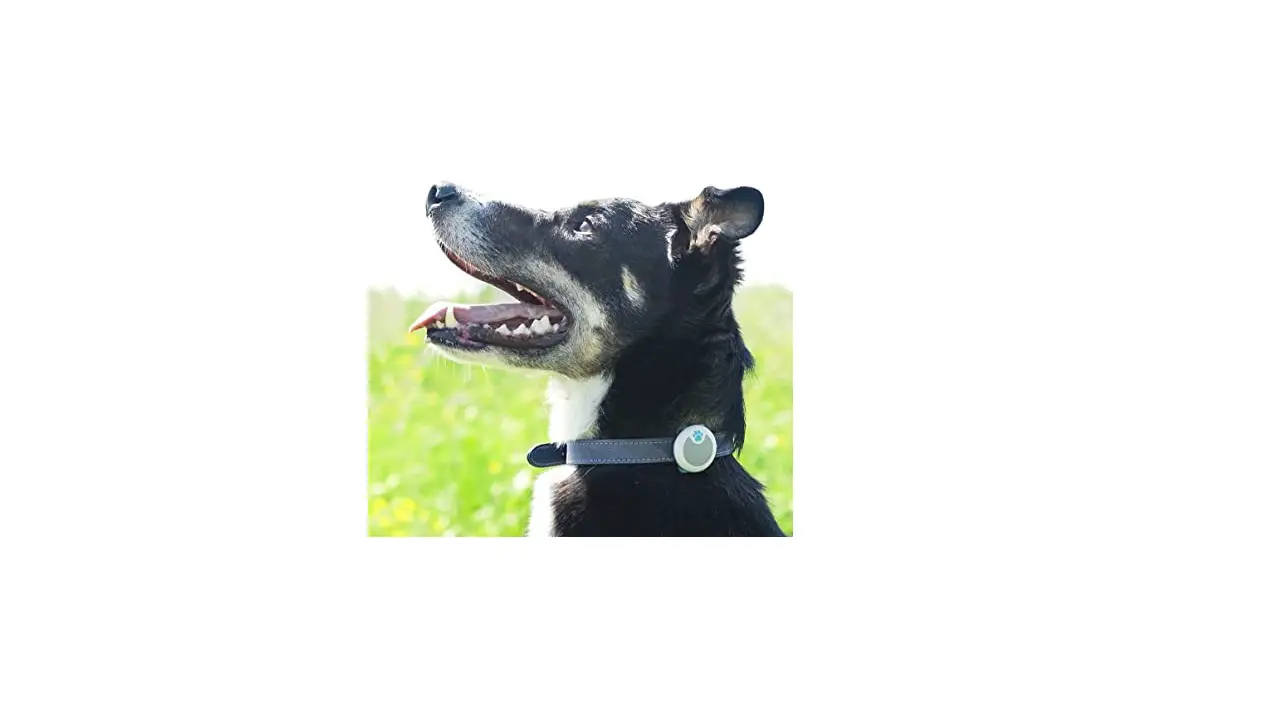
When your pet lays on the device, chews the plastic, or accidentally submerges in a water bowl, it can interfere with GPS signal or cause accidental damage. Try moving to the top of a harness or collar with the grey side out.
more questions? visit support.jiobit.com