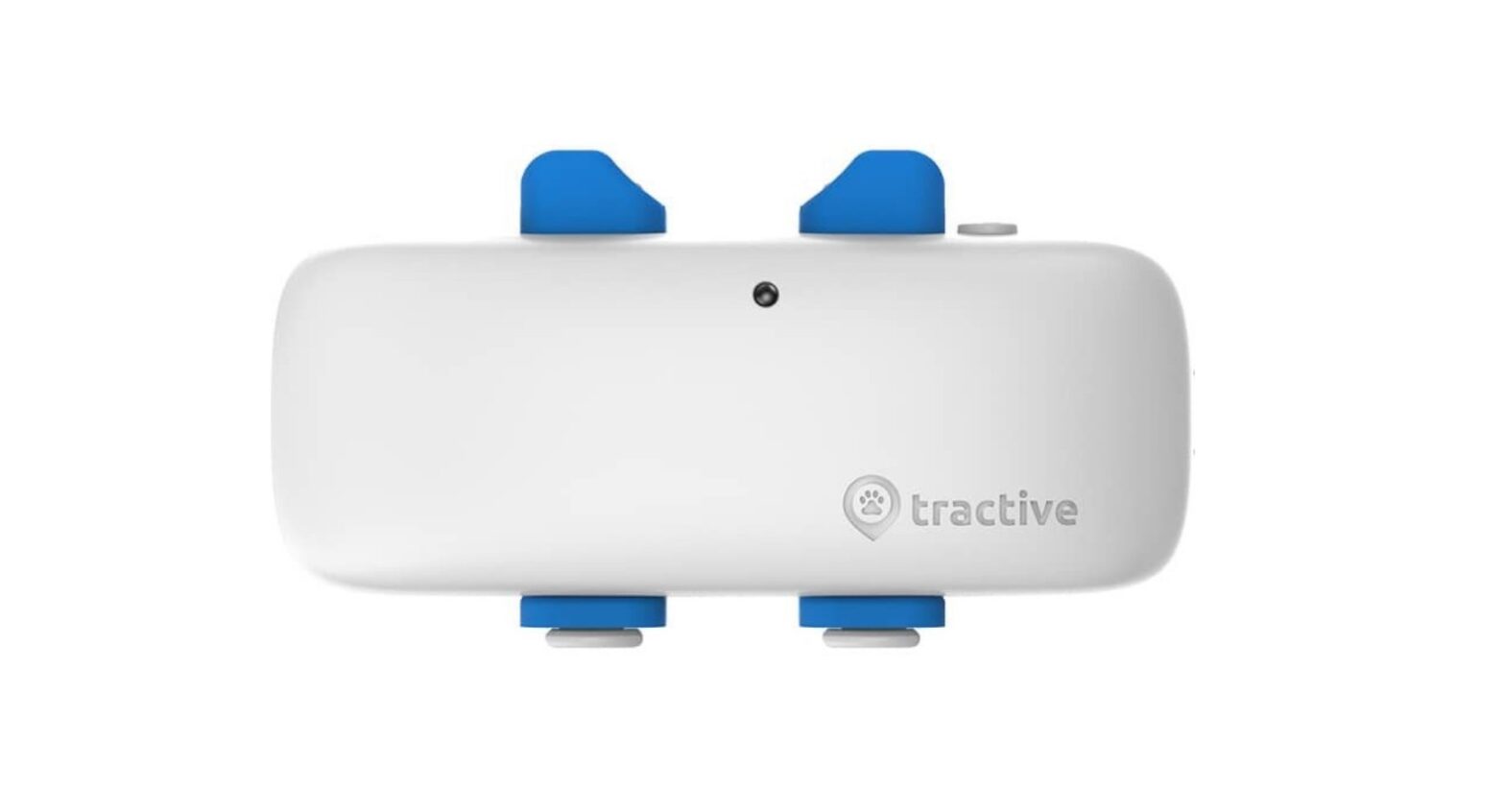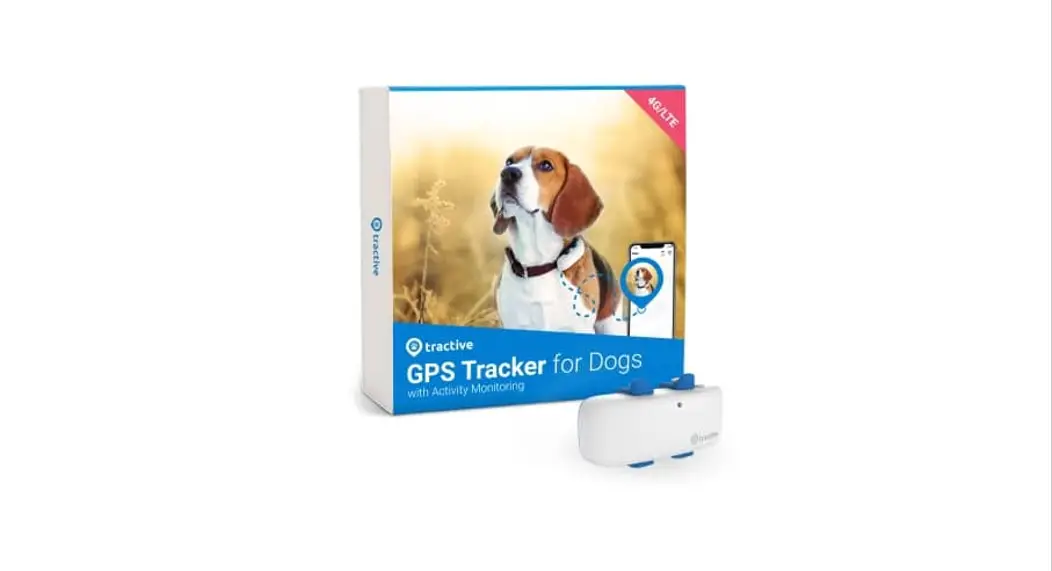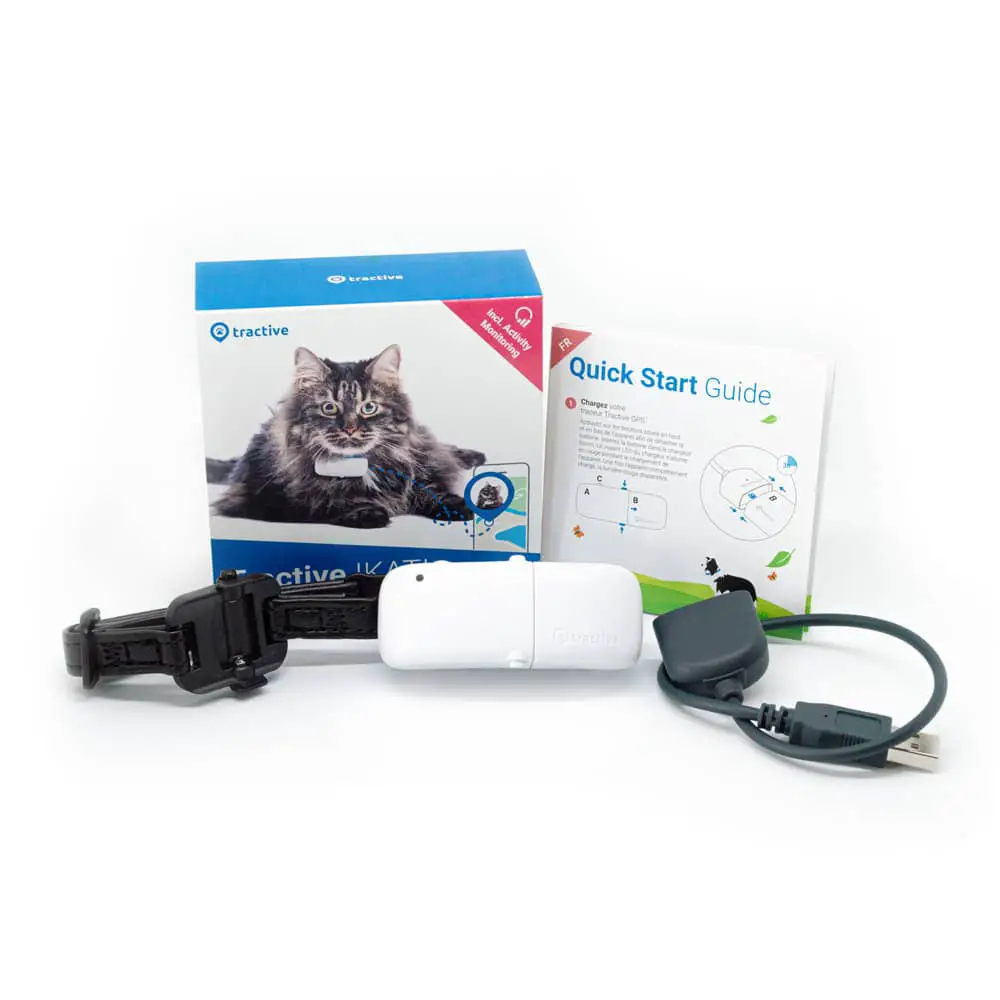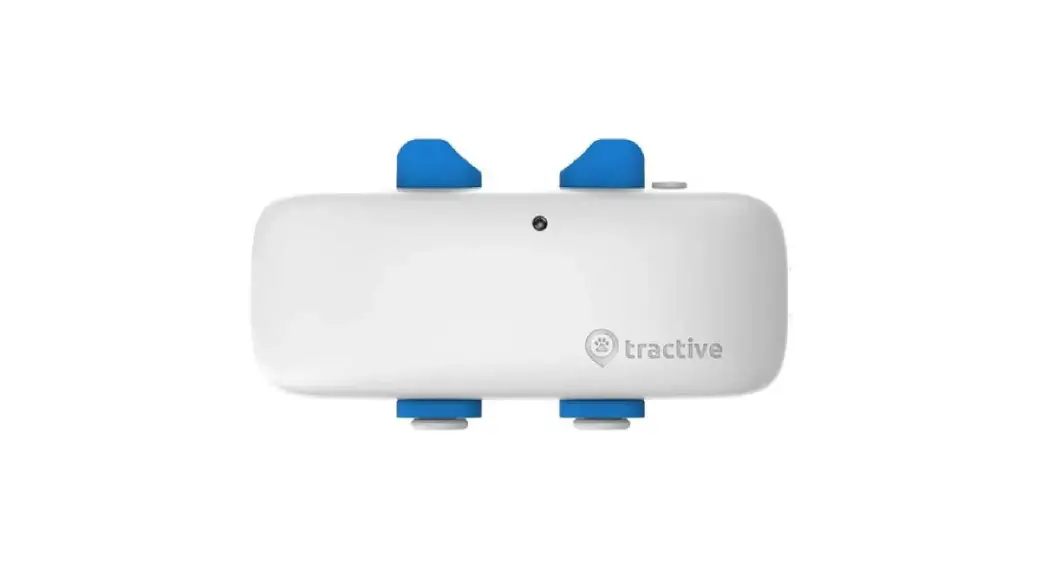

“Quick Start Guide
Note: Read this guide online at tractive.com/quick-start
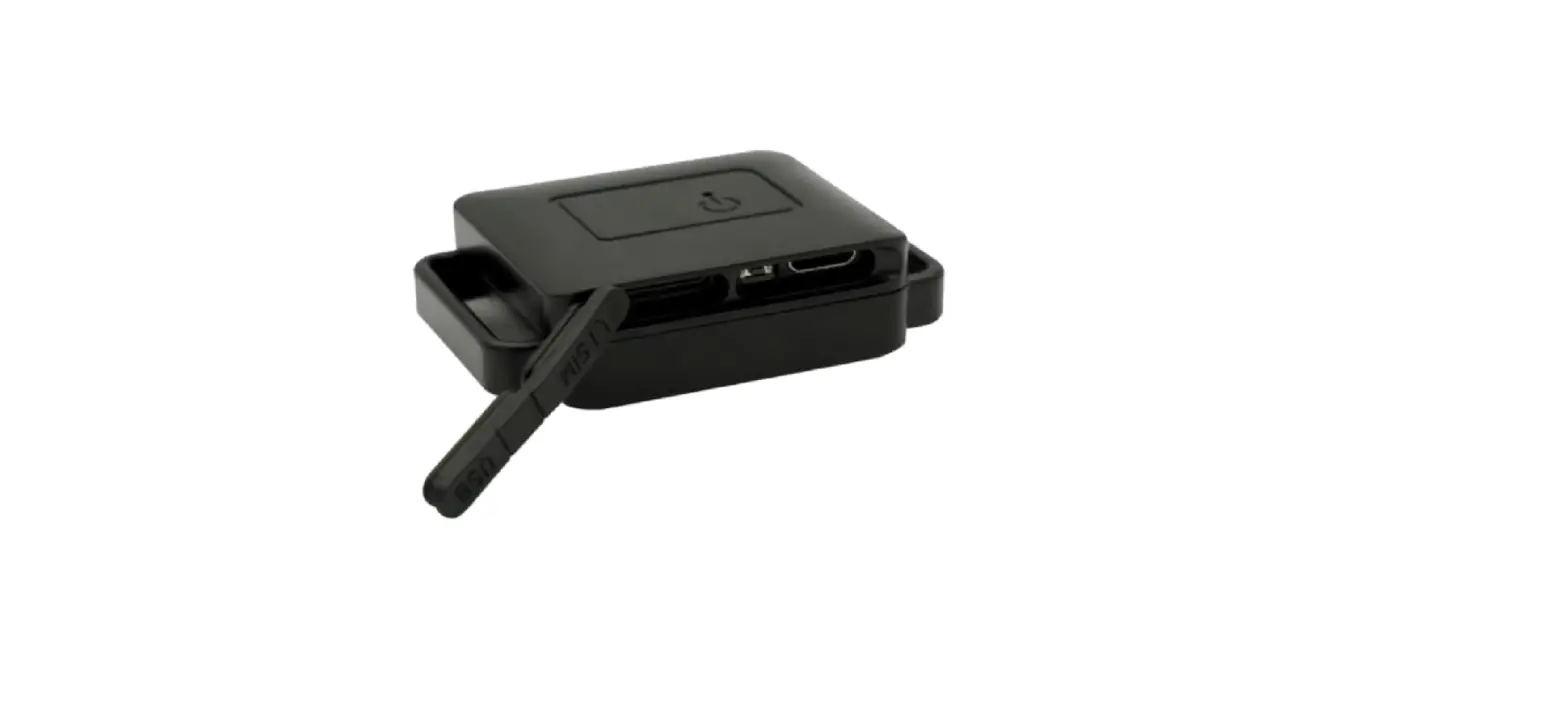
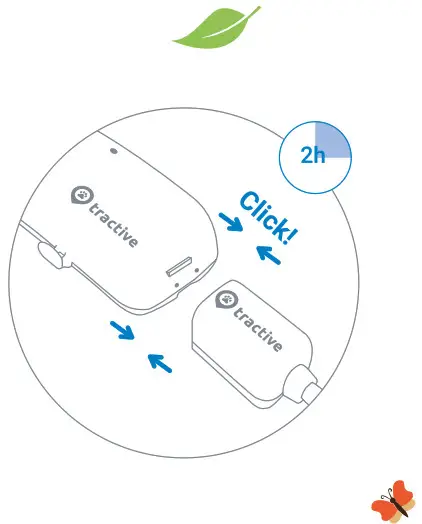
1. Charge with provided USB cable Firmly snap the charger to your tracker. You should hear a click when it’s connected properly. The red light shows the battery is charging. When 100% charged, it turns green.
Note: Do not use a fast charger. This can damage the battery.
Charge at least 2 hours before first use.
2. Turn on the tracker
Your tracker will turn on while charging, and stay on until you turn it off.
You can double-check if the tracker is on by pressing the power button shortly.

Press and hold
the power button to turn on/off.
Press shortly to check device status.
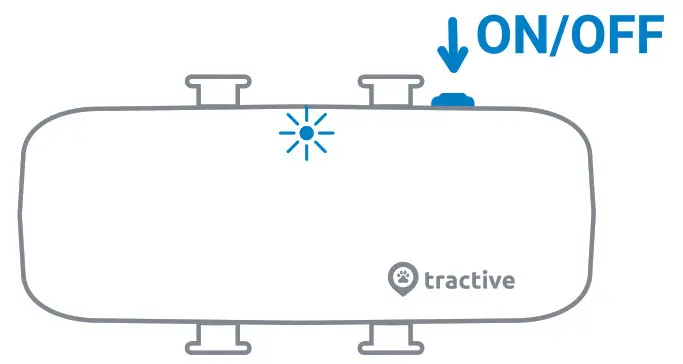
The light blinks twice if the tracker is turned on.
The first blink (1) shows network status, and the second blink (2) shows GPS status.
(1)(2) Network OK -GPS OK II
 No network – GPS OK
 Network OK – no GPS
 No network – no GPS
 In a Power Saving Zone
3. Download
the Tractive GPS app for iOS or Android. You can also track at my.tractive.com, but won’t have access to all Tractive features.
 http://tractive.com/qrc/tractive-gps-app-download
4. Activate
with your tracker ID Use the 8-character ID on the back of your tracker, and follow the instructions on the app or at my.tractive.com.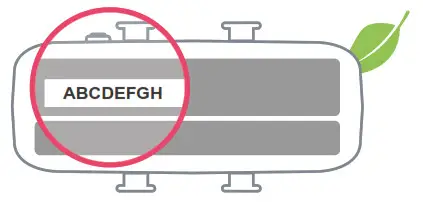

5. Attach to collar
a) Remove your pet’s collar and continue according to the collar width.
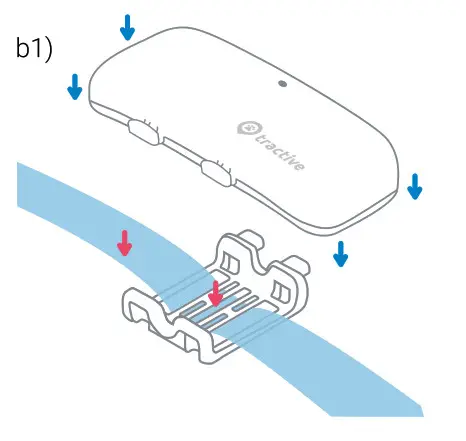
bl) For collar widths of 1.5cm or less:
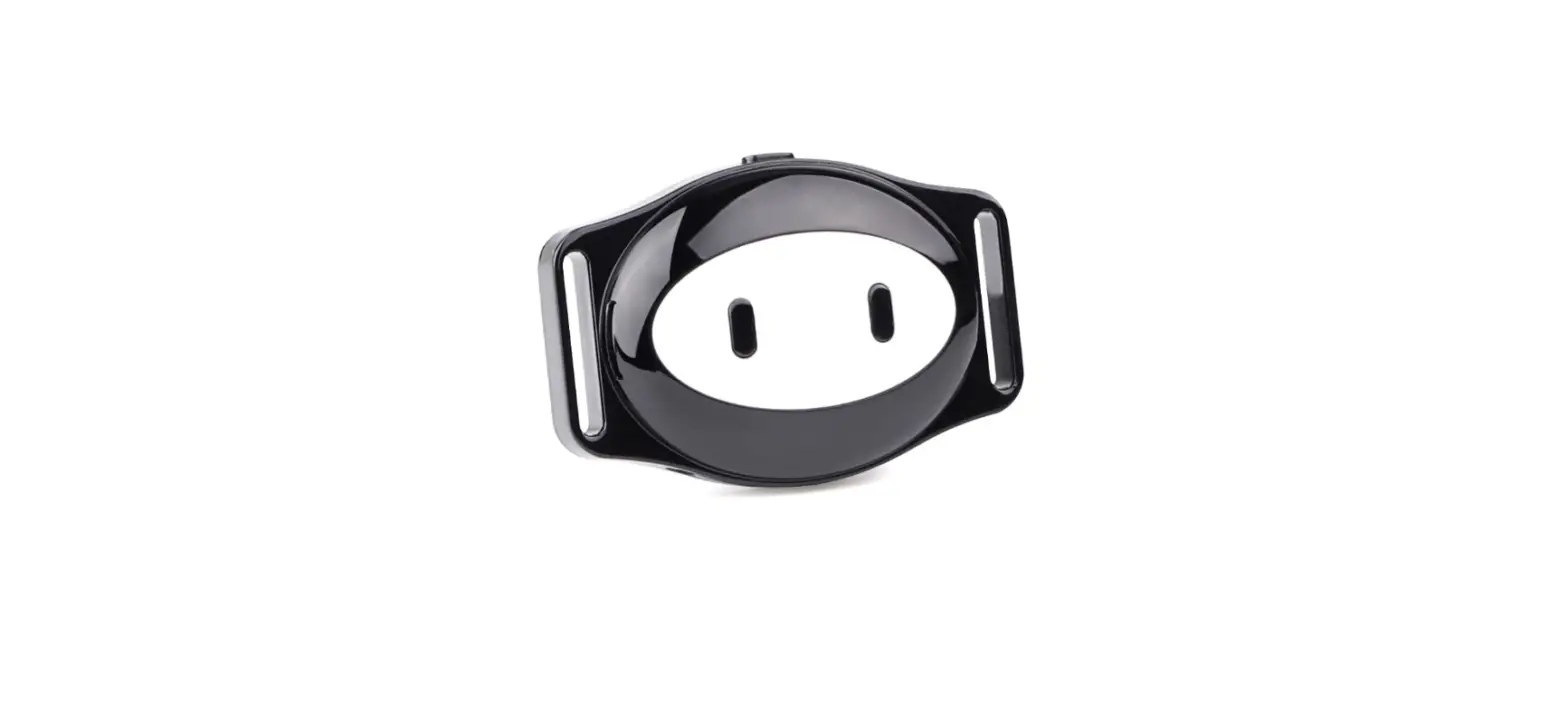
Remove rubber clip from the tracker. Put collar through the rectangle-shaped holes on sides of rubber clip. Fasten rubber clip to tracker
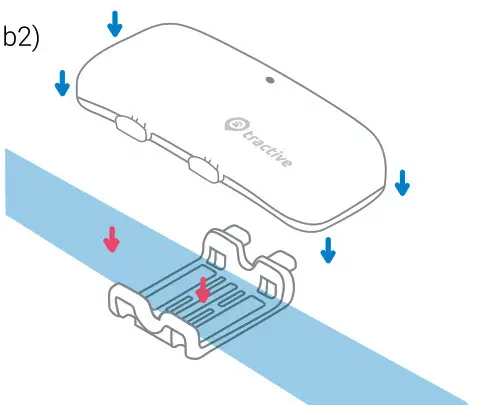
b2) For collar widths above 1.5cm:
Remove rubber clip on one side of tracker. Place collar between rubber clip and tracker. Close rubber clip again.
c) Put your pet’s collar back on and you’re good to go.
 Happy Tracking!
need more information?
Visittractive.com/help