 Quick Start Guide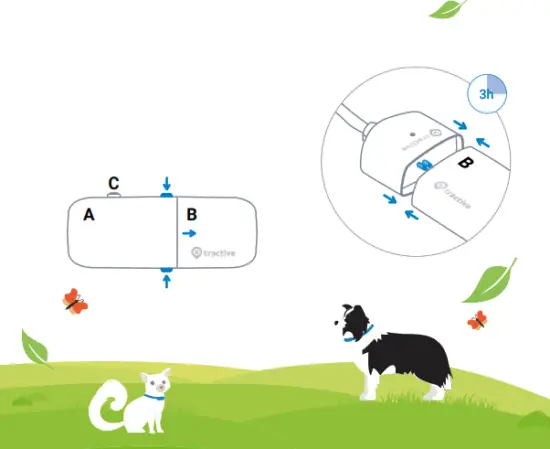
- Charge your
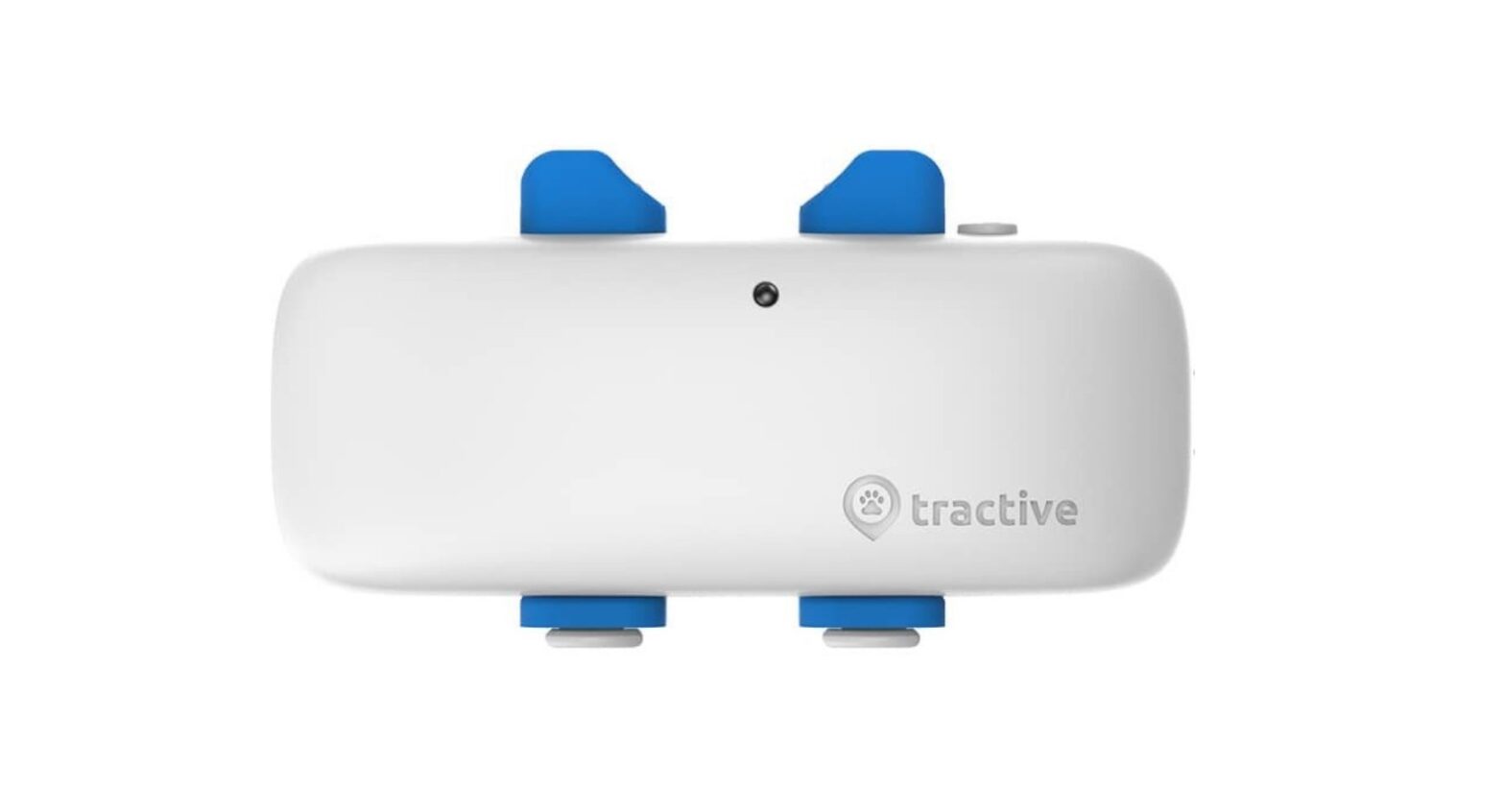
Tractive GPS tracker
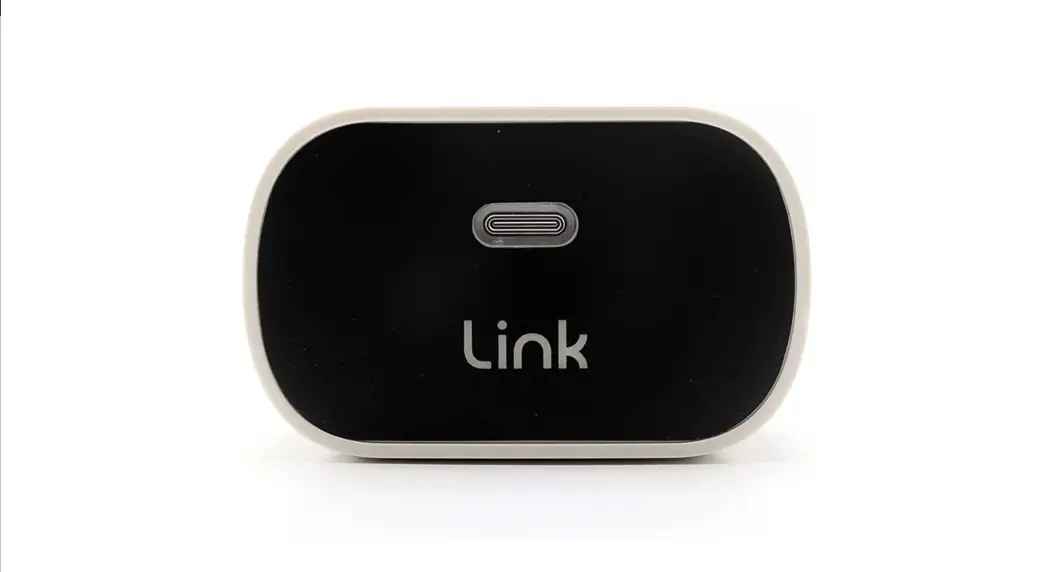
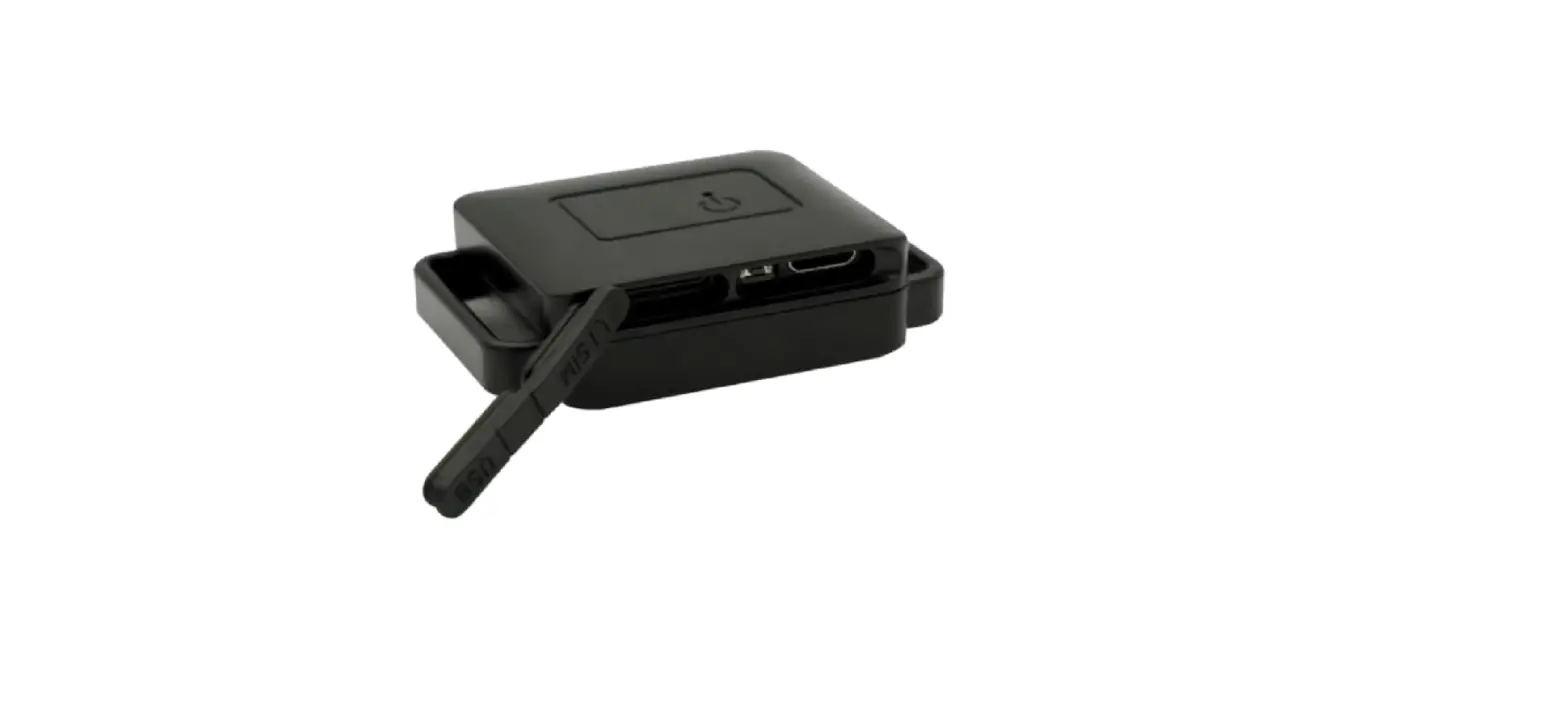
Press the buttons on the top and bottom of the tracker to detach the battery. Plug the battery into the charger provided.
The LED on the charger will turn red while the battery is charging. Once the battery is fully charged, the red light will disappear. - Turn on the Tractive
GPS tracker
Putting the battery back together with the device will automatically turn on the tracker.
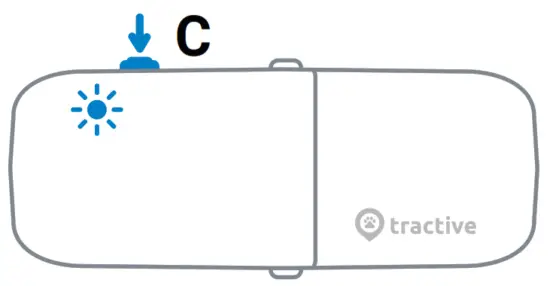
ON/OFF: Press button C for 3 seconds.
LED Status: Press button C for 1 second. LED blinks twice.*
 | network available – GPS available |
| no network – GPS available | |
| network available – no GPS | |
| no network – no GPS |
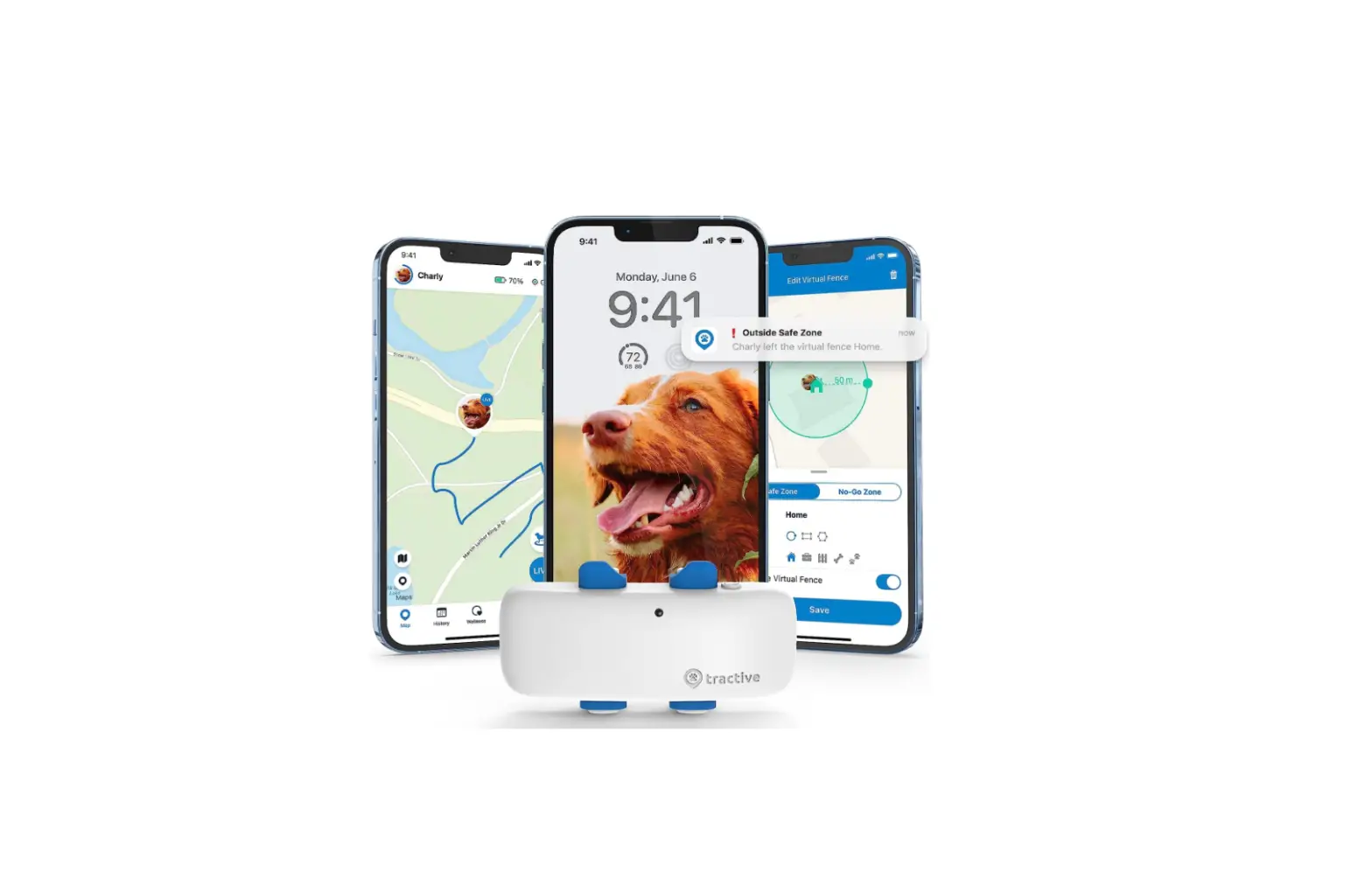
3 Download the Tractive GPS app
Download the Tractive GPS app from the Apple App Store or the Google Play Store. You can also visit my.tractive.com to track your pet.
http://tractive.com/qrc/tractive-gps-app-download
4 . Activate your Tractive GPS tracker
Follow the instructions in the Tractive GPS app or at my.tractive.com to activate your tracker.
The 8-character Tracker ID can be found on the back of your tracker.
5 Attach your Tractive GPS tracker to your pet`s collar
a) Remove your pet‘s collar and continue according to the collar width.
b1) Collar width: 1.5 cm or less – put the collar through the two rectangular holes on the sides of the rubber clip.
b2) Collar width: 1.6 cm or more – place the collar in between the rubber clip and the collar mount.
c) Fasten the rubber clip onto the mount. Attach the Tractive GPS tracker to the mount and ensure the tracker is fully secured.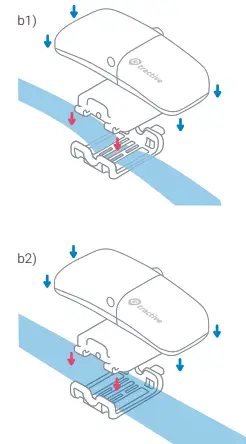
You are ready to go!
Happy Tracking!

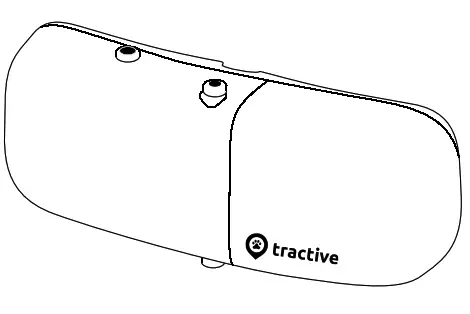 Tractive GPS
SAFETY INFORMATION
TRACTIVE GPS SAFETY INFORMATION
ELECTROMAGNETIC COMPATIBILITY
Very strong magnetic fields (e.g. transformers) should always be avoided as they may result in variations in the transmission. Failure to follow these instructions may lead to malfunctions or damage to your Tractive GPS device.
RISKS FOR CHILDREN AND PEOPLE IN NEED OF CARE
The use of this device is not intended for people (including children) with limited physical, sensory or mental abilities or lack of experience and/or lack of knowledge unless they are supervised by a person responsible for their safety or have been instructed on the use of the device.
Note: Some countries, states or regions have laws related to location-based tracking of people, animals and objects. It’s the sole responsibility of the owner and user to abide by the law and rules in the area the Tractive GPS device is used. Please switch off the Tractive GPS tracker before boarding a plane.
SAFETY ADVICE
Important: Although the Tractive GPS device is small in size, it might be too large or heavy for small or injured pets. If you are unsure whether you can use this device with your pet, we highly recommend consulting a pet doctor or veterinarian.
BATTERY OPERATION
Your Tractive GPS tracker is operated by a rechargeable lithium-ion polymer battery. Below you will find some advice on the use of rechargeable batteries:
– The battery of the Tractive GPS is replaceable and should only be replaced with other Tractive GPS batteries. However, the built-in battery cell must not be removed.
– Batteries may not be disassembled, thrown into fire or short-circuited.
– Do not carry or store the battery together with metal objects that may short-circuit the positive and negative terminals of the battery.
– Never expose the Tractive GPS device to excessive heat such as sunshine, fire or the like.
– Do not charge the battery near a heat source or in direct sunlight.
– Keep the battery away from water.
– Do not drive metal objects into the battery, hit it with a hammer, or damage and crush it otherwise.
– If a battery leaks, avoid direct contact with the liquid and safely dispose of the battery.
– Keep batteries away from children and pets to prevent them from being swallowed. Swallowing may lead to burns, perforation of soft tissue, and death. Severe burns can occur within 2h of ingestion. In case of ingestion of a cell or battery, seek medical or vet assistance promptly.
– If the battery overheats or deforms during charging or use with the device, immediately remove it from the device or charger and do not use it again.
– In case the battery shows any signs of wear (scratches, bitemarks, etc.), dispose the battery and do not use it again.
– Only use the USB cable that came with your Tractive GPS device. The use of other cables might overcharge the battery and can lead to fire or explosion.
Disregarding these instructions can cause damage and possibly even cause the battery to explode.
DISPOSAL
Batteries are hazardous waste. For the correct disposal of batteries, appropriate containers are provided at the premises of commercial battery dealers as well as local council waste disposal facilities. If you want to dispose of your Tractive GPS device, follow the current local provisions at the time. Information may be obtained from the local council waste disposal facility.
DECLARATION OF CONFORMITY
Directive 2014/53/EU:
Short text of the Declaration of conformity:
Tractive GmbH hereby declares that the Tractive GPS device conforms to the fundamental requirements and other relevant provisions of directive 2014/53/EU.
The full text of the Declaration of Conformity can be viewed on our website: tractive.com/doc
Technical Information

| Function | Operation Frequency | Max. RF Output Power |
| GPRS 900 | TX: 880MHz – 915MHz RX: 925MHz – 960MHz | 33 dBm |
| GPRS 1800 | TX: 1710MHz – 1785MHz RX: 1805MHz – 1880MHz | 30 dBm |
| ISM | TX/RX: 2402MHz – 2480MHz | 20 dBm |
| GPS | RX: 1575.42 MHz |
 Need more information?
Visit tractive.com/help
 Welcome to the Tractive Web App | Activate Tracker | Sign in
 Tractive